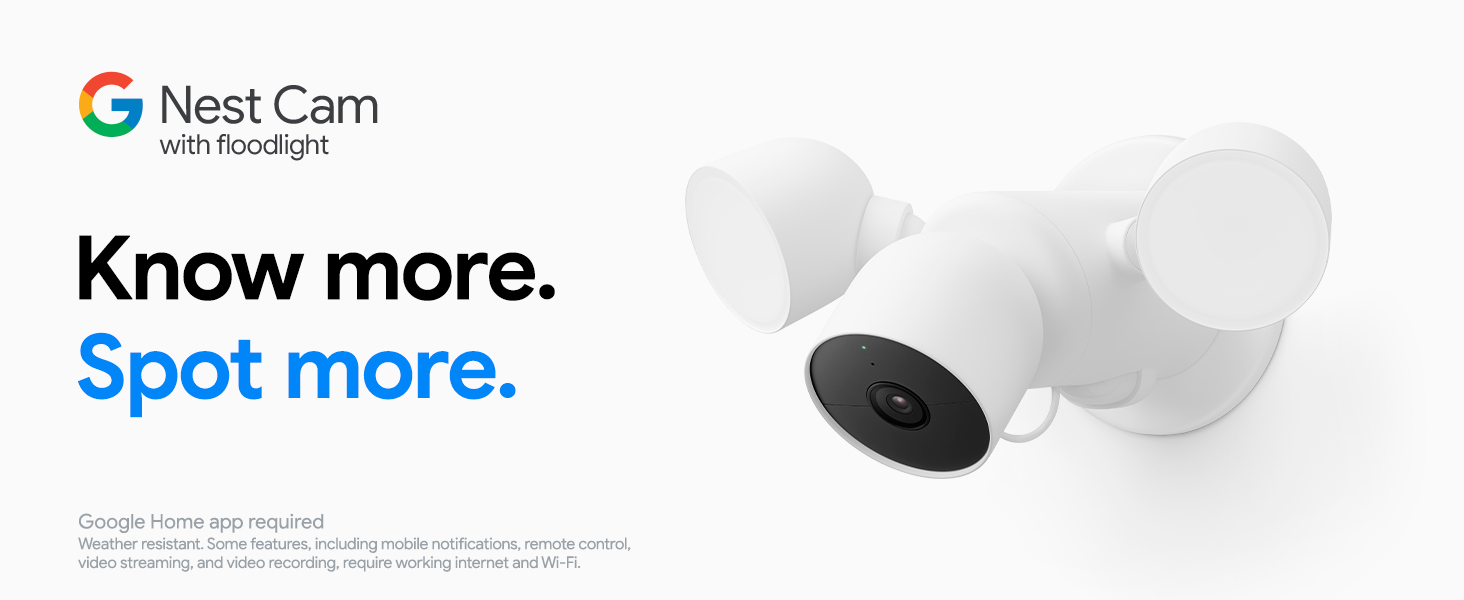
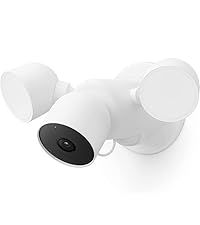
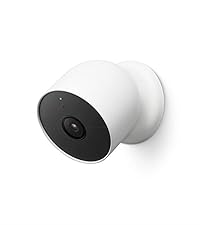
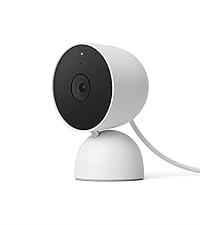
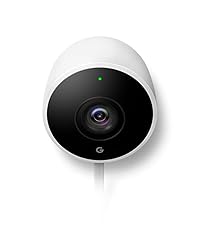
Google Nest Cam with Floodlight - Outdoor Camera - Floodlight Security Camera, White, 1 Count (Pack of 1) | Outdoor camera, camera with customizable floodlight, 1080 HDR video, night vision, 180° motion detection, Google Home app
View all Google productsWant to buy adds it to your wish list and follows Google for updates. I own it adds it to your collection. Wanted items are watched for price drops.
Will it keep working?
We don't yet have a clear read on whether it works without the maker's cloud.
- Still in production
Based on how this device connects (local vs. cloud), whether it’s still sold and supported, and its app / subscription. A guide, not a guarantee.
Product description
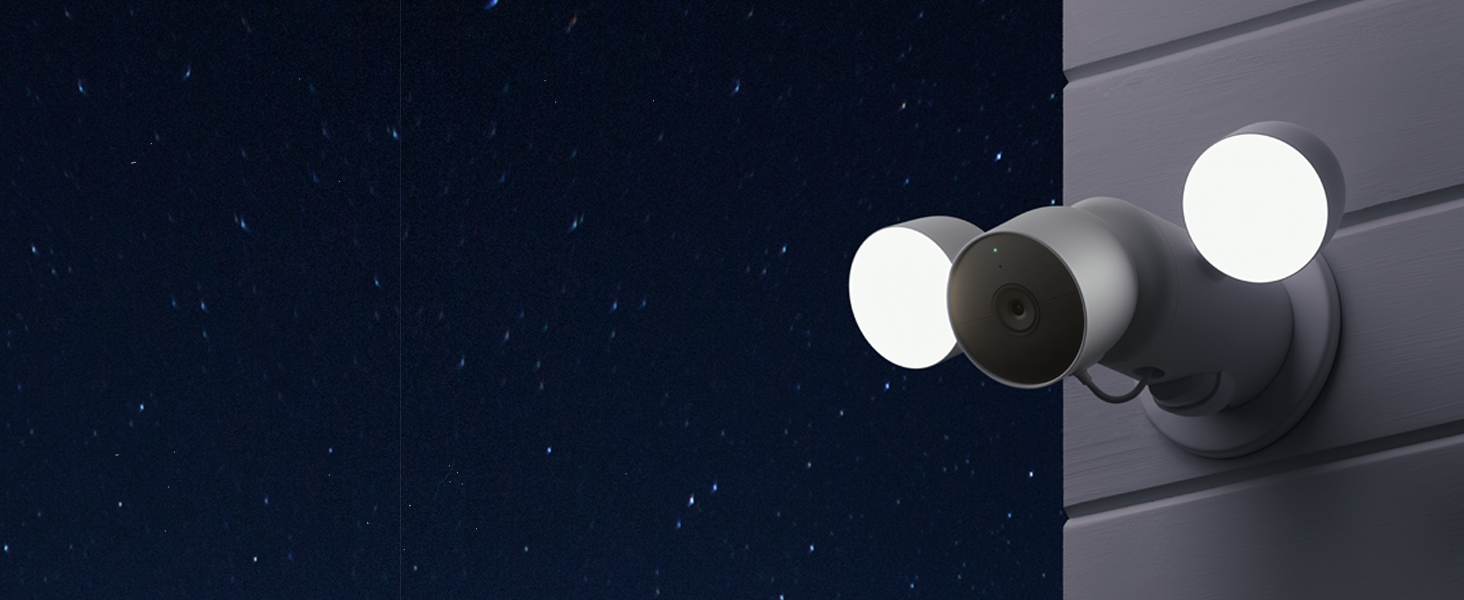
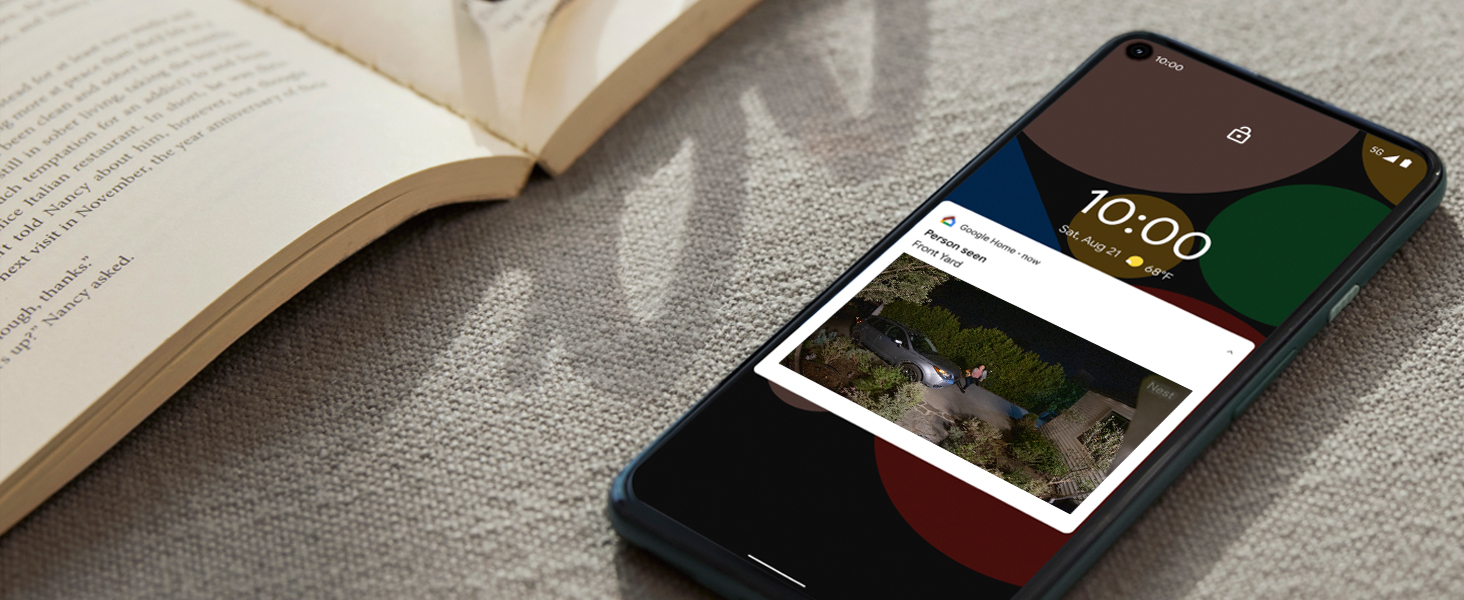
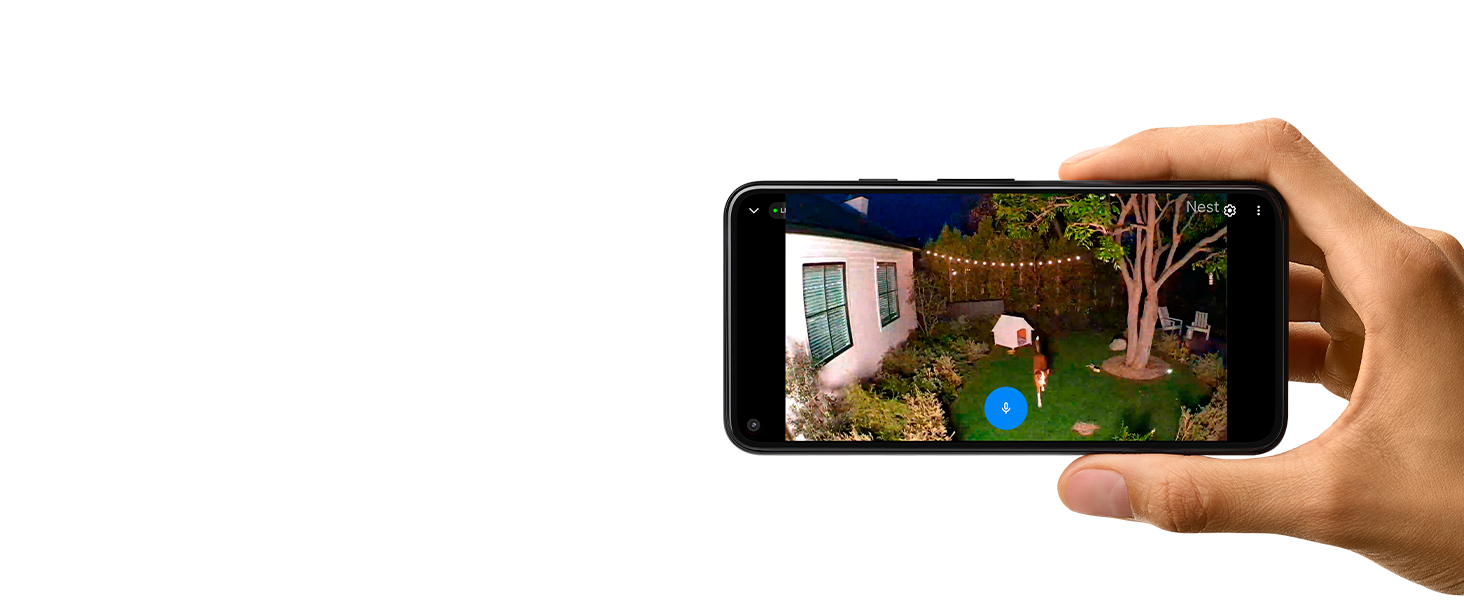
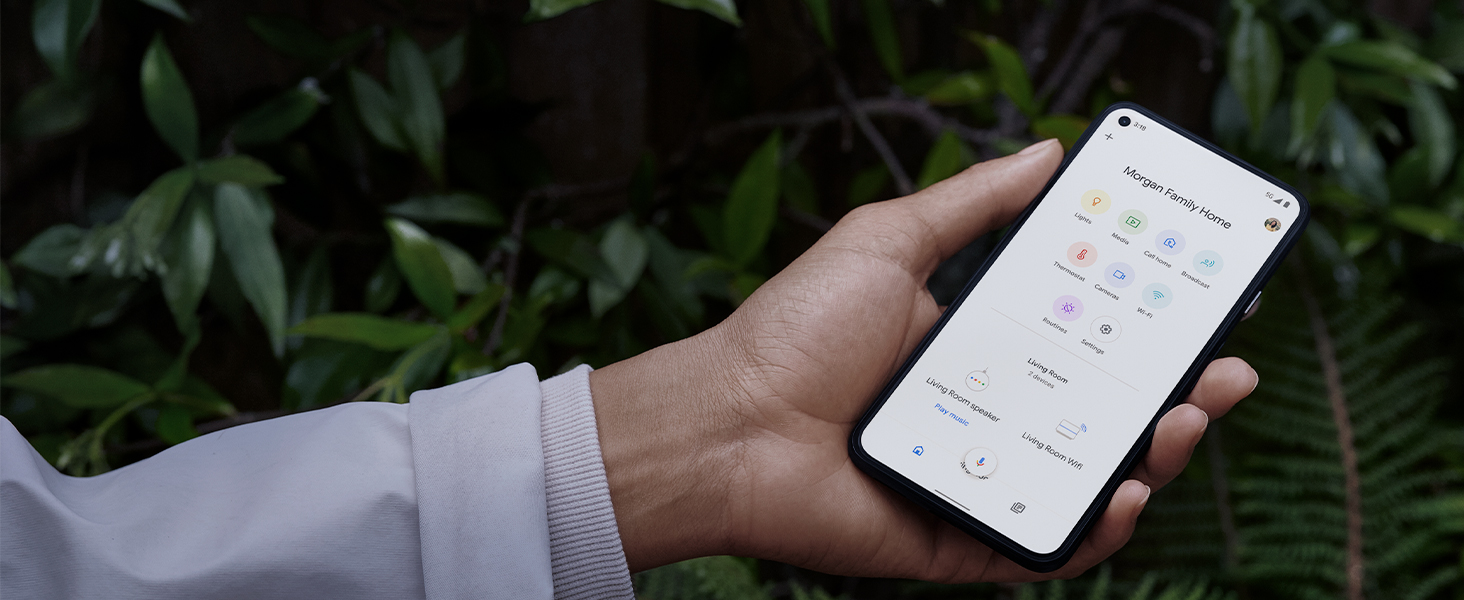
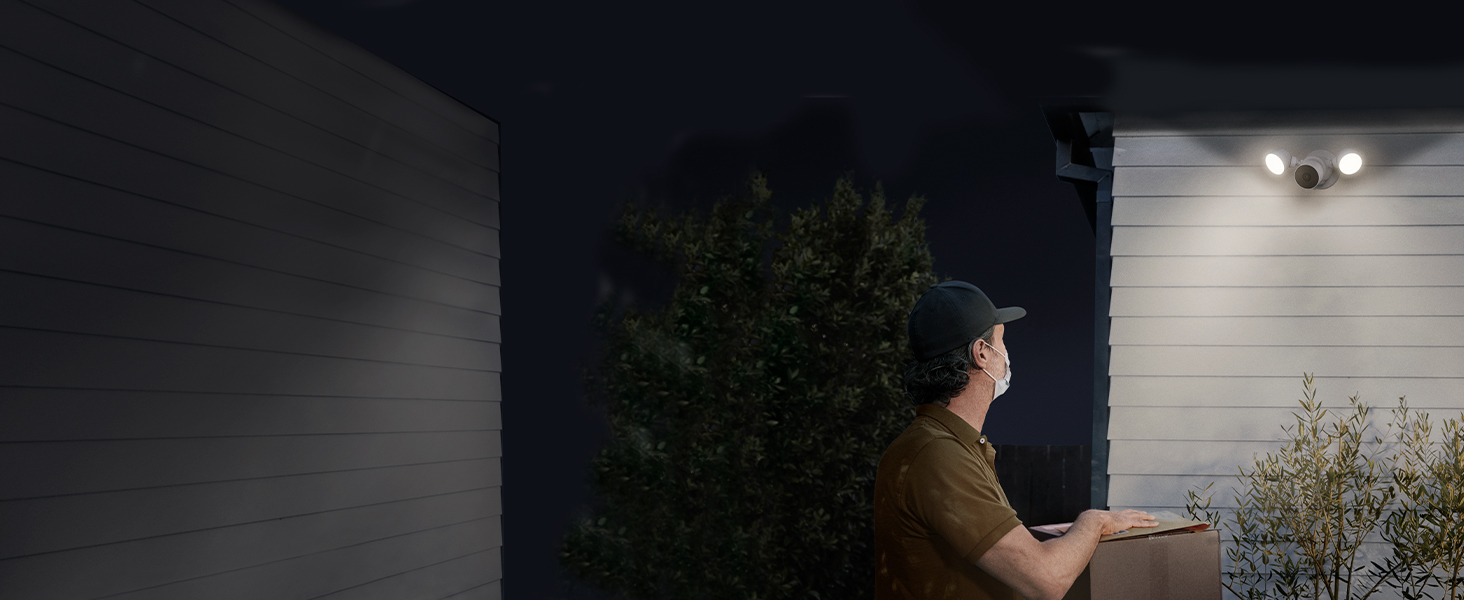
• Nest Cam with floodlight has built-in intelligence and can tell the difference between a person, animal, and vehicle and send alerts directly through the Google Home app[1], no subscription required • Nest Cam with floodlight has built-in intelligence and can tell the difference between a person, animal, and vehicle and send alerts directly through the Google Home app[1], no subscription required • Easily check in from anywhere 24/7 with 1080p HDR video[1] with night vision; see what you missed with 3 hours of free event video history[2], or add a Nest Aware Plus subscription for 10 days of 24/7 recording and 60 days of event video history[3] • Easily check in from anywhere 24/7 with 1080p HDR video[1] with night vision; see what you missed with 3 hours of free event video history[2], or add a Nest Aware Plus subscription for 10 days of 24/7 recording and 60 days of event video history[3] • If your Wi-Fi goes down or there’s a power outage, Nest Cam will store up to an hour of recorded events so you can see what you missed[4] • If your Wi-Fi goes down or there’s a power outage, Nest Cam will store up to an hour of recorded events so you can see what you missed[4] • Nest Cam with floodlight detects more than just motion; it automatically lights up when there’s important activity and it can even detect familiar faces with a Nest Aware subscription[3,5], so you know who’s coming and going • Nest Cam with floodlight detects more than just motion; it automatically lights up when there’s important activity and it can even detect familiar faces with a Nest Aware subscription[3,5], so you know who’s coming and going • Take action in an instant if something happens; talk and listen with the built-in speaker and mic on your security camera or call your local emergency service directly from the Google Home app (Nest Aware subscription required)[6] • Take action in an instant if something happens; talk and listen with the built-in speaker and mic on your security camera or call your local emergency service directly from the Google Home app (Nest Aware subscription required)[6] Nest Cam with floodlight shines a brighter light on what’s happening at home. The smart security camera detects important activity and knows the difference between people, animals, and vehicles. When something happens outside your home, the Nest Cam security camera automatically turns on the lights and sends you an alert.[1] Plus, view live HD video, replay video recordings, talk to visitors, and more – all from the Google Home app. Nest Cam with floodlight requires a free Google Account and is not compatible with the Nest app. [1]Some features, including mobile notifications, remote control, video streaming, and video recording, require working internet and Wi-Fi. [2]Up to 3 hours recording. Learn more at g.co/nest/3hours. [3]Nest Aware subscription sold separately. [4]Learn more at g.co/nest/cam-mem. [5]Familiar face alerts are not available on cameras used in Illinois. Product Description Nest Cam with floodlight shines a brighter light on what’s happening at home. The smart security camera detects important activity and knows the difference between people, animals, and vehicles. When something happens outside your home, the Nest Cam security camera automatically turns on the lights and sends you an alert.[1] Plus, view live HD video, replay video recordings, talk to visitors, and more – all from the Google Home app. Nest Cam with floodlight requires a free Google Account and is not compatible with the Nest app. [1]Some features, including mobile notifications, remote control, video streaming, and video recording, require working internet and Wi-Fi. [2]Up to 3 hours recording. Learn more at g.co/nest/3hours. [3]Nest Aware subscription sold separately. [4]Learn more at g.co/nest/cam-mem. [5]Familiar face alerts are not available on cameras used in Illinois. #productDescription { color: #333333; word-wrap: break-word; font-size: small; line-height: initial; margin: 0.5em 0px 0em 25px; } #productDescription_feature_div > h2.default { font-size: medium; margin: 0 0 0.25em; } #productDescription_feature_div > h2.books { color:#333 !important; font-size:21px !important; line-height: 1.3; padding-bottom: 4px; font-weight: normal; margin: 0px; } #productDescription_feature_div > h2.softlines { color:#333 !important; font-size:21px !important; line-height: 1.3; padding-bottom: 4px; font-weight: bold; margin: 0px; } #productDescription > p, #productDescription > div, #productDescription > table { margin: 0 0 1em 0; } #productDescription p { margin: 0em 0 1em 1em; } #productDescription h3 { font-weight: normal; color: #333333; font-size: 1.23em; clear: left; margin: 0.75em 0px 0.375em -15px; } #productDescription table { border-collapse: inherit !important; margin-bottom: 0; } #productDescription table img { max-width: inherit !important; } #productDescription table td { font-size: small; vertical-align: inherit !important; } #productDescription ul li { margin: 0 0 0 20px; } #productDescription ul li ul { list-style-type: disc !important; margin-left: 20px !important; } #productDescription ul ul li { list-style-type: disc !important; margin-left: 20px !important; } #productDescription > ul ul li { list-style-type: disc !important; } #productDescription ul li ul li { margin: 0 0 0 20px; } #productDescription .aplus p { margin: 0 0 1em 0; } #productDescription small { font-size: smaller; } #productDescription.prodDescWidth { max-width: 1000px } P.when('jQuery').execute(function($){ $("#productDescription table").each(function() { var width = $(this).attr('width'); if (width) width += 'px'; else width = 'auto'; $(this).css('width', width); var padding = $(this).attr('cellpadding'); if (padding) padding += 'px'; else padding = '0px'; $(this).css('padding', padding); }); }); #productDescription h3 { margin: 0.75em 0px 0.375em -1px; }