- Name
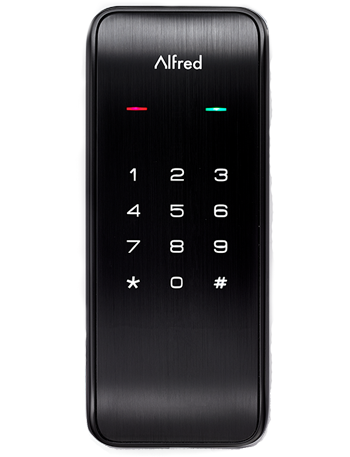
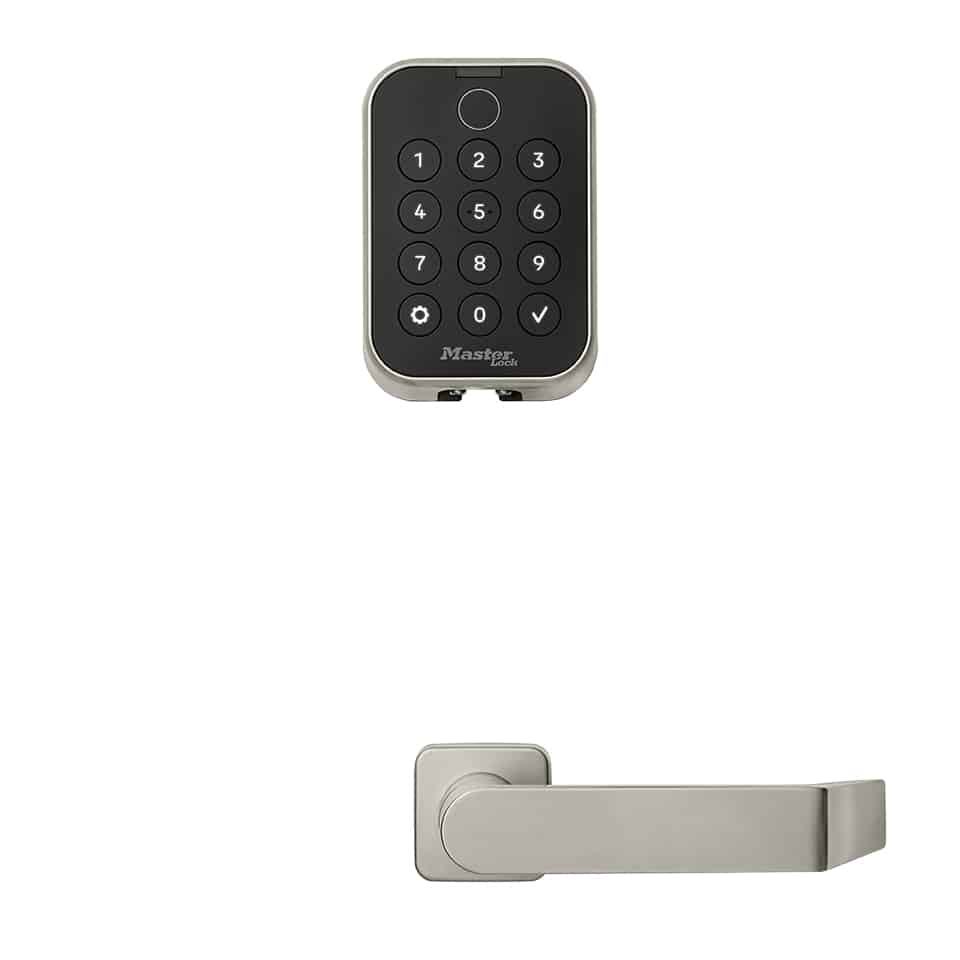
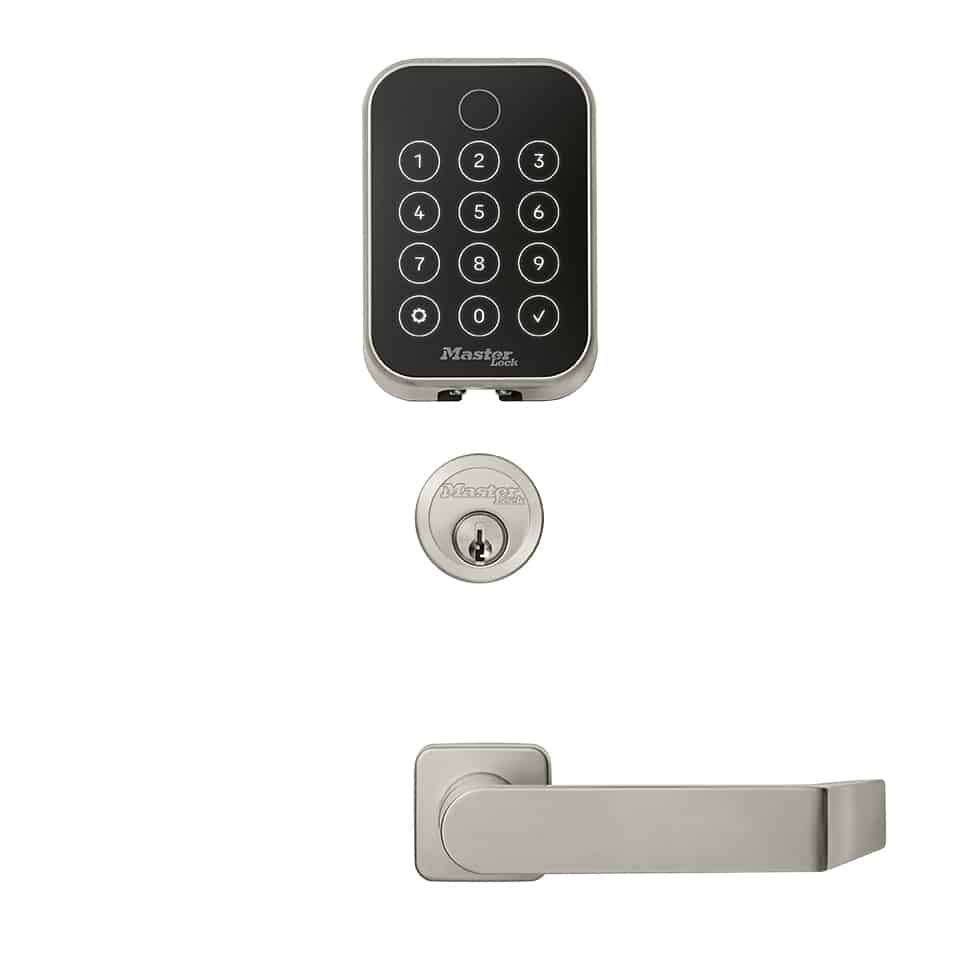
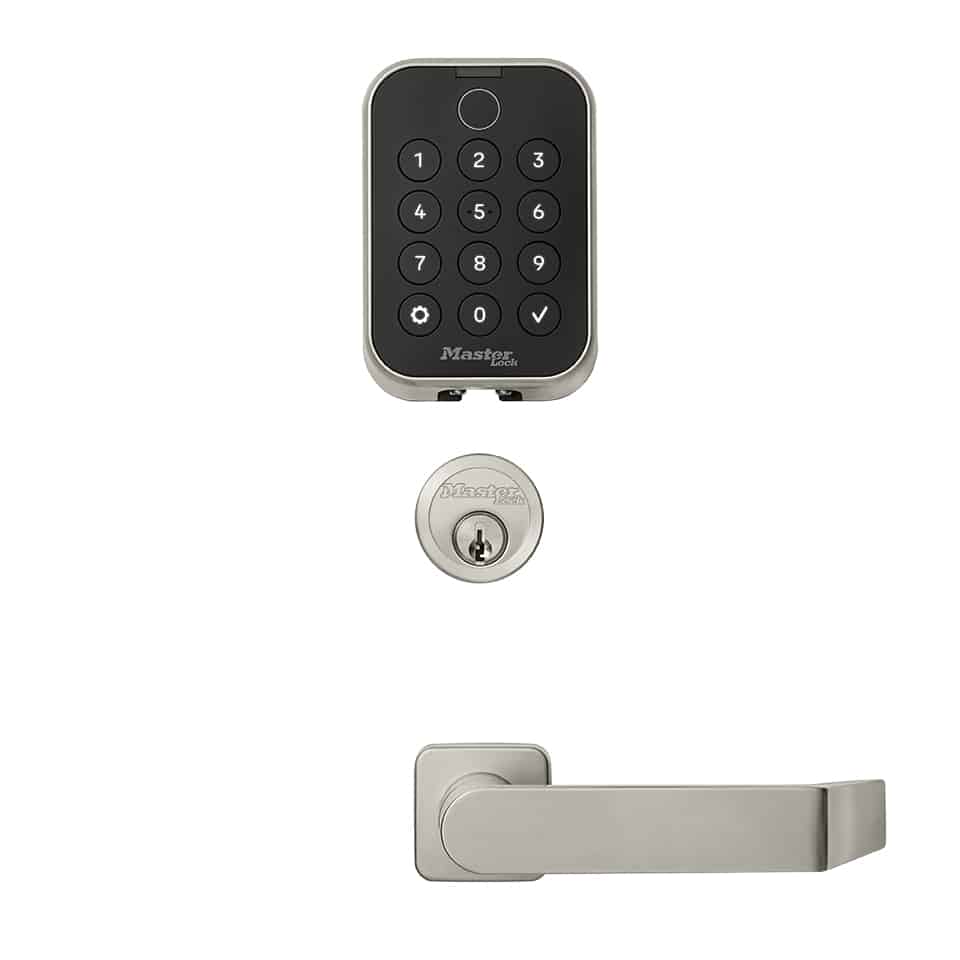
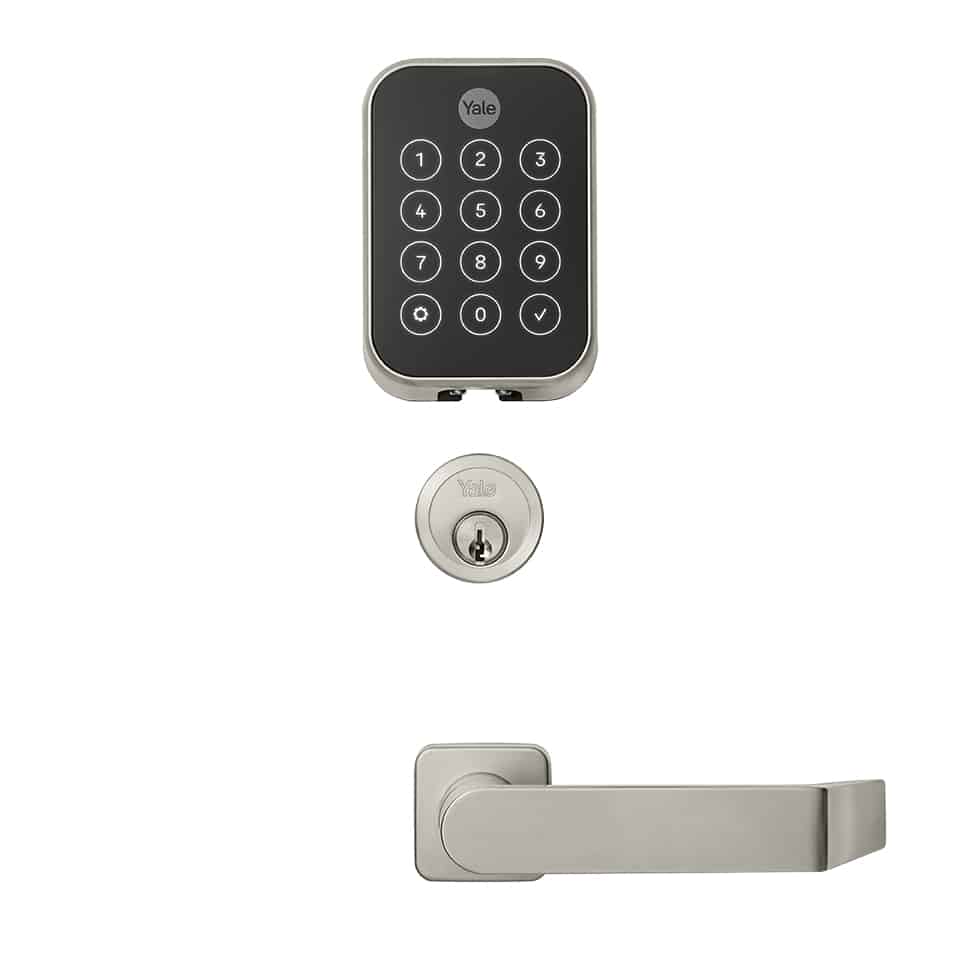
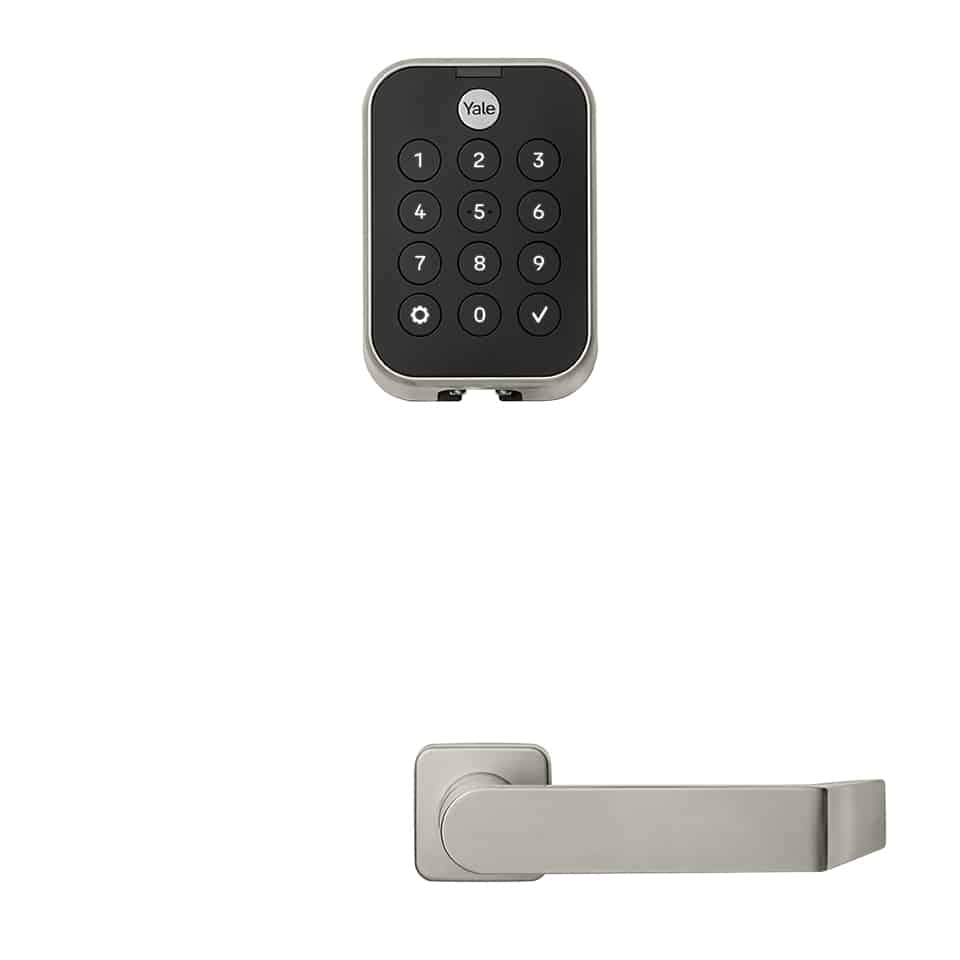
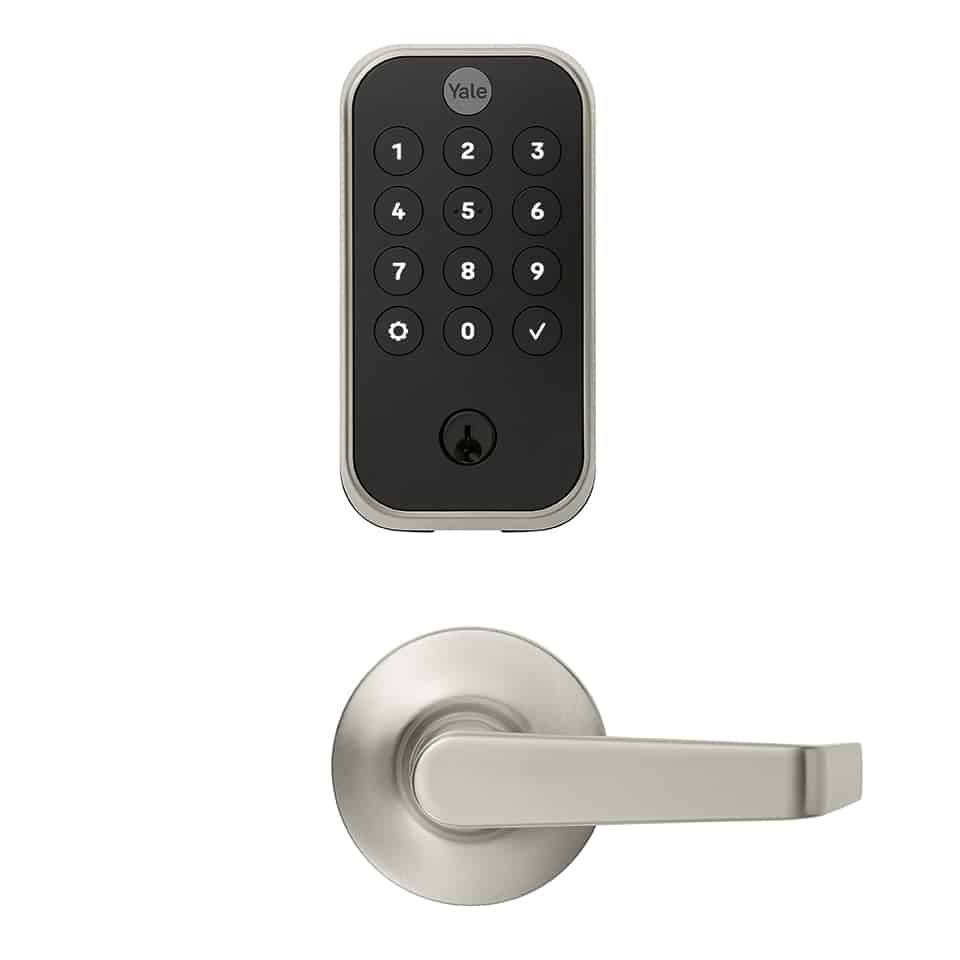
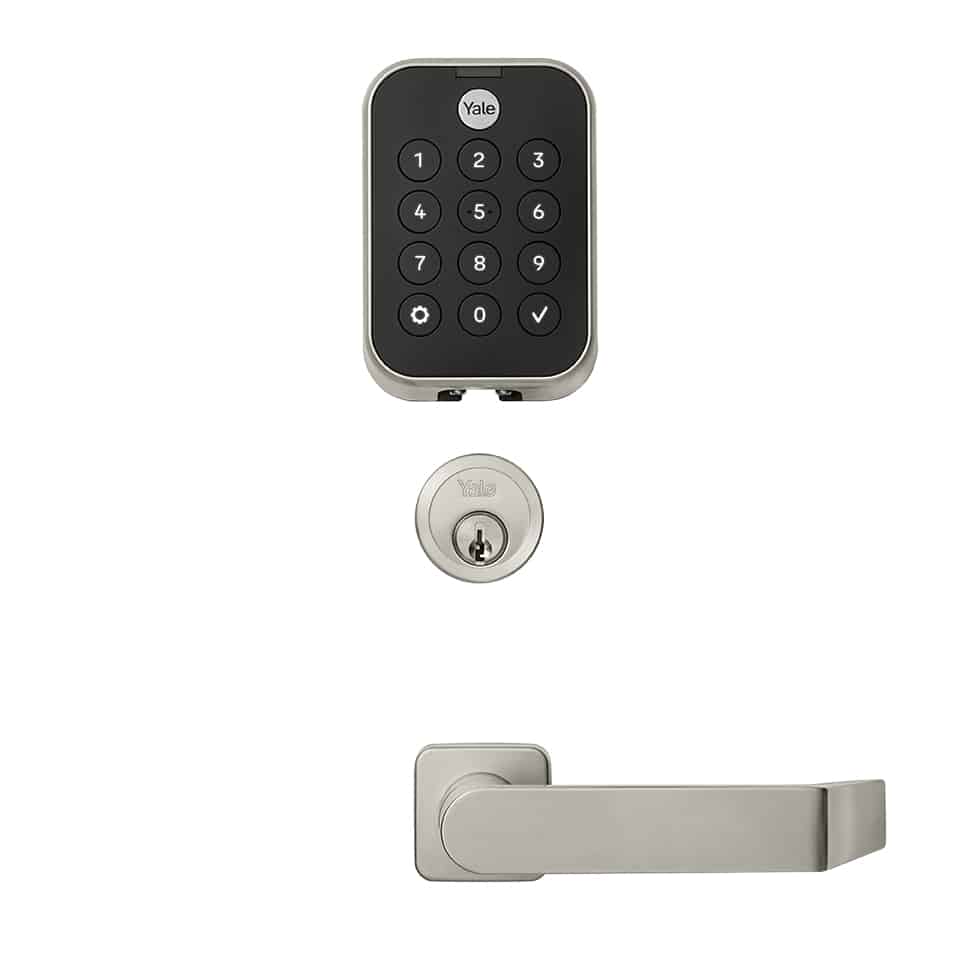
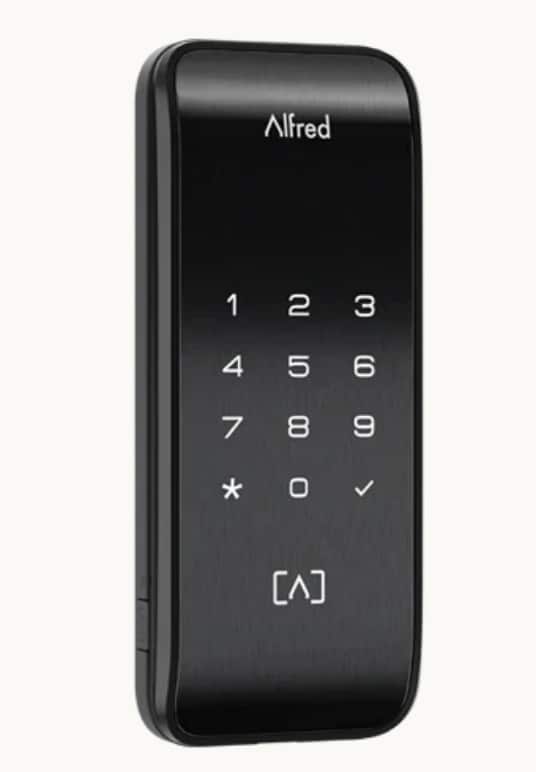
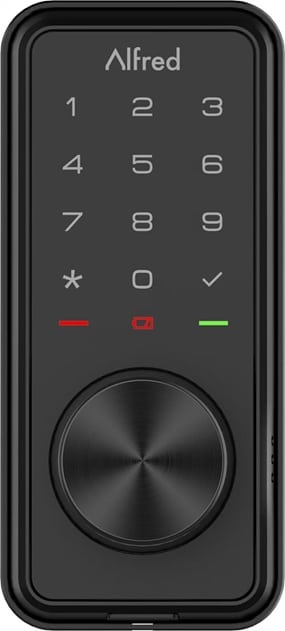
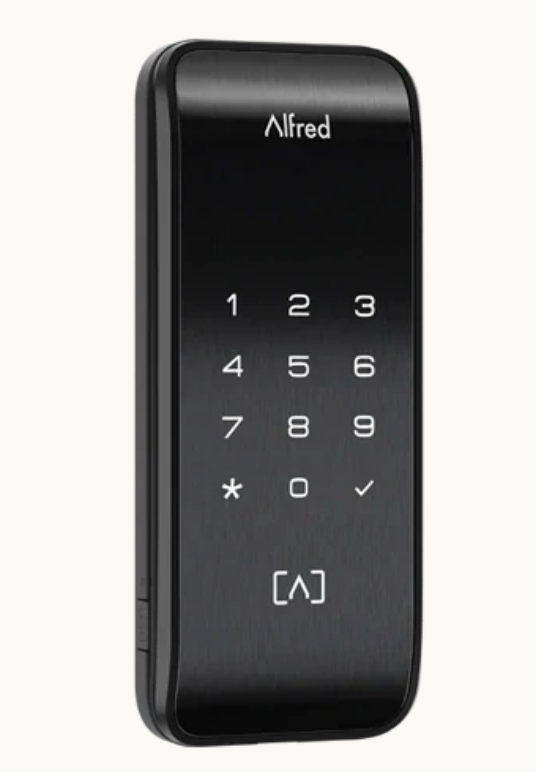
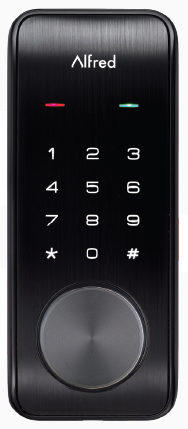
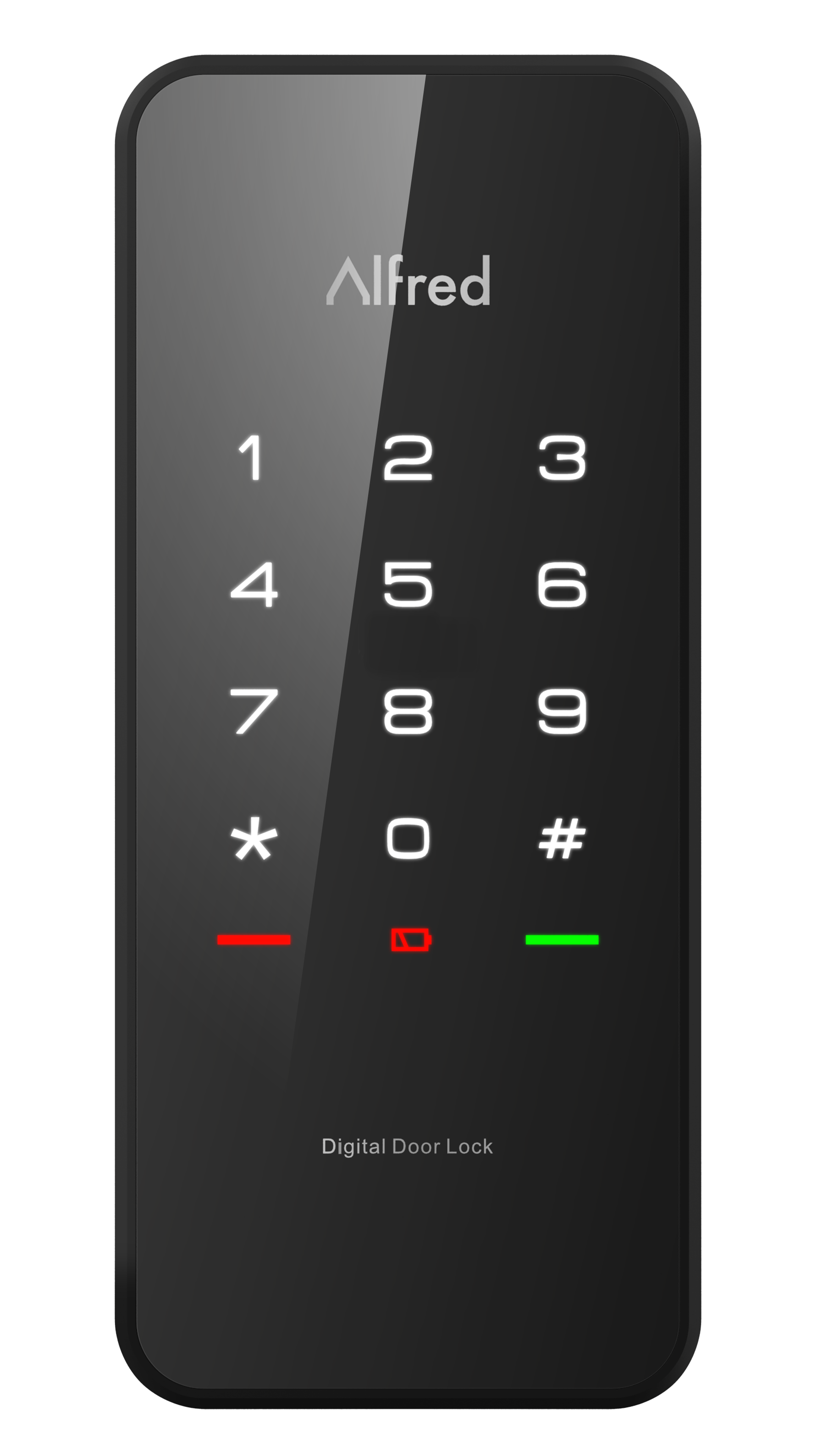
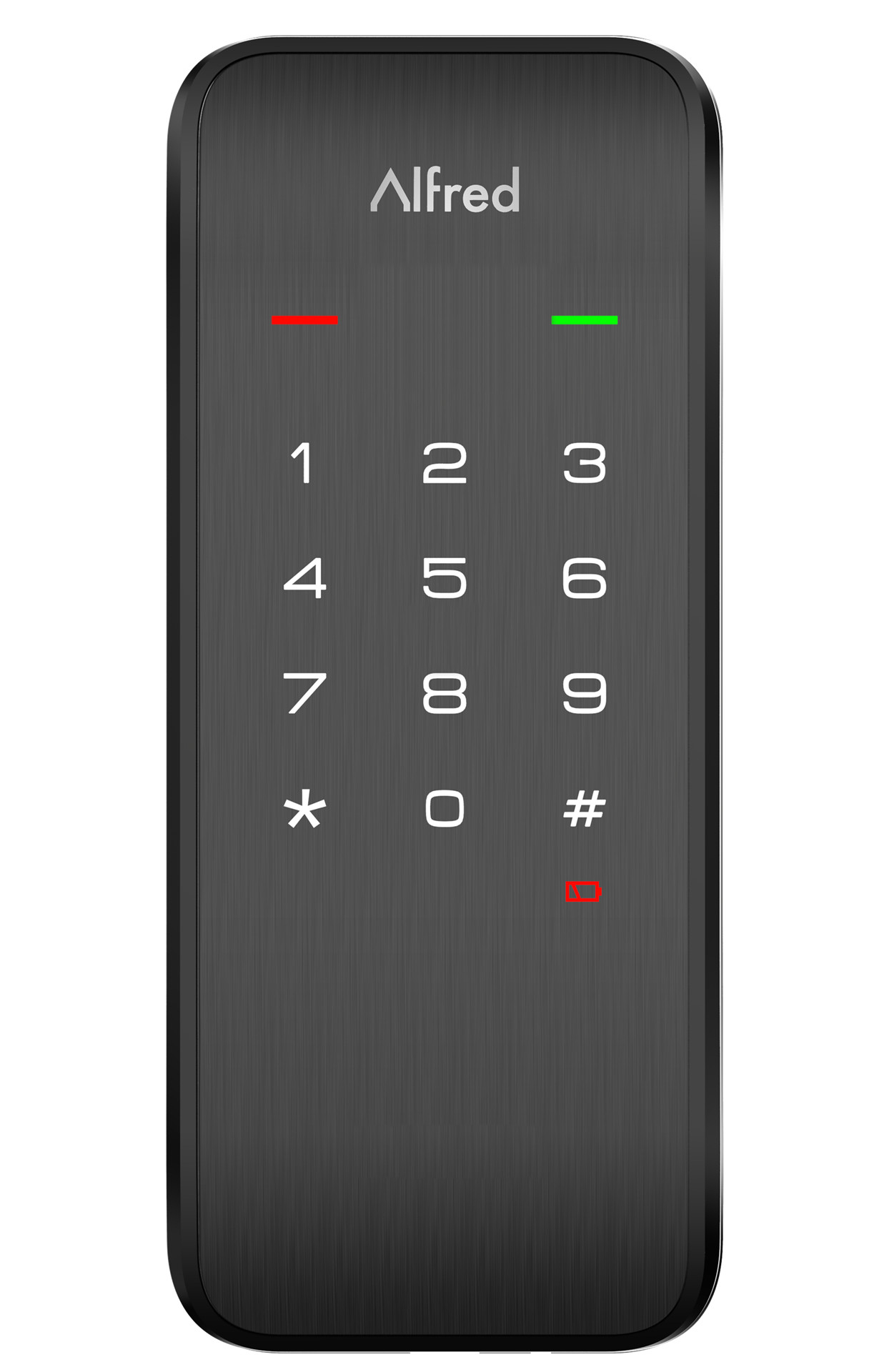
- Digital Mortise Door Lock
- Brand
- Alfred
- Features
- Feature Values Battery Type
- Is flirs
- Yes
- Documents
- Category Description File Adv_Manual
- Role type
- ROLE_TYPE_SLAVE_SLEEPING_LISTENING
- User icon
- 0x0300
- Categories
- Locks
- Product id
- 0x0003
- S2 classes
- S2_ACCESS_CONTROL
- Device type
- Lock
- Oem version
- HW: 3 FW: 1.01:02.00
- Library type
- SLAVE_ENHANCED_232
- Product line
- Z-Wave plus v2 Devices
- Supports nwi
- Yes
- Installer icon
- 0x0300
- Z wave version
- 7.13.7
- Frequency plans
- US: 916.00MHz, 908.40MHz
- Manufacturer id
- 0x021D
- Product type id
- 0x0103
- Long description
- This product supports Security 2 Command Class. While a Security S2 enabled Controller is needed in order to fully use the security feature. This product can be operated in any Z-Wave network with other Z- Wave certiĆed products from other manufacturers. All mains operated nodes within the network will act as repeaters regardless of vendor to increase reliability of the network. This product supports the Over The Air (OTA) feature for the product's firmware upgrade.
- Hardware platform
- ZGM130
- Short description
- Z-Wave Controlled mortise Door Lock with key pad and Ćnger print scanner.
- Product identifier
- ML2
- Countries / regions
- United States of America
- Supports smart start
- Yes
- Certification number
- ZC12-21040224
- Radio range z wave (m)
- 40
- Configuration parameters
- Parameter Number Name Description Format Size Min Value Max Value Default Value Parameter Values 1
- Supports explorer frames
- Yes
- Supported command classes
- Identifier Name Key Version COMMAND_CLASS_SCHEDULE_V4
- Supported notification types
- Notification Type Event / State Access Control
- Value kdapad2 firmware updatable value updatable by consumer by rf association groups
- Group Number Maximum Nodes Supported End Point ID Group Name Profile Description 2
- From to description 2 2 high volume 1 1 low volume 0 0 silent 2 configure led enable/disable led 2 1 0 1 1 from to description 0 0 off 1 1 on(blink) 3 timed battery report enable/disable timed battery report and sets how often battery is reported in minutes. 2 2 0 14400 1440 from to description 0 0 disable timed battery report. 1 14400 enable timed battery report and sets how often battery is reported in minutes. 4 association group 2 settings determine the basic set value to control other z wave devices directly. 2 1 0 6 1 from to description 0 0 disable completely. 1 1 unlocked status sends basic set 0x ff, locked status sends basic set 0x00. 2 2 unlocked status sends basic set 0x00, locked status sends basic set 0x ff. 3 3 sends only basic set 0x ff when unlocked status happens. 4 4 sends only basic set 0x00 when locked status happens. 5 5 sends only basic set 0x00 when unlocked status happens. 6 6 sends only basic set 0x ff when locked status happens. texts
- ID Description Value 8