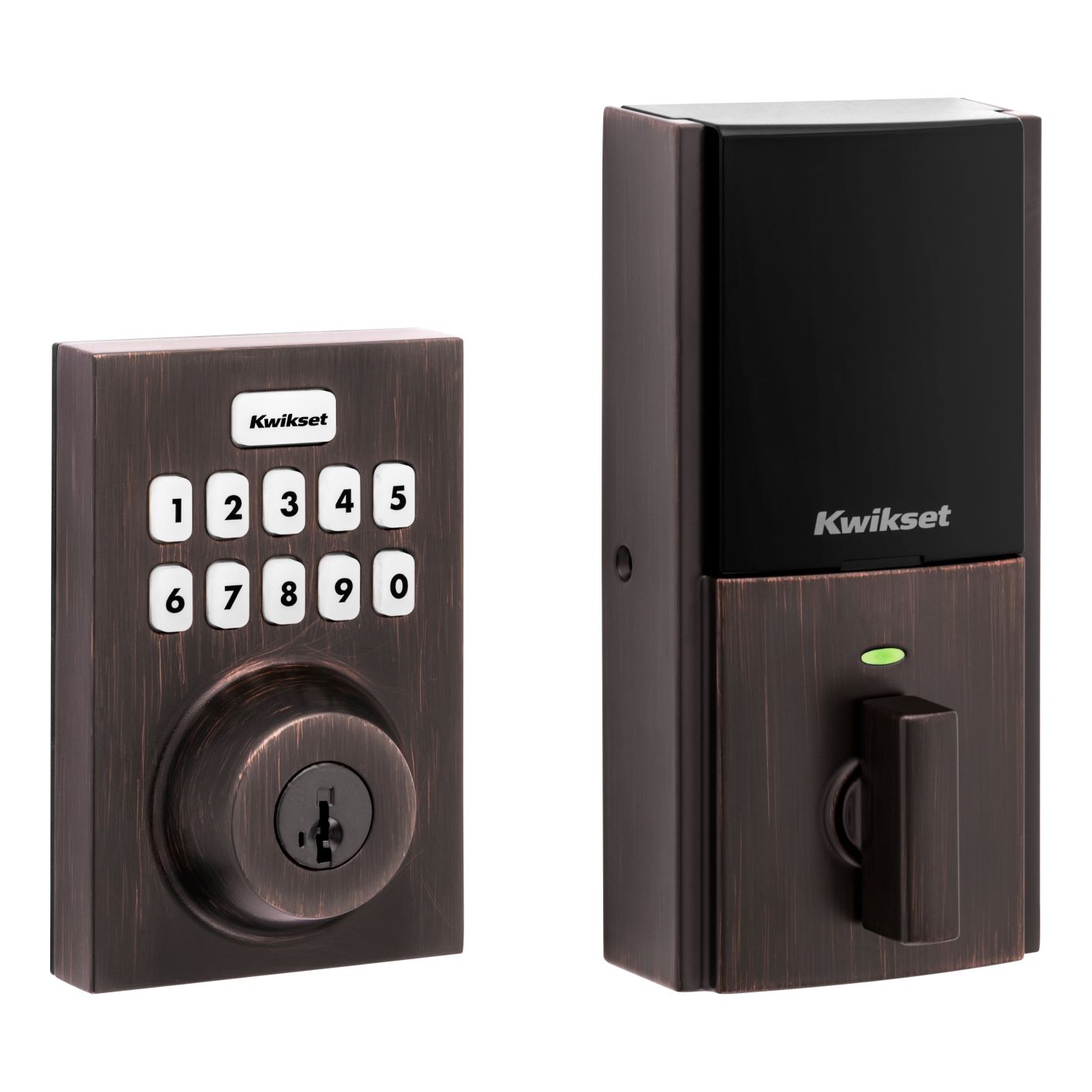
- Name
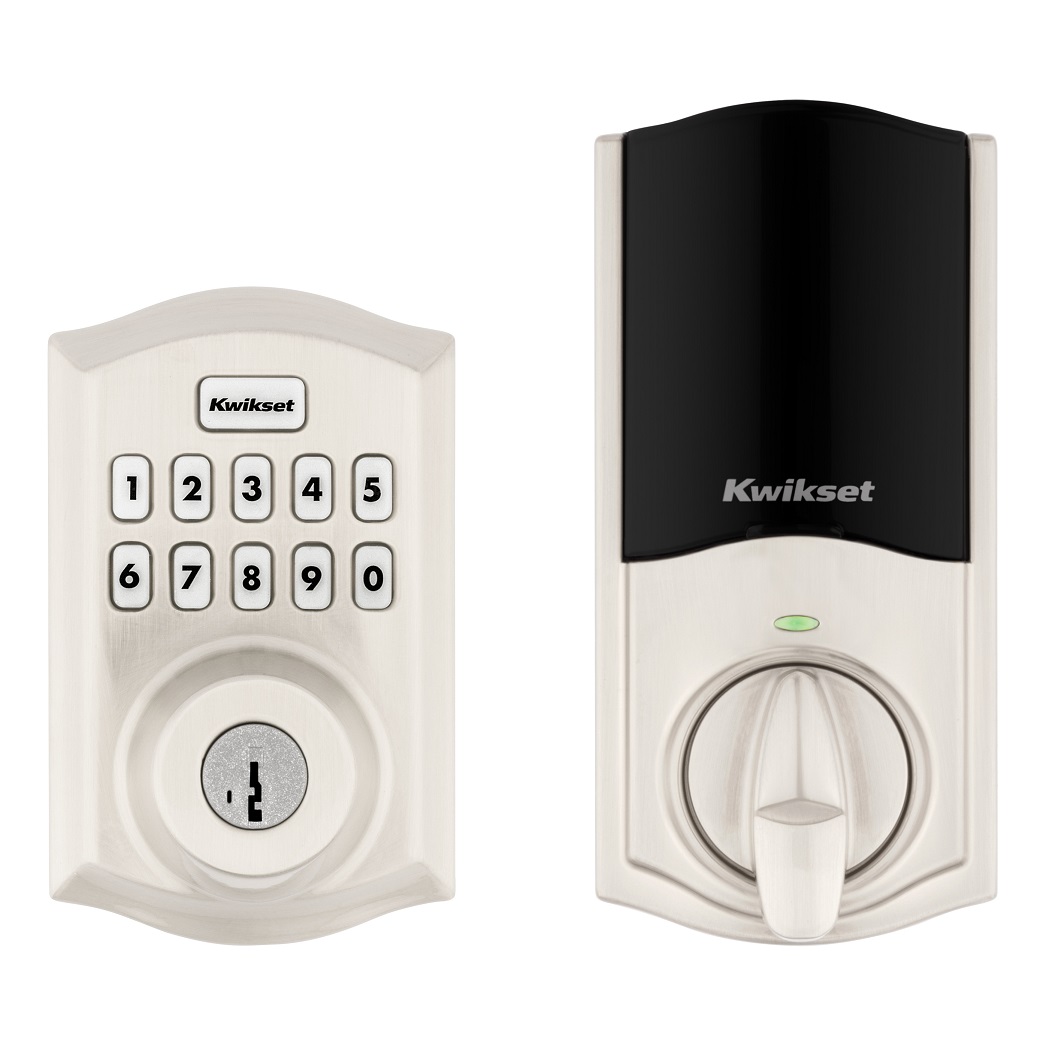
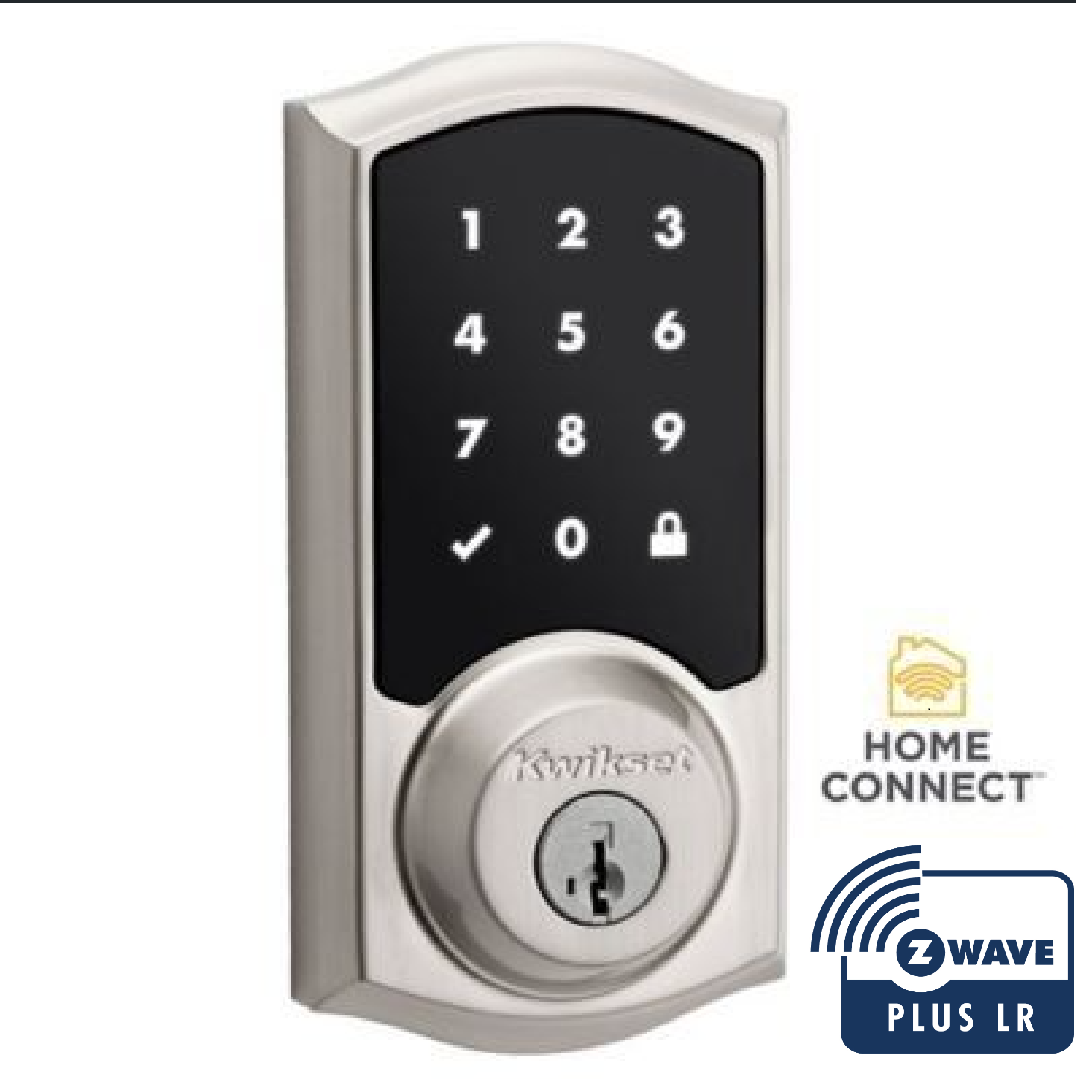
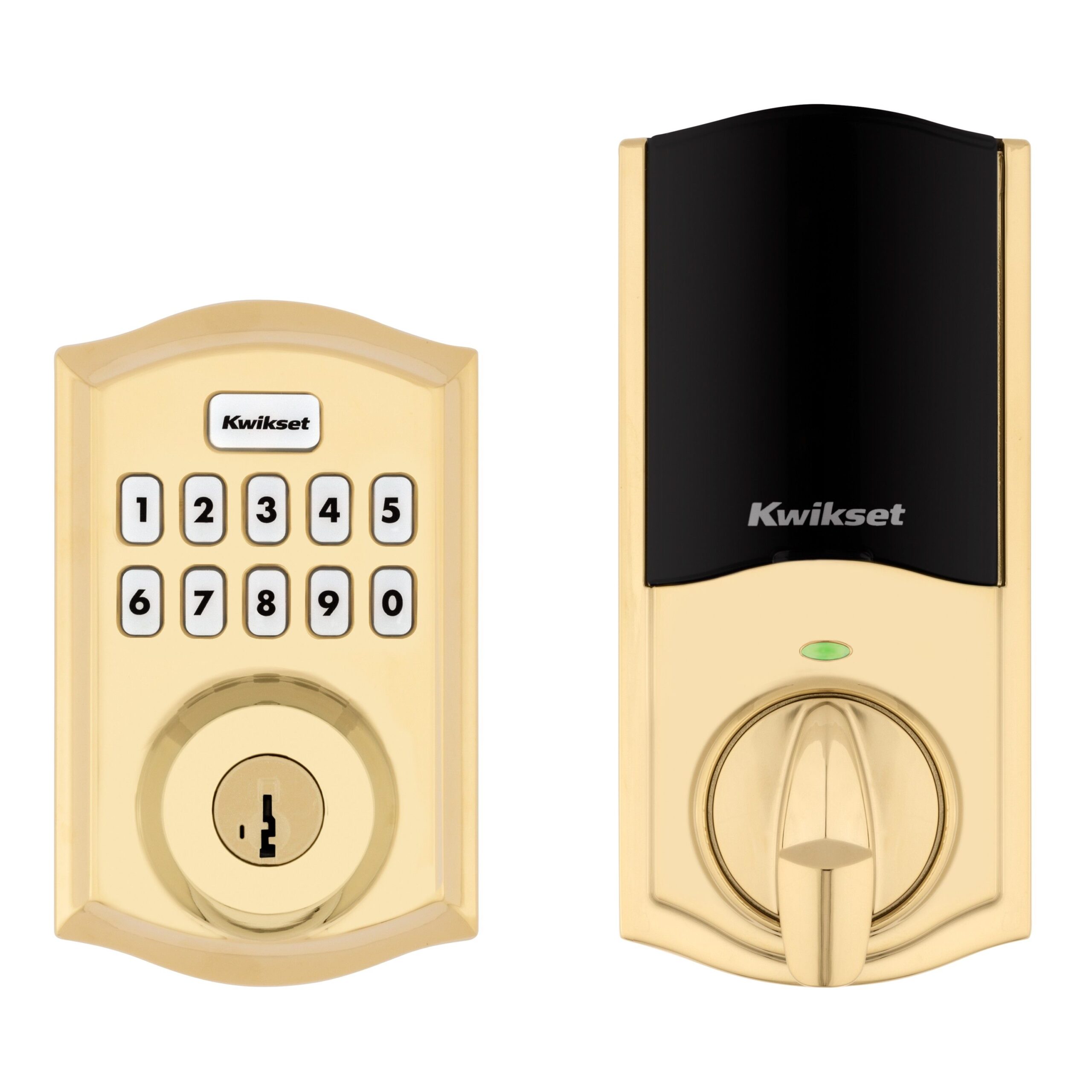
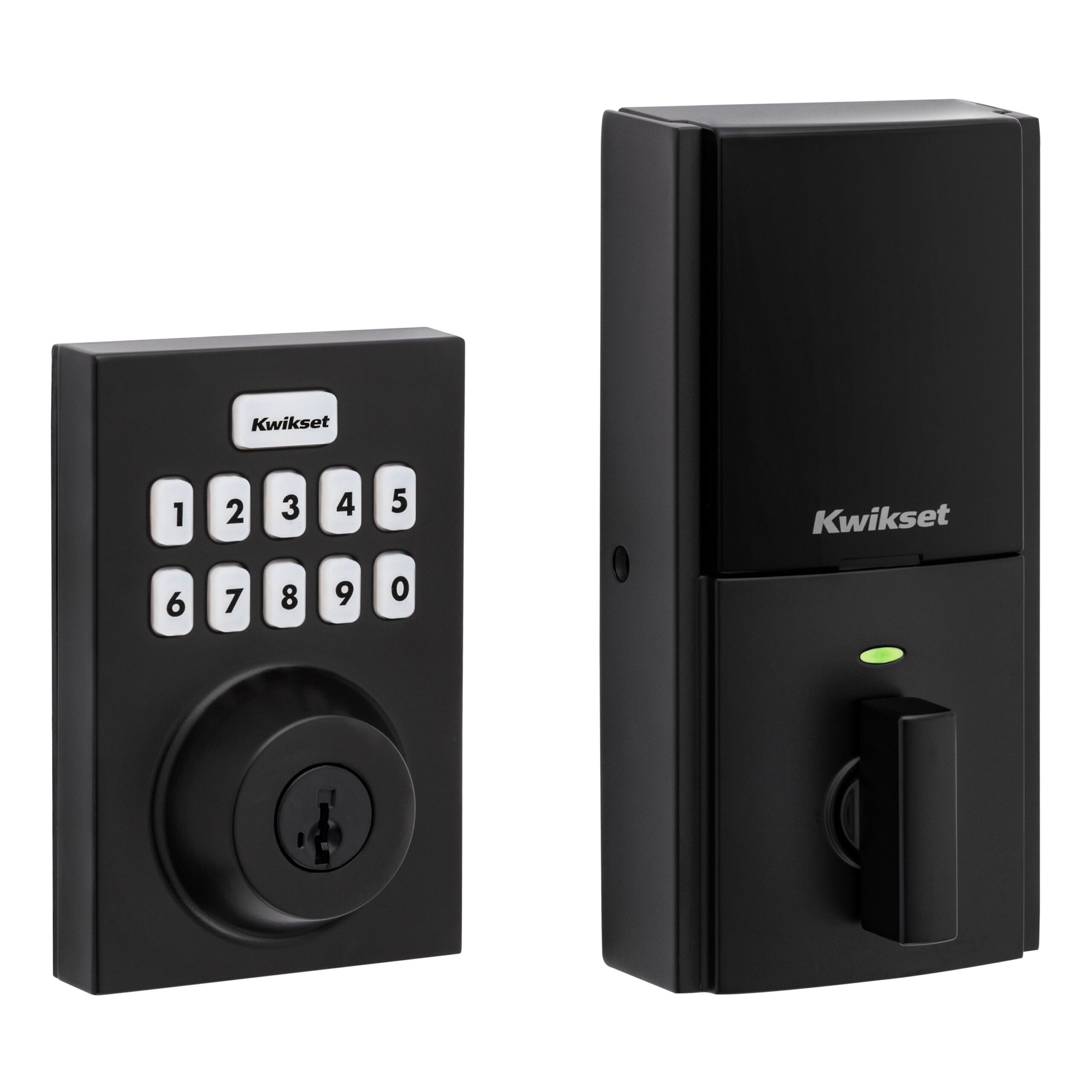
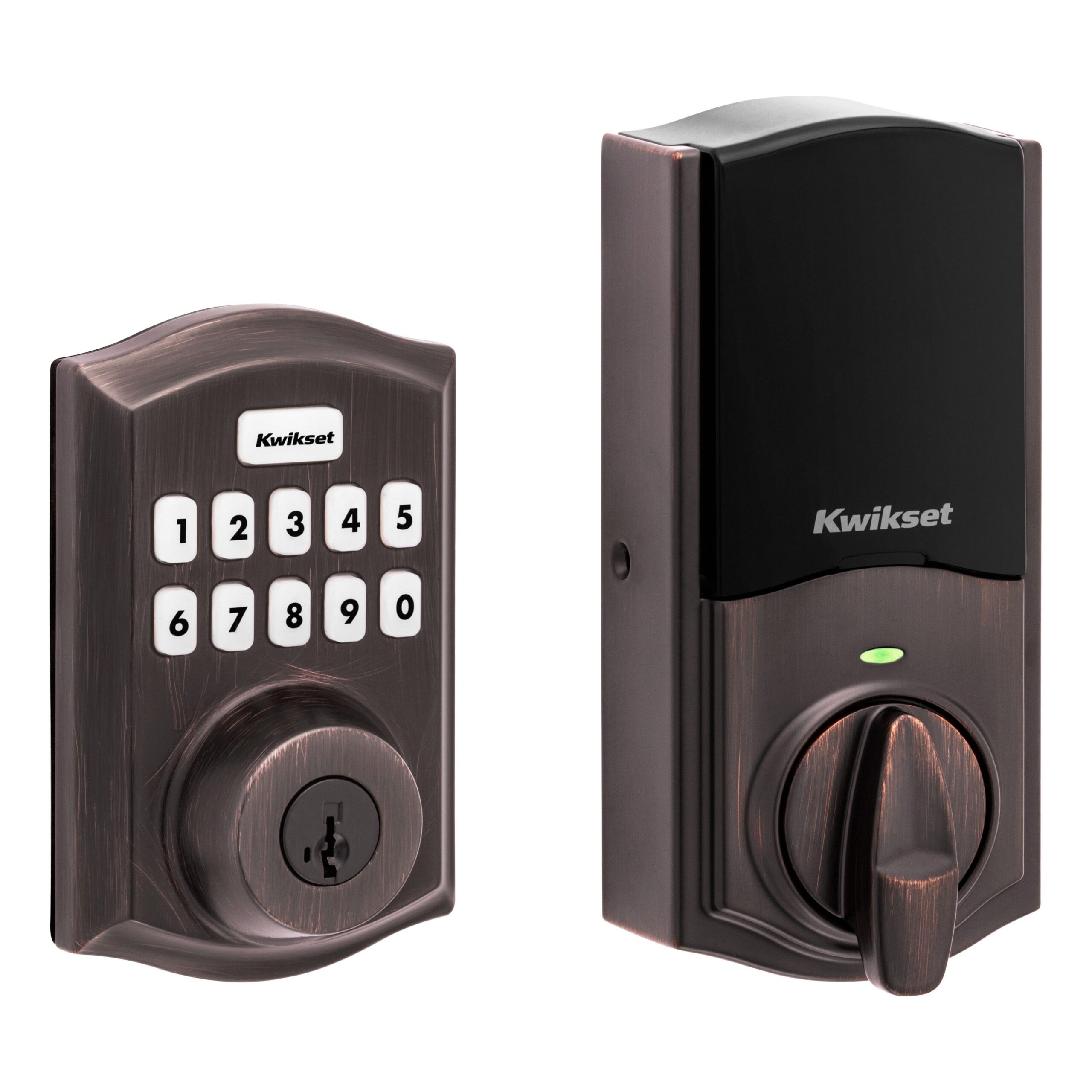
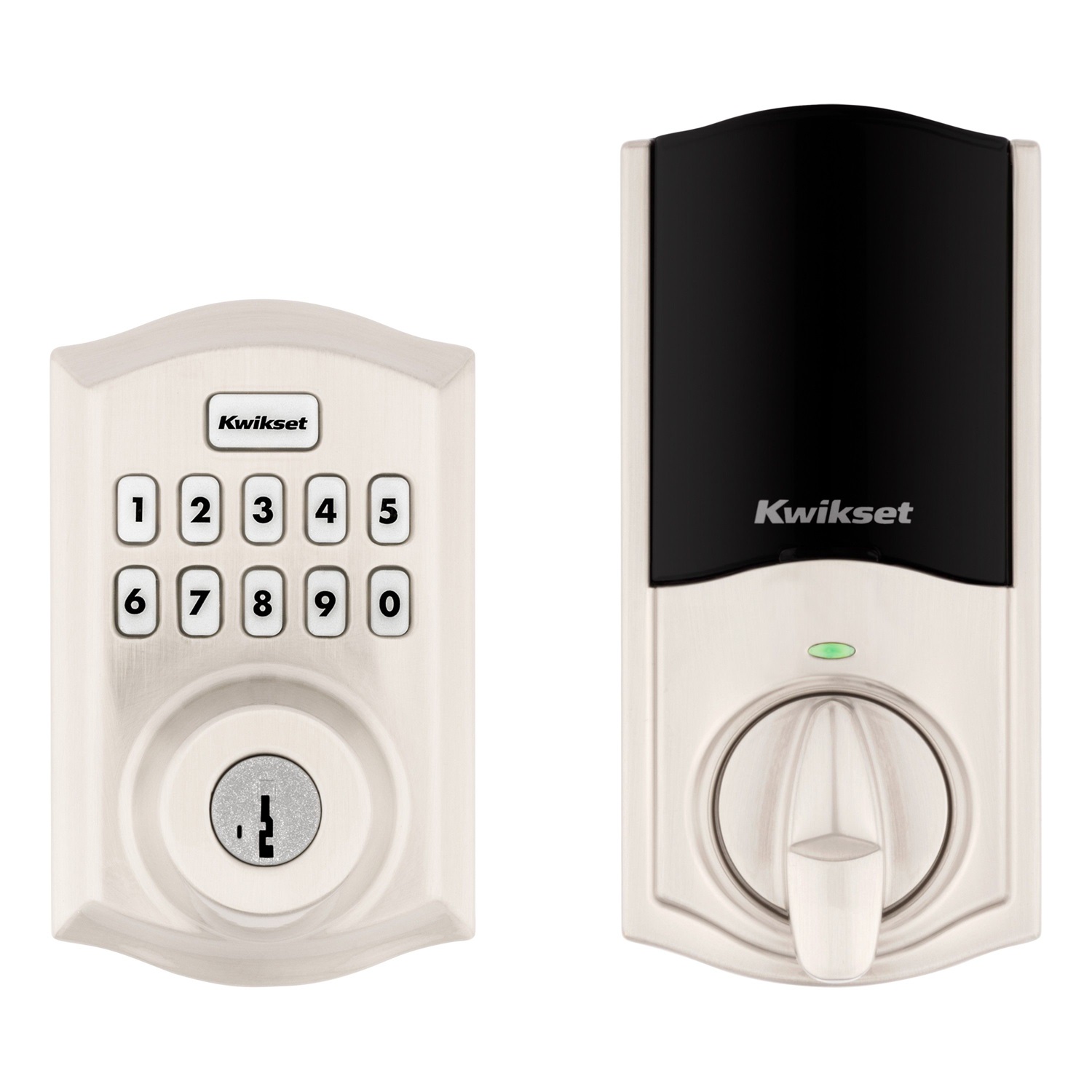
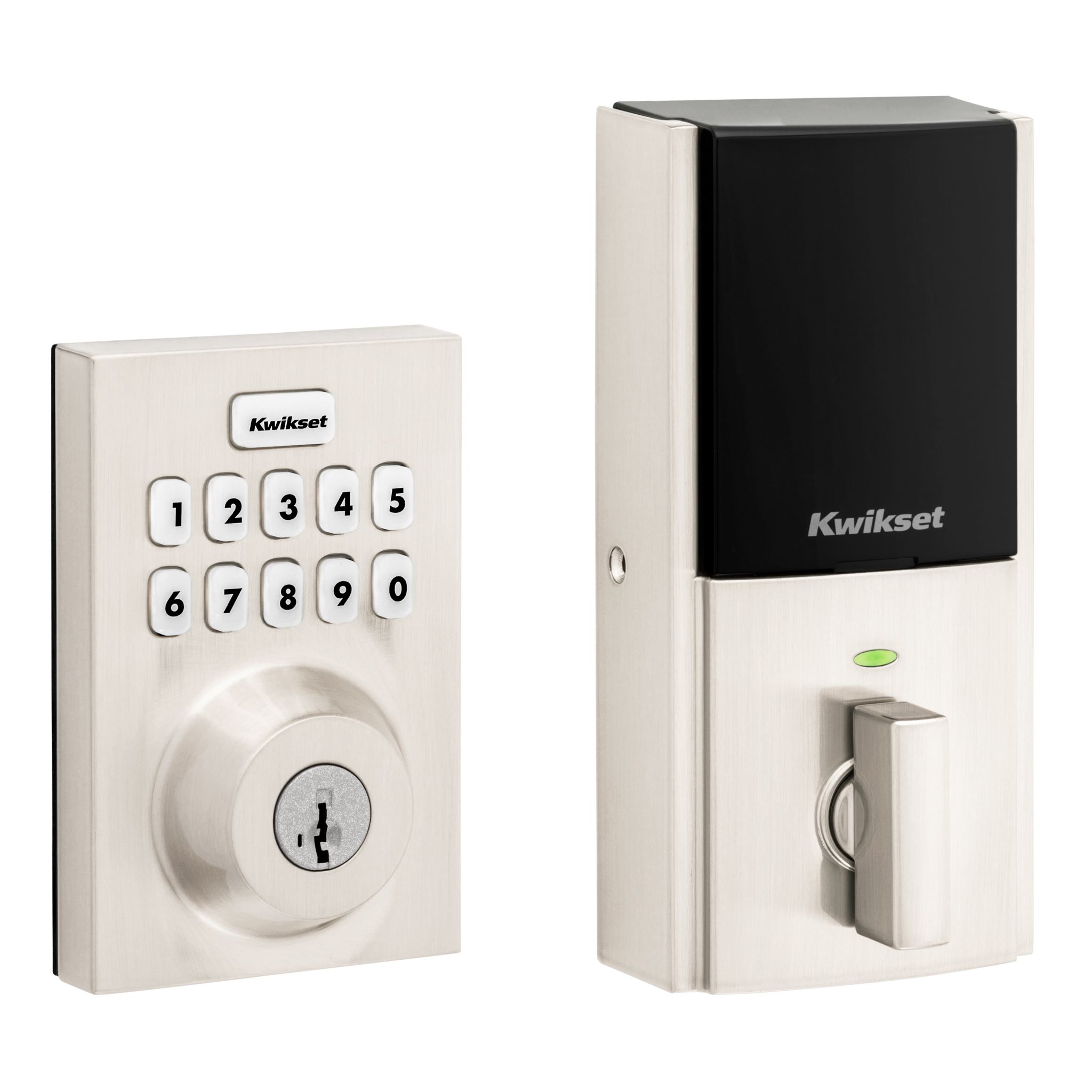
- 10 Button Z-Wave Plus v2 Deadbolt
- Brand
- Kwikset
- Features
- Feature Values Battery Quantity
- Is flirs
- Yes
- Documents
- Category Description File Manual_Primary_Lang
- Role type
- ROLE_TYPE_SLAVE_SLEEPING_LISTENING
- User icon
- 0x0300
- Categories
- Locks
- Product id
- 0x03A8
- S2 classes
- S2_ACCESS_CONTROL
- Device type
- Lock
- Oem version
- HW: 1 FW: 7.13:69.28
- Library type
- SLAVE_ENHANCED_232
- Product line
- Connected Deadbolt Door Lock
- Supports nwi
- Yes
- Installer icon
- 0x0300
- Z wave version
- 7.13.6
- Frequency plans
- US: 916.00MHz, 908.40MHz
- Manufacturer id
- 0x0090
- Product type id
- 0x0811
- Long description
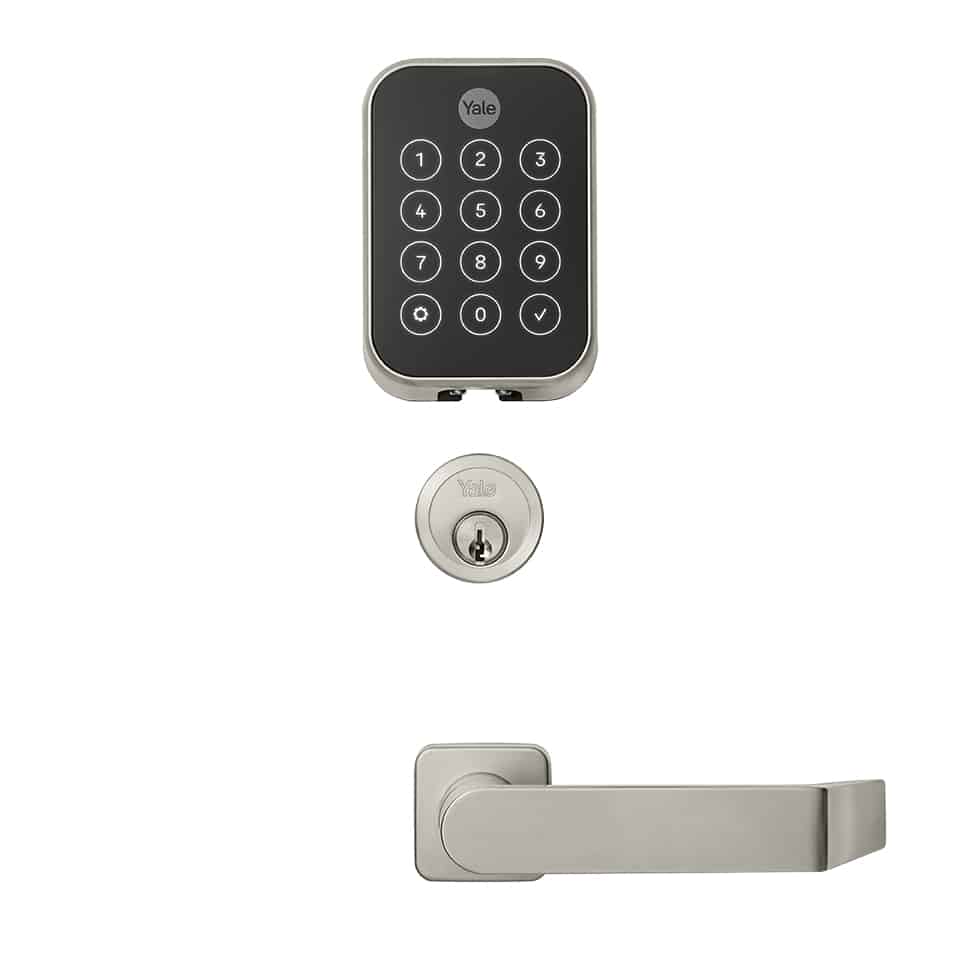
- A Z-Wave Plus v2 enabled deadbolt from Kwikset, offering the latest S2 security and SmartStart functionality. Has a 10-Digit keypad with one-touch locking, tapered deadbolt designed to assist with misaligned doors, and features the SmartKey Re-Key technology with BumpGuard protection.
- Hardware platform
- ZGM130
- Short description
- The HomeConnect 620 Deadbolt featuring Z-Wave 700
- Product identifier
- Home Connect 620
- Countries / regions
- United States of America
- Supports smart start
- Yes
- Certification number
- ZC12-21010162
- Radio range z wave (m)
- 40
- Configuration parameters
- Parameter Number Name Description Format Size Min Value Max Value Default Value Parameter Values Read-only 2
- Supports explorer frames
- Yes
- Supported command classes
- Identifier Name Key Version COMMAND_CLASS_CONFIGURATION_V4
- Supported notification types
- Notification Type Event / State Access Control
- Value 4 battery type value aa door lock type value deadbolt firmware updatable value updatable by consumer by rf association groups
- Group Number Maximum Nodes Supported End Point ID Group Name Description 1
- From to description 0 0 turns the sound (buzzer) off 1 1 turns the sound (buzzer) on 3 user program button control the configuration parameter 3 is a read/write parameter with a one byte field, used to control the user program button. if set to on, the program button is available for user code maintenance. if set to off, the program button is not available for user code maintenance. 2 1 0 1 1 from to description 0 0 disables the program button 1 1 enables the program button 4 secure screen control the configuration parameter 4 is a read/write parameter with a one byte field, used to control the secure screen functionality on touch locks only. this parameter is not used on non touch locks and will be ignored. if set to enabled, the touch screen will display the secure screen functionality when woken. if set to disabled, the touch screen will not display the secure screen functionality when woken. 2 1 0 1 1 from to description 0 0 disables secure screen (touch products only) 1 1 enables secure screen (touch products only) 1 status led control the configuration parameter 1 is a read/write parameter with a one byte field, used to control the status led. if set to on, the status led will show the status of the latch every 6 seconds. if set to off, the status led will not be shown. 2 1 0 1 1 from to description 0 0 turns status led off 1 1 turns status led on 46 motor load value the configuration parameter 46 is a read only parameter with a four byte field. it is used to retrieve the calculated sideload value from the last motor run that was performed. this value is used to represent the amount of power needed to run the motor, giving the opportunity to see if any resistance was encountered based on the value read from a free running motor with no resistance. 2 4 0 16777215 0 from to description 0 16777215 provides an insight into the amount of resistance encountered by motor yes 10 handing control the configuration parameter 10 is a read/write parameter with a one byte field. when this parameter is read, it will return the handing of the lock. when this parameter is written, it will run a handing operation. when written with a value of 0x01, it will cause the lock to cycle through locking and unlocking until it determines the correct handing. it is suggested that this operation occur while the door is opened so that no obstructions will be in the way for the operation. after the completion of the handing process, a configuration report message will be sent back to the requestor. it will contain a non zero value for success or a zero value for failure. 2 1 0 2 0 from to description 0 0 unknown latch position (get) 1 1 initiate the handing process (set) 1 1 right handed lock (get) 2 2 left handed lock (get) texts