- Name
- Doorbell Gen5
- Brand
- Aeotec
- Documents
- Category Description File Manual_Primary_Lang
- Role type
- ROLE_TYPE_SLAVE_ALWAYS_ON
- Categories
- Hospitality
- Product id
- 0x0038
- Device type
- Siren
- Oem version
- HW: 38 FW: 1.11
- Library type
- SLAVE_ENHANCED_232
- Supports nwi
- Yes
- Z wave version
- 6.51.06
- Frequency plans
- EU: 869.85MHz, 868.40MHz
- Manufacturer id
- 0x0086
- Product type id
- 0x0004
- Long description
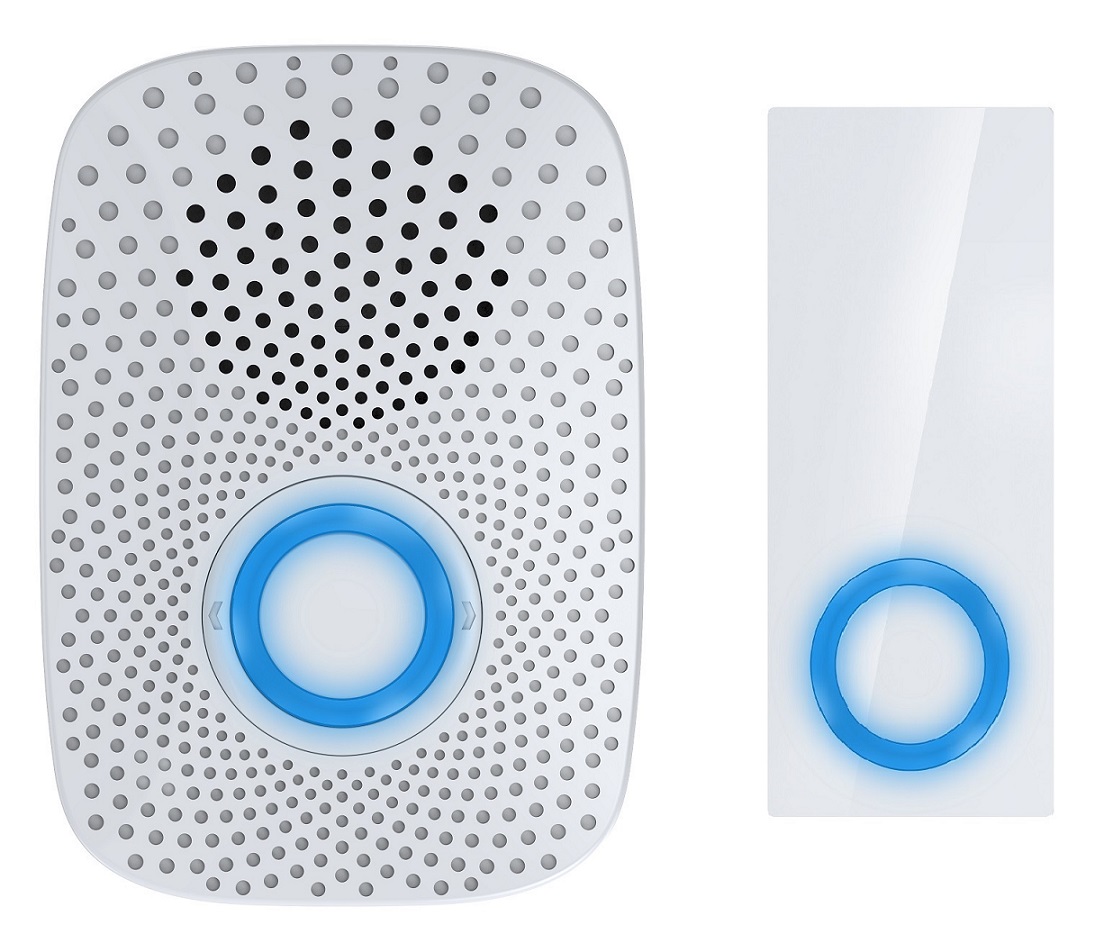
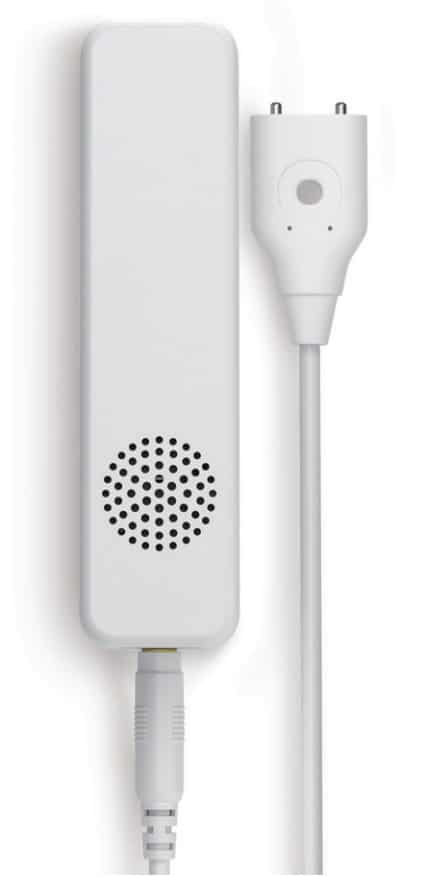
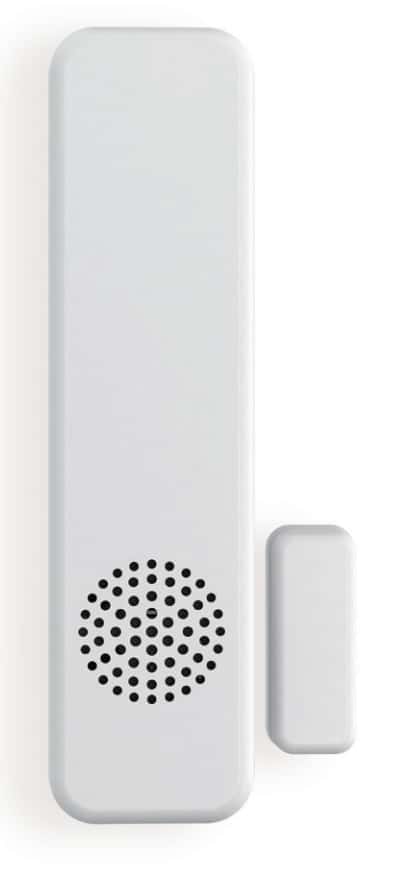
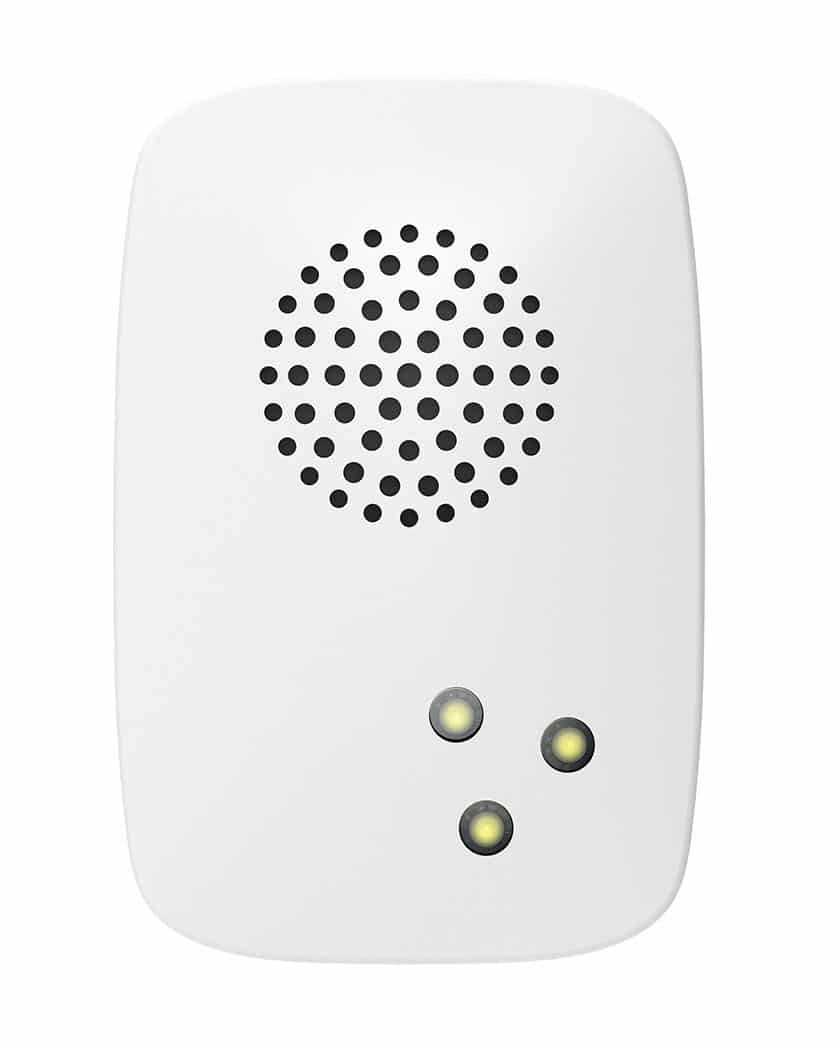
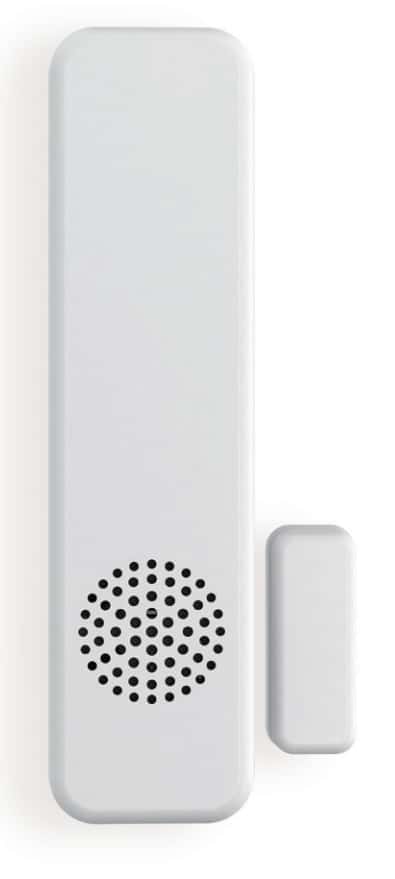
- Aeon Labs Doorbell supports playing MP3 music files with a press of this doorbell. It has a 128MB flash memory that can store up to 800 ringtones. The volume can be adjusted manually via short press on the Volume Button, also you can switch the doorbell sound to the next via long press on the Volume Button. You may change/update your doorbell ringtone at any point in time you want by connecting your Doorbell to your PC to update the sound track on your Doorbell’s flash memory. There is a small Wireless Button, which can trigger the doorbell on the other side of the wall to play the selected doorbell music when pressed. It also act as a repeater that forward Z-Wave command messages to destination nodes if the originating controller is out of range from the destination node. By taking advantage of the Z-Wave mesh network, commands can be routed to their destination via intermediary “listening” Z-Wave products. Products that are Z-Wave certified can be used and communicate with other Z-Wave certified devices. Also a tool that can be programmed, scheduled, controlled and communicated with from anywhere in the world.
- Hardware platform
- ZM5101
- Short description
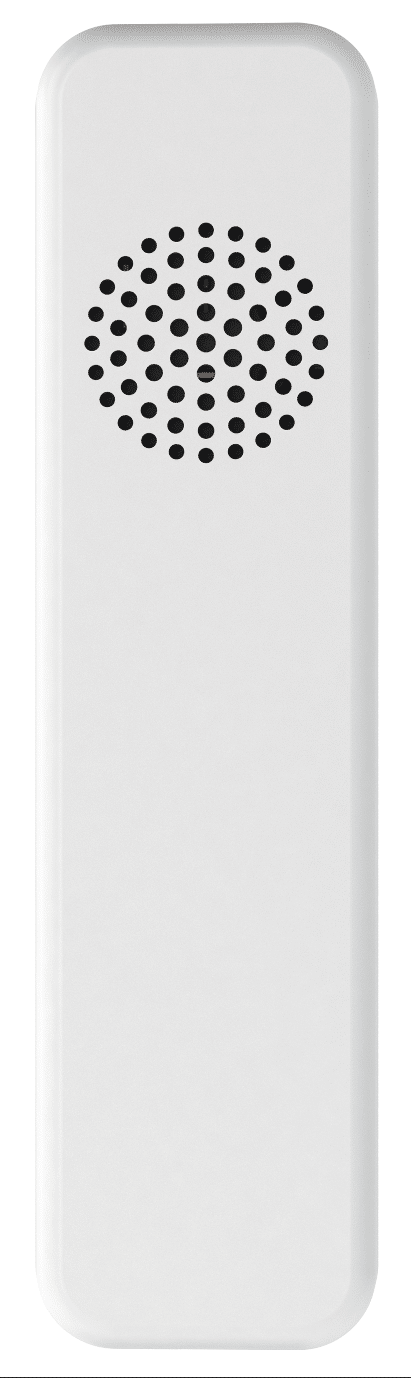
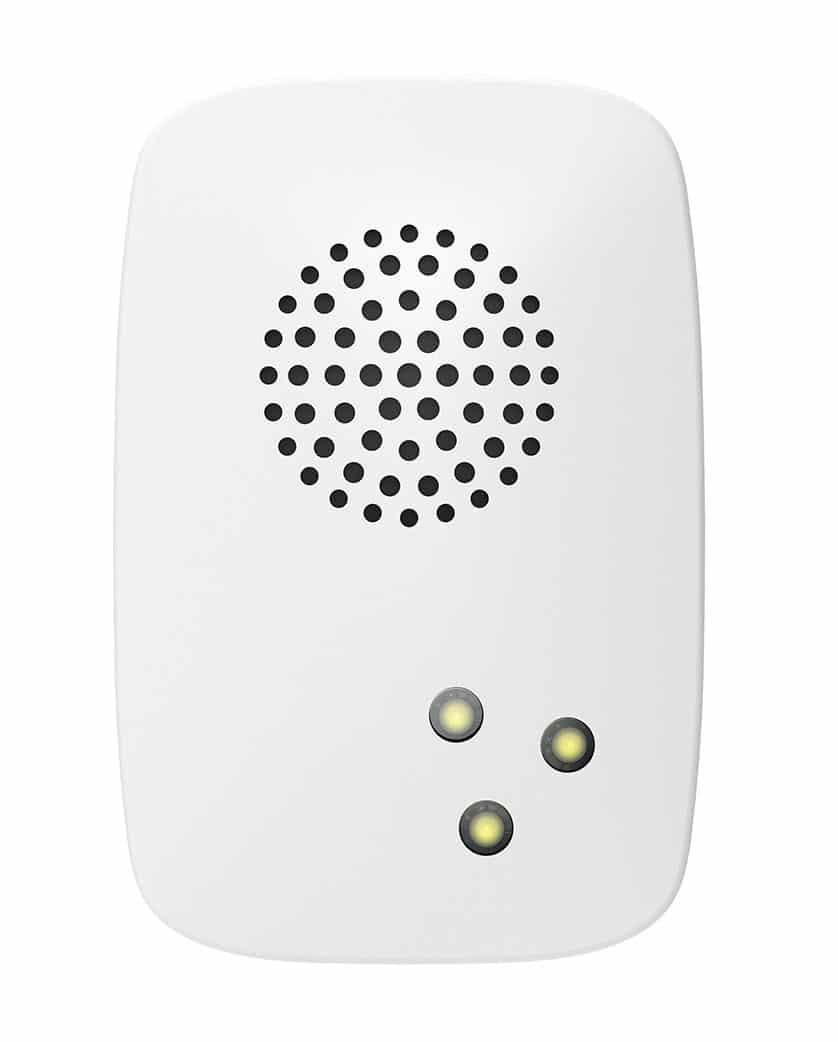
- Aeon Labs Doorbell Gen5 is a doorbell Z-Wave wireless device that when heard the doorbell music is playing it lets you know someone is knocking at the door.
- Association groups
- Group Number Maximum Nodes Supported End Point ID Description 1
- Product identifier
- ZW056-C
- Countries / regions
- European Union
- Certification number
- ZC10-15110019
- Radio range z wave (m)
- 40
- Configuration parameters
- Parameter Number Name Description Format Size Min Value Max Value Default Value Parameter Values 2
- Supports explorer frames
- Yes
- Controlled command classes
- Identifier Name Key Version COMMAND_CLASS_HAIL
- From to description 1 100 the range of repetition is 1 to 100. 5 set the default doorbell ringtone. set the default doorbell ringtone. 0 1 0 0 1 from to description 1 100 specify the ringtone as default. 6 select a ringtone to play. select a ringtone to play. 0 1 0 0 0 from to description 1 100 play the specified ringtone. 0 0 stop playing 7 control items control items. 0 1 0 0 0 from to description 1 1 play item. 3 3 pause item. 4 4 next item. 5 5 previous item. 2 2 stop item. 8 set the volume of ringtone. set the volume of ringtone for your doorbell. 0 1 0 0 10 from to description 0 10 set the volume level of 0 to 10. 10 define the functions of “button ” and “button+”. define the functions of “button ” and “button+” for your doorbell. 0 1 0 0 0 from to description 0 0 “button ” is previous, “button+” is next. 1 1 swap functions of the two buttons. 11 define functions of “button ” and “button+”when short pressing and long pressing it. define functions of “button ” and “button+”when short pressing and long pressing it. 0 1 0 0 0 from to description 1 1 long pressing changes volume, short pressing changes default ringtone 0 0 short pressing changes volume, long pressing changes default ringtone 42 get the wireless button’s battery status get the wireless button’s battery status. 0 1 0 0 0 from to description 0 0 normal battery level. 255 255 low battery level. 80 which notification would be sent when the state of doorbell is changed to set which notification would be sent to the associated nodes in association group 1 when the state of doorbell is changed 0 1 0 0 0 from to description 0 0 send nothing. 1 1 send hail cc. 2 2 send basic report cc. 81 enable/disable to send a notification to associated nodes when the wireless button’s battery is in low battery state enable/disable to send a notification to associated nodes in association group 1 when the wireless button’s battery is in low battery state. 0 1 0 0 1 from to description 0 0 disable 1 1 enable. 241 pair the wireless button with your doorbell pair the wireless button with your doorbell. when the doorbell enters into pair mode, the blue led will blink slowly, at this time, press the wireless button once, if the blue led is changed to be solid, which means the pairing is successful. 0 4 0 0 0 from to description 1431655765 1431655765 start the pair mode. 252 enable/ disable lock the configuration parameters enable/ disable lock the configuration parameters. 0 1 0 0 0 from to description 0 0 disable 1 1 enable 255 reset your doorbell reset your doorbell. 0 1 0 0 0 from to description 0 0 reset the configuration parameters of your doorbell. 1431655765 1431655765 reset to factory default settings. texts