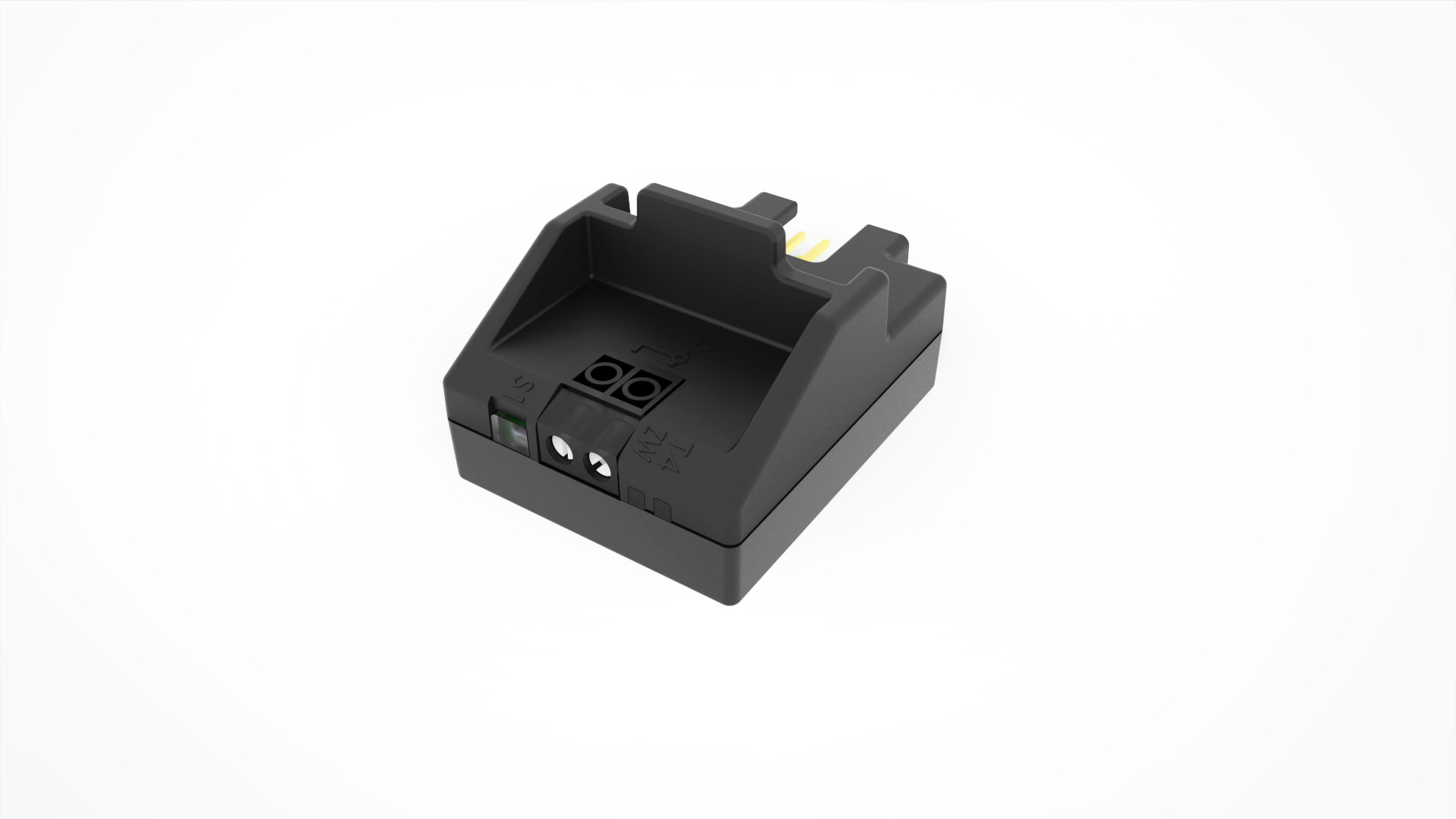
- Name
- Garage Door Controller Gen5
- Brand
- Aeotec
- Documents
- Category Description File Manual_Primary_Lang
- Role type
- ROLE_TYPE_SLAVE_ALWAYS_ON
- Categories
- Motor Control
- Product id
- 0x003E
- Device type
- Secure Barrier Add-On
- Oem version
- HW: 62 FW: 1.11
- Library type
- SLAVE_ENHANCED_232
- Supports nwi
- Yes
- Z wave version
- 6.51.06
- Frequency plans
- ANZ: 919.80MHz, 921.40MHz
- Manufacturer id
- 0x0086
- Product type id
- 0x0203
- Long description
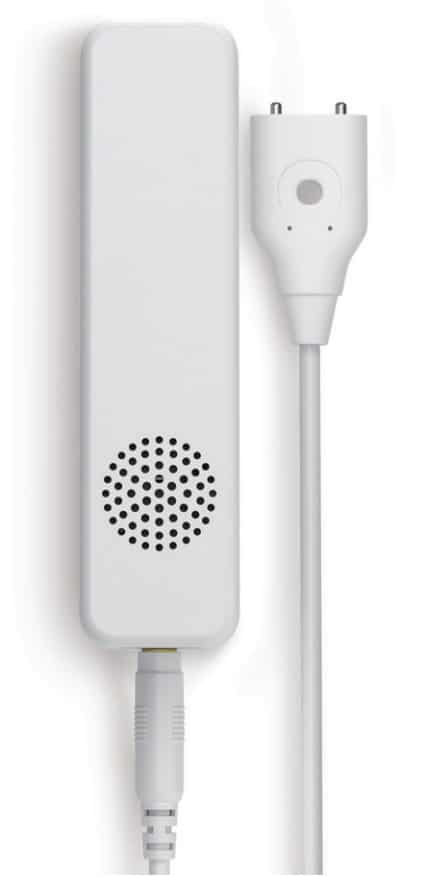
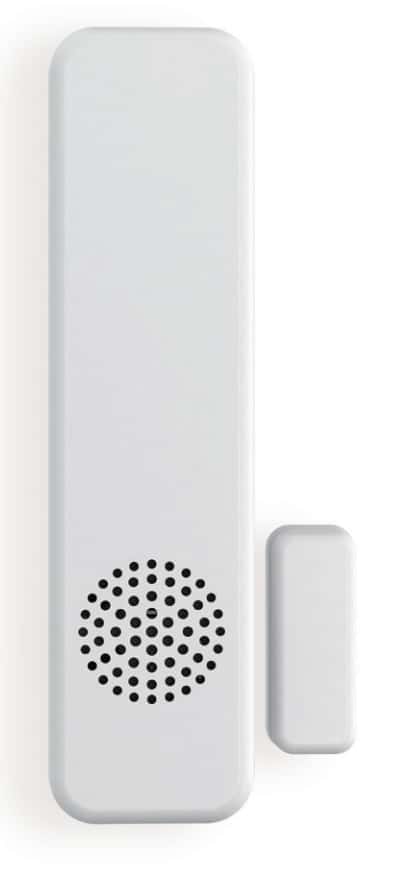
- Aeon Labs Garage Door Controller is a smart and wireless Garage Door Control system, you can control the garage door to open, close, or stop moving via wireless signal on your gateway client or phone application. The Garage Door Controller allows you to configure different alarm sounds to indicate the door’s action. Each action alarm sound can be customized. To change or update new alarm sounds for the Garage Door Controller, connect the Garage Door Controller to your PC host with a USB cable and download your sound files to the flash memory (128 MB) of the Garage Door Controller. It can be included and operated in any Z-Wave network with other Z-Wave certified devices from other manufacturers and/or other applications. All non-battery operated nodes within the network will act as repeaters regardless of vendor to increase reliability of the network. It is also a security Z-Wave device and supports the Over The Air (OTA) feature for the product’s firmware upgrade.
- Hardware platform
- ZM5101
- Short description
- Aeon Labs Garage Door Controller is a smart and wireless Garage Door Control system, you can control the garage door to open, close, or stop moving via wireless signal on your gateway client or phone application.
- Association groups
- Group Number Maximum Nodes Supported End Point ID Description 2
- Product identifier
- ZW062-B
- Countries / regions
- Australia
- Certification number
- ZC10-15090011
- Radio range z wave (m)
- 40
- Configuration parameters
- Parameter Number Name Description Format Size Min Value Max Value Default Value Parameter Values 255
- Supports explorer frames
- Yes
- Controlled command classes
- Identifier Name Key Version COMMAND_CLASS_SWITCH_BINARY
- From to description 1 1 reset all configuration parameters to default setting. 1431655765 1431655765 reset the product to default factory setting and be excluded from the z wave network. 241 pair the sensor with garage door controller this parameter is used to pair the sensor with garage door controller. note: 1. this procedure should only be used when the complimentary sensor is missing or inoperable and you have another new sensor that would be paired with your garage door controller. 2. when the pairing is started, the network led will blink slowly, at this time, you just need to press the temper switch back of the sensor once. if the network led change to be solid, which means the pairing is successful. otherwise, repeat the steps. 0 4 0 0 0 from to description 1431655681 1431655681 start the sensor pairing mode. 43 start playing or stop playing the ringtone. this parameter is used to audition or test the product's ringtone. 0 1 0 0 0 from to description 1 1 stop playing the ringtone. 1 100 start playing the ringtone that you select. 44 test the volume of the current ringtone this parameter is used to audition or test the product's ringtone volume. 0 1 0 0 0 from to description 1 10 there are 10 volume levels can be set for testing. 45 get the environment temperature this parameter is used to get the temperature where near to your garage door controller. 0 2 0 0 0 from to description 0 500 the available temperature range is 0 to 50 celsius 47 define the function of button and button+. this parameter is used to define the function of button and button+. 0 1 0 0 0 from to description 1 1 pressing it once, the button+ and button are defined to be the control item of next and previous. press and hold it, the button+ and button are defined to be used to increase and decrease the volume. 0 0 pressing it once, the button+ and button are defined to be used to increase and decrease the volume. press and hold it, the button+ and button are defined to be the control item of next and previous. 80 enable/disable to send notifications to associated devices to associated devices. this parameter is used to enable/disable to send notifications to associated devices (in group 1) when the state of doorbell gen5’s load is changed. (0=send nothing, 1=send hail cc, 2=send barrier operator report cc). 0 1 0 0 2 from to description 1 1 send hail command 2 2 send barrier operator report command 0 0 send nothing (disabled) 252 enable/disable lock configuration this parameter is used to enable/disable lock all configuration parameters. (0 =disable, 1 = enable) 0 1 0 0 0 from to description 0 0 all configuration parameters are configurable. 1 1 all configuration parameters are not configurable (locked). texts

-scaled.jpg)