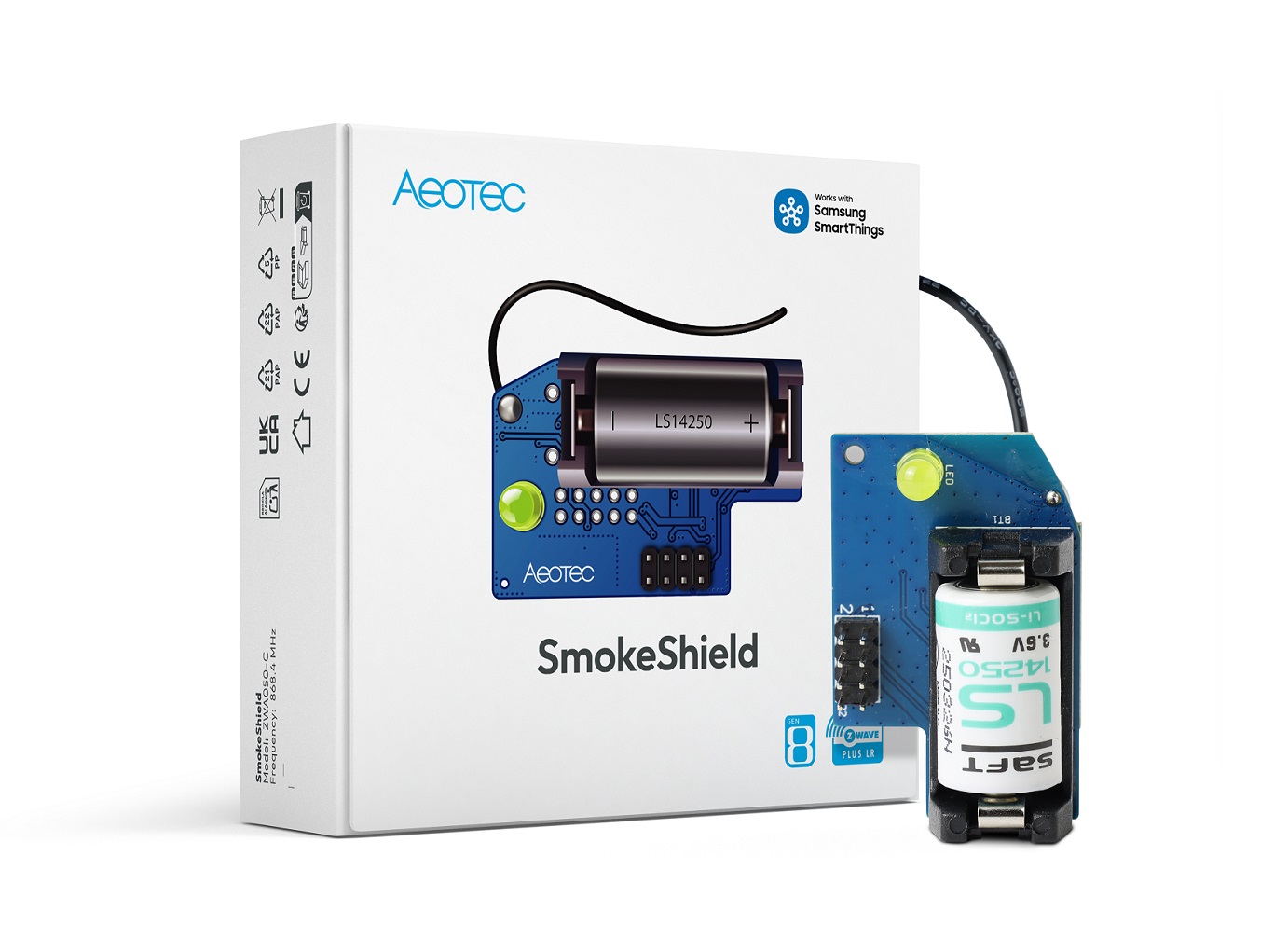
- Name
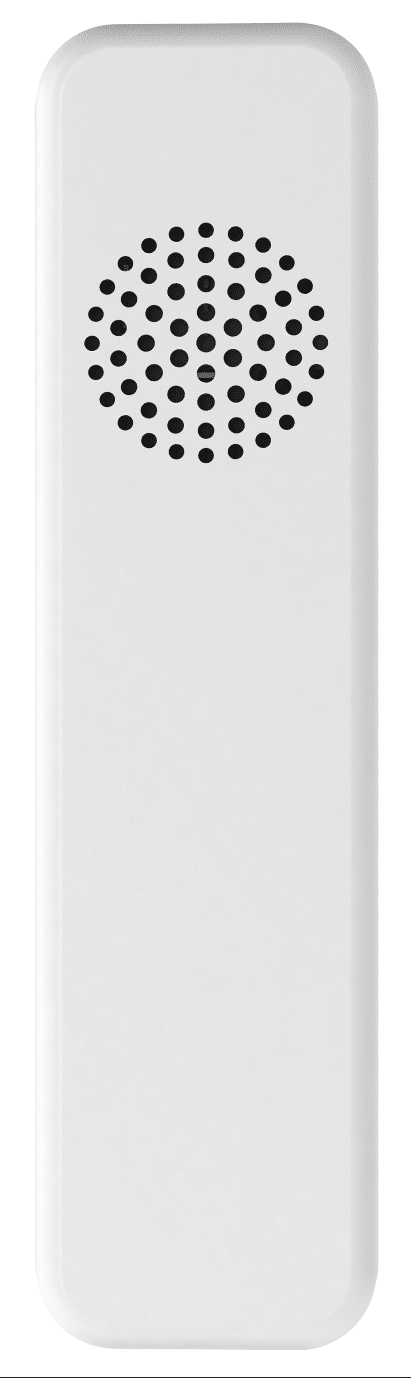
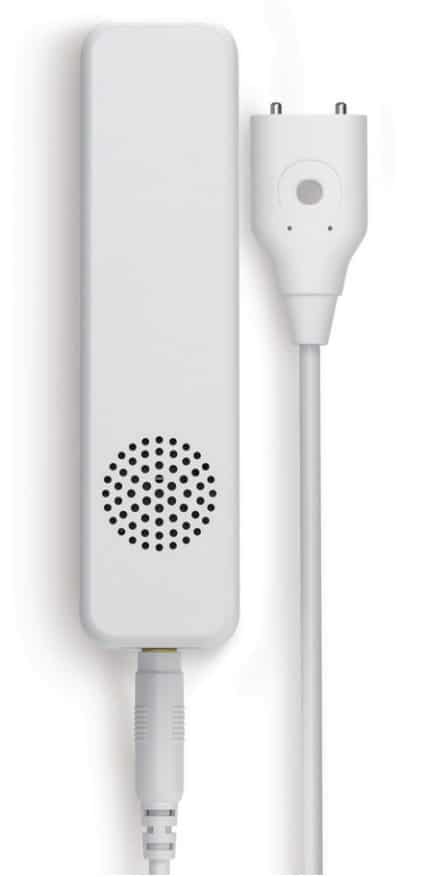
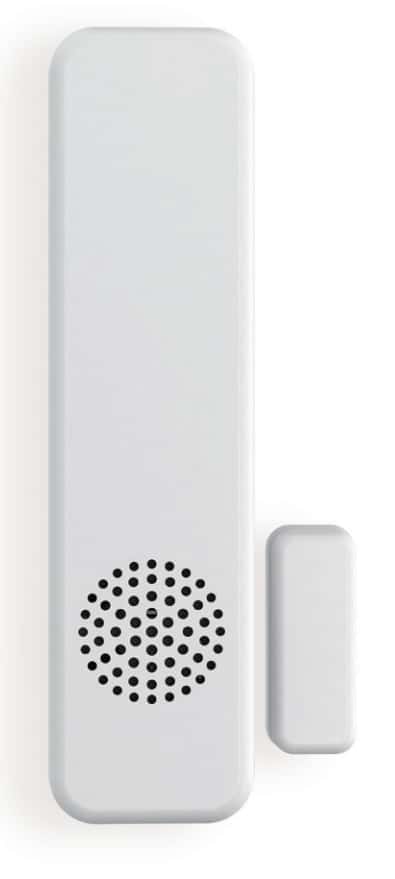
- Door/ Window Sensor 6
- Brand
- Aeotec
- Features
- Feature Values Supported Notification Types
- Documents
- Category Description File Manual_Primary_Lang
- Role type
- ROLE_TYPE_SLAVE_SLEEPING_REPORTING
- User icon
- 0x0C06
- Categories
- Sensors, Security Add-Ons
- Product id
- 0x0070
- Device type
- Notification Sensor
- Oem version
- HW: 112 FW: 1.03
- Library type
- SLAVE_ENHANCED_232
- Supports nwi
- Yes
- Installer icon
- 0x0C06
- Z wave version
- 6.51.10
- Frequency plans
- JP: 922.50MHz, 923.90MHz, 926.30MHz
- Manufacturer id
- 0x0086
- Product type id
- 0x0A02
- Long description
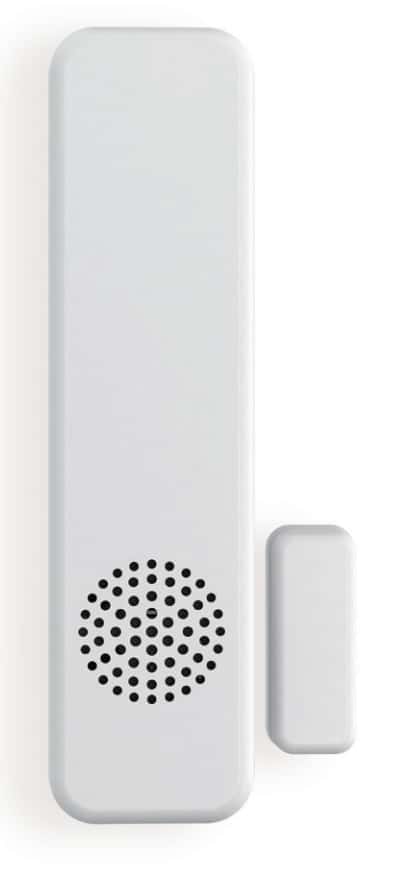
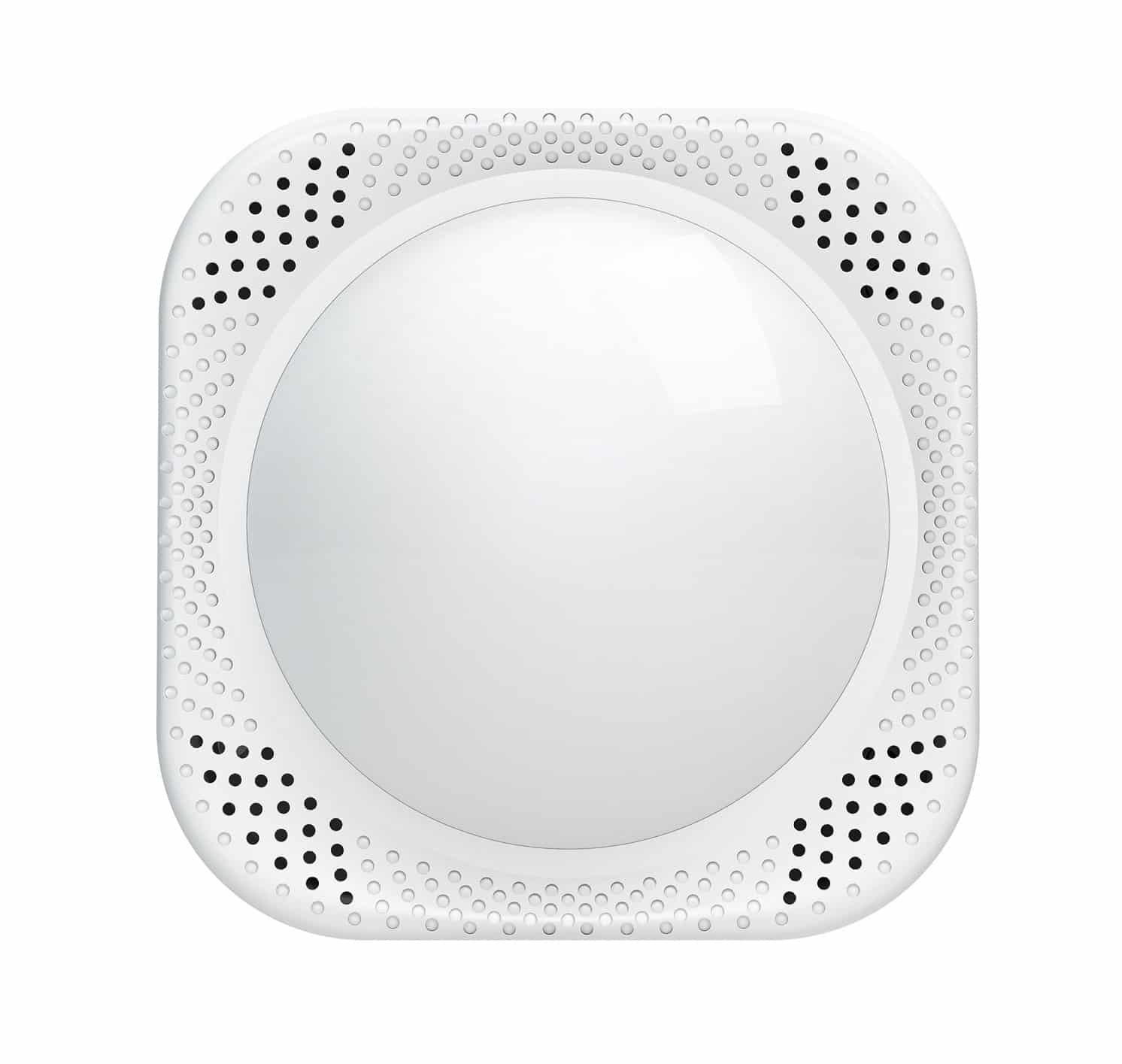
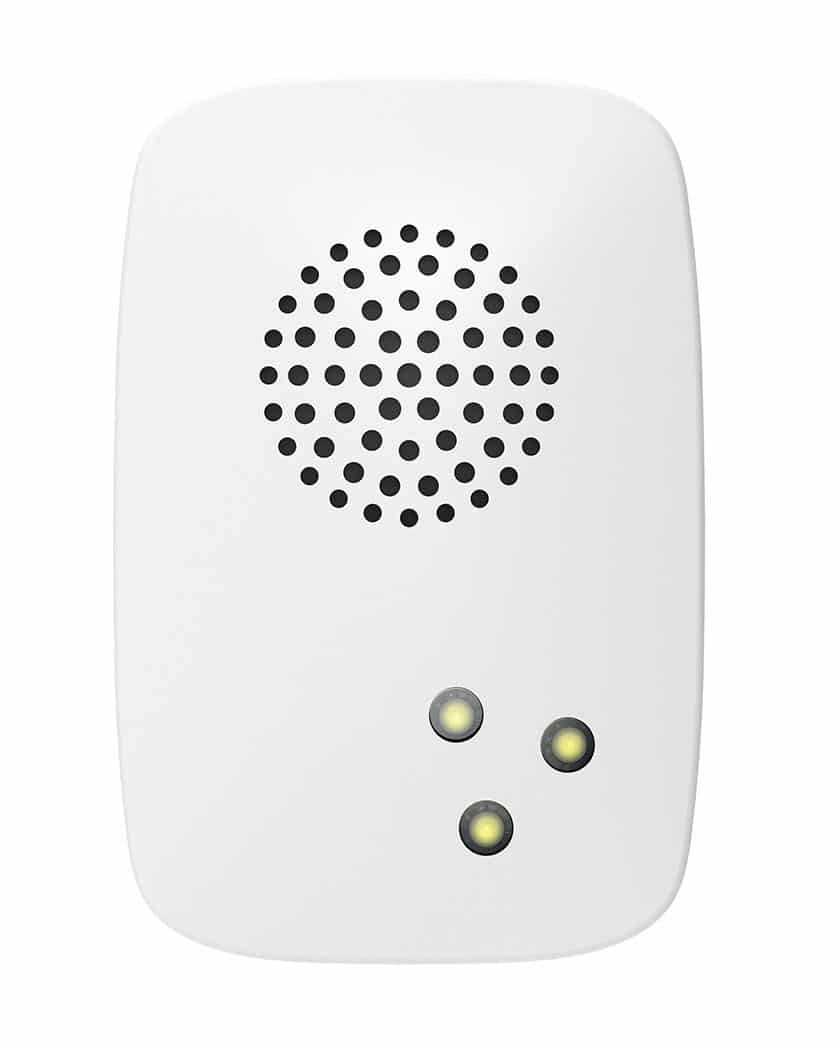
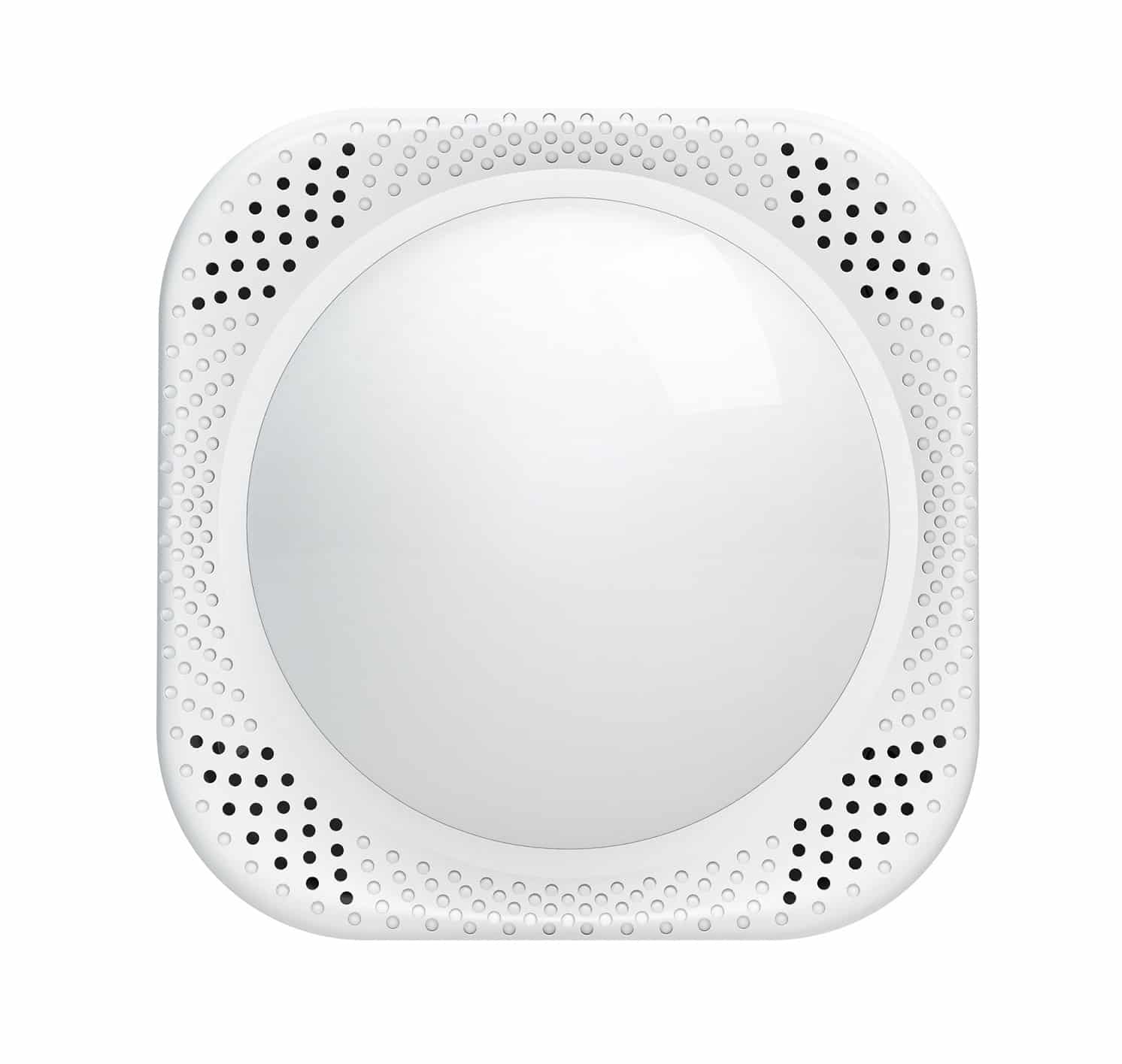
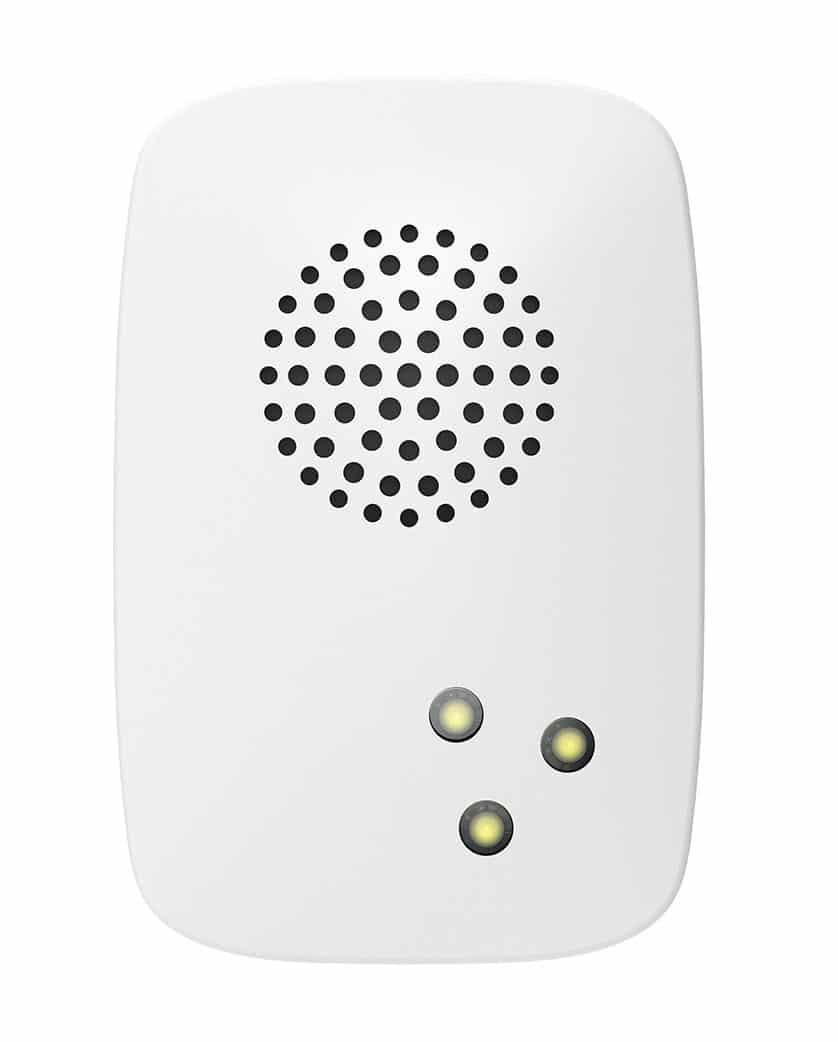
- Aeon Labs Door/ Window Sensor 6 is a smart Z-Wave sensor that can detect the status of door/window's open/close in real time. It’s a security Z-Wave device that supports security encryption. Also it supports the “Over the Air Firmware Updating” that allows you wirelessly update its firmware if needs. It can be included and operated in any Z-Wave network with other Z-Wave certified devices from manufacturers and/or other applications.
- Hardware platform
- ZM5101
- Short description
- Aeon Labs Door/ Window Sensor 6 is a smart Z-Wave sensor that can detect the status of door/window's open/close in real time.
- Product identifier
- ZW112-G
- Countries / regions
- Japan
- Certification number
- ZC10-18015983
- Radio range z wave (m)
- 40
- Configuration parameters
- Parameter Number Name Description Format Size Min Value Max Value Default Value Parameter Values 1
- Supports explorer frames
- Yes
- Supported command classes
- Identifier Name Key Version COMMAND_CLASS_SENSOR_BINARY
- Controlled command classes
- Identifier Name Key Version COMMAND_CLASS_BASIC
- Supported notification types
- Notification Type Event / State Access Control
- Value access control association groups
- Group Number Maximum Nodes Supported End Point ID Description 1
- From to description 0 0 sensor binary report/basic set =0x ff when the door is opened, sensor binary report/basic set= 0x00 when the door is closed. 1 1 sensor binary report/basic set= 0x00 when the door is opened, sensor binary report/basic set=0x ff when the door is closed. 101 enable/disable the function of parameter 111 enable/disable the function of parameter 111. note: this parameter cannot disable the low battery checking of the sensor itself. 0 1 0 0 1 from to description 0 0 disable. 1 1 enable. 111 set the interval time of low battery checking. set the interval time of low battery checking. note: 1, if the value is less than 10, the time unit is second. if the value is more than 10, the time unit is 4 minutes, which means if the value is more than 10 and less than 240, the interval time is 4 minutes. if the value is more than 240 and less than 480, the interval is 8 minutes. 2, if the current battery report falls below the low battery value (configurable parameter 39), it will send battery report=0x ff. 0 4 0 0 86640 from to description 0 2147483647 the range of interval can be set to 0 to 2147483647. 121 to configure which sensor report will be sent when the door is opened/closed. to configure which sensor report will be sent when the door is opened/closed. 0 1 0 0 1 from to description 1 1 basic set cc is selected. 2 2 sensor binary report cc is selected. 3 3 basic set cc and sensor binary report cc are selected. 252 lock/unlock all configuration parameters. lock/unlock all configuration parameters. 0 1 0 0 0 from to description 0 0 unlock. 1 1 lock. 255 reset the sensor. reset the sensor. 0 4 0 0 0 from to description 0 0 reset to default settings. 1431655765 1431655765 reset to default settings and excluded from the network. 8 get the current state of usb port. get the current state of usb port. note: this parameter is a get only parameter. 0 1 0 0 0 from to description 0 0 usb power is removed. 1 1 usb power is connected. 9 report the current power mode and the product state for battery power mode. report the current power mode and the product state for battery power mode. note: this parameter is a get only parameter. 0 2 0 0 0 from to description 0 0 sleep state for battery power mode 1 1 keep awake for 10 minutes for battery power mode 256 256 battery power mode. 255 255 usb power mode. texts