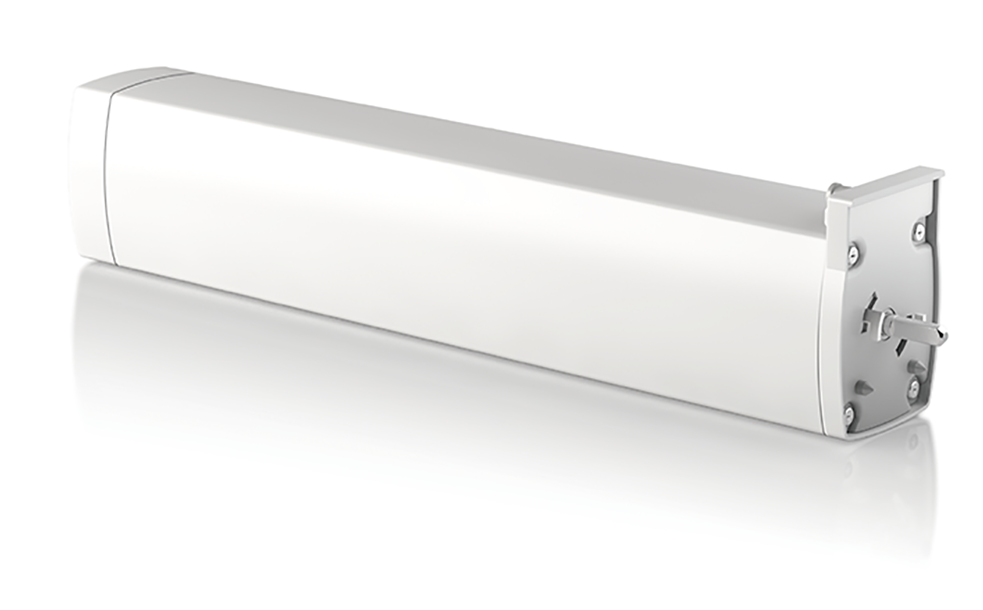
- Name
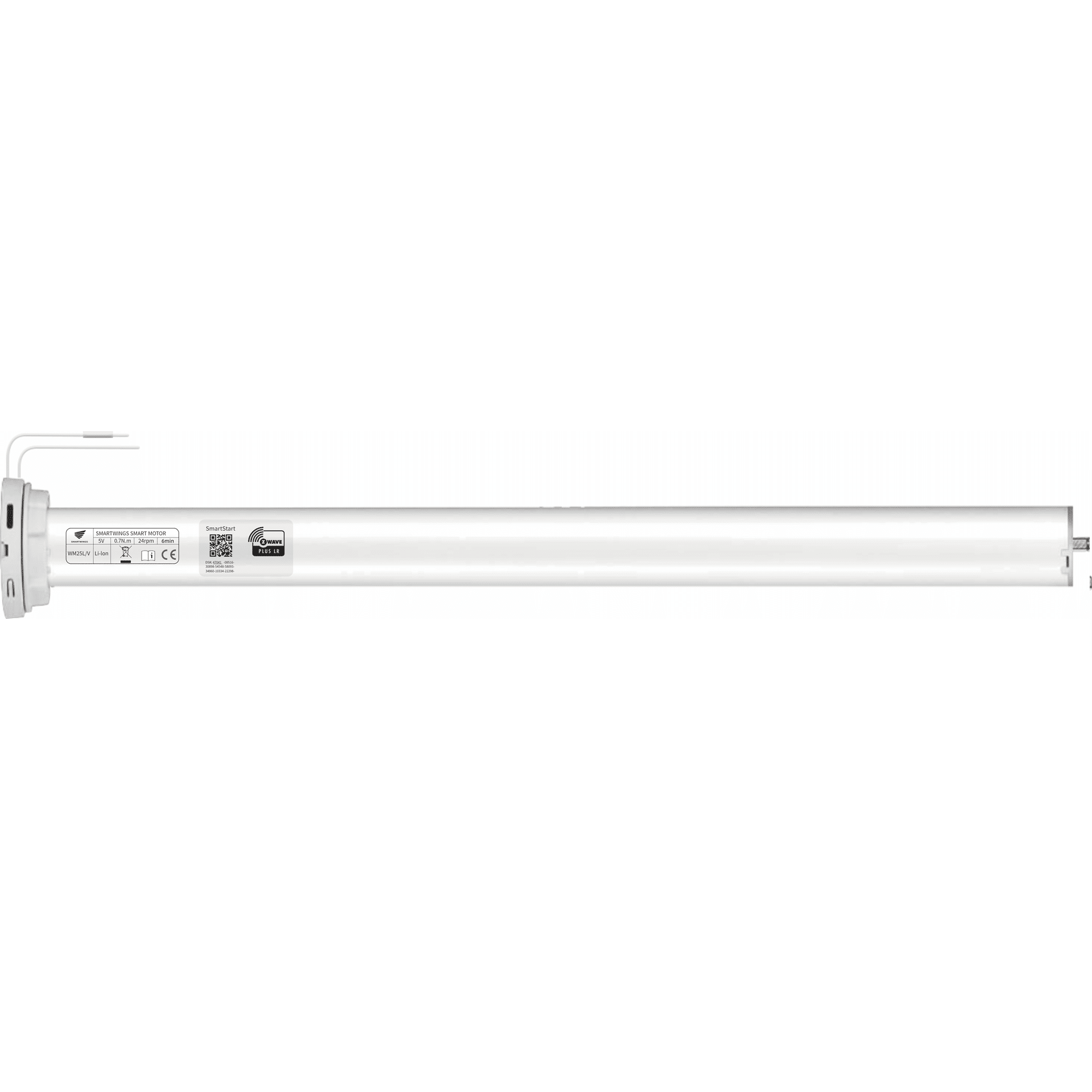
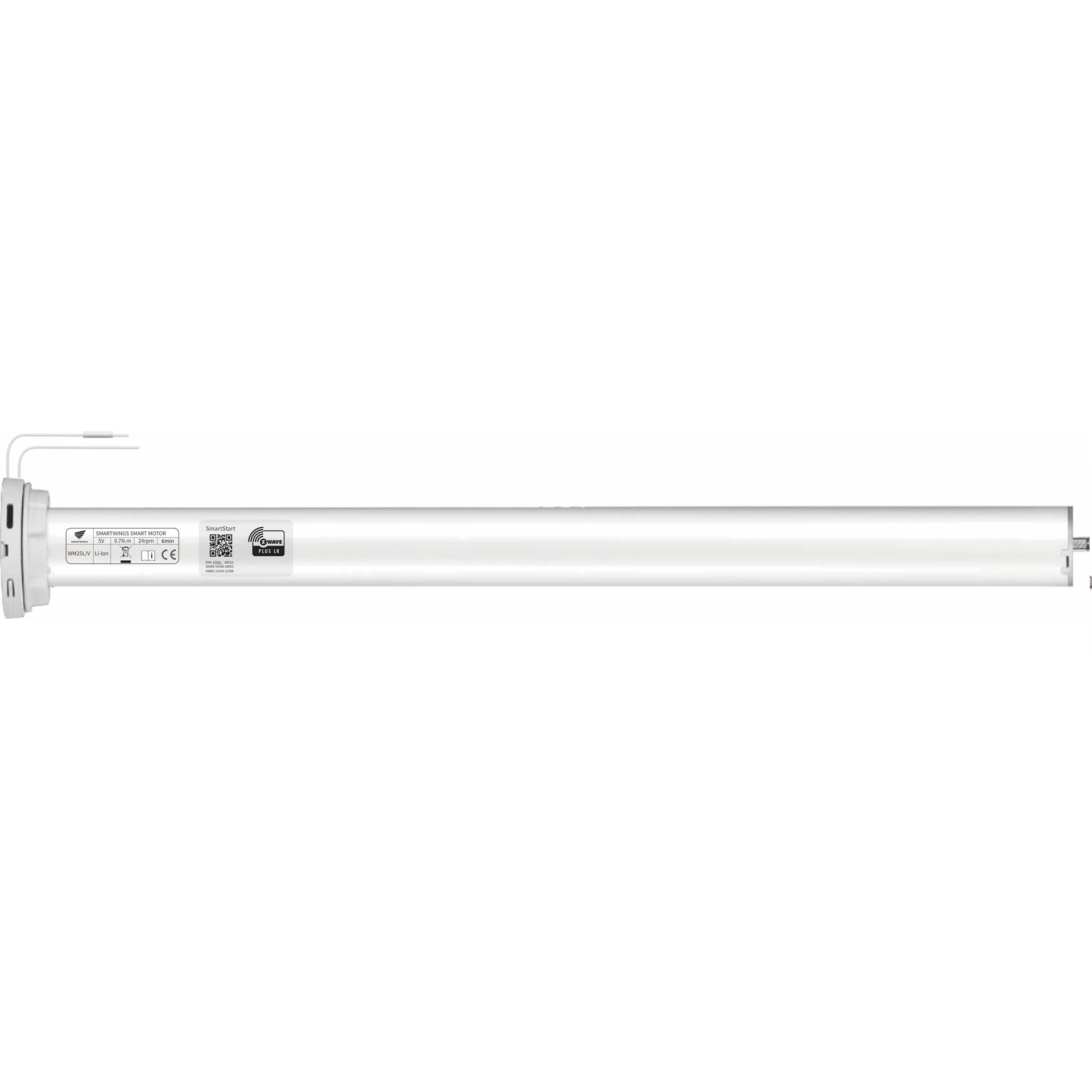
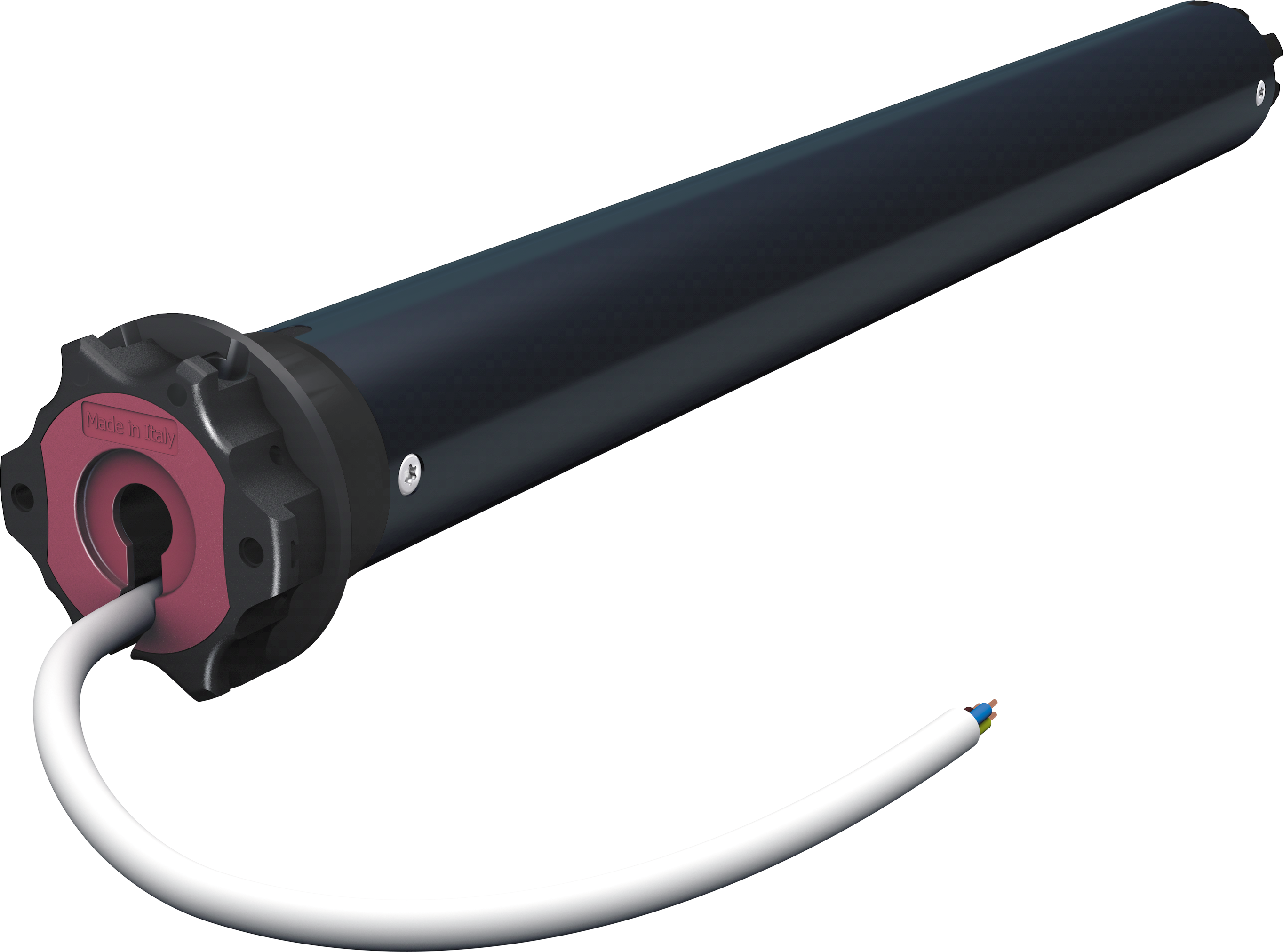
- Curtain motor
- Brand
- Dooya
- Features
- Feature Values Window Covering Control Features
- Documents
- Category Description File Manual_Primary_Lang
- Role type
- ROLE_TYPE_SLAVE_ALWAYS_ON
- User icon
- 0x1A00
- Categories
- Window Covering
- Product id
- 0x0090
- S2 classes
- S2_UNAUTHENTICATED
- Device type
- Window Covering - Pos/End Aware
- Oem version
- HW: 144 FW: 1.14:01.04
- Library type
- SLAVE_ENHANCED_232
- Supports nwi
- Yes
- Installer icon
- 0x1A00
- Z wave version
- 6.71.01
- Frequency plans
- EU: 869.85MHz, 868.40MHz
- Manufacturer id
- 0x030A
- Product type id
- 0x0103
- Long description
- DOOYA Z-Wave curtain motor is designed with exceeding commercial standards, with its exceptional quietness and user-friendly setup. Multiple control options enable the users to operate the curtain by remote, APP, or with hands. Pull to move function would be especially helpful and convenient to users who are not yet familiar with motorization. Durability in use guarantee a 10,000 times use. Additionally, the motor is more than what were mentioned above. 1. Quick set limits: the motor would set its limit positions automatically with a full ride opening and closing on the track. 2. Soft start & soft stop: A smooth running with a soft start and soft stop provide a premium visual effect. 3. Pull to move: Just do what you always did on a normal curtain, but you do not have to pull the fabric all the way to the end. Just one touch of pulling on the fabric, the motor will start running until it reaches its end. 4. If the power was gone, you can still operate the curtain as a normal curtain. When the power is back, all the settings are still there. 5. RF compatibility: Dooya Z-Wave curtain motor is also compatible with the whole range of Dooya RF remotes, various choices and a different combination would satisfy all kinds of different needs.
- Hardware platform
- ZM5202
- Short description
- DOOYA Z-Wave curtain motor is designed with exceeding commercial standards, with its exceptional quietness and user- friendly set up.
- Product identifier
- DT82TV/F-1.2/14
- Countries / regions
- European Union
- Certification number
- ZC10-18056102
- Radio range z wave (m)
- 40
- Configuration parameters
- Parameter Number Name Description Format Size Min Value Max Value Default Value Parameter Values 3
- Supports explorer frames
- Yes
- Supported command classes
- Identifier Name Key Version COMMAND_CLASS_FIRMWARE_UPDATE_MD_V4
- Value automatic calibration association groups
- Group Number Maximum Nodes Supported End Point ID Description 1
- From to description 2 2 double button not reboundable switch 3 3 dc246 switch 4 4 single button cyclic switch mode 1 1 double button reboundable switch 2 set to start holding hands set to start holding hands: this parameter can be used to set the motor open hand start function(configuration value set to 0) or closed(configuration value set to 1), the default value is 0. 0 1 0 0 0 from to description 0 0 open hand start function 1 1 close hand start function 1 set the motor rotation direction set the direction: this parameter can be used to set the motor rotation direction, the motor direction is forward (configuration value set to 0) or the opposite direction(configuration value set to 1), the default value is 0. 0 1 0 0 0 from to description 0 0 the motor direction is forward 1 1 the motor direction is opposite 4 strong electric switch mode configure strong electric switch mode:this parameter can be used to set the need of strong electric switch mode. provide 3 kinds of weak electric switch mode is optional,respectively:double button not reboundable(configuration value set to 0) ,hotel mode(configuration value set to 1),double button reboundable mode(configuration value set to 2),the default value is 0. 0 1 0 0 0 from to description 0 0 double button not reboundable 1 1 hotel mode 2 2 double button reboundable mode 5 limit position status read whether the total limit is set:this parameter can be used to read the motor's total limit is already set.not set the limit(read into the configuration value is 0);already set the limit(read into the configuration value is 1) 0 1 0 0 0 from to description 0 0 limit position does not set 1 1 limit position has been set 7 power supply type read the motor power supply type:this parameter can be used to read the motor power supply type.the power of motor is classified into:mains power supply(read into the configuration value is 0),battery power(read into the configuration value is 1). 0 1 0 0 0 from to description 0 0 main power (ac power) 1 1 bettery 8 manually set / cancel open borders manually set/cancel open borders: manually set the open boundary of the curtain(configuration value set to 1), cancel manually open the border of the curtain(configuration value set to 0) 0 1 0 0 0 from to description 0 0 cancel manually open the border of the curtain 1 1 manually set the open boundary of the curtain 9 manually set / cancel close borders manually set /cancel close borders: manually set the closed boundary of the curtain(configuration value set to 1), cancel manually close the border of the curtain(configuration value set to 0). 0 1 0 0 0 from to description 0 0 cancel manually close the border of the curtain 1 1 manually set the closed boundary of the curtain 10 delete the limit position delete the limit: this command can delete the limit that has been set for the motor. 0 1 0 0 127 from to description 127 127 delete the limit position texts