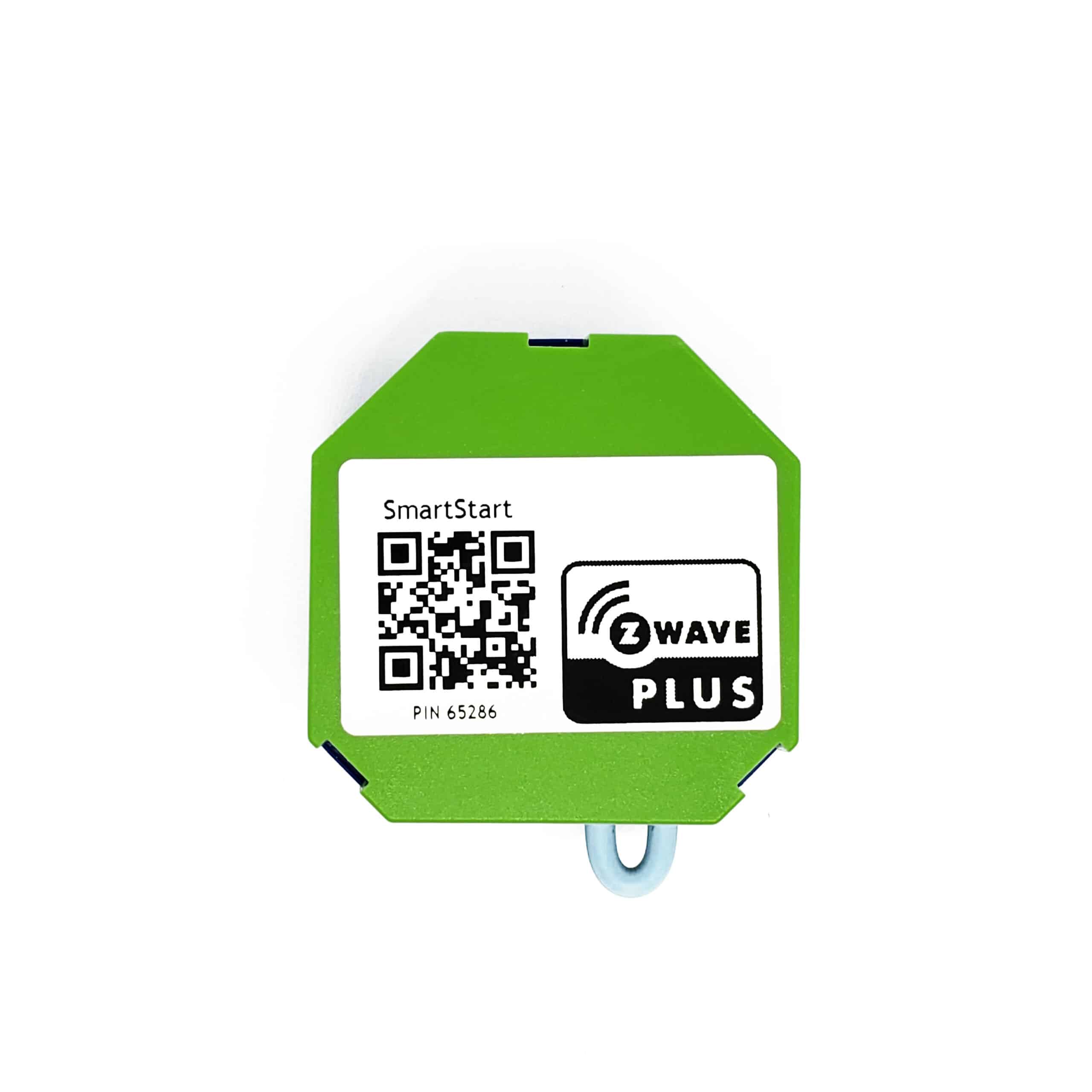
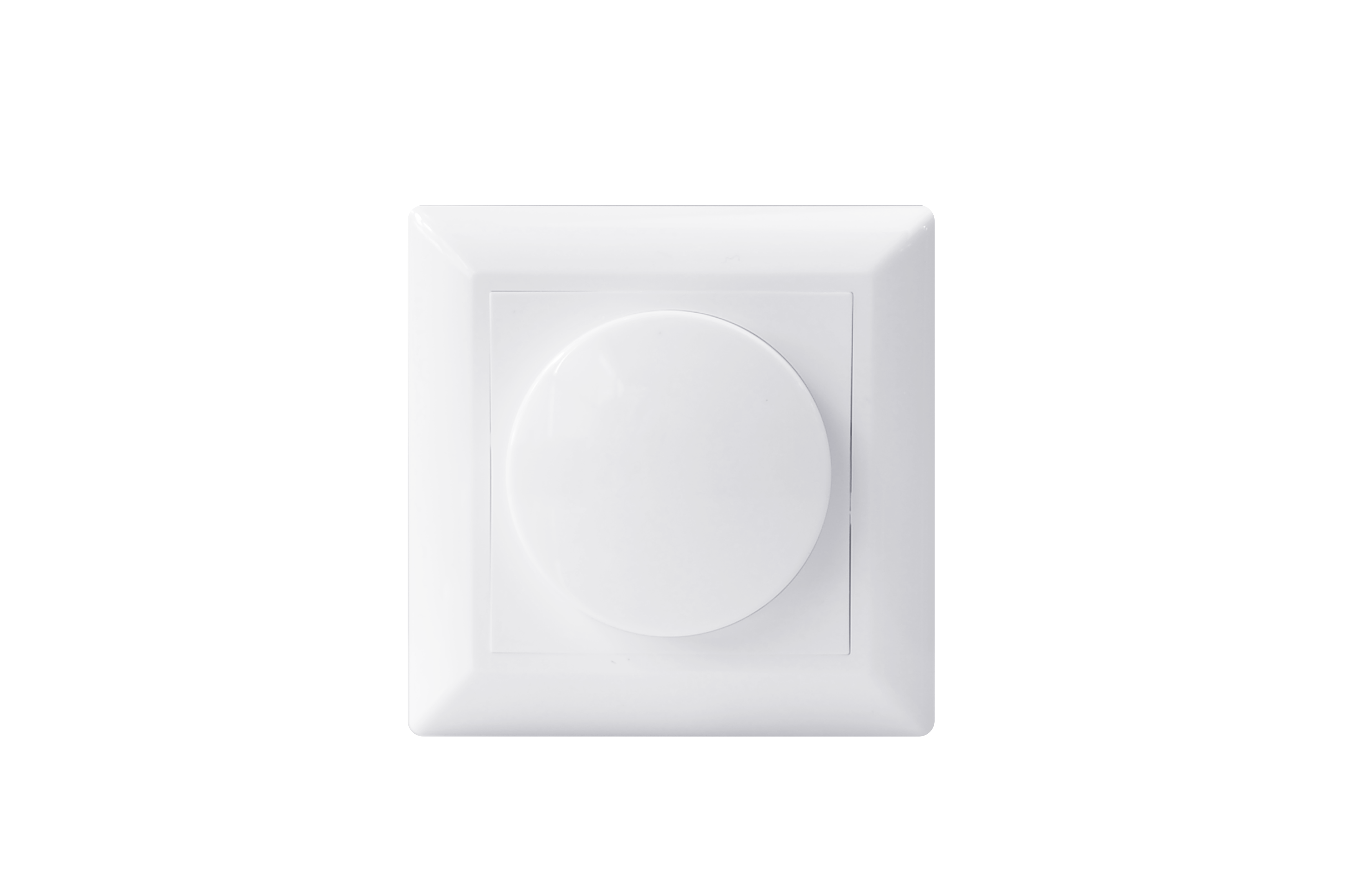
- Name
- Smart LED dimmer Z-Wave 250W
- Brand
- EcoDim BV
- Features
- Feature Values Communications Protocol
- Documents
- Category File Description Image_Product_Supplemental_4
- Role type
- ROLE_TYPE_SLAVE_ALWAYS_ON
- User icon
- 0x0600
- Categories
- All Lighting Devices, Dimming Lighting Devices, Lighting Accessories
- Product id
- 0x0002
- S2 classes
- S2_UNAUTHENTICATED, S2_AUTHENTICATED
- Device type
- Light Dimmer Switch
- Oem version
- HW: 1 FW: 1.10
- Library type
- SLAVE_ENHANCED_232
- Product line
- LED Dimmer
- Supports nwi
- Yes
- Installer icon
- 0x0600
- Z wave version
- 6.81.03
- Frequency plans
- EU: 869.85MHz, 868.40MHz
- Manufacturer id
- 0x0431
- Product type id
- 0x0202
- Long description
- ECO-DIM.10 Z-Wave is a smart module dimmer for LED lights. The dimmer module has a range of 250W LED and beside LED lights also able to dim 230V halogen and incandescent bulds, dimable LED-drivers and electronic transfomers. The minimum and maximum light level of the dimmer can be adjusted by the MIN and MAX potentiometer, also the speed of dimming by a pulse switch is adjustable by the SPEED potentiometer. The ECO-DIM.10 is protected against overload and interference signals. For the installation of the ECO-DIM.10 Z-Wave you only need two wires, three wire installation (with extra neutral wire) is available, but not required. It is suitable for all smarthome systems based on Z-Wave (plus) protocol. The smart dimmer module is compatible with 95% of all dimmable LED lights.
- Hardware platform
- ZM5101
- Short description
- ECO-DIM.10 Z-Wave is a smart module dimmer for LED lights.
- Product identifier
- ECO-DIM.10 Z-Wave
- Countries / regions
- European Union
- Supports smart start
- Yes
- Certification number
- ZC10-20076947
- Radio range z wave (m)
- 40
- Configuration parameters
- Parameter Number Name Description Format Size Min Value Max Value Default Value Parameter Values 1
- Supports explorer frames
- Yes
- Supported command classes
- Identifier Name Key Version COMMAND_CLASS_SWITCH_MULTILEVEL
- Controlled command classes
- Identifier Name Key Version COMMAND_CLASS_SWITCH_MULTILEVEL
- Supported / controlled meter types
- Meter Type Rate Type Description Electric meter
- Value manufacturer proprietary protocol firmware updatable value updatable by consumer by rf switch load capacity watts value 200 w switch type value decorator paddle push association groups
- Group Number Maximum Nodes Supported End Point ID Group Name Profile Description 1
- From to description 0 0 off 1 1 on 2 2 returns to level before power outage 2 notification when load status change the dimmer will send notification to associated device (group lifeline) when the status of dimmer load is changed. 0 the function is disabled. 1 send switch multilevel report. 2 send switch multilevel report only when load status is not changed by z wave command 0 1 0 2 1 from to description 0 0 the function is disabled 1 1 send switch multilevel report . 2 2 send switch multilevel report only when load status is not changed by z wave command 3 default dimming speed valid value, unit is second. 0 100 0 instanly. 1 fast. … 100 slow. 1 1 0 100 5 from to description 0 0 instantly 1 1 fast 100 100 slow 5 enable or disable external switch to pair network enable or disable external switch to pair network. 0 disable. 1 enable. 1 1 0 1 1 from to description 0 0 disable 1 1 enable 6 setting dimming way setting dimming way. 0 linear dimming. 1 logarithmic dimming. 1 1 0 1 0 from to description 0 0 linear dimming 1 1 logarithmic dimming 8 setting delay time when turn off setting delay time when turn off, unit is second. values reads: from: 1; to: 60; description: amount of time in seconds after which the light turns off 1 1 0 60 0 from to description 0 0 the light turns off immediately 1 60 amount of time in seconds after which the light turns off 7 setting default brightness when turn on the dimmer from off status. setting default brightness when turn on the dimmer from off status. setting of 0 means that the dimmer will use parameter 1. from 0; to: 99; description: default brightness percentage 1 1 0 99 0 from to description 0 0 the default brightness is 1% 1 99 default brightness percentage (where 99% = 100% brightness) texts