- Name
- Button
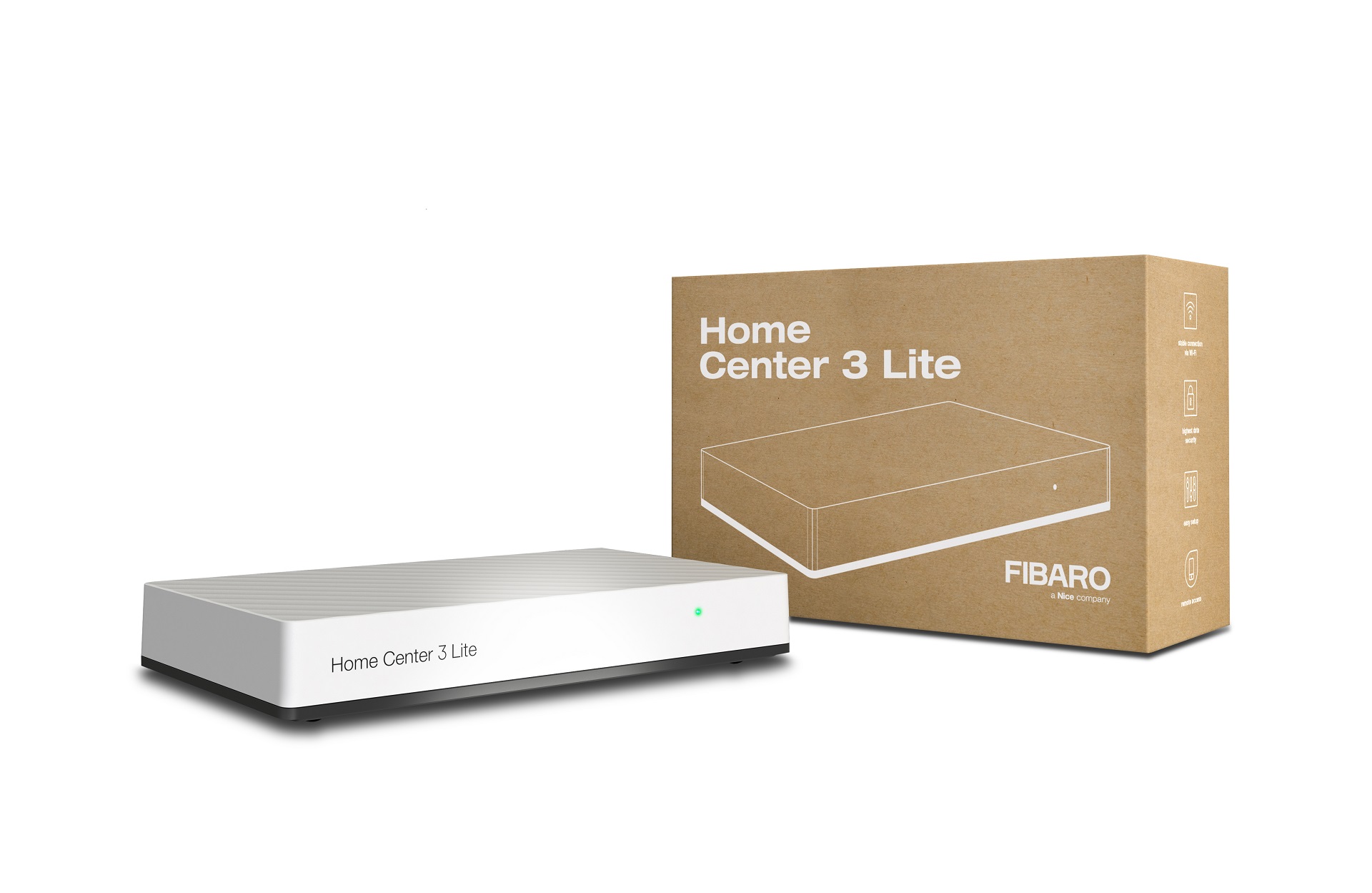
- Brand
- FIBARO
- Features
- Feature Values Battery Quantity
- Documents
- Category Description File Manual_Primary_Lang
- Role type
- ROLE_TYPE_SLAVE_PORTABLE
- User icon
- 0x1600
- Categories
- All Lighting Devices, Lighting Accessories
- Product id
- 0xA000
- Device type
- Wall Controller
- Oem version
- HW: 1 FW: 3.02
- Library type
- SLAVE_ENHANCED_232
- Supports nwi
- Yes
- Installer icon
- 0x1600
- Z wave version
- 6.51.09
- Frequency plans
- JP: 922.50MHz, 923.90MHz, 926.30MHz
- Manufacturer id
- 0x010F
- Product type id
- 0x0F01
- Long description
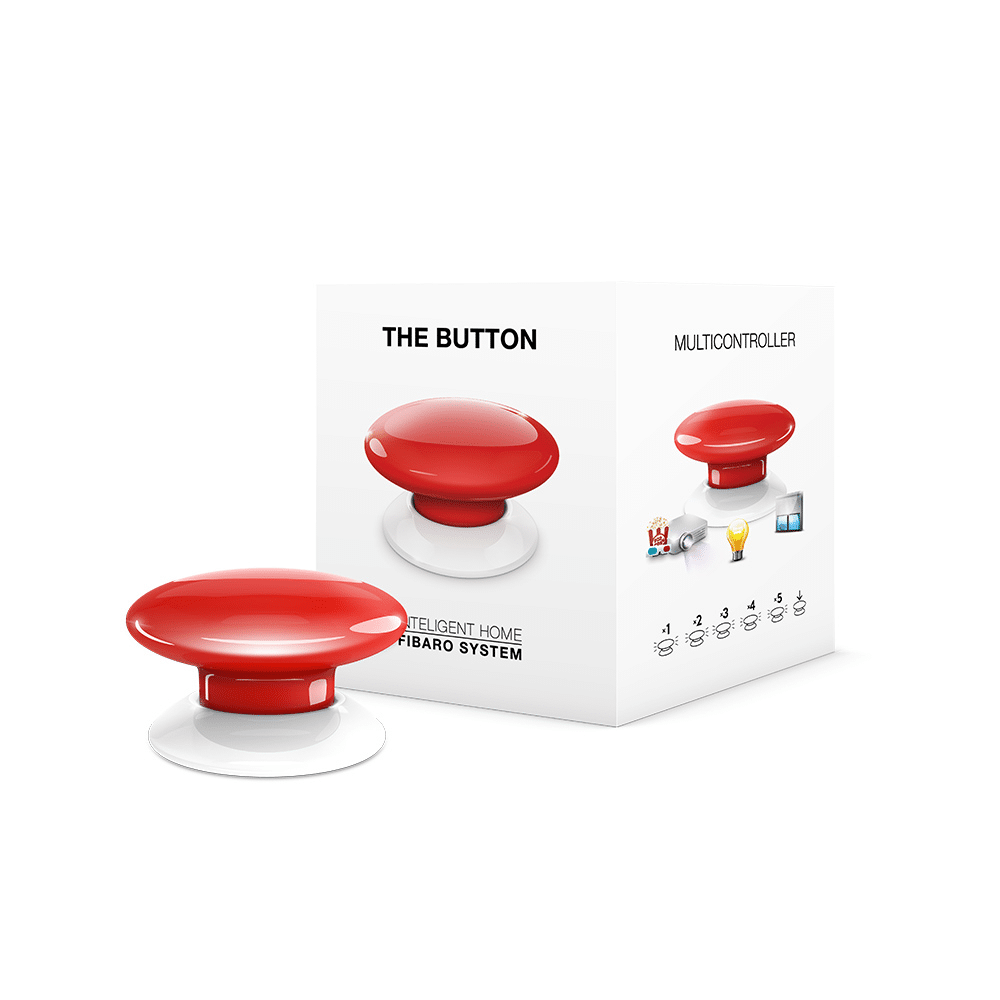
- FIBARO Button is a compact, battery-powered, Z-Wave Plus compatible device. It allows you to control devices through the Z-Wave network and run various scenes defined in FIBARO System. Different actions may be triggered with one to five clicks or by holding the button down. In Panic Button mode, each press of the button results in triggering the Fibaro Alarm. With its small design and wireless communication, the FIBARO Button can be conveniently mounted on any surface and in any position or location at home, e.g. beside the bed or under the desk.
- Hardware platform
- ZM5101
- Short description
- FIBARO Button is a compact, battery-powered, Z-Wave scene controller.
- Product identifier
- FGPB-101
- Countries / regions
- Japan
- Certification number
- ZC10-19046421
- Radio range z wave (m)
- 40
- Configuration parameters
- Parameter Number Name Description Format Size Min Value Max Value Default Value Parameter Values 3
- Supports explorer frames
- Yes
- Supported command classes
- Identifier Name Key Version COMMAND_CLASS_SENSOR_ALARM
- Controlled command classes
- Identifier Name Key Version COMMAND_CLASS_BASIC
- Value 1 supported notification types value home security firmware updatable value updatable by consumer by rf battery type value er14250 (½aa) z wave scene type value central scene association groups
- Group Number Maximum Nodes Supported End Point ID Description 1
- From to description 1 1 2nd group sent as secure 2 2 3rd group sent as secure 4 4 4th group sent as secure 10 key pressed 1 time – command sent to 2nd association group this parameter defines commands sent to devices associated in 2nd association group after a single click. 0 no action 1 switch on 2 switch off 3 switch on/off – alternately 0 1 0 0 3 from to description 0 0 no action 1 1 switch on 2 2 switch off 3 3 switch on/off – alternately 23 key pressed 2 times – value of switch on command sent to 3rd association group this parameter defines value of switch on command sent to devices in 3rd association group after a double click. 0 2 0 0 99 from to description 1 99 forcing level of associated devices 255 255 setting associated devices to the last remembered state or turning them on 24 key pressed 3 times – command sent to 3rd association group this parameter defines commands sent to devices associated in 3rd association group after a triple click. 0 1 0 0 0 from to description 0 0 no action 1 1 switch on 2 2 switch off 3 3 switch on/off – alternately 25 key pressed 3 times – value of switch on command sent to 3rd association group this parameter defines value of switch on command sent to devices in 3rd association group after a triple click. 0 2 0 0 255 from to description 1 99 forcing level of associated devices 255 255 setting associated devices to the last remembered state or turning them on 11 key pressed 1 time – value of switch on command sent to 2nd association group this parameter defines value of switch on command sent to devices in 2nd association group after a single click. 1 255 sent value note setting parameters 11, 13, 15, 21, 23 and 25 to appropriate value will result in: 1 99 forcing level of associated devices 255 setting associated devices to the last remembered state or turning them on 0 2 0 0 255 from to description 1 99 forcing level of associated devices 255 255 setting associated devices to the last remembered state or turning them on texts