- Name
- WD500Z5-1
- Brand
- GoControl
- Features
- Feature Values Color
- Documents
- Category Description File Manual_Primary_Lang
- Role type
- ROLE_TYPE_SLAVE_ALWAYS_ON
- User icon
- 0x0600
- Categories
- All Lighting Devices, Dimming Lighting Devices, Lighting Accessories
- Product id
- 0x3530
- Device type
- Light Dimmer Switch
- Oem version
- HW: 1 FW: 1.13
- Library type
- SLAVE_ENHANCED_232
- Supports nwi
- Yes
- Installer icon
- 0x0600
- Z wave version
- 6.51.07
- Frequency plans
- US: 916.00MHz, 908.40MHz
- Manufacturer id
- 0x014F
- Product type id
- 0x5744
- Long description
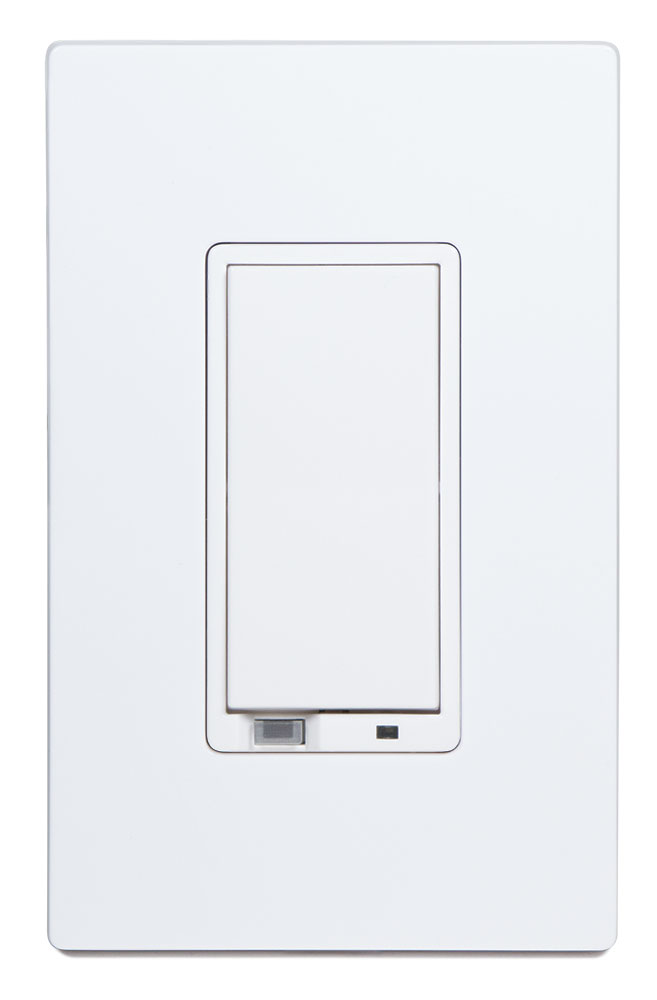
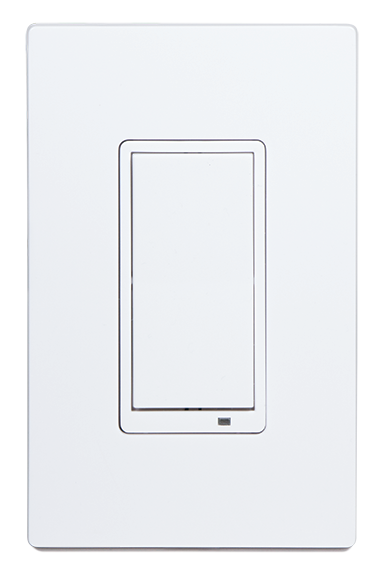
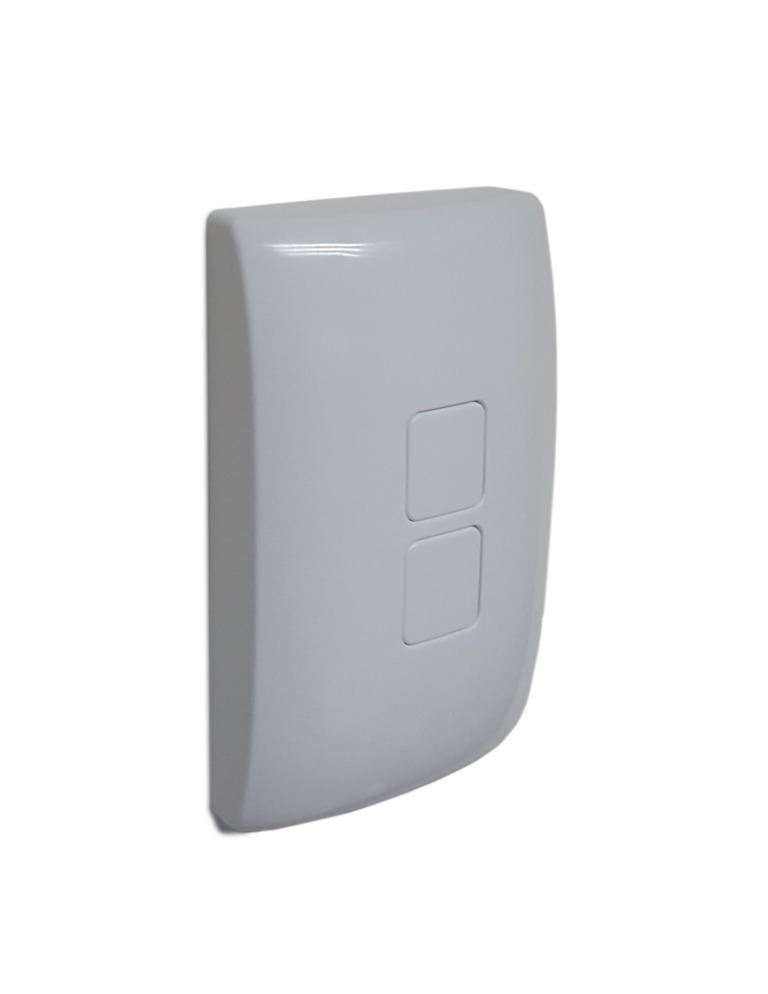
- The WD500Z5-1 is an in-wall lighting dimmer switch designed to operate with LED, halogen and incandescent lights. Not only can this switch control the connected load, with Central Scene support it can run up to 6 scenes created by the Hub it is the most versatile Home Automation light switch available. With OTA upgrading supported, this light switch may be the last one ever installed in a home.
- Hardware platform
- ZM5202
- Short description
- An in-wall lighting dimmer switch for LED, halogen and incandescent lights. Controls the connected load and can run up to 6 scenes using the Central Scene Command Class.
- Product identifier
- WD500Z5-1
- Countries / regions
- United States of America
- Certification number
- ZC10-16095223
- Radio range z wave (m)
- 40
- Configuration parameters
- Parameter Number Name Description Format Size Min Value Max Value Default Value Parameter Values 3
- Supports explorer frames
- Yes
- Controlled command classes
- Identifier Name Key Version COMMAND_CLASS_BASIC
- Value white electric load type value incandescent dimmable led firmware updatable value updatable by consumer by rf switch load capacity watts value 500 neutral wire required switch type value decorator paddle push with indicator association groups
- Group Number Maximum Nodes Supported End Point ID Description 1
- From to description 0 4 0 led off when the load is on, and on when the load is off. 1 led on when the load is on, and off when the load is off. 2 led is always on. 3 led is always off. 4 led blinks during rf transmissions from or to the device. 4 invert switch to change the top of the switch to off and the bottom of the switch on. 0 1 0 0 0 from to description 0 1 0 top of switch is on, bottom of switch is off. 1 bottom of switch is on, top of switch is off 5 start level dim command the start level sent in a dim command can be ignored or not. typically the dim level should start from the current level and dim from there instead of suddenly changing to the start level and then dimming. 0 1 0 0 1 from to description 0 1 0 use the start level in the dim command. 1 ignore the start level in the dim command 7 # dim remote on/off steps this value indicates how many levels the dimmer will change a remote dimmable device each time the dim timer expires. 0 1 0 0 3 from to description 1 99 dim remote on/off steps 8 dim remote on/off timer the dim timer sets how fast the dim steps happen in a remote dimmable device 0 1 0 0 10 from to description 1 255 # dim remote on/off time in m s 9 dim local on/off step this value indicates how many levels the dimmer will change the local dimmable device each time the dim timer expires. 0 1 0 0 10 from to description 1 255 dim remote on/off steps 10 dim local on/off timer the dim timer sets how fast the dim steps happen in a local dimmable device 0 1 0 0 10 from to description 1 255 # dim remote on/off time in m s 11 dim all on/off step this value indicates how many levels the dimmer will change in all devices when an all on or all off command is transmitted 0 1 0 0 10 from to description 1 99 dim remote on/off steps texts