- Name
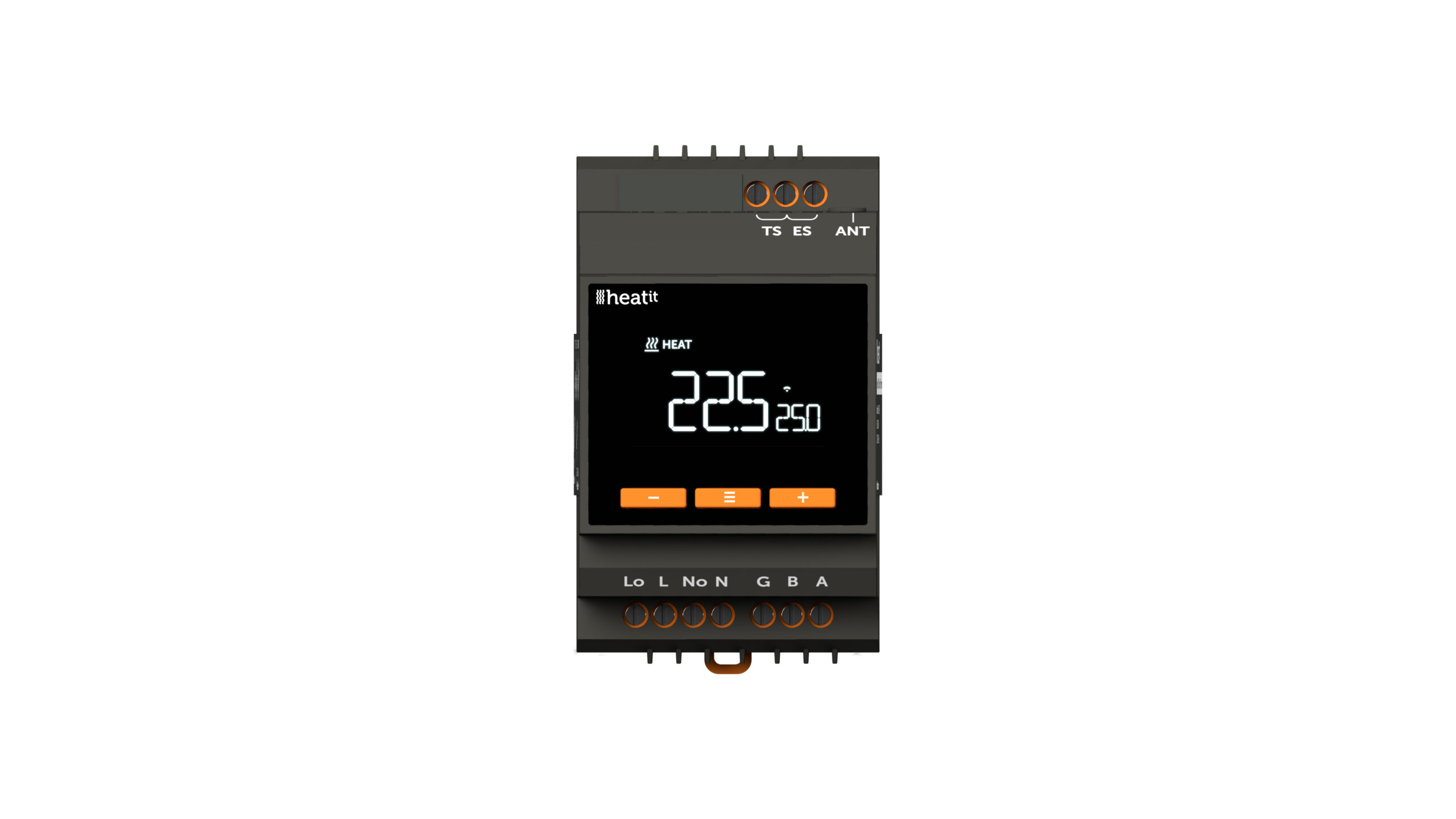
- Heatit DIN Smart Thermostat
- Brand
- Heatit
- Texts
- ID Description Value 5
- Features
- Feature Values Color
- Documents
- Category File Description Image_Product_Supplemental_3
- Role type
- ROLE_TYPE_END_NODE_ALWAYS_ON
- User icon
- 0x1201
- Categories
- Thermostats
- Product id
- 0x3003
- S2 classes
- S2_AUTHENTICATED, S2_UNAUTHENTICATED
- Device type
- Thermostat DT
- Oem version
- HW: 01 FW: 01.00:02.01
- Library type
- END_NODE_ENHANCED_232
- Product line
- Thermostat
- Supports nwi
- Yes
- Installer icon
- 0x1200
- Z wave version
- 7.18.8
- Frequency plans
- EU: 869.85MHz, 868.40MHz
- Manufacturer id
- 0x019B
- Product type id
- 0x0030
- Long description
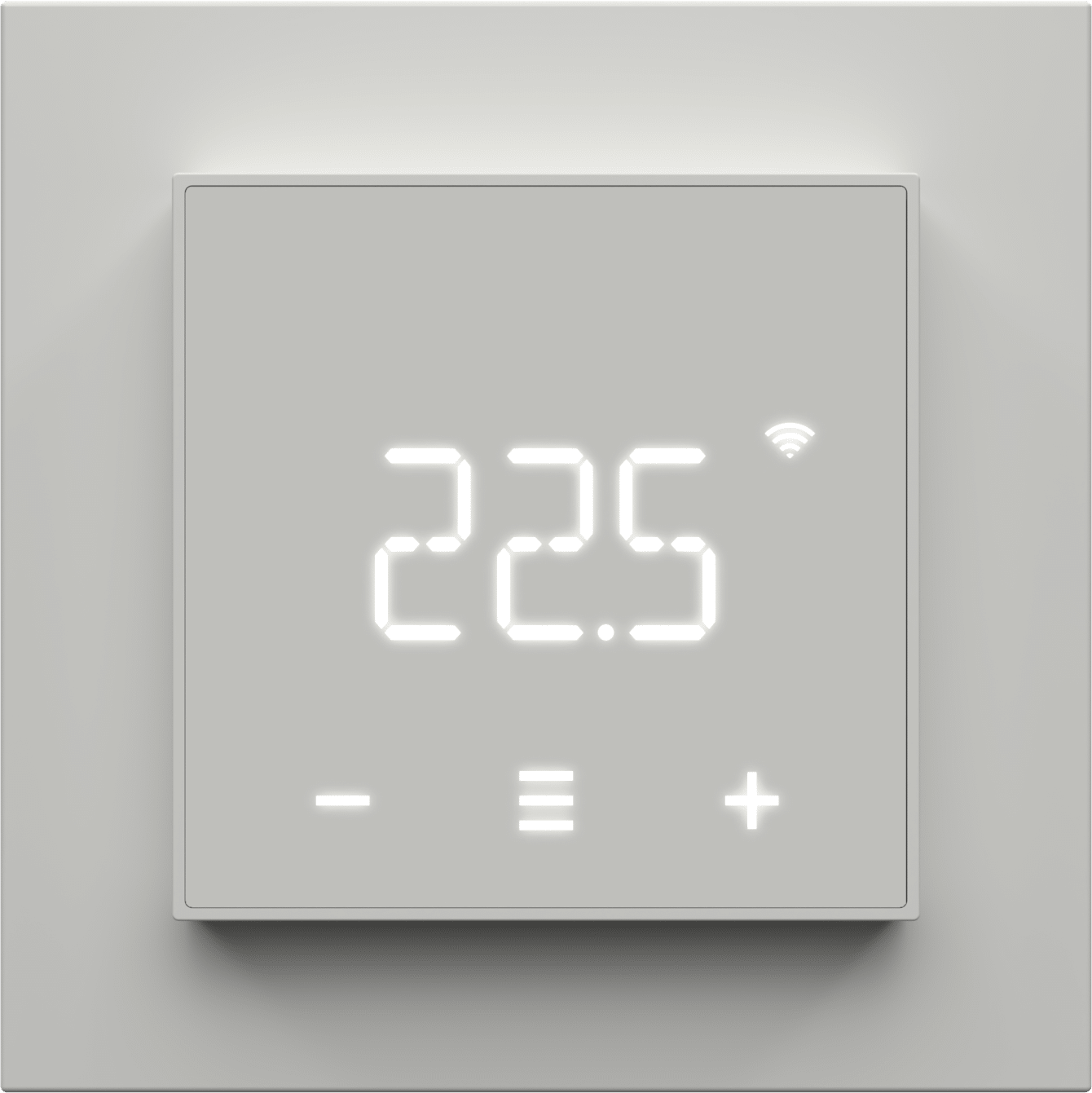
- Heatit DIN Smart Thermostat is an electronic thermostat designed for electrical heating and cooling. The thermostat can be controlled via Z-Wave® via a Z-Wave gateway. It can also be controlled by Wi-Fi using the MyHeatit app, or via Modbus 485 and the buttons on the front of the thermostat. The thermostat has a user friendly interface. The Heatit DIN Smart Thermostat is a versatile solution for both residential and industrial use. It functions as a standard floor heating thermostat, offering simple temperature control with three modes: Heat, Cool, and Eco. Additionally, it features a specially designed industrial function (INDU) that allows it to handle setpoints ranging from -30°C to 85°C, making it ideal for demanding industrial applications. It can also be used as a plus/minus snow melting thermostat (PLUS), adjusting temperatures for efficient snow and ice melting on outdoor areas, driveways, or stairs. With the Heatit DIN Smart Thermostat, you get precise temperature control for a wide range of purposes. The thermostat clicks easily on a standard DIN rail and can be installed in the main switchboard. The thermostat has connection for two external temperature sensors. While used on Wi-Fi, the thermostat can communicate over a local API, where the user can make integration with a local gateway, server, controller that offers such a service, without needing connecting it to the cloud. The device also supports Amazon Alexa and Google Home (Amazon Alexa and Google Home are pending). Heatit DIN Smart Thermostat has active power metering and it gives you real time information about your power consumption. It also allows you to set the power metering value manually in case of connection with a contactor. The device has implemented ZeroX™ technology. This technology makes sure the relay switches at 0V when turning on and off. With this technology the thermostat will have a much longer lifetime.
- Hardware platform
- EFR32ZG23A
- Short description
- Heatit DIN Smart Thermostat is an electronic thermostat designed for electrical heating and cooling. The thermostat can be controlled via Z-Wave® via a Z-Wave gateway. It can also be controlled by Wi-Fi using the MyHeatit app, or via Modbus 485 and the buttons on the front of the thermostat. The thermostat has a user friendly interface.
- Product identifier
- DIN Smart Thermostat
- Countries / regions
- European Union
- Supports smart start
- Yes
- Certification number
- ZC14-25010493
- Radio range z wave (m)
- 40
- Configuration parameters
- Parameter Number Name Description Format Size Min Value Max Value Default Value 1
- Supports explorer frames
- Yes
- Supported command classes
- Identifier Name Key Version COMMAND_CLASS_BASIC_V2
- Supported multilevel sensors
- Multilevel Sensor Type Air temperature
- Supported notification types
- Notification Type Event / State Heat Alarm
- Supported / controlled meter types
- Meter Type Rate Type Electric meter
- Value dark gray communications connections value rs 485 (serial) ethernet (wireless/wi fi) bluetooth firmware updatable value updatable by consumer by rf ip (ingress protection) rated value 1 neutral wire required value 1 switch load capacity watts value 3600 switch type value push button thermostat hvac systems supported value simple relay thermostat modes value heat cool energy save heat thermostat power source value mains powered (120 v/240 v) association groups
- Group Number Maximum Nodes Supported End Point ID Group Name Profile 1