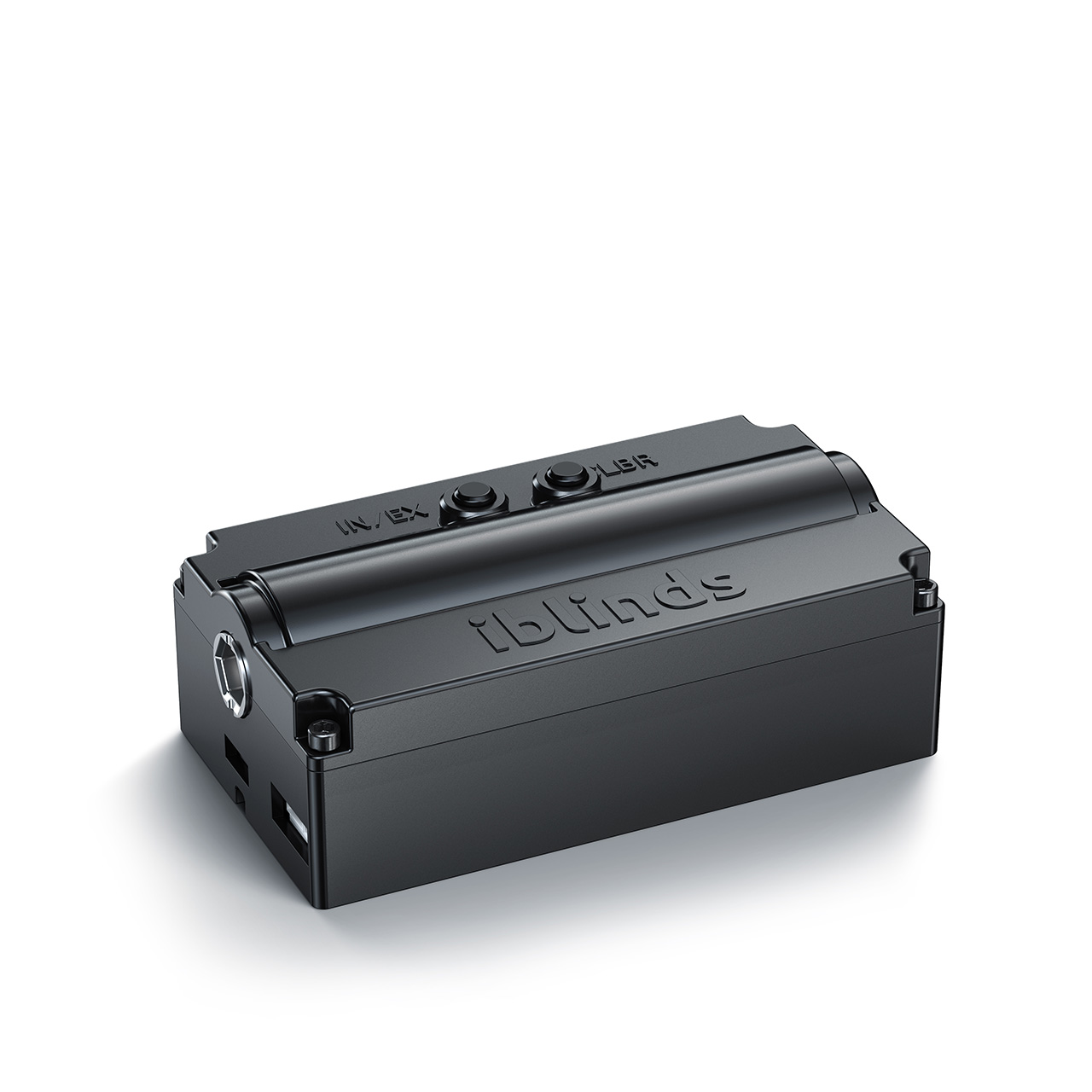
- Name
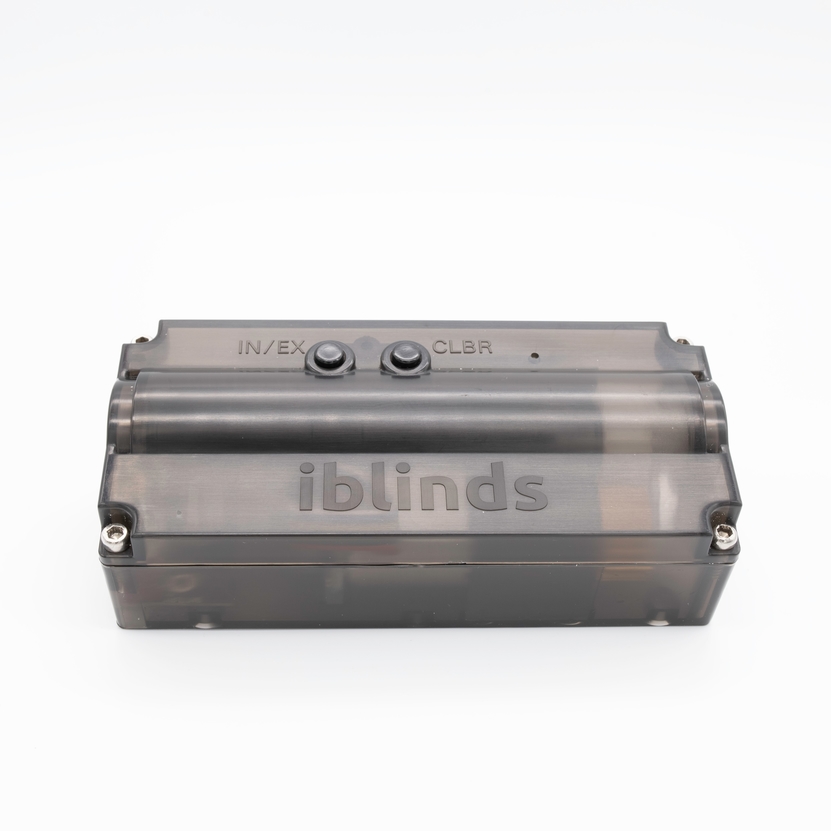
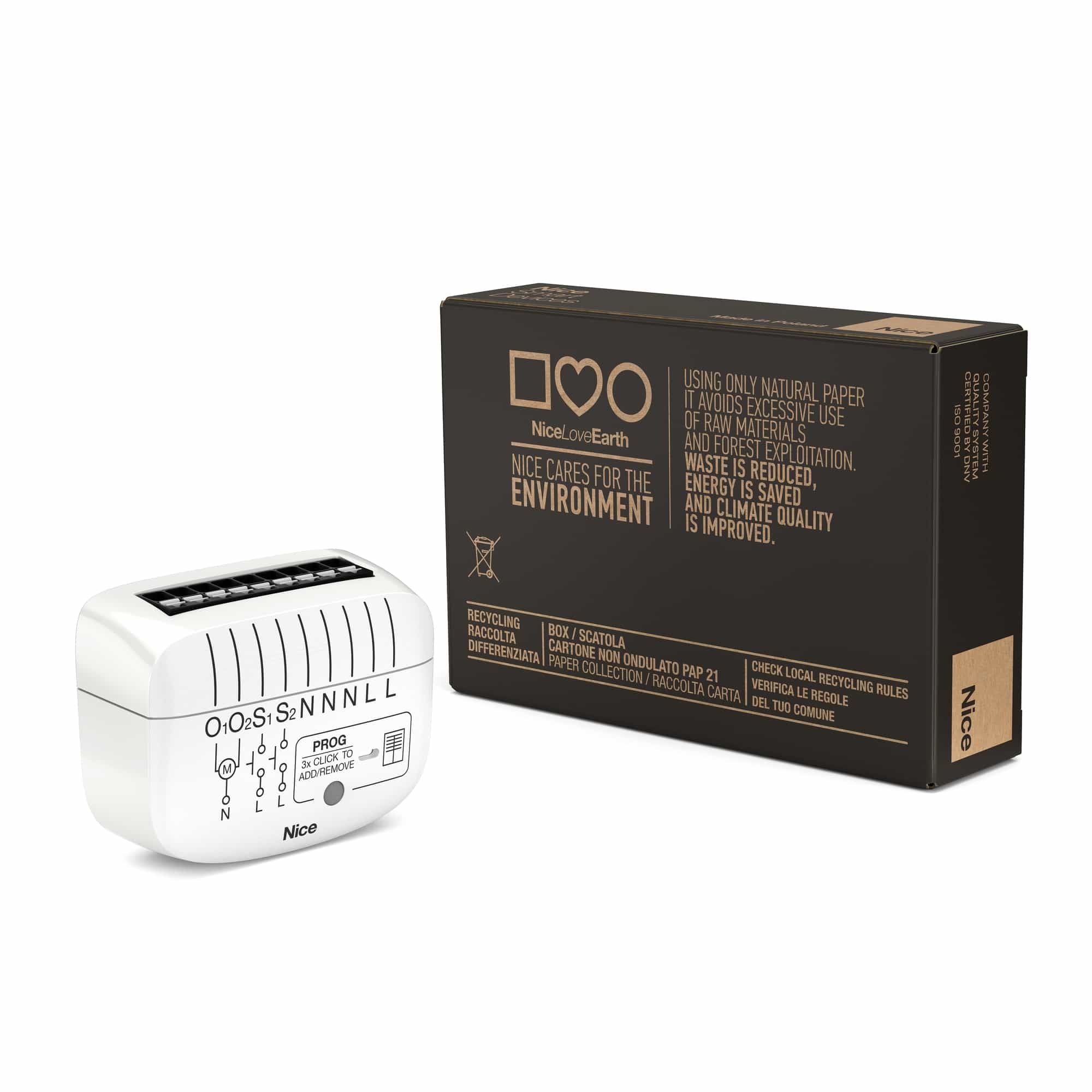
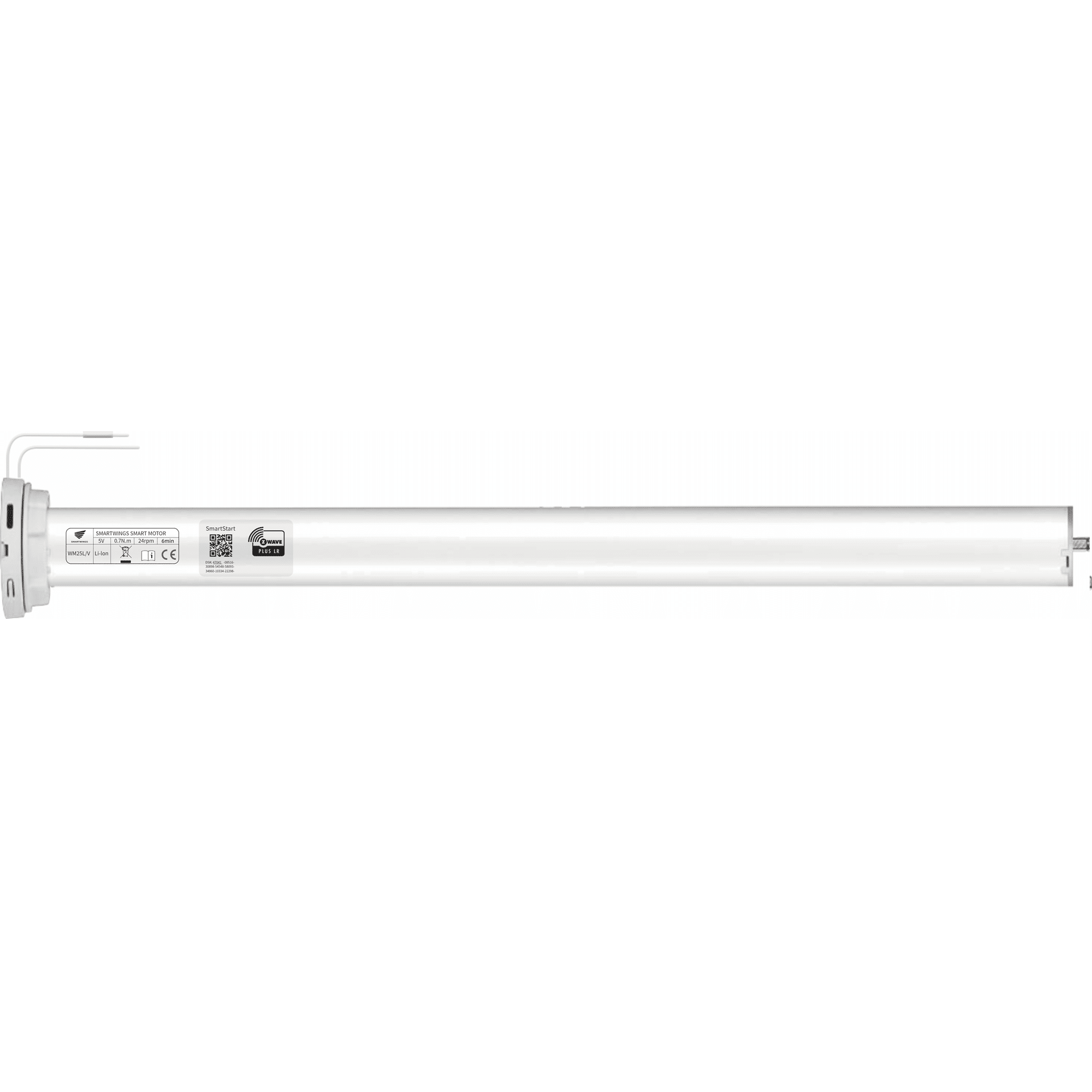
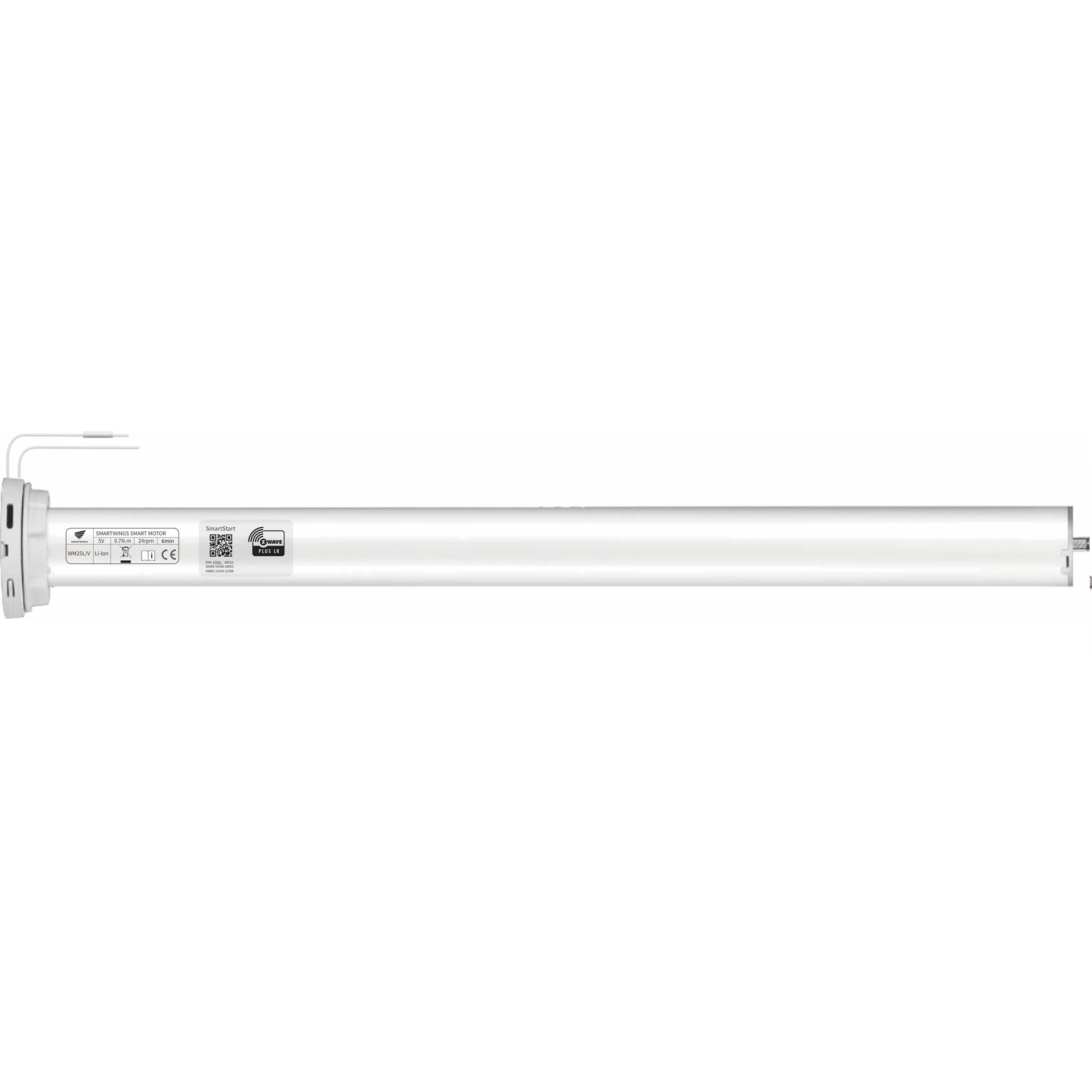
- iblinds v3 Window Blind Motor
- Brand
- iBlinds
- Features
- Feature Values Battery Quantity
- Is flirs
- Yes
- Documents
- Category Description File Manual_Primary_Lang
- Role type
- ROLE_TYPE_SLAVE_SLEEPING_LISTENING
- User icon
- 0x1A00
- Categories
- Window Covering
- Product id
- 0x0071
- S2 classes
- S2_UNAUTHENTICATED, S2_AUTHENTICATED
- Device type
- Window Covering DT
- Oem version
- HW: 1 FW: 3.01
- Library type
- SLAVE_ENHANCED_232
- Product line
- iblinds Zwave Window Blind Motor
- Supports nwi
- Yes
- Installer icon
- 0x1A00
- Z wave version
- 7.12.2
- Frequency plans
- US: 916.00MHz, 908.40MHz
- Manufacturer id
- 0x0287
- Product type id
- 0x0004
- Long description
- iblinds is a simple Z-Wave Plus device used to automate your existing window blinds. You can control any 2-2 ½ inch corded lift horizontal blinds in your home or office. Set a scheduled to open at sunrise and close at sunset, use voice control with Amazon Alexa and Google Home or manually control a single blind, or a group of them, from home or anywhere in the world with one touch of a button using your smartphone, tablet or Z-Wave remote.
- Hardware platform
- ZGM130
- Short description
- iblinds v3 Window Blind Motor
- Product identifier
- IB3.0
- Countries / regions
- United States of America
- Supports smart start
- Yes
- Certification number
- ZC12-20110129
- Radio range z wave (m)
- 40
- Configuration parameters
- Parameter Number Name Description Format Size Min Value Max Value Default Value Parameter Values 5
- Supports explorer frames
- Yes
- Supported command classes
- Identifier Name Key Version COMMAND_CLASS_CONFIGURATION_V4
- Value 1 window covering control features value endpoint aware position aware automatic calibration supports horizontal blinds/louvers supports tilt motion battery type value rechargeable lithium ion firmware updatable value updatable by consumer by rf association groups
- Group Number Maximum Nodes Supported End Point ID Group Name Description 1
- From to description 0 1 reserved for manufactuer 4 default on value used to set the default on level when manual push button is pushed default value for on = 50% (0x32) , change this value if you wish to set the push button on value to a different preset value. 2 1 0 99 50 from to description 0 99 set the default on value 3 disable report used to disable z wave report. this is useful for systems that poll iblinds immediately after sending a position command. disable if this an immediate report is causing iblinds motor to function improperly. 2 1 0 1 0 from to description 0 0 enable device reset locally 1 1 disable device reset locally 6 speed used to set the default blind speed. 0= no delay. the larger the number the slower the speed. note: duration value >0 will always override the speed parameter 2 1 0 100 0 from to description 0 100 the larger the value the slower the speed 2 reverse direction used to reverse the direction of the blinds. 2 1 0 1 0 from to description 0 0 forward direction 0% = closed down 1 1 reverse direction 0% = closed up texts
- ID Description Value 2