- Name
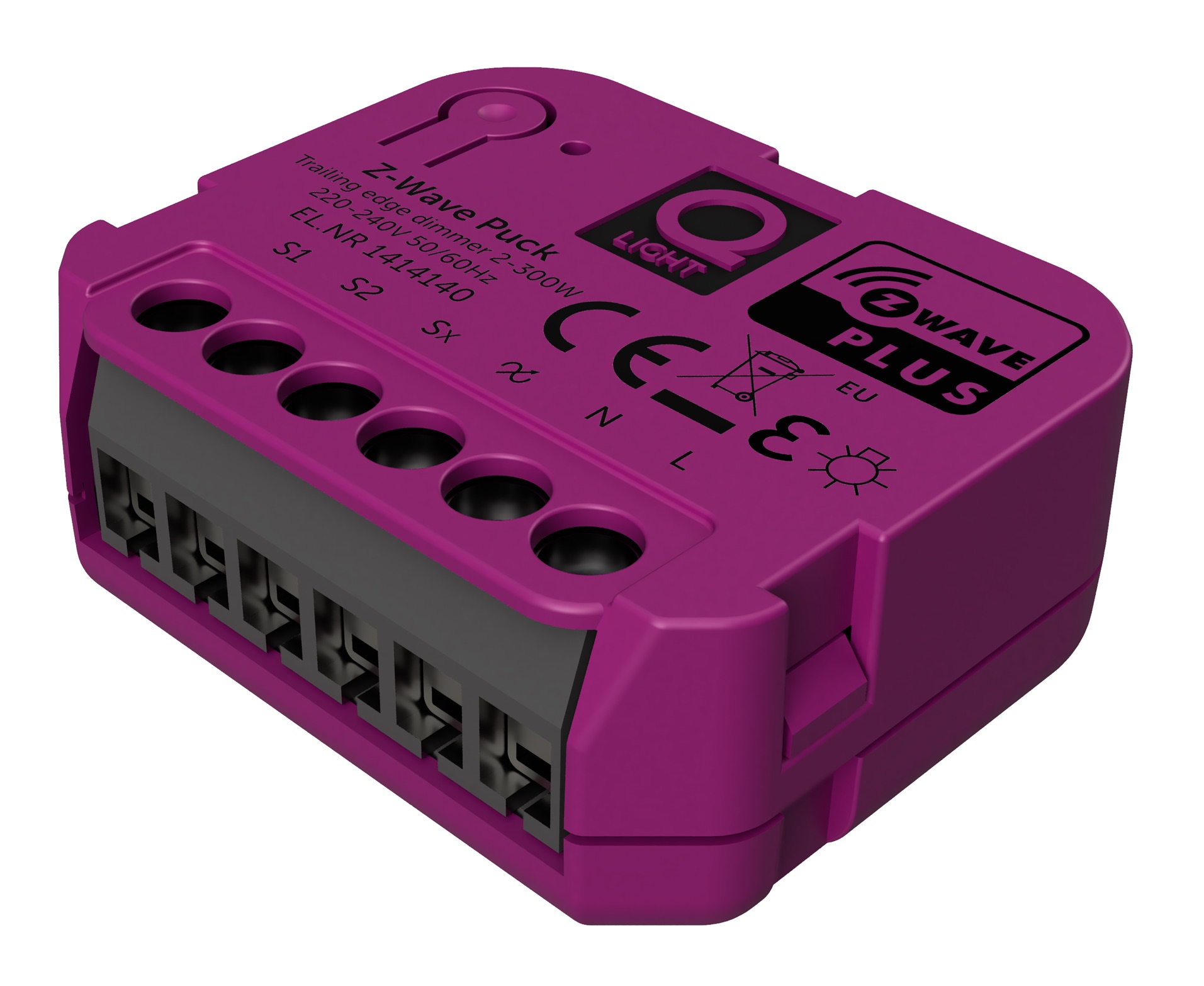
- Z-Wave Puck
- Brand
- Q-light
- Features
- Feature Values Neutral Wire Required
- Documents
- Category Description File Image_Product_Supplemental_4
- Role type
- ROLE_TYPE_SLAVE_ALWAYS_ON
- User icon
- 0x0600
- Categories
- All Lighting Devices, Dimming Lighting Devices
- Product id
- 0x0005
- S2 classes
- S2_UNAUTHENTICATED
- Device type
- Light Dimmer Switch
- Oem version
- HW: 255 FW: 4.03
- Library type
- SLAVE_ENHANCED_232
- Product line
- Smart Products
- Supports nwi
- Yes
- Installer icon
- 0x0600
- Z wave version
- 6.81.06
- Frequency plans
- EU: 869.85MHz, 868.40MHz
- Manufacturer id
- 0x0433
- Product type id
- 0x0003
- Long description
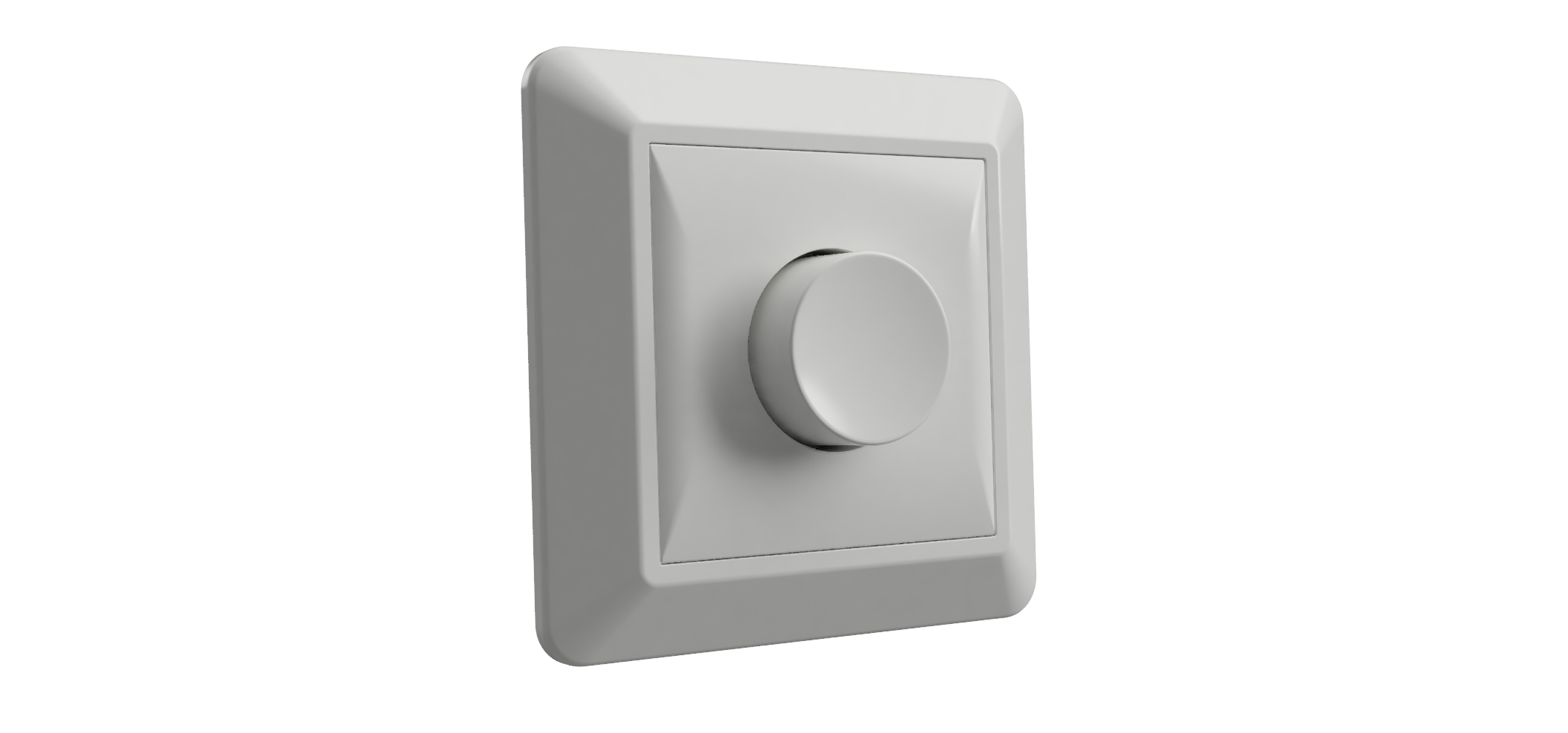
- Z-Wave Puck dimmer by Q-light is a micro size in wall dimmer. Features: - 0-100% dimming range - 2-180W LED load - Compatible with any Z-Wave or Z-Wave Plus Controller - There is memorized function at power off - OverLoad protection - Soft start function - SmartStart - Works with various types of switches – on/off, momentary, roller-blind, and etc - This device is a security enable Z-Wave Plus product that is able to use encrypted Z-Wave Plus messages to communicate to other security enable Z-Wave Plus products.
- Hardware platform
- ZM5202
- Short description
- Z-Wave Puck 2-180W LED load 0-100% dimming range
- Product identifier
- 1414140
- Countries / regions
- European Union
- Supports smart start
- Yes
- Certification number
- ZC10-20016847
- Radio range z wave (m)
- 40
- Configuration parameters
- Parameter Number Name Description Format Size Min Value Max Value Default Value Parameter Values 3
- Supports explorer frames
- Yes
- Supported command classes
- Identifier Name Key Version COMMAND_CLASS_FIRMWARE_UPDATE_MD_V4
- Controlled command classes
- Identifier Name Key Version COMMAND_CLASS_SWITCH_MULTILEVEL_V4
- Supported notification types
- Notification Type Event / State Heat Alarm
- Value scene firmware updatable value updatable by manufacturer color value light purple association groups
- Group Number Maximum Nodes Supported End Point ID Group Name Profile Description 2
- From to description 1 2 the percentage value of dimming step during the automatic control is 2. 4 automatic control time of a dimming step this parameter defines the time of single dimming step set in parameter 3 during the automatic control. available settings:1 255(10ms 2.55s,in 10ms steps). default value:1(10ms) 1 2 1 255 1 from to description 1 2 the time of single dimming step set in parameter 3 during the automatic control is 20ms. 5 manual control dimming step size this parameter defines the percentage value of dimming step during the manual control. 1 1 1 99 1 from to description 1 2 the percentage value of dimming step during the manual control is 2. 6 manual control time of a dimming step this parameter defines the time of single dimming step set in parameter 5 during the manual control. available settings:1 255(10ms 2.55s,in 10ms steps). default value:5(50ms) 1 2 1 255 5 from to description 3 5 the time of single dimming step set in parameter 5 during the manual control is 50ms. 7 memory function after power failure if this parameter is set to 1,the device will restore its brightness before power failure. 1 1 0 1 1 from to description 1 0 the device will not restore its brightness before power failure. 8 switch type configure this parameter according to the type of switch the device is connected to. available settings: 0 – momentary (push) switch 1 – on/off switch 2– roller blind switch two switchs operate the device(s1 to brighter,s2 to dim 1 1 0 2 0 from to description 0 1 if the device is connected to on/off switch,this parameter must set to 1. 9 switch functionality of s1 and s2 if this parameter is set to 1, the device performs s2 function when s1 is pressed, and s1 function when s2 is pressed. 1 1 0 1 0 from to description 0 1 the device performs s2 function when s1 is pressed, and s1 function when s2 is pressed. 10 s1 scene id set s1 scene id is set by this configuration. note: the actual action of each scene id are set by scene actuator conf(0x26) command. 1 2 1 255 1 from to description 1 3 when you press s1 five times,the light is dimmed to the brightness set in scene id 3 . 11 s2 scene id set s2 scene id is set by this configuration. note: the actual action of each scene id are set by scene actuator conf(0x26) command. 1 2 1 255 2 from to description 2 5 when you press s1 five times,the light is dimmed to the brightness set in scene id 5. 2 maximum brightness level this parameter refers to the maximum brightness that the dimmer can achieve 1 1 2 99 99 from to description 90 98 the maximum brightness that the dimmer can achieve is 98. texts