- Name
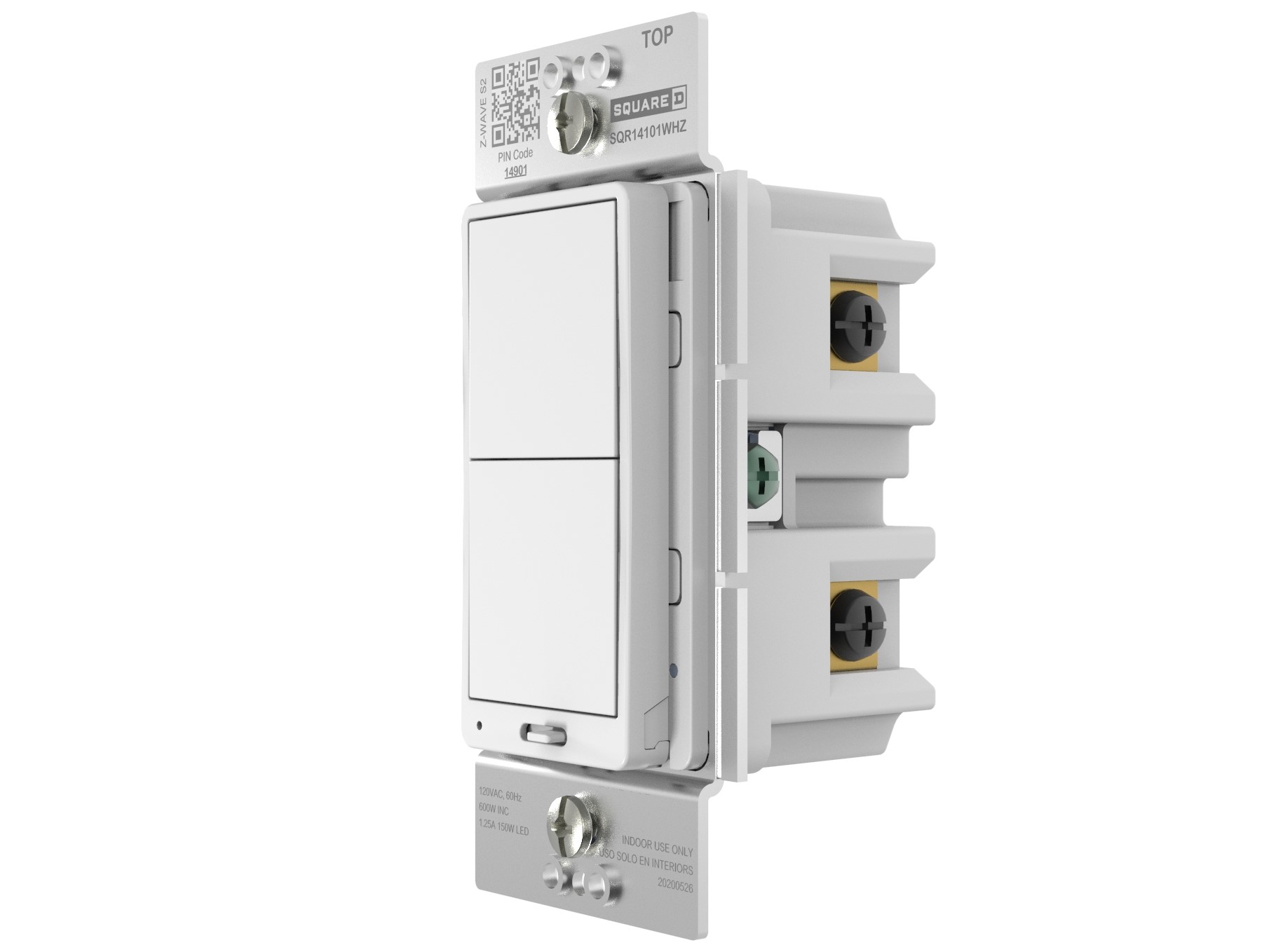
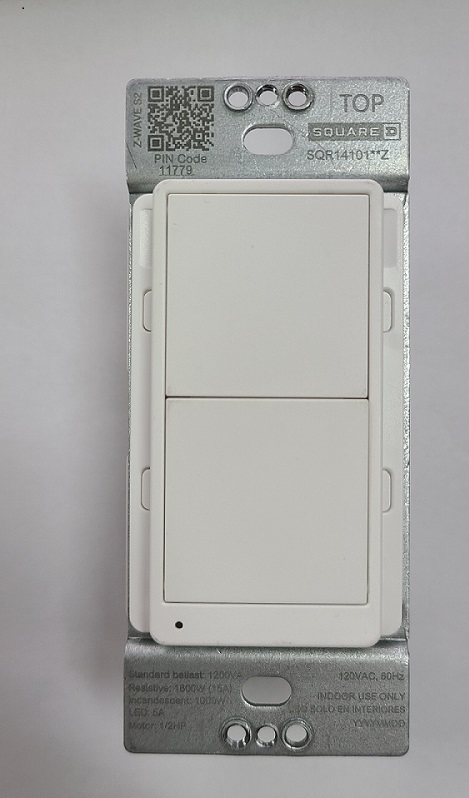
- Z-Wave Plus Dimmer
- Brand
- Square D
- Documents
- Category Description File Manual_Primary_Lang
- Role type
- ROLE_TYPE_SLAVE_ALWAYS_ON
- User icon
- 0x1C00
- Categories
- All Lighting Devices, Dimming Lighting Devices
- Product id
- 0x1202
- S2 classes
- S2_UNAUTHENTICATED, S2_AUTHENTICATED
- Device type
- Multilevel Switch
- Oem version
- HW: 1 FW: 1.10
- Library type
- SLAVE_ENHANCED_232
- Product line
- Z-Wave Plus Devices
- Supports nwi
- Yes
- Installer icon
- 0x1C00
- Z wave version
- 7.13.6
- Frequency plans
- US: 916.00MHz, 908.40MHz
- Manufacturer id
- 0x0447
- Product type id
- 0x000E
- Long description
- The Square D 600W Z-Wave Plus Energy Monitoring Dimmer is the professionals choice for secure reliable lighting control. For use in areas where variable lighting is a requirement like the living room where you want bright light for reading on the couch or dim lighting for watching a movie. Perfect for monitoring energy usage and determining cost savings associated with dimming lights. It works with any Z-Wave hub and can be grouped with up to 5 other Z-Wave Plus devices.
- Hardware platform
- ZGM130
- Short description
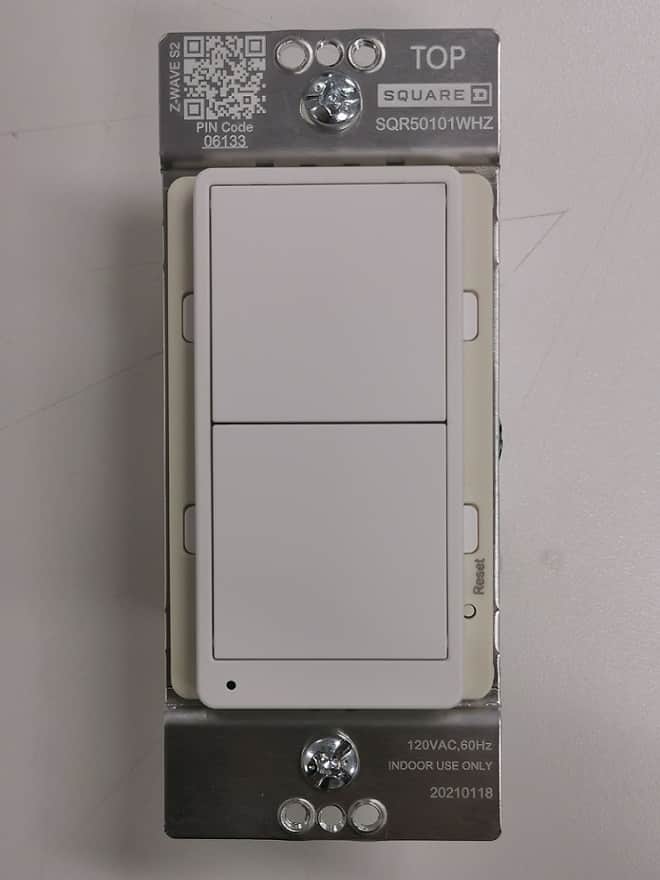
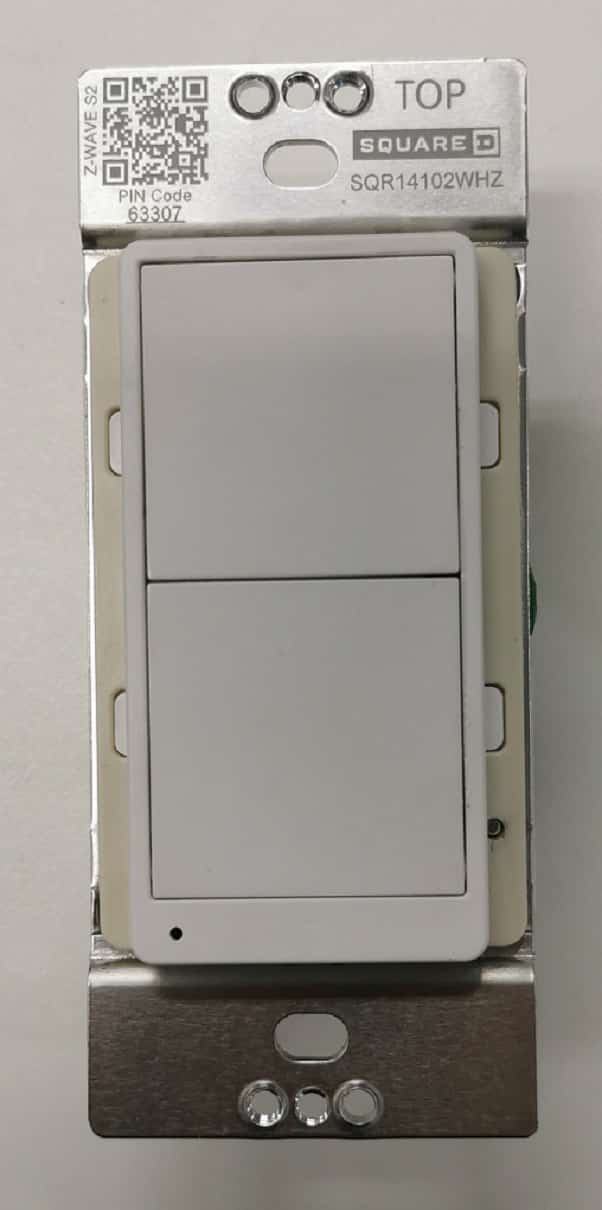
- Z-WAVE REMOTE DIMMER SWITCH
- Association groups
- Group Number Maximum Nodes Supported End Point ID Group Name Profile Description 1
- Product identifier
- SQR22102**Z (** means the color code)
- Countries / regions
- United States of America
- Supports smart start
- Yes
- Certification number
- ZC12-21050230
- Radio range z wave (m)
- 40
- Configuration parameters
- Parameter Number Name Description Format Size Min Value Max Value Default Value Parameter Values 1
- Supports explorer frames
- Yes
- Supported command classes
- Identifier Name Key Version COMMAND_CLASS_CONFIGURATION_V4
- Supported / controlled meter types
- Meter Type Rate Type Description Electric meter
- From to description 0 0 power on, led off; 1 1 power on, led on; 2 delayed off time delay off means when users press button to turn off the load, there’s a reaction time. 2 1 0 240 0 from to description 0 240 delay off time. 3 power on status when the device is powered on, the initial status 2 1 0 3 0 from to description 1 1 off 2 2 on(max level) 3 3 last state 4 child lockout enable child lockout feature can enabled and disabled local control 2 1 0 1 0 from to description 0 0 disable 1 1 enable 6 kickstart enable this feature ensures lamp start up even at low dim levels, kickstart level: 40%. 2 1 0 1 0 from to description 0 0 disable 1 1 enable 5 dimmer fading up time this changes the speed in which the attached light dims up or down. a setting of 0 should turn the light immediately on or off (almost like an on/off switch). increasing the value should slow down the transition speed. the value represents the time required to adjust the brightness to100%. 2 1 0 180 3 from to description 0 180 fading up time (the time from off to full brightness) 8 set max. dim level the maximum level that the dimmer allows the bulb to be dimmed to. useful when the user has an led bulb that reaches its maximum level before the dimmer value of 99. 2 1 55 99 99 from to description 55 99 set max. dim level 7 set min. dim level the minimum level that the dimmer allows the bulb to be dimmed to.useful when the user has an led bulb that does not turn on or flickers at a lower level. 2 1 1 45 1 from to description 1 45 set min. dim level texts