- Name
- REMOTE SWITCH
- Brand
- Zooz
- Features
- Feature Values Battery Quantity
- Documents
- Category Description File Manual_Primary_Lang
- Role type
- ROLE_TYPE_SLAVE_SLEEPING_REPORTING
- User icon
- 0x0A00
- Categories
- All Controllers, Handheld Controller
- Product id
- 0xF001
- S2 classes
- S2_UNAUTHENTICATED, S2_AUTHENTICATED
- Device type
- Central Scene Device
- Oem version
- HW: 1 FW: 1.00
- Library type
- SLAVE_ENHANCED_232
- Product line
- Line A
- Supports nwi
- Yes
- Installer icon
- 0x0A00
- Z wave version
- 7.13.6
- Frequency plans
- US: 916.00MHz, 908.40MHz
- Manufacturer id
- 0x027A
- Product type id
- 0x7000
- Long description
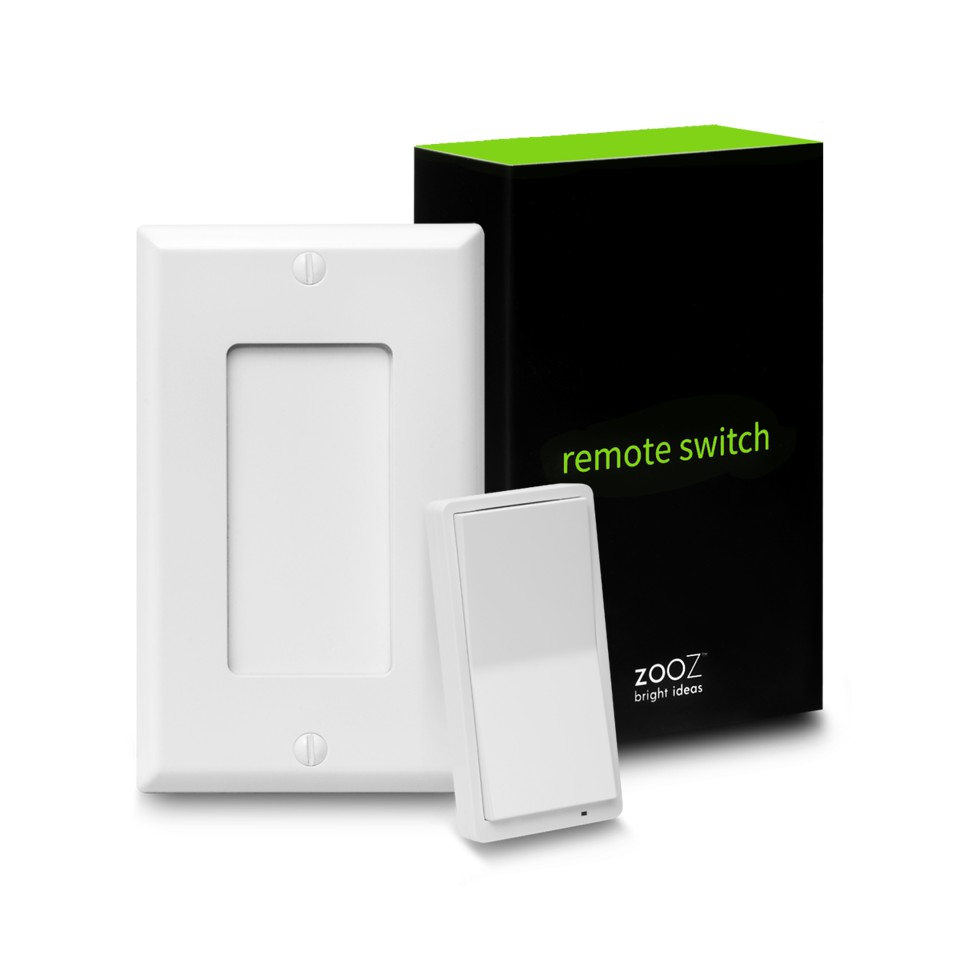
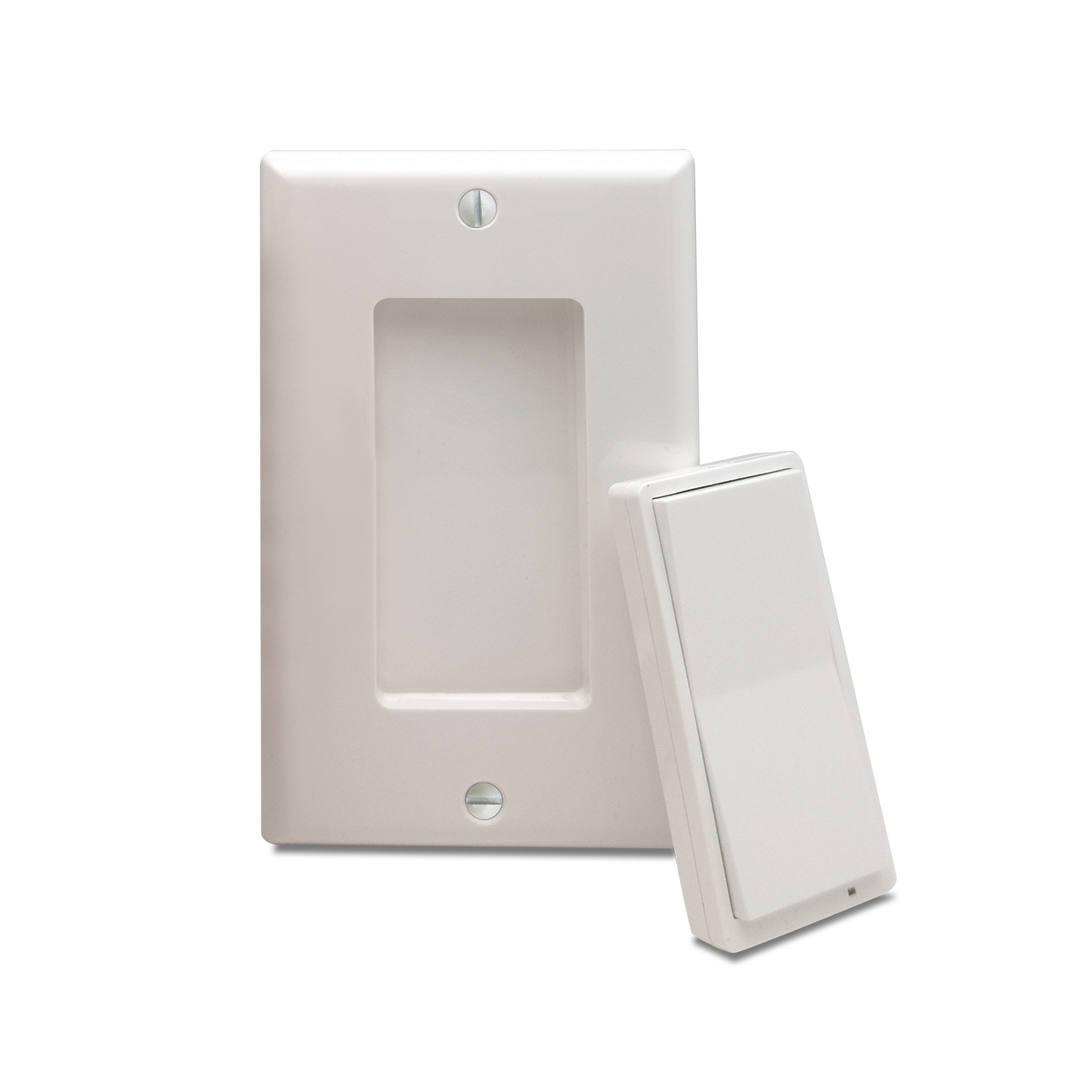
- FEATURES: - Control other Z-Wave devices and enable scenes with a click of a button - Classic paddle switch look and size + magnetic base - Install in your electrical switch box or mount anywhere on a wall with just adhesive tape - The latest 700 chip with S2 and SmartStart support - Powered by batteries, no wires needed SPECS: - Model Number: ZEN34 - Z-Wave Signal Frequency: 908.42 MHz - Power: 2 x CR2032 batteries - Operating Temperature: 32 – 104° F - Range: Up to 250 feet line of sight - Installation and Use: Indoor Only
- Hardware platform
- ZGM130
- Short description
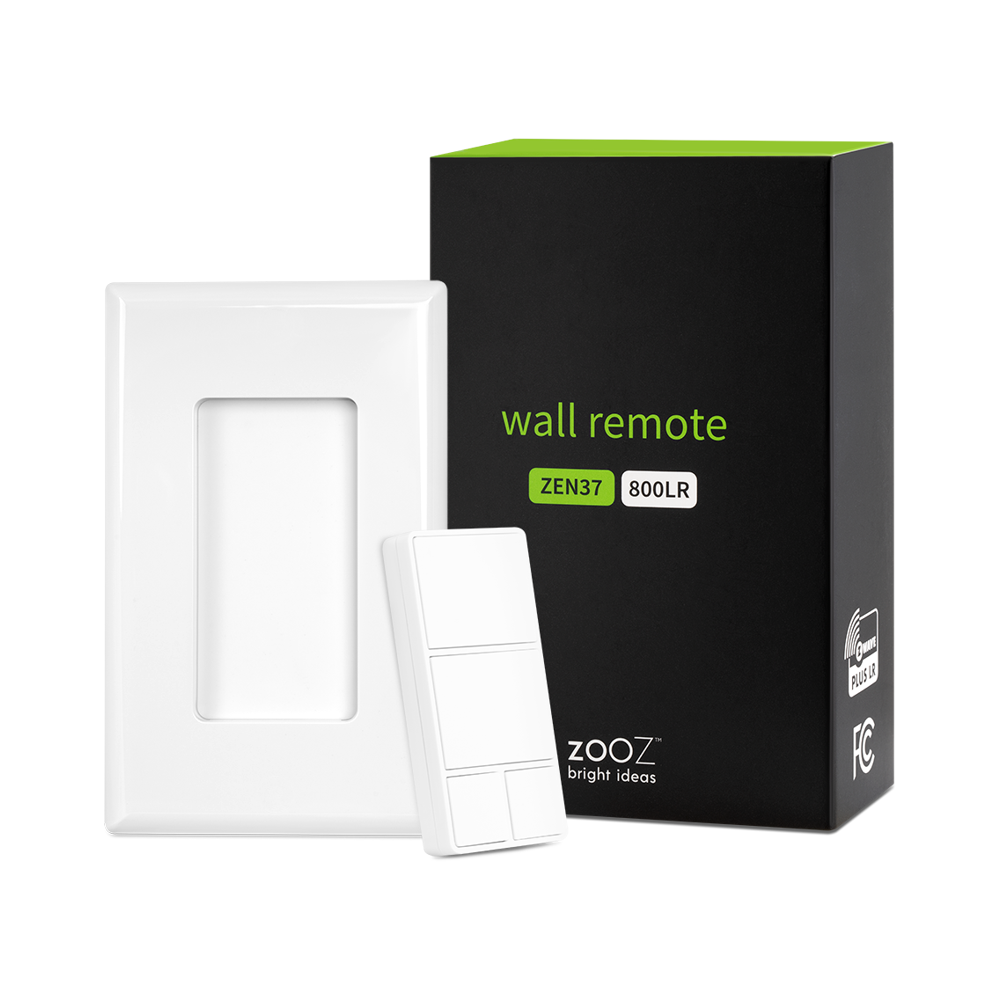
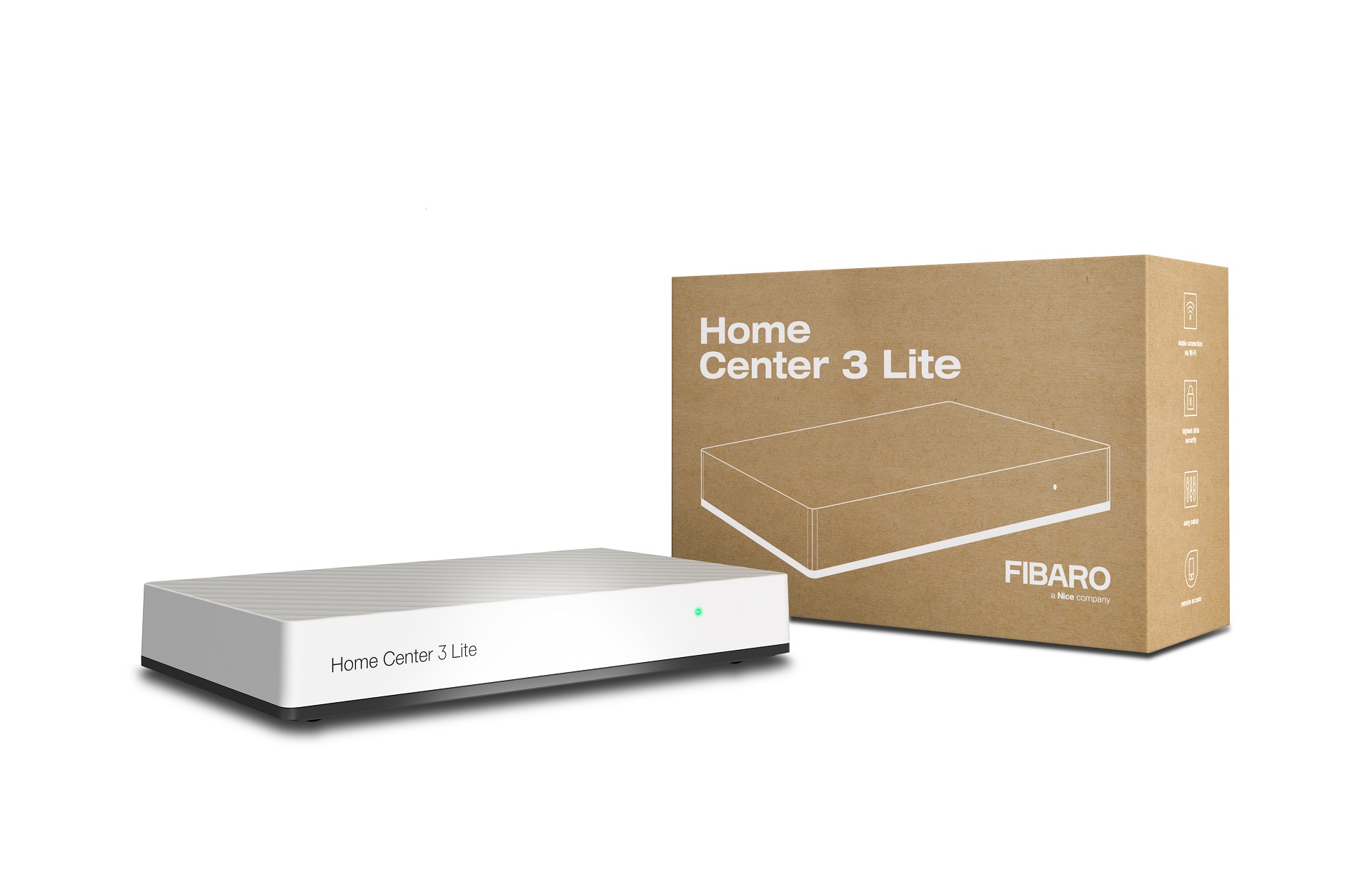
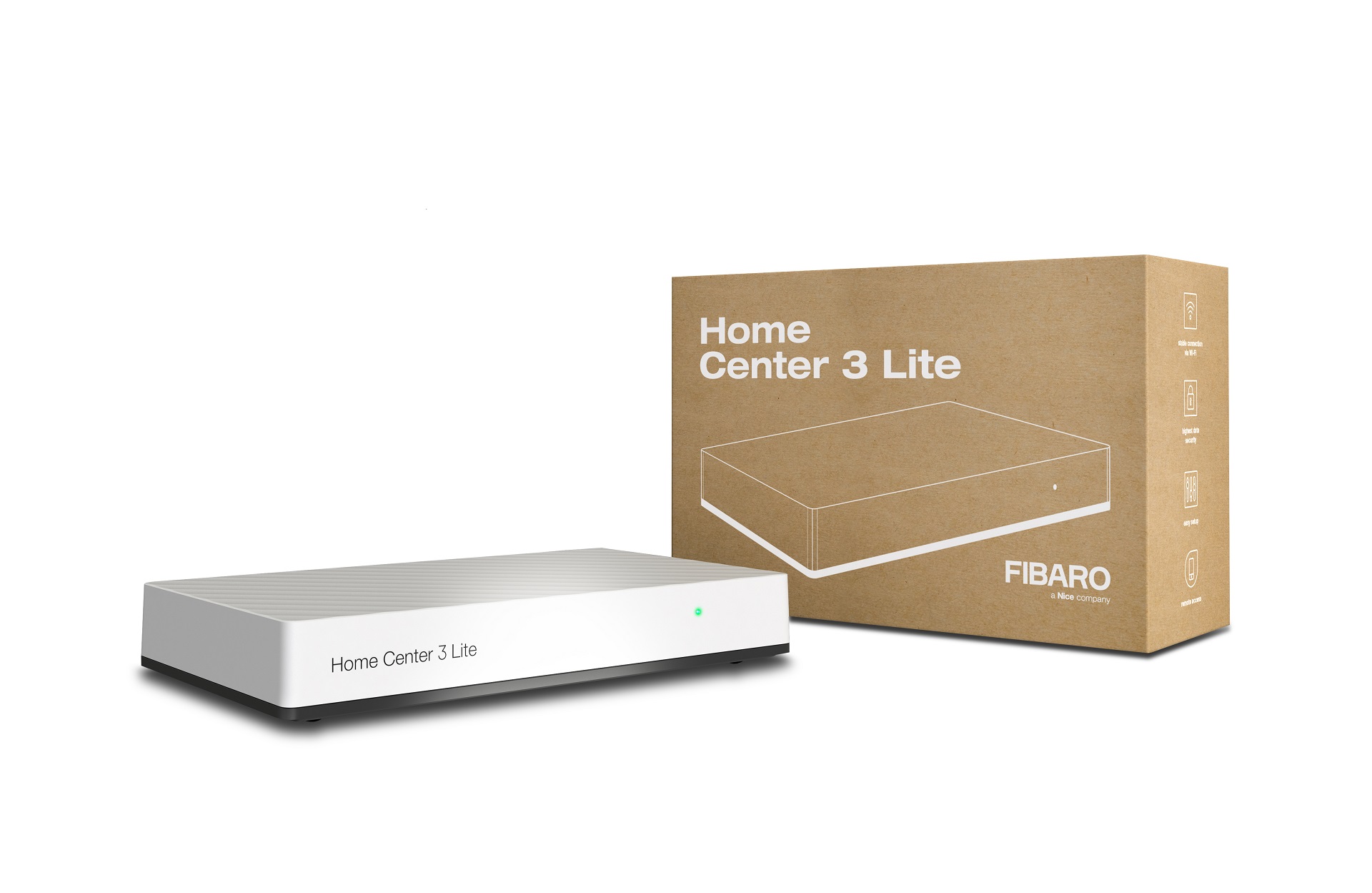
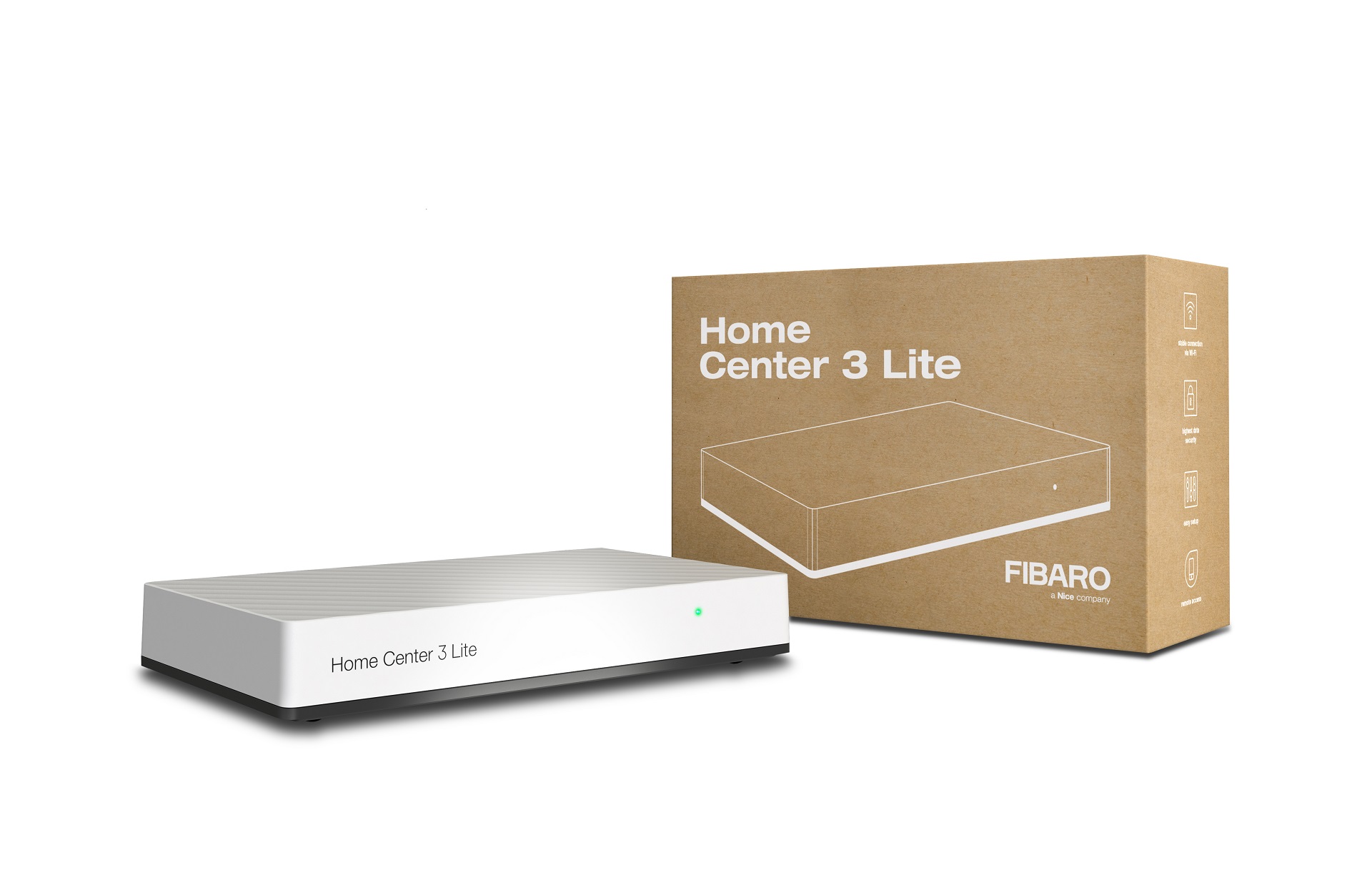
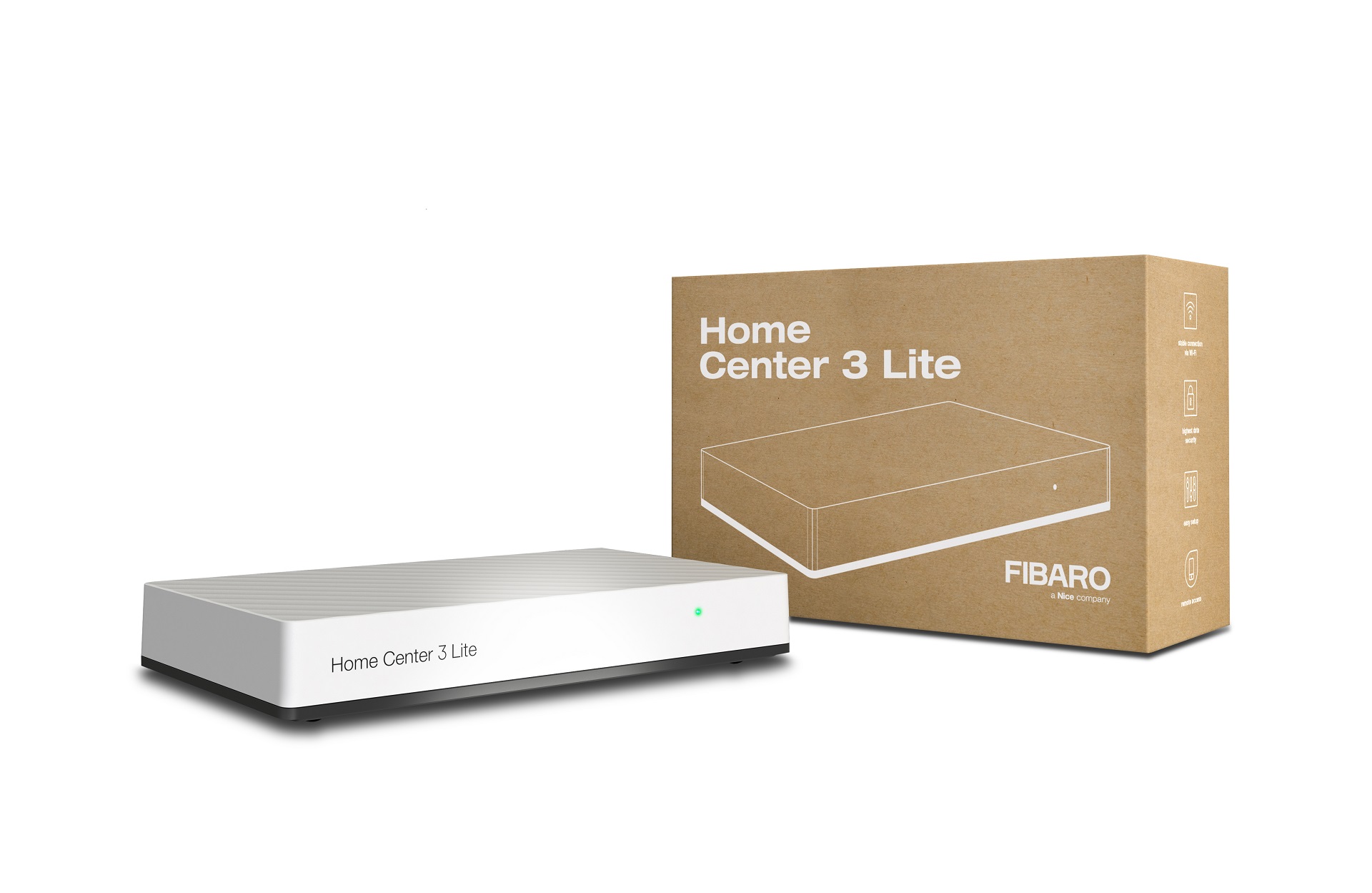
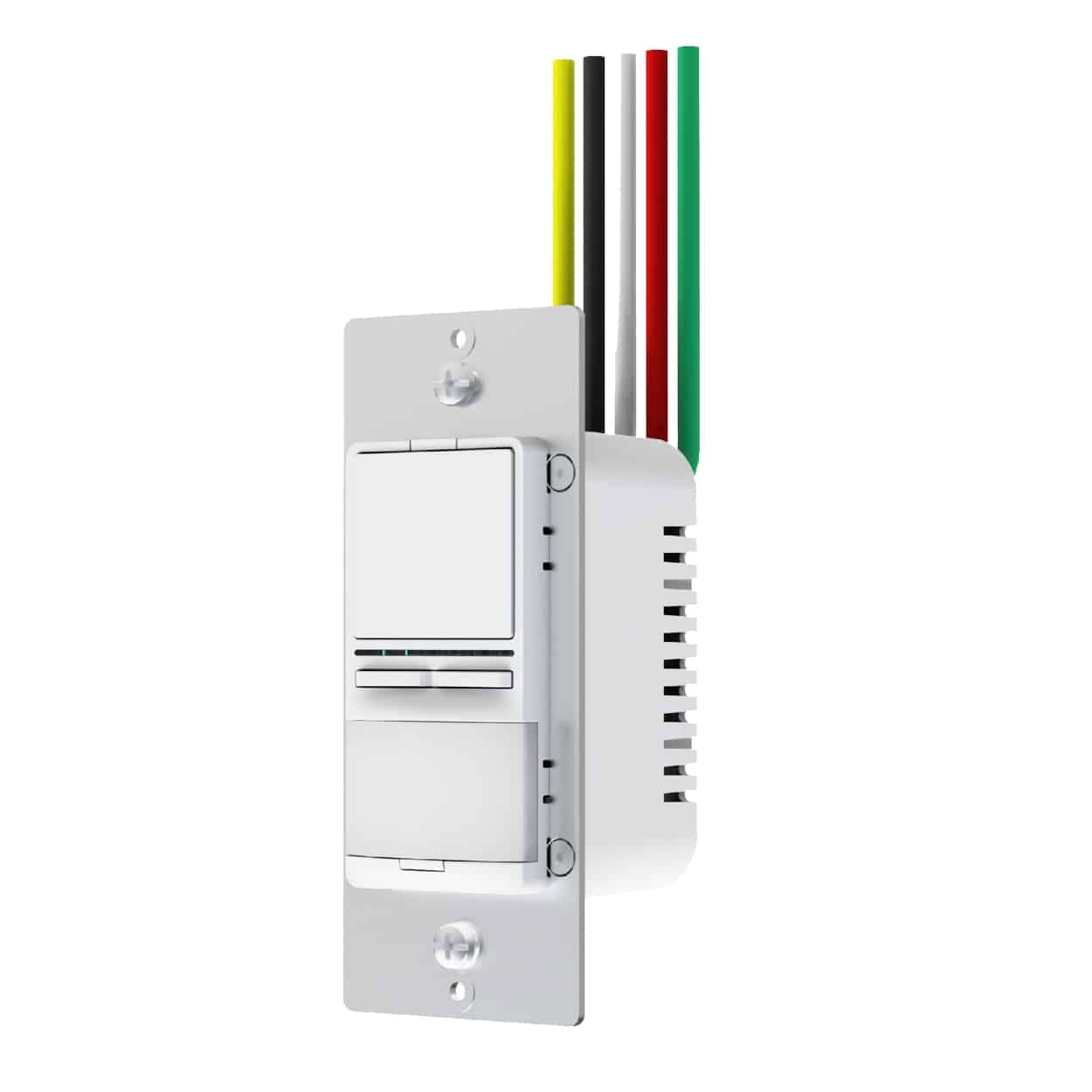
- It's a Z-Wave Remote Control that looks like a wall switch! Install it in a standard switch box or stick it to a wall for handy control.
- Product identifier
- ZEN34
- Countries / regions
- United States of America
- Supports smart start
- Yes
- Certification number
- ZC12-21030192
- Radio range z wave (m)
- 40
- Configuration parameters
- Parameter Number Name Description Format Size Min Value Max Value Default Value Parameter Values 2
- Supports explorer frames
- Yes
- Supported command classes
- Identifier Name Key Version COMMAND_CLASS_CONFIGURATION_V4
- Value 2 battery type value cr2032 color value white firmware updatable value updatable by consumer by rf z wave scene type value central scene association groups
- Group Number Maximum Nodes Supported End Point ID Group Name Description 1
- From to description 4 4 magenta 6 6 cyan 5 5 yellow 3 3 red 2 2 green 1 1 blue 0 0 white 3 led indicator color for the lower paddle choose the led indicator color for the lower paddle remote control triggers 2 1 0 6 0 from to description 6 6 cyan 5 5 yellow 4 4 magenta 3 3 red 2 2 green 1 1 blue 0 0 white 1 led indicator mode choose the led indicator mode for your remote switch. 2 1 0 3 1 from to description 3 3 led always on in color specified under parameter 3 0 0 led always off 1 1 led on when button is pressed to indicate scene activation or association command (led blinks once for single tap, twice for double tap, etc.) 2 2 led always on in color specified under parameter 2 texts
- ID Description Value 8