- Name
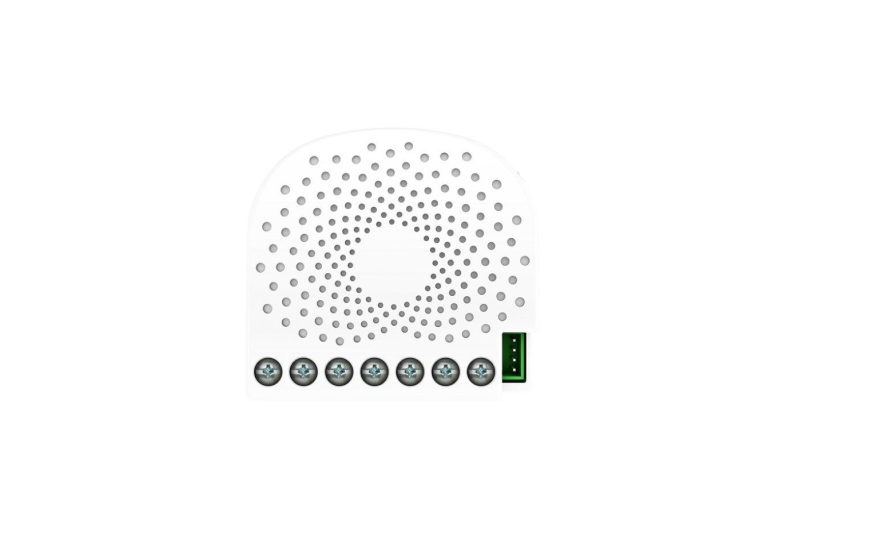
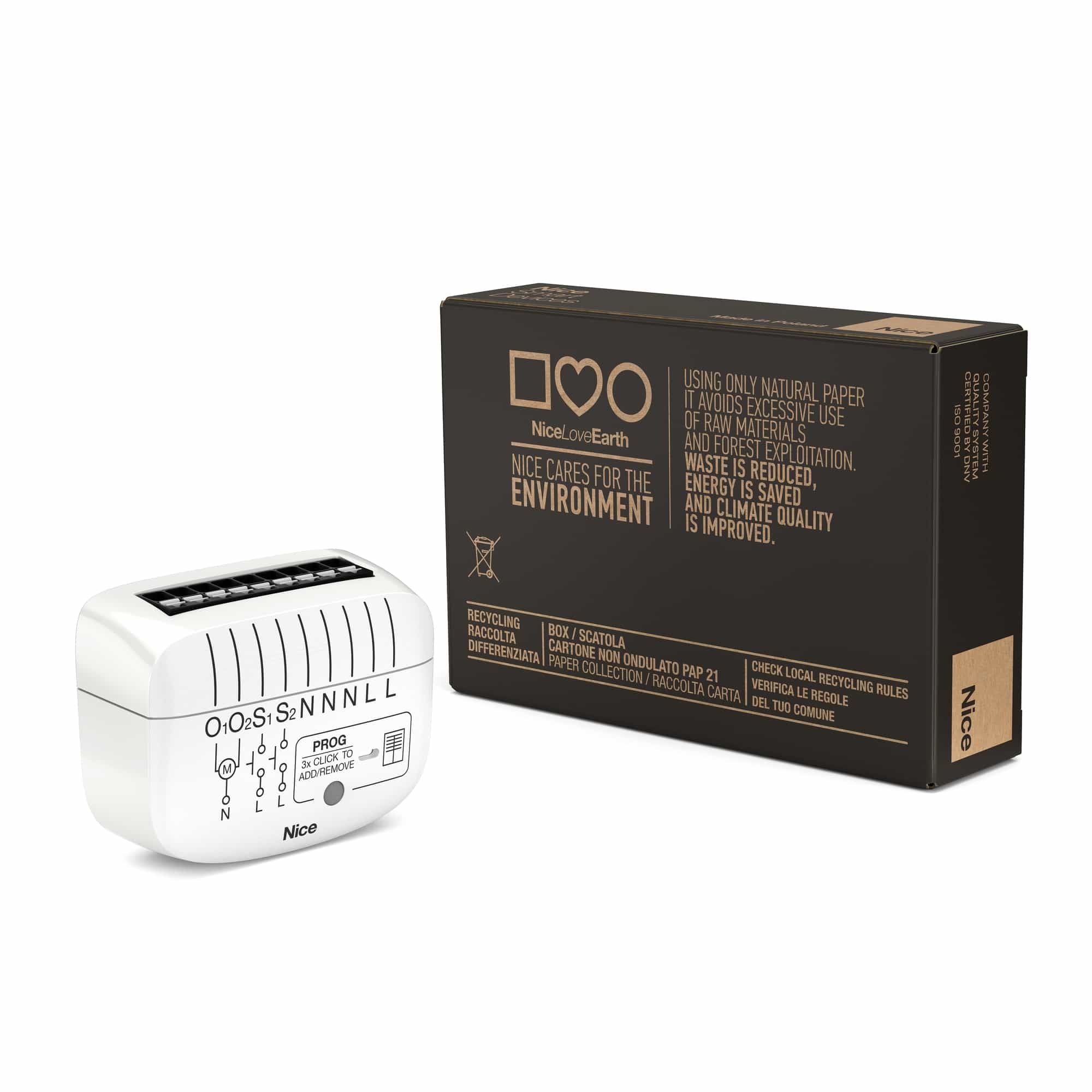
- Nano Shutter
- Brand
- Aeotec
- Features
- Feature Values Color
- Documents
- Category Description File Manual_Primary_Lang
- Role type
- ROLE_TYPE_SLAVE_ALWAYS_ON
- User icon
- 0x1A00
- Categories
- Network Devices, Security Add-Ons, Motor Control
- Product id
- 0x008D
- S2 classes
- S2_UNAUTHENTICATED, S2_AUTHENTICATED
- Device type
- Window Covering - Pos/End Aware
- Oem version
- HW: 141 FW: 3.01:01.03
- Library type
- SLAVE_ENHANCED_232
- Product line
- Z-Wave Plus Device
- Supports nwi
- Yes
- Installer icon
- 0x1A00
- Z wave version
- 6.81.03
- Frequency plans
- EU: 869.85MHz, 868.40MHz
- Manufacturer id
- 0x0371
- Product type id
- 0x0003
- Long description
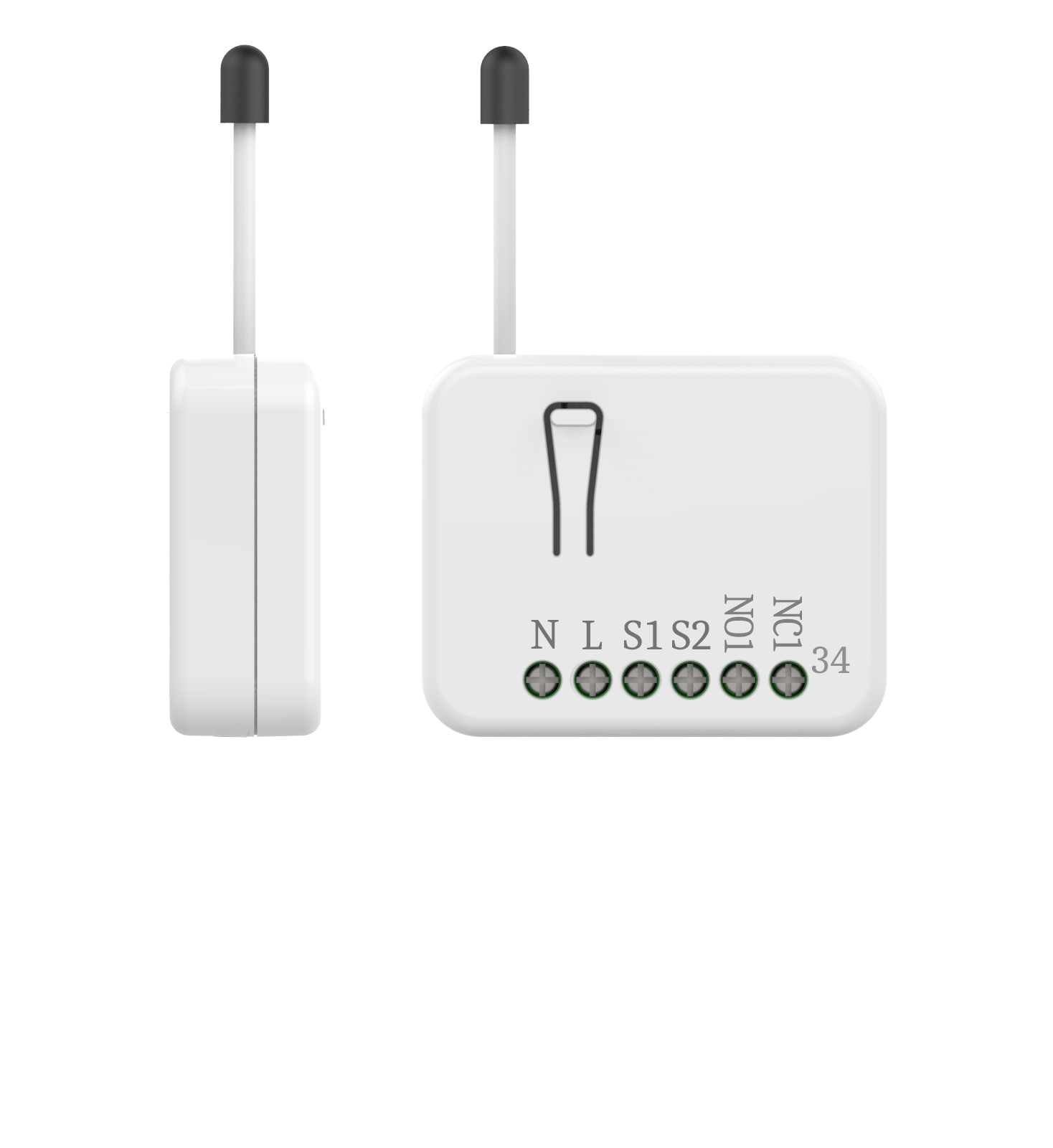
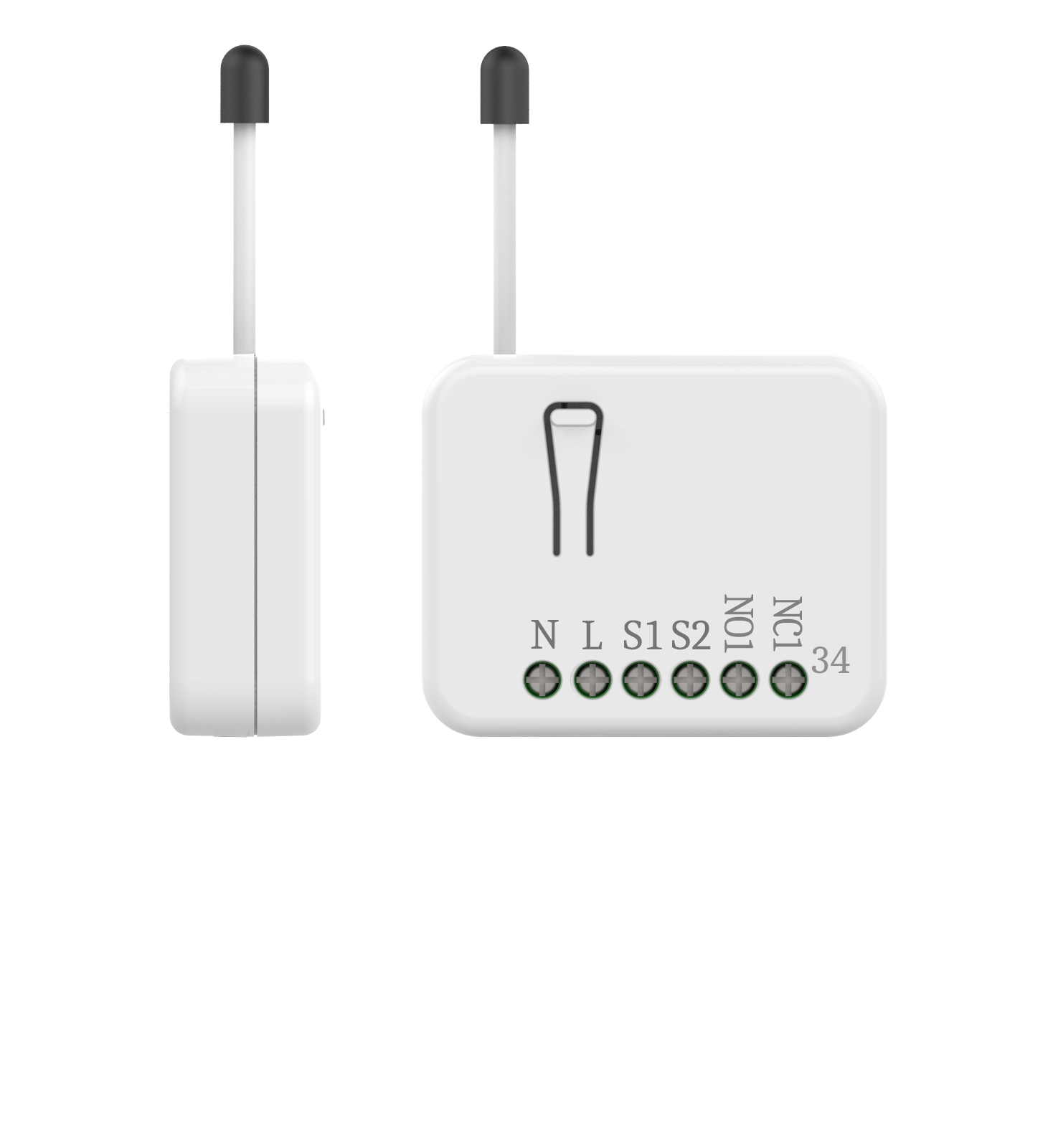
- Aeotec New Generation Nano Shutter 1. Used to control the motor of Curtain, support Shutter Mode and Venetian Mode . 2. Can be calibrated according to diff e rent curtains 3. Used to control other Z-Wave device directly. 4. Support S2, more safe and more re liable 5. Support SmartStart, faster inclusion
- Hardware platform
- ZM5101
- Short description
- Aeotec New Generation motor controller
- Product identifier
- ZW141-C
- Countries / regions
- European Union
- Supports smart start
- Yes
- Certification number
- ZC10-19126810
- Radio range z wave (m)
- 40
- Configuration parameters
- Parameter Number Name Description Format Size Min Value Max Value Default Value Parameter Values 41
- Supports explorer frames
- Yes
- Supported command classes
- Identifier Name Key Version COMMAND_CLASS_FIRMWARE_UPDATE_MD_V4
- Value white firmware updatable value updatable by consumer by rf neutral wire required switch load capacity current value 2.5 a window covering control features value manual calibration supports horizontal blinds/louvers supports up/down motion association groups
- Group Number Maximum Nodes Supported End Point ID Group Name Profile Description 1
- From to description 0 0 repositioning complete 1 1 in repositioning 42 calibration lock used to enable/disable calibration lock from different ways. 1 1 0 2 1 from to description 0 0 disable calibration 1 1 enable action button/ command calibration 2 2 enable action button/ command/s1/s2 calibration 80 switch status report selection choose which report to send when switch status change 1 1 0 2 2 from to description 0 0 no report 1 1 basic report 2 2 switch multilevel report 120 switch type of external switch 1 used to set switch type of external switch 1,and reports will return automatically during identify. 1 1 0 4 0 from to description 0 0 unidentified mode when no identify is set, and indicate identify fails when in identify. 1 1 2 state switch mode 2 2 3 way switch mode 3 3 push button mode 4 4 enter automatic identification mode(the blue led will fast blink) 121 switch type of external switch 1 used to set switch type of external switch 1,and reports will return automatically during identify. 1 1 0 4 0 from to description 0 0 unidentified mode when no identify is set, and indicate identify fails when in identify. 1 1 2 state switch mode 2 2 3 way switch mode 3 3 push button mode 4 4 enter automatic identification mode(the blue led will fast blink) 248 function setting of external switch s1&s2 used to enable/disable function of external switch s1&s2. note : this value can be combine, e.g. set to 3(1+2=3),means networking function and reset function are both enable. 1 1 1 2 1 from to description 1 1 enable network function, inclusion/exclusion 2 2 enable reset to factory default function 255 reset function used to reset configuration parameter value to default value or reset to factory default settings. note: parameter 0x16, 0x22, 0x23, 0x24, 0x25, 0x27, 0x28 will not reset to default value by this command. 1 4 0 1431655765 0 from to description 0 0 reset all configuration parameters to default settings 1431655765 1431655765 reset to factory default settings and removed from the z wave network 85 extern button mode setting extern button mode setting note: when setting value to 2, we advice not to set only one external switch to push button, do remember to change the controller channel before operating push button, or the curtain level will be wrong. 1 1 0 2 0 from to description 0 0 s1/s2 map to z wave button 1 1 s1 = open or stop, s2 = close or stop note:operation will not change the curtain mode, including press and hold ,short press. 2 2 1) when configuration 0x78/79 = 03: press and hold s1 :blade folds to 180° press and hold s2: blade folds to 0° short press s1: blinds go downwards short press s2: blinds go upwards note: the device will change its curtain mode if it does not match the current mode. 2) when configuration 0x78/79 = others: s1 = open or stop,s2 = close or stop ,operation will not change the curtain mode. texts