- Name
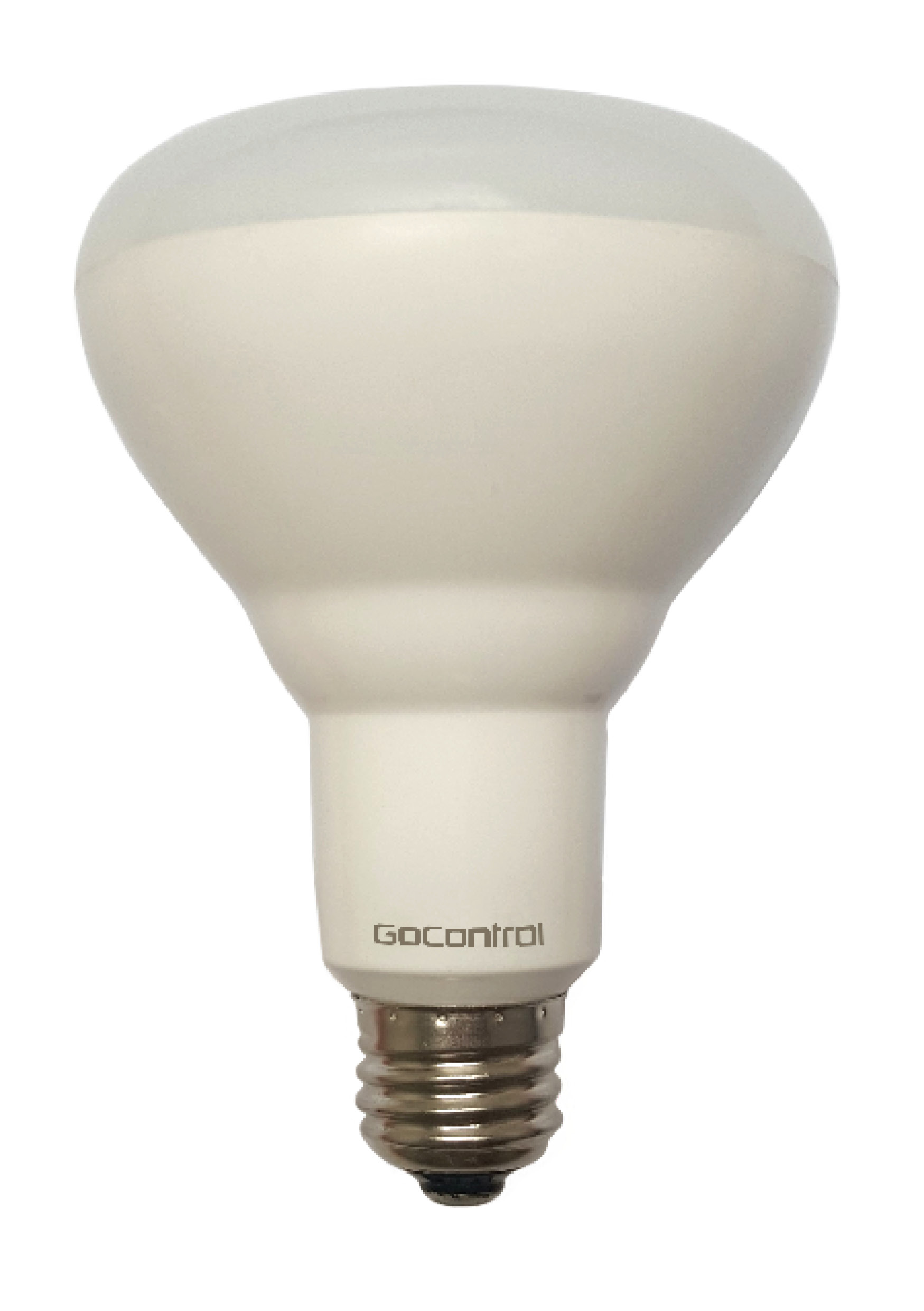
- Smart LED Light Bulb
- Brand
- GoControl
- Documents
- Category Description File Manual_Primary_Lang
- Role type
- ROLE_TYPE_SLAVE_ALWAYS_ON
- Categories
- All Lighting Devices, Dimming Lighting Devices
- Product id
- 0x3038
- Device type
- Light Dimmer Switch
- Oem version
- HW: 255
- Library type
- SLAVE_ENHANCED_232
- Supports nwi
- Yes
- Z wave version
- 6.51.06
- Frequency plans
- US: 916.00MHz, 908.40MHz
- Manufacturer id
- 0x014F
- Product type id
- 0x4754
- Long description
- Smart LED light bulb with Z-Wave radio. - Control lights remotely and save energy - Compatible with smart home systems supporting Z-Wave - 65 Watt equivalent light (650 lumens) - Consumes only 7.5 watts of power - 5000K Day light with frosted glass - Instant ON and fully dimmable - Functions as a Z-Wave signal repeater - Very simple to include in your network - Z-Wave Plus certified
- Hardware platform
- ZM5202
- Short description
- Smart LED light bulb with Z-Wave radio. Fully dimmable, 65W equivalent, consumes 7.5W of power, A19 screw in bulb with frosted soft light
- Association groups
- Group Number Maximum Nodes Supported End Point ID Description 1
- Product identifier
- LBR30Z-1
- Countries / regions
- United States of America
- Certification number
- ZC10-15070021
- Radio range z wave (m)
- 40
- Configuration parameters
- Parameter Number Name Description Format Size Min Value Max Value Default Value Parameter Values 9
- Supports explorer frames
- Yes
- From to description 1 99 a low value provides gradual dimming and brightening, a high values makes it change rapidly. 1 dim level when the light bulb is turned on you may select the dim level whenever the light is turned back on to be either full brightness (100% dim level) or be the same as the last dim setting when the light was previously on. 0 1 0 0 0 from to description 0 0 the brightness level will be resume to full brightness when the dt smart bulb is turned on every time. 1 1 the brightness level will maintain same dim level as the last setting when the dt smart bulb is turned on again. 10 dimming/brightening step timing you may change the dimming speed quicker or slower by changing parameter 10's value. 0 1 0 0 3 from to description 1 10 when the value is low, the step timing is quick. when the value is high, the step timing is slow. texts
- ID Description Value 2