- Name
- Smart In Wall Dimmer
- Brand
- HomeSeer
- Features
- Feature Values Z-Wave Scene Type
- Documents
- Category Description File Manual_Primary_Lang
- Role type
- ROLE_TYPE_SLAVE_ALWAYS_ON
- User icon
- 0x0600
- Categories
- All Lighting Devices, Dimming Lighting Devices, On/Off Switches/Devices, Lighting Accessories
- Product id
- 0x4036
- S2 classes
- S2_AUTHENTICATED
- Device type
- Multilevel Switch
- Oem version
- HW: 1 FW: 1.11
- Library type
- SLAVE_ENHANCED_232
- Product line
- HS-W
- Supports nwi
- Yes
- Installer icon
- 0x0600
- Z wave version
- 7.15.2
- Frequency plans
- US: 916.00MHz, 908.40MHz
- Manufacturer id
- 0x000C
- Product type id
- 0x4447
- Long description
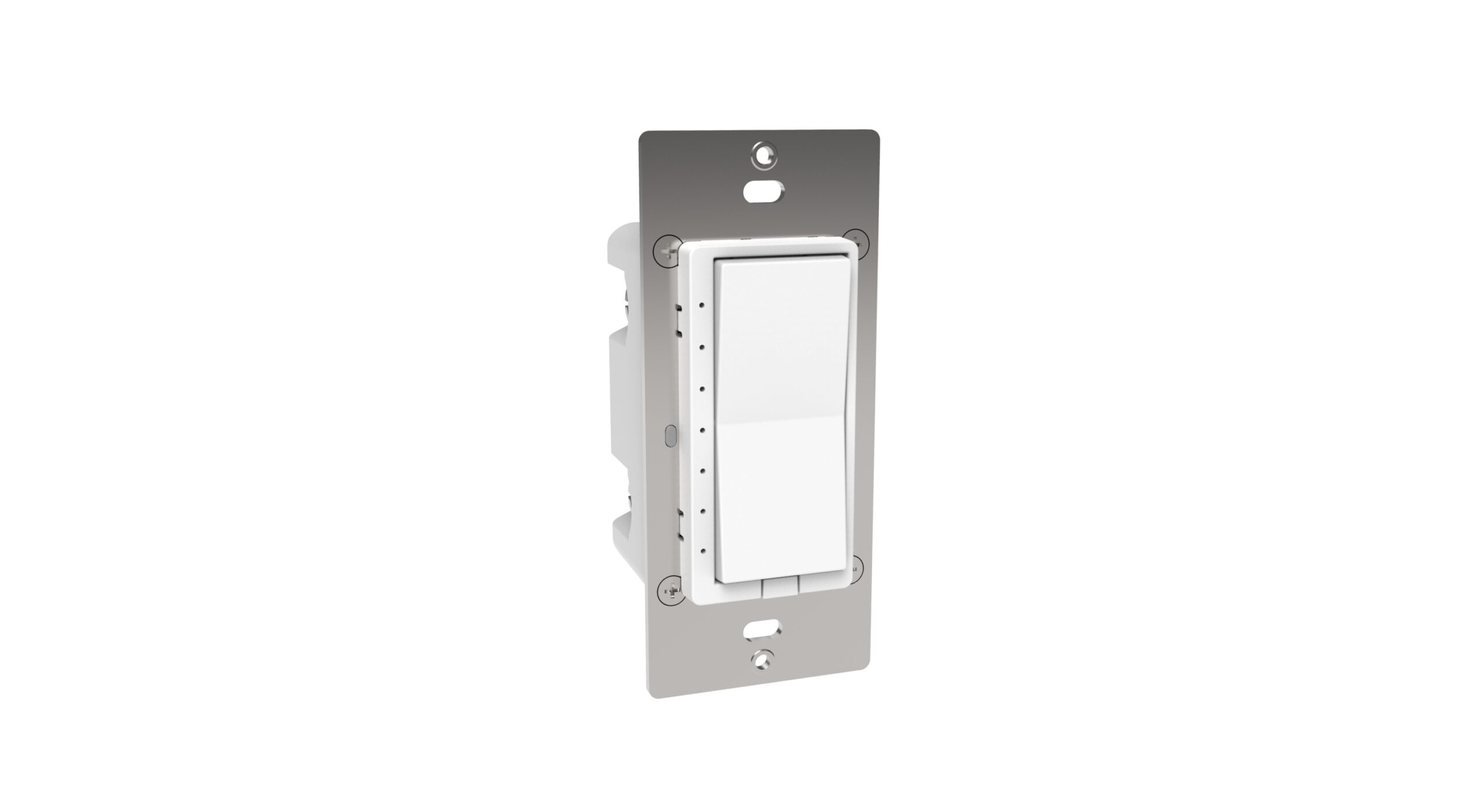
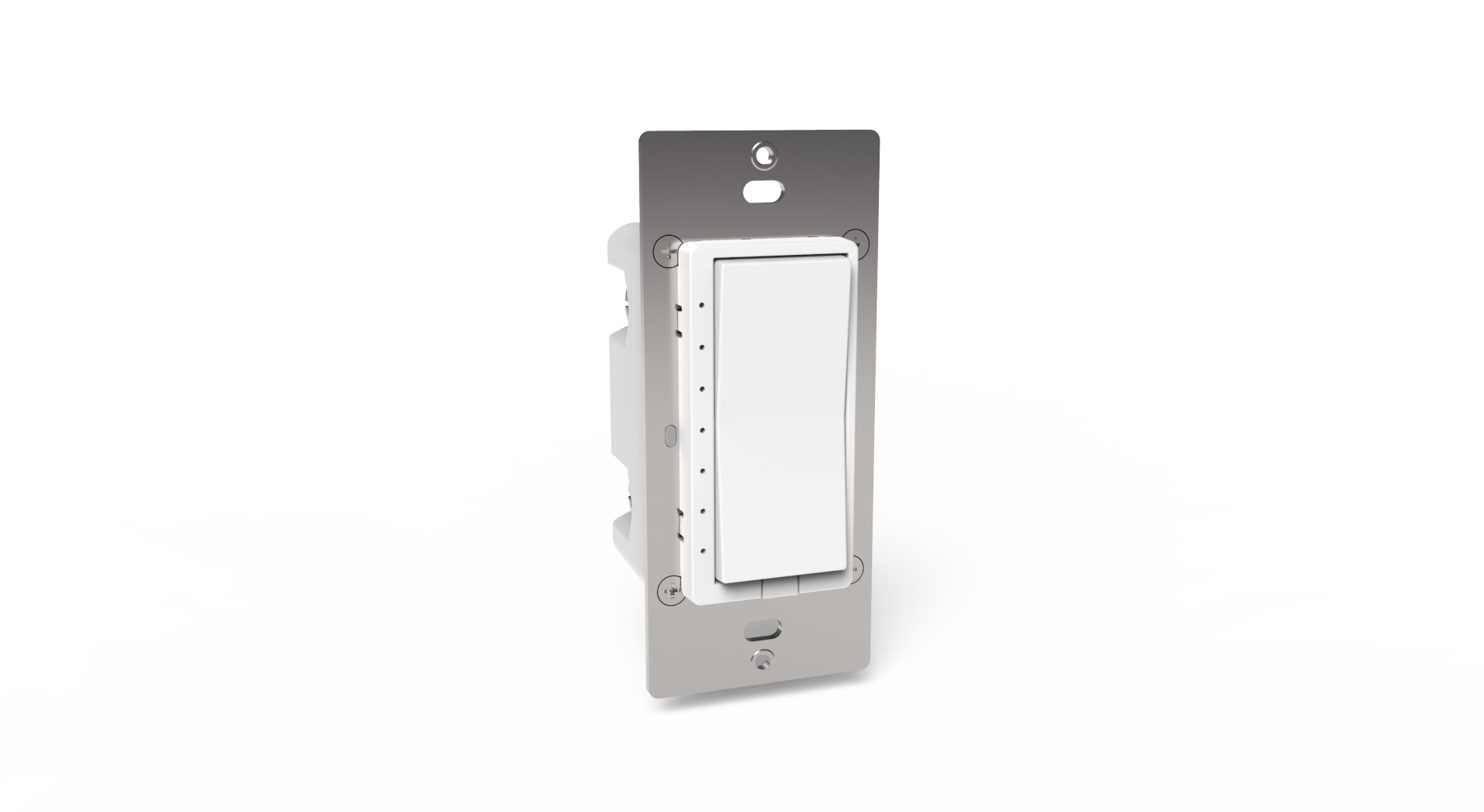
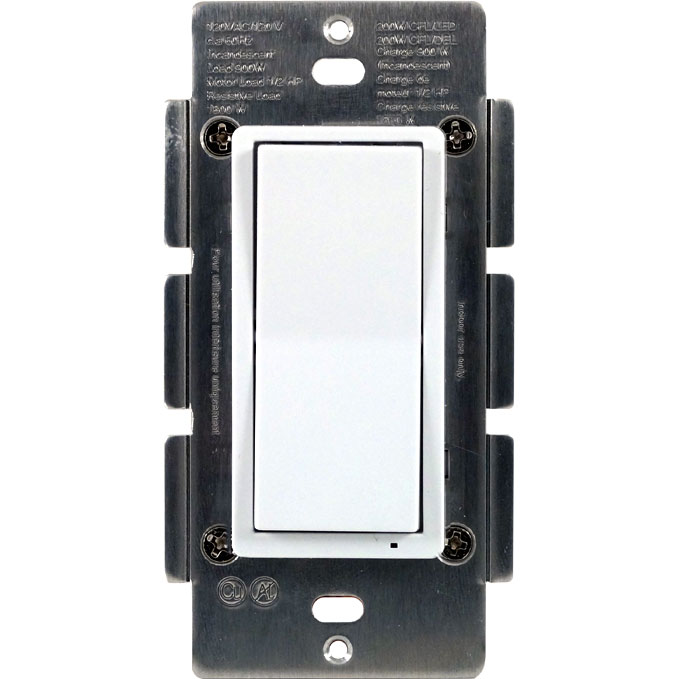
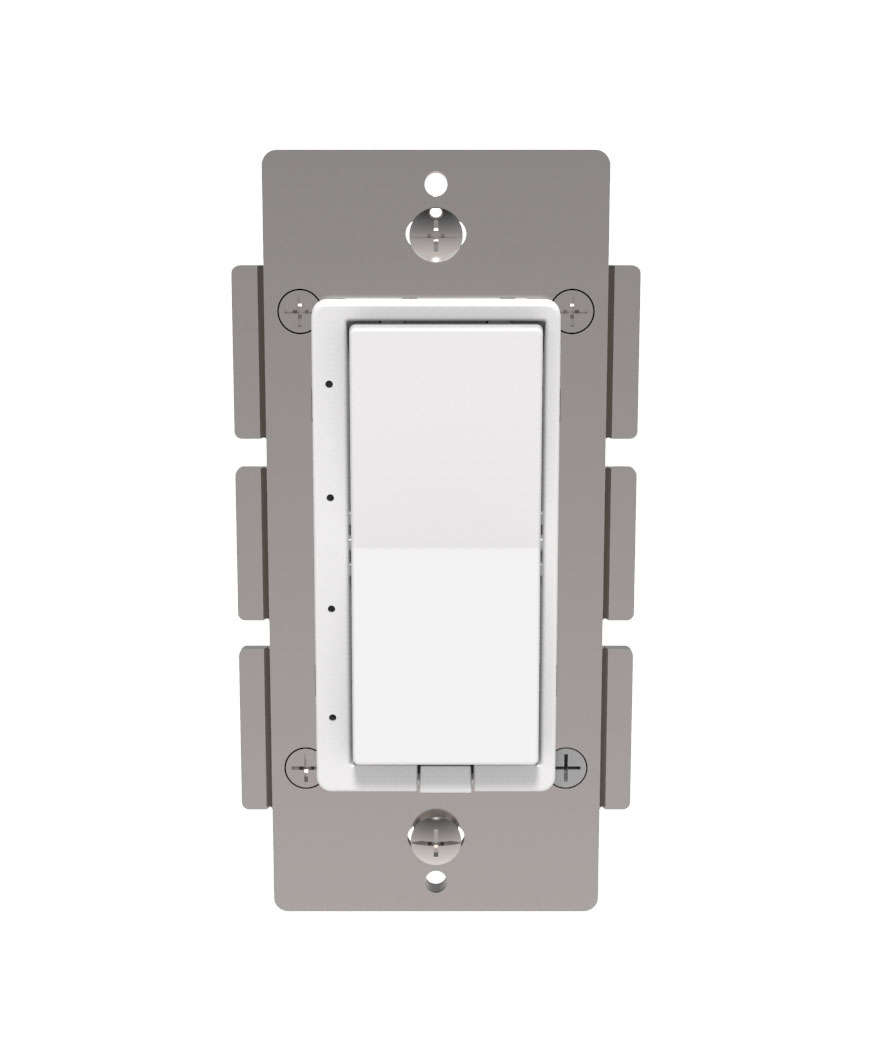
- HS-WX300 is a Z-Wave™ in-wall light switch that may be configured to operate as either a dimmer switch or an on/off switch. It may be installed with or without a neutral wire and it works with both wired and wireless companion switches in 3-way circuit configurations. This switch has been designed, tested and certified for use in the United States and Canada.
- Hardware platform
- ZGM130
- Short description
- HS-WX300 is a Z-Wave™ in-wall light switch that may be configured to operate as either a dimmer switch or an on/off switch.
- Product identifier
- HS-WX300
- Countries / regions
- United States of America
- Supports smart start
- Yes
- Certification number
- ZC12-21070246
- Radio range z wave (m)
- 40
- Configuration parameters
- Parameter Number Name Description Format Size Min Value Max Value Default Value Parameter Values 3
- Supports explorer frames
- Yes
- Supported command classes
- Identifier Name Key Version COMMAND_CLASS_CONFIGURATION_V4
- Supported multilevel sensors
- Multilevel Sensor Type Illuminance
- Value scene & central scene color value white firmware updatable value updatable by consumer by rf switch load capacity watts value 600 w incandescent, 300 w dimmable led/cfl neutral wire required outdoor use electric load type value incandescent fluorescent led dimmable led dimmable fluorescent switch load capacity volt ampere value 120 vac association groups
- Group Number Maximum Nodes Supported End Point ID Group Name Profile Description 2
- From to description 0 1 0 = all led on if load is off 1 = all led off if load is off 4 invert buttons sets paddle’s load orientation 2 1 0 1 0 from to description 0 1 0 = top of paddle turns load on 1 = bottom of paddle turns load on 6 enables/disables central scene and multiple tap functions 0 = central scene enabled, controls load with delay. enables multi tap and press and hold 1 = central scene disabled, controls load instantly. disables multi tap, central scene, press and hold 2 1 0 1 0 from to description 0 1 0 = central scene enabled, controls load with delay. enables multi tap and press and hold 1 = central scene disabled, controls load instantly. disables multi tap, central scene, press and hold 11 set dimmer ramp rate for remote control possible values: 0 90 0=no delay (instant on), 1=1 second 2 1 0 90 3 from to description 0 90 possible values: 0 90 0=no delay (instant on), 1=1 second 23 sets the status mode led 3 color possible values: 0 7 0=off, 1=red, 2=green, 3=blue, 4=magenta, 5=yellow, 6=cyan, 7=white 2 1 0 7 0 from to description 0 7 possible values: 0 7 0=off, 1=red, 2=green, 3=blue, 4=magenta, 5=yellow, 6=cyan, 7=white 24 sets the status mode led 4 color possible values: 0 7 0=off, 1=red, 2=green, 3=blue, 4=magenta, 5=yellow, 6=cyan, 7=white 2 1 0 7 0 from to description 0 7 possible values: 0 7 0=off, 1=red, 2=green, 3=blue, 4=magenta, 5=yellow, 6=cyan, 7=white 25 sets the status mode led 5 color possible values: 0 7 0=off, 1=red, 2=green, 3=blue, 4=magenta, 5=yellow, 6=cyan, 7=white 2 1 0 7 0 from to description 0 7 possible values: 0 7 0=off, 1=red, 2=green, 3=blue, 4=magenta, 5=yellow, 6=cyan, 7=white 31 enable led blink sets led(s) 1 7 to blink in status mode bitmask defines specific leds to enable for blinking: note: this decimal value is derived from a hex code calculation based on the following: bit 0 = led 1, bit 1 = led 2, bit 2 = led 3, bit 3 = led 4, bit 4 = led 5, bit 5 = led 6, bit 6 = led 7 ie: value of 1 = first led, 64 = led 7 2 1 0 127 0 from to description 0 127 bitmask defines specific leds to enable for blinking: note: this decimal value is derived from a hex code calculation based on the following: bit 0 = led 1, bit 1 = led 2, bit 2 = led 3, bit 3 = led 4, bit 4 = led 5, bit 5 = led 6, bit 6 = led 7 ie: value of 1 = first led, 64 = led 7 texts