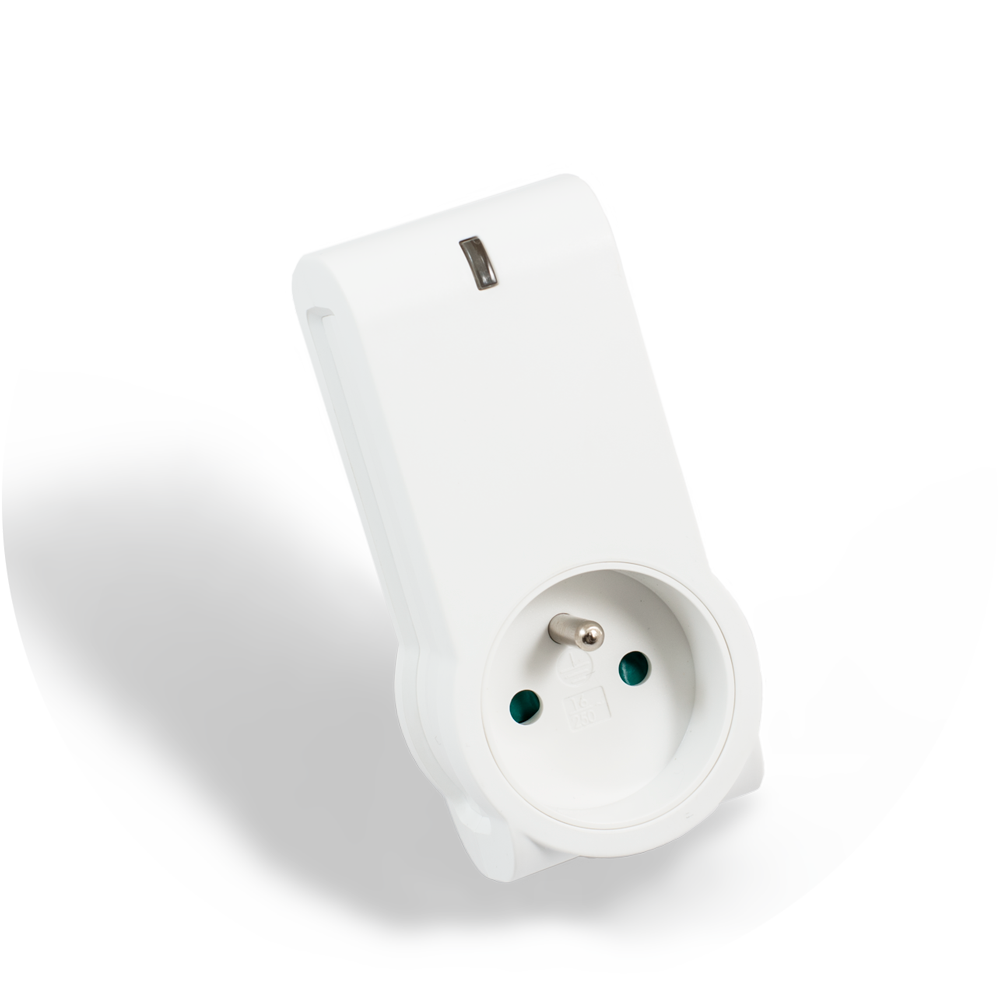
- Name
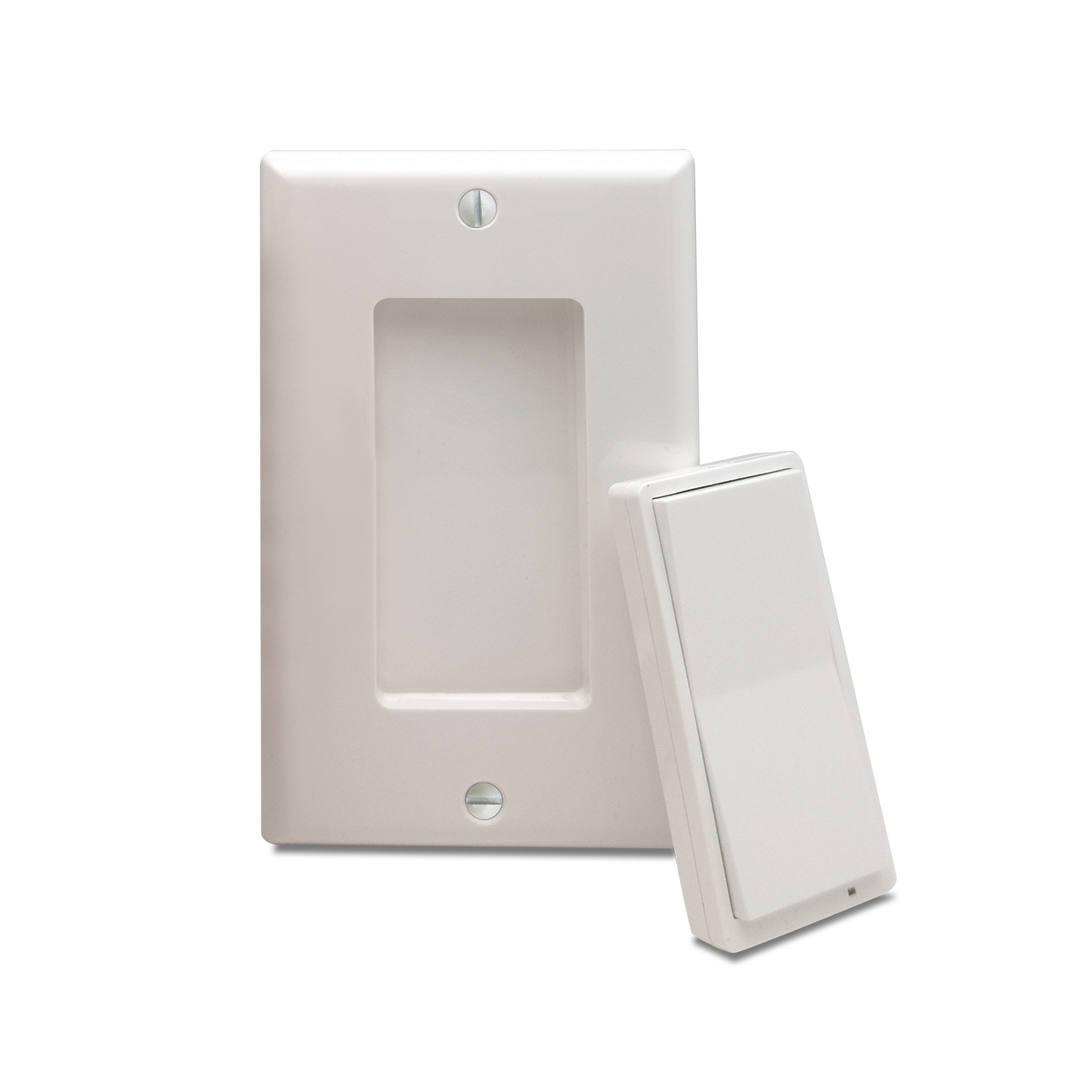
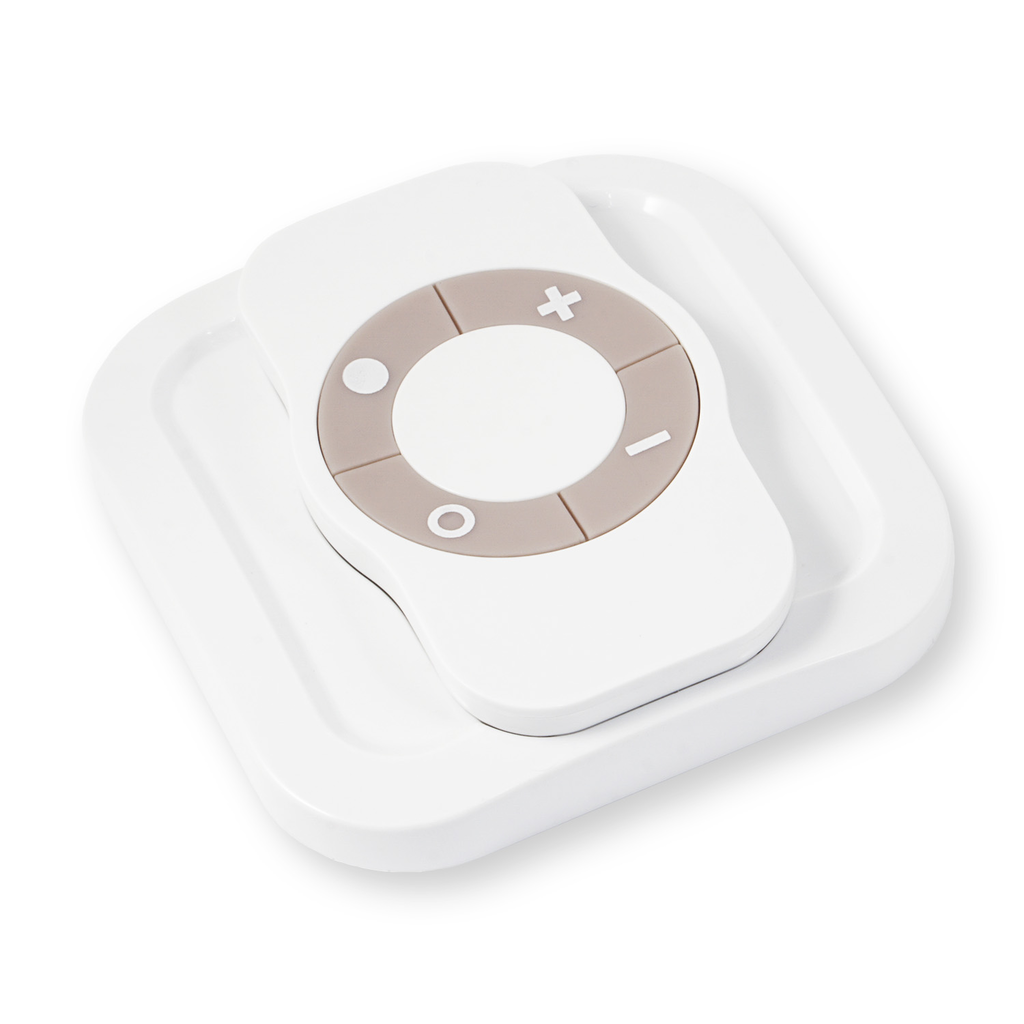
- NodOn® wall switch
- Brand
- NodOn
- Documents
- Category Description File Manual_Primary_Lang
- Role type
- ROLE_TYPE_CONTROLLER_PORTABLE
- Categories
- All Controllers, Handheld Controller
- Product id
- 0x0003
- Device type
- Remote Control - Multi Purpose
- Oem version
- 01
- Library type
- CONTROLLER_PORTABLE
- Supports nwi
- Yes
- Z wave version
- 6.51.06
- Frequency plans
- EU: 869.85MHz, 868.40MHz
- Manufacturer id
- 0x0165
- Product type id
- 0x0002
- Long description
- The NodOn® wall switch controls any compatible receivers Z-Wave® or Z-Wave Plus®, such as the Smart Plug NodOn®. It can address, directly, up to 4 groups of 8 devices and sent up to 16 different scenes to a Home Automation Gateway. This controller can operate on its own (“Standalone” Mode) or as gateway’s assistant (“Gateway” Mode). The product integrates a LED, which give an intuitive feedback for each operation you perform. Based on an innovative technology, the NodOn® wall switch is only powered with a CR2032 battery, offering 2 years’ autonomy. The NodOn® wall switch can be screwed or bonded thanks of the adhesive tape included. The NodOn® wall switch is based on brand new 500 series Z-Wave® module from Sigma Designs®, and supports all the new features of Z-Wave Plus® standard: Longer range (up to 40 meters indoor), lower power consumption, higher data rate transmission, and many more new features.
- Hardware platform
- ZM5202
- Short description
- The NodOn® wall switch controls any compatible receivers Z-Wave® or Z-Wave Plus®. It can operate on its own (“Standalone” Mode) or as gateway’s assistant (“Gateway” Mode). The product integrates a LED as an intuitive feedback tool.
- Association groups
- Group Number Maximum Nodes Supported End Point ID Description 1
- Product identifier
- CWS-3-1-0X
- Countries / regions
- European Union
- Certification number
- ZC10-15070008
- Radio range z wave (m)
- 40
- Configuration parameters
- Parameter Number Name Description Format Size Min Value Max Value Default Value Parameter Values 5
- Supports explorer frames
- Yes
- From to description 0 0 single press sends “basic set” command to associated devices in group 3. 1 1 single press sends broadcast “switch all on” command. 2 2 single press sends broadcast “switch all off” command. 6 button 3 configuration to set up the how button 3 behaves, when set in mono profie 0 1 0 0 0 from to description 0 0 single press sends “basic set” command to associated devices in group 4. 1 1 single press sends broadcast “switch all on” command. 2 2 single press sends broadcast “switch all off” command. 2 buttons 2&4 profile to set up the profie of buttons 2 & 4 0 1 0 0 0 from to description 0 0 scene. product sends “central scene notification” commands or “scene activation” commands. 1 1 mono. button 1 is not paired with button 3. 2 2 duo. button 1 is paired with button 3. 1 buttons 1&3 profile to set up the profie of buttons 1 & 3s 0 1 0 0 0 from to description 0 0 scene. product sends “central scene notification” commands or “scene activation” commands. 1 1 mono. button 1 is not paired with button 3. 2 2 duo. button 1 is paired with button 3. 3 scene type to choose the way of sending scene to the gateway 0 1 0 0 0 from to description 0 0 use “central scene” commands. 1 1 use “scene activation” commands. 4 button 1 configuration to set up the how button 1 behaves, when set in mono profie 0 1 0 0 0 from to description 0 0 single press sends “basic set” command to associated devices in group 2. 1 1 single press sends broadcast “switch all on” command. 2 2 single press sends broadcast “switch all off” command. 8 led management how to set up led behaviour 0 1 0 0 0 from to description 3 3 combined behaviors of 0x01 and 0x02 modes. 0 0 led does not acknowledge button action and does not acknowledge result of radio command sent. 1 1 when the end user performs a single press, double press or hold press on a button, led blinks blue to acknowledge the button action. 2 2 when the end user sends a controlled command: “basic set” command “central scene notification” command “multilevel switch stop level change” command led blinks green to acknowledge transmission success or blinks red to acknowledge transmission failed. 7 button 4 configuration to set up the how button 4 behaves, when set in mono profie 0 1 0 0 0 from to description 0 0 single press sends “basic set” command to associated devices in group 5. 1 1 single press sends broadcast “switch all on” command. 2 2 single press sends broadcast “switch all off” command. texts