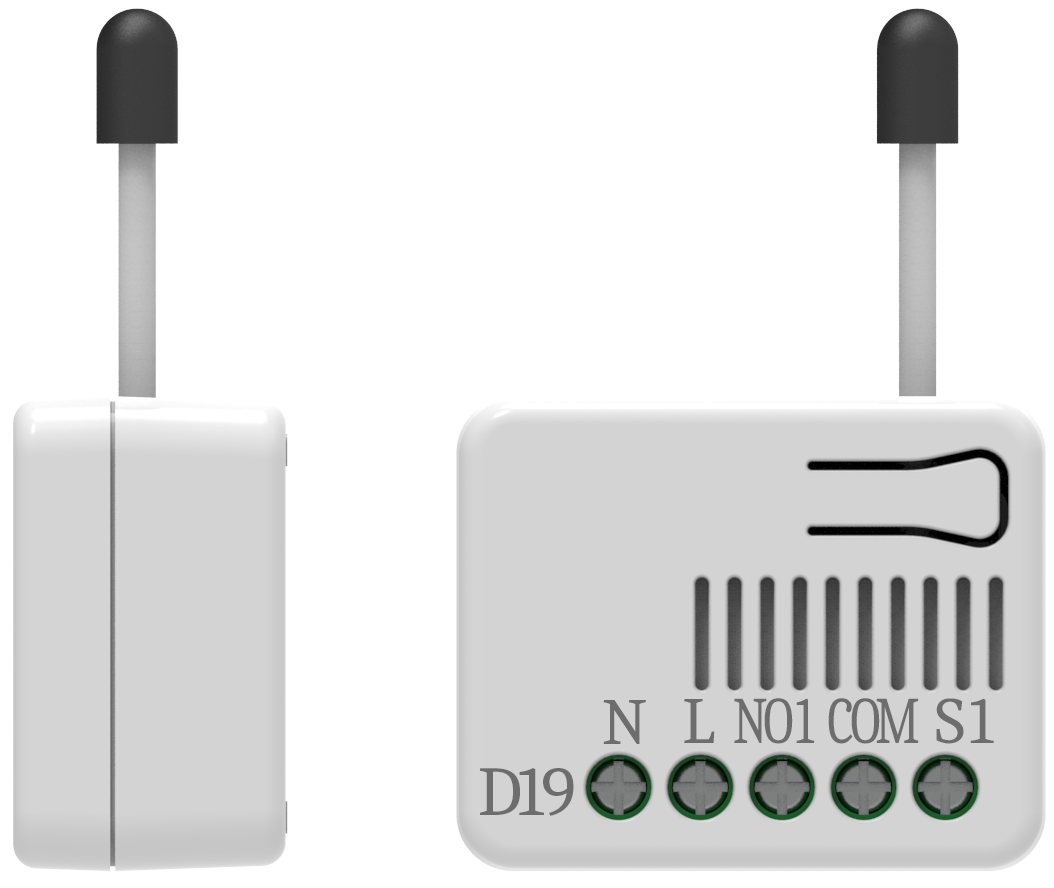
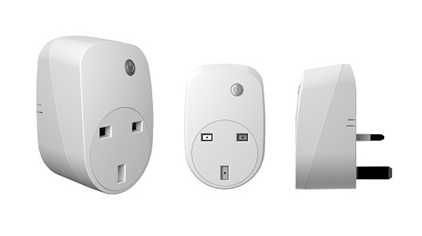
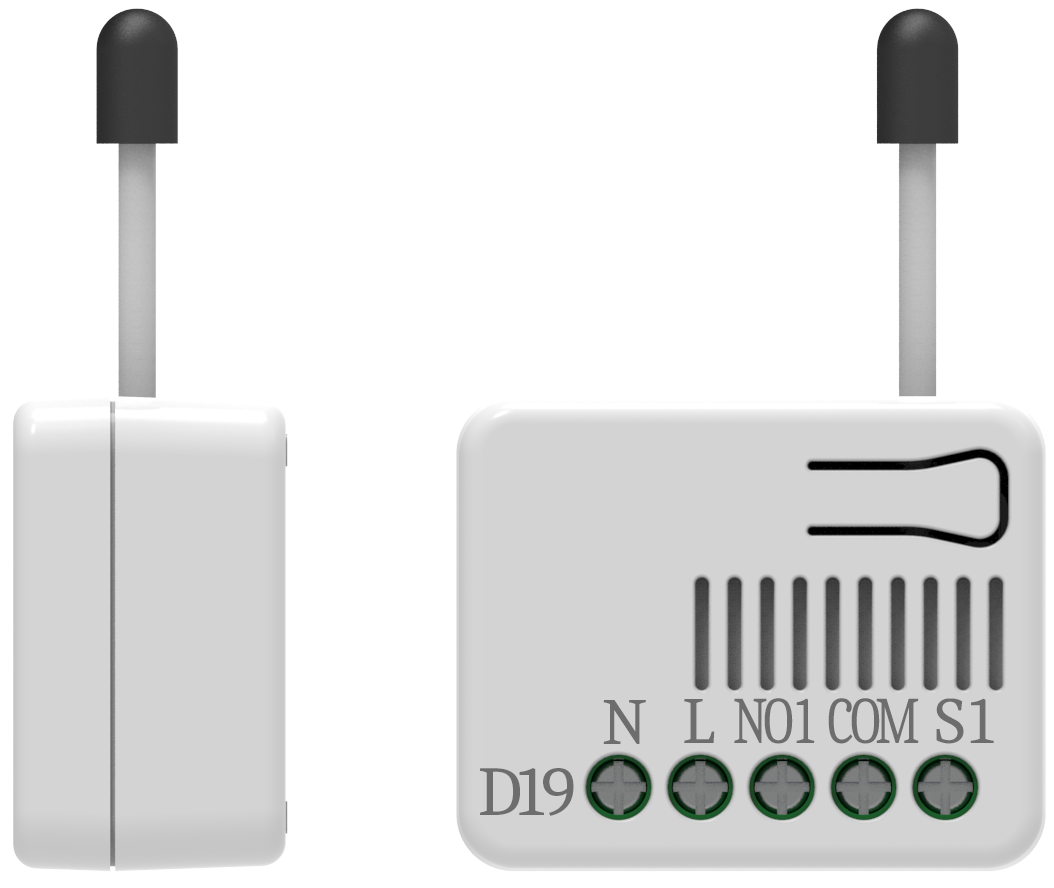
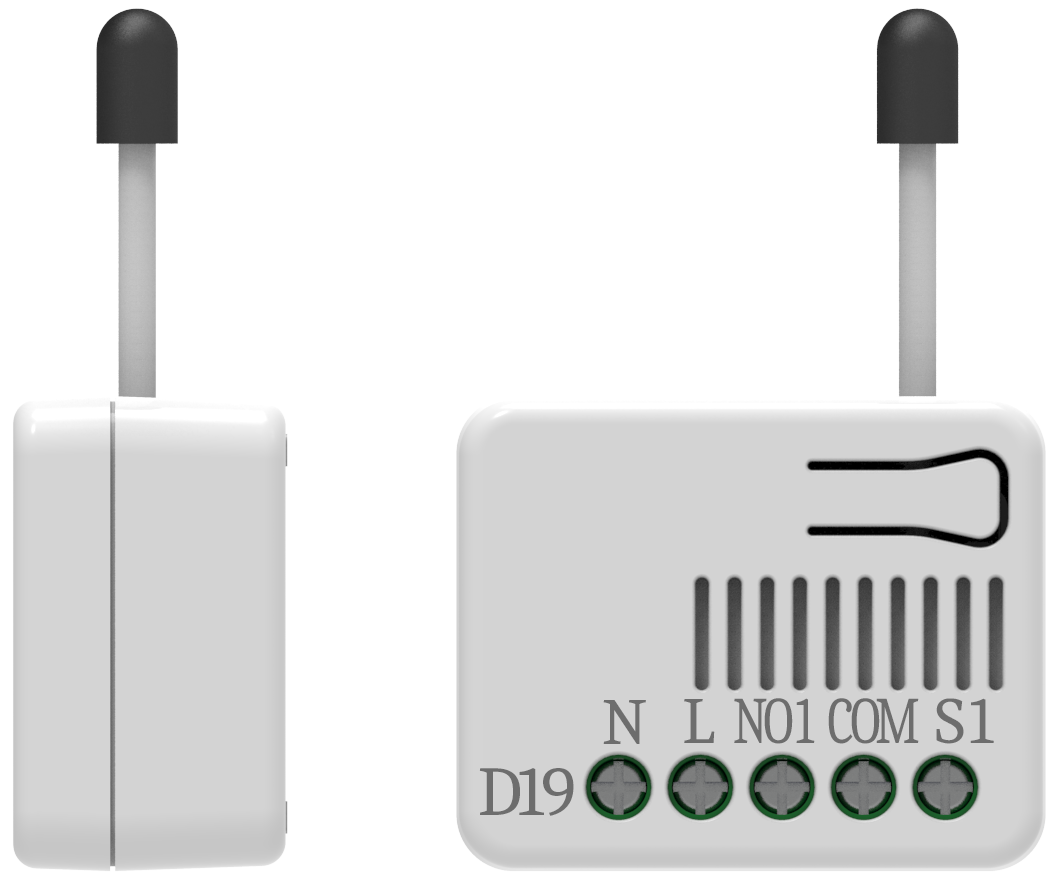
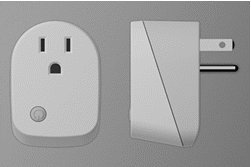
- Name
- Z-Wave Smart Dimmer Socket
- Brand
- Philio
- Features
- Feature Values Firmware Updatable
- Documents
- Category Description File Manual_Primary_Lang
- Role type
- ROLE_TYPE_SLAVE_ALWAYS_ON
- User icon
- 0x0600
- Categories
- All Lighting Devices, Dimming Lighting Devices
- Product id
- 0x0031
- Device type
- Light Dimmer Switch
- Oem version
- HW: 1 FW: 1.02
- Library type
- SLAVE_ENHANCED_232
- Supports nwi
- Yes
- Installer icon
- 0x0600
- Z wave version
- 6.51.09
- Frequency plans
- EU: 869.85MHz, 868.40MHz
- Manufacturer id
- 0x013C
- Product type id
- 0x0005
- Long description
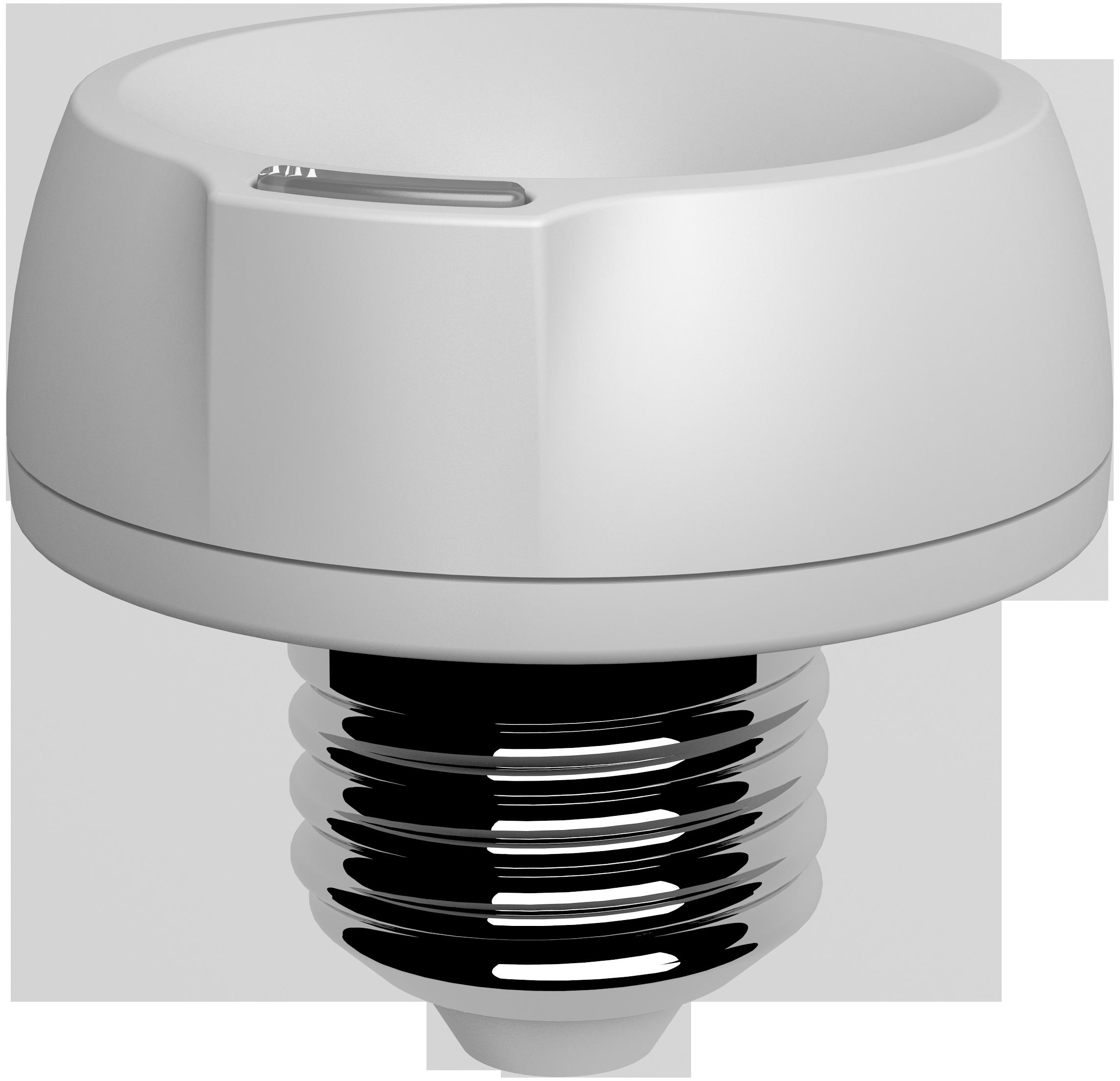
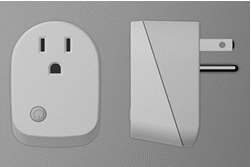
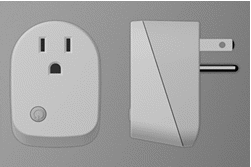
- PAD02 is an E27(EU)/ E26(US) Edison screw based lamp socket, which provides electrical connection to the E14(EU)/ E12(US) Edison screw based lamps and support it in the lighting fixture. The use of socket allows lamps to be safely and conveniently replaced. You can On/Off the light by pressing the button briefly, or a long pressing to control the brightness of dimmable lightbulb. This dimmer is a transceiver which is a security enabled device which based on Z-Wave Plus technology. Z-Wave PlusTM enabled devices displaying the Z-Wave PlusTM logo can also be used with it regardless of the manufacturer, and can also be used in other manufacturer’s Z- WaveTM enabled networks. Remote dim level control of the connected light is possible with other manufacturer’s wireless Controller. Since PAD02 supports Security Command Class, it can learn with a Secured enabled controller to fully utilize the device. Its functionality and supported command classes is identical when included as a secure and non-secure device. Adding to Z- WaveTM Network In the front casing, there is an on/off button with LED indicator below which is used to switch on and off, dim level, or carries out add, remove, reset or association. When first power is applied, its LED flashes on and off alternately and repeatedly at 0.5 second intervals. It implies that it has not been assigned a node ID and start auto inclusion. Auto Inclusion The function of auto inclusion will be executed as long as the dimmer does not have Node ID and just connect the dimmer to main power. Note: Auto inclusion timeout is 2 minute during which the node information of explorer frame will be emitted once every several seconds. Unlike “inclusion” function as shown in the table below, the execution of auto inclusion is free from pressing the On/Off button on the dimmer.
- Hardware platform
- SD3502
- Short description
- PAD02 is an E27(EU)/ E26(US) Edison screw based lamp socket, which provides electrical connection to the E14(EU)/ E12(US) Edison screw based lamps and support it in the lighting fixture. The use of socket allows lamps to be safely and conveniently replaced.
- Product identifier
- PAD02
- Countries / regions
- European Union
- Certification number
- ZC10-17045556
- Configuration parameters
- Parameter Number Name Description Format Size Min Value Max Value Default Value Parameter Values 1
- Supports explorer frames
- Yes
- Supported command classes
- Identifier Name Key Version COMMAND_CLASS_SCENE_ACTUATOR_CONF
- Controlled command classes
- Identifier Name Key Version COMMAND_CLASS_BASIC
- Value updatable by consumer by rf switch load capacity watts value 13 w neutral wire required z wave scene type value scene color value white association groups
- Group Number Maximum Nodes Supported End Point ID Description 2
- From to description 0 0 0 : disable 1 1 1 : enable 2 led indication mode 1. show dimmer state:when dimmer is on, led is on. when dimmer is off, led is off. the default setting is show dimmer state. 2. show night mode:when dimmer is on, led is off. when dimmer is off, led is on. 3. one flash mode : when dimmer on/off state changes, led will light on one second and then off. 0 1 0 0 1 from to description 1 1 1 : show dimmer state 2 2 2 : show night mode 3 3 3 : one flash mode 4 restore dimmer state whenever the ac power return from lost, pad02 will restore the switch state which could be dimmer off、last dimmer state、dimmer on. the default setting is last dimmer state. 0 1 0 0 1 from to description 0 0 0 : dimmer off 1 1 1 : last dimmer state 2 2 2 : dimmer on texts
- ID Description Value 5