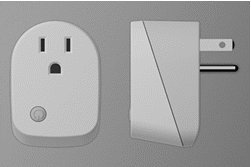
- Name
- 2 Wire Dimmer
- Brand
- Philio
- Features
- Feature Values Color
- Documents
- Category Description File Manual_Primary_Lang
- Role type
- ROLE_TYPE_SLAVE_ALWAYS_ON
- User icon
- 0x0600
- Categories
- All Lighting Devices, Dimming Lighting Devices
- Product id
- 0x007e
- S2 classes
- S2_UNAUTHENTICATED, S2_AUTHENTICATED
- Device type
- Multilevel Switch
- Oem version
- HW: 1 FW: 1.01
- Library type
- SLAVE_ENHANCED_232
- Product line
- Philio Z-wave Products
- Supports nwi
- Yes
- Installer icon
- 0x0600
- Frequency plans
- EU: 869.85MHz, 868.40MHz
- Manufacturer id
- 0x013C
- Product type id
- 0x0005
- Long description
- The device should only need two wires for dimming, easy to install. This device is a security enabled Z-Wave Plus product that uses encrypted Z-Wave Plus messages to communicate to other security enabled Z-Wave Plus products. Z-WaveTM enabled devices displaying the Z-WaveTM logo can also be used with this device regardless of the manufacturer, and this device can also be used in other manufacturer’s Z-WaveTM enabled networks. All mains operated nodes within the network will act as repeaters regardless of vendor to increase reliability of the network. The product supports an Over the Air (OTA) feature for the products firmware upgrade.
- Hardware platform
- ZGM130
- Short description
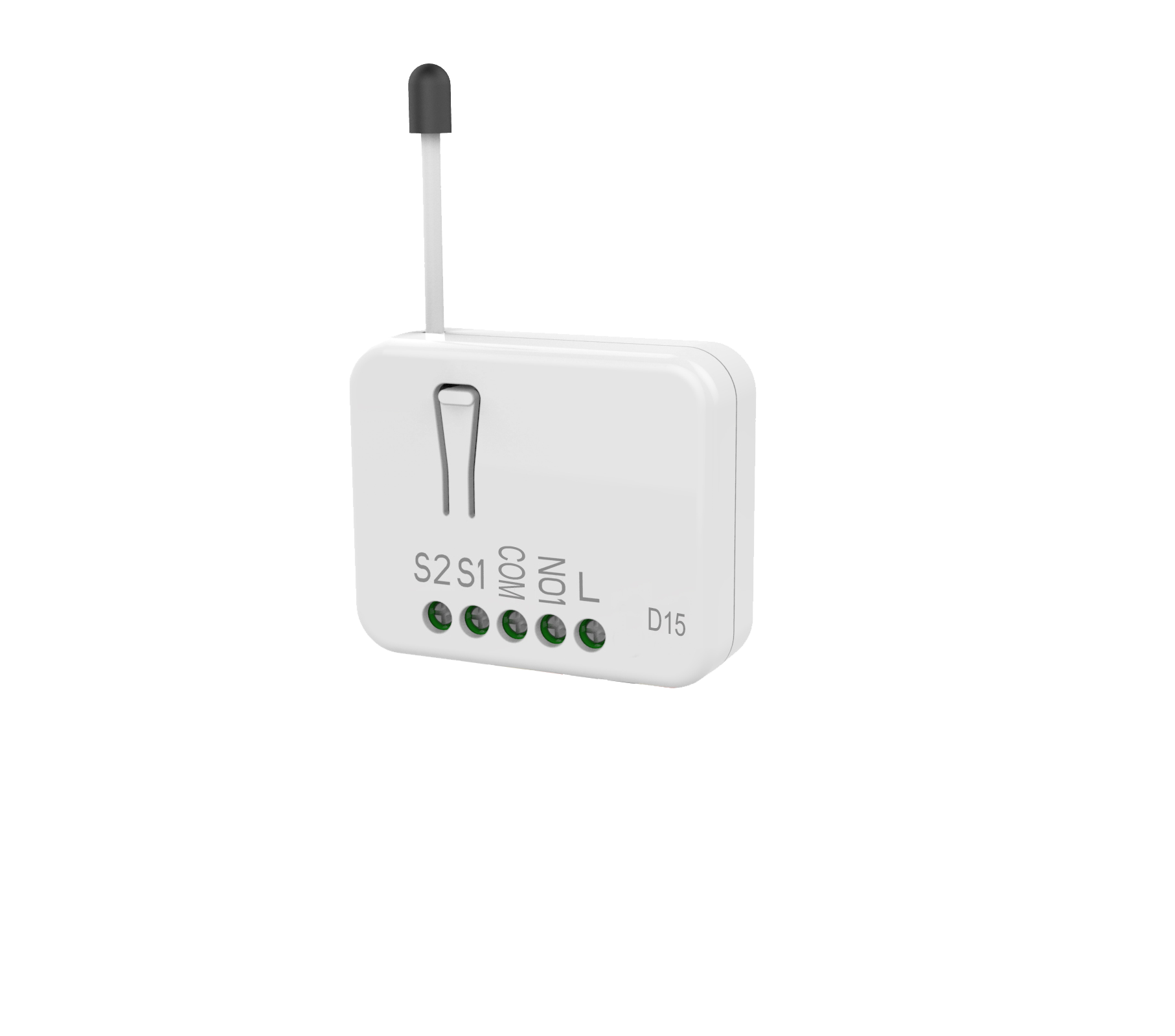
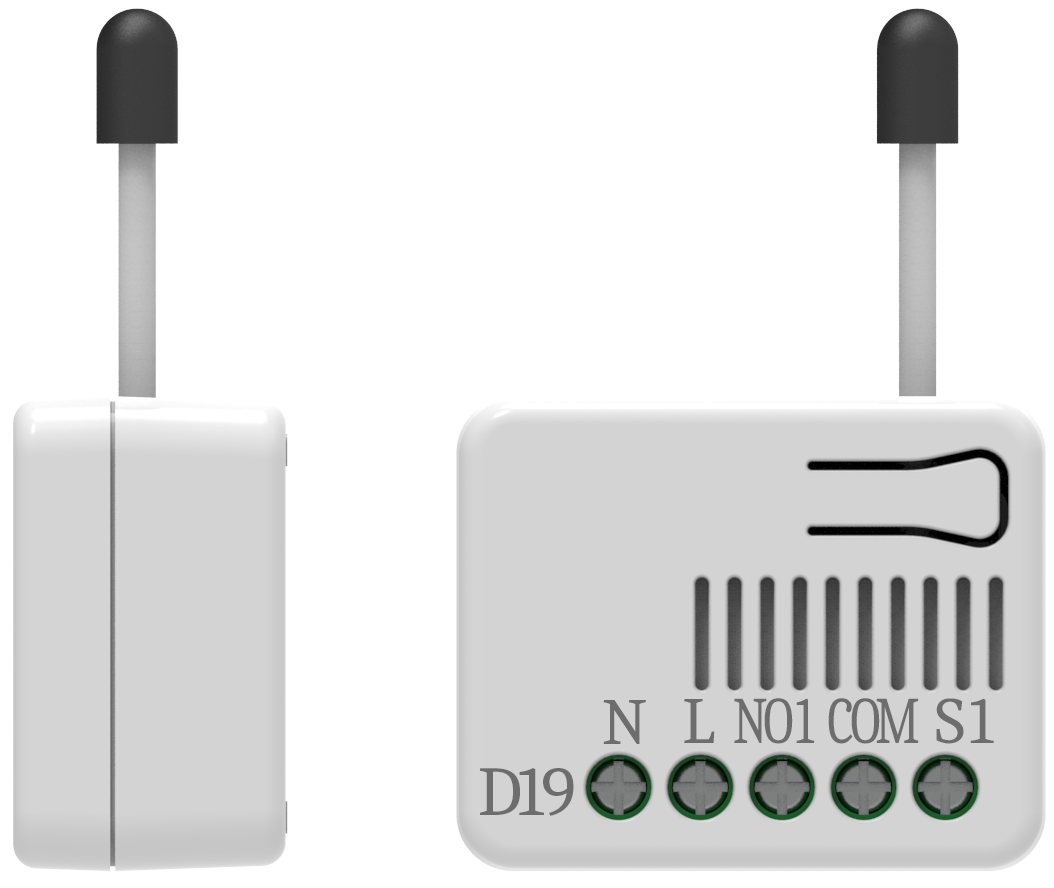
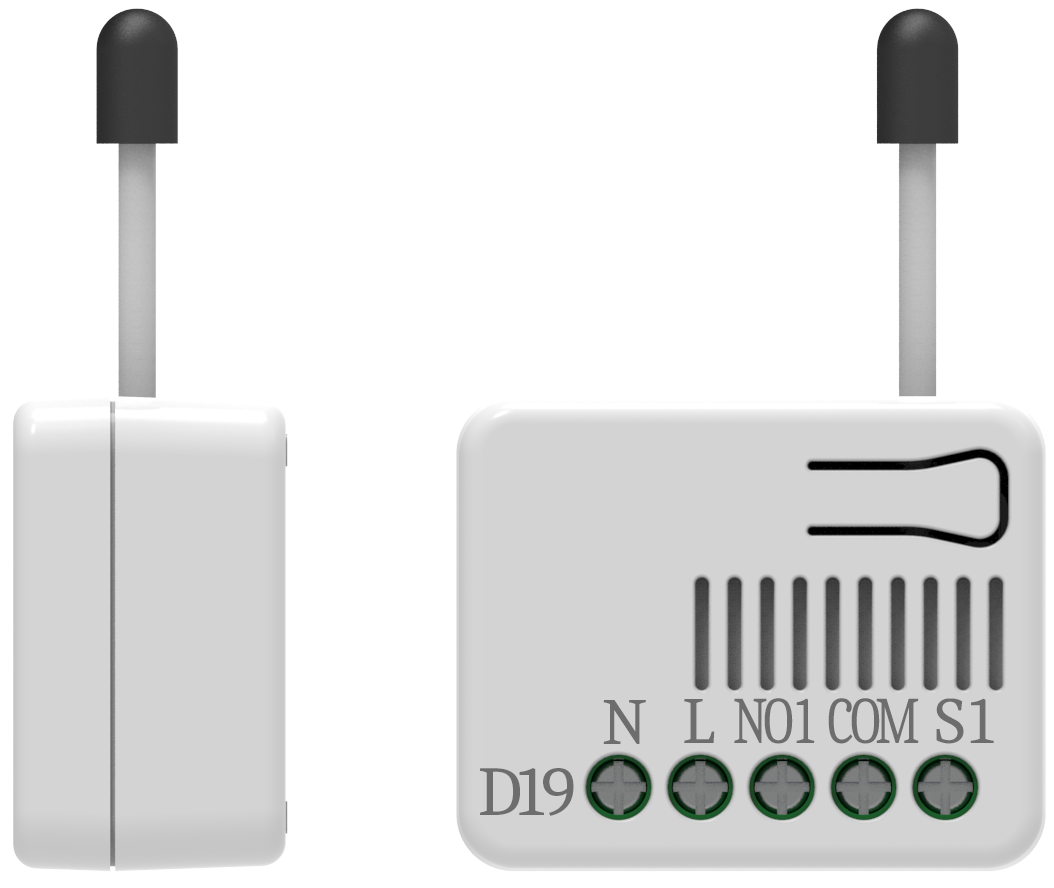
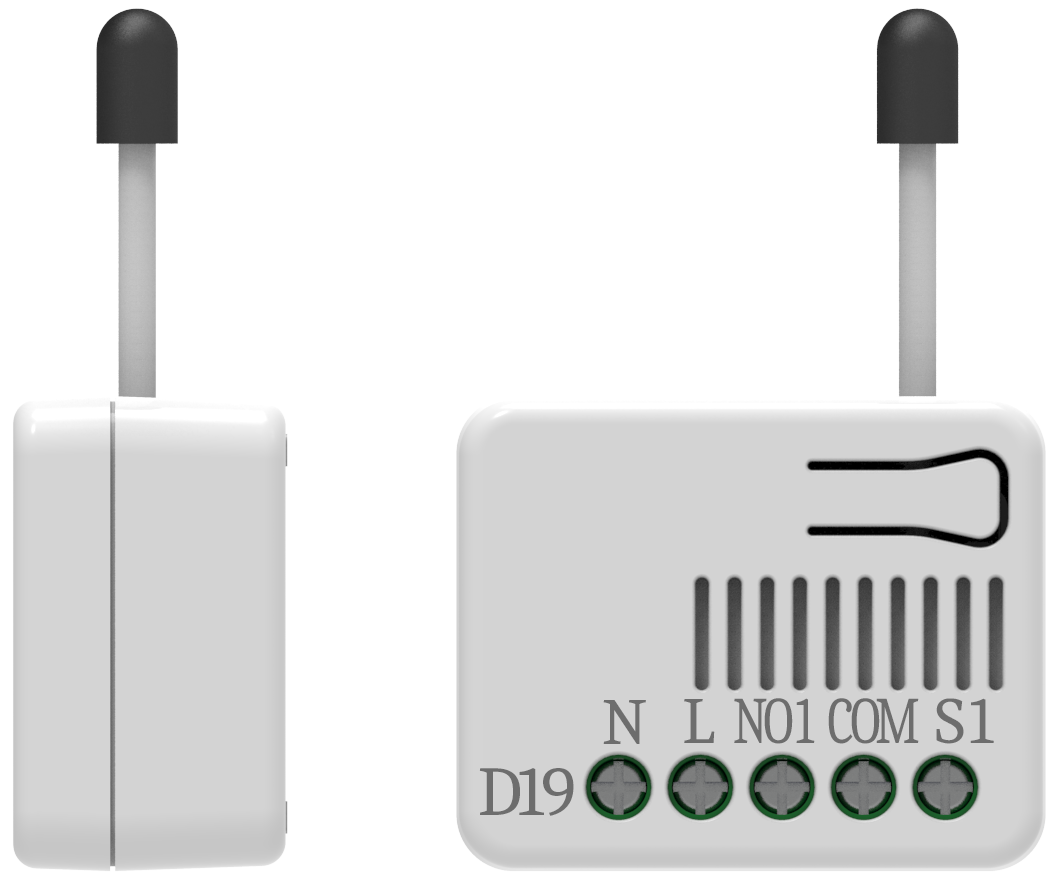
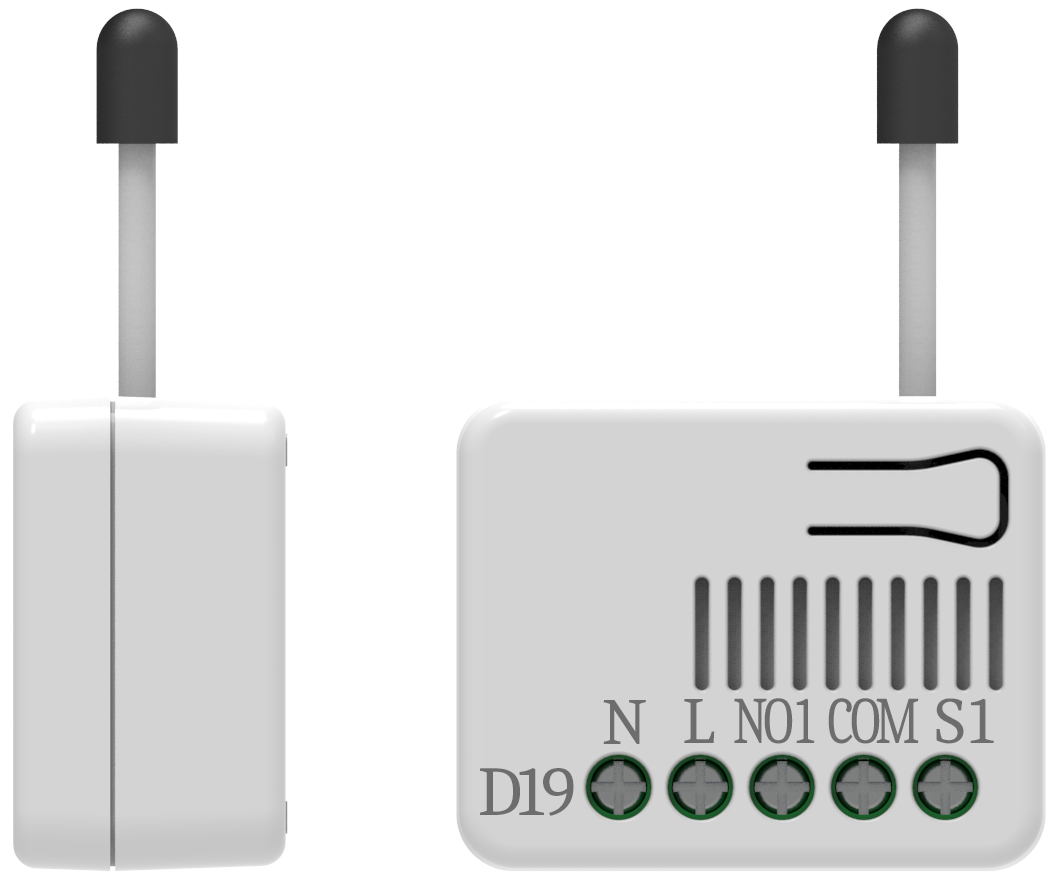
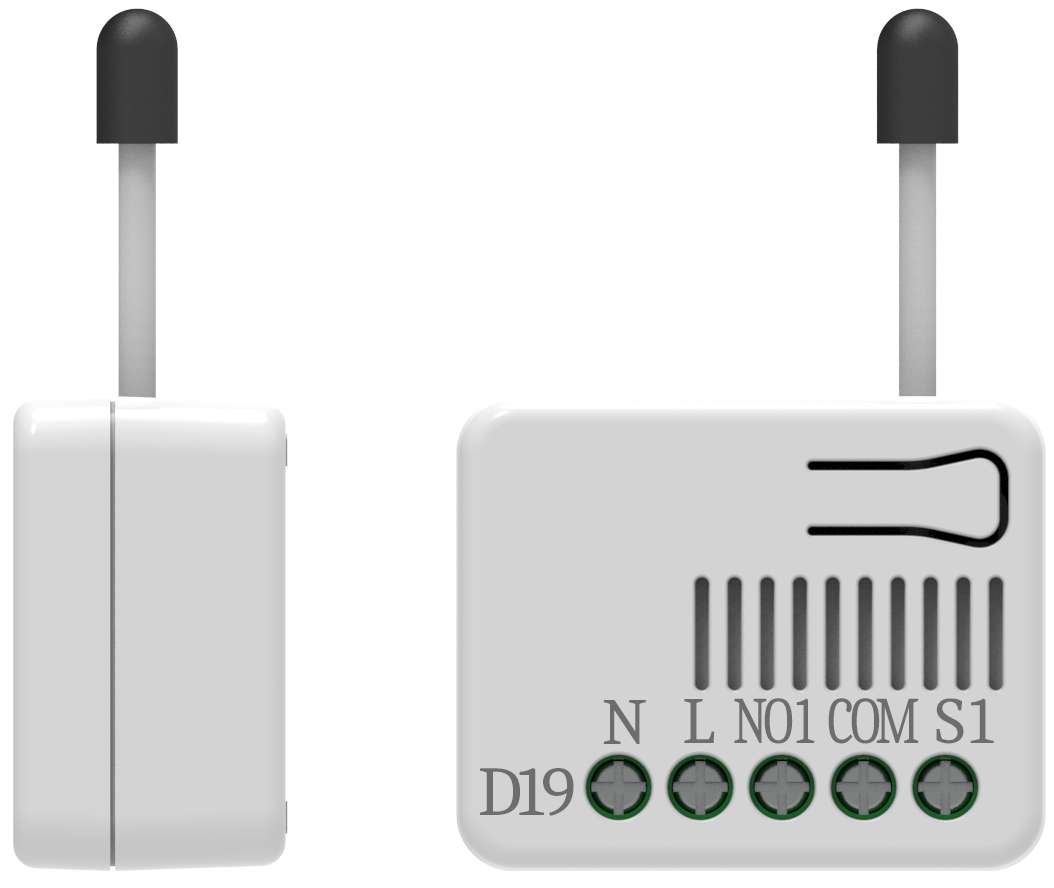
- PAD15 is a 2 Wire dimmer. It only needs to connect two wires, single wire (L) and load (NO1).
- Product identifier
- PAD15
- Countries / regions
- European Union
- Supports smart start
- Yes
- Certification number
- ZC12-20070082
- Radio range z wave (m)
- 40
- Configuration parameters
- Parameter Number Name Description Format Size Min Value Max Value Default Value Parameter Values 5
- Supports explorer frames
- Yes
- Supported command classes
- Identifier Name Key Version COMMAND_CLASS_CONFIGURATION_V4
- Supported notification types
- Notification Type Event / State Power Management
- Value white firmware updatable value updatable by consumer by rf association groups
- Group Number Maximum Nodes Supported End Point ID Group Name Profile Description 1
- From to description 0 98 0~98 : 0% ~ 98% 2 power on recovery status set to set dimmer level when ac power on. setting value: 0: off 0% 1: on last level 2: on 100% 1 1 0 2 0 from to description 2 2 2: on 100% 1 1 1: on last level 0 0 0: off 0% 6 basic duration set unit: second to set dimming finished duration time when physical switch used. ex: when setting is 2, it will take 2 seconds from switch on action to dimming finished. 1 1 0 127 2 from to description 0 127 unit: second ,0 ~127second 1 switch set to select connected switch function. setting value: 0: only s1 is effective 1: both s1 and s2 are effective. 2: s1 dimmer up s2 dimmer down 1 1 0 2 1 from to description 2 2 2: s1 dimmer up s2 dimmer down 1 1 1: both s1 and s2 are effective. 0 0 0: only s1 is effective 3 rf report set to set if device send multilevel switch report to gateway when dimming finished. setting value: 1: report on 0: report off 1 1 0 1 1 from to description 0 0 0: report off 1 1 1: report on 4 maximum level to set dimming level maximum value. dimming level will not over the setting value. setting value: cannot be lower than the minimum level 1 1 1 99 99 from to description 1 99 1~99 : 1% ~ 99% texts
- ID Description Value 8