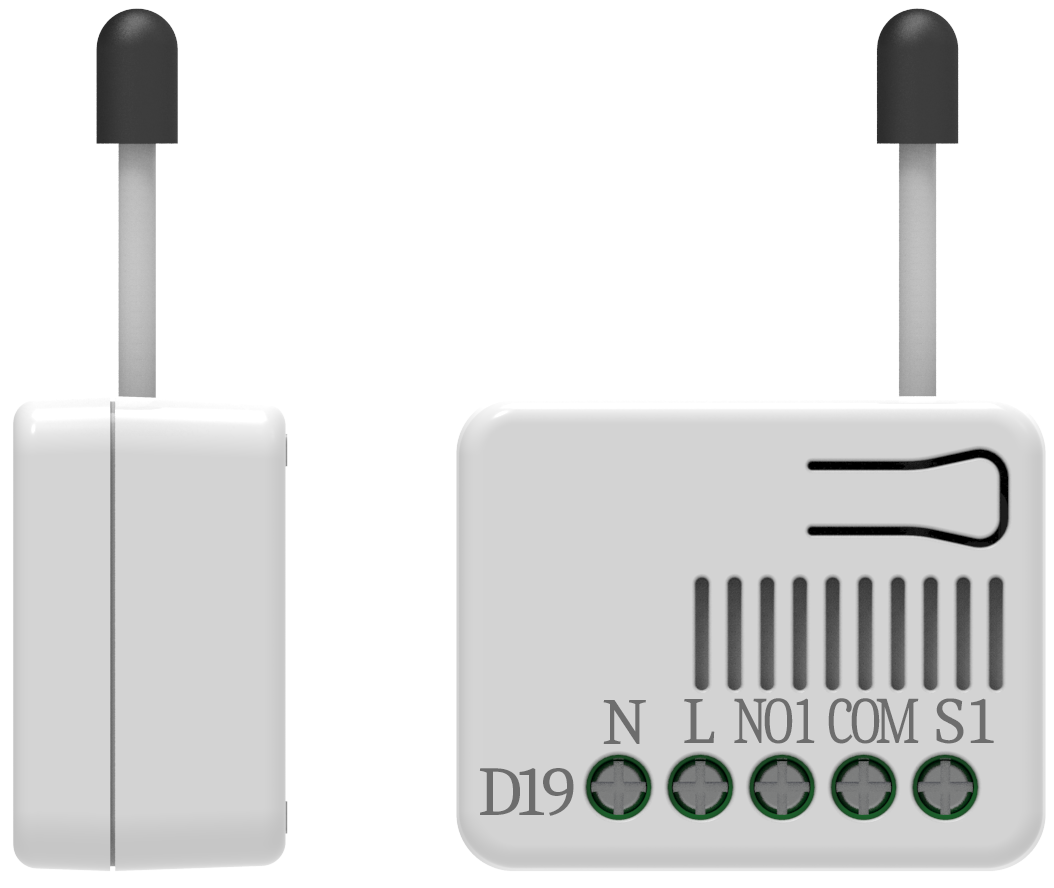
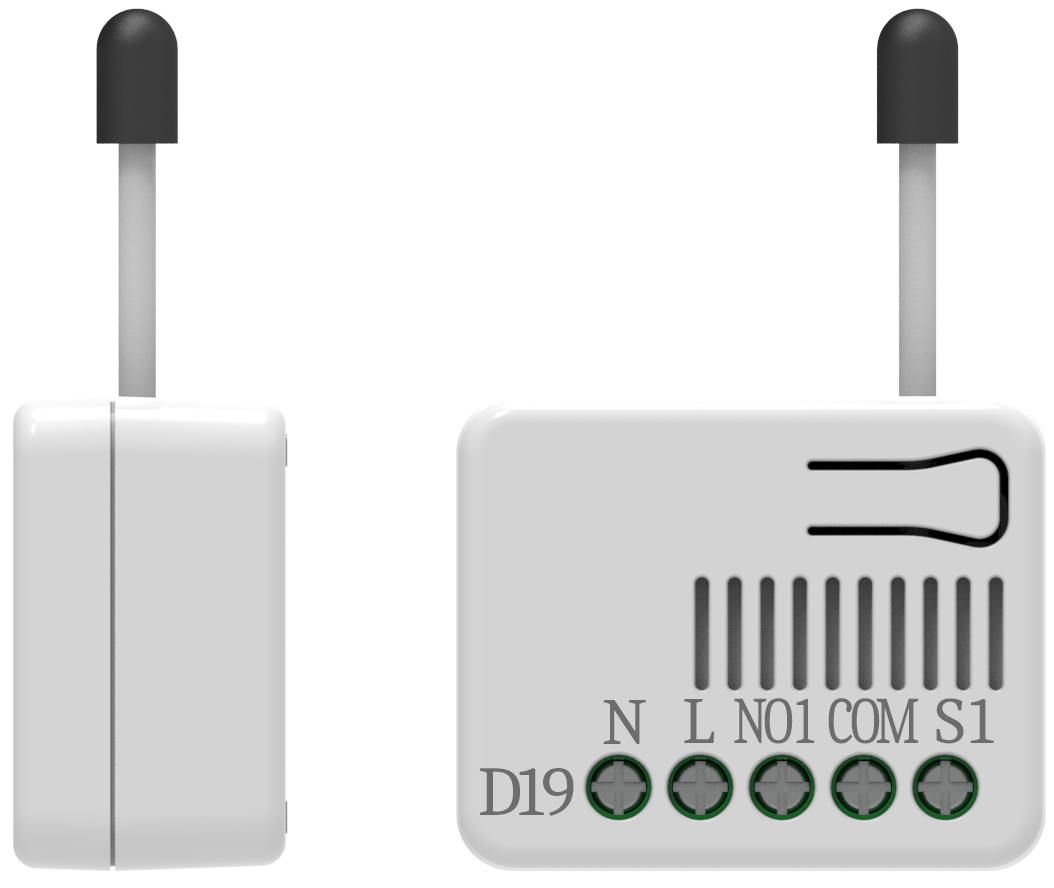
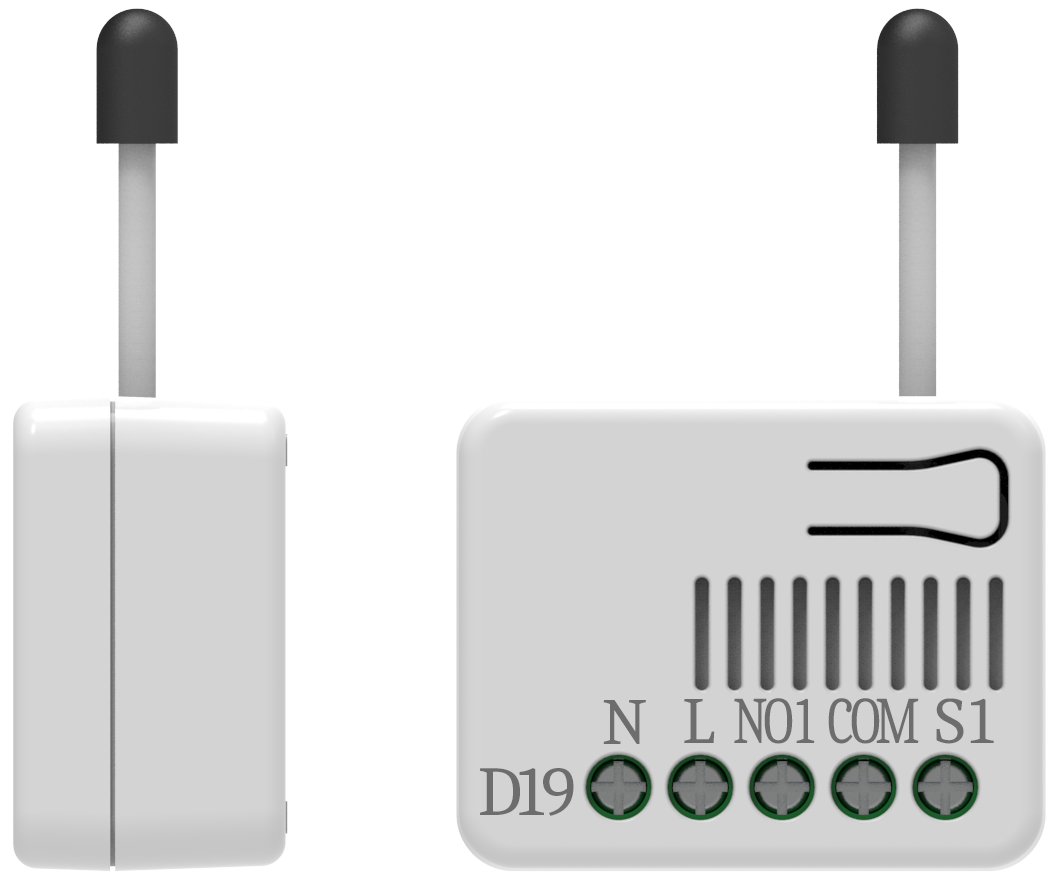
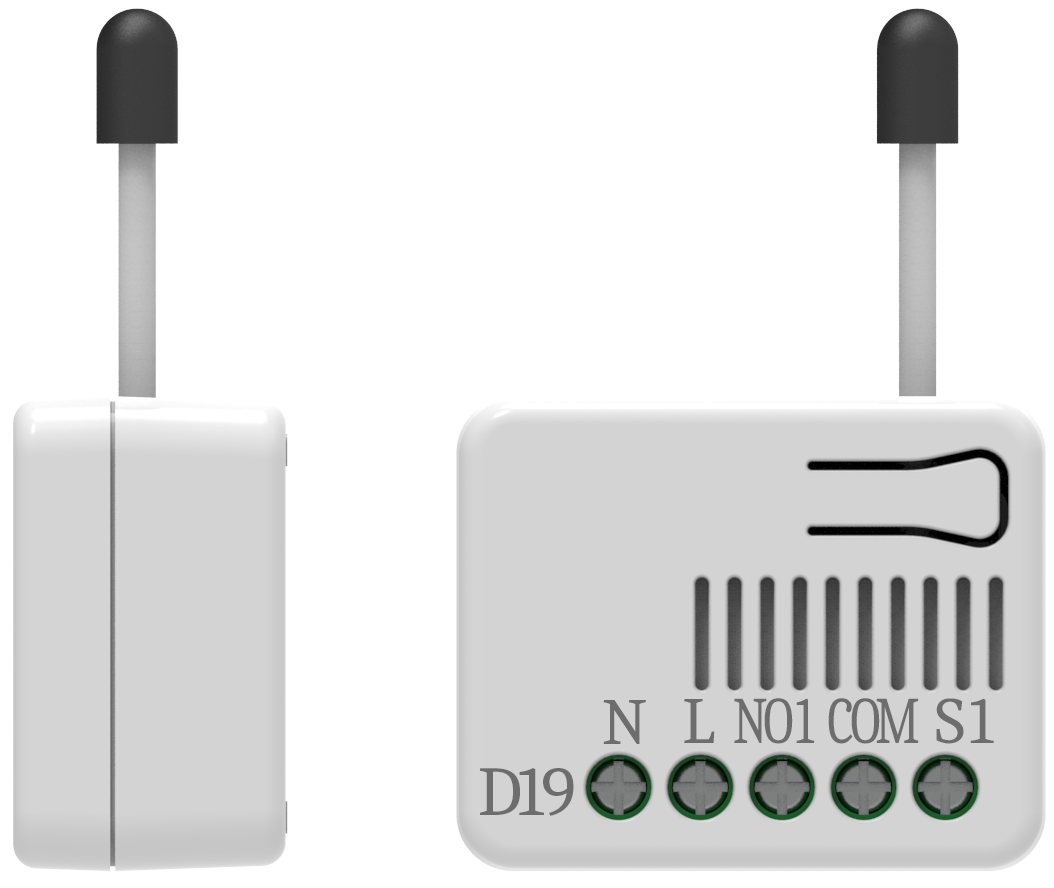
- Name
- In Wall Roller shutter Controller
- Brand
- Philio
- Features
- Feature Values Color
- Documents
- Category Description File Manual_Primary_Lang
- Role type
- ROLE_TYPE_SLAVE_ALWAYS_ON
- User icon
- 0x1A00
- Categories
- Window Covering
- Product id
- 0x0080
- S2 classes
- S2_UNAUTHENTICATED, S2_AUTHENTICATED
- Device type
- Window Covering DT
- Oem version
- HW: 1 FW: 1.01
- Library type
- SLAVE_ENHANCED_232
- Product line
- Philio Z-Wave Products
- Supports nwi
- Yes
- Installer icon
- 0x1A00
- Z wave version
- 7.15.1
- Frequency plans
- EU: 869.85MHz, 868.40MHz
- Manufacturer id
- 0x013C
- Product type id
- 0x0001
- Long description
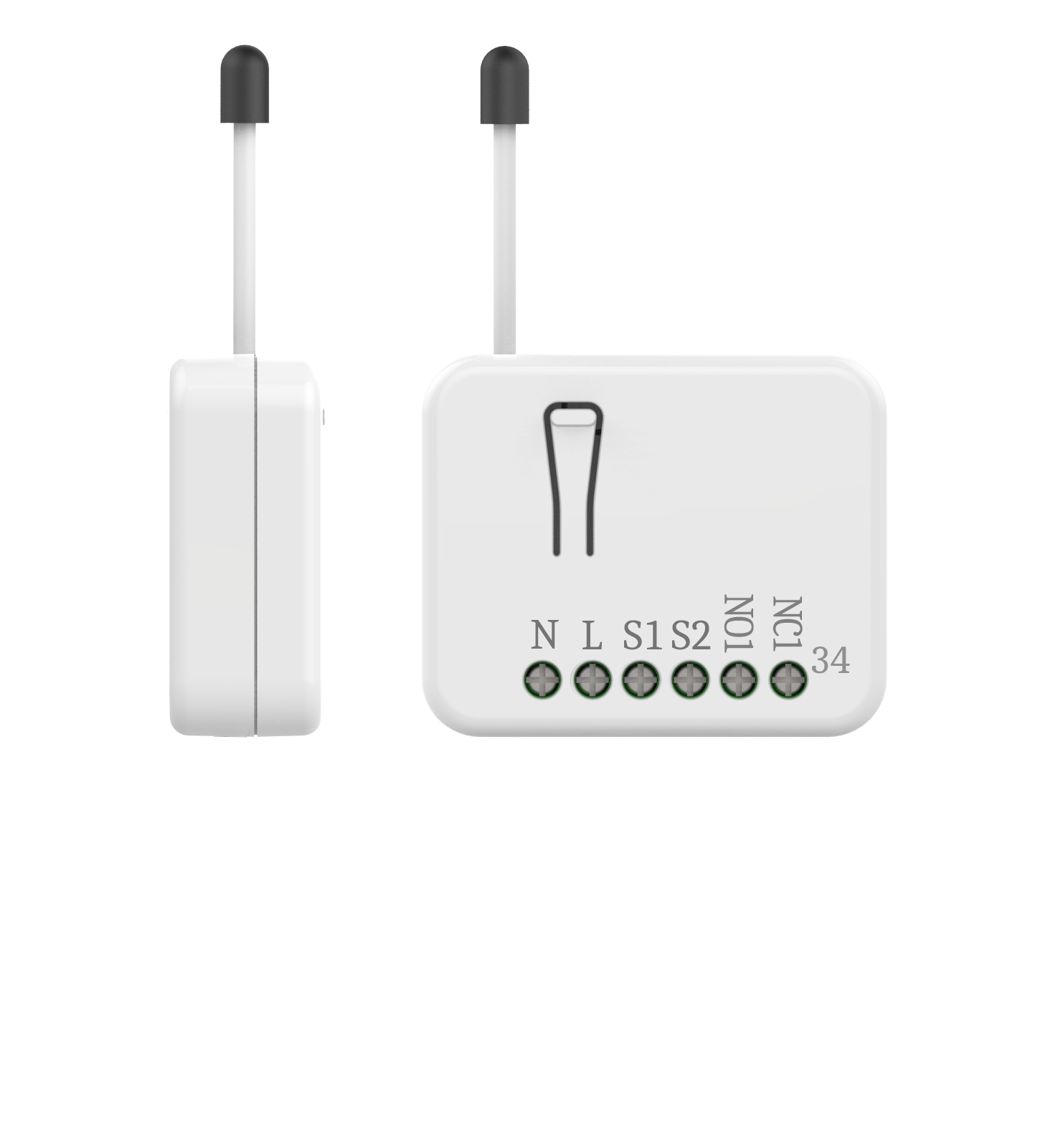
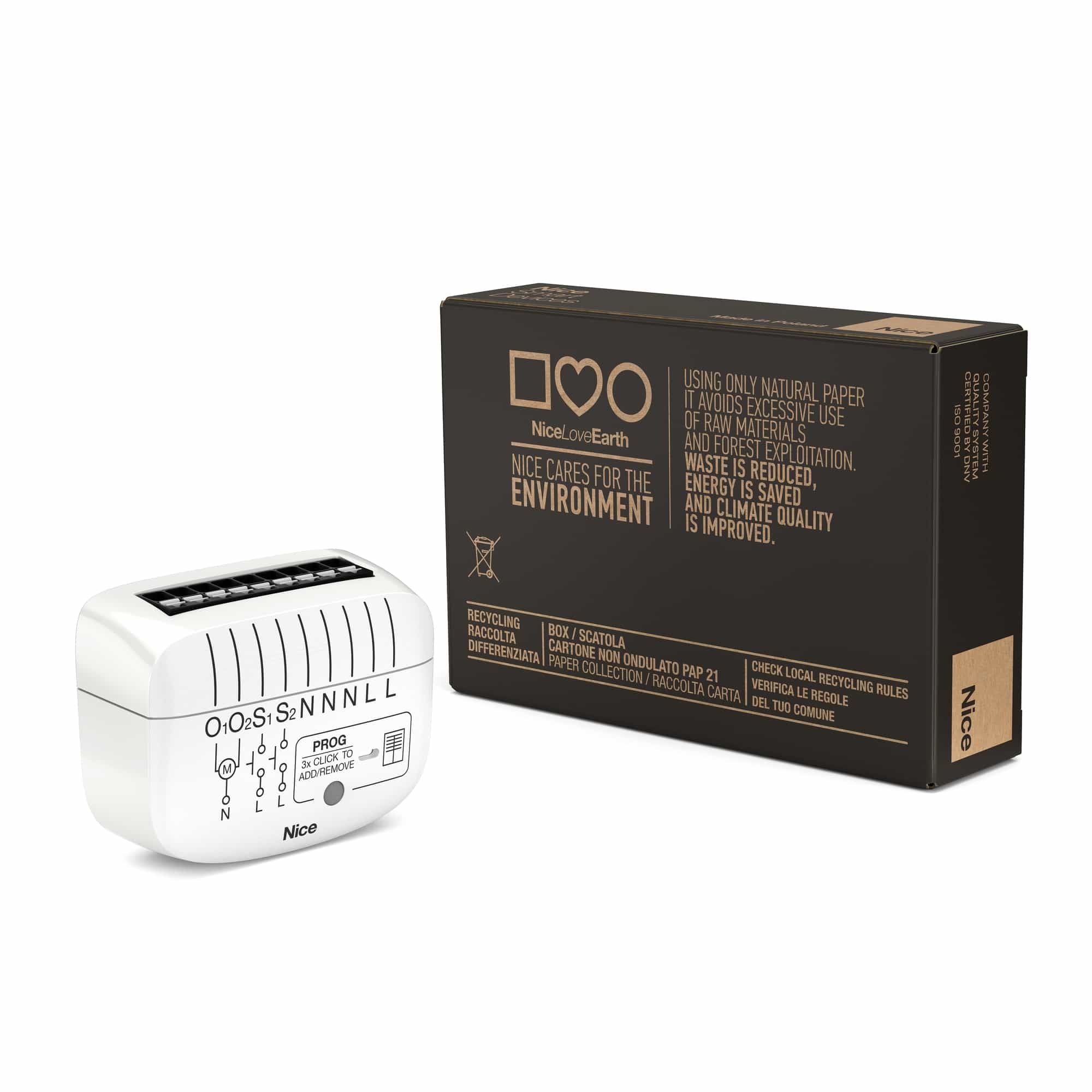
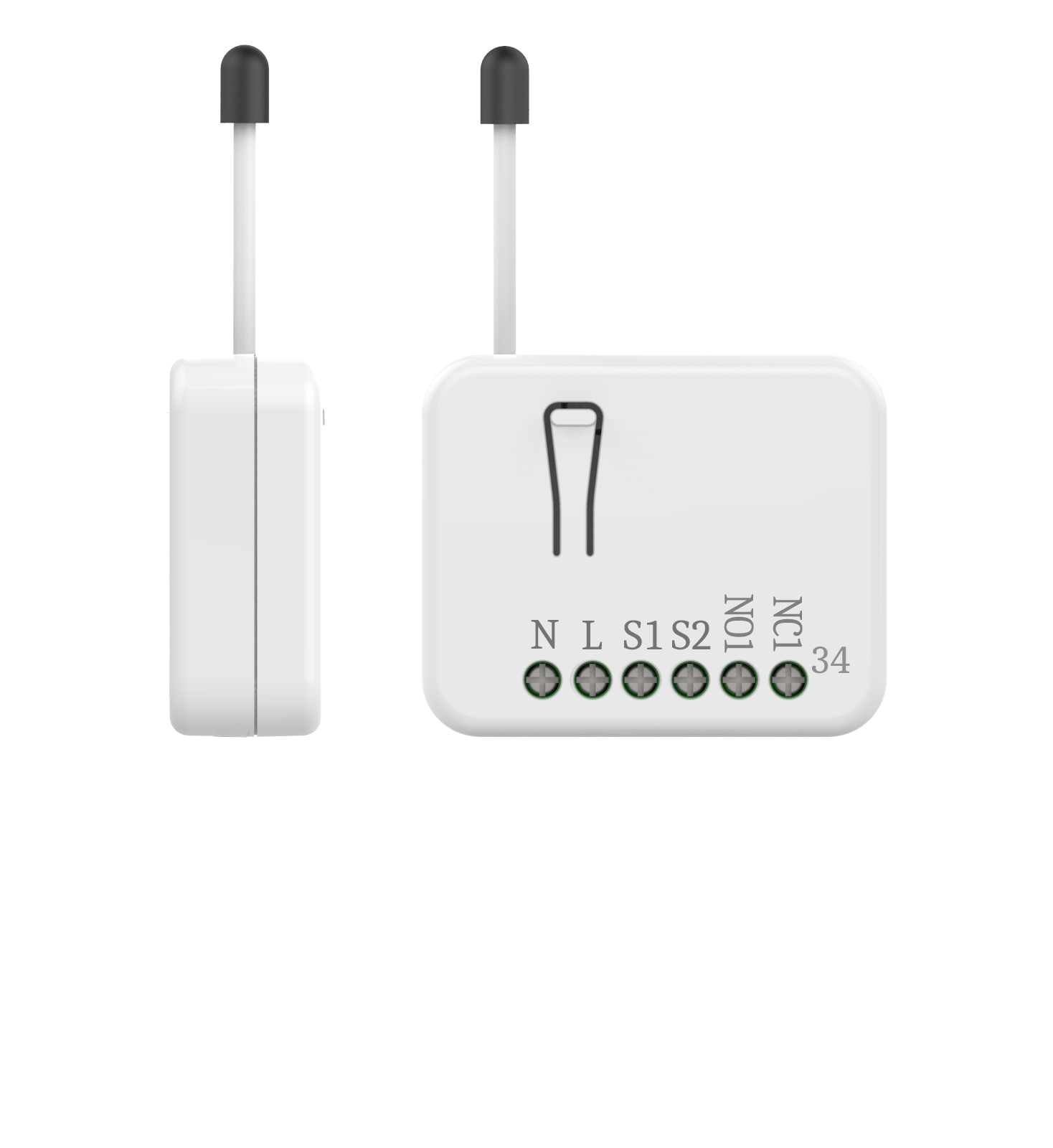
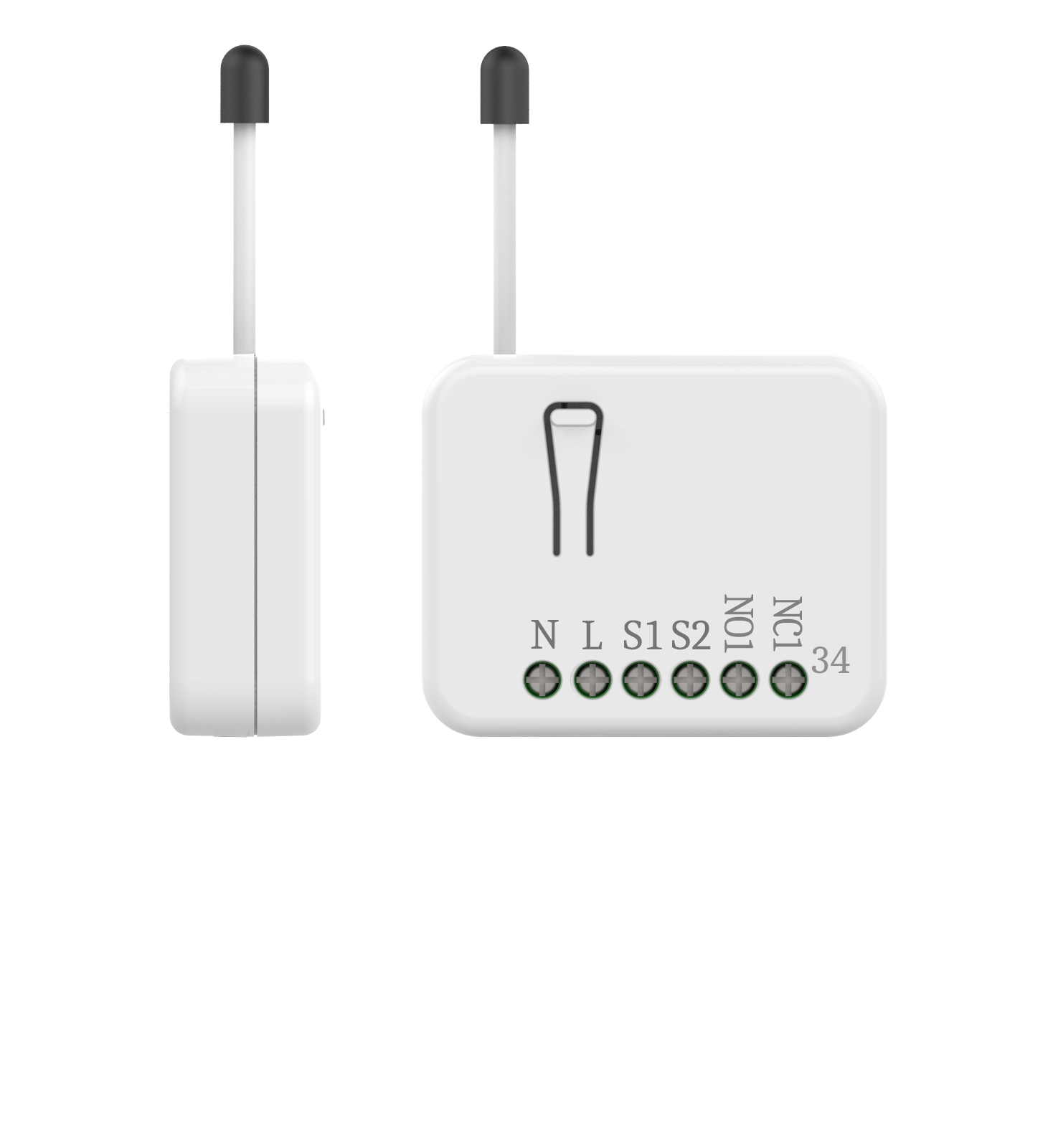
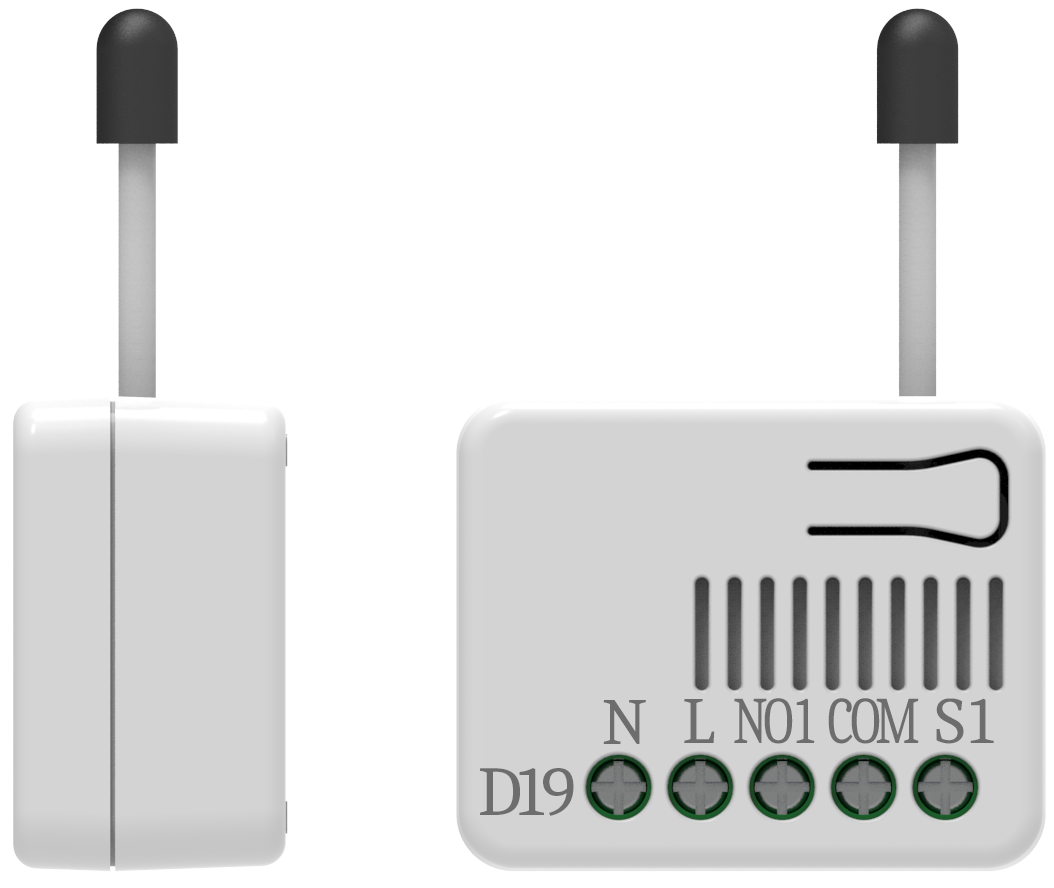
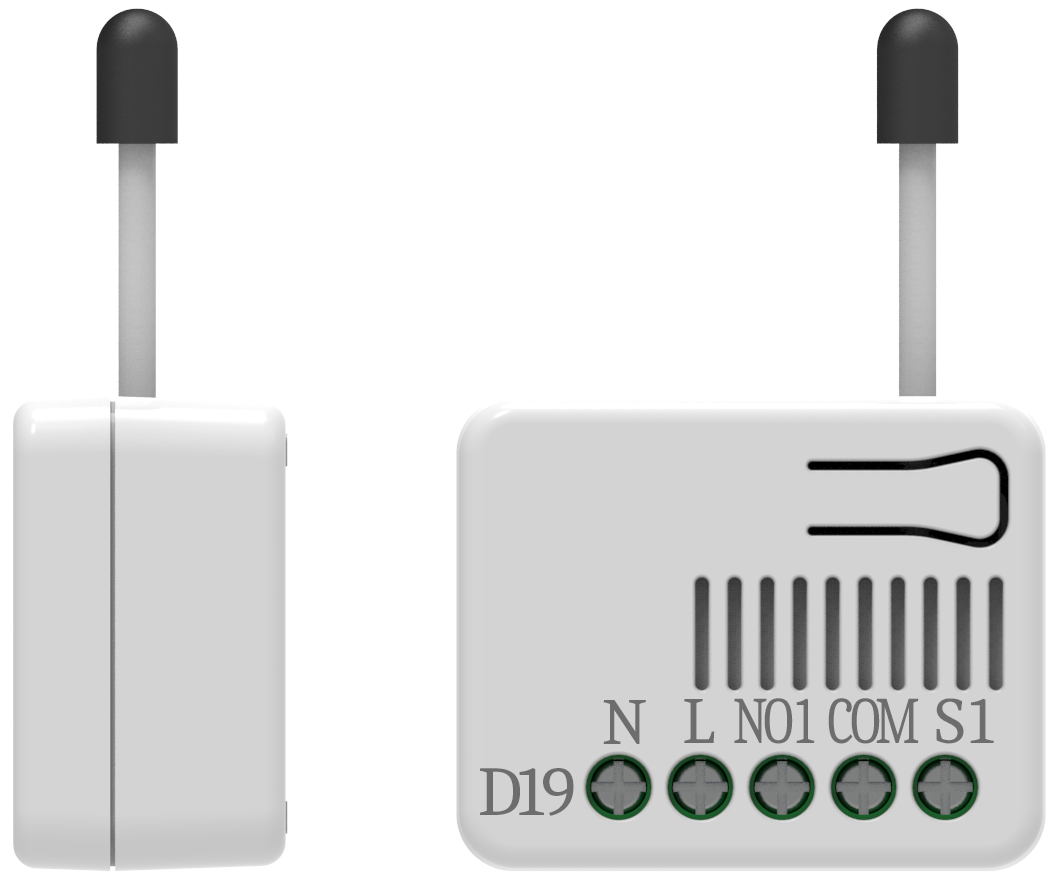
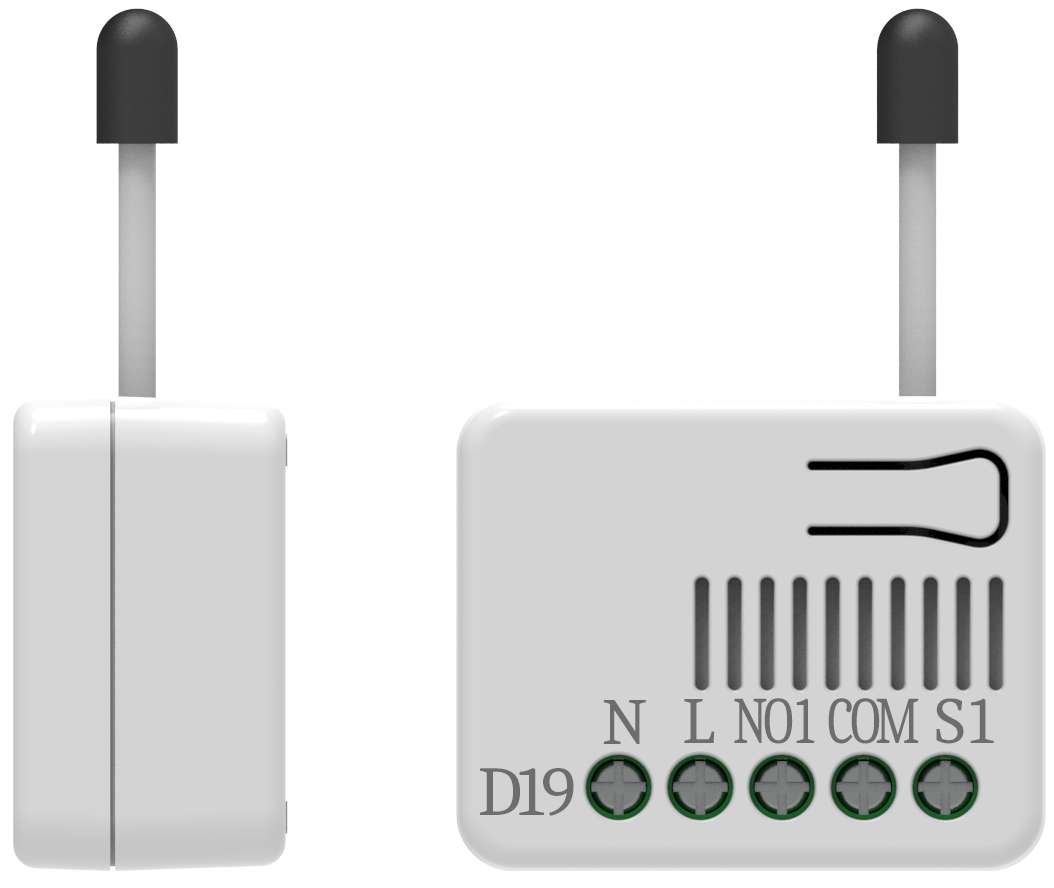
- The in-wall Roller Shutter Controller is designed to switch rise/lower roller shutter connected to its terminals using radio waves, controllers and a push button directly connected to this Roller Controller. This in-wall Roller Shutter Controller is a Z-Wave Plus TM enabled wireless device fully compatible with any Z-Wave TM enabled networks. This device is a security enabled Z-Wave Plus product that uses encrypted Z-Wave Plus messages to communicate to other security enabled Z-Wave Plus products. Z-Wave TM enabled devices displaying the Z-Wave TM logo can also be used with this device regardless of the manufacturer. This product can be operated in any Z-Wave network with other Z-Wave certified devices from other manufacturer. Within the network it will act as repeater regardless of vender to increase reliability of the network. Slim design let the Controller can easily hide itself into the wall box and that will be good for the house decoration. This device must be used in conjunction with a Security Enabled Z-Wave Controller in order to fully utilize all functions. Its functionality and supported command classes is identical when included as a secure and non-secure device. The new smart relay calibration technology can reduce the inrush current caused by the load and let the module work perfectly with many kind of Roller Shutter. This in-wall Roller Shutter Controller is able to detect position of the Shutter by using the patterned power measuring method, so it can be remote controlled not only fully up or down, but also can be adjusted to ex. 30% or 50%. And when manual controlled by push button, the controller also can memorize the position and send the new shutter position to its controller (ex. IP-Gateway).
- Hardware platform
- ZGM130
- Short description
- The in-wall Roller Shutter Controller is designed to switch rise/lower roller shutter connected to its terminals using radio waves, controllers and a push button directly connected to this Roller Controller.
- Product identifier
- PAN34-1
- Countries / regions
- European Union
- Supports smart start
- Yes
- Certification number
- ZC12-21070260
- Radio range z wave (m)
- 40
- Configuration parameters
- Parameter Number Name Description Format Size Min Value Max Value Default Value Parameter Values 2
- Supports explorer frames
- Yes
- Supported command classes
- Identifier Name Key Version COMMAND_CLASS_CONFIGURATION_V4
- Supported notification types
- Notification Type Event / State Power Management
- Supported / controlled meter types
- Meter Type Rate Type Description Electric meter
- Value white window covering control features value position aware automatic calibration supports open/close motion association groups
- Group Number Maximum Nodes Supported End Point ID Group Name Profile Description 1
- From to description 1 0 one push button 2 0 two push button 6 timer offset for motor start running this parameter is an offset to count for starting time of the motor. it will improve the inaccurate when moving to the middle position. the default value is 50. 2 2 0 255 50 from to description 0 255 0s ~ 2.55s, 50 = 0.5s 3 total moving time of curtain this is a way for setting the total moving time of curtain manually. 2 2 0 6000 0 from to description 0 0 the time depends on moving range calibration 1 6000 0.1s~600s 4 watt threshold the threshold is for pan34 judging if the motor is running or not. the default value is 1 watts. 2 1 1 5 1 from to description 1 5 the threshold is a judgment for motor running or not 5 watt differential whenever the watt value varies over 5%, pan34 will send the meter report to group 1 nodes. the default value is 1 (5%). 3 1 0 1 1 from to description 0 0 it will not report watt when change over 5% 1 0 it will report watt value when the differential is over 5% 1 watt meter report period if the setting is configured for 1hour (set value =720), the pan34 will report its instant power consumption every 1 hour to the node of group 1. the maximum interval to report its instant power consumption is 45 hours (5s*32767/3600=45hr). default value is 1 hour. 2 2 0 32767 720 from to description 1 32767 5s~45 hour 0 0 disable auto report texts
- ID Description Value 1