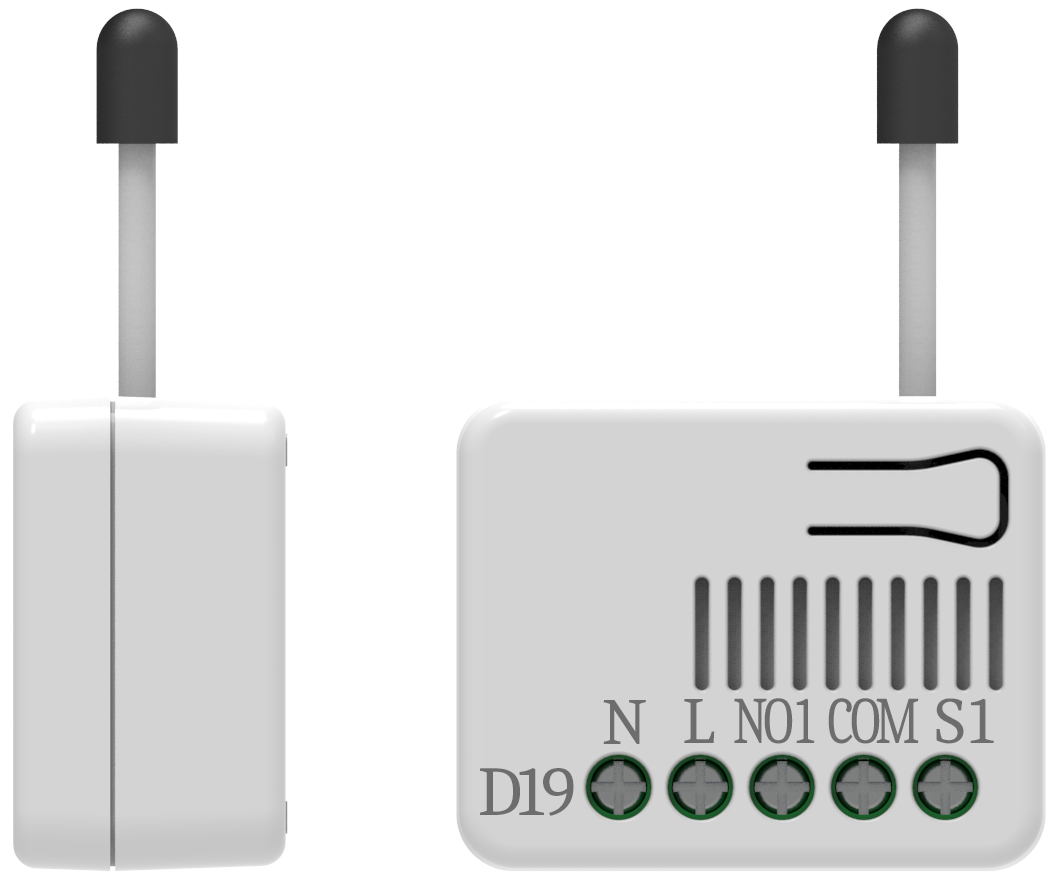
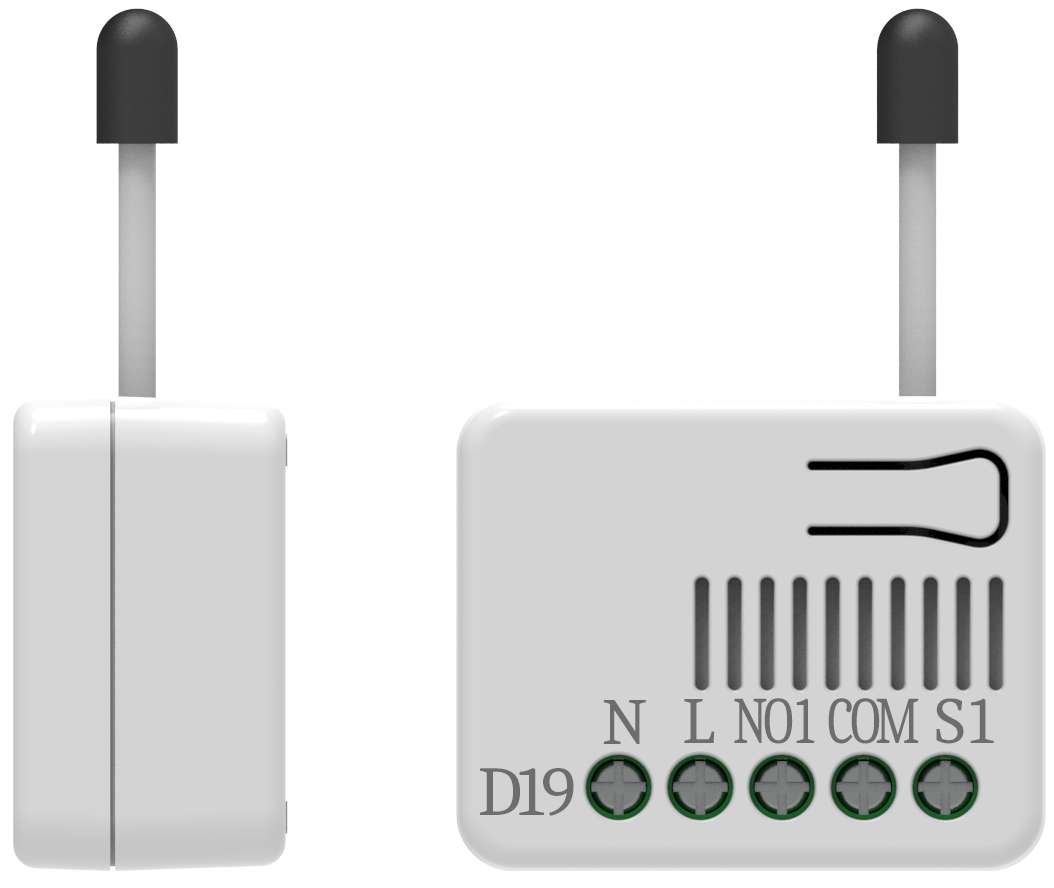
- Name
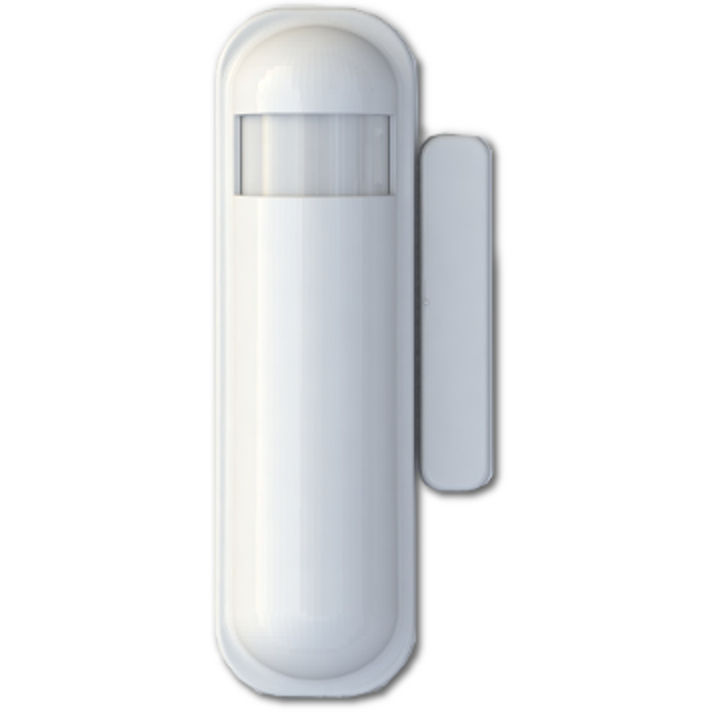
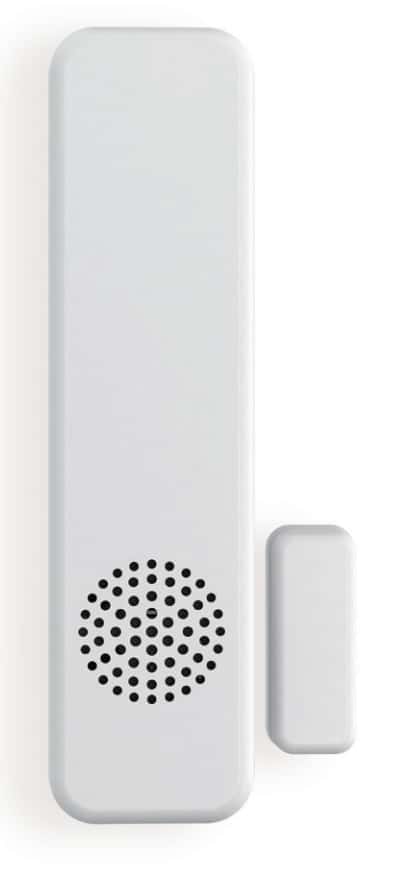
- Slim Multisensor
- Brand
- Philio
- Documents
- Category Description File Manual_Primary_Lang
- Role type
- ROLE_TYPE_SLAVE_SLEEPING_REPORTING
- Categories
- Sensors
- Product id
- 0x000E
- Device type
- Notification Sensor
- Oem version
- 01
- Library type
- SLAVE_ENHANCED_232
- Supports nwi
- Yes
- Z wave version
- 6.51.02
- Frequency plans
- EU: 869.85MHz, 868.40MHz
- Manufacturer id
- 0x013C
- Product type id
- 0x0002
- Long description
- The slim multisensor PST02 has door/window, temperature and illumination, 3 sensors function in one,based on Z-Wave technology.
- Hardware platform
- SD3502
- Short description
- Slim Multisensor 3 in 1 (Door/Window, Temperature and Illumination)
- Association groups
- Group Number Maximum Nodes Supported End Point ID Description 1
- Product identifier
- PST02-1C
- Countries / regions
- European Union
- Certification number
- ZC10-14080018
- Radio range z wave (m)
- 40
- Configuration parameters
- Parameter Number Name Description Format Size Min Value Max Value Default Value Parameter Values 6
- Supports explorer frames
- Yes
- Controlled command classes
- Identifier Name Key Version COMMAND_CLASS_BASIC
- From to description 0 255 mult sensor function switch 7 customer function customer function switch, using bit control. bit0: reserve. bit1: reserve. bit2: reserve. bit3: disable send out basic off after door closed. (1:disable, 0:enable) bit4: notification type, 0: using notification report. 1: using sensor binary report. bit5: disable multi cc in auto report. (1:disable, 0:enable) bit6: disable to report battery state when the device triggered. (1:disable, 0:enable) bit7: reserve. notice: the reserve bit is allowed any value, but no effect. 0 1 0 0 4 from to description 0 255 customer function 2 basic set level setting the basic command value to turn on the light. the 0x ff( 1) means turn on the light. for dimmer equipment 1 to 100 means the light strength. 0 means turn off the light. 0 1 0 0 255 from to description 0 255 basic set value 4 light threshold setting the illumination threshold to turn on the light. when the event triggered and the environment illumination lower then the threshold, the device will turn on the light. 0 means turn off illumination detected function. and never turn on the light. 1 means darkest. 99 means brightest. 100 means turn off illumination detected function. and always turn on the light. notice: in none test mode, only the value in 1 to 99 will enable the illumination detected function and update the illumination value. 0 1 0 0 99 from to description 0 100 light threshold 5 operation mode operation mode. using bit to control. bit0: reserve. bit1: 1 means test mode, 0 means normal mode. notice: this bit only effect by the dip switch setting to “customer mode”, otherwise it decides by dip switch setting to test or normal mode. bit2: disable the door/window function. (1:disable, 0:enable) bit3: setting the temperature scale. 0: fahrenheit, 1:celsius bit4: disable the illumination report after event triggered. (1:disable, 0:enable) bit5: disable the temperature report after event triggered. (1:disable, 0:enable) bit6: reserve. bit7: disable the back key release into test mode. (1:disable, 0:enable) notice: the reserve bit is allowed any value, but no effect. 0 1 0 0 0 from to description 0 0 0 255 operation mode 9 turn off light time after turn on the lighting, setting the delay time to turn off the lighting when the pir motion is not detected. 8 seconds per tick, default tick is 4 (32 seconds). 0 means never send turn off light command. 0 1 0 0 4 from to description 0 127 turn off light time texts