- Name
- Door/window sensor
- Brand
- Telldus
- Documents
- Category Description File Manual_Primary_Lang
- Role type
- ROLE_TYPE_SLAVE_SLEEPING_REPORTING
- Categories
- Sensors
- Product id
- 0x0001
- Device type
- Notification Sensor
- Oem version
- 01
- Library type
- SLAVE_ENHANCED_232
- Supports nwi
- Yes
- Z wave version
- 6.51.06
- Frequency plans
- EU: 869.85MHz, 868.40MHz
- Manufacturer id
- 0x0176
- Product type id
- 0x0005
- Long description
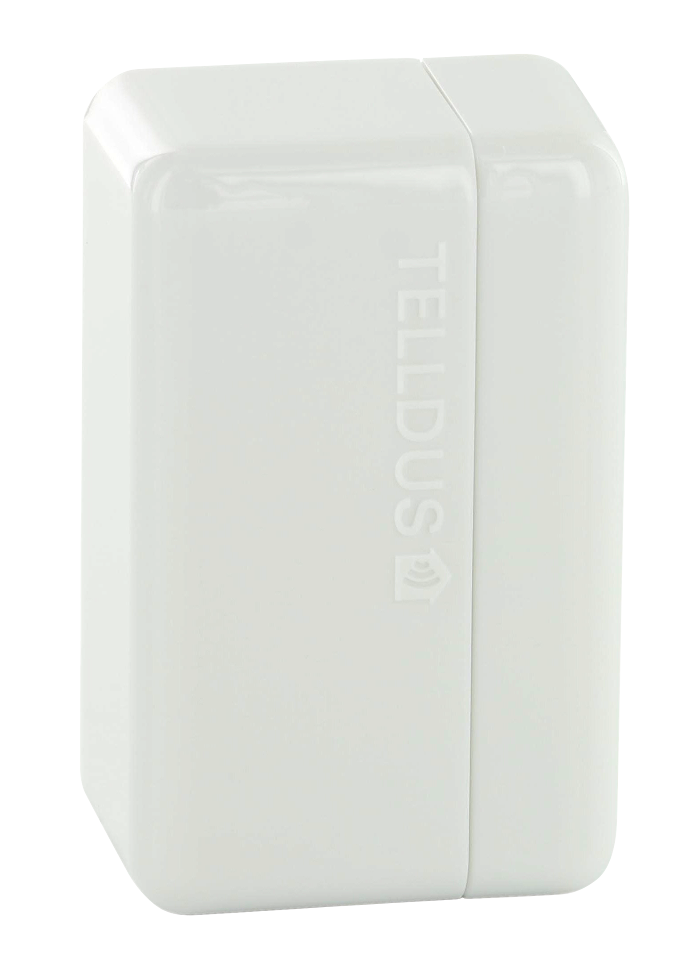
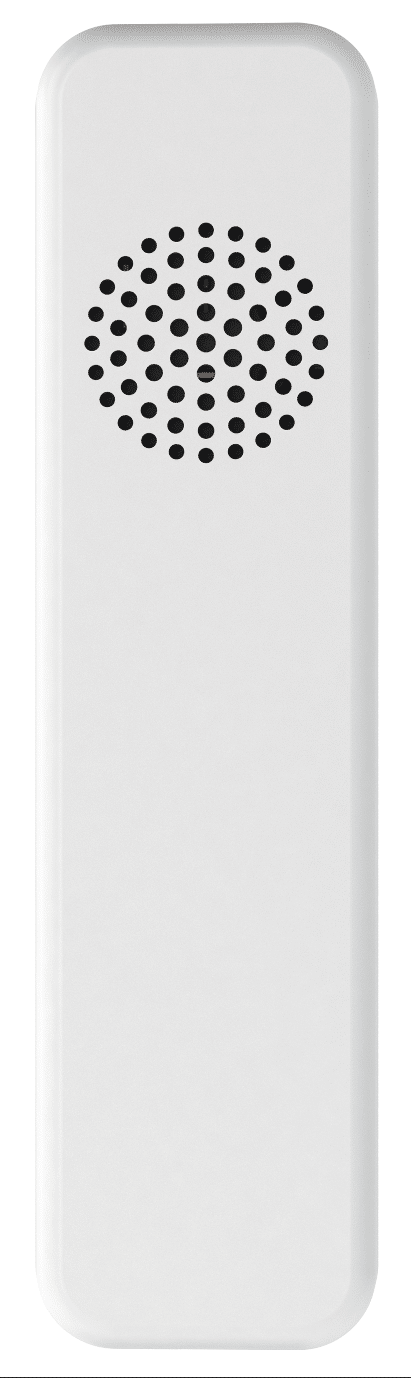
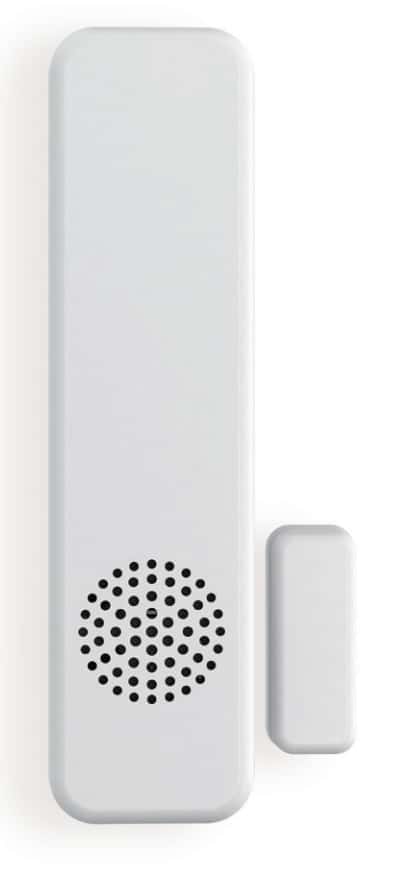
- This magnet sensor contains the latest Z-Wave technology with the ability to remotely control other Z-Wave units available in your network. The fact that it is battery operated and so small you can virtually place it anywhere you want – on doors, windows or drawers, without the need of wiring. Screw or tape up the holder and then click the sensor in place. Done! The sensor is designed to be seen as little as possible and we have made it significantly smaller than other sensors. It consists of two parts that will merge into a stylish unit when the sensor is closed.
- Hardware platform
- ZM5202
- Short description
- Door/window sensor
- Association groups
- Group Number Maximum Nodes Supported End Point ID Description 1
- Product identifier
- TZDW-100
- Countries / regions
- European Union
- Certification number
- ZC10-15100003
- Radio range z wave (m)
- 40
- Configuration parameters
- Parameter Number Name Format Size Min Value Max Value Default Value Parameter Values Description 5
- Supports explorer frames
- Yes
- Controlled command classes
- Identifier Name Key Version COMMAND_CLASS_SWITCH_MULTILEVEL
- From to description 0 99 dim level 1 1 last value 6 type of signals to association group 2 0 1 0 0 0 from to description 0 0 normal 1 1 inverted when this configuration is set to inverted, an off signal will be sent when the sensor is opened and on signal when it's closed instead of the opposite. 7 led indicator 0 1 0 0 1 from to description 1 1 on 0 0 off select if the led indicator shold be active or not. turn it off to reduce the power consumption. 8 type of command to be sent in the lifeline 0 1 0 0 0 from to description 1 1 sensor binary 0 0 notification 4 select what type of command to be sent to nodes in association group 3 0 1 0 0 0 from to description 0 0 basic 1 1 switch binary 2 2 switch all 3 3 switch multilevel use basic to control on/off devices, use switch multilevek to control dimmer devices. 1 select what type of command to be sent to nodes in association group 2 0 1 0 0 0 from to description 0 0 basic 1 1 switch binary 2 2 switch all 3 3 switch multilevel select what type of command to be sent to nodes in association group 2 2 select value that should be sent to association group 2 0 1 0 0 1 from to description 0 99 dim level 1 1 last value select what value that should be sent to association group 2 when swith multilevel is set in configuration 1. use 1 99 for specific dim level, 1 return to last value. should only be changed when swith multilevel is set in configuration 1. 3 type of signals to association group 2 0 1 0 0 0 from to description 0 0 normal 1 1 inverted when this configuration is set to inverted, an off signal will be sent when the sensor is opened and on signal when it's closed instead of the opposite. texts