- Name
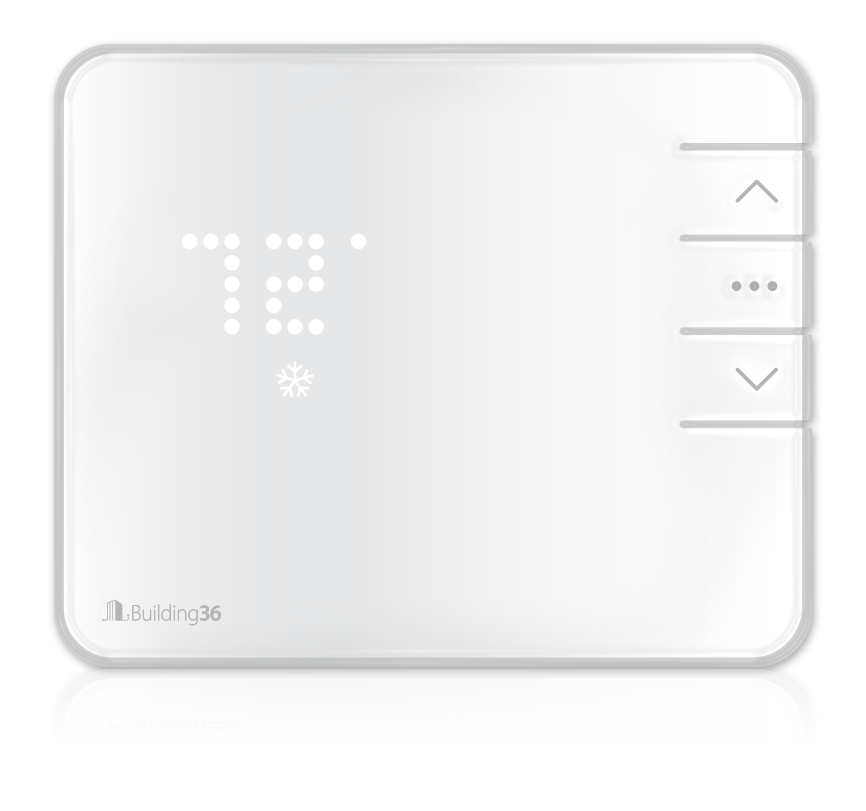
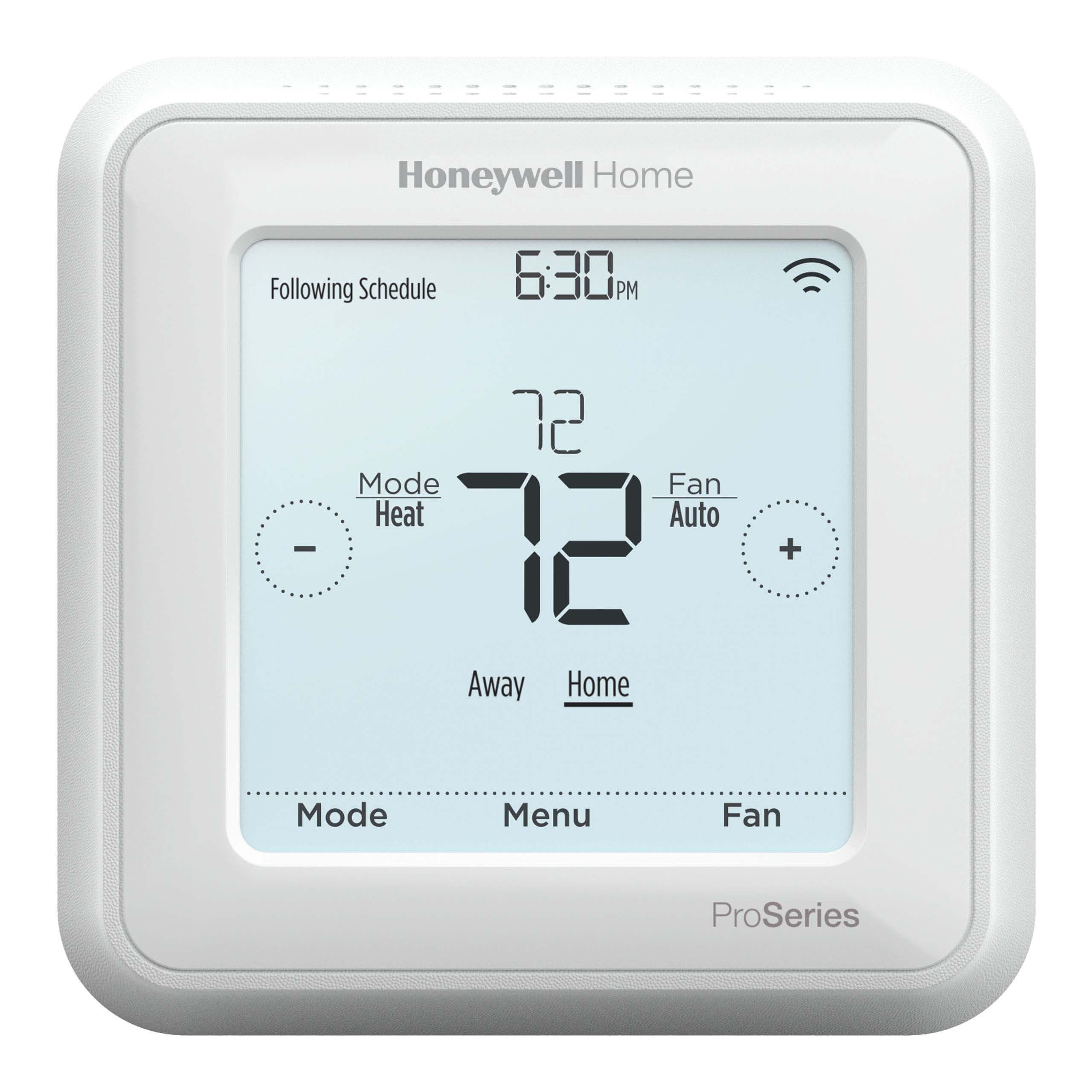
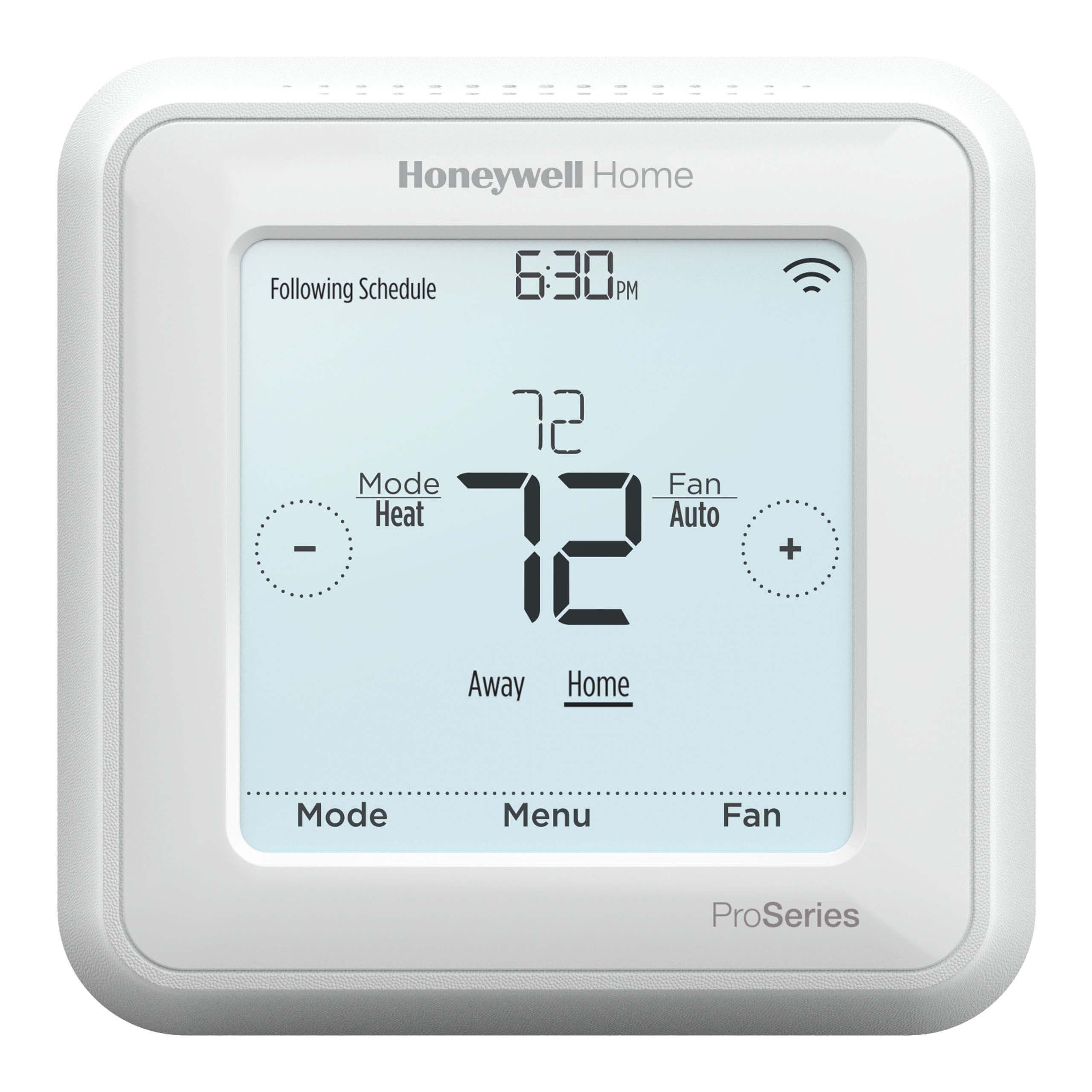
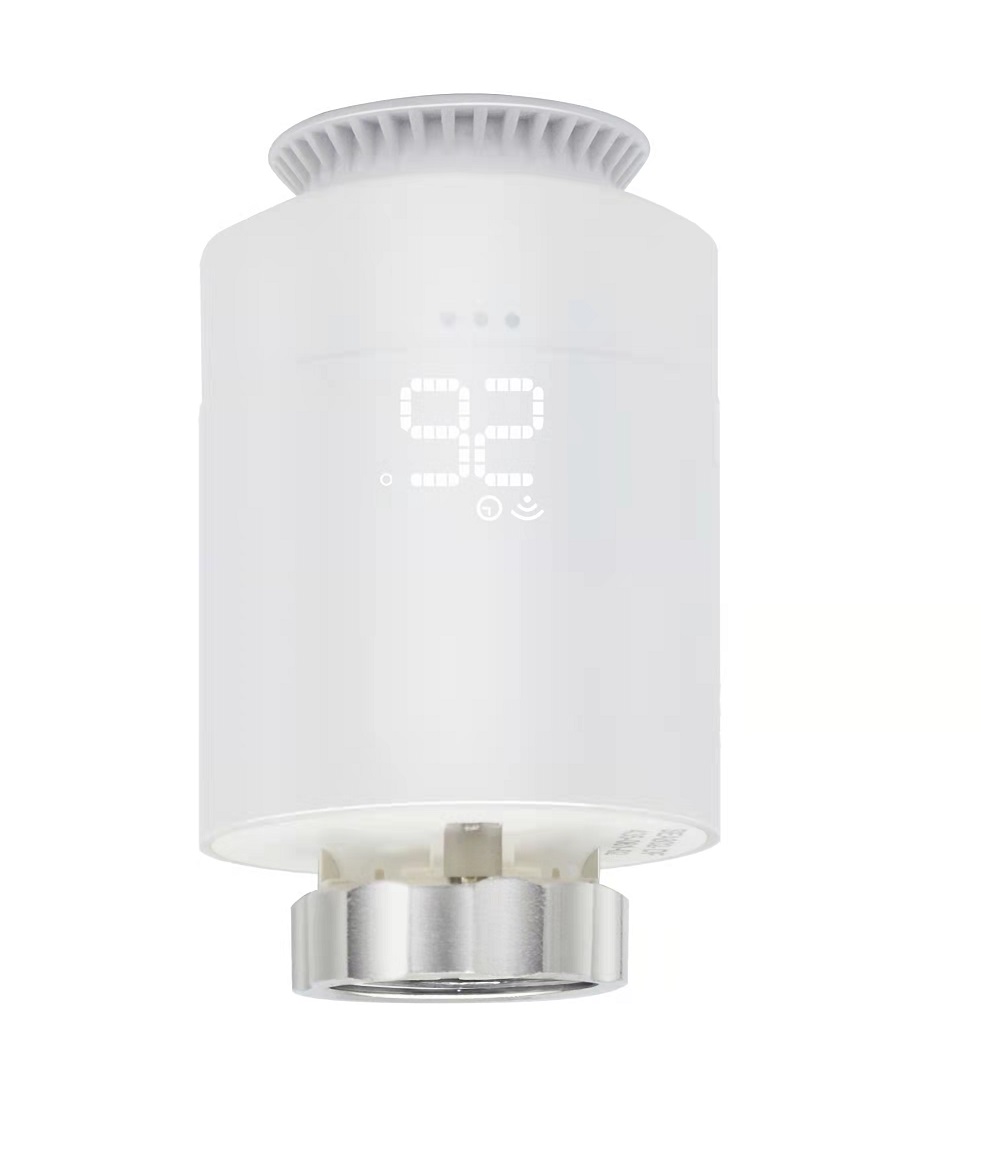
- Building 36 Intelligent Thermostat
- Brand
- Building 36
- Documents
- Category Description File Manual_Primary_Lang
- Role type
- ROLE_TYPE_SLAVE_ALWAYS_ON
- Categories
- Thermostats
- Product id
- 0x0001
- Device type
- Thermostat - HVAC
- Oem version
- 1.0
- Library type
- SLAVE_ENHANCED_232
- Supports nwi
- Yes
- Z wave version
- 6.51.02
- Frequency plans
- US: 916.00MHz, 908.40MHz
- Manufacturer id
- 0x0190
- Product type id
- 0x0001
- Long description
- The Building 36 Intelligent Thermostat gives you remote access and control of your thermostat. Enjoy effortless energy management, climate and ambiance control, custom automation and measurable results. Create custom smart schedules that automate your thermostat. Receive critical temperature alerts to know instantly when your thermostat reaches preset limits. Save energy by using location-based automation to have your thermostat adjust itself while you're out. This thermostat is part of an entire ecosystem of home automation products. It was built to provide a single integrated solution to give you more from your connected home.
- Hardware platform
- ZM5202
- Short description
- The Building 36 Intelligent Thermostat allows you to take remote control of your energy use and automate temperature settings — offering a new level of comfort.
- Association groups
- Group Number Maximum Nodes Supported End Point ID Description 1
- Product identifier
- B36-T10
- Countries / regions
- United States of America
- Certification number
- ZC10-14120002
- Radio range z wave (m)
- 40
- Configuration parameters
- Parameter Number Name Description Format Size Min Value Max Value Default Value Parameter Values 25
- Supports explorer frames
- Yes
- From to description 2 2 h 1 1 w3 0 0 disabled 3 3 dh 2 heat stages number of heat stages if hvac type is normal or number of auxiliary heat stages if hvac type is heat pump. 0 1 0 0 2 from to description 0 3 number of heat stages 3 number of cool stages number of cool stages if normal or the number of heat pump stages if heat pump 0 1 0 0 2 from to description 0 2 cool stages 4 heat fuel type denotes the heating fuel type. 0 1 0 0 1 from to description 1 1 electric (default) 0 0 fossil fuel 1 hvac system type the type of hvac system, either normal or heat pump. 0 1 0 0 0 from to description 0 0 normal 1 1 heat pump 5 calibration temperature used to adjust the ambient room temperature reading up or down to a more accurate value. this may be necessary if the thermostat is installed in a location with abnormal temperature conditions, such as in direct sunlight, near an open window, or on a wall adjacent to an unheated room. the value should be in 1.0 degree fahrenheit increments. for example, to set the calibration to 2.0 f, use value 20. 0 4 0 0 0 from to description 100 100 calibration temperature range (in deg. f) precision is tenths of a degree. 8 heat staging delay in a multistage system, the number of minutes the thermostat will wait before turning on the next heating stage. 0 1 0 0 5 from to description 1 60 heat staging delay (in min) 10 balance setpoint if the outside temperature falls below the balance setpoint, the thermostat will only use auxiliary heating to heat and will not use the heat pump. the value should be in 1.0 degree fahrenheit increments. for example, to set the balance setpoint to 45.0 f, use value 450. 0 4 0 0 350 from to description 0 950 balance setpont range (in deg. f) precision is tenths of a degree. 9 cool staging delay in a multistage system, the number of minutes the thermostat will wait before turning on the next cooling stage. 0 1 0 0 5 from to description 1 60 cool staging delay (in min) 23 temperature display units this parameter controls what thermostat units are displayed on the thermostat screen. it is independent of the temperature units used on the z wave network. 0 1 0 0 1 from to description 0 0 celsius 1 1 farenheit 11 recovery settings in a multistage system, the thermostat will use all stages to reach the target when in comfort mode. when in efficient mode, the thermostat will only use all stages to get within the differential temperature, at which time it will only use a single stage. 0 1 0 0 1 from to description 0 0 comfort 1 1 efficient 17 maximum cool setpoint maximum cool target allowed. attempts to set the cool target higher than this value will be ignored. the value should be in 1.0 degree fahrenheit increments. for example, to set the maximum cool setpoint to 80.0 f, use value 800. 0 4 0 0 950 from to description 500 950 max cool setpoint range(in deg. f) precision is tenths of a degree. texts