- Name
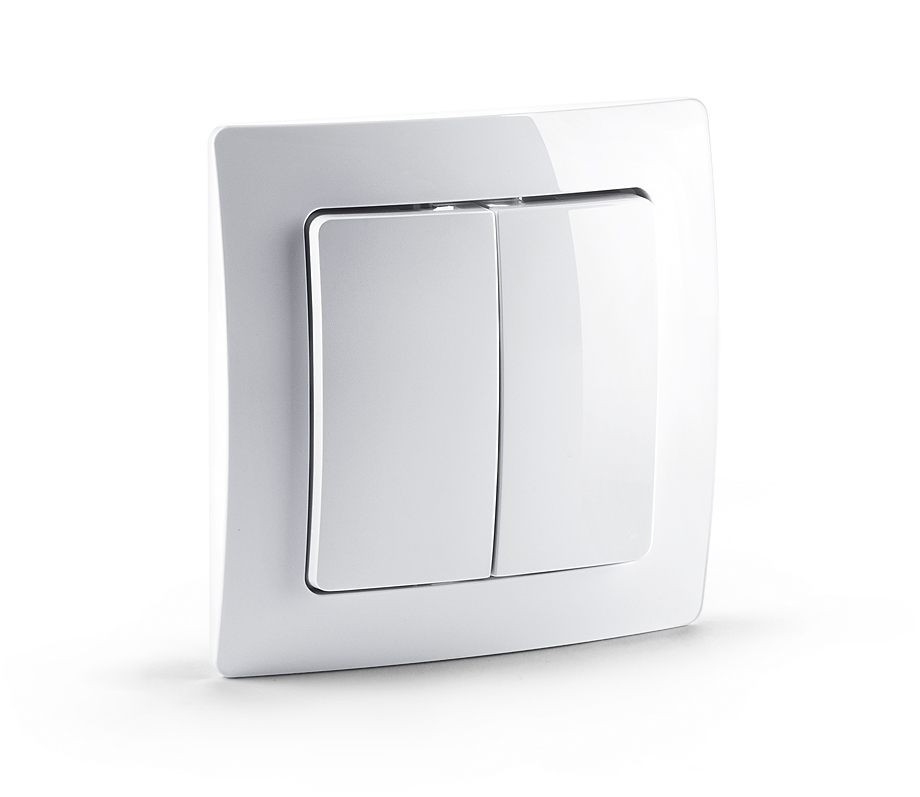
- Scene Switch
- Brand
- devolo
- Documents
- Category Description File Manual_Primary_Lang
- Role type
- ROLE_TYPE_SLAVE_PORTABLE
- Categories
- All Lighting Devices, Lighting Accessories
- Product id
- 0x0101
- Device type
- Wall Controller
- Oem version
- 1
- Library type
- SLAVE_ENHANCED_232
- Supports nwi
- Yes
- Z wave version
- 6.51.01
- Frequency plans
- EU: 869.85MHz, 868.40MHz
- Manufacturer id
- 0x0175
- Product type id
- 0x0100
- Long description
- The MT2652 Scene Switch is a Z-Wave device that can both control other Z-Wave devices and activate scenes. Although it is controlling other devices, the Wall Controller cannot act as Z-Wave network controller (primary or secondary) and will always need a Z-Wave network controller to be included into a Z-Wave network. The device can be used in different modes that are selected by configuration parameters: Control of groups of other Z-Wave devices using 'ON', 'OFF' and Dim commands. Activation of predefined scenes in Gateways or other Z-Wave devices. This device support secure communication when included by a controller that also supports secure communication.
- Hardware platform
- ZM5202
- Short description
- The MT2652 Scene Switch is a Z-Wave device that can both control other Z-Wave devices and activate scenes.
- Association groups
- Group Number Maximum Nodes Supported End Point ID Description 5
- Product identifier
- MT2652
- Countries / regions
- European Union
- Certification number
- ZC10-14090021
- Radio range z wave (m)
- 40
- Configuration parameters
- Parameter Number Name Format Size Min Value Max Value Default Value Parameter Values Description 25
- Supports explorer frames
- Yes
- Controlled command classes
- Identifier Name Key Version COMMAND_CLASS_SWITCH_MULTILEVEL
- From to description 0 0 wakeup is blocked 1 1 wakeup is not blocked 11 command to control group a 0 1 0 0 8 from to description 8 8 central scene to gateway 0 0 disabled 1 1 switch on/off and dim (send basic set and switch multilevel) 3 3 switch all 4 4 send scenes 2 2 switch on/off only (send basic set) 5 5 send preconfigured scenes 7 7 control door lock this parameter defines the command to be sent to devices of control group a when the related button is pressed 1 button 1 and 3 pair mode 0 1 0 0 1 from to description 1 1 in pair without double clicks 2 2 in pair with double clicks 0 0 seperately in separate mode button 1 works with group a, button 3 with groups c. click is on, hold is dimming up, double click is off, click hold is dimming down. in pair button 1/3 are up/down correspondingly. click is on/off, hold is dimming up/down. single clicks works with group a, double click with group c. 2 button 2 and 4 pair mode 0 1 0 0 1 from to description 2 2 in pair with double clicks 1 1 in pair without double clicks 0 0 seperately in separate mode button 2 works with control group b, button 4 with control group d. click is on, hold is dimming up, double click is off, click hold is dimming down. in pair button b/d are up/down correspondingly. click is on/off, hold is dimming up/down. single clicks works with group b, double click with group d. texts
- ID Description Value 4