- Name
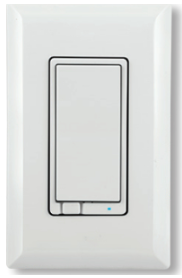
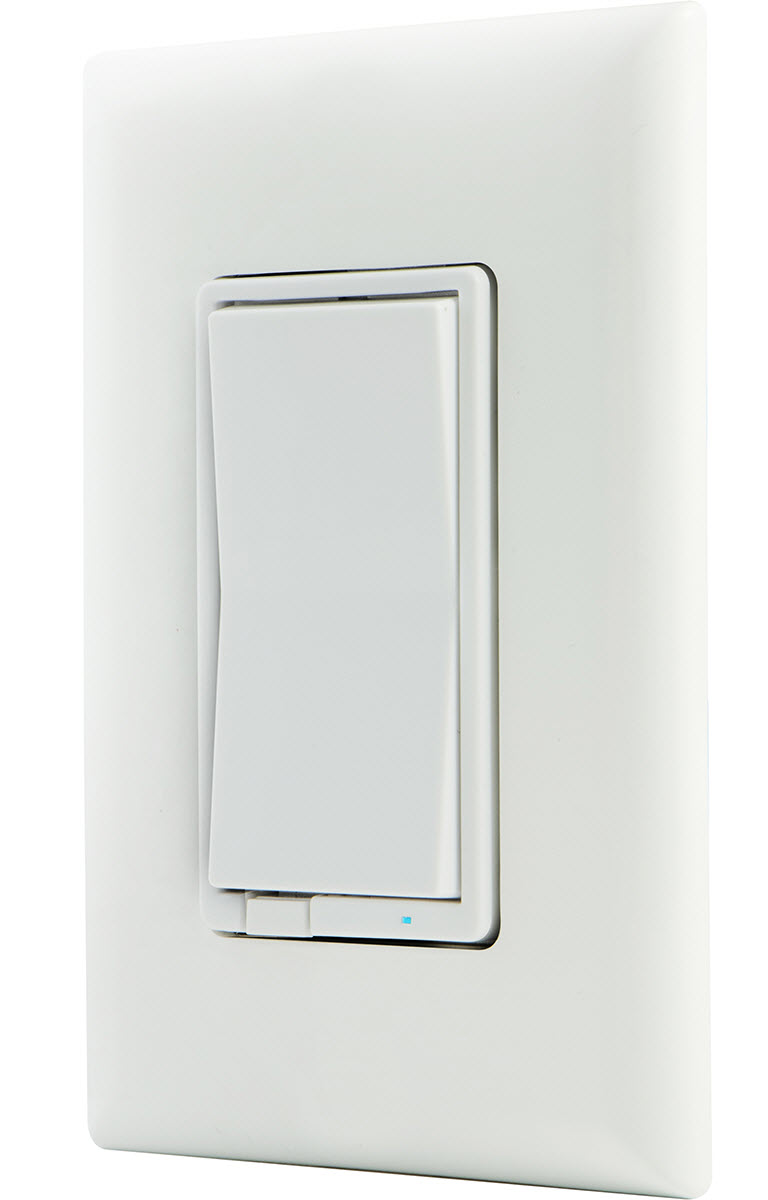
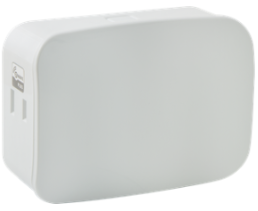
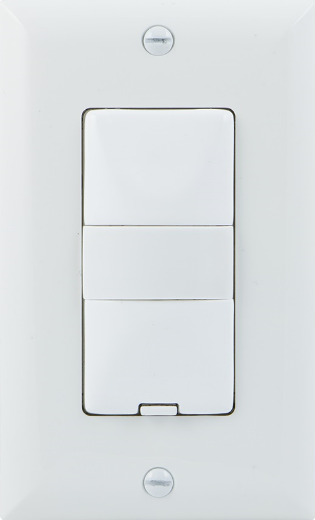
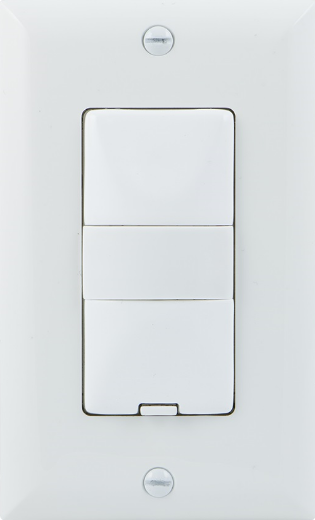
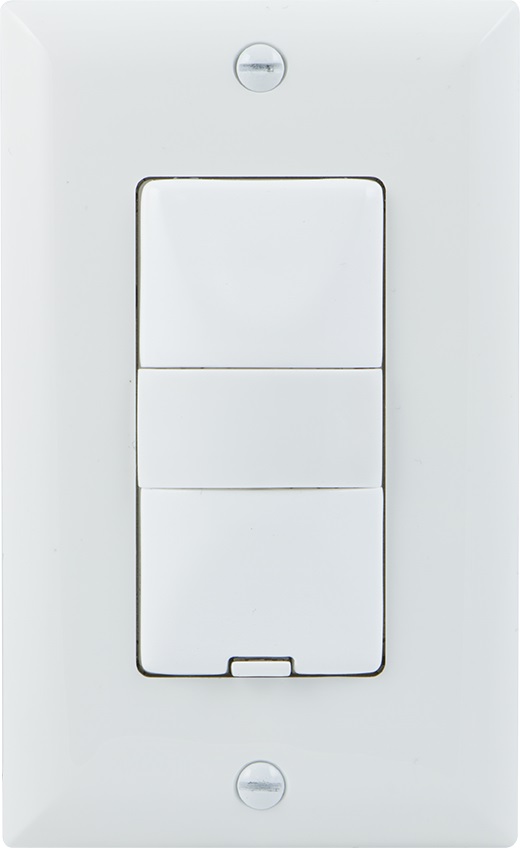
- In-Wall Smart Dimmer (1000W)
- Brand
- Jasco Products Company
- Documents
- Category Description File Manual_Primary_Lang
- Role type
- ROLE_TYPE_SLAVE_ALWAYS_ON
- Categories
- All Lighting Devices, Dimming Lighting Devices
- Product id
- 0x3136
- Device type
- Light Dimmer Switch
- Oem version
- HW: 255
- Library type
- SLAVE_ENHANCED_232
- Supports nwi
- Yes
- Z wave version
- 6.51.06
- Frequency plans
- US: 916.00MHz, 908.40MHz
- Manufacturer id
- 0x0063
- Product type id
- 0x4944
- Long description
- Transform any home into a smart home with the Jasco Z-Wave Smart Dimmer. The In-Wall Smart Dimmer can easily replace any standard in-wall switch and remotely controls a light in your home. Your home will be equipped with ultimate flexibility with the Jasco Z-Wave Smart Toggle Dimmer, capable of being used by itself or with up to four add-on switches. Screw terminal installation provides improved space efficiency when replacing existing switches and the integrated LED indicator light allows you to easily locate the switch in a dark room. The Jasco Z-Wave In-Wall Smart Dimmer is compatible with any Z-Wave certified gateway, providing access to many popular home automation systems. Take control of your home lighting with Jasco Z-Wave Smart Lighting Controls! Z-Wave is the world’s largest ecosystem of interoperable smart home products. Z-Wave lighting controls provide an easy-to-install and affordable system to control lighting and small appliances in your home. Add GE Z-Wave lighting controls to a Z-Wave certified gateway to access and control your home from anywhere in the world using your smartphone, tablet or computer as a home automation command center. Never worry if you accidentally left the lights on because you can turn them off remotely or program your lights to go on/off at specific times. Create customized lighting scenes for any occasion such as a “go to sleep” scene or a “movie night” scene. Give the illusion that someone is home by programming the lights to turn on/off while you are away—perfect for deterring crime and adding additional security!"
- Hardware platform
- ZM5202
- Short description
- Transform any home into a smart home with the Jasco Z-Wave Smart Dimmer. The In-Wall Smart Dimmer can easily replaces any standard in-wall switch and remotely controls a light in your home
- Association groups
- Group Number Maximum Nodes Supported End Point ID Description 1
- Product identifier
- 14326
- Countries / regions
- United States of America
- Certification number
- ZC10-15060023
- Radio range z wave (m)
- 40
- Configuration parameters
- Parameter Number Name Description Format Size Min Value Max Value Default Value Parameter Values 3
- Supports explorer frames
- Yes
- From to description 2 2 led light at all times 1 1 led light on when on 0 0 default 4 invert switch if the switch is accidentally installed upside down with “on” at the bottom and “off” at the top, the default on/off rocker settings can be reversed by changing parameter 4’s value to “1”. 0 1 0 0 0 from to description 1 1 invert 0 0 default 7 dim rate adjustments when receiving a z wave dim command number of steps or levels 0 1 0 0 1 from to description 1 99 number of steps or levels 0 0 8 dim rate adjustments when receiving a z wave dim command timing of the steps. for values over 127, consult your controller's user guide; some controllers may require values above 127 to be entered using the 2's complement value or using hexadecimal notation. 0 1 0 0 3 from to description 1 255 timing of the steps 0 0 instant 9 dim rate adjustments when manually controlling dimming number of steps or levels 0 1 0 0 1 from to description 1 99 number of steps or levels 0 0 10 dim rate adjustments when manually controlling dimming dim rate adjustments when manually controlling dimming. for values over 127, consult your controller's user guide; some controllers may require values above 127 to be entered using the 2's complement value or using hexadecimal notation. 0 1 0 0 3 from to description 0 0 1 255 timing of the steps 11 dim rate adjustments when receiving an all on or all off command dim rate adjustments when receiving an all on or all off command 0 1 0 0 1 from to description 1 99 number of steps or levels 0 0 texts
- ID Description Value 1