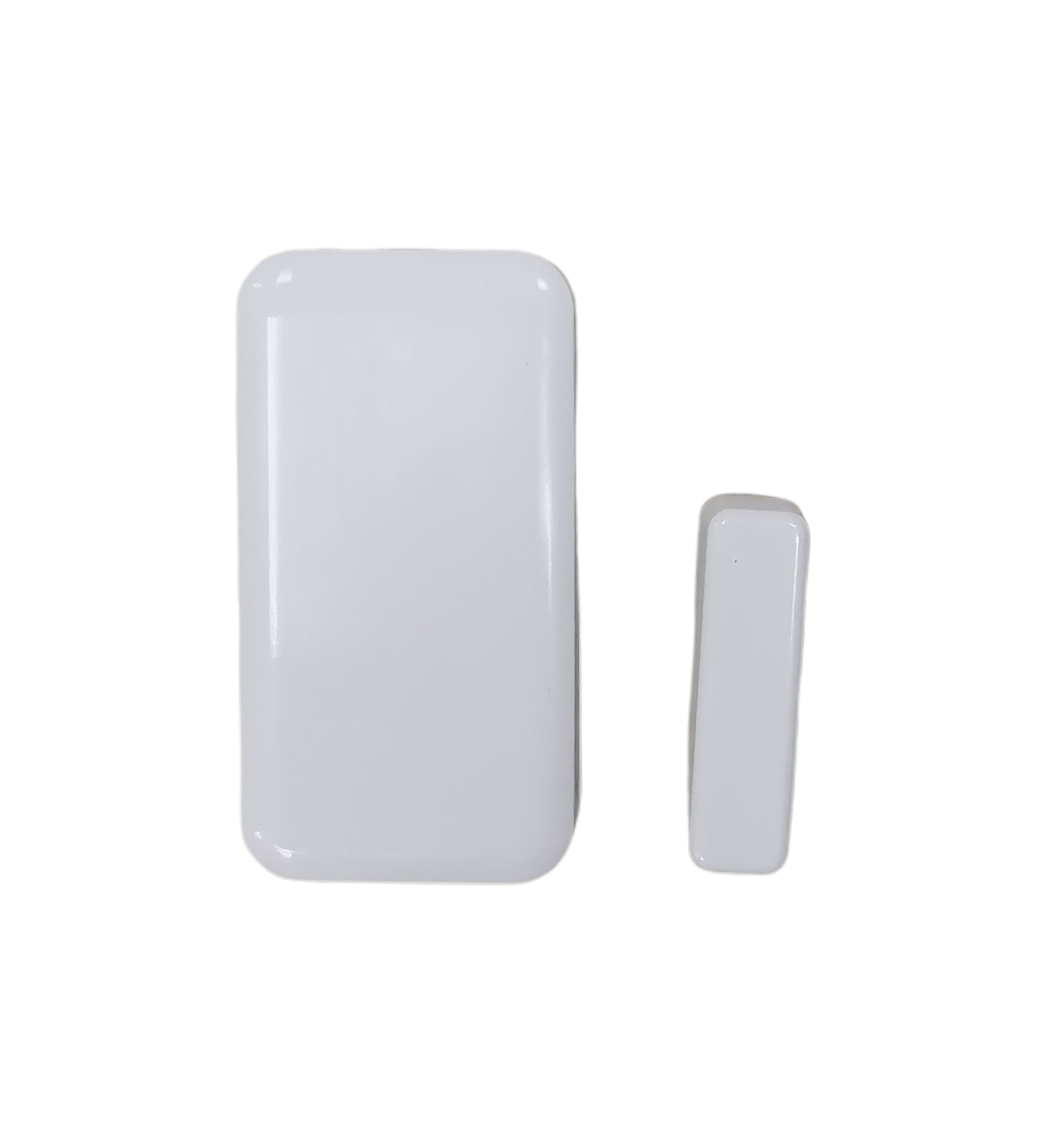
- Name
- Z-Wave Plug with Energy Monitor
- Brand
- Minoston
- Features
- Feature Values Color
- Documents
- Category Description File Manual_Primary_Lang
- Role type
- ROLE_TYPE_SLAVE_ALWAYS_ON
- User icon
- 0x0701
- Categories
- Energy Meters, All Lighting Devices, On/Off Switches/Devices
- Product id
- 0xFF0E
- S2 classes
- S2_UNAUTHENTICATED
- Device type
- On/Off Power Switch
- Oem version
- HW: 255 FW: 1.00
- Library type
- SLAVE_ENHANCED_232
- Product line
- Line A
- Supports nwi
- Yes
- Installer icon
- 0x0700
- Z wave version
- 6.71.03
- Frequency plans
- US: 916.00MHz, 908.40MHz
- Manufacturer id
- 0x0312
- Product type id
- 0xFF00
- Long description
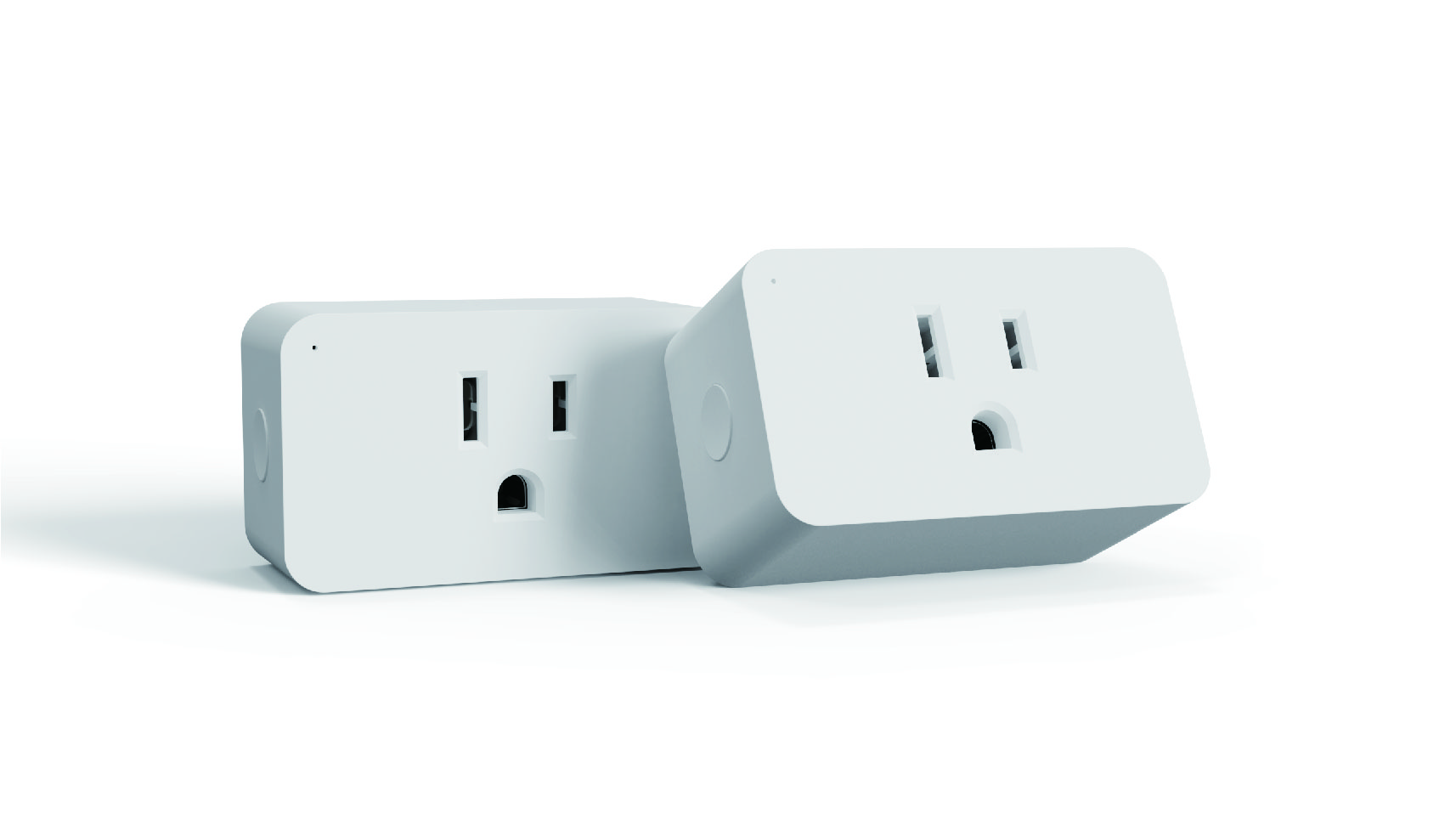
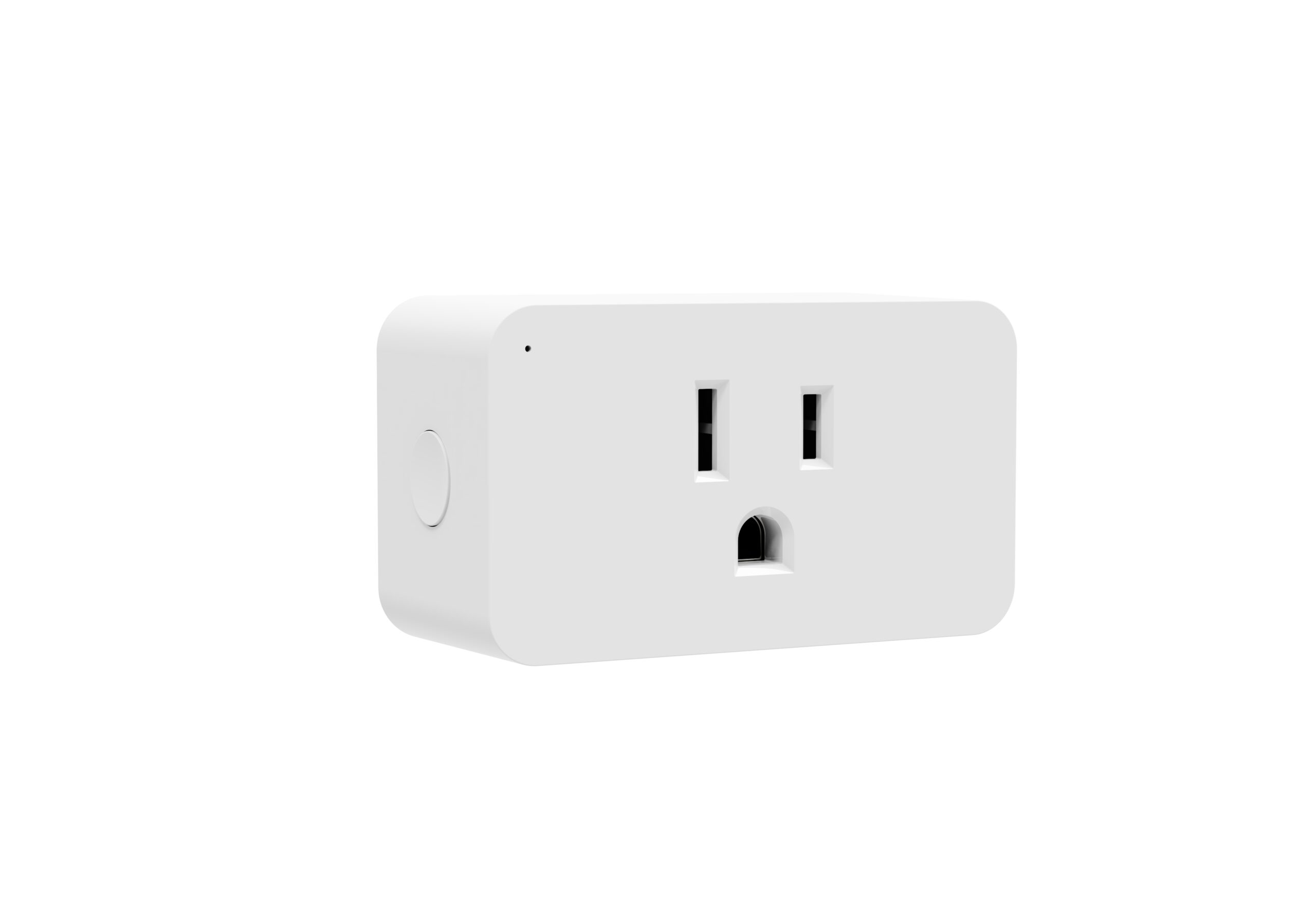
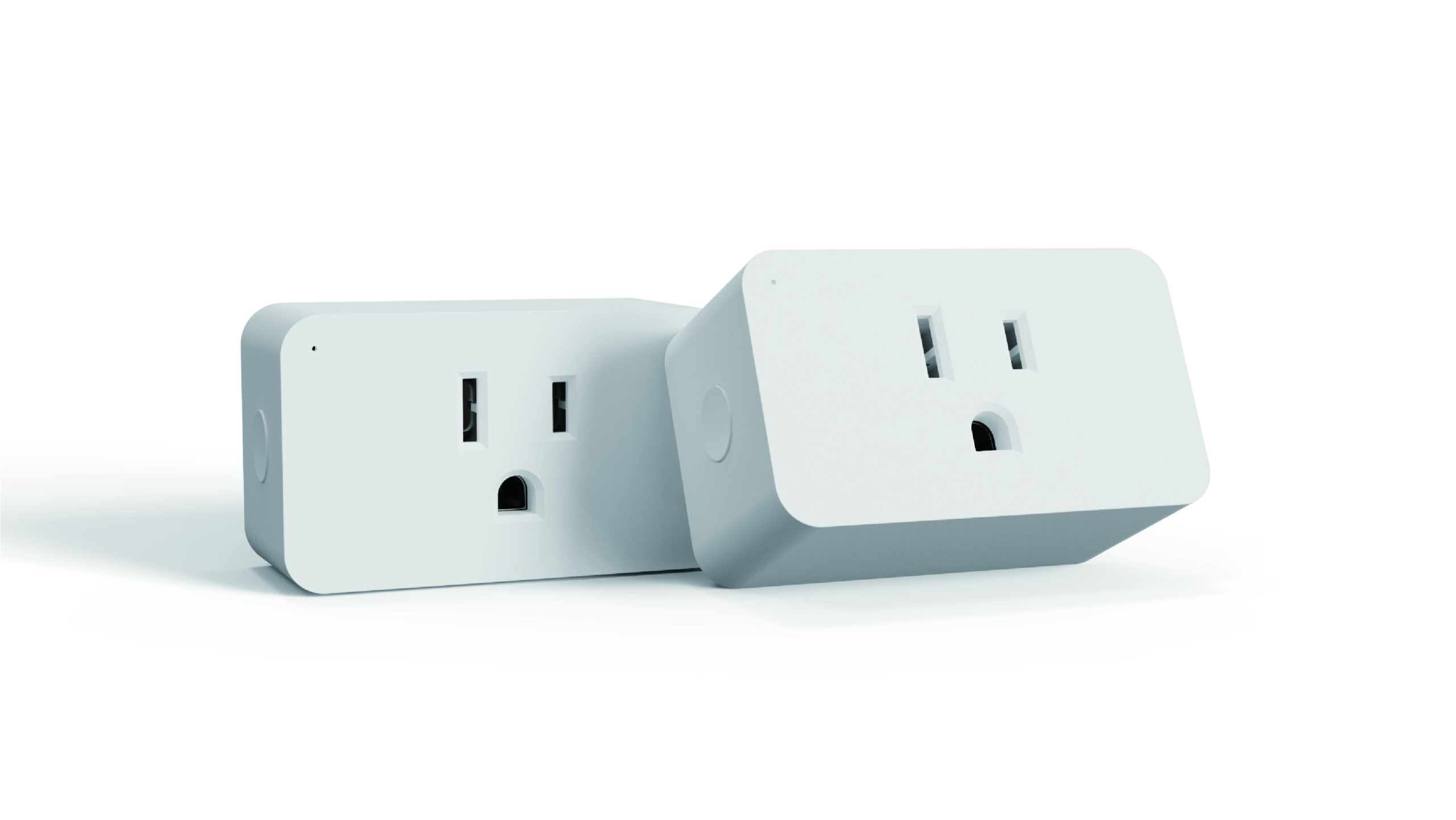
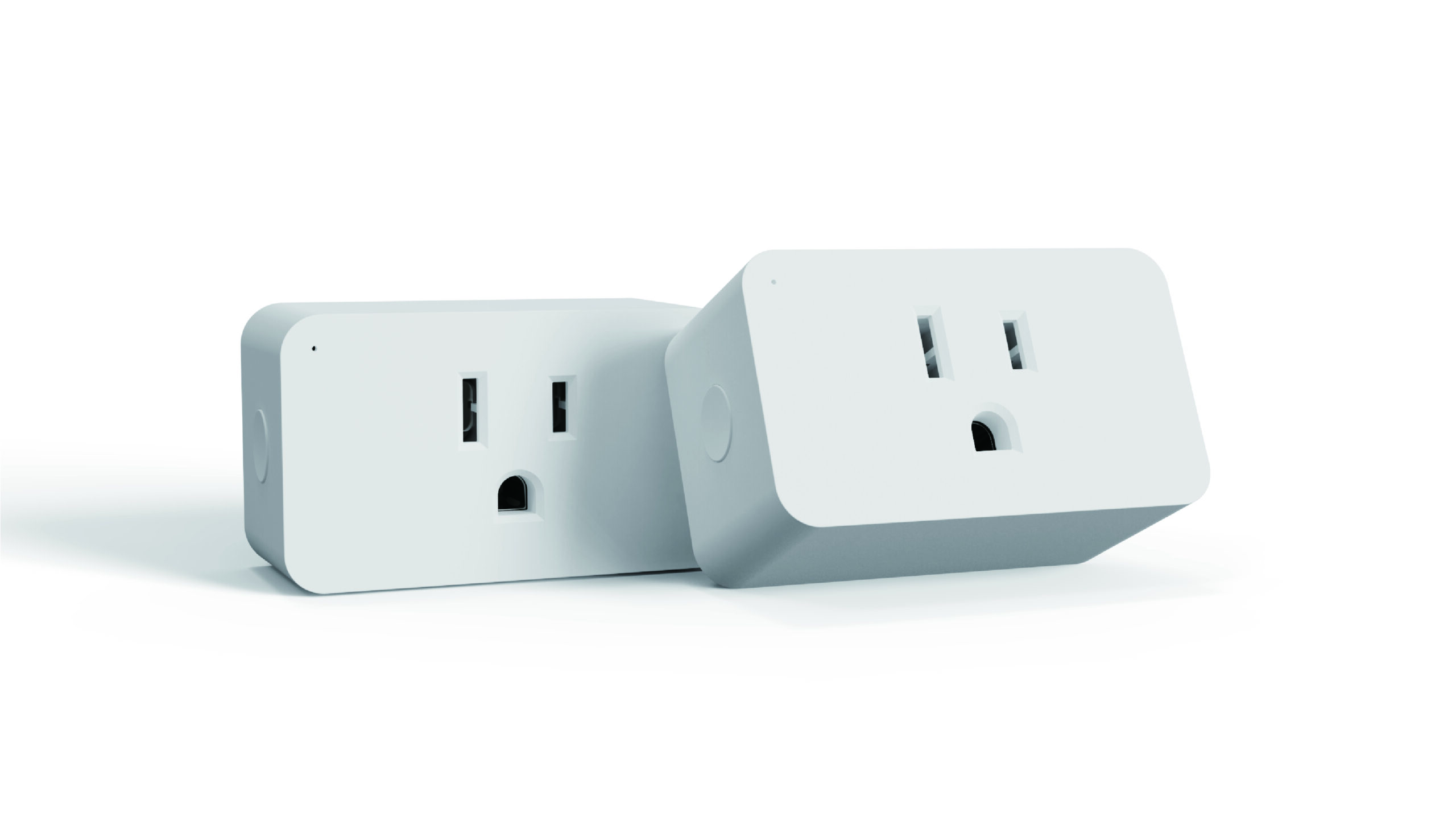
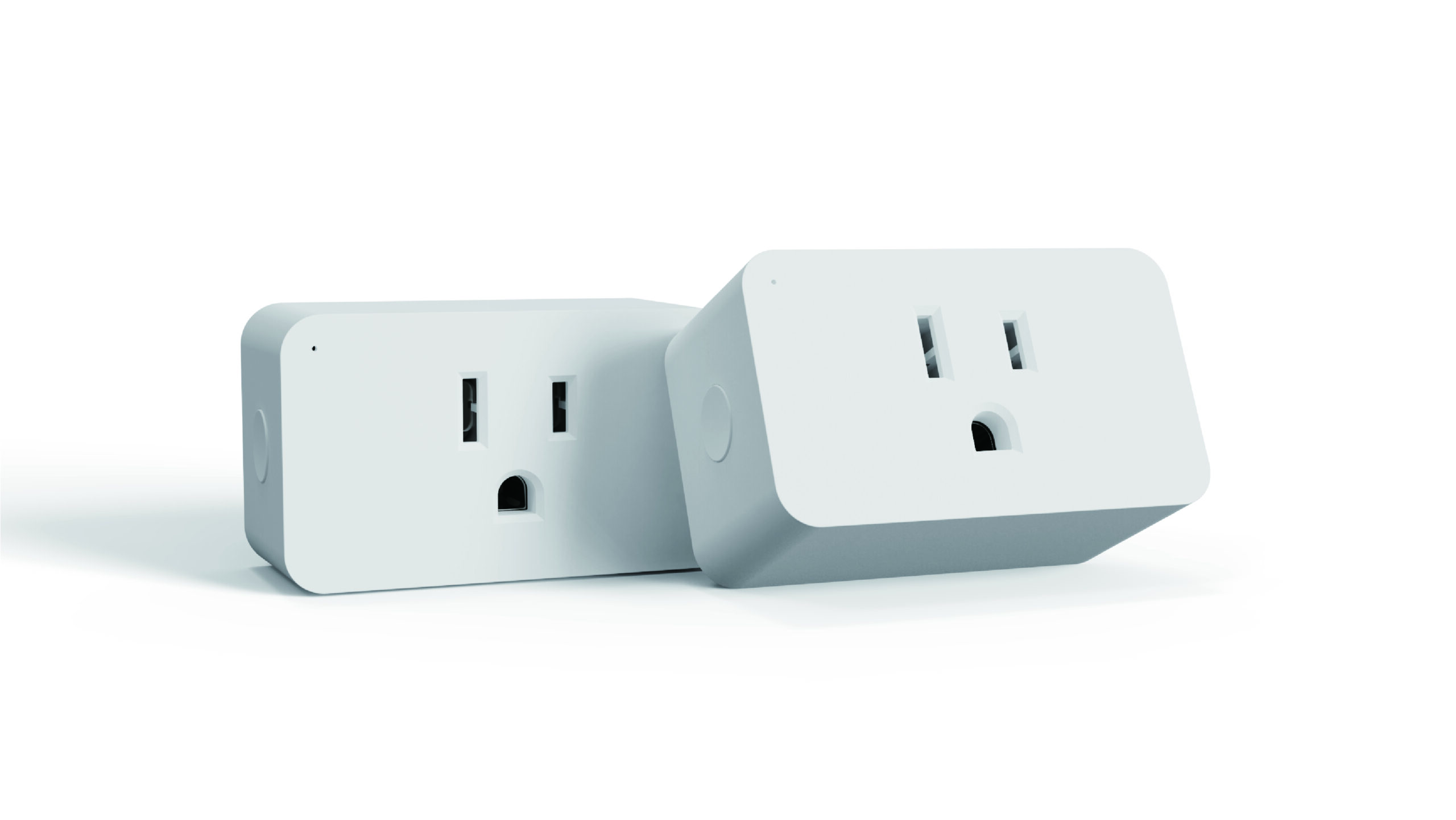
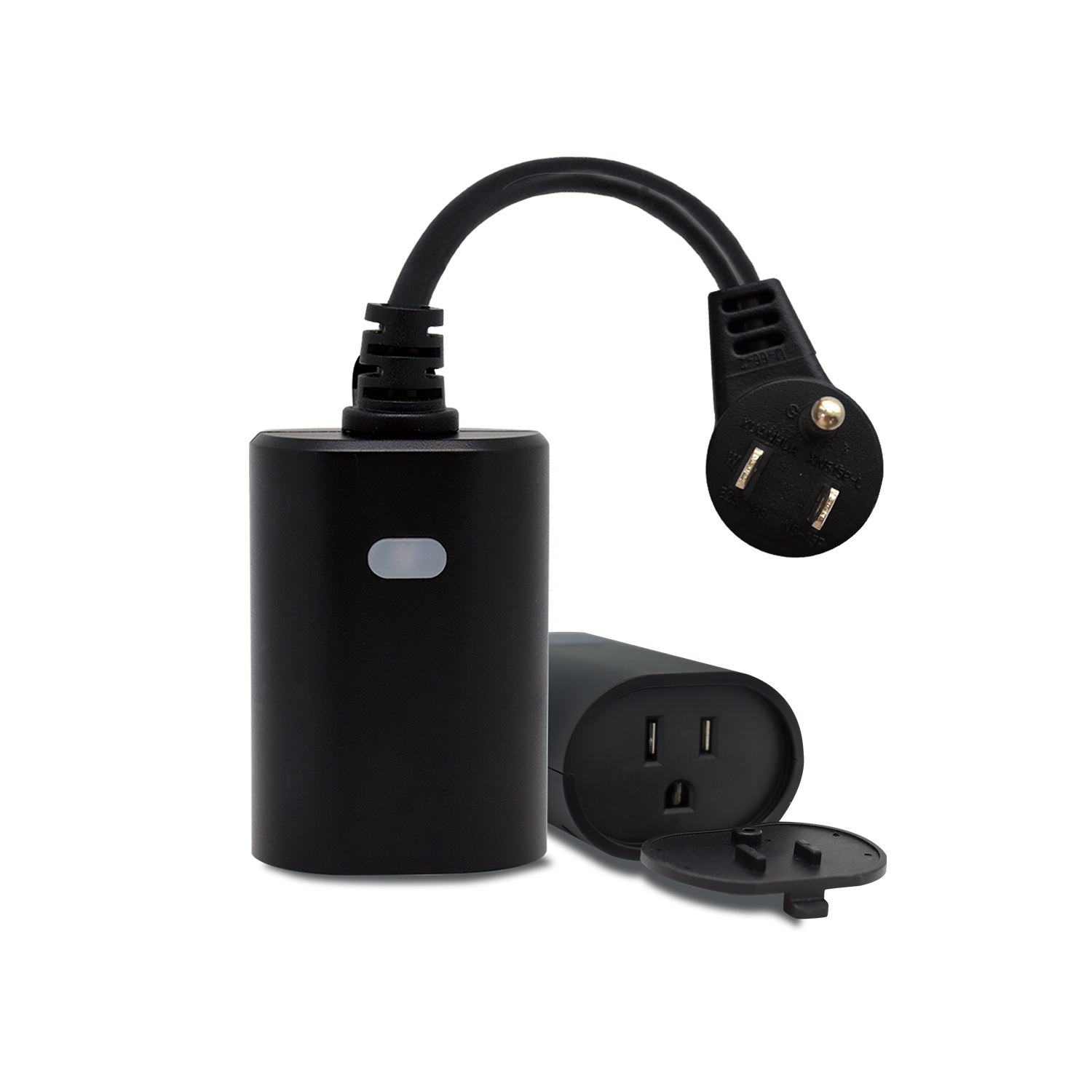
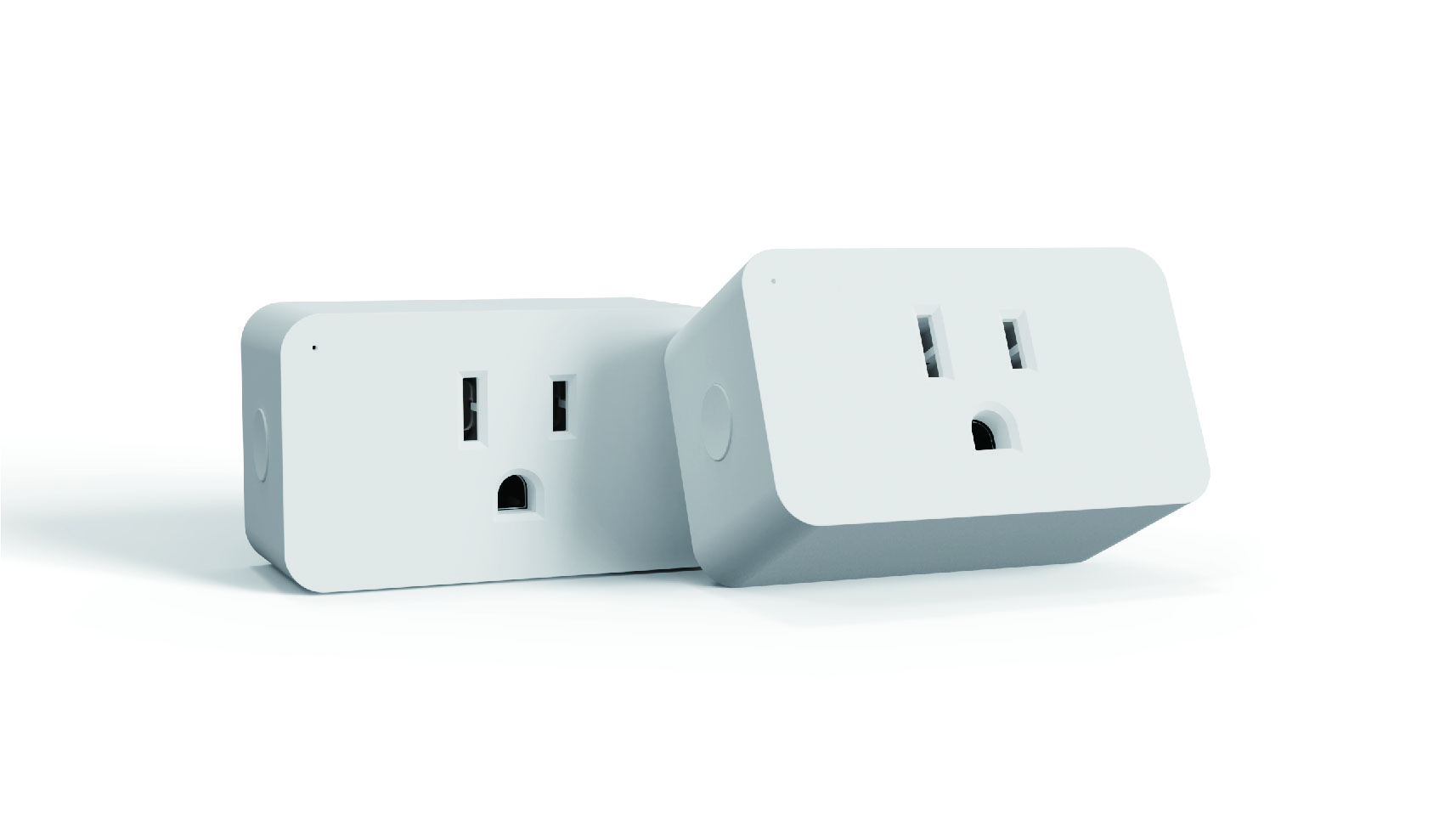
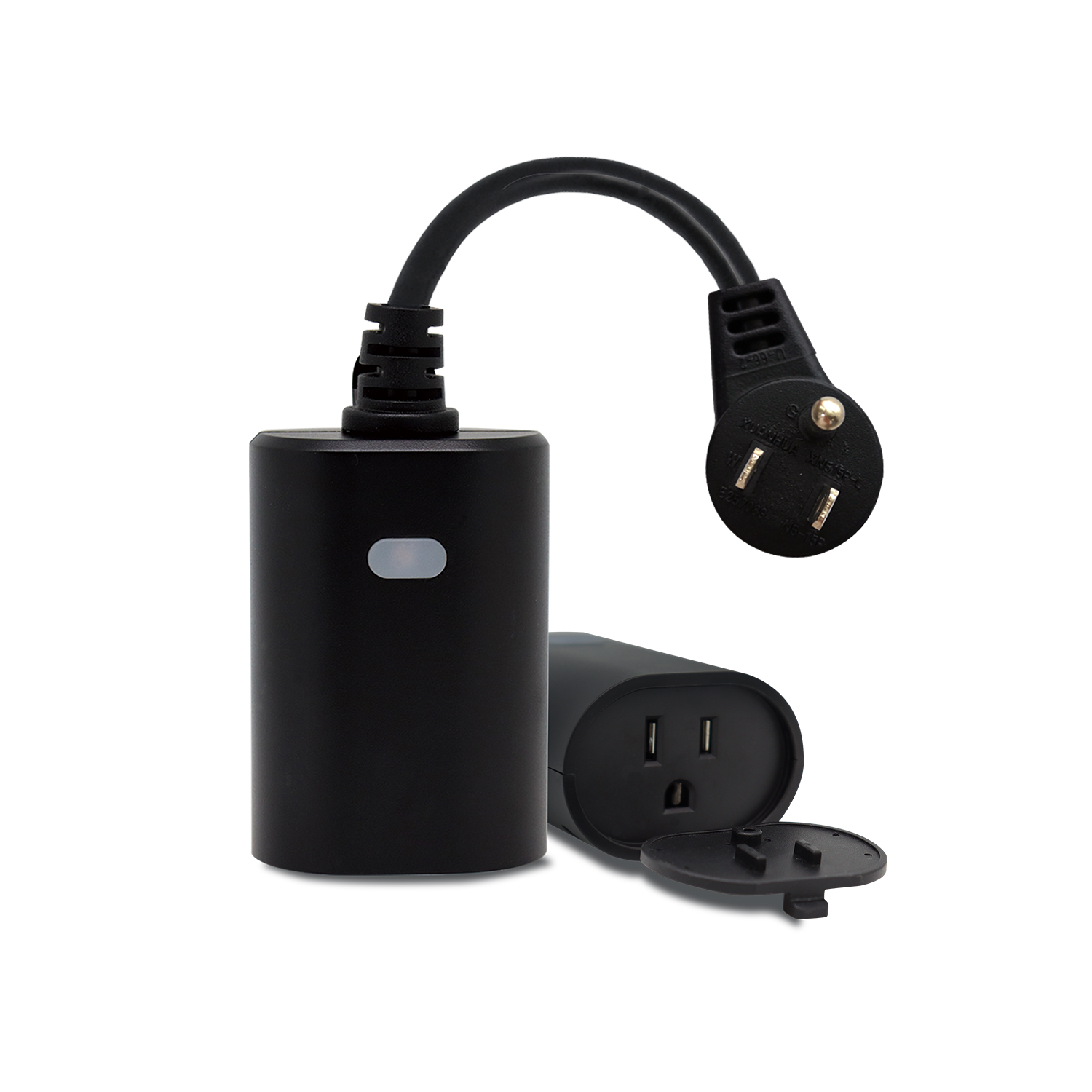
- The MP31ZP is a mini plug-in outlet equipped with Z-Wave™ capabilities and energy monitoring for additional convenience. This smart plug allows you to plug in and access an appliance through the certified Z-Wave hubs. Schedule your appliances, run a timer, or check the On/Off status to monitor and save energy. The compact size gives full access to the second outlet in a standard receptacle.
- Hardware platform
- ZM5202
- Short description
- The MP31ZP is a mini plug-in outlet equipped with Z-Wave™ capabilities and energy monitoring for additional convenience. This smart plug allows you to plug in and access an appliance through the certified Z-Wave hubs.
- Product identifier
- MP31ZP
- Countries / regions
- United States of America
- Certification number
- ZC10-22057087
- Radio range z wave (m)
- 40
- Configuration parameters
- Parameter Number Name Description Format Size Min Value Max Value Default Value Parameter Values 11
- Supports explorer frames
- Yes
- Supported command classes
- Identifier Name Key Version COMMAND_CLASS_POWERLEVEL
- Controlled command classes
- Identifier Name Key Version COMMAND_CLASS_BASIC_V2
- Supported notification types
- Notification Type Event / State Heat Alarm
- Supported / controlled meter types
- Meter Type Rate Type Description Electric meter
- Value white firmware updatable value updatable by consumer by rf association groups
- Group Number Maximum Nodes Supported End Point ID Group Name Description 2
- From to description 1 65535 endpoint1 count down configuration(turn on the output by time) 1 restores state after power failure restores state after power failure 1 1 0 2 0 from to description 0 0 the state before a power outage. 1 1 outlet on 2 2 outlet off 10 endpoint1 enable auto turn on timer endpoint1 enable auto turn on timer 1 1 0 1 0 from to description 1 1 auto turn on timer enabled 0 0 auto turn on timer disabled 2 power wattage report value threshold(wattage) power wattage report value threshold(wattage) 1 4 0 65535 10 from to description 0 65535 power wattage report value threshold(wattage) 8 endpoint1 enable auto turn off timer endpoint1 enable auto turn off timer 1 1 0 1 0 from to description 0 0 auto turn off timer disabled 1 1 auto turn off timer enabled 9 endpoint1 count down configuration(turn off the output by time) endpoint1 count down configuration(turn off the output by time) 1 4 1 65535 60 from to description 1 65535 endpoint1 count down configuration(turn off the output by time) 17 status led configuration status led configuration 1 1 0 3 1 from to description 0 0 led indicator will display power consumption whenever the device is plugged in 1 1 led indicator will display power consumption whenever the device is on in and will turn off when the plug is off 2 2 led indicator will display the level of power consumption for 5 seconds only whenever the device is turned on or off 3 3 always off texts
- ID Description Value 5