- Name
- S100 Rocker for Dimmer (China)
- Brand
- Simon
- Features
- Feature Values Switch Load Capacity Watts
- Documents
- Category Description File Manual_Primary_Lang
- Role type
- ROLE_TYPE_SLAVE_ALWAYS_ON
- User icon
- 0x0600
- Categories
- Energy Meters, All Lighting Devices, Dimming Lighting Devices, On/Off Switches/Devices
- Product id
- 0x0000
- Device type
- Light Dimmer Switch
- Oem version
- HW: 1 FW: 4.24:78.59:70.48
- Library type
- SLAVE_ENHANCED
- Supports nwi
- Yes
- Installer icon
- 0x0600
- Z wave version
- 6.51.07
- Frequency plans
- CN: 868.40MHz
- Manufacturer id
- 0x0267
- Product type id
- 0x0007
- Long description
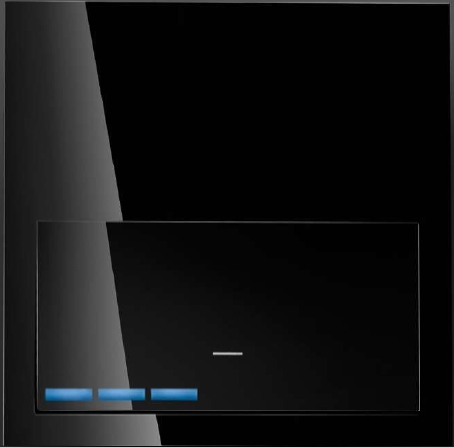
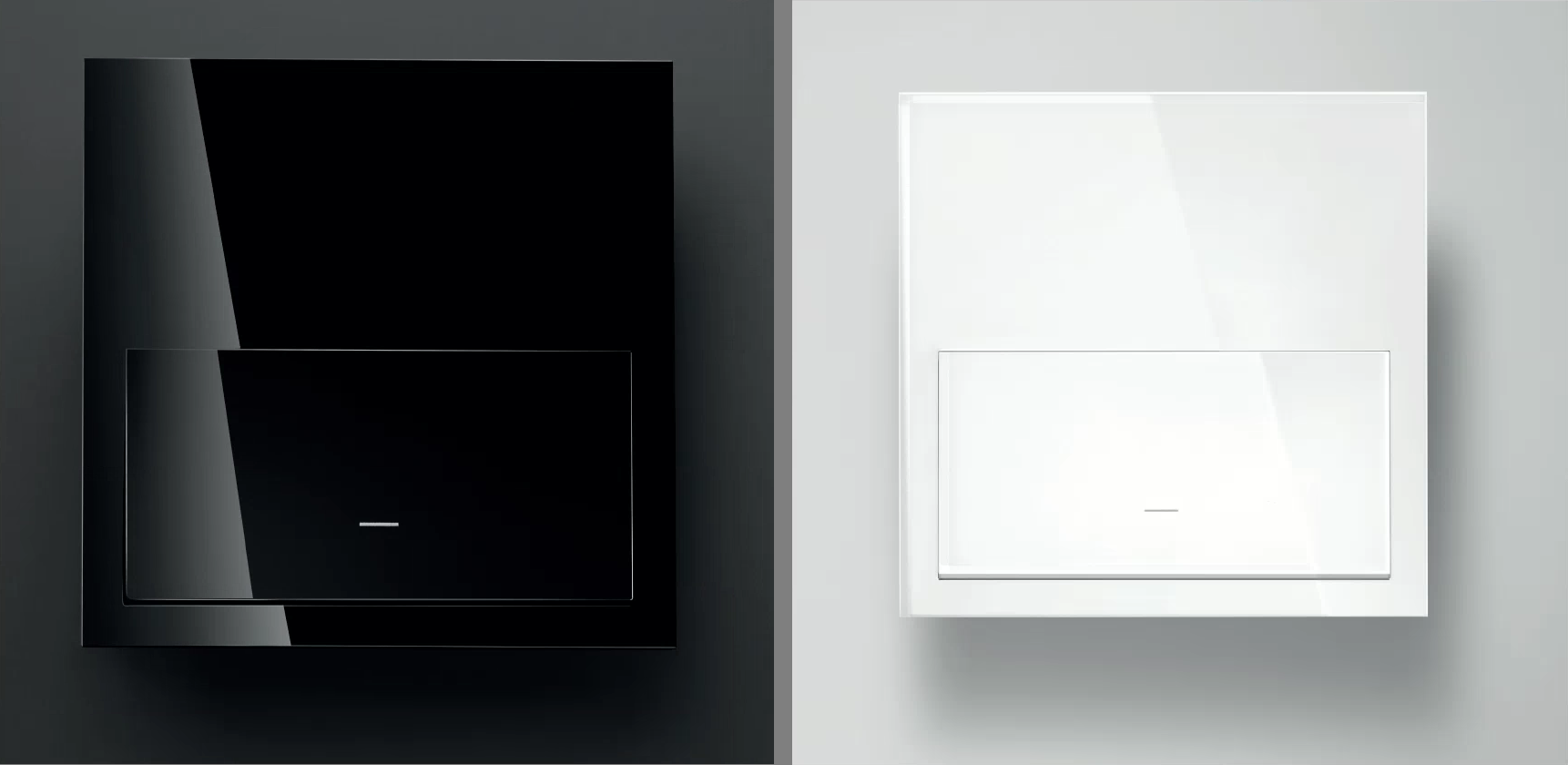
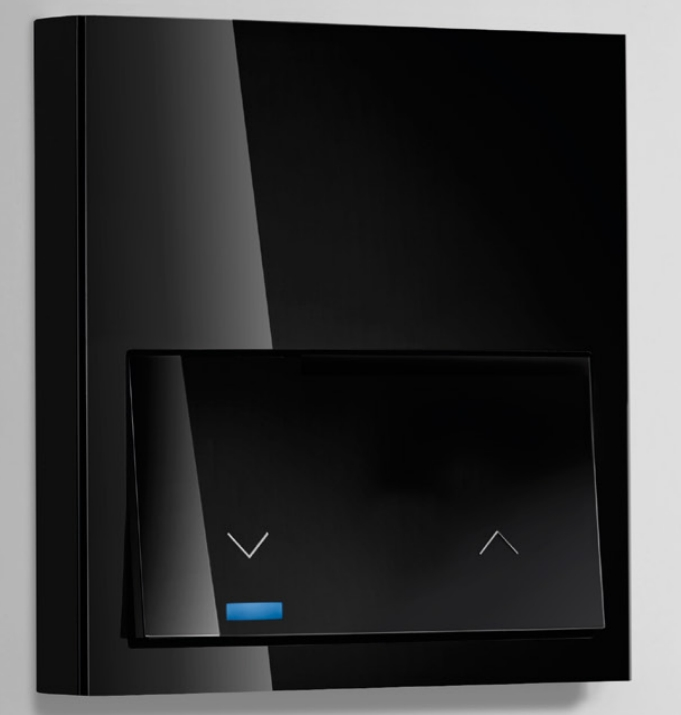
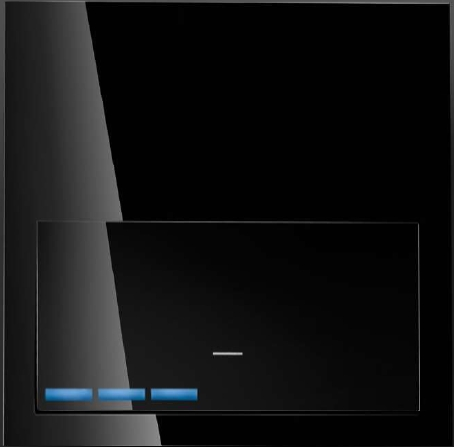
- Simon iO Dimmer is integrated by Electronic Dimmer and a Rocker, that provides Z-Wave communication attributes. The touch surface offers an slider area in order to adjust the light level showing the dimming intensit y with 7 LEDs . Simon iO Dimmer is ready to operate with Z-Wave controllers and configured to be managed by Simon100 IO APP using the HUB plug IO for getting a better user experience.
- Hardware platform
- ZM5202
- Short description
- Simon iO Dimmer is integrated by Electronic Dimmer and a Rocker, that provides Z-Wave communication attributes. The touch surface offers an slider area in order to adjust the light level showing the dimming intensit y with 7 LEDs .
- Product identifier
- 10003020-13X
- Countries / regions
- China
- Certification number
- ZC10-19046438
- Radio range z wave (m)
- 40
- Configuration parameters
- Parameter Number Name Description Format Size Min Value Max Value Default Value Parameter Values 5
- Supports explorer frames
- Yes
- Supported command classes
- Identifier Name Key Version COMMAND_CLASS_FIRMWARE_UPDATE_MD_V4
- Supported / controlled meter types
- Meter Type Rate Type Description Electric meter
- Value 50 240 firmware updatable value updatable by professional/technician supported meter type value electric energy electric load type value incandescent dimmable led dimmable mlv (magnetic) dimmable elv (magnetic) association groups
- Group Number Maximum Nodes Supported End Point ID Description 1
- From to description 0 0 instantly. disable timming 1 127 1 second (0x01) to 127 seconds (0x7 f) in 1 second resolution 128 254 1 second (0x80) to 127 minutes (0x fe) in 1 minute resolution 4 set time sets the time it takes to turn on the light (ramp time) 0 1 0 0 0 from to description 128 254 1 second (0x80) to 127 minutes (0x fe) in 1 minute resolution 0 0 instantly. disable timming 1 127 1 second (0x01) to 127 seconds (0x7 f) in 1 second resolution 10 delay on sets the delay time to turn on the light 0 1 0 0 0 from to description 0 0 instantly. disable timming 1 127 1 second (0x01) to 127 seconds (0x7 f) in 1 second resolution 128 254 1 second (0x80) to 127 minutes (0x fe) in 1 minute resolution 11 activation time sets the time the light stays on. 0 1 0 0 0 from to description 128 254 1 second (0x80) to 127 minutes (0x fe) in 1 minute resolution 0 0 instantly. disable timming 1 127 1 second (0x01) to 127 seconds (0x7 f) in 1 second resolution 1 association led allows to turn on or off the central led 0 1 0 0 0 from to description 0 0 turns the led off 1 255 turns the central led on 7 max dimming value sets the maximum dimming value 0 1 0 0 99 from to description 2 99 once the devices gets a value through z wave it scales the value read according this maximum margin 8 last on value returns or sets the last non zero dimming value. in case of set the device turns on the load. 0 1 0 0 0 from to description 1 127 returns or sets the last non zero dimming value. in case of set the device turns on the load 9 calibration performs a device calibration 0 1 0 0 0 from to description 1 1 device performs calibration using trailing and leading edge and decides which one is better 2 2 device performs calibration using trailing and leading edge and decides which one is better 3 3 device is calibrated using leading edge 23 calibration required reports if calibration is required or not (read only) 0 1 0 0 0 from to description 255 255 it is necessary to calibrate the dimmer to work properly 0 0 calibration is not required 6 min dimming value sets the minimun dimming value 0 1 0 0 1 from to description 1 98 once the devices gets a value through z wave it scales the value read according this minimum margin texts