- Name
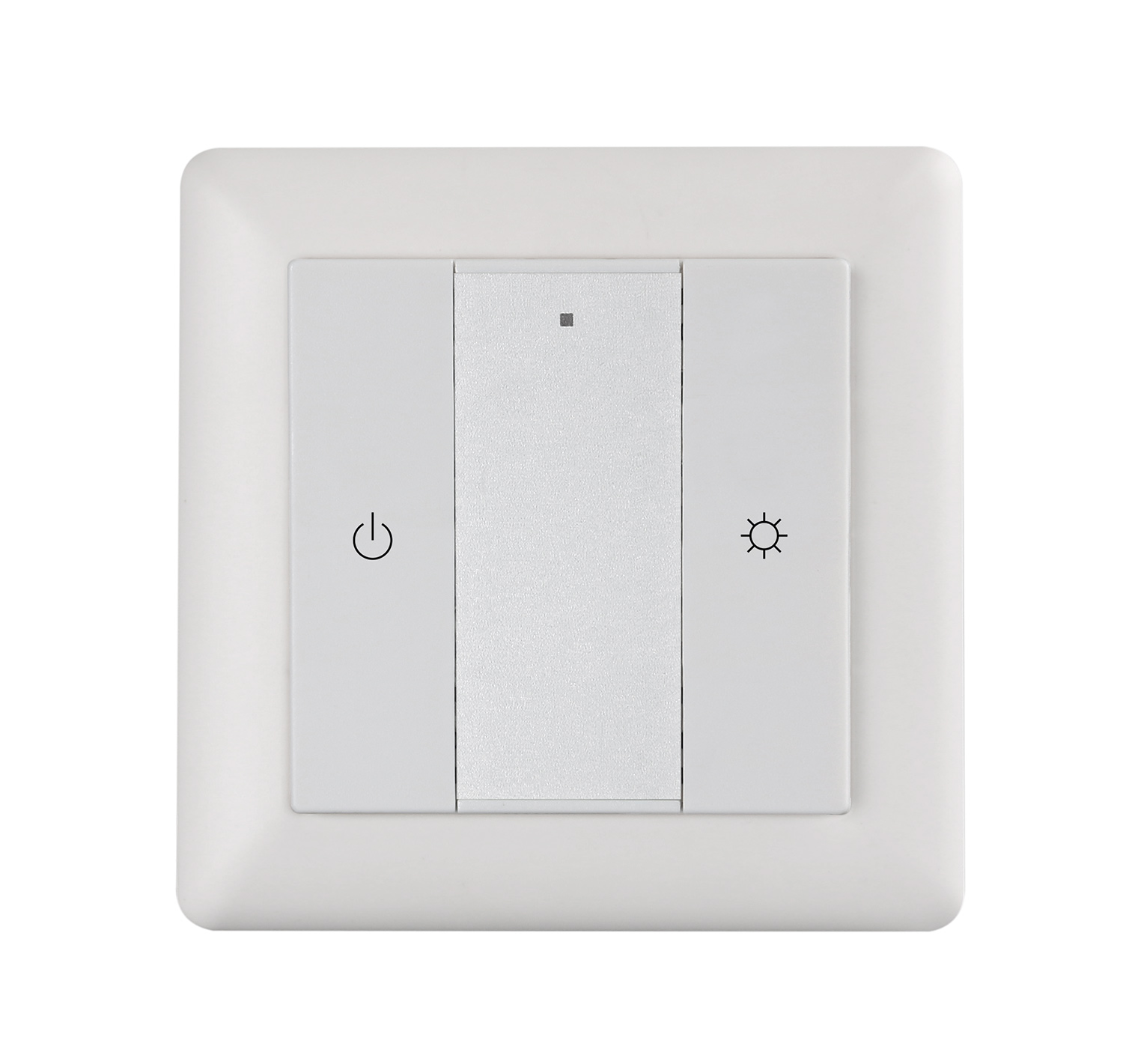
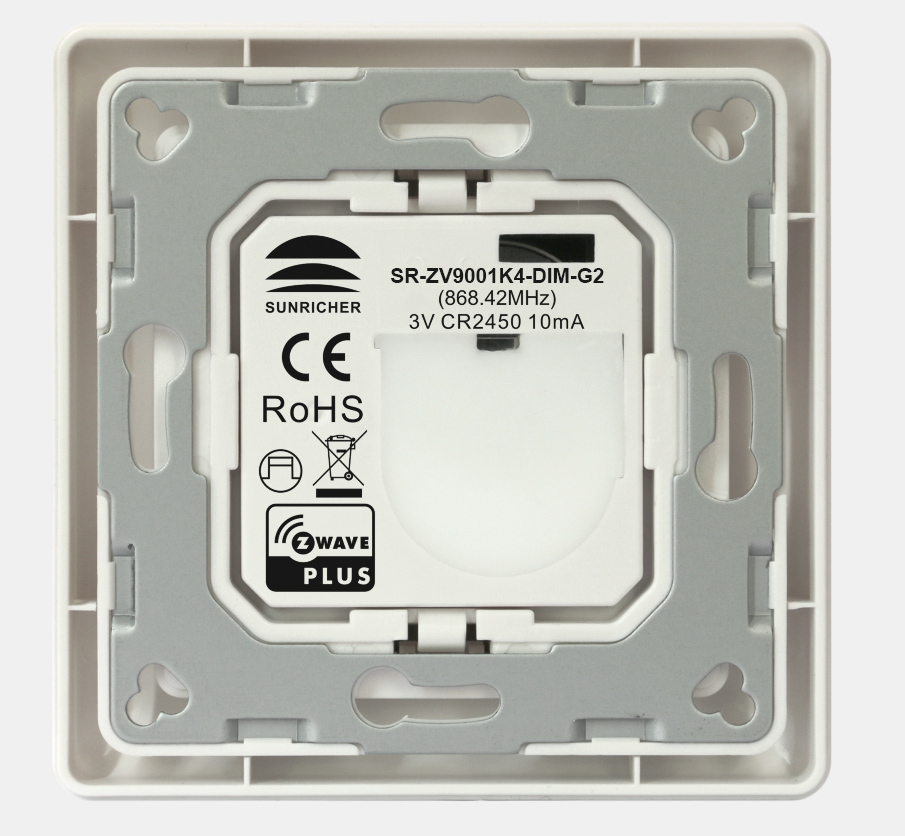
- In-wall Dimmer
- Brand
- Sunricher
- Features
- Feature Values Firmware Updatable
- Documents
- Category Description File Manual_Primary_Lang
- Role type
- ROLE_TYPE_SLAVE_ALWAYS_ON
- User icon
- 0x0600
- Categories
- All Lighting Devices, Dimming Lighting Devices
- Product id
- 0xD005
- S2 classes
- S2_UNAUTHENTICATED
- Device type
- Light Dimmer Switch
- Oem version
- HW: 1 FW: 1.00
- Library type
- SLAVE_ENHANCED_232
- Supports nwi
- Yes
- Installer icon
- 0x0600
- Z wave version
- 6.71.01
- Frequency plans
- US: 916.00MHz, 908.40MHz
- Manufacturer id
- 0x0330
- Product type id
- 0x0201
- Long description
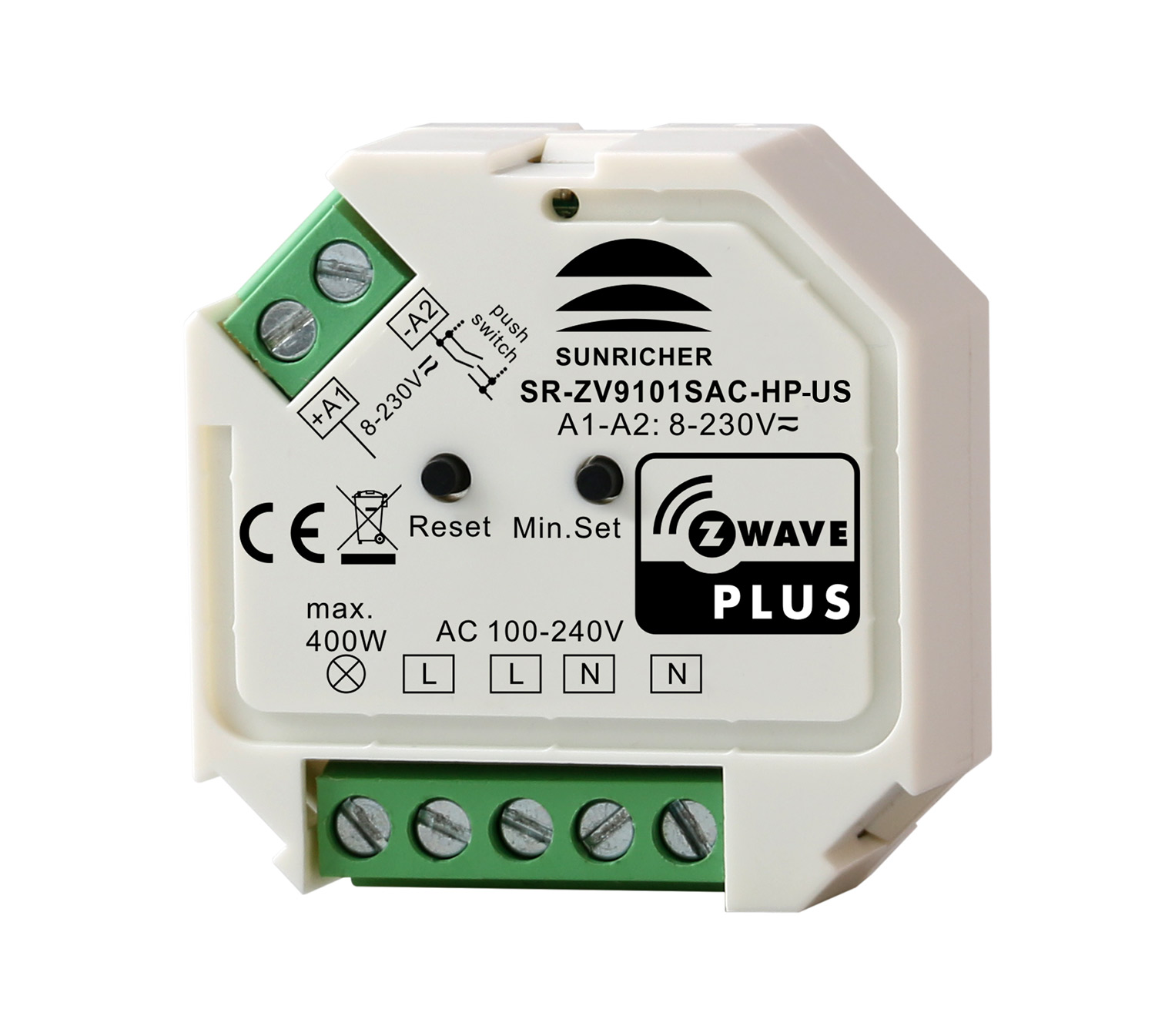
- The in-wall dimmer is a Z-Wave device that is used to switch ON/OFF and adjust light intensity of the connected light and can be controlled by other Z-Wave devices. The Inwall Dimmer can be included and operated in any Z-Wave network with other Z-Wave certified devices from other manufacturers and/or other applications. All non- battery operated nodes within the network will act as repeaters regardless of vendor to increase reliability of the network.
- Hardware platform
- ZM5101
- Short description
- The in-wall dimmer is a Z-Wave device that is used to switch ON/OFF and adjust light intensity of the connected light and can be controlled by other Z-Wave devices.
- Product identifier
- SR-ZV9101SAC-HP-US
- Countries / regions
- United States of America
- Certification number
- ZC10-18056101
- Radio range z wave (m)
- 40
- Configuration parameters
- Parameter Number Name Description Format Size Min Value Max Value Default Value Parameter Values 2
- Supports explorer frames
- Yes
- Supported command classes
- Identifier Name Key Version COMMAND_CLASS_FIRMWARE_UPDATE_MD_V4
- Supported notification types
- Notification Type Event / State System
- Value updatable by consumer by rf supported notification types value system association groups
- Group Number Maximum Nodes Supported End Point ID Description 1
- From to description 1 1 turn on load 0 0 shutoff load 2 2 save load state before power failure 3 enable/disable to send the basic report enable/disable to send the basic report to the lifeline when the load state changed (when value set as 1, re power on the dimmer, it will send basic report automatically) 0 1 0 0 1 from to description 0 0 disable to send basic report 1 1 enable to send basic report 4 default fade time default fade time (unit is second, this value has the same function as duration of multilevel) 0 1 0 0 1 from to description 0 0 instantly 128 254 1 minute (0x80) to 127 minutes (0x fe) in 1 minute resolution. 1 127 1 second (0x01) to 127 seconds (0x7 f) in 1 second resolution. 255 255 factory default duration. (1 second) 5 setting minimum brightness value setting minimum brightness value 0 1 0 0 0 from to description 0 50 the bigger the value is, the higher the load’s minimum brightness is 6 choose mosfet driving type choose mosfet driving type 0 1 0 0 0 from to description 0 0 trailing edge 1 1 leading edge 7 enable/disable external switch to be added to and removed from a network enable/disable external switch to be added to and removed from a network (when enables this function, triple press the external switch within 1.5 seconds to be added to or removed from a network) 0 1 0 0 1 from to description 0 0 disable 1 1 enable texts
- ID Description Value 1













.png)
.png)
.png)
.png)
.png)
.png)
.png)