- Name
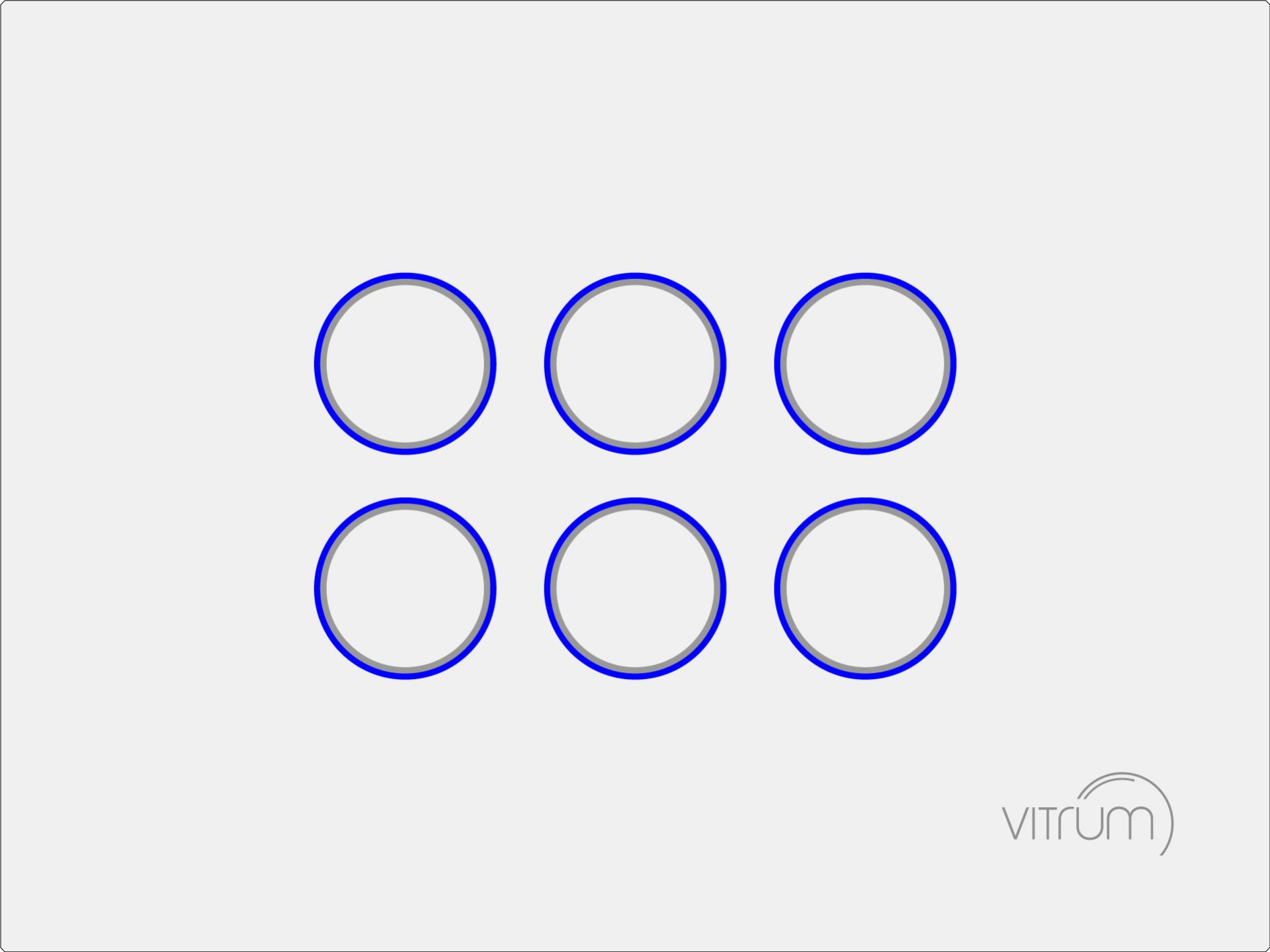
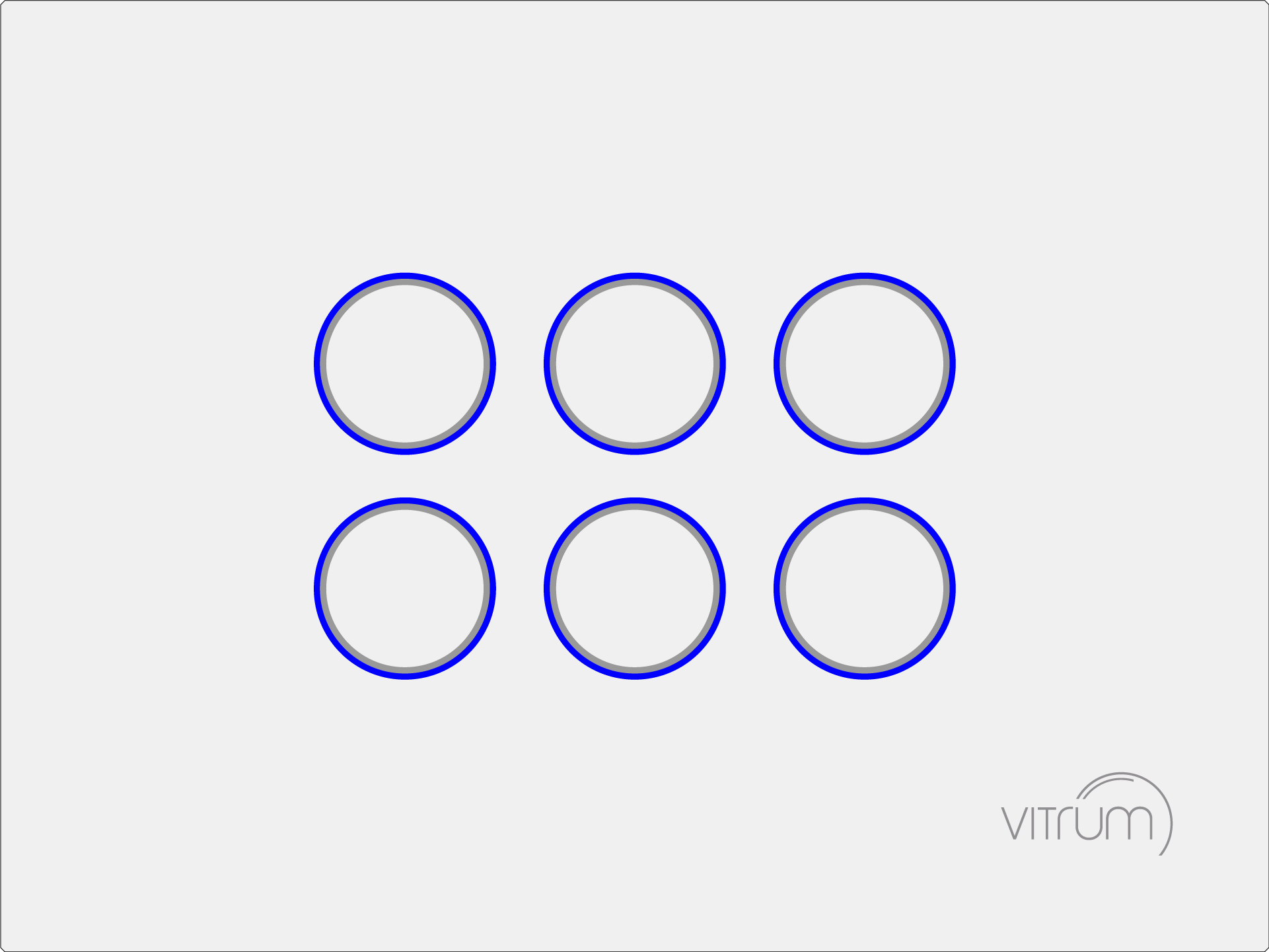
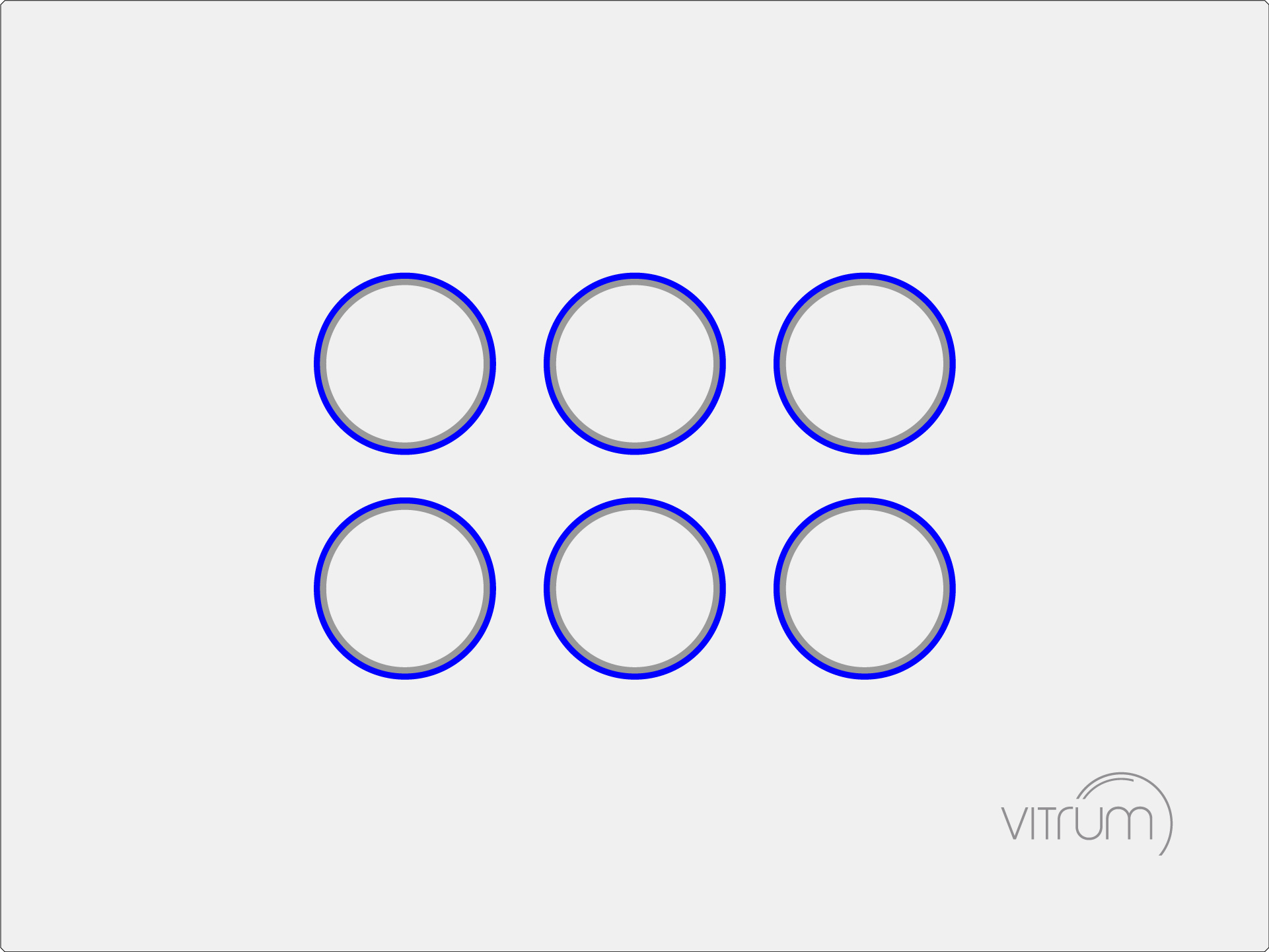
- Vitrum VI EU on-off 6 triac 921.7 MHz
- Brand
- Vitrum
- Features
- Feature Values Switch Load Capacity Current
- Documents
- Category Description File Manual_Primary_Lang
- Role type
- ROLE_TYPE_SLAVE_ALWAYS_ON
- User icon
- 0x0700
- Categories
- All Lighting Devices, On/Off Switches/Devices
- Product id
- 0x2062
- S2 classes
- S2_UNAUTHENTICATED
- Device type
- On/Off Power Switch
- Oem version
- HW: 1 FW: 5.50:01.01
- Library type
- SLAVE_ENHANCED_232
- Product line
- Vitrum Cloud
- Supports nwi
- Yes
- Installer icon
- 0x0700
- Z wave version
- 6.71.03
- Frequency plans
- KR: 920.90MHz, 921.70MHz, 923.10MHz
- Manufacturer id
- 0x010A
- Product type id
- 0x8161
- Long description
- Vitrum can easily be installed in common flush-mounting boxes, and does not require buses, control units or additional wiring. It uses the most widespread technologies in the world, and offers an advanced and intuitive user experience and is offered in different collections to choose the style that best suits your needs. The great versatility of Vitrum simplifies home automation and makes it available to everyone.
- Hardware platform
- ZM5202
- Short description
- The Vitrum switches are made with innovative techniques and materials: smooth surfaces and elegant lines, a hollowed glass that offers a stimulating tactile perception for a high-profile sensory impact, and a unique user experience.
- Product identifier
- 01EB6S263
- Countries / regions
- Republic of Korea
- Certification number
- ZC10-20076933
- Radio range z wave (m)
- 40
- Configuration parameters
- Parameter Number Name Description Format Size Min Value Max Value Default Value Parameter Values 206
- Supports explorer frames
- Yes
- Supported command classes
- Identifier Name Key Version COMMAND_CLASS_NODE_NAMING
- Controlled command classes
- Identifier Name Key Version COMMAND_CLASS_BASIC
- From to description 5 100 leds maximum brightness 207 buttons min. brightness maximum brightness of leds associated to push buttons. remark: value must be less or equal than parameter n.206. 0 1 0 100 5 from to description 0 100 led minum brightness. 209 buzzer buzzer operating status. 0 1 0 1 1 from to description 0 1 0: disabled 1: enabled 218 front end buttons lock buttons lock status 0 1 0 1 0 from to description 0 1 0: disabled; 1: enabled. 7 button n.1 off status led color of led associated to push button n.1 reporting an off state. 0 1 0 7 3 from to description 0 7 led is off: 0: led is off; 1: red; 2: green; 3: blue; 4: yellow; 5: magenta; 6: cyan; 7; white. 8 button n.2 off status led color of led associated to push button n.2 reporting an off state. 0 1 0 7 3 from to description 0 7 0: led is off; 1: red; 2: green; 3: blue; 4: yellow; 5: magenta; 6: cyan; 7; white. 9 button n.3 off status led color of led associated to push button n.3 reporting an off state. 0 1 0 7 3 from to description 0 7 0: led is off; 1: red; 2: green; 3: blue; 4: yellow; 5: magenta; 6: cyan; 7; white. 10 button n.4 off status led color of led associated to push button n.4 reporting an off state. 0 1 0 7 3 from to description 0 7 0: led is off; 1: red; 2: green; 3: blue; 4: yellow; 5: magenta; 6: cyan; 7; white. 11 button n.5 off status led color of led associated to push button n.5 reporting an off state. 0 1 0 7 3 from to description 0 7 0: led is off; 1: red; 2: green; 3: blue; 4: yellow; 5: magenta; 6: cyan; 7; white. 17 button n.5 on status led color of led associated to push button n.5 reporting an on state. 0 1 0 7 4 from to description 0 7 0: led is off; 1: red; 2: green; 3: blue; 4: yellow; 5: magenta; 6: cyan; 7; white. 25 output port connected to button n.1 output port connected to button n.1. remark: connecting a button to an output port already connected to another different button, will force the previously connected button to be automatically disconnected 0 1 0 6 1 from to description 0 6 0: disconnected; 1: button connected to output port 1; 2: button connected to output port 2; 3: button connected to output port 3; 4: button connected to output port 4; 5: button connected to output port 5; 6: button connected to output port 6. 31 basic set on from group 2 value of the basic set command sent: 0: 99 (0x63) 1: 255 (0x ff) 0 1 0 1 1 from to description 0 1 0: 99 (0x63) 1: 255 (0x ff) texts