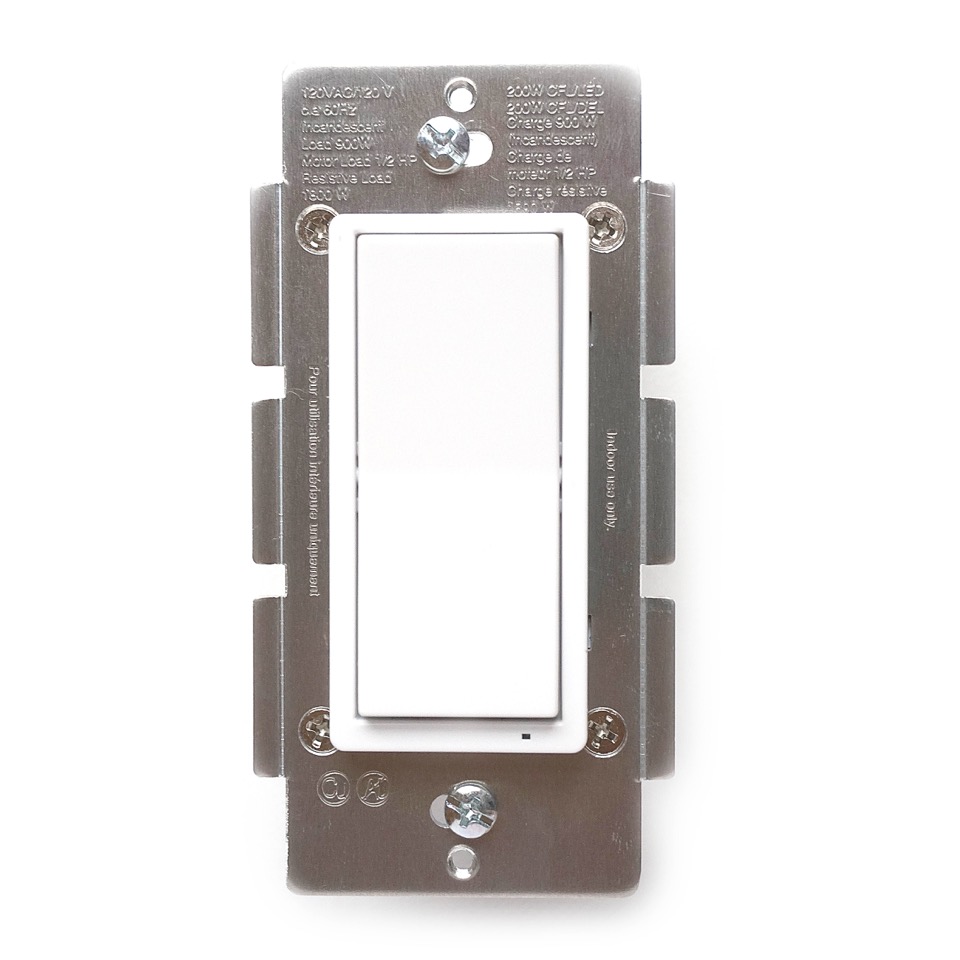
- Name
- In-Wall On/Off Switch
- Brand
- Z Wave Products Inc.
- Features
- Feature Values Color
- Documents
- Category Description File Manual_Primary_Lang
- Role type
- ROLE_TYPE_SLAVE_ALWAYS_ON
- User icon
- 0x0700
- Categories
- All Lighting Devices, On/Off Switches/Devices
- Product id
- 0x3033
- Device type
- On/Off Power Switch
- Oem version
- HW: 255 FW: 5.16
- Library type
- SLAVE_ENHANCED_232
- Supports nwi
- Yes
- Installer icon
- 0x0700
- Z wave version
- 6.51.08
- Frequency plans
- US: 916.00MHz, 908.40MHz
- Manufacturer id
- 0x0315
- Product type id
- 0x4447
- Long description
- - Works with incandescent and dimmable florescent (CFL) or most LED lighting - ON/OFF status and location LED indicator - Fits into standard single or multiple gang junction box - Over-The-Air firmware upgrade available with compatible gateway, Z-Wave static controller, or PC and software - Internal resettable fuse to protect from surge current - Manual reset capability - Support Central Scene
- Hardware platform
- ZM5202
- Short description
- WS-100 In Wall On/Off Switch - Replaces existing wall switch - Remotely or manually turns On or Off lights - Fits standard wall plates - Z-Wave Plus certified with 500 series chipset - Functions as a Z-Wave signal repeater - Support Central Scene
- Product identifier
- WS-100
- Countries / regions
- United States of America
- Certification number
- ZC10-17035504
- Radio range z wave (m)
- 40
- Configuration parameters
- Parameter Number Name Description Format Size Min Value Max Value Default Value Parameter Values 3
- Supports explorer frames
- Yes
- Supported command classes
- Identifier Name Key Version COMMAND_CLASS_SCENE_ACTUATOR_CONF
- Controlled command classes
- Identifier Name Key Version COMMAND_CLASS_CENTRAL_SCENE_V3
- Value white firmware updatable value updatable by consumer by rf outdoor use z wave scene type value scene & central scene association groups
- Group Number Maximum Nodes Supported End Point ID Description 1
- From to description 0 0 the led indicator will be off when the connected appliance is on, and the led indicator will be on when the connected appliance is off 1 1 the led indicator will be off when the connected appliance is off, and the led indicator will be on when the connected appliance is on 2 2 the led indicator will be always off regardless of the load status 4 orientation of the on/off on the rocker switch the orientation of the on/off on the rocker switch can be inverted 0 1 0 0 0 from to description 0 0 the connected light will turn on by pressing the top side of the rocker switch and turn off by pressing the bottom side. 1 1 the connected light will turn off by pressing the top side of the rocker switch and turn on by pressing the bottom side. texts
- ID Description Value 1