- Name
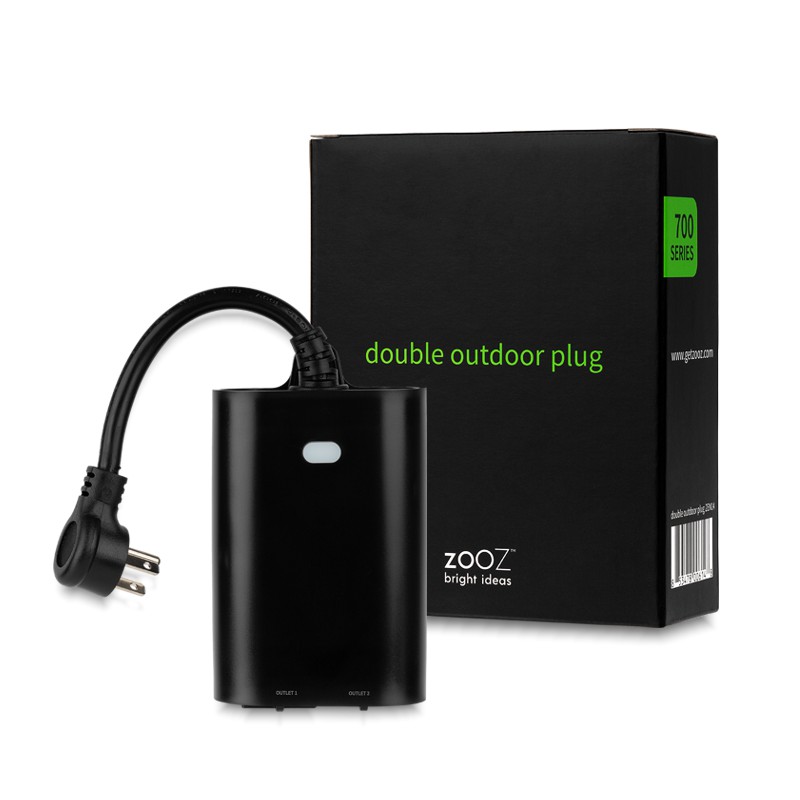
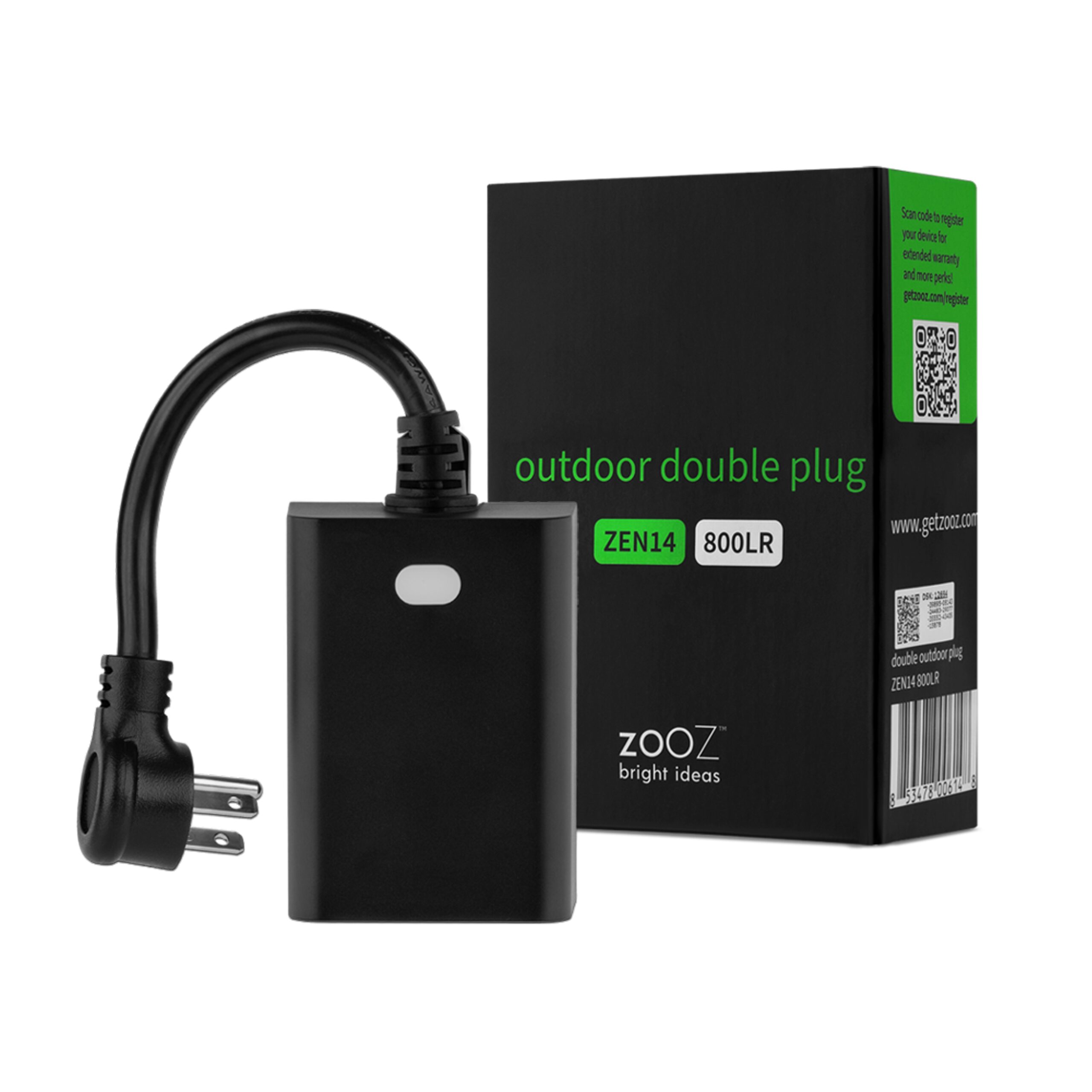
- 700 Series Outdoor Double Plug
- Brand
- Zooz
- Features
- Feature Values Color
- Documents
- Category Description File Manual_Primary_Lang
- Role type
- ROLE_TYPE_SLAVE_ALWAYS_ON
- User icon
- 0x0700
- Categories
- All Lighting Devices, On/Off Switches/Devices
- Product id
- 0xB003
- S2 classes
- S2_UNAUTHENTICATED
- Device type
- On/Off Power Switch
- Oem version
- HW: 255 FW: 1.01
- Library type
- SLAVE_ENHANCED_232
- Product line
- Plugs
- Supports nwi
- Yes
- Installer icon
- 0x0701
- Z wave version
- 6.71.01
- Frequency plans
- US: 916.00MHz, 908.40MHz
- Manufacturer id
- 0x027A
- Product type id
- 0x7000
- Long description
- FEATURES: - Z-Wave™ on/off control of 2 individual loads - IP65 rated for outdoor use - Easy set-up and angled plug for better outlet fit - S2 security and Z-Wave™ Plus technology - Supports OTA firmware updates - ETL listed for compliance with North American safety standards SPECS: - Z-Wave™ Frequency: 908.42 MHz (US) - Power: 120 VAC, 60 Hz - Maximum Loads: 960W incandescent, 150W LED bulbs, 15A resistive, 1/3 HP fan motors combined between 2 outlets - Z-Wave™ Range: Up to 300 feet line of sight - Dimensions: 5" tall, 3.5" wide, 1.75" deep - Cord Length: 6.5" - Operating Temperature: 32-104° F (0-40° C) - Installation: Indoor or outdoor use, IP65 rated
- Hardware platform
- ZM5202
- Short description
- On/off Z-Wave™ control for 2 independent devices
- Product identifier
- ZEN14
- Countries / regions
- United States of America
- Certification number
- ZC10-22087116
- Radio range z wave (m)
- 40
- Configuration parameters
- Parameter Number Name Description Format Size Min Value Max Value Default Value Parameter Values 6
- Supports explorer frames
- Yes
- Supported command classes
- Identifier Name Key Version COMMAND_CLASS_POWERLEVEL
- Controlled command classes
- Identifier Name Key Version COMMAND_CLASS_BASIC_V2
- Supported notification types
- Notification Type Event / State Power Management
- Value black electric load type value incandescent led inductive (e.g. motor) firmware updatable value updatable by consumer by rf switch load capacity watts value 960 association groups
- Group Number Maximum Nodes Supported End Point ID Group Name Description 2
- From to description 0 0 both outlets on the plug automatically turn off once power is restored (it ignores the status prior to power outage) 1 1 both outlets on the plug automatically turn on once power is restored (it ignores the status prior to the power outage) 2 2 both outlets on the plug remember and restore the status prior to the power outage 1 led indicator decide how the led indicator behaves depending on the on/off status of the plug. the led indicator will flash twice to confirm a setting has been changed. 1 1 0 2 0 from to description 2 2 led indicator is always off 1 1 led indicator is on when the plug is off, led indicator is off when the plug is on 0 0 led indicator is on when the plug is on, led indicator is off when the plug is off 7 brightness of led indicator set the brightness level of the led indicator. 1 1 0 2 2 from to description 2 2 low 1 1 medium 0 0 high 8 z wave button control choose if you want to use the physical z wave button on the plug to turn the outlets on or off manually or if you want to disable this function. if this parameter is set to 0 (disabled), you will only be able to turn the outlet on or off remotely using your z wave hub. 1 1 0 1 1 from to description 0 0 manual control disabled 1 1 manual control enabled 2 auto off timer outlet 1 use this parameter to set the auto turn off timer for outlet 1: the time after which you want outlet 1 to automatically turn off once it has been turned on. the number entered as value corresponds to the number of minutes. 1 4 0 65535 0 from to description 1 65535 minutes 3 auto off timer outlet 2 use this parameter to set the auto turn off timer for outlet 2: the time after which you want outlet 2 to automatically turn off once it has been turned on. the number entered as value corresponds to the number of minutes. 1 4 0 65535 0 from to description 1 65535 minutes 4 auto on timer outlet 1 use this parameter to set the auto turn on timer for outlet 1: the time after which you want outlet 1 to automatically turn on once it has been turned off. the number entered as value corresponds to the number of minutes. 1 4 0 65535 0 from to description 1 65535 minutes 5 auto on timer outlet 2 use this parameter to set the auto turn on timer for outlet 2: the time after which you want outlet 2 to automatically turn on once it has been turned off. the number entered as value corresponds to the number of minutes. 1 4 0 65535 0 from to description 1 65535 minutes texts