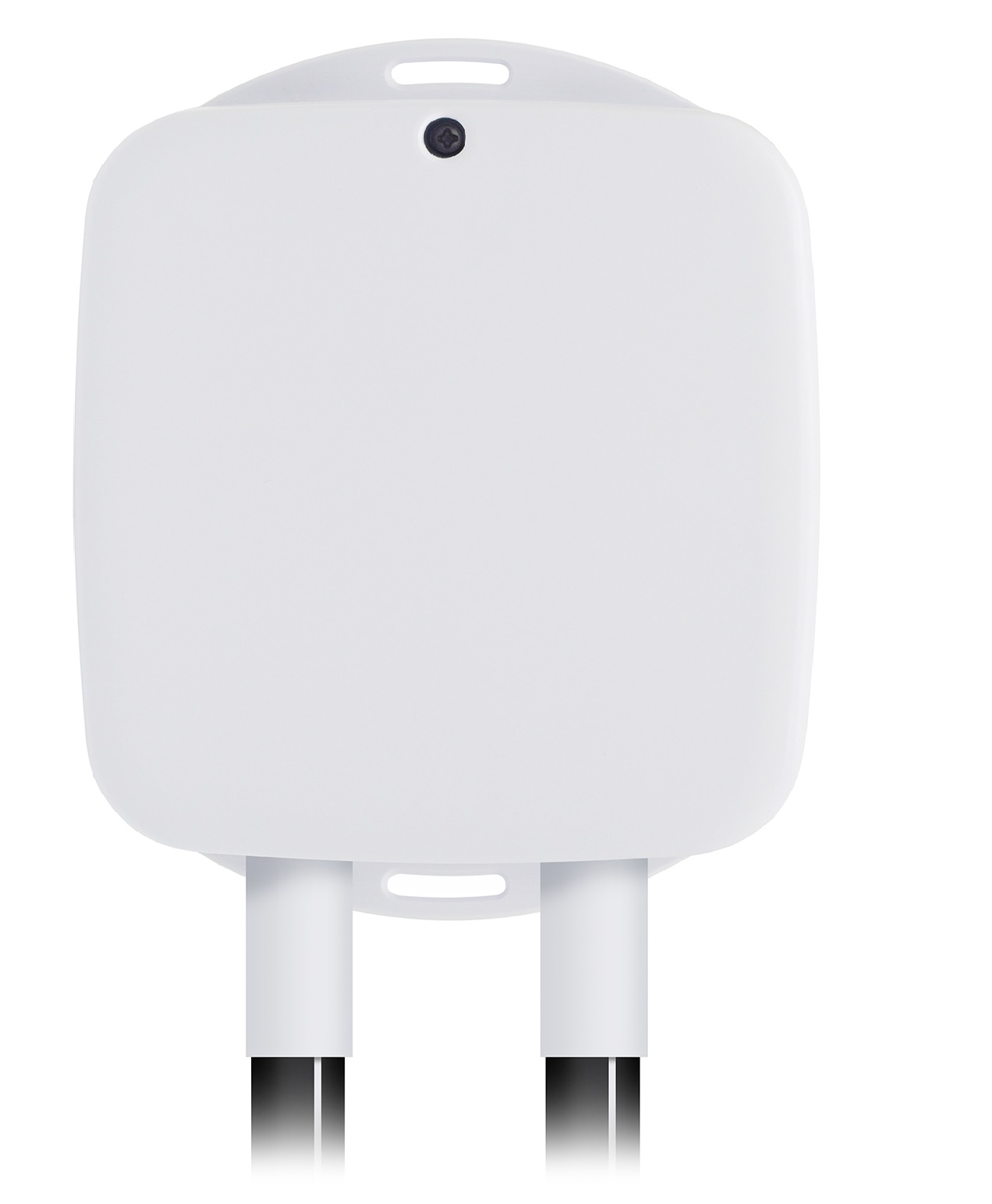
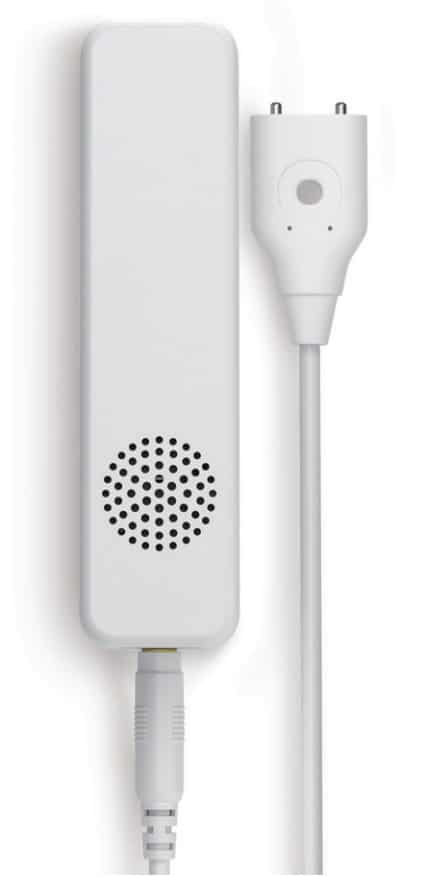
- Name
- Heavy Duty Smart Switch Gen5
- Brand
- Aeotec
- Features
- Feature Values Sensors
- Documents
- Category Description File Manual_Primary_Lang
- Role type
- ROLE_TYPE_SLAVE_ALWAYS_ON
- User icon
- 0x0700
- Categories
- Energy Meters, All Lighting Devices, On/Off Switches/Devices
- Product id
- 0x004E
- Device type
- On/Off Power Switch
- Oem version
- HW: 78 FW: 3.28
- Library type
- SLAVE_ENHANCED_232
- Supports nwi
- Yes
- Installer icon
- 0x0700
- Z wave version
- 6.51.10
- Frequency plans
- IN: 865.20MHz
- Manufacturer id
- 0x0086
- Product type id
- 0x0903
- Long description
- Aeotec Heavy Duty Smart Switch Gen5 is a Z-Wave switch controller that can also report the wattage energy usage and KWH usage of the device wired in to it. As part of its switching functionality, Heavy Duty Smart Switch Gen5 can be controlled by other Z-Wave devices to turn loads on or off. It can bear up to 40 amps current of resister loads. It also act as a repeater, forwarding Z-Wave command messages to destination nodes if the originating controller is out of range from the destination node. By taking advantage of the Z-Wave mesh network, commands can be routed to their destination via intermediary Z-Wave products. Products that are Z-Wave certified can be used and communicate with other Z-Wave certified device. The Switch is also a security Z-wave device and supports Over The Air (OTA) feature for the products firmware upgrade.
- Hardware platform
- ZM5202
- Short description
- Aeotec Heavy Duty Smart Switch Gen5 is an on/off switch module that also provides energy metering.
- Product identifier
- ZW078-F
- Countries / regions
- India
- Certification number
- ZC10-19036399
- Radio range z wave (m)
- 40
- Configuration parameters
- Parameter Number Name Description Format Size Min Value Max Value Default Value Parameter Values 110
- Supports explorer frames
- Yes
- Supported command classes
- Identifier Name Key Version COMMAND_CLASS_SCENE_ACTUATOR_CONF
- Controlled command classes
- Identifier Name Key Version COMMAND_CLASS_SWITCH_BINARY
- Supported multilevel sensors
- Multilevel Sensor Type Air temperature
- Supported / controlled meter types
- Meter Type Rate Type Description Electric meter
- Value air temperature firmware updatable value updatable by consumer by rf supported meter type value electric energy association groups
- Group Number Maximum Nodes Supported End Point ID Description 1
- From to description 0 0 reset the parameters 111 113 to default values. 111 set the time interval of sending report set the time interval of sending report 0 4 0 0 5 from to description 1 2147483647 interval seconds 112 set the time interval of sending report set the time interval of sending report 0 4 0 0 120 from to description 1 2147483647 interval seconds 113 set the time interval of sending report set the time interval of sending report 0 4 0 0 120 from to description 1 2147483647 interval seconds 200 partner id partner id 0 1 0 0 0 from to description 1 127 others 0 0 aeon labs standard product 252 enable/disable configuration locked enable/disable configuration locked 0 1 0 0 0 from to description 0 0 disable 1 1 enable 255 reset the smart switch 6 reset the smart switch 6 to factory default. 0 1 0 0 0 from to description 1431655765 1431655765 reset the smart switch to factory default 1 1 reset all configuration parameters to default. 3 current overload protection. current overload protection. output load will be closed after 2 minutes if the current overruns (us: 16.5 a, au: 10.5 a, eu: 14 a). 0 1 0 0 0 from to description 1 1 enabled 0 0 disabled 80 to set which notification would be sent to the associated nodes in association group 1 to set which notification would be sent to the associated nodes in association group 1 when the state of output load is changed. 0 1 0 0 0 from to description 0 0 nothing 1 1 hail cc 2 2 basic report cc 90 enable/disable the parameter 91 and 92 enable/disable the parameter 91 and 92. 0 1 0 0 1 from to description 1 1 enable 0 0 disable 91 induce an automatic report the value here represents minimum change in wattage (in terms of wattage) to induce a meter report 0 2 0 0 50 from to description 0 32767 the threshold can be set from 0 to 32767 watt. 92 induce an automatic report the value here represents minimum change in wattage percent (in terms of percentage) to induce a meter report 0 1 0 0 10 from to description 0 100 the threshold can be set from 0 to 100%. 100 reset the parameters 101 103 reset the parameters 101 103. 0 1 0 0 0 from to description 0 0 reset the parameters 101 103. 101 to set which report would be sent in report group 1 to set which report would be sent in report group 1 0 4 0 0 4 from to description 1 1 send meter report of voltage 2 2 send meter report of current 4 4 send meter report of watt 8 8 send meter report of k wh 102 to set which report would be sent in report group 2 to set which report would be sent in report group 2 0 4 0 0 8 from to description 1 1 send meter report of voltage 2 2 send meter report of current 4 4 send meter report of watt 8 8 send meter report of k wh 103 to set which report would be sent in report group 3 to set which report would be sent in report group 3 0 4 0 0 0 from to description 2 2 send meter report of current 4 4 send meter report of watt 1 1 send meter report of voltage 8 8 send meter report of k wh texts