- Name
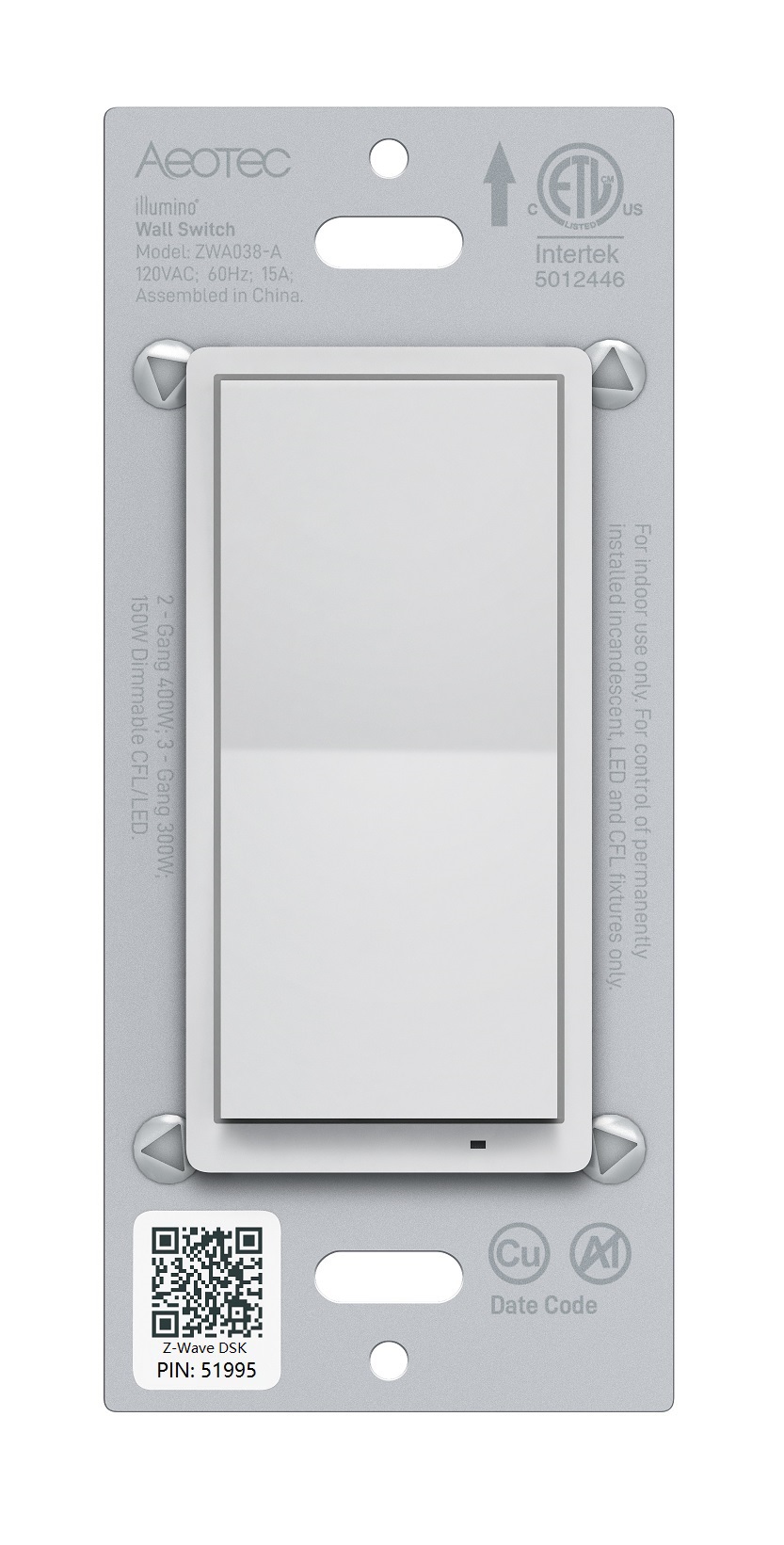
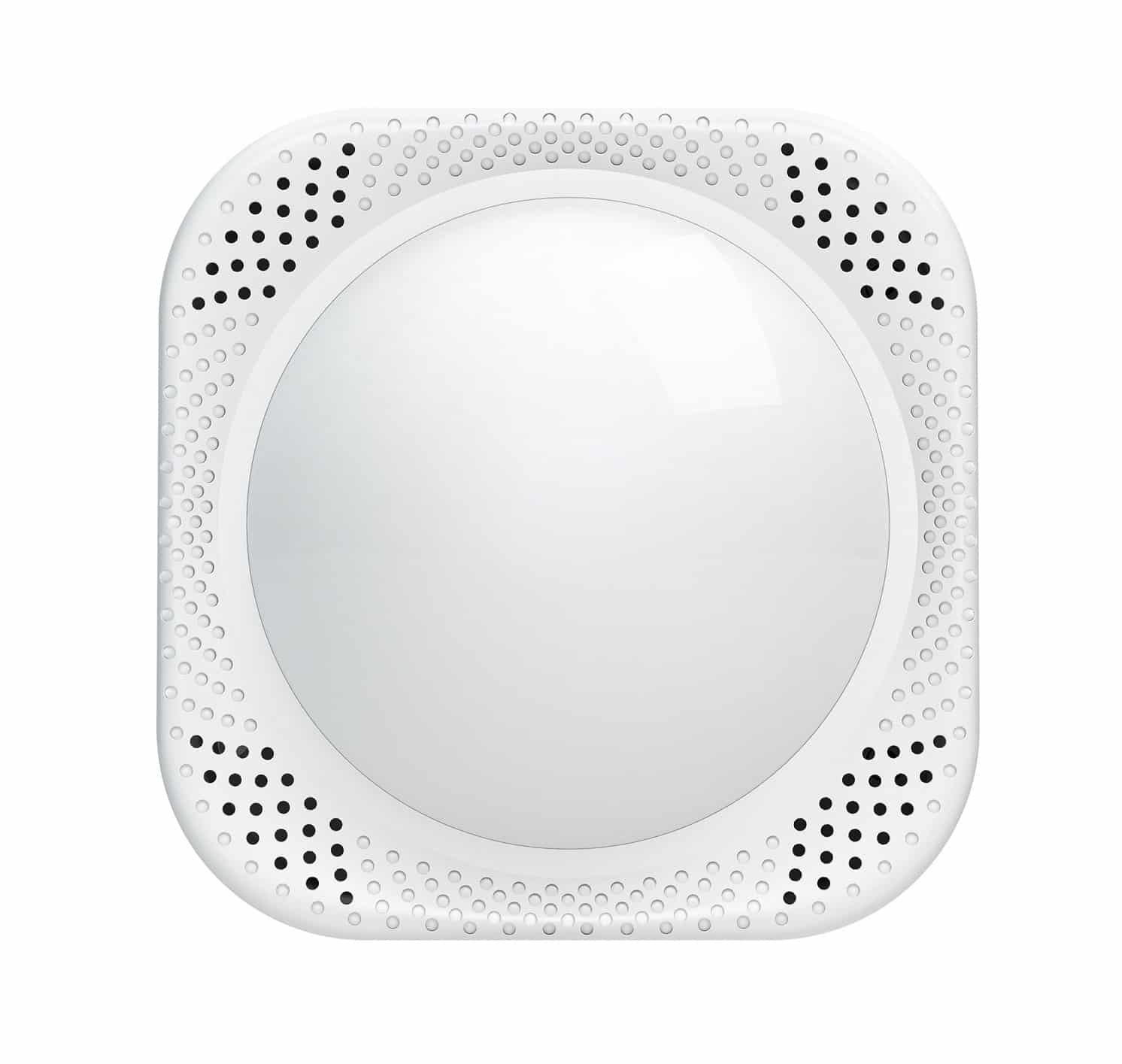
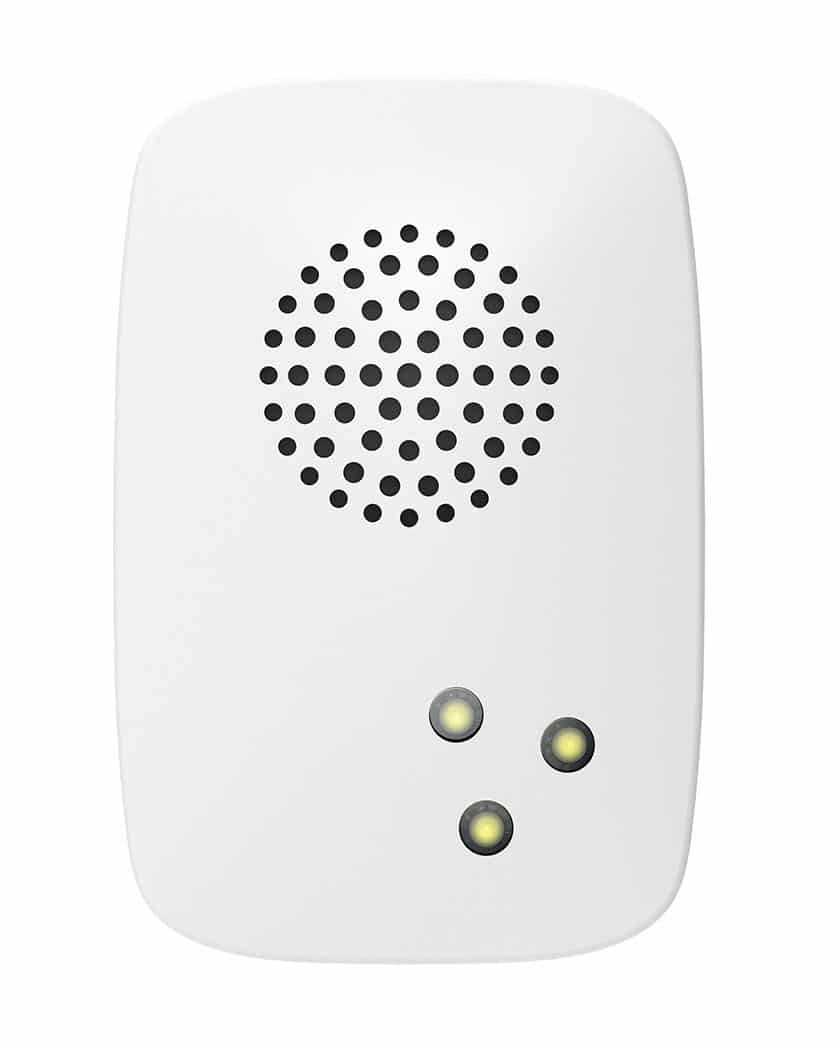
- illumino Wall Switch
- Brand
- Aeotec
- Features
- Feature Values Color
- Documents
- Category Description File Manual_Primary_Lang
- Role type
- ROLE_TYPE_SLAVE_ALWAYS_ON
- User icon
- 0x0704
- Categories
- All Lighting Devices, On/Off Switches/Devices, Lighting Accessories, Fan Control
- Product id
- 0x0026
- S2 classes
- S2_UNAUTHENTICATED, S2_AUTHENTICATED
- Device type
- Binary Switch
- Oem version
- HW: 1 FW: 1.02
- Library type
- SLAVE_ENHANCED_232
- Product line
- Line A
- Supports nwi
- Yes
- Installer icon
- 0x0700
- Z wave version
- 7.13.9
- Frequency plans
- US: 916.00MHz, 908.40MHz
- Manufacturer id
- 0x0371
- Product type id
- 0x0103
- Long description
- Aeotec illumino Wall Switch is a Z-Wave™ Switch specifically used to enable Z-Wave command and control (on/off) of any wall switches. In the event of power failure, non-volatile memory retains all programmed information relating to the unit’s operating status. It can connect to external manual switches to control the load ON/OFF independently. The illumino Wall Switch is also a security Z-Wave Plus™ device and supports Over The Air (OTA) feature for the products firmware upgrade.
- Hardware platform
- ZGM130
- Short description
- Aeotec illumino Wall Switch is a Z-Wave™ Switch.
- Product identifier
- ZWA038-A
- Countries / regions
- United States of America
- Supports smart start
- Yes
- Certification number
- ZC12-21080286
- Radio range z wave (m)
- 40
- Configuration parameters
- Parameter Number Name Description Format Size Min Value Max Value Default Value Parameter Values 41
- Supports explorer frames
- Yes
- Supported command classes
- Identifier Name Key Version COMMAND_CLASS_CONFIGURATION_V4
- Value white switch load capacity watts value 1800 switch type value toggle z wave scene type value scene & central scene firmware updatable value updatable by consumer by rf neutral wire required electric load type value incandescent fluorescent mlv (magnetic) elv (electronic) led dimmable led inductive (e.g. motor) dimmable fluorescent dimmable mlv (magnetic) dimmable elv (magnetic) association groups
- Group Number Maximum Nodes Supported End Point ID Group Name Profile Description 1
- From to description 0 0 disable 1 65535 auto turn on after 1 65535s once turned off. 85 led indicator color for scene select the indicator color for scene. 2 1 0 9 2 from to description 1 1 red 7 7 orange 6 6 purple 5 5 cyan 4 4 pink 3 3 green 2 2 blue 0 0 disable 8 8 yellow 9 9 white 80 instant status report the command for status report. 2 1 0 2 2 from to description 0 0 nothing 1 1 basic report 2 2 binary switch report 82 association control settings setting command for association group. 2 1 1 2 1 from to description 1 1 basic set 2 2 binary switch set 83 led indicator settings select the indicator function for output. 2 1 0 2 2 from to description 2 2 led follows status of output 0 0 disable 1 1 momentary blink 84 led indicator color for output select the indicator color for output. 2 1 0 9 9 from to description 8 8 yellow 6 6 puple 3 3 green 4 4 pink 7 7 orange 9 9 white 5 5 cyan 2 2 blue 1 1 red 0 0 disable 123 report behavior select behavior for report and indicator when output is disable. 2 1 0 1 0 from to description 0 0 0 report on/off status and change led indicator when parameter 121 is set to 0 or 2 1 1 1 don't report on/off status is pressed and parameter 121 is set to 0 or 2 119 external switch scene enable or disable the scene function of external(3 way) switch. 2 1 0 1 1 from to description 0 0 disable 1 1 enable 86 led brightness setting the brightness of indicator. 2 1 0 100 60 from to description 0 0 disable 1 100 1% 100% level 122 button function select the paddle button functions. 2 1 0 2 0 from to description 0 0 up/on, down/off 1 1 down/on, up/off 2 2 toggle (up or down are the same) 120 external switch type select the external(3 way) switch's type. 2 1 0 2 0 from to description 0 0 toggle on or off only 1 1 no momentary switch 2 2 nc momentary switch 121 output control enable or disable output. 2 1 0 3 3 from to description 0 0 disable 1 1 enable local control 2 2 enable central scene 3 3 enable local and central scene texts