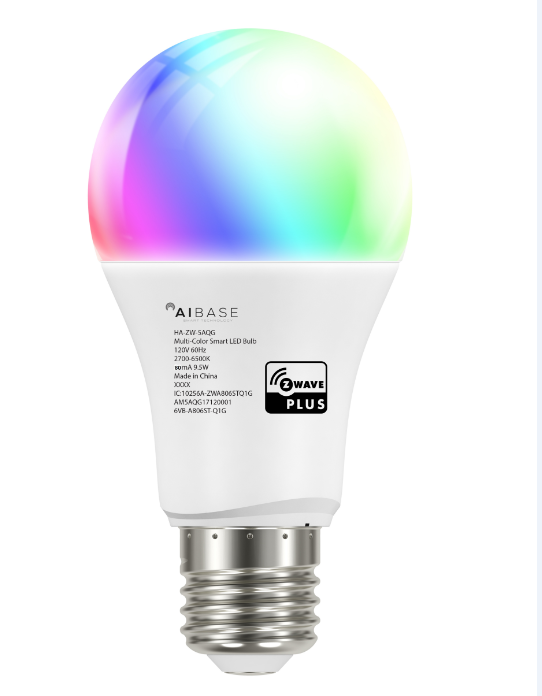
- Name
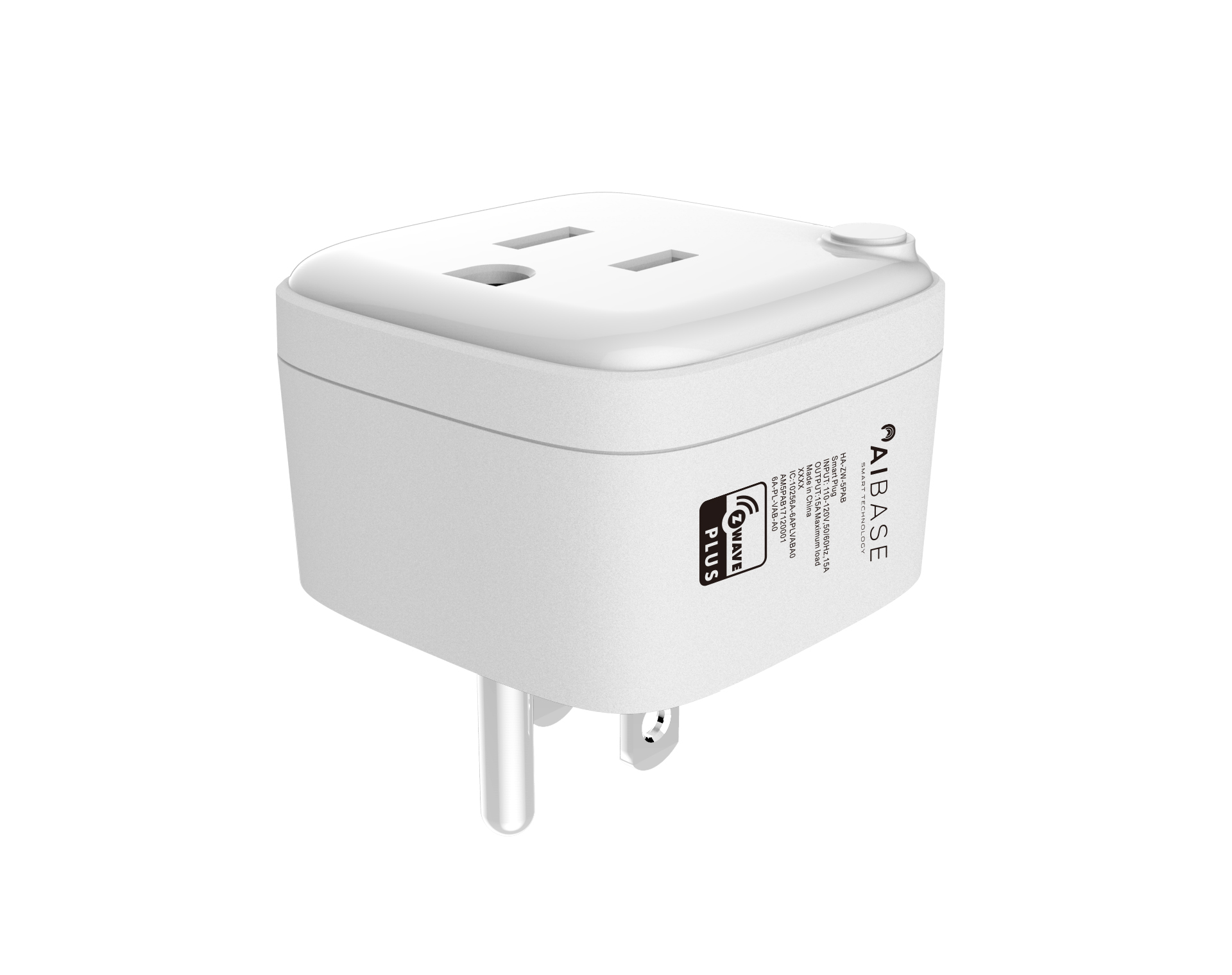
- Smart Plug
- Brand
- Aibase
- Features
- Feature Values Firmware Updatable
- Documents
- Category Description File Manual_Primary_Lang
- Role type
- ROLE_TYPE_SLAVE_ALWAYS_ON
- User icon
- 0x0701
- Categories
- Energy Meters, All Lighting Devices, On/Off Switches/Devices
- Product id
- 0x000B
- S2 classes
- S2_UNAUTHENTICATED
- Device type
- On/Off Power Switch
- Oem version
- HW: 1 FW: 1.00
- Library type
- SLAVE_ENHANCED_232
- Supports nwi
- Yes
- Installer icon
- 0x0701
- Z wave version
- 6.71.01
- Frequency plans
- US: 916.00MHz, 908.40MHz
- Manufacturer id
- 0x0384
- Product type id
- 0x0200
- Long description
- • Flexibility: AC output on/off by manual or remote by APP • Remote Control: Power on/off any device connecting to smart plug manually or by APP • Power consumption: Measures the energy consumption of the connected devices. • Schedule: setting your lights connected to Plug to turn on and off on a schedule. • Z-wave Wireless signal repeater
- Hardware platform
- ZM5101
- Short description
- Smart plug is a Z-Wave Switch plugin module specifically used to enable Z-Wave command and control (on/off) of any plug-in tool. It can report wattage consumption or kWh energy usage.
- Product identifier
- HA-ZW-5PAB
- Countries / regions
- United States of America
- Certification number
- ZC10-18076185
- Radio range z wave (m)
- 40
- Configuration parameters
- Parameter Number Name Description Format Size Min Value Max Value Default Value Parameter Values 4
- Supports explorer frames
- Yes
- Supported command classes
- Identifier Name Key Version COMMAND_CLASS_FIRMWARE_UPDATE_MD_V4
- Supported / controlled meter types
- Meter Type Rate Type Description Electric meter
- Value updatable by consumer by rf switch load capacity watts value 2300 supported meter type value electric energy switch type value push button z wave scene type value scene association groups
- Group Number Maximum Nodes Supported End Point ID Description 1
- From to description 0 0 the led status follows the load change. 1 1 when operating the load, the led lights for 5 seconds and then turns off. 17 the value here represents minimum change in wattage percent (in terms of percentage) for a meter report (watt) to be sent when the change value of the load power exceeds the setting value, smart plug will send meter report to associated device (group lifeline). 0 1 0 0 10 from to description 1 127 1% to 127% 128 127 available settings 128 1 255% to 128% 0 0 the function is disabled 100 setting the parameters 101~104 to the default states. setting the parameters 101~104 to the default states. 0 1 0 0 85 from to description 85 85 available settings 103 setting time for sending meter report (voltage) the interval of sending meter report (voltage) to association device (group lifeline). 0 4 0 0 0 from to description 0 0 the function is disabled 5 2678400 available settings 101 setting time for sending meter report (watt) the interval time of sending meter report (watt) to associated device (group lifeline). 0 4 0 0 600 from to description 0 0 the function is disabled. 5 2678400 available settings 102 setting time for sending meter report (kwh) the interval of sending meter report (kwh) to association device (group lifeline). 0 4 0 0 3600 from to description 0 0 the function is disabled 5 2678400 available settings 2 setting device status after power failure define how the plug reacts after the power supply is back on. 0 1 0 0 1 from to description 0 0 smart plug memorizes its state after a power failure. 1 1 smart plug does not memorize its state after a power failure. connected device will be on after the power supply is reconnected. 2 2 smart plug does not memorize its state after a power failure. connected device will be off after the power supply is reconnected. 3 notification when load status change smart plug can send notifications to associated device (group lifeline) when the status of smart plug’s load is changed. 0 1 0 0 1 from to description 0 0 the led status follows the load change. 1 1 when operating the load, the led lights for 5 seconds and then turns off. 1 overcurrent protection smart plug keep detecting the load power, once the ac current exceeds 16.5 a for more than 4 seconds, smart plug's relay will turn off. 0 1 0 0 1 from to description 0 0 the function is disabled 1 1 the function is enabled 104 setting time for sending meter report (current) the interval time of sending meter report (current) to associated device (group lifeline). 0 4 0 0 0 from to description 0 0 the function is disabled 5 2678400 available settings 254 enable/disable the configuration command lock/unlock all configuration parameters. 0 1 0 0 0 from to description 0 0 unlock 1 1 lock texts