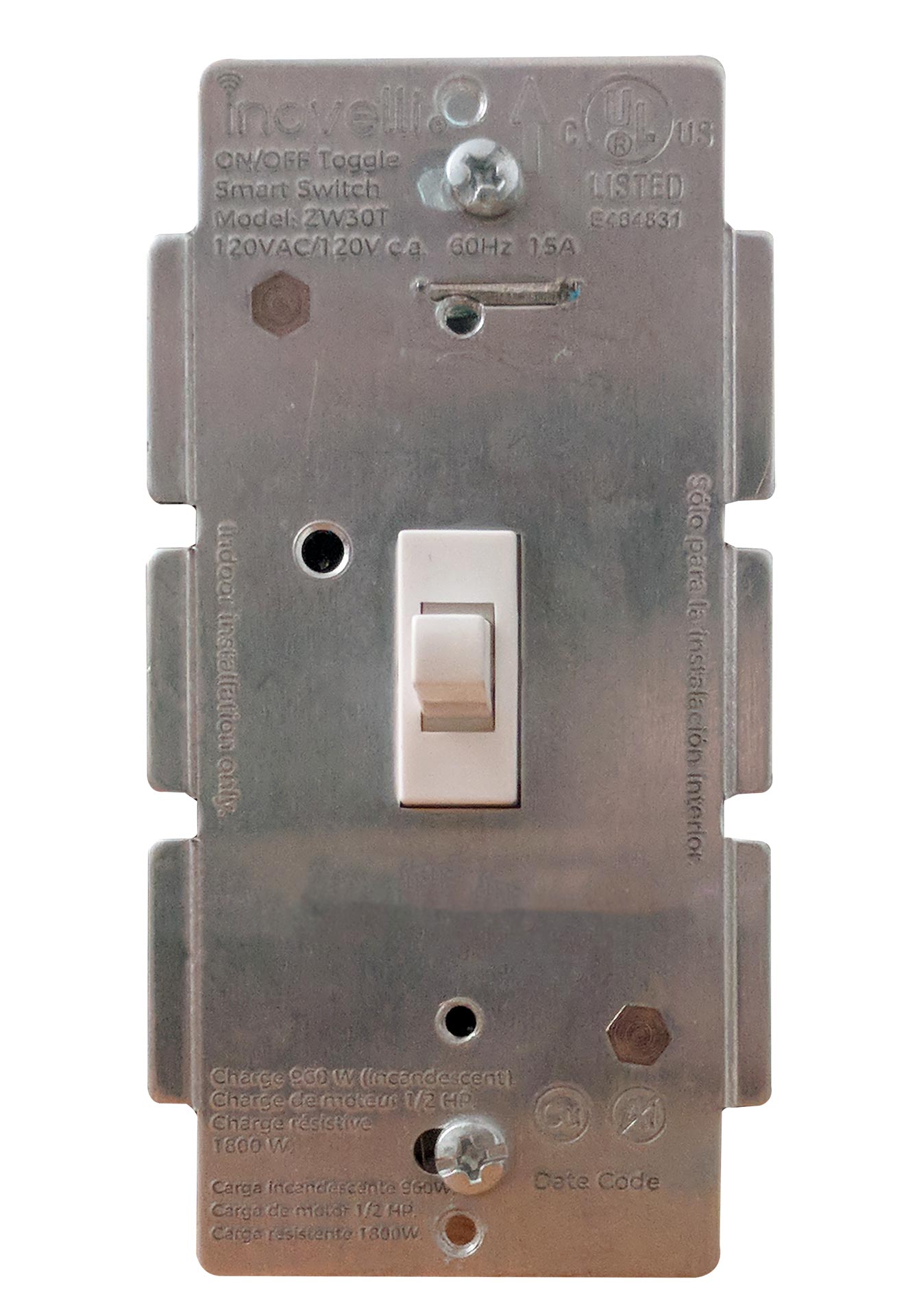
- Name
- On/Off Switch
- Brand
- Inovelli
- Features
- Feature Values Switch Load Capacity Watts
- Documents
- Category Description File Manual_Primary_Lang
- Role type
- ROLE_TYPE_SLAVE_ALWAYS_ON
- User icon
- 0x0701
- Categories
- All Lighting Devices, On/Off Switches/Devices
- Product id
- 0x0001
- S2 classes
- S2_UNAUTHENTICATED, S2_AUTHENTICATED
- Device type
- On/Off Power Switch
- Oem version
- HW: 1 FW: 2.00
- Library type
- SLAVE_ENHANCED_232
- Supports nwi
- Yes
- Installer icon
- 0x0701
- Z wave version
- 6.81.03
- Frequency plans
- US: 916.00MHz, 908.40MHz
- Manufacturer id
- 0x031E
- Product type id
- 0x0004
- Long description
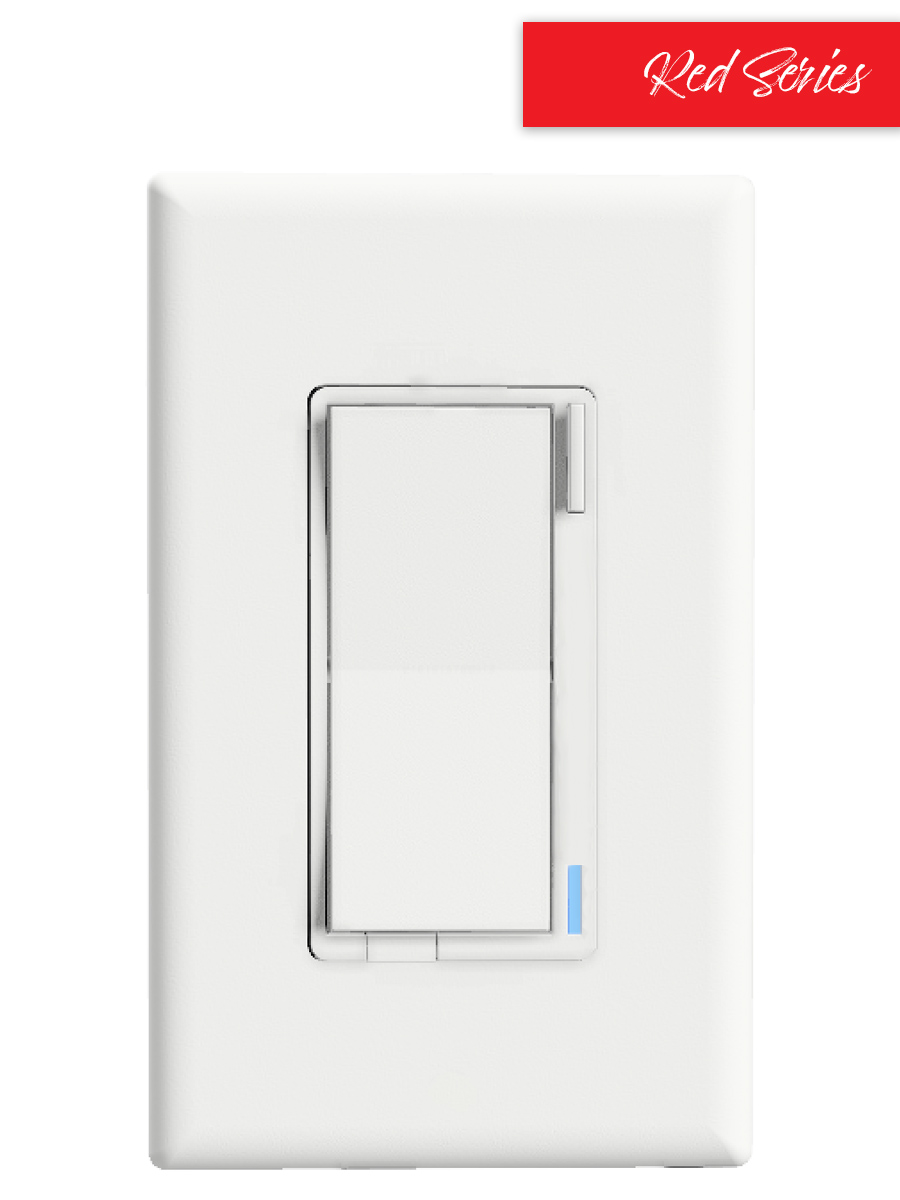
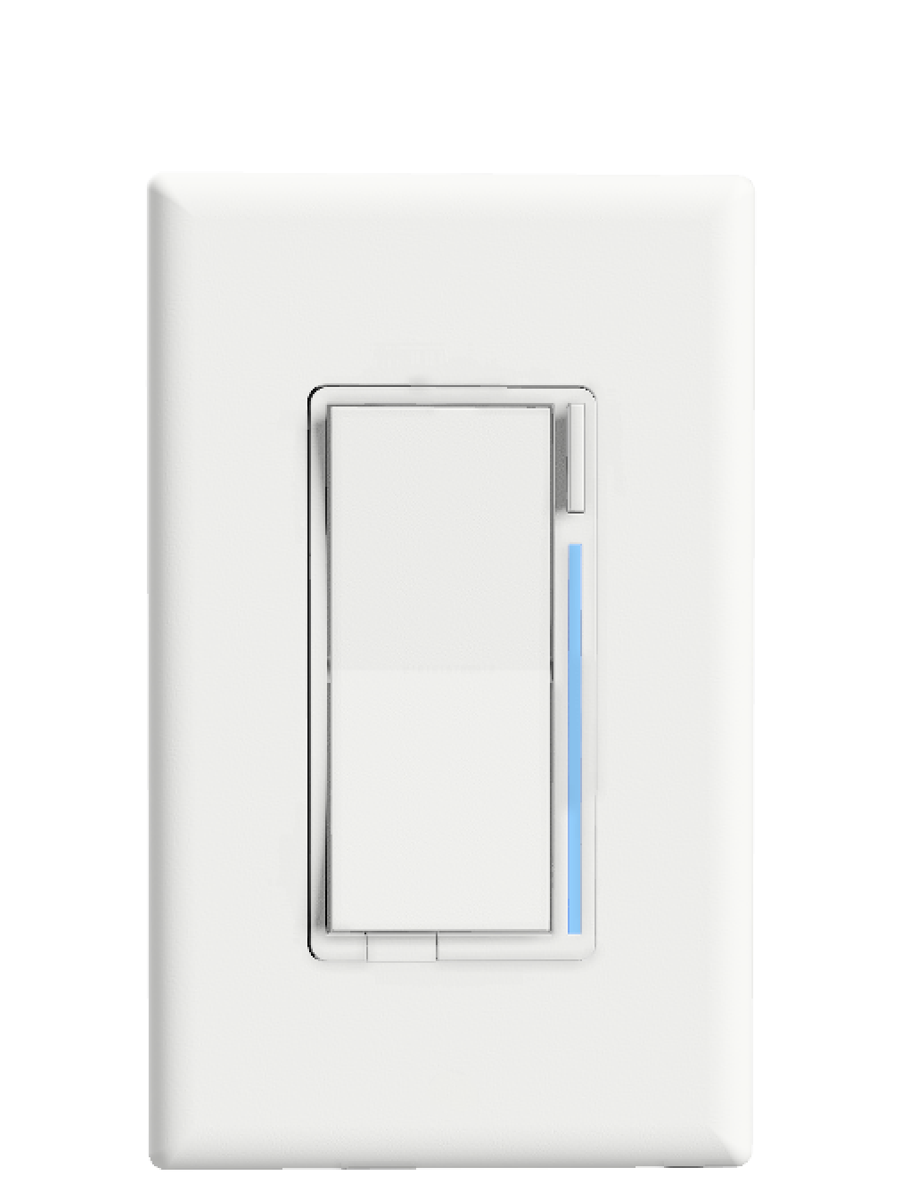
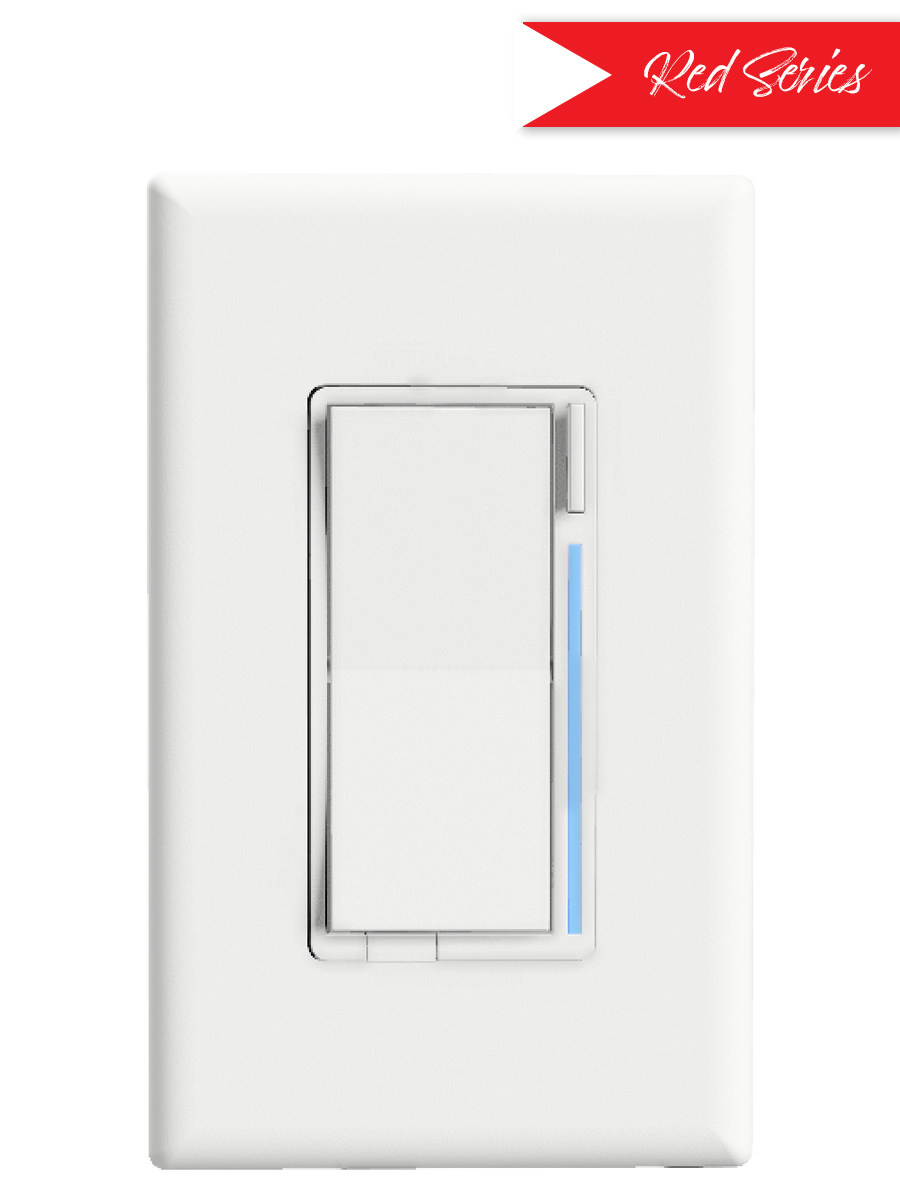
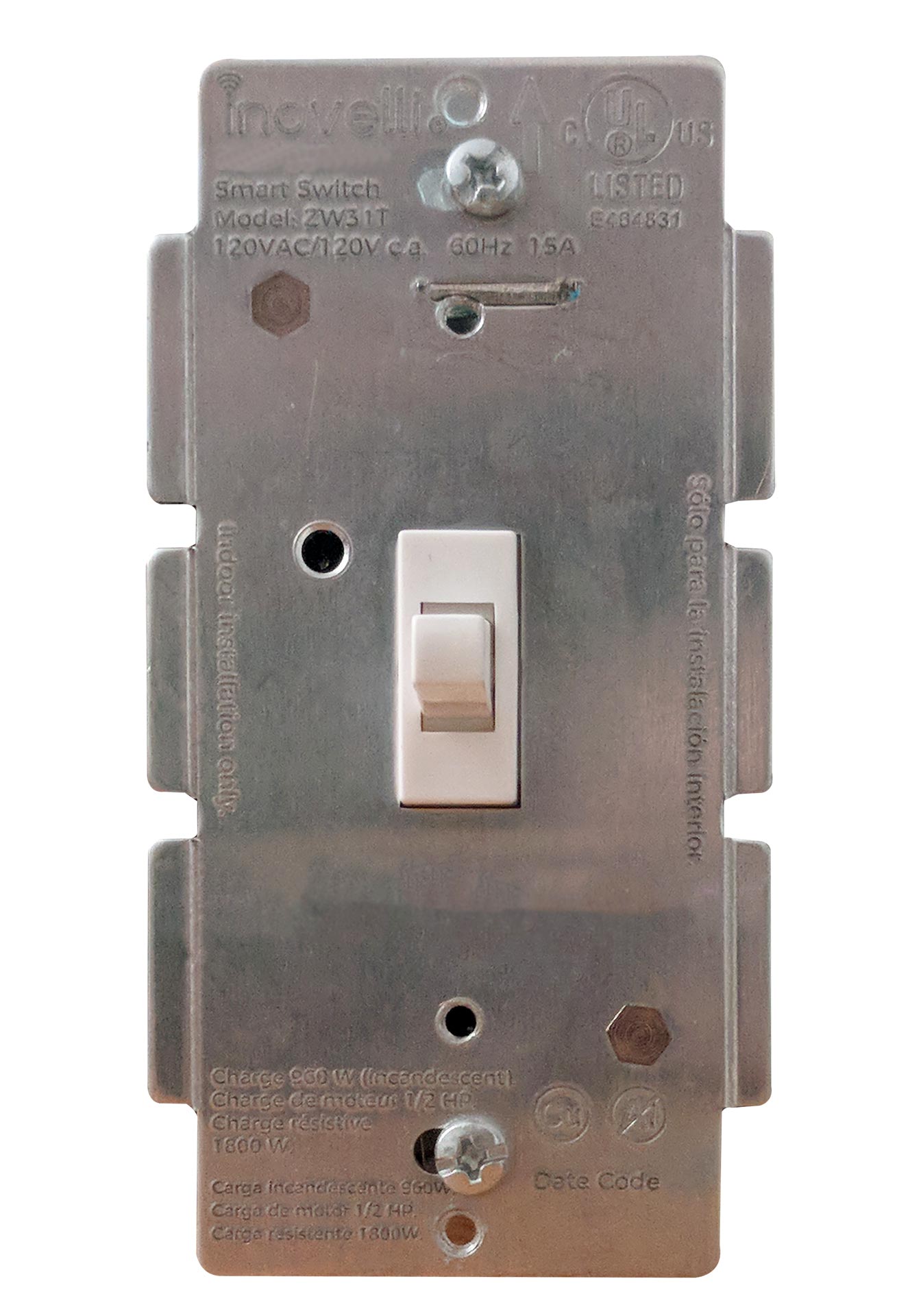
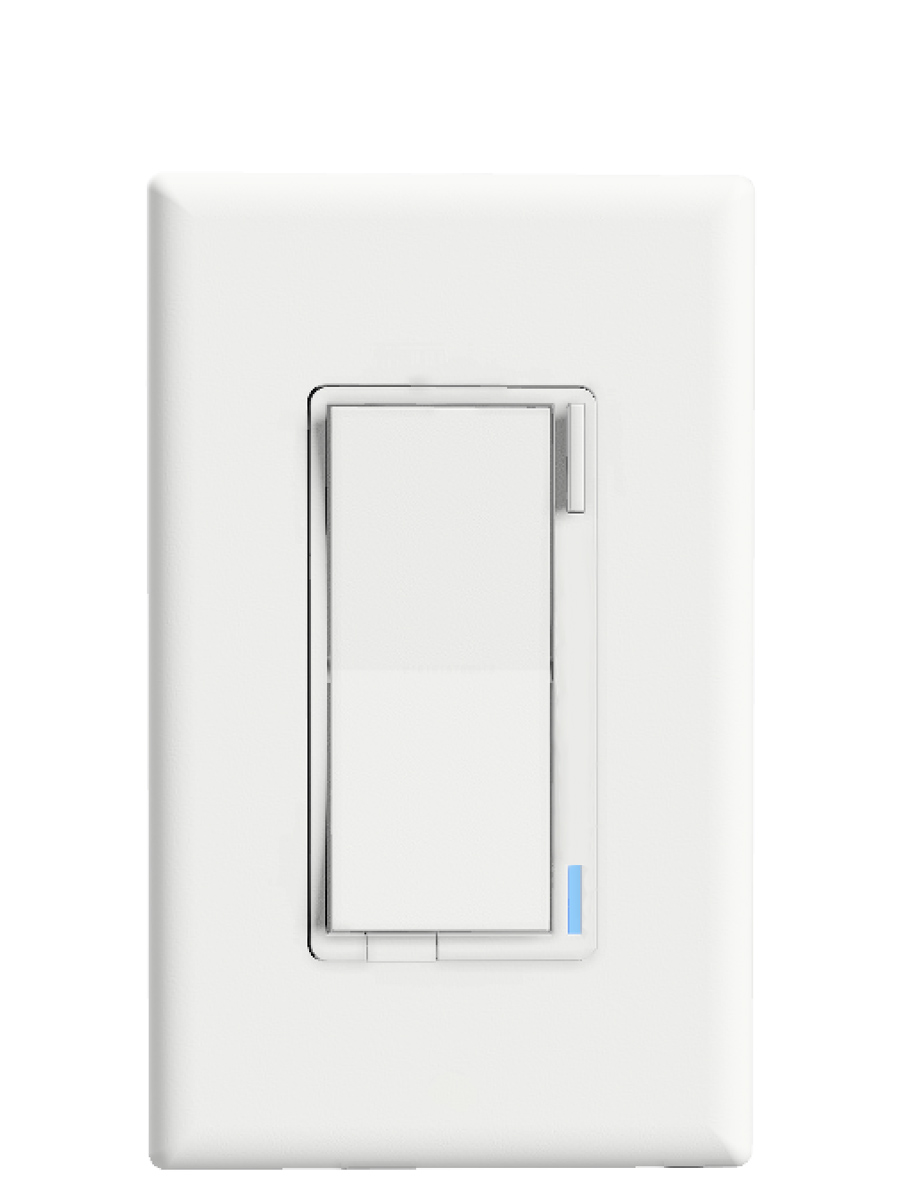
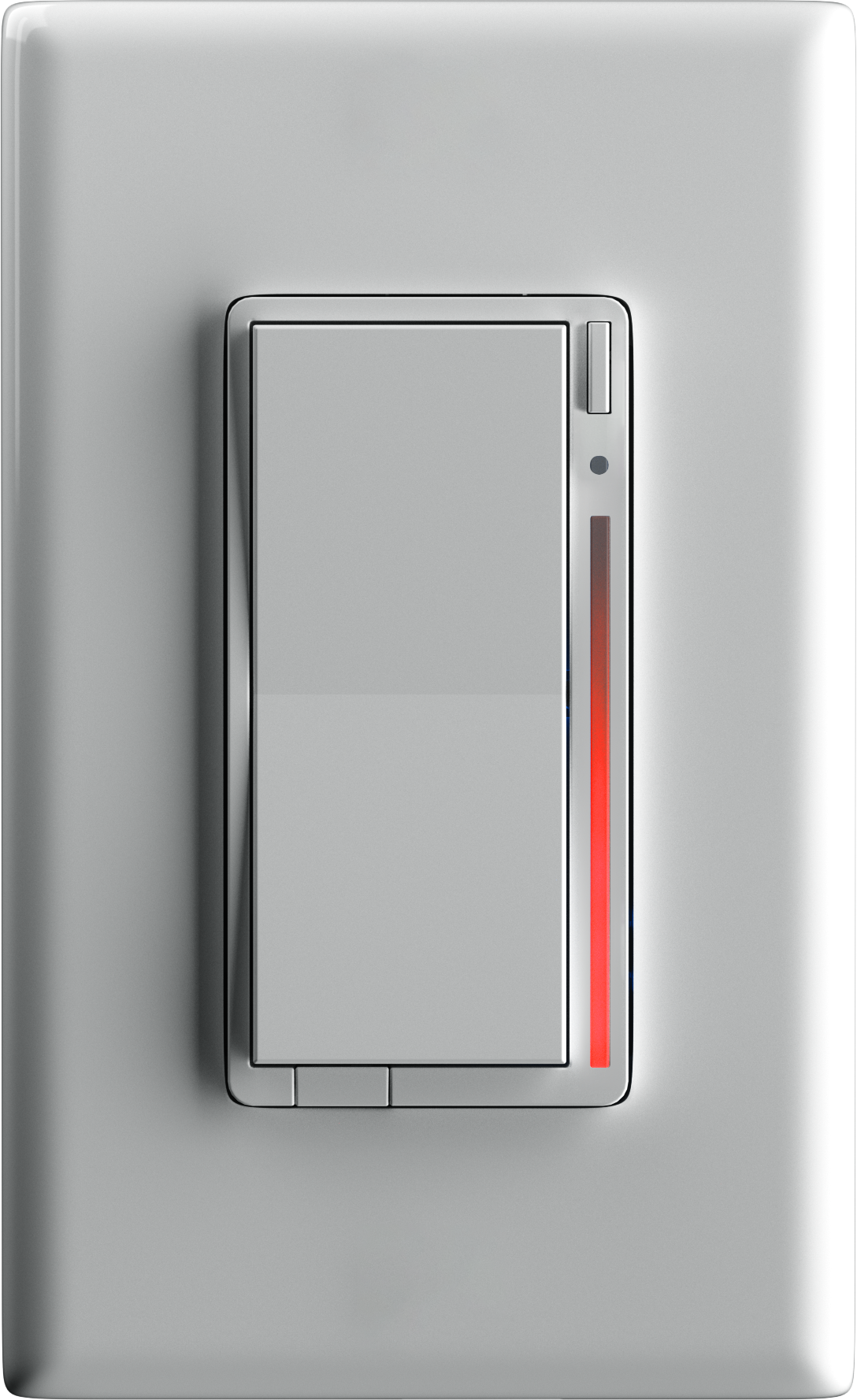
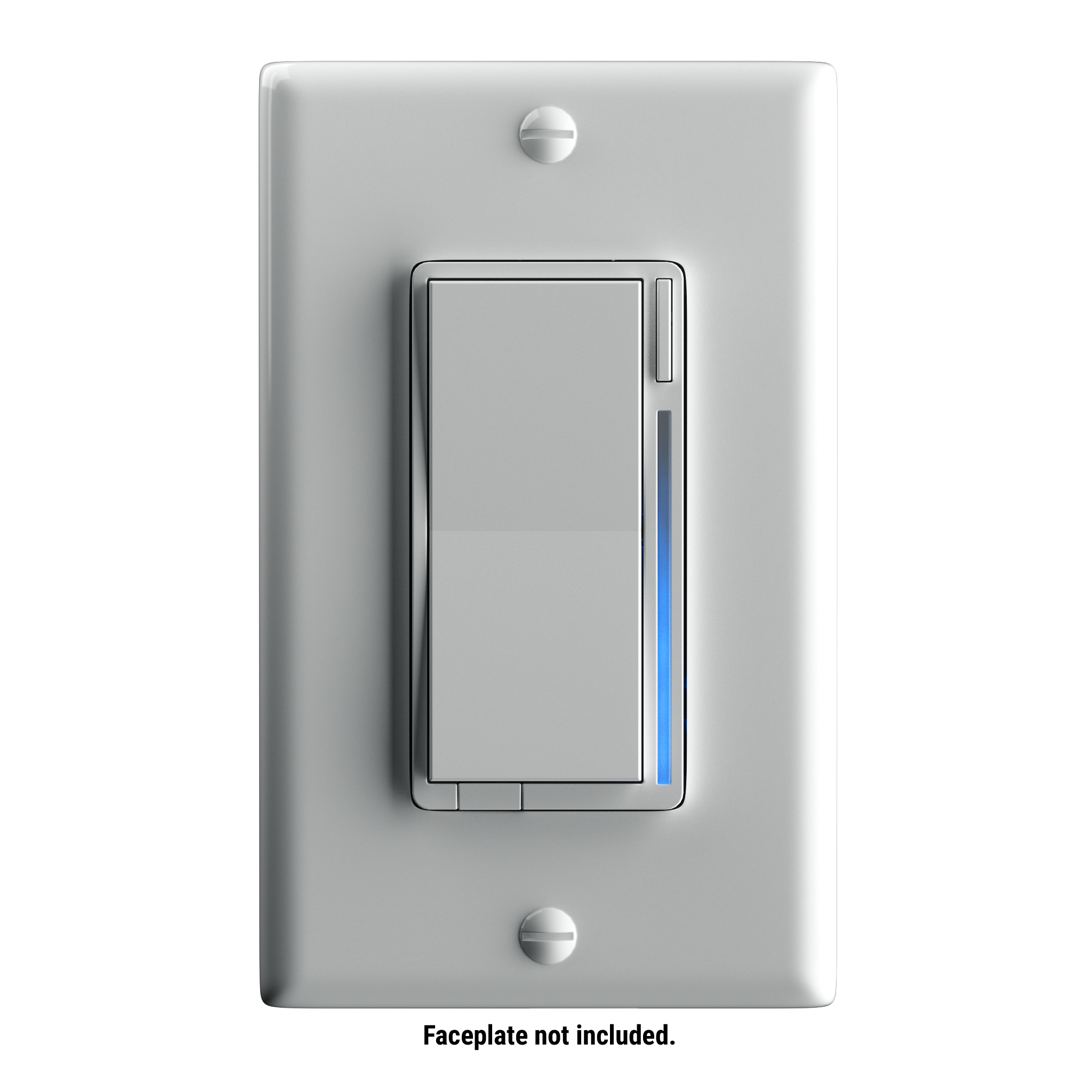
- The Inovelli On/Off switch is a Z-Wave device that controls attached LED, CFL, & Incandescent lighting which can be highly customized to your liking at the switch itself with our unique config button and advanced firmware.
- Hardware platform
- ZM5101
- Short description
- The Inovelli On/Off wall switch is our most advanced switch to date allowing for customization directly from the switch itself (no HUB).
- Product identifier
- LZW30
- Countries / regions
- United States of America
- Supports smart start
- Yes
- Certification number
- ZC10-19086701
- Radio range z wave (m)
- 40
- Configuration parameters
- Parameter Number Name Description Format Size Min Value Max Value Default Value Parameter Values 2
- Supports explorer frames
- Yes
- Supported command classes
- Identifier Name Key Version COMMAND_CLASS_FIRMWARE_UPDATE_MD_V4
- Controlled command classes
- Identifier Name Key Version COMMAND_CLASS_BASIC
- Value 600 firmware updatable value updatable by manufacturer association groups
- Group Number Maximum Nodes Supported End Point ID Description 1
- From to description 1 1 enabled 0 0 disabled 5 led indicator color this will set the default color of the led bar. this is calculated by using a hue color circle (value / 255 * 360). see website for more info. this parameter can be set without a hub from the configuration button. 0 2 0 0 170 from to description 0 255 hue color circle 170 170 blue 6 led indicator intensity this will set the intensity of the led bar (ie: how bright it is). example of how the values work: 0 = off, 1 = low, 5 = medium, 10 = high. this parameter can be set without a hub from the configuration button. 0 1 0 0 5 from to description 0 0 off 1 3 low intensity 4 7 medium intensity 8 10 high intensity 7 led indicator intensity (when off) this is the intensity of the led bar when the switch is off. example of how the values work: 0 = off, 1 = low, 5 = medium, 10 = high. this parameter can be set without a hub from the configuration button. 0 1 0 0 1 from to description 0 0 off 1 3 low intensity 4 7 medium intensity 8 10 high intensity 8 led strip effect this will allow you to add some sweet effects to your led bar (ie: pulse, chase, solid, etc). example of how the values work: byte 1 = choose color, byte 2 = choose brightness level, byte 3 = choose effect, byte 4 = duration. please see website for further instructions on how to set this up as the possible values are a matrix. you start with byte 1 to select the color, then move to byte 2 to select the brightness level, then move to byte 3 to choose the effect, and finally move to byte 4 to choose the duration. 0 4 0 0 0 from to description 0 0 please see website for matrix 1 power on state when power is restored, the switch reverts to either on, off, or last level. example of how the values work: 0 = off, 1 100 = specific % on, 101 = returns to level before power outage. this parameter can be set without a hub from the configuration button. 0 1 0 0 0 from to description 101 101 when power is restored, switch reverts to last status 1 100 when power is restored, switch turns on to a certain dim level 0 0 when power is restored, switch is off 3 auto off timer automatically turns the switch off after x amount of seconds. example of how the values work: 0 = disabled, 1 = 1 second, 32767 = 32767 seconds. 0 2 0 0 0 from to description 0 0 disabled 1 32767 seconds texts













.png)