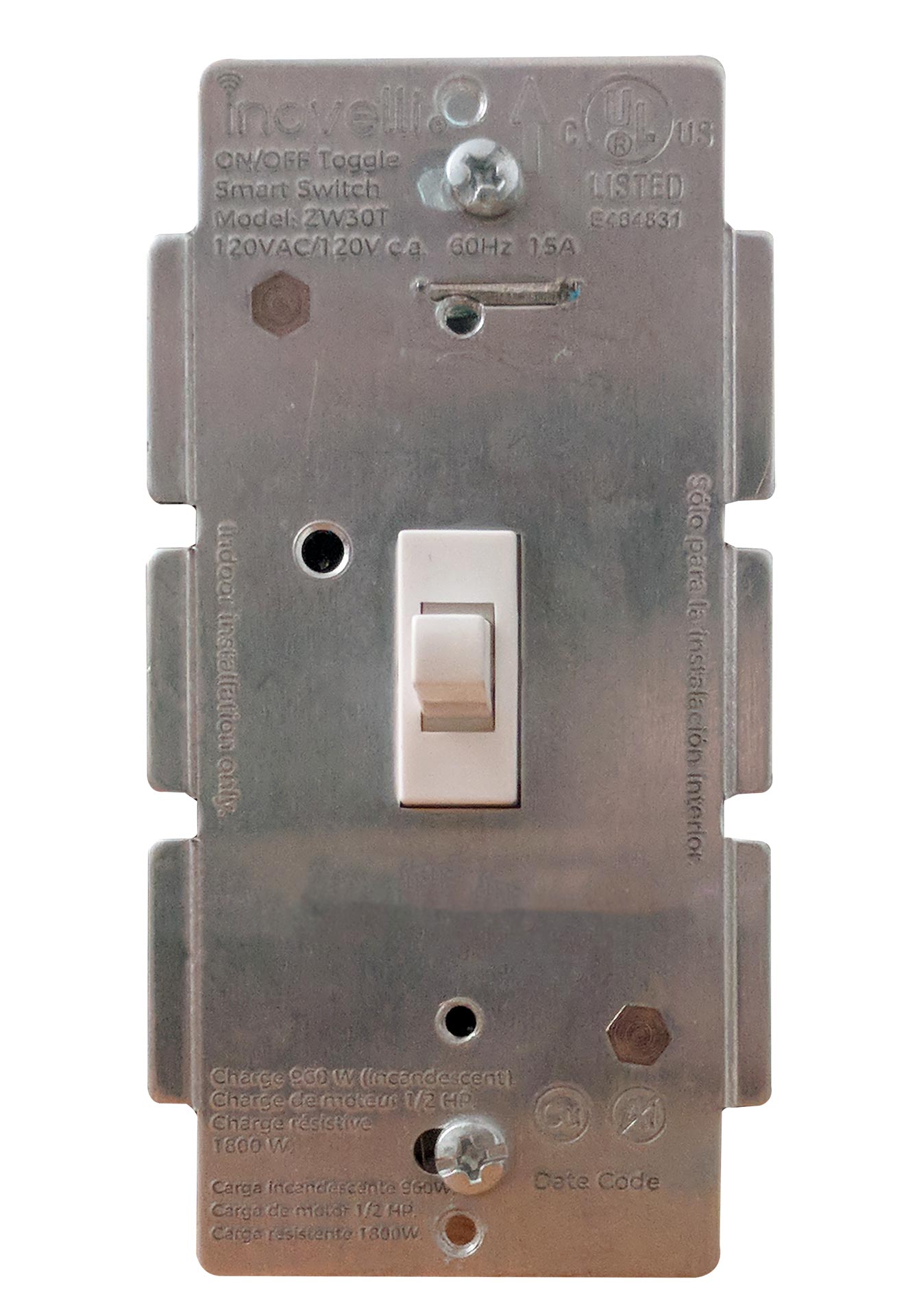
- Name
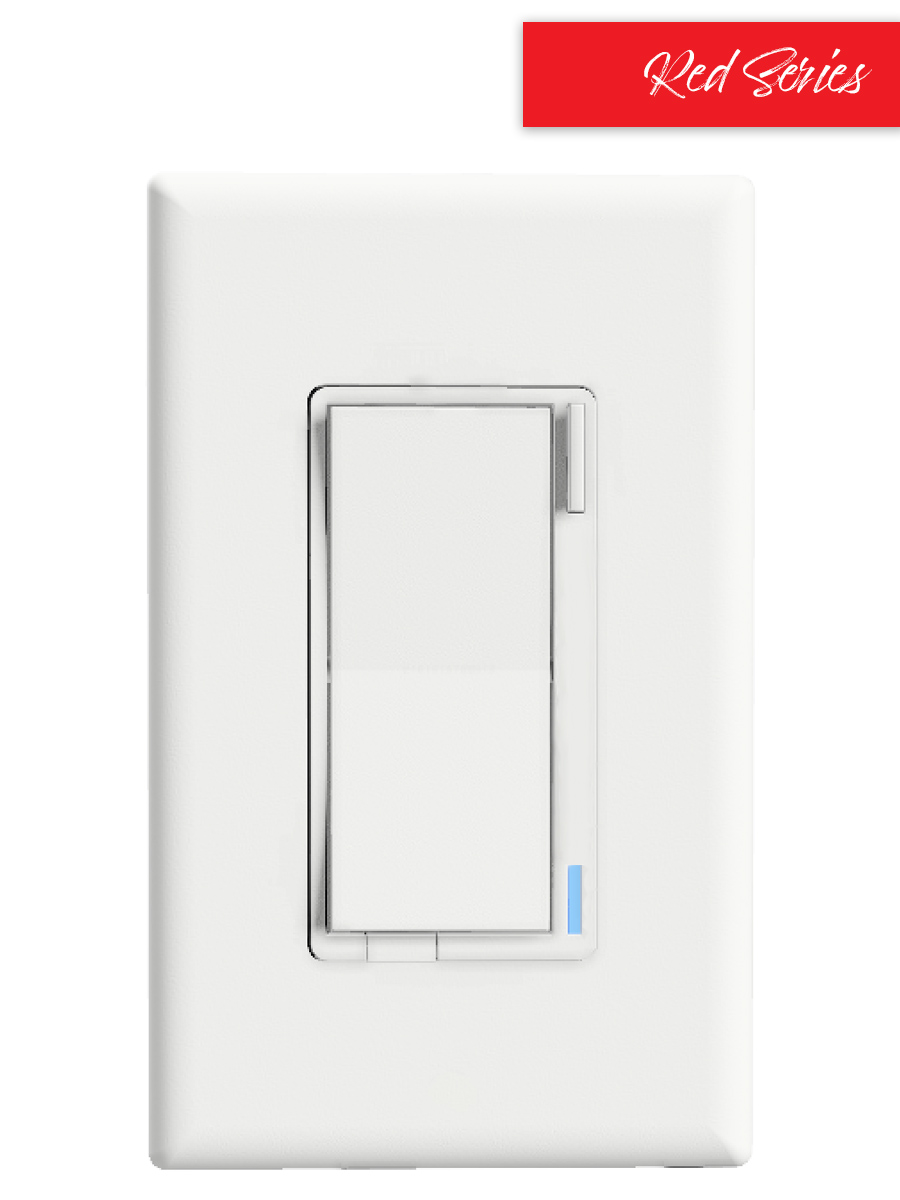
- On/Off Switch (Red Series)
- Brand
- Inovelli
- Documents
- Category Description File Manual_Primary_Lang
- Role type
- ROLE_TYPE_SLAVE_ALWAYS_ON
- User icon
- 0x0701
- Categories
- All Lighting Devices, On/Off Switches/Devices
- Product id
- 0x0001
- S2 classes
- S2_UNAUTHENTICATED, S2_AUTHENTICATED
- Device type
- On/Off Power Switch
- Oem version
- HW: 1 FW: 1.21
- Library type
- SLAVE_ENHANCED_232
- Product line
- In-Wall Switches
- Supports nwi
- Yes
- Installer icon
- 0x0701
- Z wave version
- 6.81.03
- Frequency plans
- US: 916.00MHz, 908.40MHz
- Manufacturer id
- 0x031E
- Product type id
- 0x0002
- Long description
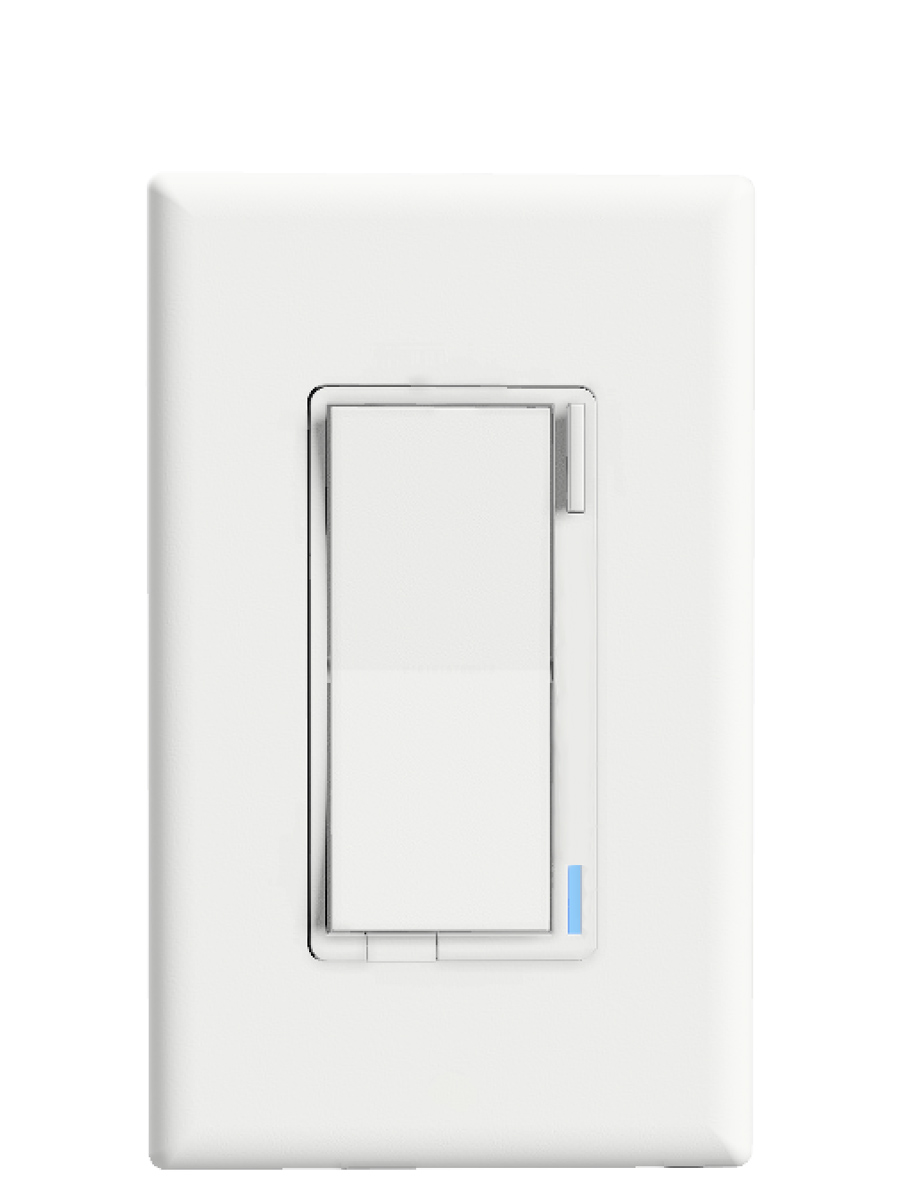
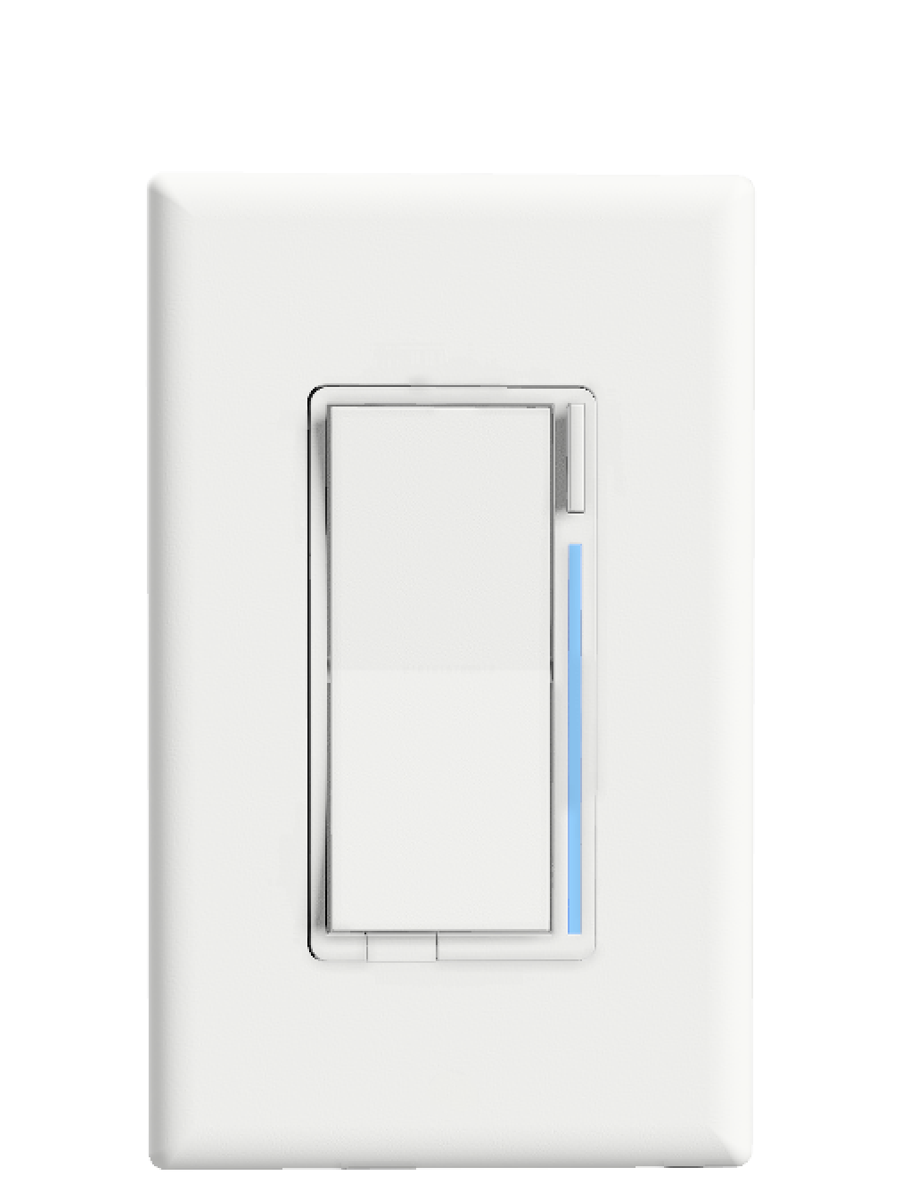
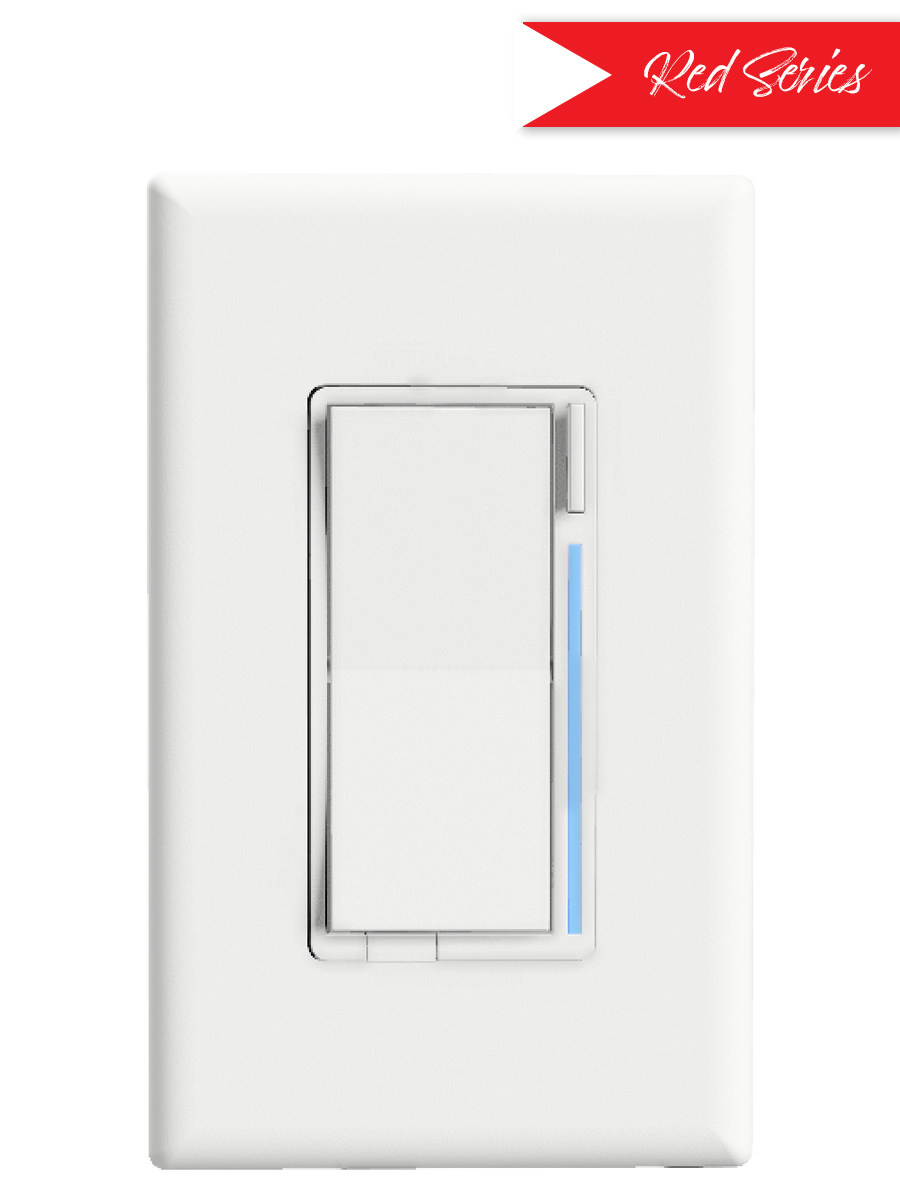
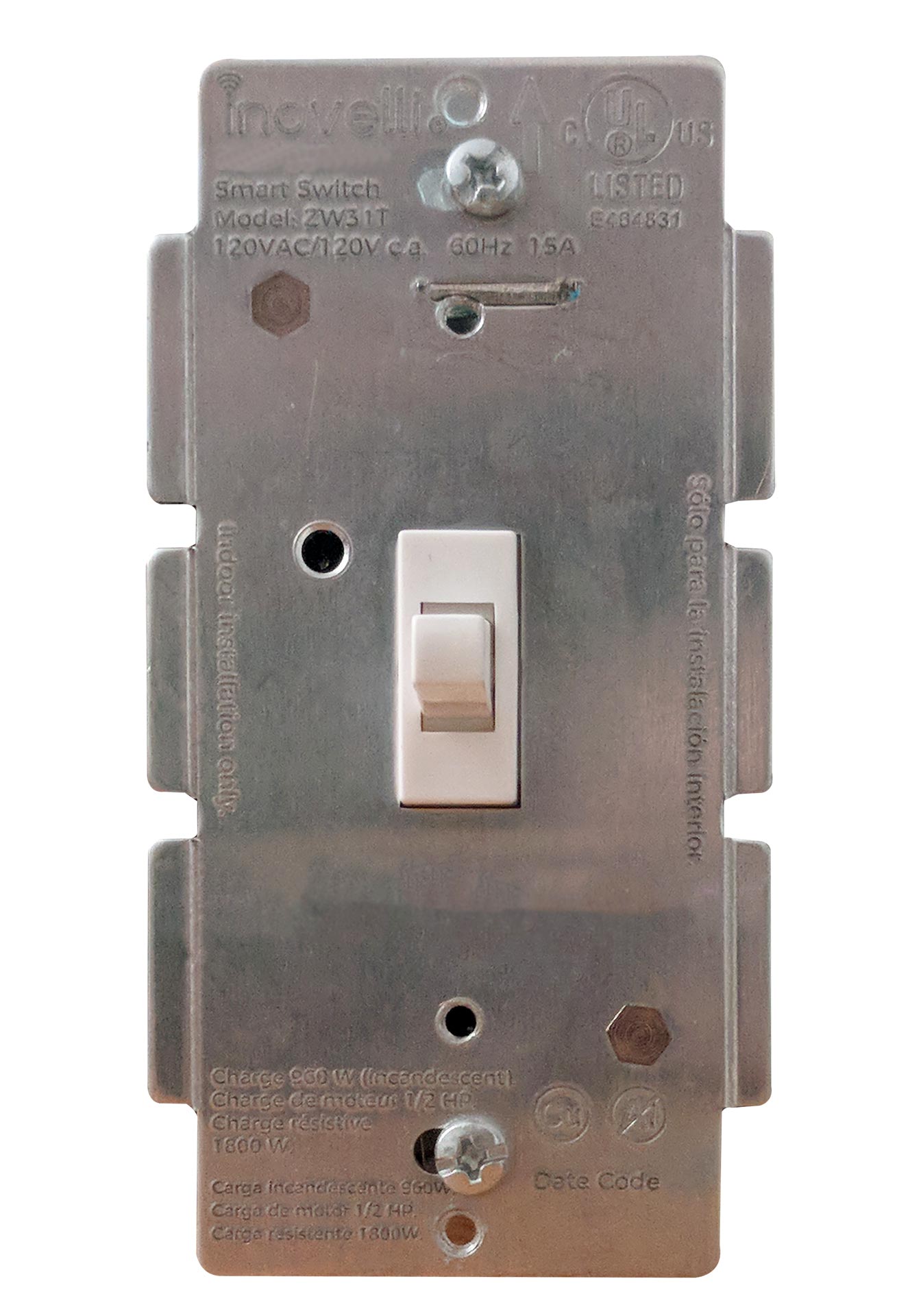
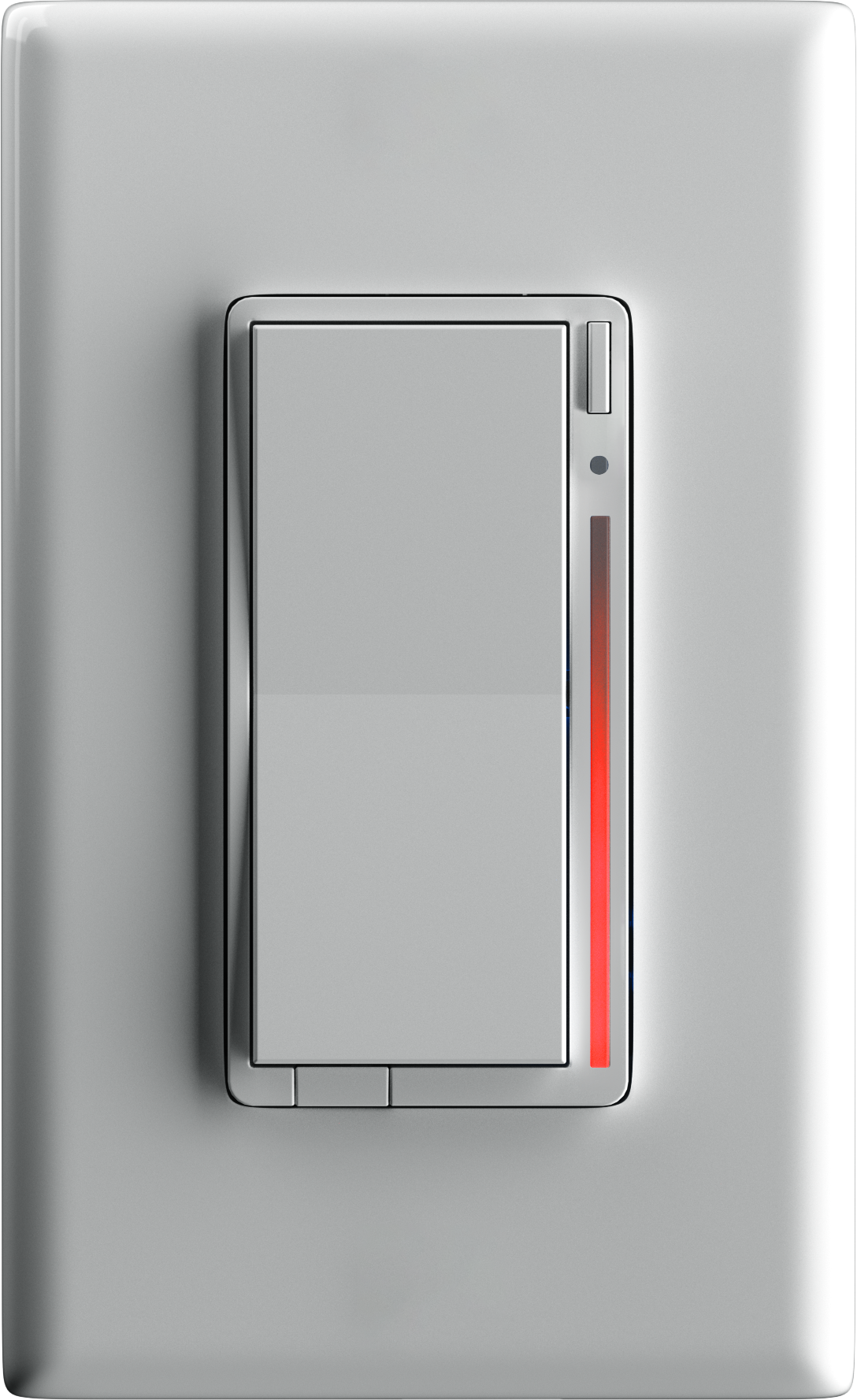
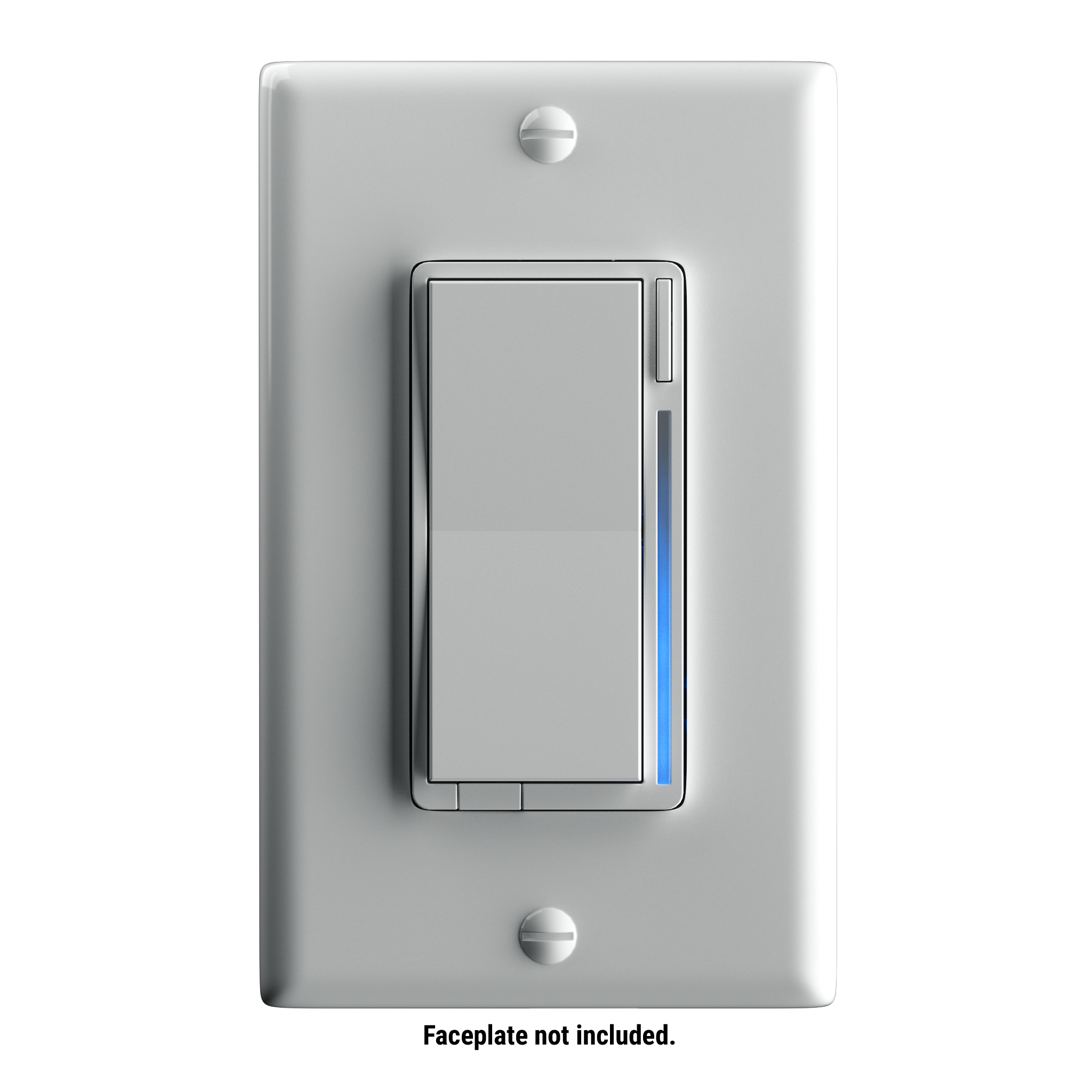
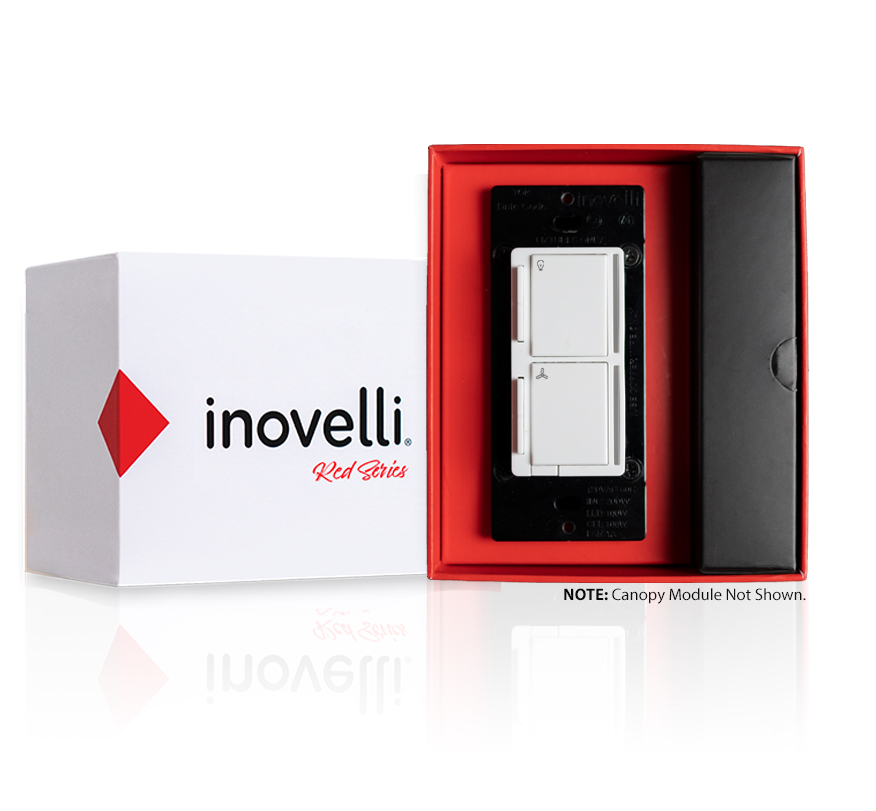
- The Inovelli Red Series On/Off is a Z-Wave™ in-wall switch that controls attached LED, CFL, & Incandescent lighting which can be highly customized to your liking at the switch itself with our unique config button and advanced firmware. In addition, the Red Series comes with advanced features such as scene support, power monitoring, notifications, local protection, etc.
- Hardware platform
- ZM5101
- Short description
- The Inovelli Red Series On/Off is our most advanced switch to date, which provides energy monitoring, scene control, LED Bar Notifications and much more.
- Association groups
- Group Number Maximum Nodes Supported End Point ID Group Name Profile Description 2
- Product identifier
- LZW30-SN
- Countries / regions
- United States of America
- Supports smart start
- Yes
- Certification number
- ZC10-21067042
- Radio range z wave (m)
- 40
- Configuration parameters
- Parameter Number Name Description Format Size Min Value Max Value Default Value Parameter Values 8
- Supports explorer frames
- Yes
- Supported command classes
- Identifier Name Key Version COMMAND_CLASS_FIRMWARE_UPDATE_MD_V4
- Controlled command classes
- Identifier Name Key Version COMMAND_CLASS_BASIC
- Supported / controlled meter types
- Meter Type Rate Type Description Electric meter
- From to description 0 0 please see website for matrix https://nathanfiscus.github.io/inovelli notification calc/ 10 active power alerts the power level change that will result in a new power report being sent (% of previous report). example of how the values work: 0 = disabled, 10 = 10% of previous report, 100 = 100% of previous report. 0 1 0 100 10 from to description 1 100 percentage of previous report 0 0 disabled 11 periodic power + energy reports time period between consecutive power and energy reports being sent (in seconds). example of how the values work: 0 = 0 seconds, 1 = 1 second, 32767 = 32767 seconds. the timer resets after every report is sent. 0 2 0 32767 3600 from to description 0 32767 seconds 51 disable 700ms delay disables the 700ms delay. note, if you disable the delay, it will also disable scene control except for button 1 (ie: tap up 1x or tap down 1x) and button 7 (config button). all other buttons (2 6) will be disabled. 1 1 0 1 1 from to description 1 1 700ms delay enabled 0 0 700ms delay disabled 1 power on state when power is restored, the switch reverts to either on, off, or last level. 0 1 0 2 0 from to description 1 1 when power is restored, switch turns on 0 0 when power is restored, switch returns to state prior to power outage 2 2 when power is restored, switch is off 2 invert switch inverts the switch (tap down = on, tap up = off). example of how the values work: 0 = disabled, 1 = enabled. this parameter can be set without a hub from the configuration button. 0 1 0 1 0 from to description 0 0 disabled 1 1 enabled 3 auto off timer automatically turns the switch off after x amount of seconds. example of how the values work: 0 = disabled, 1 = 1 second, 32767 = 32767 seconds. 0 2 0 32767 0 from to description 0 0 disabled 1 32767 seconds 5 led indicator color this will set the default color of the led bar. this is calculated by using a hue color circle (value / 255 * 360). see website for more info. this parameter can be set without a hub from the configuration button. 0 2 0 255 170 from to description 170 170 blue 0 255 hue color circle 6 led indicator intensity this will set the intensity of the led bar (ie: how bright it is). example of how the values work: 0 = off, 1 = low, 5 = medium, 10 = high. this parameter can be set without a hub from the configuration button. 0 1 0 10 5 from to description 1 3 low intensity 4 7 medium intensity 8 10 high intensity 0 0 off 7 led indicator intensity (when off) this is the intensity of the led bar when the switch is off. example of how the values work: 0 = off, 1 = low, 5 = medium, 10 = high. this parameter can be set without a hub from the configuration button. 0 1 0 10 1 from to description 1 3 low intensity 4 7 medium intensity 8 10 high intensity 0 0 off texts













.png)