- Name
- Mote
- Brand
- Oomi
- Features
- Feature Values Supported Notification Types
- Documents
- Category Description File Manual_Primary_Lang
- Role type
- ROLE_TYPE_SLAVE_PORTABLE
- User icon
- 0x1C04
- Categories
- All Lighting Devices, Lighting Accessories
- Product id
- 0x0082
- Device type
- Wall Controller
- Oem version
- HW: 130 FW: 2.02
- Library type
- SLAVE_ENHANCED_232
- Supports nwi
- Yes
- Installer icon
- 0x1C04
- Z wave version
- 6.61.01
- Frequency plans
- CN: 868.40MHz
- Manufacturer id
- 0x016A
- Product type id
- 0x1D02
- Long description
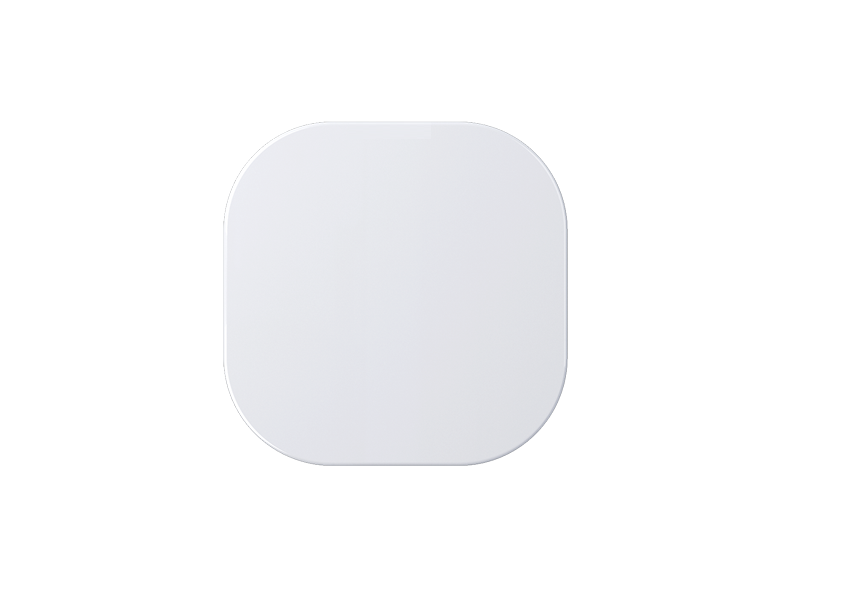
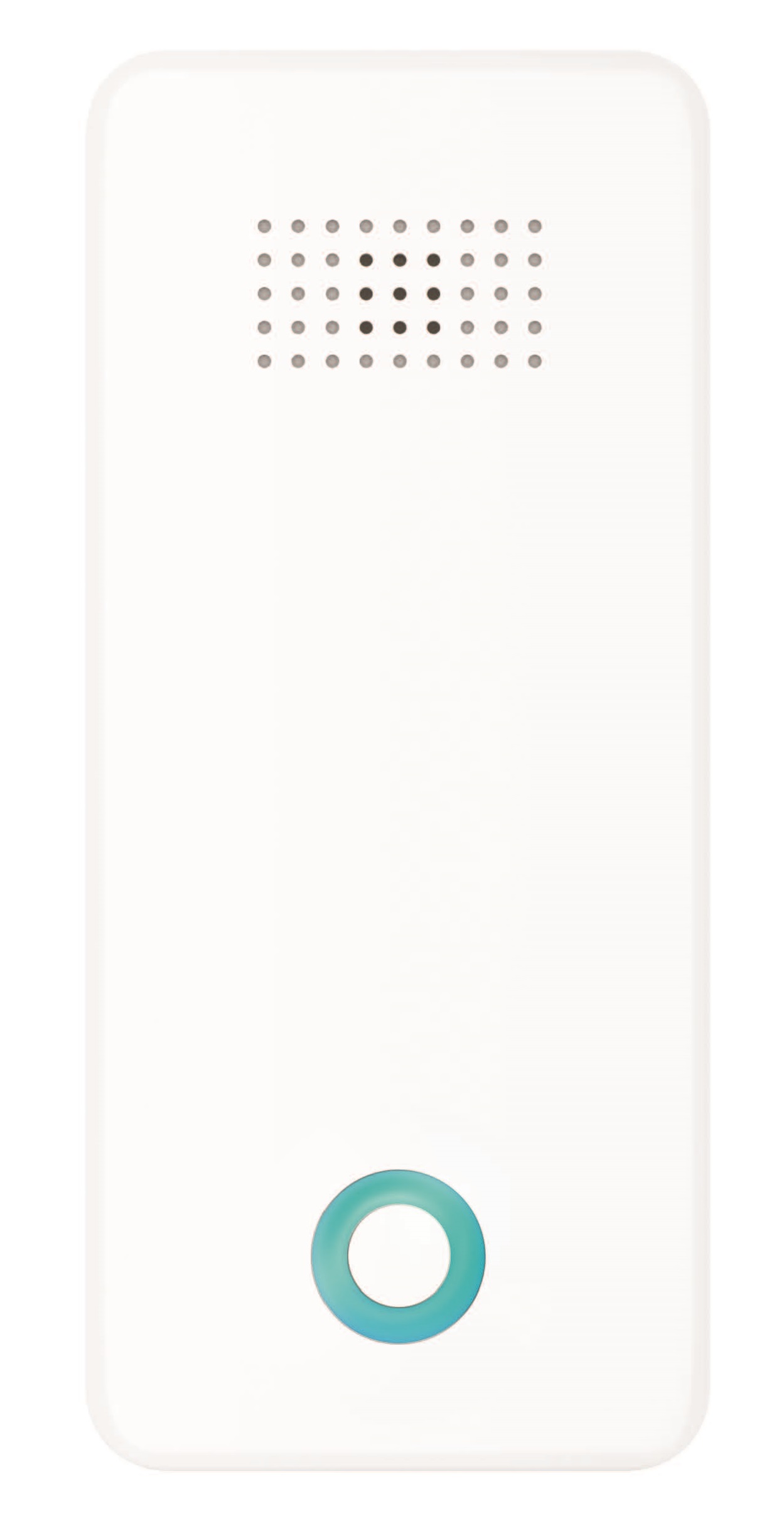
- Oomi Mote is an intelligent Z-Wave remote controller that mounted on a wall. It has 4 touch buttons that you can easily control the Z-Wave devices in your home network via touching, long pressing or sliding the button areas. Its surface has a RGB LED to indicate the button actions also accompanied by touch beep and vibration. The Mote is also a security Z-Wave device and supports Over The Air (OTA) feature for the products firmware upgrade.
- Hardware platform
- ZM5101
- Short description
- Oomi Mote is an intelligent Z-Wave remote controller that is mounted on a wall
- Product identifier
- FT130-K
- Countries / regions
- China
- Certification number
- ZC10-18015933
- Radio range z wave (m)
- 40
- Configuration parameters
- Parameter Number Name Description Format Size Min Value Max Value Default Value Parameter Values 81
- Supports explorer frames
- Yes
- Supported command classes
- Identifier Name Key Version COMMAND_CLASS_POWERLEVEL
- Controlled command classes
- Identifier Name Key Version COMMAND_CLASS_SWITCH_BINARY_V2
- Value power management firmware updatable value updatable by consumer by rf z wave scene type value central scene association groups
- Group Number Maximum Nodes Supported End Point ID Description 1
- From to description 1 1 enable 0 0 disable 82 enable/ disable to blink the blue led (or yellow led if low battery) for 3 seconds before it changes to red when the button control message is failed to be sent out. enable/ disable to blink the blue led (or yellow led if low battery) for 3 seconds before it changes to red when the button control message is failed to be sent out. 0 1 0 0 1 from to description 1 1 enable 0 0 disable 255 reset the mote reset the mote to factory default. 0 4 0 0 0 from to description 1431655765 1431655765 reset to factory default setting and removed from the z wave network 0 0 reset all configuration parameters to factory default setting 4 to configure which report will be sent when pressing the buttons. to set which notification would be sent to the associated devices (group 1) when pressing the buttons. 0 1 0 0 1 from to description 3 3 send central scene command notification and configuration report 1 1 send central scene command notification 2 enable/disable the touch vibration. enable/disable the touch vibration. 0 1 0 0 0 from to description 1 1 enable 0 0 disable 3 enable/disable the function of button slide. enable/disable the function of button slide. 0 1 0 0 1 from to description 1 1 enable 0 0 disable 1 enable/disable the touch sound. enable/disable the touch sound. 0 1 0 0 1 from to description 1 1 enable 0 0 disable 83 enable/ disable to light on the orange led when wall mote is in usb charging. enable/ disable to light on the orange led when wall mote is in usb charging. 0 1 0 0 1 from to description 1 1 enable. 0 0 disable, the orange led will blink 3 times and then be off once the wall mote is usb powered on. 11 to set which command would be sent to the associated nodes in association group 2, 4, 6, 8. to set which command would be sent to the associated nodes in association group 2, 4, 6, 8. 0 1 0 0 0 from to description 1 1 switch binary set 0 0 baisc set 84 enable/ disable the led indication when pressing the control buttons enable/ disable the led indication when pressing the control buttons 0 1 0 0 1 from to description 0 0 disable 1 1 enable 252 enable/disable to lock all configuration parameters. enable/disable to lock all configuration parameters. 0 1 0 0 0 from to description 0 0 disable 1 1 enable texts