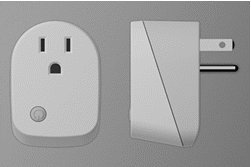
- Name
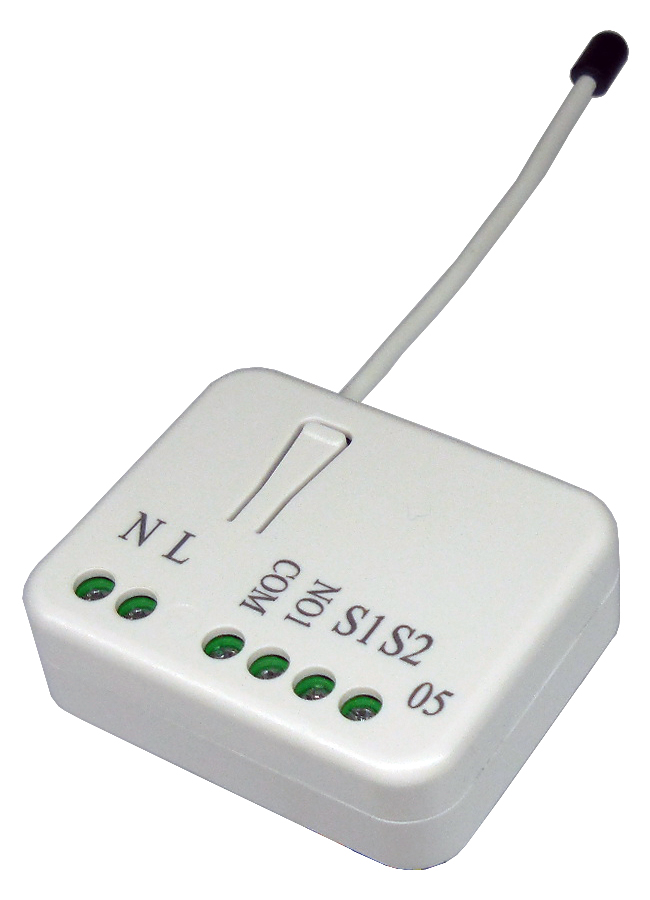
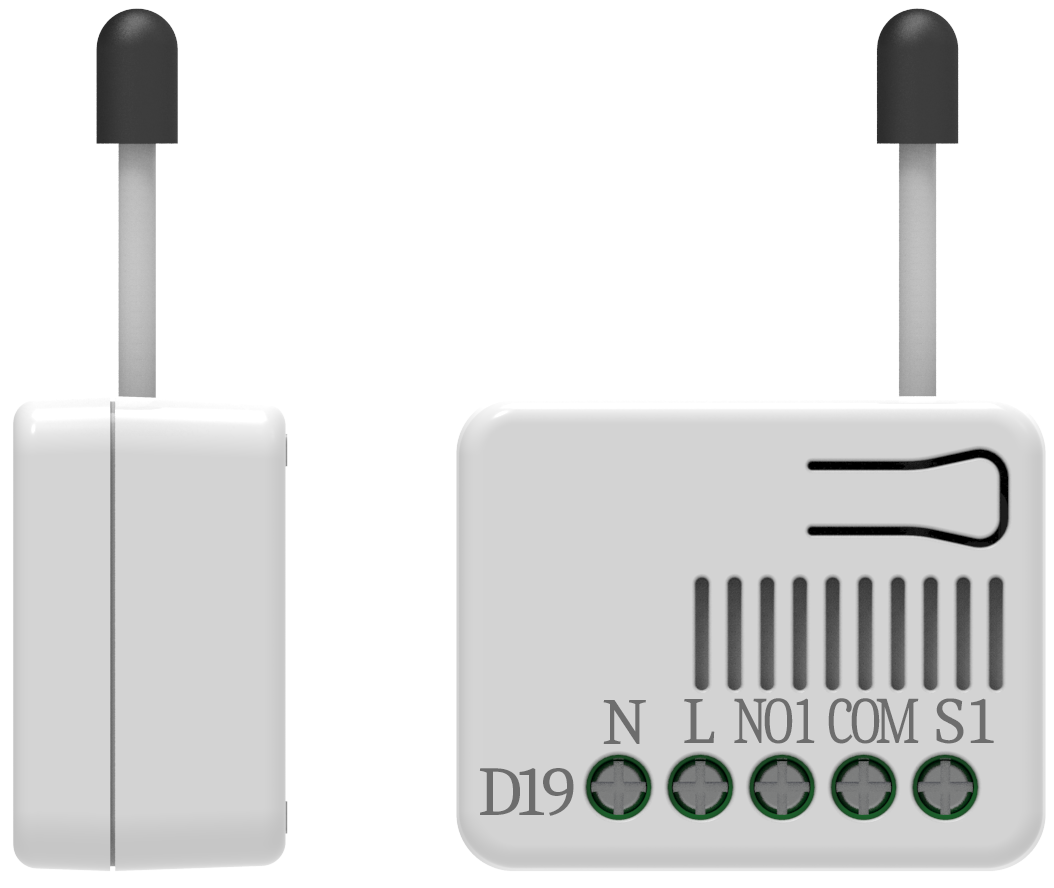
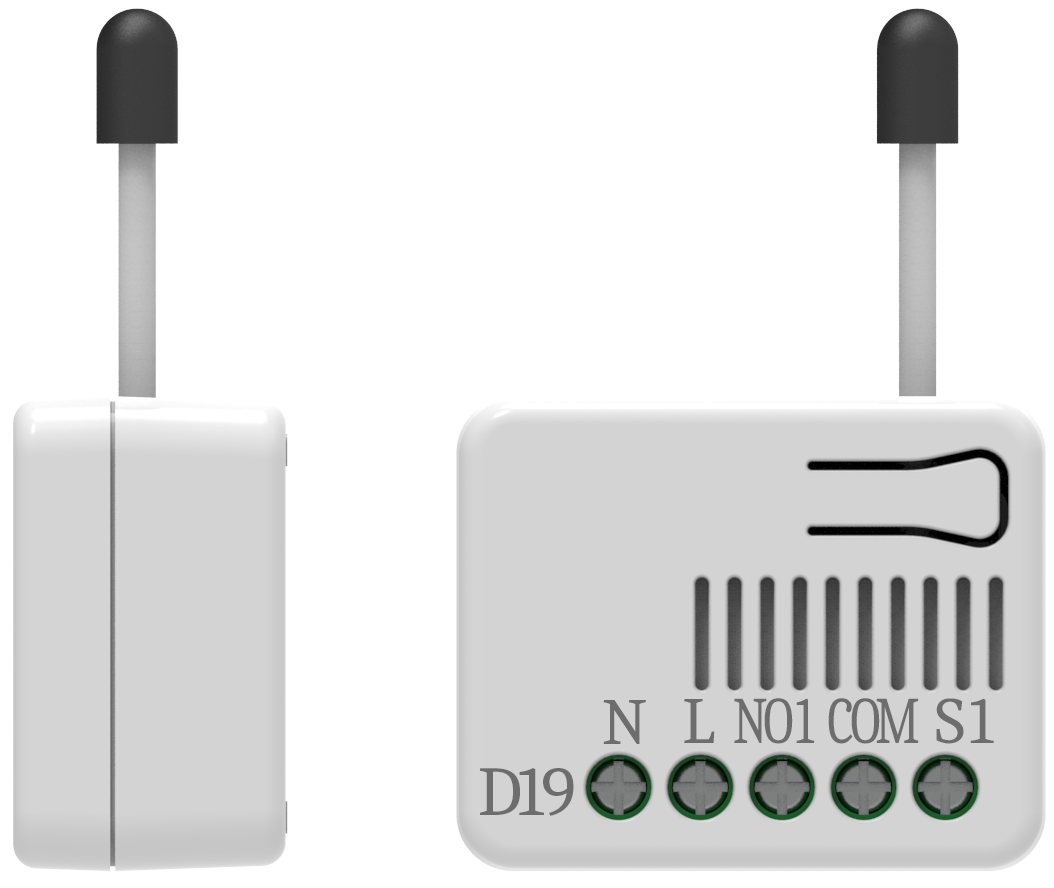
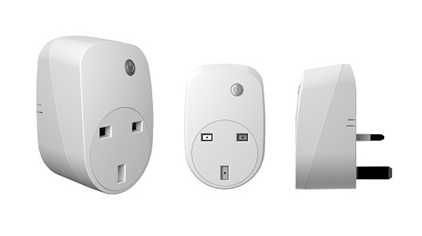
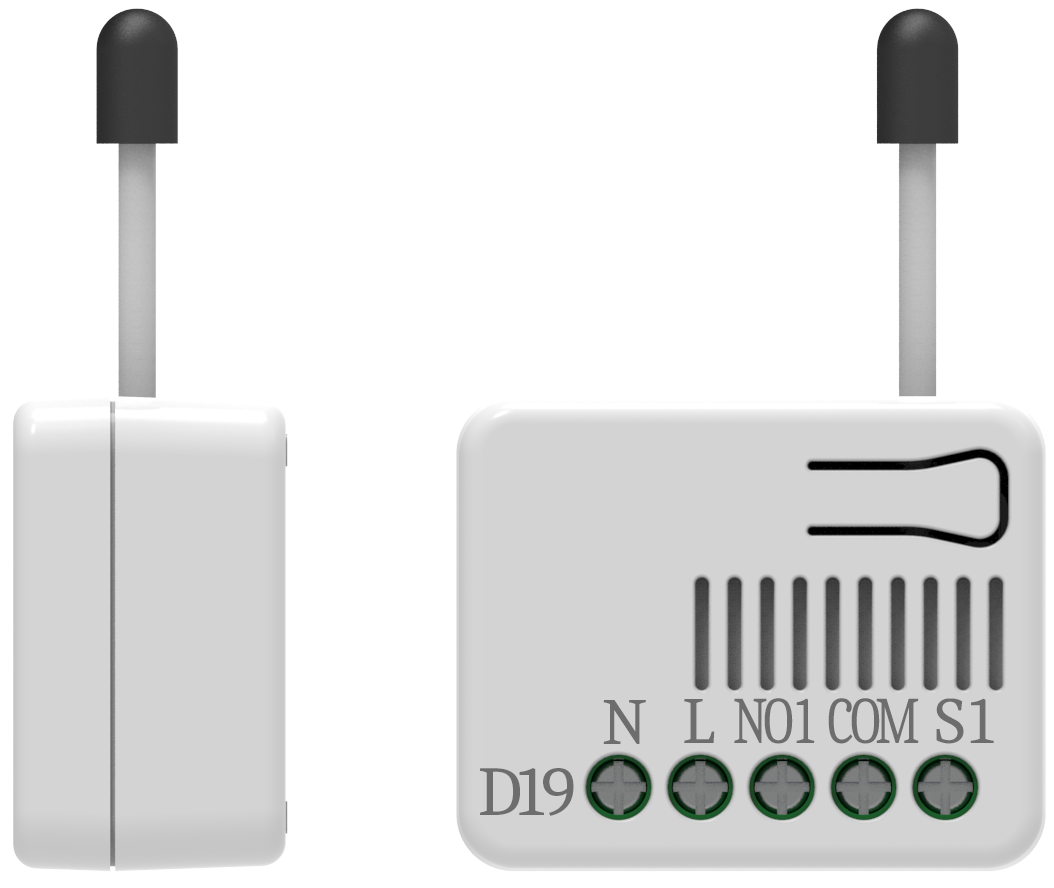
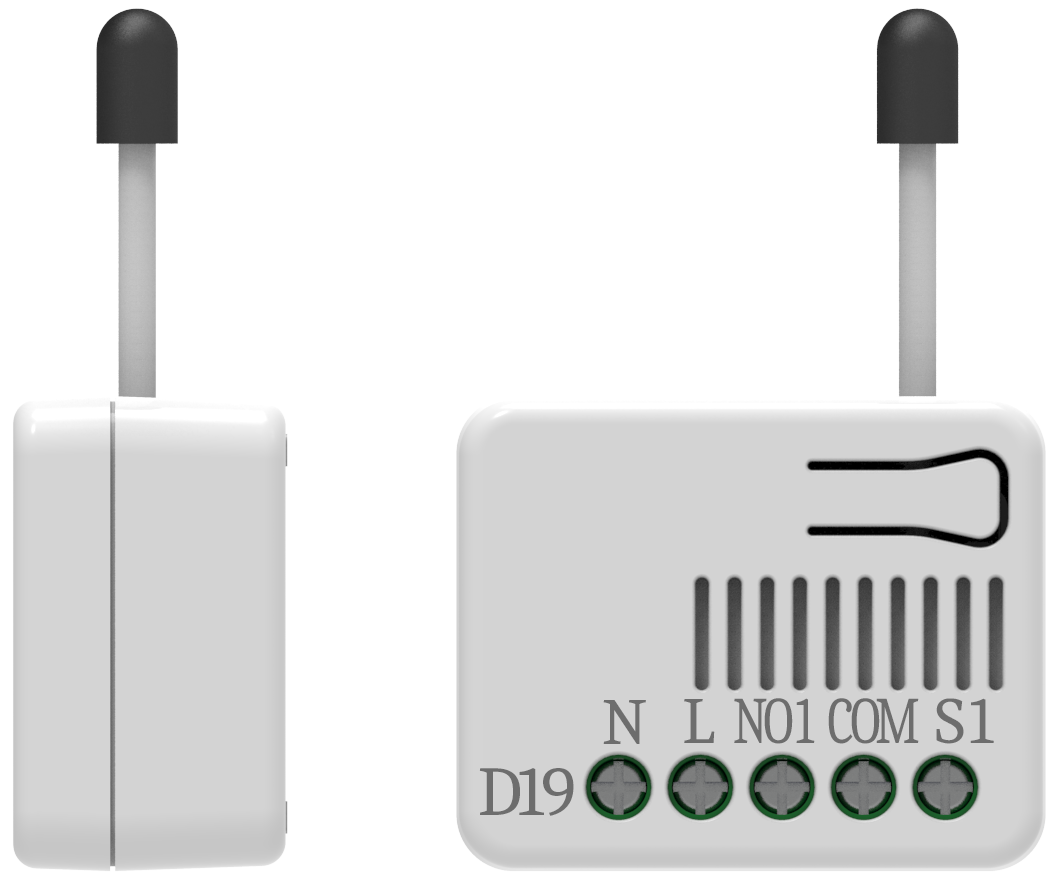
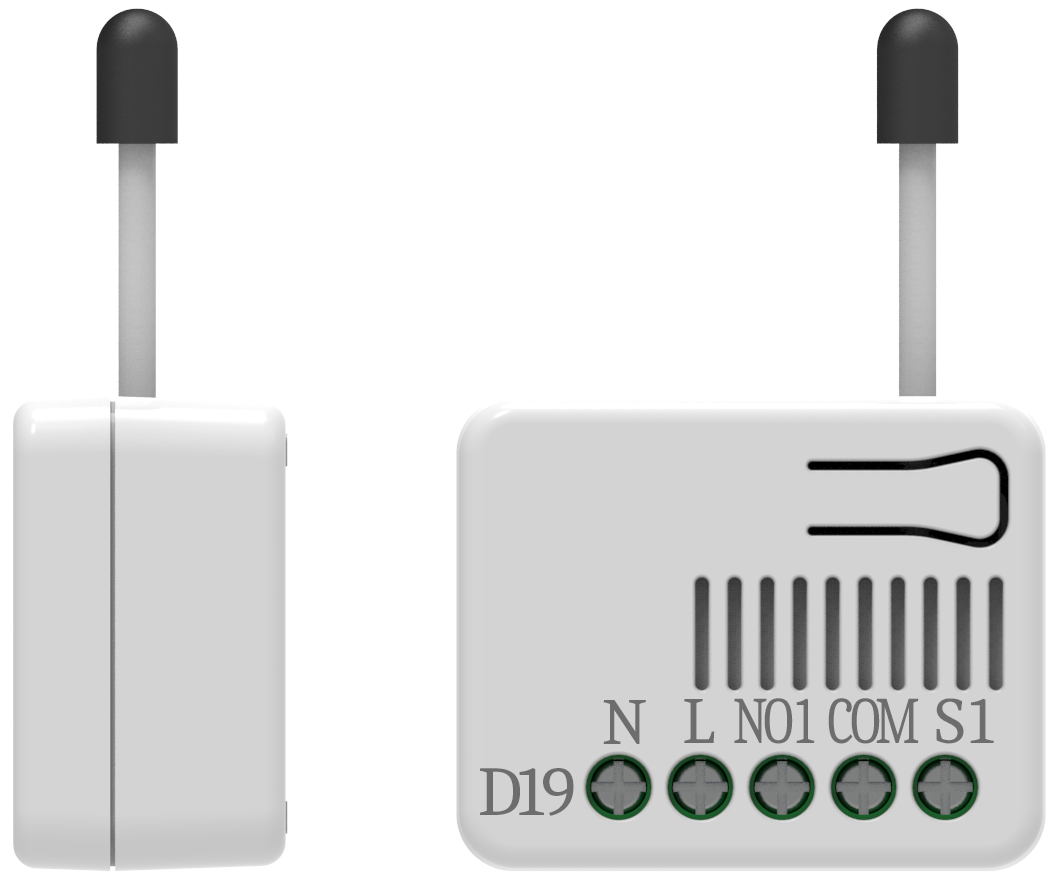
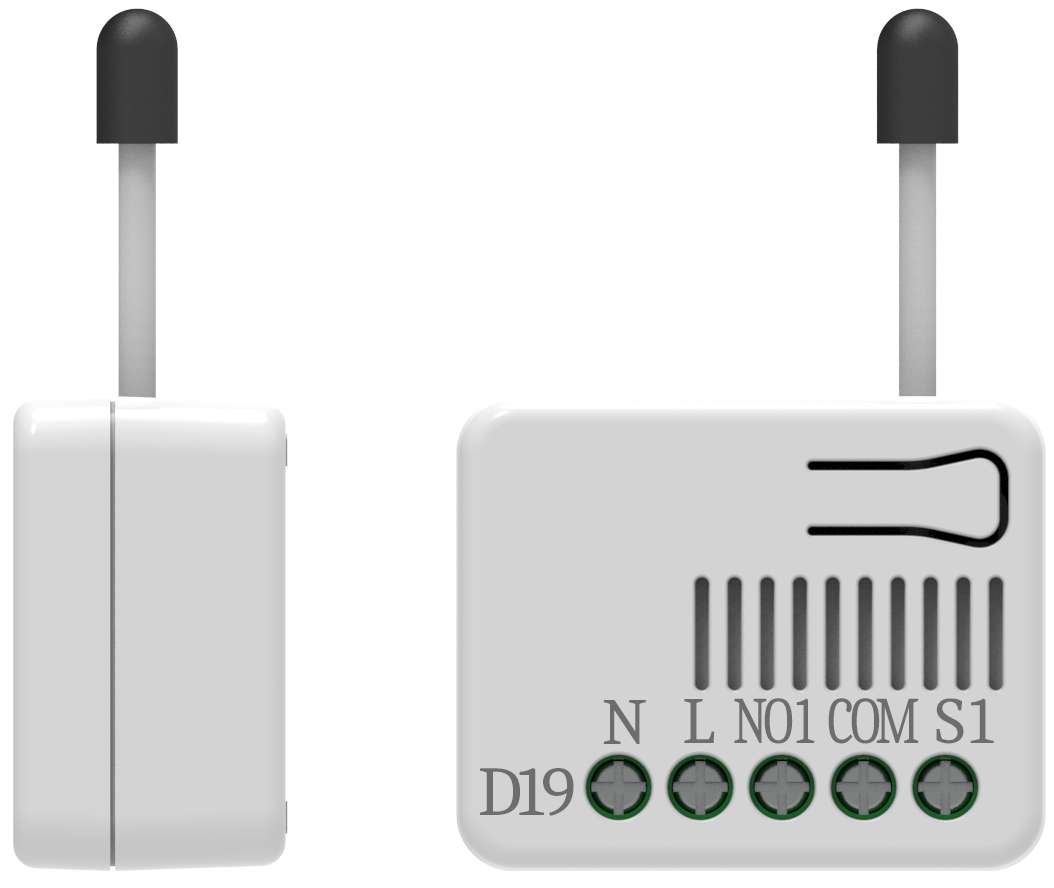
- In Wall Single relay (1 way) switch module
- Brand
- Philio
- Documents
- Category Description File Manual_Primary_Lang
- Role type
- ROLE_TYPE_SLAVE_ALWAYS_ON
- Categories
- All Lighting Devices, On/Off Switches/Devices
- Product id
- 0x0010
- Device type
- On/Off Power Switch
- Oem version
- 01
- Library type
- SLAVE_ENHANCED_232
- Supports nwi
- Yes
- Z wave version
- 6.51.00
- Frequency plans
- EU: 869.85MHz, 868.40MHz
- Manufacturer id
- 0x013C
- Product type id
- 0x0001
- Long description
- This in-wall switch module is a transceiver which is a security enabled device which based on Z-Wave Plus technology, and it is fully compatible with any Z-Wave™ enabled network. Mini size design let the module can easily hide itself into the wall box and that will be good for the house decoration. Since PAN05 supports Security Command Class, it can learn with Secured controller. Its functionality and supported command classes is identical when included as a secure and non-secure device. There are many kind of application by using the module to switch Load On and Off, one main application is the light control. If connect the COM terminal directly to AC Line terminal, the new smart relay calibration technology can reduce the inrush current caused by the load and let the module work perfectly with many kind of light like incandescent, fluorescent and LED light. This module can also connect to alternative power supply like DC 12V to switch on/off 12V MR-16 light.
- Hardware platform
- SD3502
- Short description
- This in-wall switch module is a transceiver which is a security enabled device which based on Z-Wave Plus technology, and it is fully compatible with any Z-Wave™ enabled network.
- Association groups
- Group Number Maximum Nodes Supported End Point ID Description 1
- Product identifier
- PAN05-1A
- Countries / regions
- European Union
- Certification number
- ZC10-14110005
- Radio range z wave (m)
- 40
- Configuration parameters
- Parameter Number Name Description Format Size Min Value Max Value Default Value Parameter Values 6
- Supports explorer frames
- Yes
- From to description 0 0 switch off 1 1 ignore 2 2 switch toggle 3 3 switch on 1 edge or pulse mode or edge toggle mode manual switch s1 and s2 can set to edge mode or pulse mode or edge toggle mode, default value is edge mode. 0 1 0 0 1 from to description 1 1 edge mode: this mode is suitable for the bi stable wall switch that has indicator point on the switch, and the same position correspond to same state of relay1. if the pan05 relay change the state because of receiving z wave rf command, it may need two times of change (switch on to off or switch off to on) to let relay back to the correspond state. manual switch s2 is disabled in this mode. 2 2 pulse mode: this mode is suitable for the toggle type wall switch to swap the state of relay1. 3 3 edge toggle mode: this mode is suitable for the normal bi stable switch, every time when change the state of the wall switch will also swap the state of relay1. 2 restore switch state mode whenever the ac power reconnected to pan05, it will set the switch to off、on or last switch state, default value is last switch state. 0 1 0 0 1 from to description 0 0 switch off 2 2 switch on 1 1 last switch state 3 manual on/off mode the on/off function of s1、s2 and learn switch can be disabled or enabled by this parameter, default value is enable. but the learning operation won’t be affected. 0 1 0 0 1 from to description 0 0 disable manual on/off 1 1 enable manual on/off 5 auto off timer this parameter controls the automatic shut off timer. a value of 0 disables the automatic shut off feature, a value from 1 to 32767 will represent the number of seconds to elapse until the switch will automatically turn off. 0 2 0 0 0 from to description 0 0 disable auto off function 1 32767 set the auto off function to 1 ~ 32767 seconds 4 led indication mode this parameter controls the operation of the led based upon the current state of the switch. 0 1 0 0 1 from to description 1 1 show switch state:led on for switch on and off for switch off. the default value is show switch state. 2 2 show night mode:led off for switch on and on for switch off. 3 3 one flash mode:when the state of switch changes, led will be on only one second, then led keeps off. texts