- Name
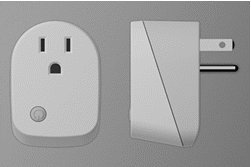
- Smart Energy plug In switch
- Brand
- Philio
- Documents
- Category Description File Manual_Primary_Lang
- Role type
- ROLE_TYPE_SLAVE_ALWAYS_ON
- User icon
- 0x0700
- Categories
- All Lighting Devices, On/Off Switches/Devices
- Product id
- 0x0038
- Device type
- On/Off Power Switch
- Oem version
- HW: 1 FW: 1.04
- Library type
- SLAVE_ENHANCED_232
- Supports nwi
- Yes
- Installer icon
- 0x0700
- Z wave version
- 6.51.06
- Frequency plans
- US: 916.00MHz, 908.40MHz
- Manufacturer id
- 0x013C
- Product type id
- 0x0001
- Long description
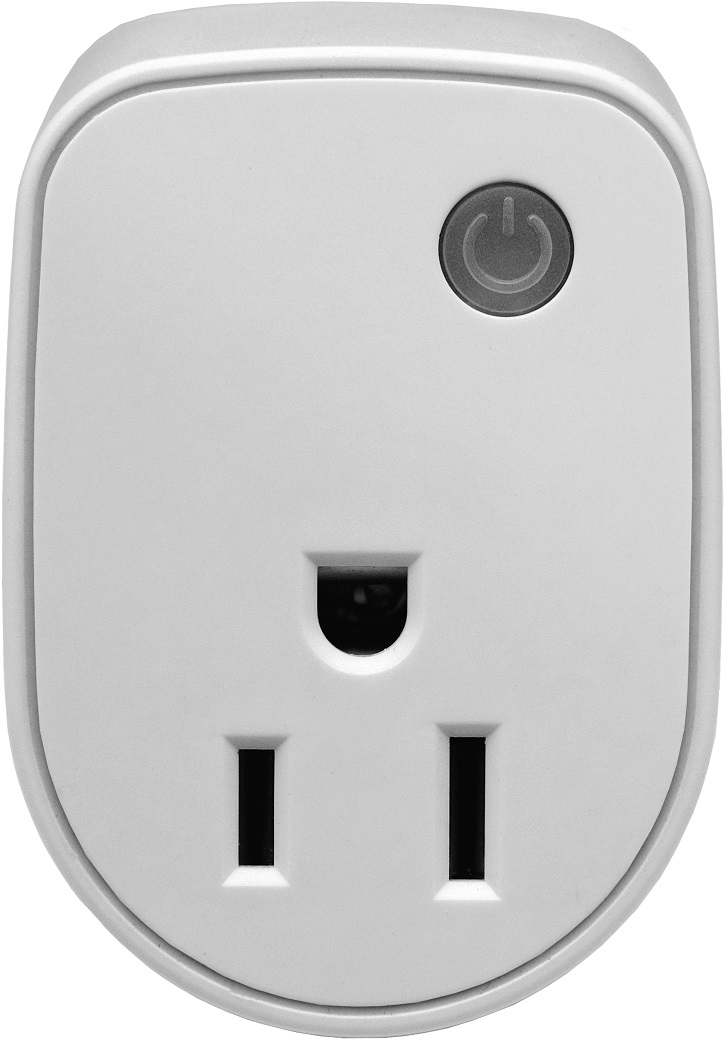
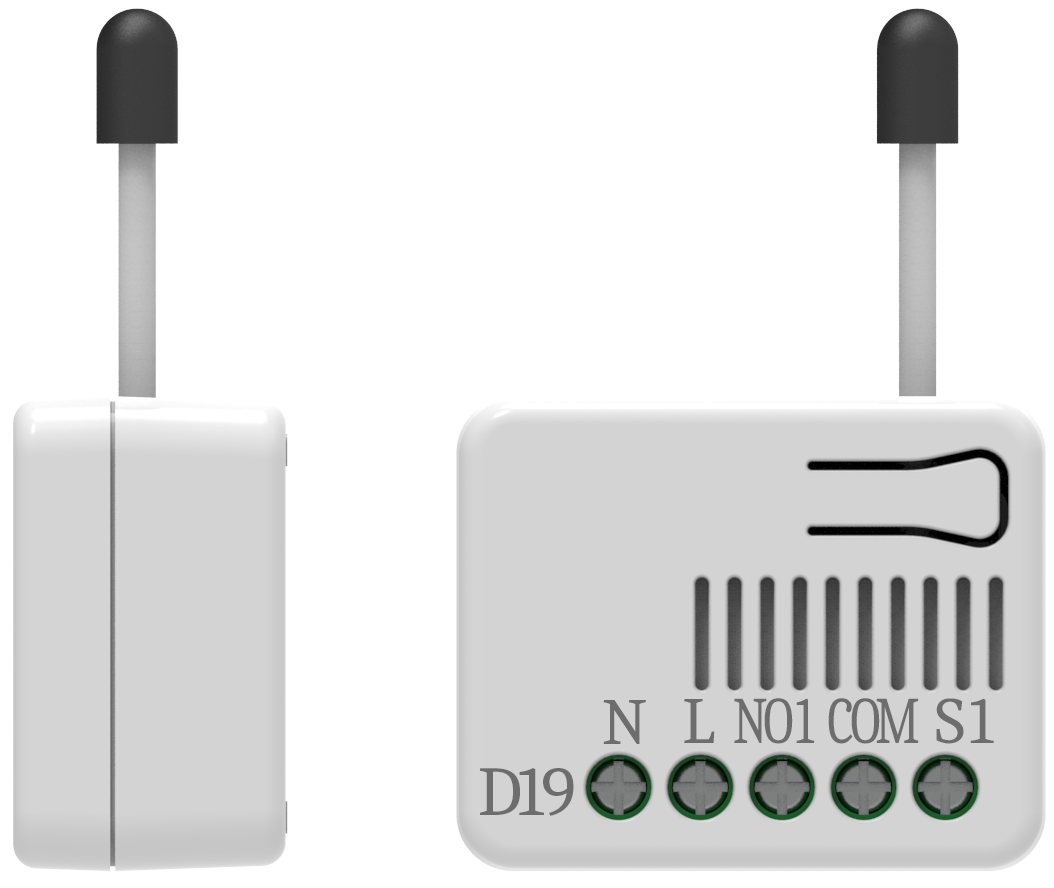
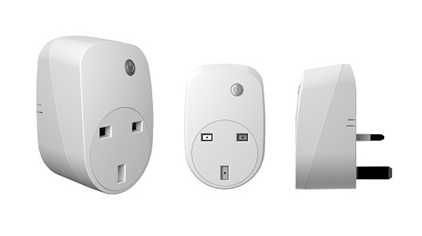
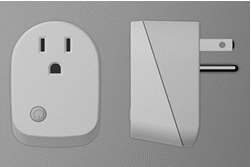
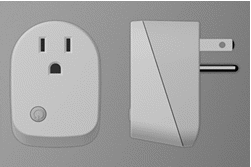
- This plug-in ON/OFF switch PAN15 is a wireless switch, based on Z-Wave Plus technology. Z-Wave PlusTM enabled devices displaying the Z-Wave Plus TM logo can also be used with it regardless of the manufacturer, and can also be used in other manufacturer’s Z-WaveTM enabled networks. Remote On/Off control of the connected load is possible with other manufacturer’s wireless Controller. Each switch is designed to act as a repeater. Repeaters will re-transmit the RF signal to ensure that the signal is received by its intended destination by routing the signal around obstacles and radio dead spots. This plug-in ON/OFF switch is able to detect instance wattage (1560W/UL/TW/JP) and overload current (14.5A) of connected lights or appliances. When detecting overload state, the Switch will be disabled and its On/Off button will be lockout of which LED will flash quickly. However, unplug and re-connect the switch will reset its overload condition to normal status. Adding to Z-WaveTM Network In the front casing, there is an On/Off button with LED indicator which is used to toggle switch on and off or carry out inclusion, exclusion, reset or association. When first power is applied, its LED flashes on and off alternately and repeatedly at 0.5 second intervals. It implies that it has not been assigned a node ID and start auto inclusion. Auto Inclusion The function of auto inclusion will be executed as long as the switch does not have Node ID and just plug the switch into a wall outlet. Note: Auto inclusion timeout is 2 minute during which the node information of explorer frame will be emitted once several seconds. Unlike “inclusion” function as shown in the table below, the execution of auto inclusion is free from pressing the On/Off button on the Switch.
- Hardware platform
- SD3502
- Short description
- This plug-in ON/OFF switch PAN15 is a wireless switch, This plug-in ON/OFF switch PAN15 is a wireless switch. The plug-in ON/Off based on Z-Wave Plus technology. The plug-in ON/Off switch is able to detect current wattage and overload wattage of connected light or appliances.
- Association groups
- Group Number Maximum Nodes Supported End Point ID Description 1
- Product identifier
- PAN15-1-NES
- Countries / regions
- United States of America
- Certification number
- ZC10-16045031
- Radio range z wave (m)
- 40
- Configuration parameters
- Parameter Number Name Description Format Size Min Value Max Value Default Value Parameter Values 1
- Supports explorer frames
- Yes
- From to description 1 1 1 : enable 0 0 0 : disable 5 restore switch state mode whenever the ac power return from lost, pan15 will restore the switch state which could be switch off、last switch state、switch on. the default setting is last switch state. 0 1 0 0 1 from to description 0 0 0 : switch off 1 1 1 : last switch state 2 2 2 : switch on 6 mode of switch off function when the mode of switch on/off is set to 0, any command of switch off will be disabled and the on/off function of include button will be disabled. the default setting is enable mode. 0 1 0 0 1 from to description 0 0 0 : disable 1 1 1 : enable 8 auto off timer whenever pan15 switches to on, the auto off timer begin to count down. after the timer decrease to zero, it will switch to off automatically. however if auto off timer is set as 0, the auto off function will be disabled. the default setting is 0. 0 2 0 0 0 from to description 0 0 0 : disable auto off function 1 32767 1 0x7 fff : 1s ~ 32767s 9 rf off command mode whenever a switch off command, basic set、binary switch set、switch all off, is received, it could be interpreted as 4 variety of commands. 1.switch off:it switches to off state. the default setting is switch off. 2.ignore:the switch off command will be ignored. 3.switch toggle:it switches to the inverse of current state. 4.switch on:it switches to on state. 0 1 0 0 0 from to description 0 0 0 : switch off 1 1 1 : ignore 2 2 2 : switch toggle 3 3 3 : switch on texts
- ID Description Value 1