- Name
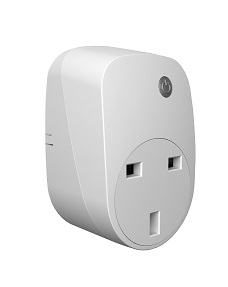
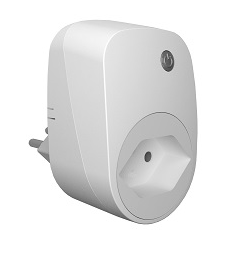
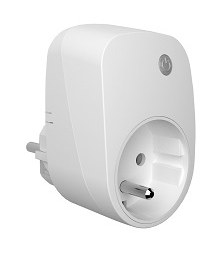
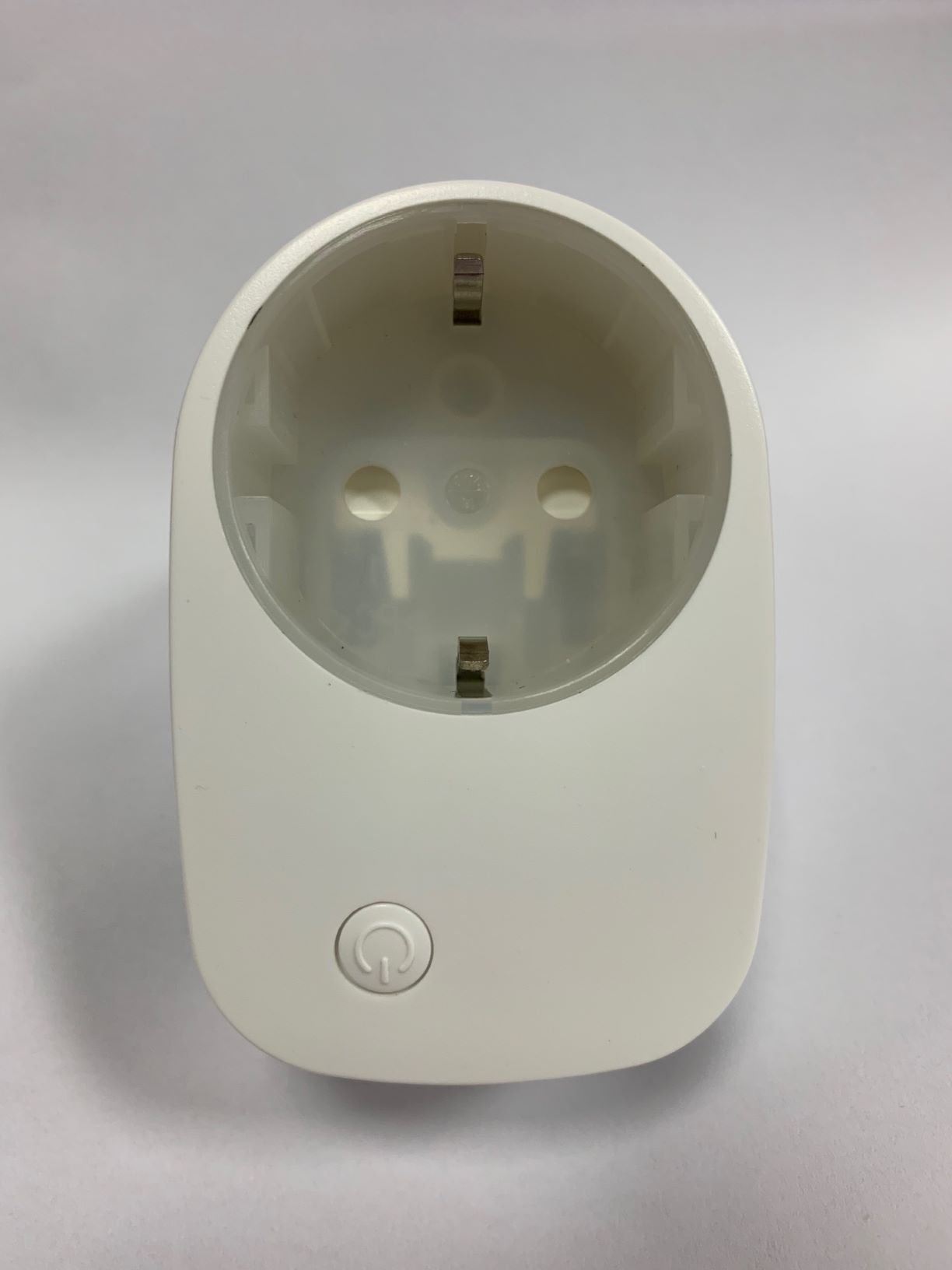
- Smart Dimmer Plug
- Brand
- Philio Technology
- Features
- Feature Values Supported Notification Types
- Documents
- Category Description File Manual_Primary_Lang
- Role type
- ROLE_TYPE_SLAVE_ALWAYS_ON
- User icon
- 0x0600
- Categories
- All Lighting Devices, Dimming Lighting Devices
- Product id
- 0x0060
- S2 classes
- S2_UNAUTHENTICATED
- Device type
- Light Dimmer Switch
- Oem version
- HW: 1 FW: 1.01
- Library type
- SLAVE_ENHANCED_232
- Supports nwi
- Yes
- Installer icon
- 0x0600
- Z wave version
- 6.81.01
- Frequency plans
- EU: 869.85MHz, 868.40MHz
- Manufacturer id
- 0x013C
- Product type id
- 0x0005
- Long description
- The Dimmer Plug is designed to control the on/off status of lighting in your house. The unit also provides dimmer function which is only applicable to light bulbs. At 220-240V voltage, this Dimmer Plug can support connected load of Max. 200W. To manually switch on the light, press and release the On/Off dimmer button when the light is off. The light will dim from off to the level which was set before switch off. To manually switch off the light, press and release the On/Off button shortly when the light is on. To adjust the dim level, press and hold the On/Off button until the desired dim level is achieved, then release.
- Hardware platform
- SD3502
- Short description
- The Dimmer Plug is a Z-WaveTM enabled device which is fully compatible with any Z-WaveTM enabled network.
- Product identifier
- PAD09-3
- Countries / regions
- European Union
- Supports smart start
- Yes
- Certification number
- ZC10-18126331
- Radio range z wave (m)
- 40
- Configuration parameters
- Parameter Number Name Description Format Size Min Value Max Value Default Value Parameter Values 2
- Supports explorer frames
- Yes
- Supported command classes
- Identifier Name Key Version COMMAND_CLASS_FIRMWARE_UPDATE_MD_V4
- Controlled command classes
- Identifier Name Key Version COMMAND_CLASS_BASIC
- Supported notification types
- Notification Type Event / State Power Management
- Value power management firmware updatable value updatable by manufacturer association groups
- Group Number Maximum Nodes Supported End Point ID Description 2
- From to description 1 3 1: show dimmer state 2 : show night mode 3: one flash mode 4 restore dimmer state whenever the ac power return from lost, pad09 will restore the switch state which could be dimmer off、last dimmer state、dimmer on. the default setting is last dimmer state. 0 1 0 0 1 from to description 0 2 0 : dimmer off 1 : last dimmer state 2 : dimmer on 1 dimmer level report mode whenever dimmer on/off state changes, it will send multilevel switch report to the nodes of group1. the default setting is enable the function. 0 1 0 0 1 from to description 0 1 0 : disable 1 : enable texts
- ID Description Value 5