- Name
- Smart Energy Multi tap
- Brand
- Winytechnology
- Features
- Feature Values Switch Load Capacity Current
- Documents
- Category Description File Manual_Primary_Lang
- Role type
- ROLE_TYPE_SLAVE_ALWAYS_ON
- User icon
- 0x0701
- Categories
- Energy Meters, All Lighting Devices, On/Off Switches/Devices
- Product id
- 0x0014
- Device type
- On/Off Power Switch
- Oem version
- HW: 1 FW: 1.00
- Library type
- SLAVE_ENHANCED_232
- Supports nwi
- Yes
- Installer icon
- 0x0700
- Z wave version
- 6.51.06
- Frequency plans
- KR: 920.90MHz, 921.70MHz, 923.10MHz
- Manufacturer id
- 0x0242
- Product type id
- 0x0003
- Long description
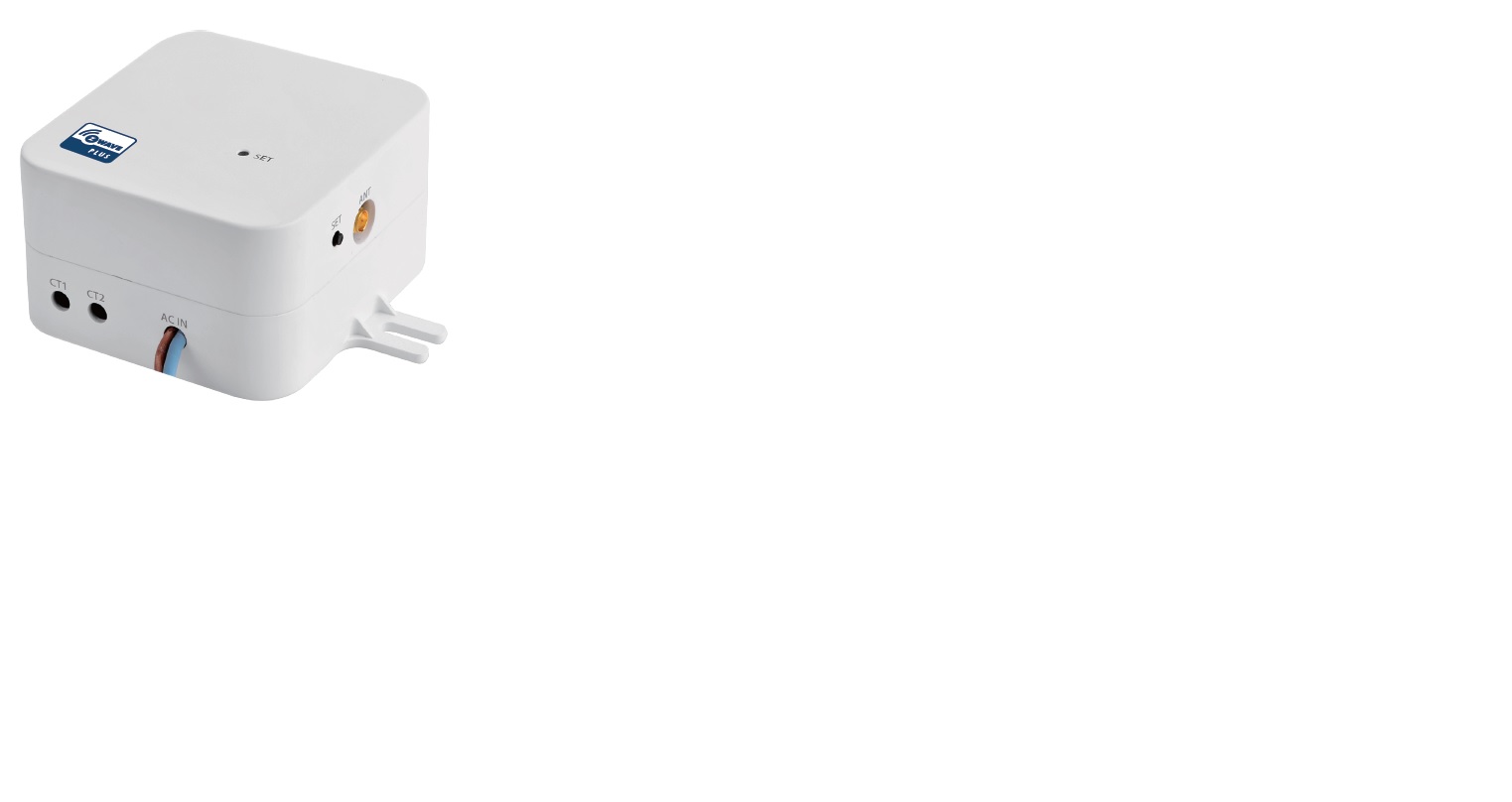
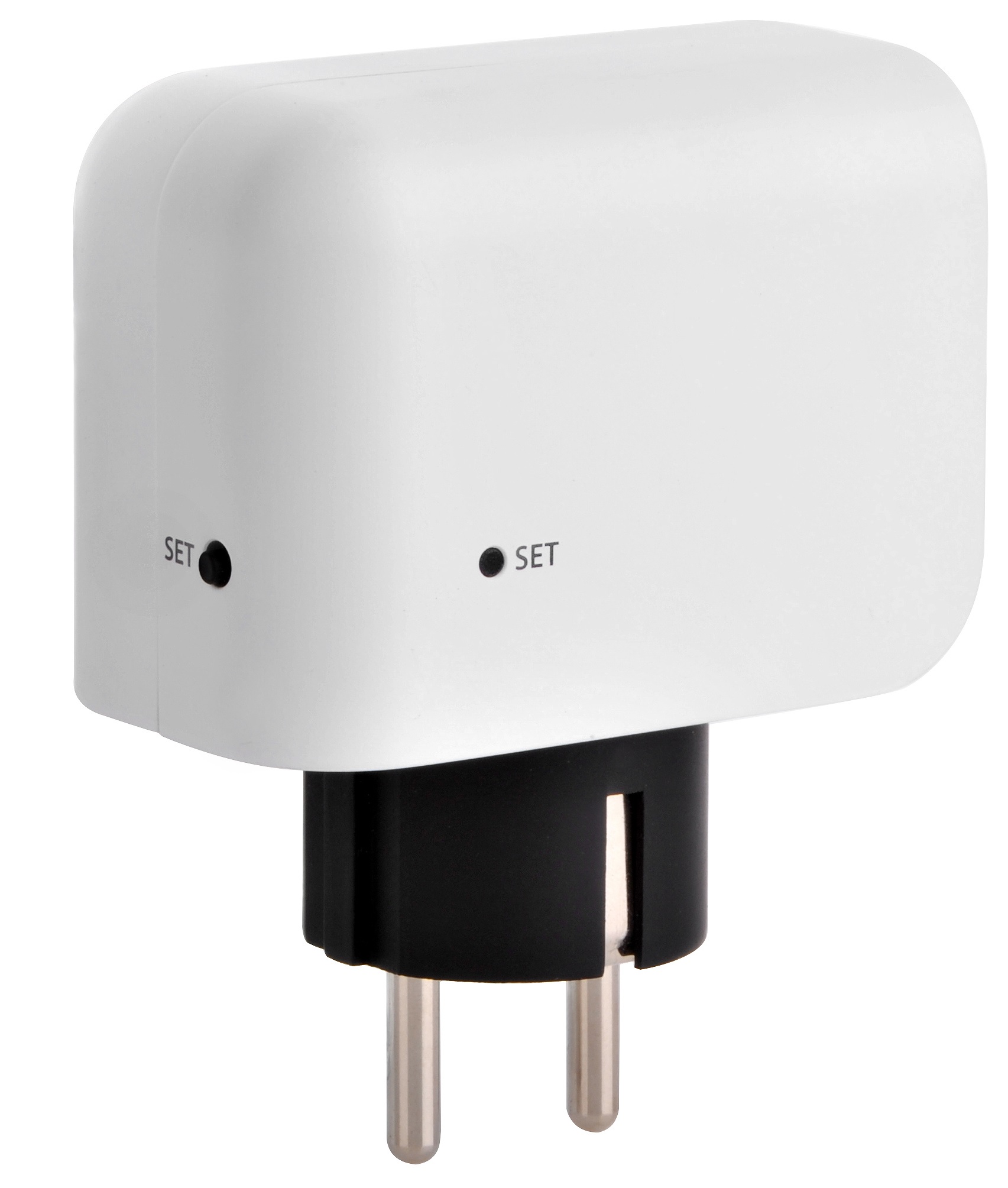
- Smart Energy Multi Tap plugs in between any appliance and the AC outlet. It can monitor and control power using your smartphone. It can also control the power source connected with appliance manually and remotely using your smartphone.
- Hardware platform
- ZM5101
- Short description
- Smart Energy Multi Tap plugs in between any appliance and the AC outlet. It can control power on/off of the appliance using your smartphone.
- Product identifier
- WTR-1221-111
- Countries / regions
- Republic of Korea
- Certification number
- ZC10-16075152
- Radio range z wave (m)
- 40
- Configuration parameters
- Parameter Number Name Description Format Size Min Value Max Value Default Value Parameter Values 2
- Supports explorer frames
- Yes
- Supported / controlled meter types
- Meter Type Rate Type Description Electric meter
- Value 10 amp switch load capacity volt ampere value 2200 va switch load capacity watts value 2200 w supported meter type value electric energy switch type value push button color value white firmware updatable value updatable by consumer by rf association groups
- Group Number Maximum Nodes Supported End Point ID Description 1
- From to description 0 0 deactivate the meter data report 0 1 trigger level event mode 1 0 time interval mode 3 akrc automatically key report control (akrc) is report mode setting of the key data. 00b : deactivate the button activation report 01b : button activation report 0 1 0 0 1 from to description 0 0 deactivate the button activation report 0 1 button activation report 91 gmrtl w group1 watt trigger level value trigger value setting (0~65535) for meter report of parameter2. 0 2 0 0 50 from to description 0 65535 group1 watt trigger level value 92 gmrtl k wh group1 k wh trigger level value trigger value setting (0~65535) for meter report of parameter2. 0 2 0 0 50 from to description 0 65535 group1 k wh trigger level value 101 grccs grccs – group report command class setup 1. crc – group report crc16 enable/disable 0x00 : group report crc16 disable 0x01 : group report crc16 enable 2. mrss – select scale of meter report 0x00 : meter report command scale (k wh) 0x02 : meter report command scale (watt) 0 4 0 0 0 from to description 0 1 crc – group report crc16 enable/disable 0 2 mrss – select scale of meter report 111 gric interval time setting for (60~65535 second)report group 0 4 0 0 720 from to description 60 65535 interval time setting 255 reset initialize configuration parameter parameter number 2 : initialize parameter 2 parameter number 3 : initialize parameter 3 parameter number 91 : initialize parameter 91 parameter number 92 : initialize parameter 92 parameter number 101 : initialize parameter 101 parameter number 111 : initialize parameter 111 parameter number 255 : reset to the default full parameter 0 1 0 0 255 from to description 2 255 initialize configuration parameter texts