- Name
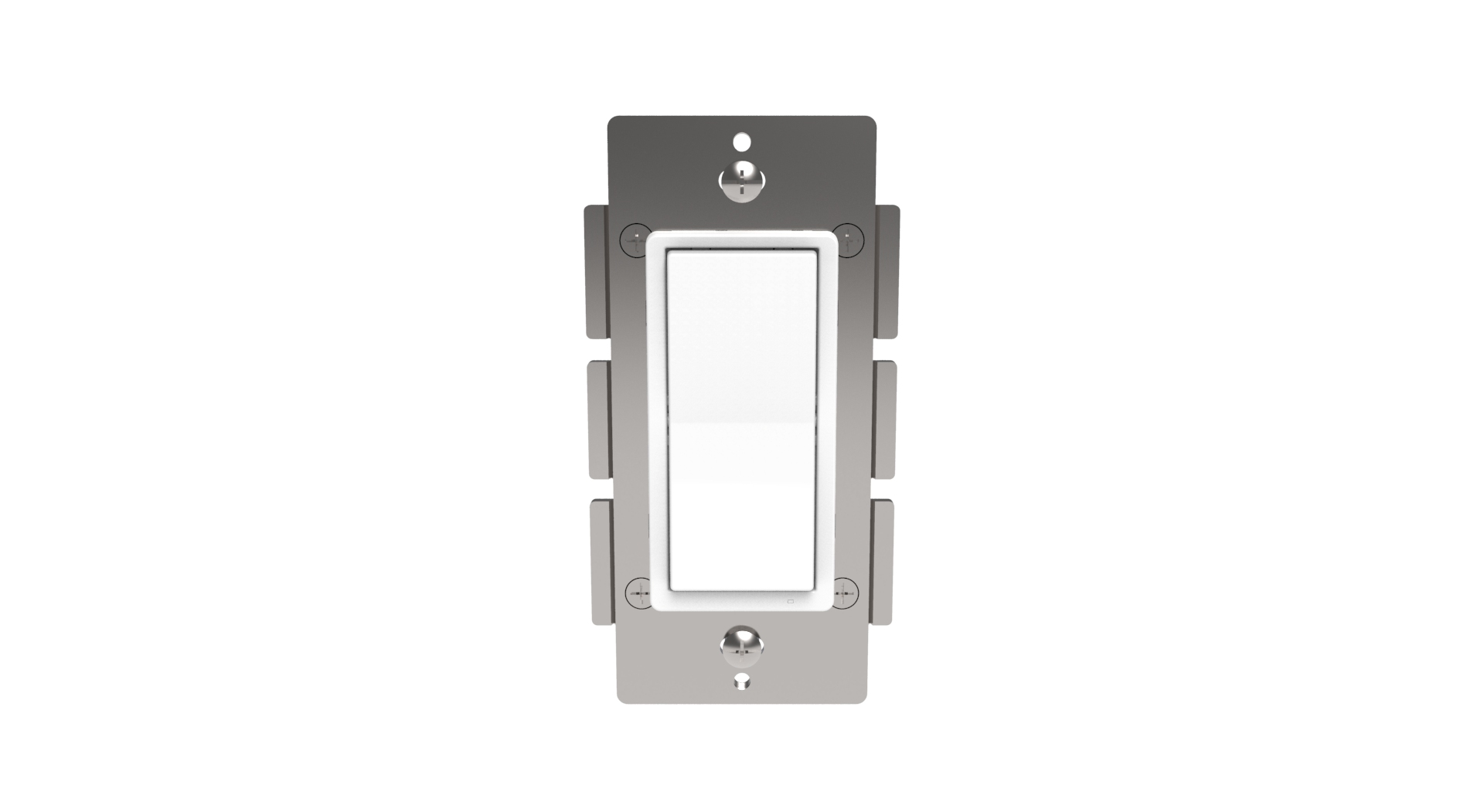
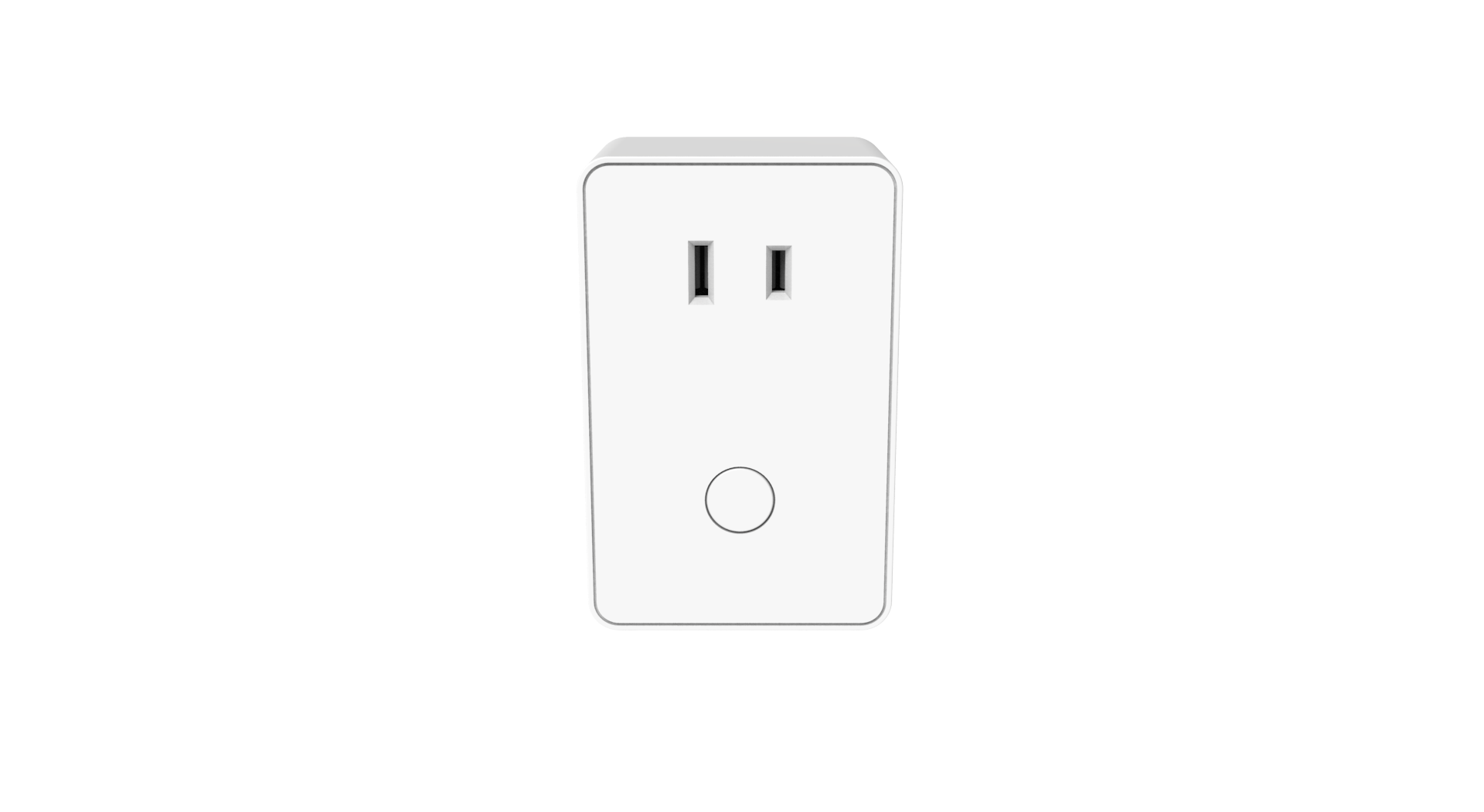
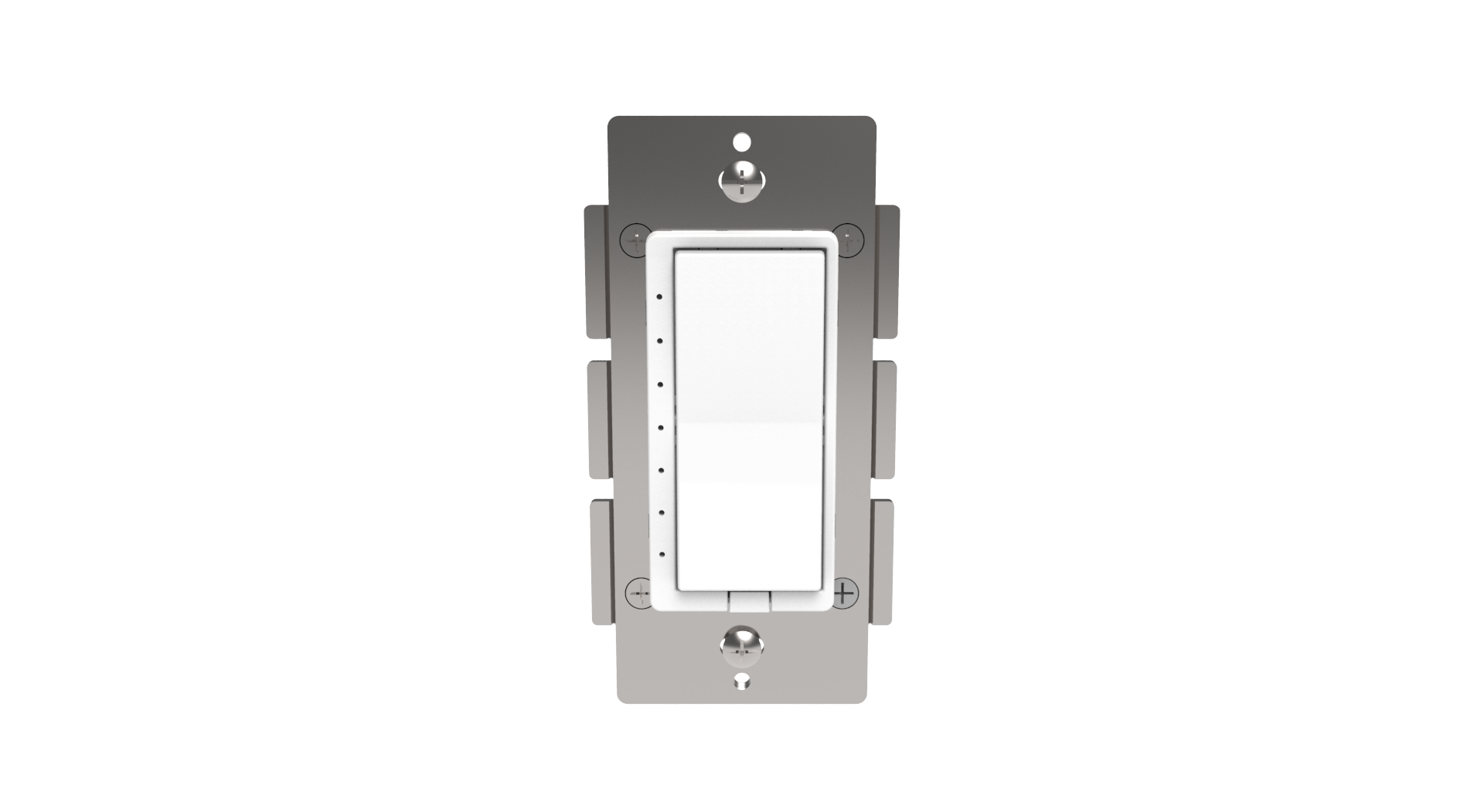
- Z-Wave In-Wall On/Off Switch
- Brand
- ZLINK
- Features
- Feature Values Color
- Documents
- Category Description File Manual_Primary_Lang
- Role type
- ROLE_TYPE_SLAVE_ALWAYS_ON
- User icon
- 0x0700
- Categories
- All Lighting Devices, On/Off Switches/Devices, Lighting Accessories
- Product id
- 0x3033
- S2 classes
- S2_UNAUTHENTICATED, S2_AUTHENTICATED
- Device type
- On/Off Power Switch
- Oem version
- HW: 255 FW: 50.03
- Library type
- SLAVE_ENHANCED_232
- Supports nwi
- Yes
- Installer icon
- 0x0700
- Z wave version
- 6.81.00
- Frequency plans
- US: 916.00MHz, 908.40MHz
- Manufacturer id
- 0x0315
- Product type id
- 0x4447
- Long description
- ZLINK’s WS-100 is a Z-Wave Plus certified device with S2 security and Smart Start features. You can now add this device securely and with ease using QR code on the product with compatible gateways supporting S2 and Smart Start. Sleek WS-100 communicates with other Z-Wave certified devices and updates your home into a smart home. ZLINK WS-100 replaces a standard in-wall light switch turning it into a Z-Wave controlled network device with manual and remote ON/OFF control. ZLINK WS-100 supports, “Instant Feedback” of manual status to compatible gateways as well as Central Scene to allow setting multiple scene control throughout the home, with gateways supporting Central Scene. Each Z-Wave device serves as a node to repeat the signal in the network, thus, extending the overall Z-Wave mesh wireless network range. Additional Features: • Power 120 VAC, 60Hz, up to 1800 watts • Region US: 908.4, 916 MHz • Works with incandescent, CFL & LED lights • Remotely or manually turns ON or OFF lights • Fits standard wall plates (wall plate not included) • Works with any certified gateway supporting Z-Wave
- Hardware platform
- ZM5202
- Short description
- ZLINK WS-100 is a Z-Wave In-Wall switch designed for wireless on-off control of connected lighting and appliance loads.
- Product identifier
- WS-100
- Countries / regions
- United States of America
- Supports smart start
- Yes
- Certification number
- ZC10-18025995
- Radio range z wave (m)
- 40
- Configuration parameters
- Parameter Number Name Description Format Size Min Value Max Value Default Value Parameter Values 4
- Supports explorer frames
- Yes
- Supported command classes
- Identifier Name Key Version COMMAND_CLASS_FIRMWARE_UPDATE_MD_V4
- Controlled command classes
- Identifier Name Key Version COMMAND_CLASS_CENTRAL_SCENE_V3
- Value white outdoor use z wave scene type value scene & central scene firmware updatable value updatable by consumer by rf neutral wire required switch load capacity volt ampere value 120 vac switch type value decorator paddle rocker switch load capacity watts value 1800 w resistive load switch load capacity current value 15 amps electric load type value incandescent fluorescent led association groups
- Group Number Maximum Nodes Supported End Point ID Description 1
- From to description 0 1 if value =0, the connected light will turn on by pressing the top side of the rocker switch and turn off by pressing the bottom side. if value =1 the connected light will turn off by pressing the top side of the rocker switch and turn on by pressing the bottom side. 3 night light the led indicator will be off when the connected light is on and vice versa. when value =0 the led indicator will be off when the the connected light is on, and the led will be on when the connected light is off. if value =1 the led indicator will be on when the connected light is on, and the led indicator will be off when the connected light is off. if value =2 the led indicator will always be off regardless of the load status 0 1 0 0 0 from to description 0 2 when value =0 the led indicator will be off when the the connected light is on, and the led will be on when the connected light is off. if value =1 the led indicator will be on when the connected light is on, and the led indicator will be off when the connected light is off. if value =2 the led indicator will always be off regardless of the load status texts
- ID Description Value 1