- Name
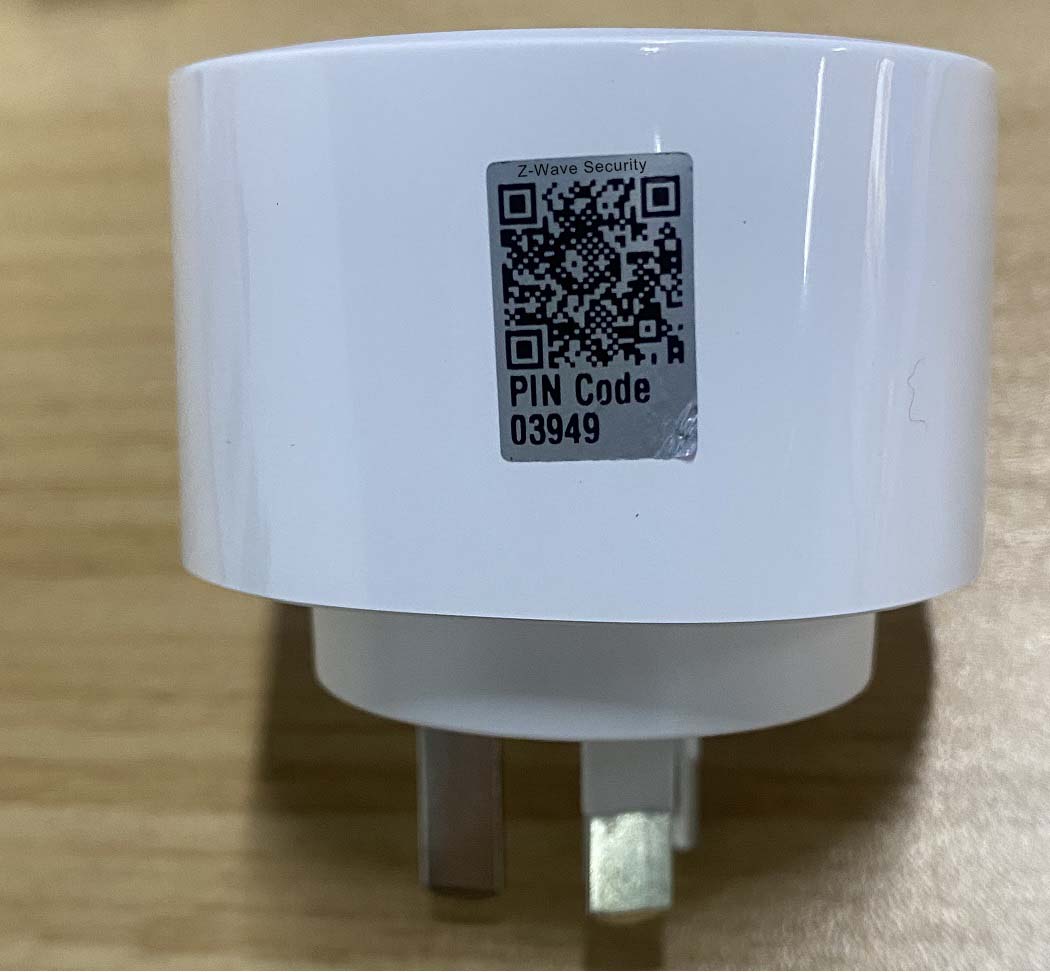
- Ness Z-Wave Smart Plug
- Brand
- Ness
- Features
- Feature Neutral Wire Required
- Documents
- Category Description File Manual_Primary_Lang
- Role type
- ROLE_TYPE_SLAVE_ALWAYS_ON
- User icon
- 0x0700
- Categories
- All Lighting Devices, On/Off Switches/Devices
- Product id
- 0x0029
- S2 classes
- S2_UNAUTHENTICATED
- Device type
- On/Off Power Switch
- Oem version
- HW: 1 FW: 1.02
- Library type
- SLAVE_ENHANCED_232
- Product line
- 5P
- Supports nwi
- Yes
- Installer icon
- 0x0700
- Z wave version
- 6.81.01
- Frequency plans
- ANZ: 919.80MHz, 921.40MHz
- Manufacturer id
- 0x0208
- Product type id
- 0x0102
- Long description
- Smart plug is a Z-Wave™ Switch plugin module specifically used to enable Z-Wave™ command and control (on/off) of any plug-in tool.
- Hardware platform
- ZM5202
- Short description
- Smart plug is a Z-Wave™ Switch plugin module specifically used to enable Z-Wave™ command and control (on/off) of any plug-in tool.
- Association groups
- Group Number Maximum Nodes Supported End Point ID Group Name Profile Description 1
- Product identifier
- ZA-216001
- Countries / regions
- Australia
- Supports smart start
- Yes
- Certification number
- ZC10-22017070
- Radio range z wave (m)
- 40
- Configuration parameters
- Parameter Number Name Description Format Size Min Value Max Value Default Value Parameter Values 171
- Supports explorer frames
- Yes
- Supported command classes
- Identifier Name Key Version COMMAND_CLASS_SCENE_ACTUATOR_CONF
- Supported / controlled meter types
- Meter Type Rate Type Description Electric meter
- From to description 3600 2678400 available values: 3600 2678400 (3600 2678400s) 0 0 the function is disabled. 152 percentage threshold for power reporting set the power percentage threshold. when the load power percentage value exceeds this threshold, the smart plug will send a power report to the associated device (lifeline group). 0 1 0 100 10 from to description 0 0 the function is disabled. 0 100 available values: 0 100 (0 100%) 151 threshold of power report set the power threshold. when the load power value exceeds this threshold, the smart plug will send a power report to the associated device (lifeline group). 0 2 0 200 50 from to description 0 0 0 the function is disabled. 0 200 available values: 0 200 (0 200 w) 172 frequency of energy reports defines how often energy reports are sent to associated devices (lifeline group). 0 4 0 2678400 7200 from to description 3600 2678400 available values: 3600 2678400 (3600 2678400s) 0 0 the function is disabled. 173 frequency of voltage reports defines how often voltage reports are sent to associated devices (lifeline group). 0 4 0 2678400 0 from to description 3600 2678400 available values: 3600 2678400 (3600 2678400s) 0 0 the function is disabled. 174 frequency of electric current reports defines how often electric current reports are sent to associated devices (lifeline group). 0 4 0 2678400 0 from to description 3600 2678400 available values: 3600 2678400 (3600 2678400s) 0 0 the function is disabled. 24 send reports when load status changes defines whether to send report to the associated device (lifeline group) when the load status of the smart plug changes. 0 1 0 2 1 from to description 0 0 the function is disabled. 1 1 send basic report. 2 2 send basic report only when load condition is not changed by z wave command. 254 enable/disable the configuration command enable:the values of other parameters can be changed. disable:the values of other parameters cannot be changed. 0 1 0 1 0 from to description 0 0 enable 1 1 disable texts