- Name
- Mote
- Brand
- Oomi
- Features
- Feature Values Firmware Updatable
- Documents
- Category Description File Manual_Primary_Lang
- Role type
- ROLE_TYPE_SLAVE_PORTABLE
- User icon
- 0x1C04
- Categories
- All Lighting Devices, Lighting Accessories
- Product id
- 0x0082
- Device type
- Wall Controller
- Oem version
- HW: 130 FW: 1.06
- Library type
- SLAVE_ENHANCED_232
- Supports nwi
- Yes
- Installer icon
- 0x1C04
- Z wave version
- 6.61.00
- Frequency plans
- US: 916.00MHz, 908.40MHz
- Manufacturer id
- 0x016A
- Product type id
- 0x0102
- Long description
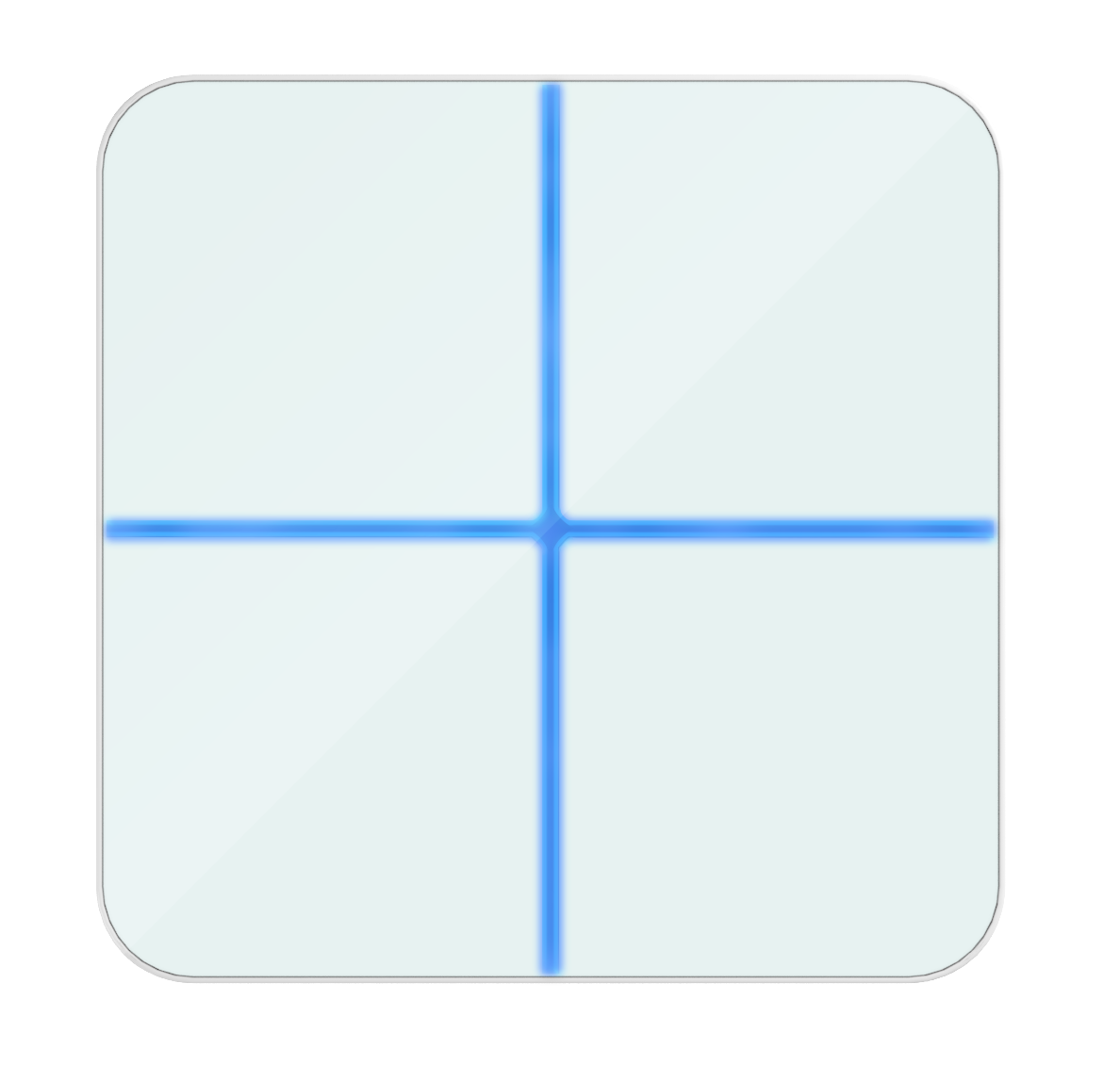
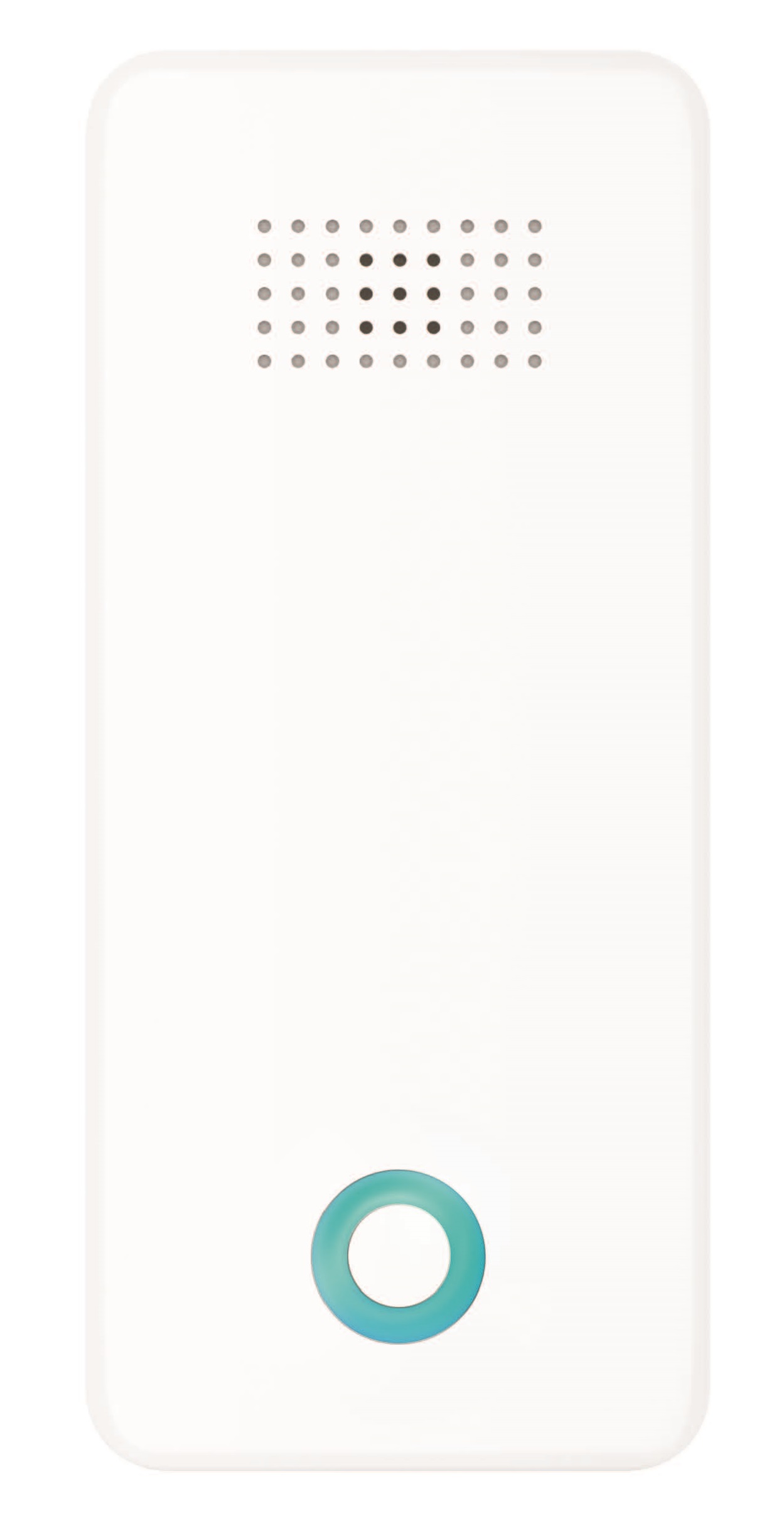
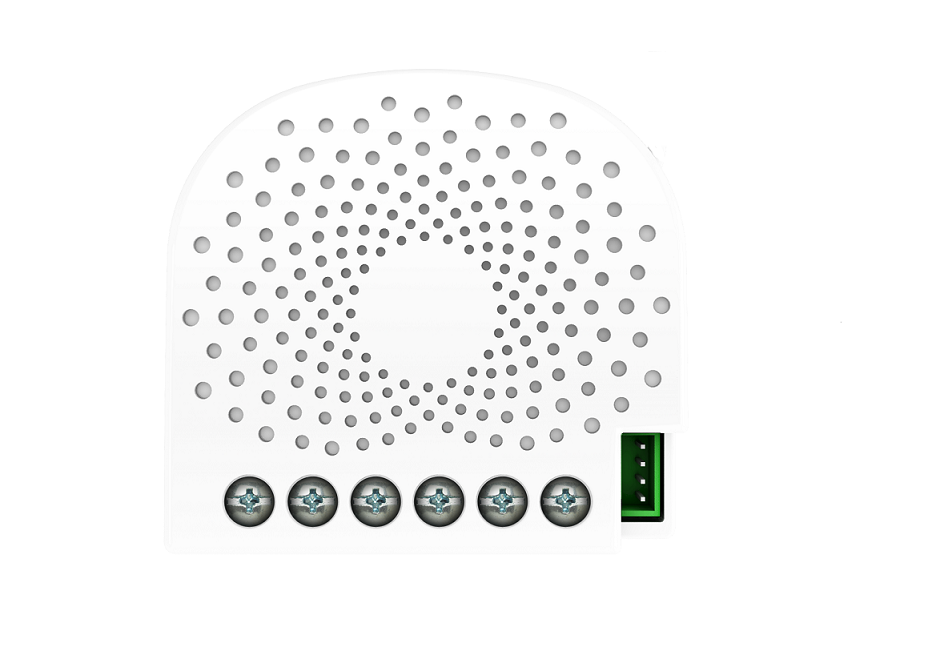
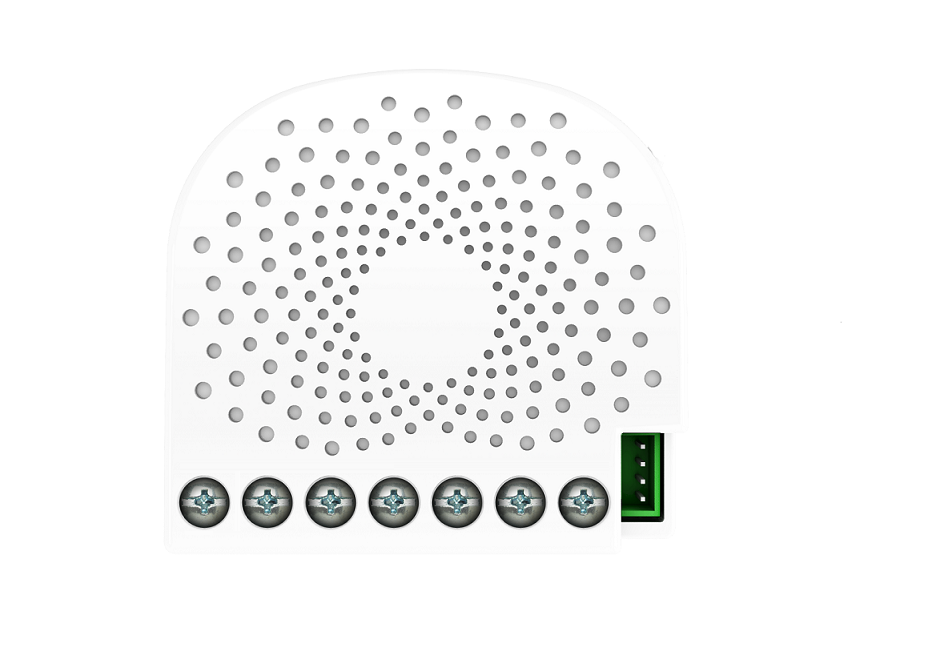
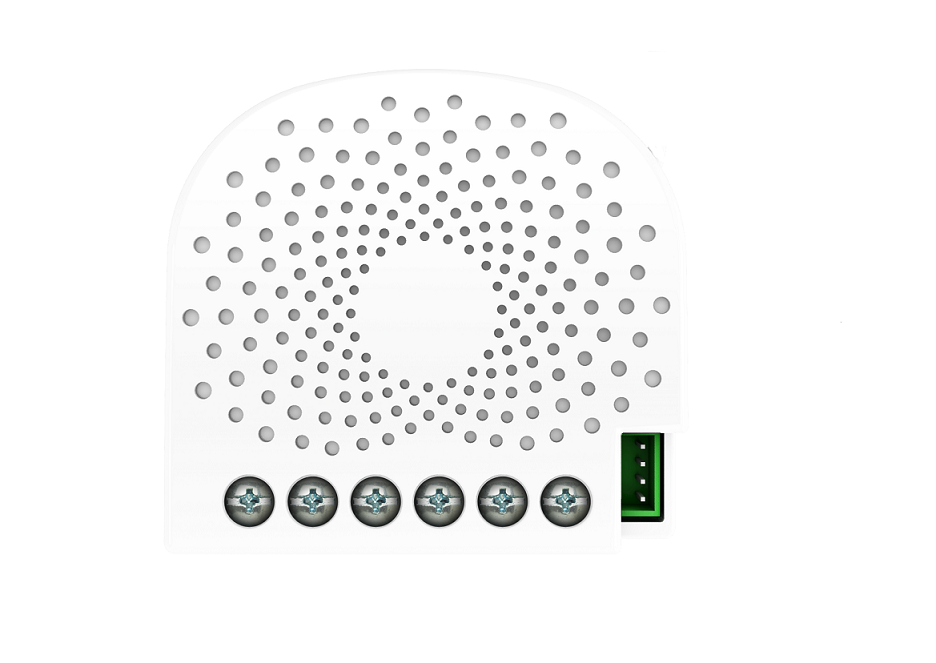
- Oomi Mote is an intelligent Z-Wave remote controller that mounted on a wall. It has 4 touch buttons that you can easily control the Z-Wave devices in your home network via touching, long pressing or sliding the button areas. Its surface has a RGB LED to indicate the button actions also accompanied by touch beep and vibration. The Mote is also a security Z-Wave device and supports Over The Air (OTA) feature for the products firmware upgrade.
- Hardware platform
- ZM5101
- Short description
- Oomi Mote is an intelligent Z-Wave remote controller that is mounted on a wall
- Product identifier
- FT130-A
- Countries / regions
- United States of America
- Certification number
- ZC10-17035498
- Radio range z wave (m)
- 40
- Configuration parameters
- Parameter Number Name Description Format Size Min Value Max Value Default Value Parameter Values 1
- Supports explorer frames
- Yes
- Supported command classes
- Identifier Name Key Version COMMAND_CLASS_POWERLEVEL
- Controlled command classes
- Identifier Name Key Version COMMAND_CLASS_SWITCH_BINARY_V2
- Value updatable by consumer by rf z wave scene type value central scene association groups
- Group Number Maximum Nodes Supported End Point ID Description 3
- From to description 1 1 enable 0 0 disable 255 reset the mote reset the mote to factory default. 0 4 0 0 0 from to description 0 0 reset all configuration parameters to factory default setting 1431655765 1431655765 reset to factory default setting and removed from the z wave network 2 enable/disable the touch vibration. enable/disable the touch vibration. 0 1 0 0 0 from to description 1 1 enable 0 0 disable 3 enable/disable the function of button slide. enable/disable the function of button slide. 0 1 0 0 1 from to description 0 0 disable 1 1 enable 4 to configure which report will be sent when pressing the buttons. to set which notification would be sent to the associated devices (group 1) when pressing the buttons. 0 1 0 0 1 from to description 1 1 send central scene command notification 3 3 send central scene command notification and configuration report texts
- ID Description Value 2