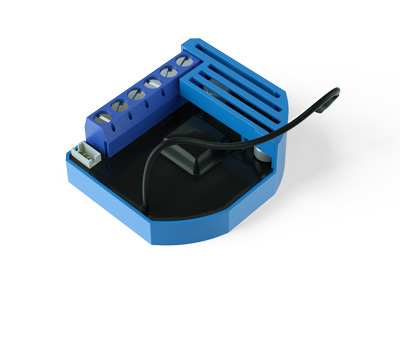
- Name
- Luxy Smart Light
- Brand
- QUBINO
- Features
- Feature Values Color
- Documents
- Category Description File Manual_Primary_Lang
- Role type
- ROLE_TYPE_SLAVE_ALWAYS_ON
- User icon
- 0x0600
- Categories
- All Lighting Devices, Dimming Lighting Devices, Lighting Accessories
- Product id
- 0x0051
- Device type
- Color Switch
- Oem version
- HW: 1 FW: 11.00:11.00
- Library type
- SLAVE_ENHANCED_232
- Product line
- Qubino
- Supports nwi
- Yes
- Installer icon
- 0x0600
- Z wave version
- 6.82.00
- Frequency plans
- EU: 869.85MHz, 868.40MHz
- Manufacturer id
- 0x0159
- Product type id
- 0x0008
- Long description
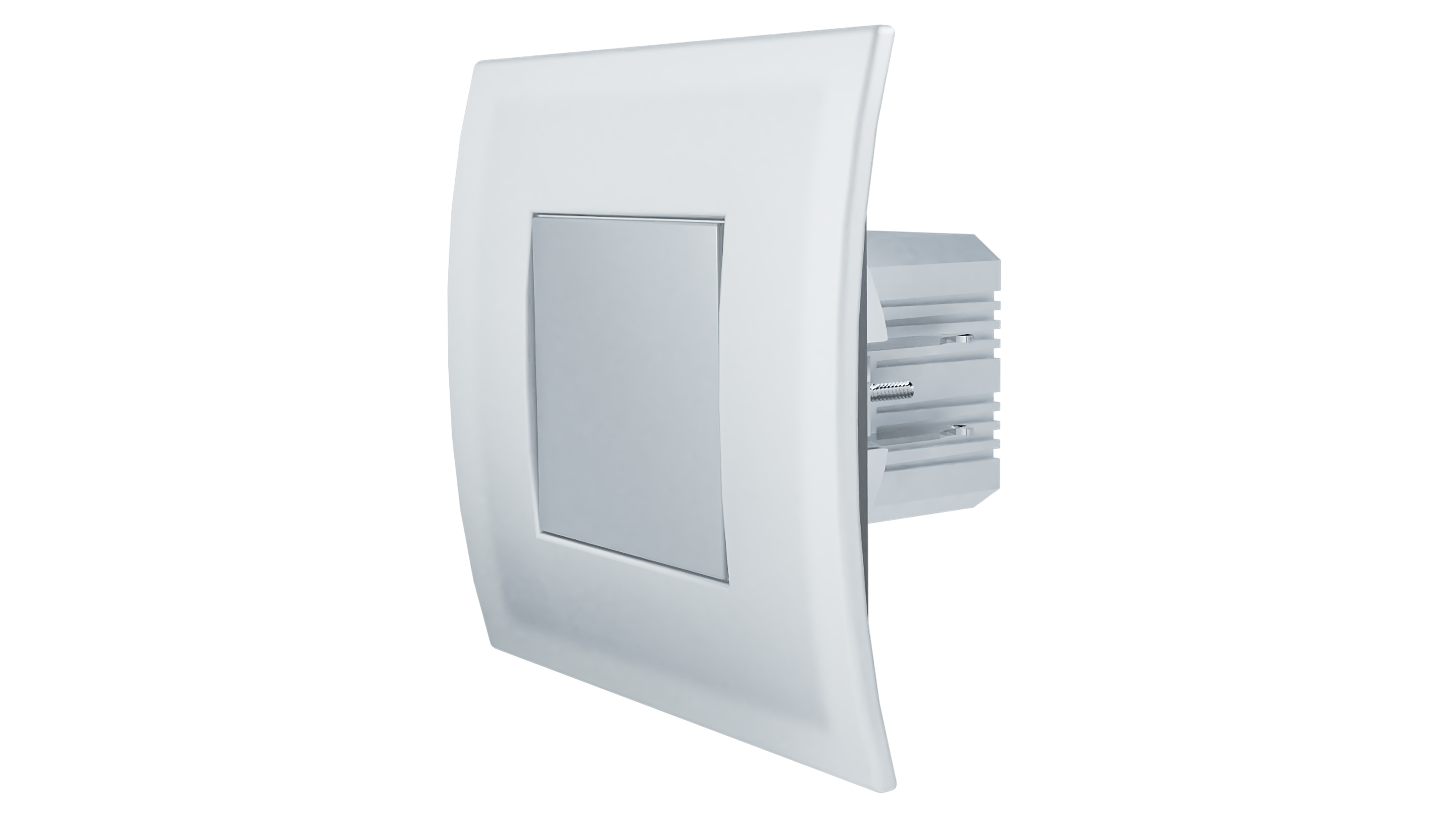
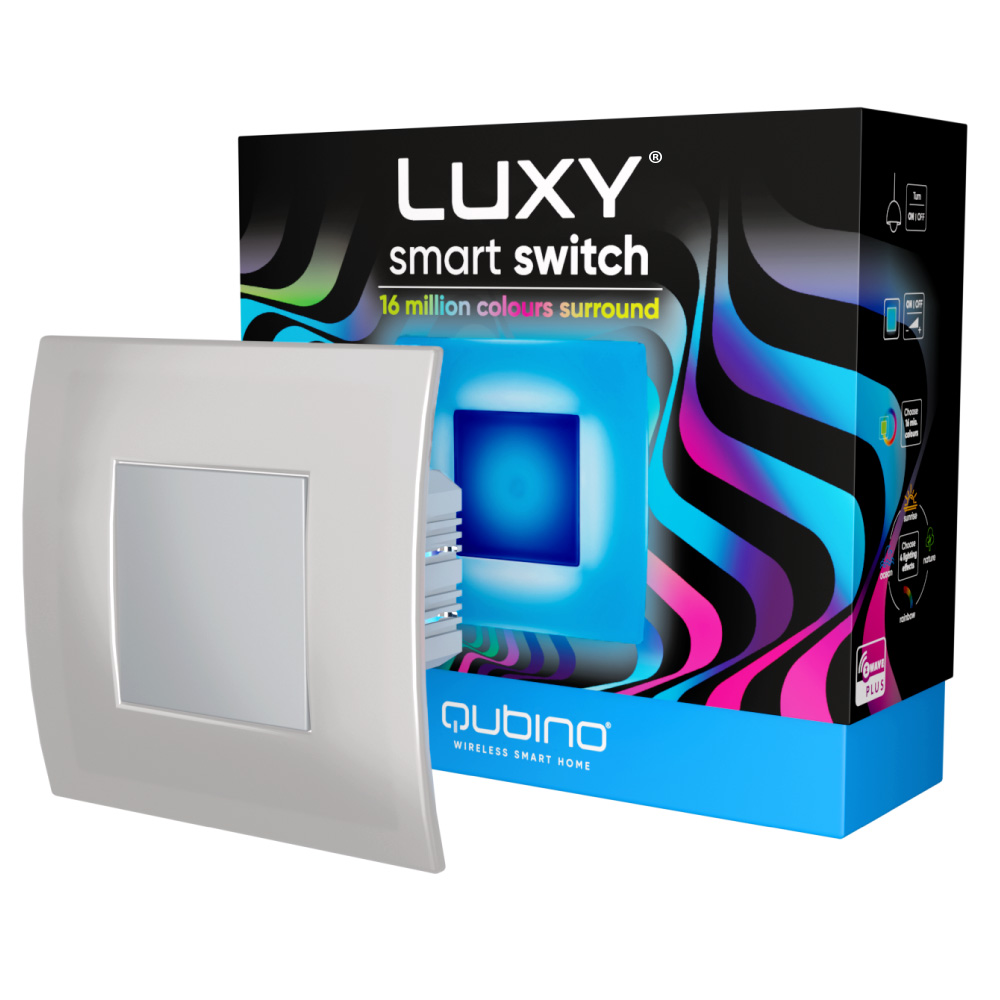
- Luxy Smart Light is an innovative light source that gently illuminates in more than 16 million colours and easily fits into places of your light switch or socket. It can be used standalone, as ambient light, or as a smart home device. With an integrated beeper, it enables a unique combination of sound and visual notifications. It can be controlled with a touch on one of the 4 sides on the touch-sensitive surface (or touch screen) or remotely via a smartphone. It can be set to work automatically, according to the pre-programmed scenes, created on the Z-Wave gateway. Set the Luxy Smart Light as a visual alarm, for a gentle wake-up, with colours simulating the sunrise or illuminate your corridor in the night-time, so you don’t have to turn on the main light or stumble in the dark.
- Hardware platform
- ZM5101
- Short description
- Luxy Smart Light is an innovative light source that gently illuminates in more than 16 million colours and easily fits into places of your light switch or socket.
- Product identifier
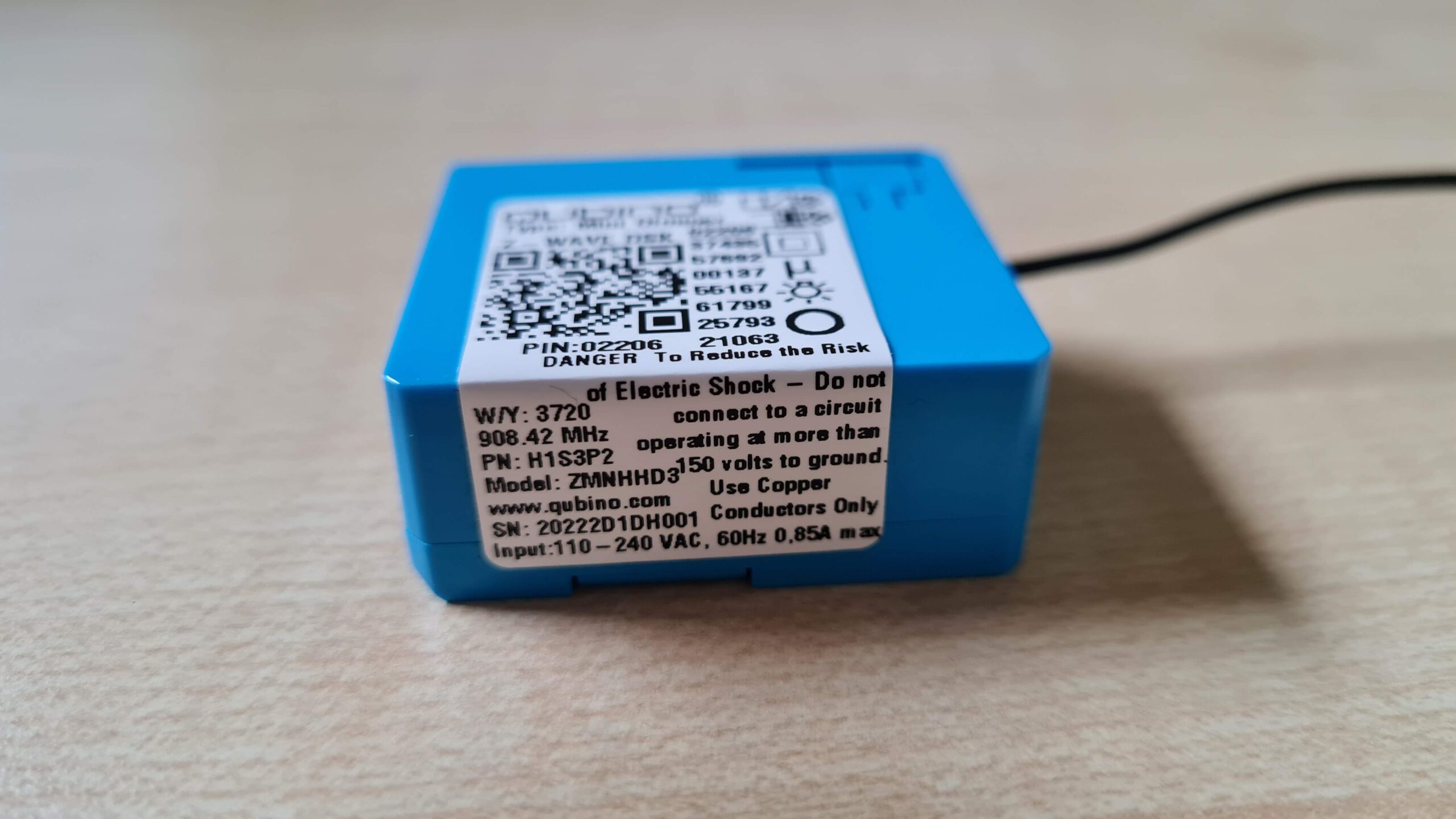
- ZMNHQD1
- Countries / regions
- European Union
- Supports smart start
- Yes
- Certification number
- ZC10-20096982
- Radio range z wave (m)
- 40
- Configuration parameters
- Parameter Number Name Description Format Size Min Value Max Value Default Value Parameter Values 1
- Supports explorer frames
- Yes
- Supported command classes
- Identifier Name Key Version COMMAND_CLASS_SOUND_SWITCH
- Controlled command classes
- Identifier Name Key Version COMMAND_CLASS_SWITCH_COLOR_V3
- Supported notification types
- Notification Type Event / State Siren
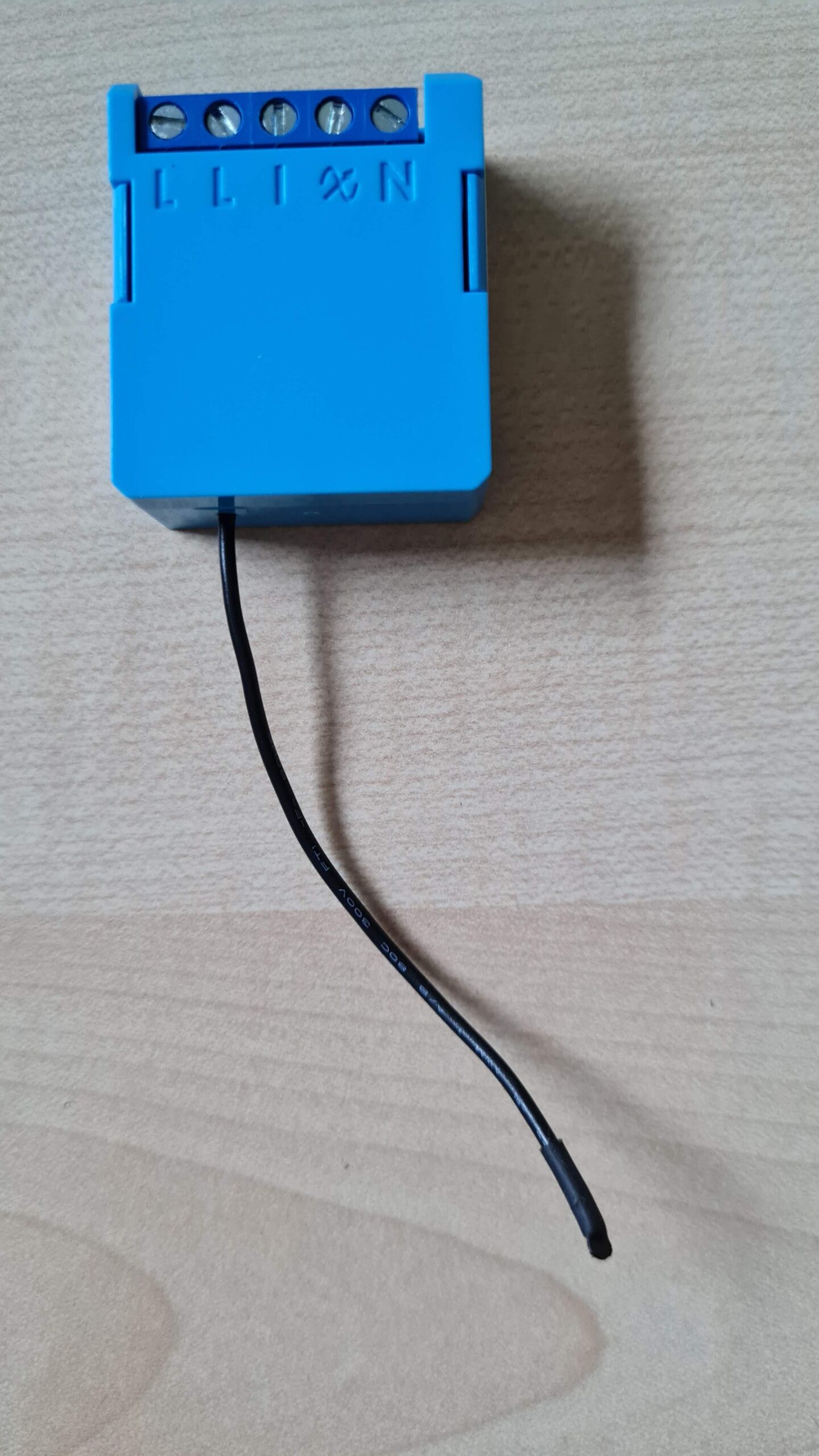
- Value gray neutral wire required switch type value push button association groups
- Group Number Maximum Nodes Supported End Point ID Group Name Description 1
- From to description 0 0 push button 1 1 on/off toggle switch 2 2 motion sensor 3 3 motion sensor with memory (turned off after certain amount of time defined in parameter 5) 3 parameter no. 3 – turning off alarming values (size is 1 byte dec): • default value 1 • 0 – only by z wave command (basic set, switch multilevel set, switch multilevel start/stop level change, sound switch play tone, sound switch configuration, switch color set, switch color start/stop level change, notification report idle) • 1 – capacitive input or z wave command (basic set, switch multilevel set, switch multilevel start/stop level change, sound switch play tone, sound switch configuration, switch color set, switch color start/stop level change, notification report idle) 1 1 0 1 1 from to description 0 0 only by z wave command (basic set, switch multilevel set, switch multilevel start/stop level change, sound switch play tone, sound switch configuration, switch color set, switch color start/stop level change, notification report idle) 1 1 capacitive input or z wave command (basic set, switch multilevel set, switch multilevel start/stop level change, sound switch play tone, sound switch configuration, switch color set, switch color start/stop level change, notification report idle) 5 parameter no. 5 – motion sensor memory timer defines the time after which the output triggered by motion sensor is turned off. values (size is 2 byte dec): • default value 10 • 0 – 32534 = 0 32534 seconds after which the led will be turned off. • 32535 – never turns off 1 2 0 32535 10 from to description 0 32534 0 32534 seconds after which the led will be turned off. 32535 32535 never turns off 50 parameter no. 50 – beeper enable/disable this parameter affects beeper function just in case when the device receives the notification report. if the user sends a sound switch tone play set (1), the buzzer still emits a serviceable tone. values (size is 1 byte dec): • default value 1 • 0 – disabled (the beeper is not active) • 1 – enabled (the beeper is active) 1 1 0 1 1 from to description 0 0 disabled (the beeper is not active) 1 1 enabled (the beeper is active) texts