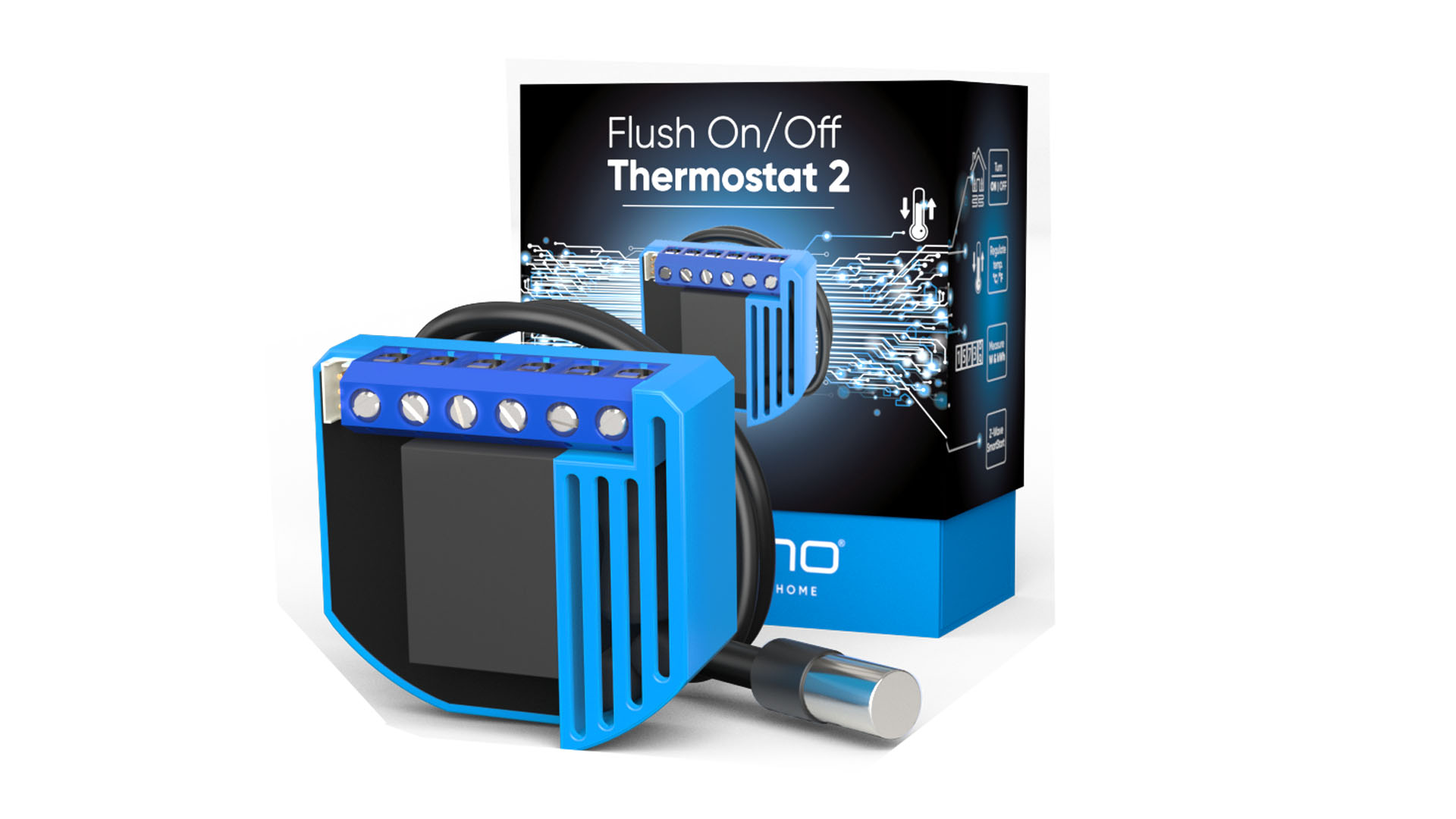
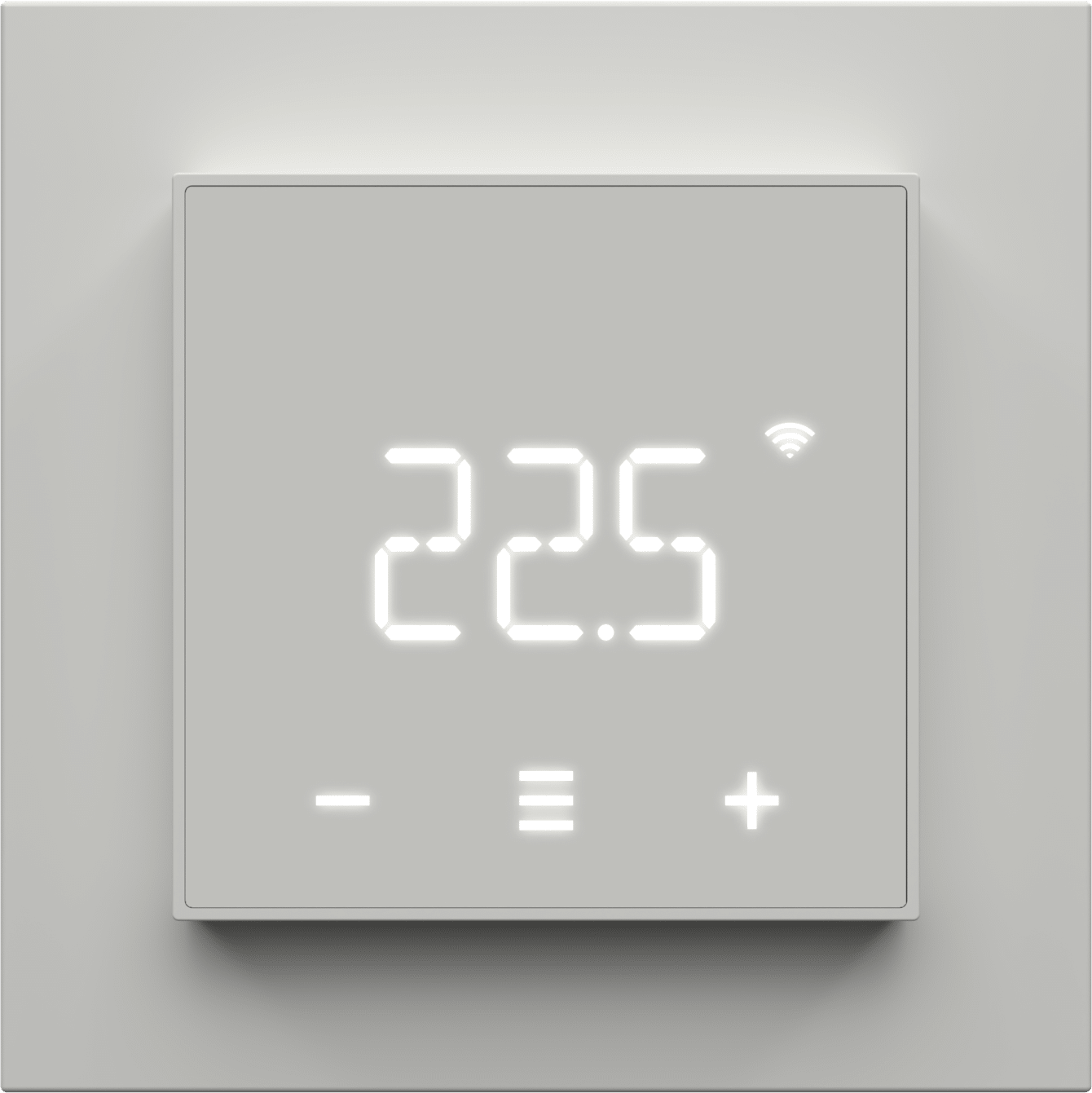
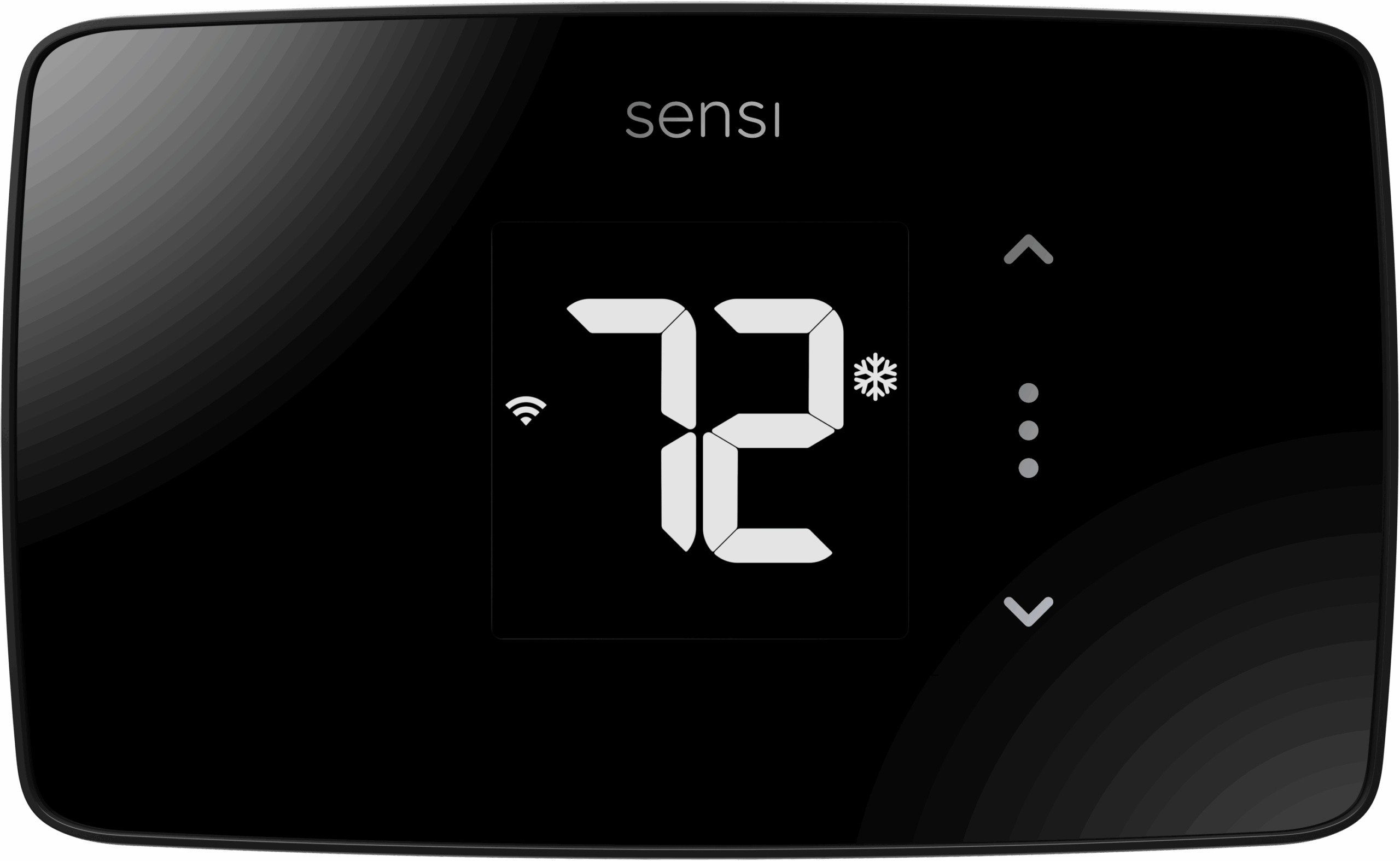
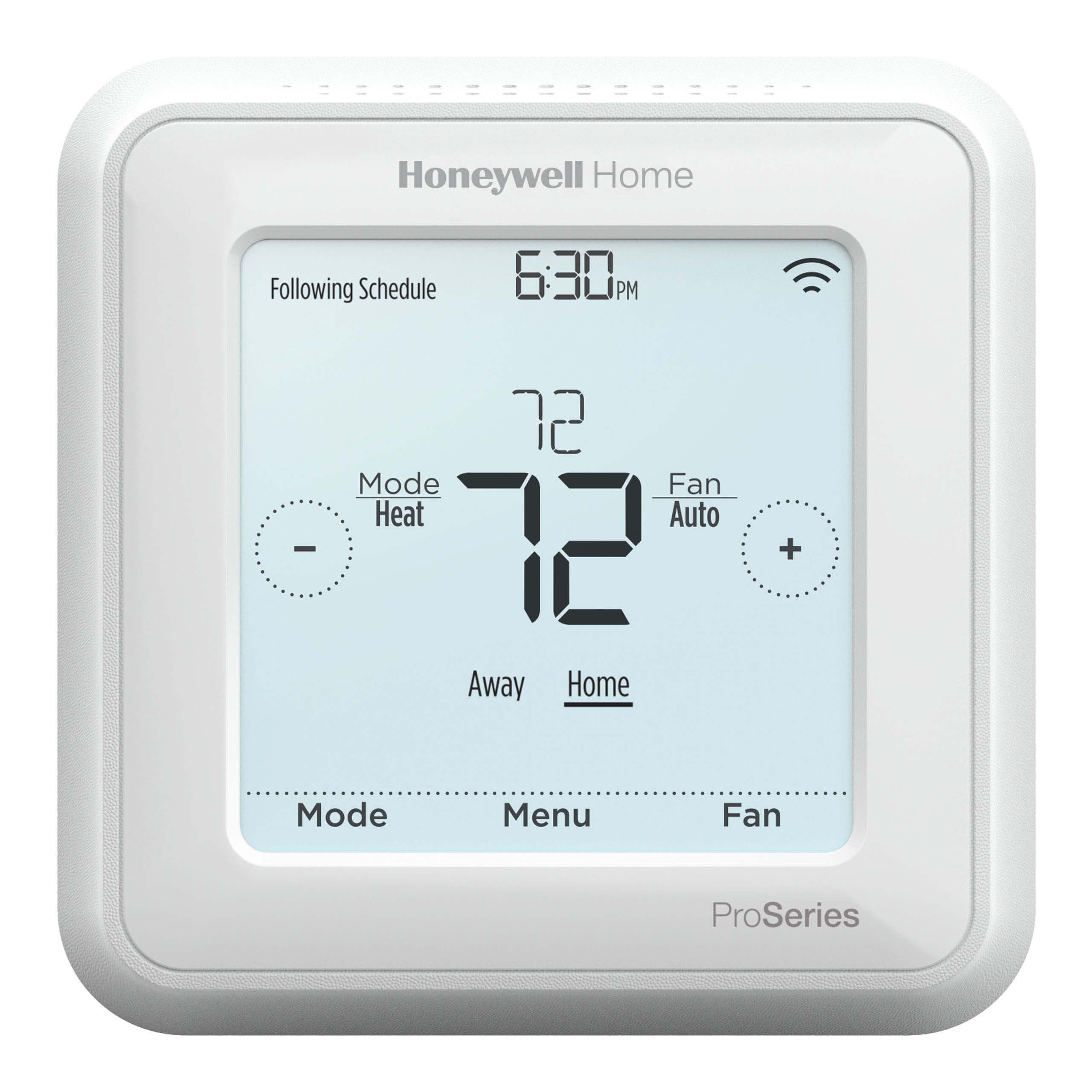
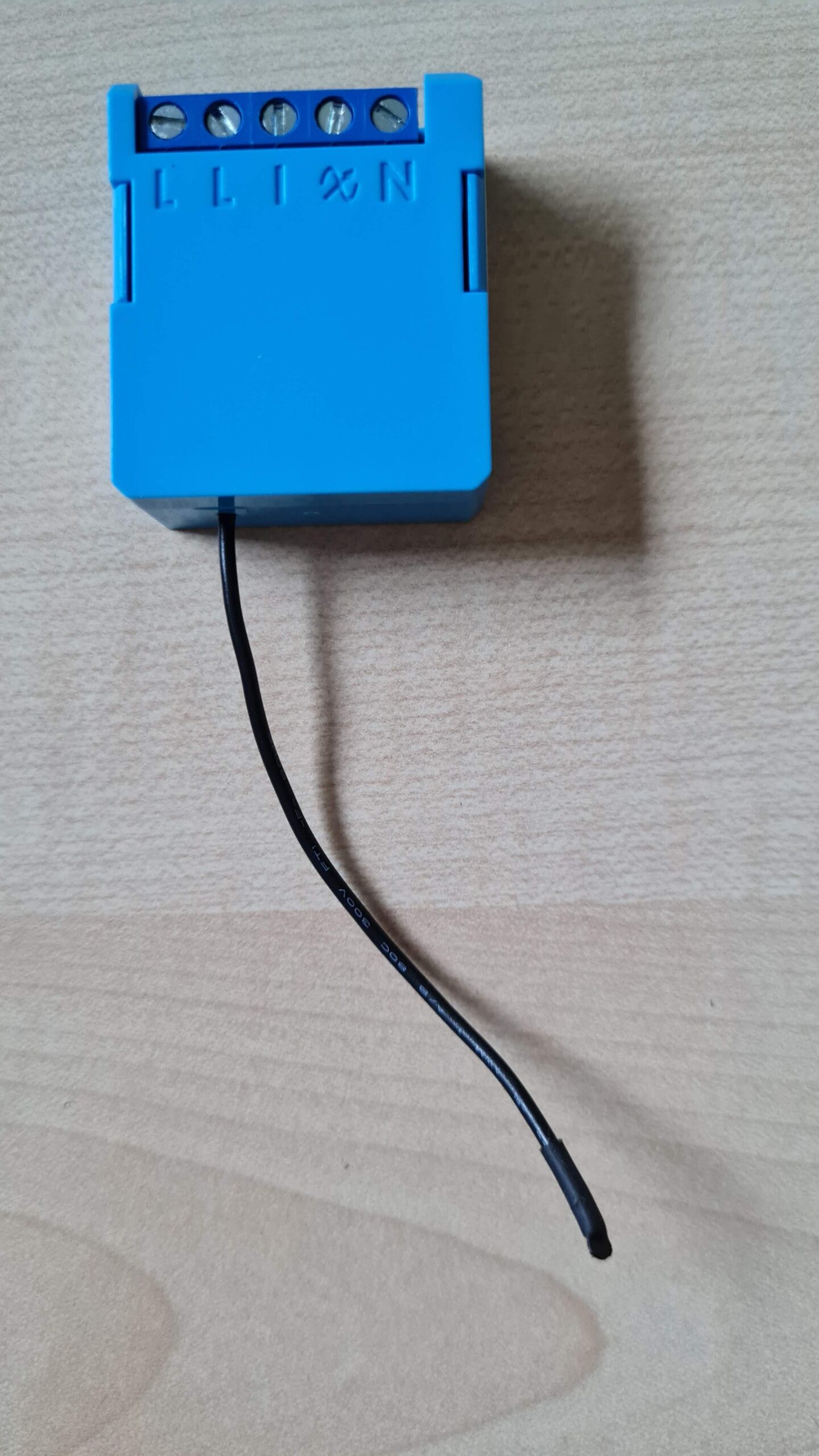
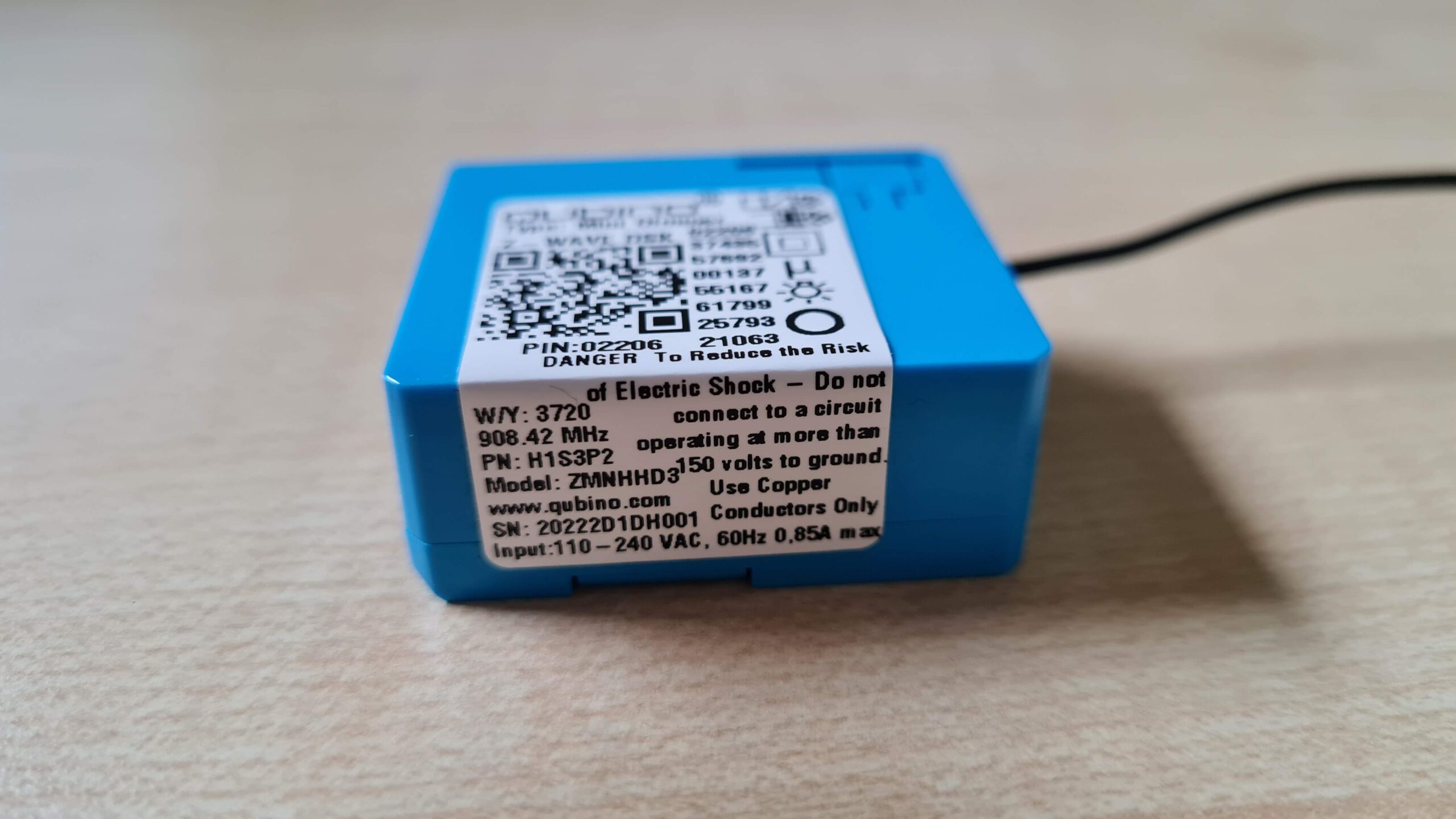
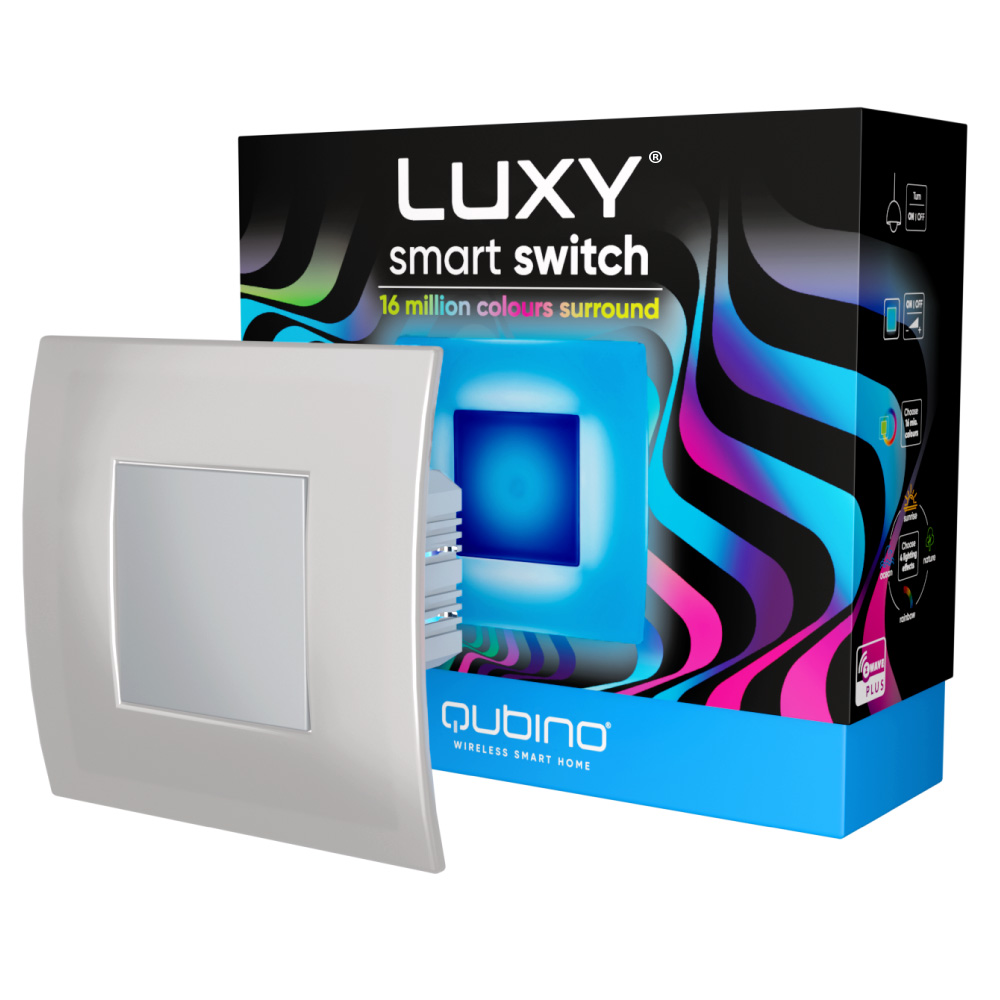
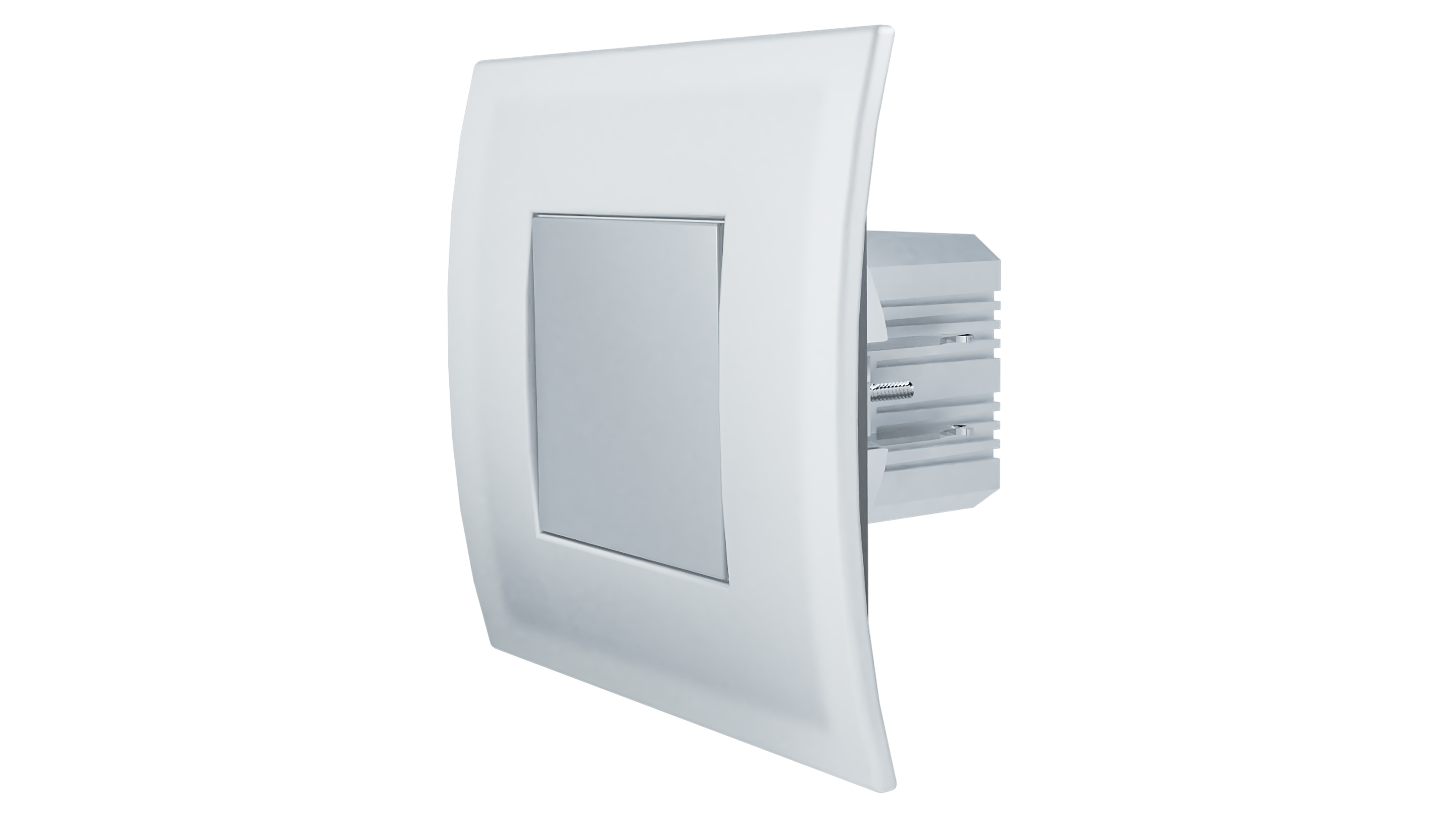
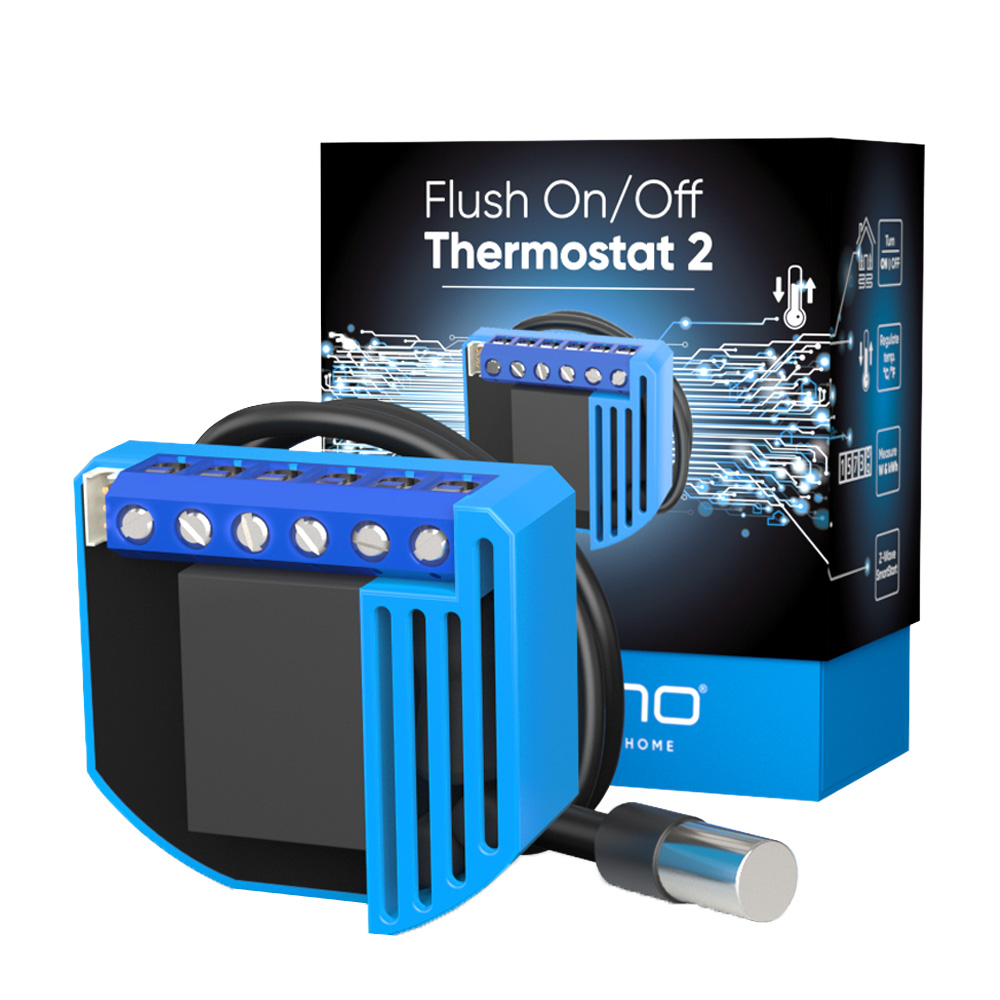
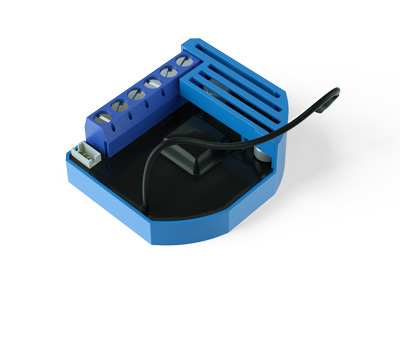
The Qubino On/Off Thermostat 2 is a wireless heating and hot water controller that also measures the power consumption. It's ideal for wireless control of electric or water-based underfloor heating systems, electric water heaters, hot water pumps, and electric radiators. It allows: Scheduling the temperature of your home to your lifestyle. Automatically turn the smart heating system off after leaving the home in the morning and turn it back on remotely before returning. The temperature sensors can trigger the heating system to turn on occasionally and prevent the temperature to drop. On/Off Thermostat 2 can significantly reduce the energy needs and save money — while keeping the house at an optimal temperature. Heating every room separately offers a maximum level of well-being while making your home more energy-efficient. The Qubino Smart Thermostat 2 enables smart zoning, which means you can turn the heating off in isolated rooms and save energy without compromising your comfort.
Want to buy adds it to your wish list and follows QUBINO for updates. I own it adds it to your collection.
Be the first to tag this page — tags appear right away. Try a theme, capability, or subject (e.g. WWII, heist, slow burn, time travel, A24).
Community
Be the first to start a thread about Flush On/Off Thermostat 2
Threads post into the QUBINO community forum.
Sign in to start a thread in the QUBINO community.
Edit history
Loading edit history…
ZC10-20036879
Firmware & software
Firmware version
HW: 1 FW: 10.00:10.00
Hardware version
ZM5202
Identity & commercial
Model number
ZMNKID3
Lifecycle
Status
Active
More specs
Name
Flush On/Off Thermostat 2
Brand
QUBINO
Features
Feature Values Electric Load Type
Documents
Category Description File Manual_Primary_Lang
Role type
ROLE_TYPE_SLAVE_ALWAYS_ON
User icon
0x1200
Categories
Thermostats, Energy Meters, All Lighting Devices, On/Off Switches/Devices, HVAC
Product id
0x0054
S2 classes
S2_UNAUTHENTICATED, S2_AUTHENTICATED
Device type
Thermostat - HVAC
Oem version
HW: 1 FW: 10.00:10.00
Library type
SLAVE_ENHANCED_232
Product line
QUBINO
Supports nwi
Yes
Installer icon
0x1200
Z wave version
6.81.03
Frequency plans
US: 916.00MHz, 908.40MHz
Manufacturer id
0x0159
Product type id
0x0005
Long description
The Qubino On/Off Thermostat 2 is a wireless heating and hot water controller that also measures the power consumption. It's ideal for wireless control of electric or water-based underfloor heating systems, electric water heaters, hot water pumps, and electric radiators. It allows: Scheduling the temperature of your home to your lifestyle. Automatically turn the smart heating system off after leaving the home in the morning and turn it back on remotely before returning. The temperature sensors can trigger the heating system to turn on occasionally and prevent the temperature to drop. On/Off Thermostat 2 can significantly reduce the energy needs and save money — while keeping the house at an optimal temperature. Heating every room separately offers a maximum level of well-being while making your home more energy-efficient. The Qubino Smart Thermostat 2 enables smart zoning, which means you can turn the heating off in isolated rooms and save energy without compromising your comfort.
Hardware platform
ZM5202
Short description
The Qubino Flush On/Off Thermostat 2 can turn On/OFF the connected electrical device and can measure the power consumption of the connected device. All of that can be done manually or remotely. And: - It supports SmartStart inclusion for quick set up - Works on 110-240 VAC or 24-30 VDC
Product identifier
ZMNKID3
Countries / regions
United States of America
Supports smart start
Yes
Certification number
ZC10-20036879
Radio range z wave (m)
40
Configuration parameters
Parameter Number Name Description Format Size Min Value Max Value Default Value Parameter Values 59
Supports explorer frames
Yes
Supported command classes
Identifier Name Key Version COMMAND_CLASS_POWERLEVEL
Controlled command classes
Identifier Name Key Version COMMAND_CLASS_BASIC_V2
Supported multilevel sensors
Multilevel Sensor Type Air temperature
Supported notification types
Notification Type Event / State Power Management
Supported / controlled meter types
Meter Type Rate Type Description Electric meter
Value inductive (e.g. motor) switch type value toggle thermostat hvac systems supported value simple relay heat only cool only thermostat power source value power stealing (hard wired 24 v) mains powered (120 v/240 v) color value light blue switch load capacity current value 10 switch load capacity watts value 2300 thermostat modes value heat cool association groups
Group Number Maximum Nodes Supported End Point ID Group Name Description 2
Similar Thermostat
Current-generation and recently-released alternatives in the same category.
From to description 0 1 values (size is 1 byte dec): • default value 0 • 0 heat mode • 1 cool mode note1: after parameter change, first exclude device (without setting parameters to default value) and then re include the device! 43 parameter no. 43 – hysteresis upper temperature offset this parameter defines minimum temperature difference between real measured temperature and set point temperature to turn device on in heat mode or turn device off in cool mode. 1 2 0 450 5 from to description 0 450 values (size is 2 byte dec): • default value 5 (0.5 °c) • 0 – 450 note1: if configuration parameter 78 (scale selection) is set to celsius, then valid interval is 0 – 250 (0.0 °c – 25.0 °c, resolution 0.1 °c) note2: if configuration parameter 78 (scale selection) is set to fahrenheit, then valid interval is 0 – 450 (0.0 °f – 45.0 °f, resolution 0.1 °f) note3: if configuration parameter 78 (scale selection) is set to fahrenheit, note that fahrenheit values will be converted to celsius degrees. due to conversion algorithm please be advised that configuration value could drift when converting values back and forth. 1 parameter no. 1 – input i1 switch type with this parameter, you can select between push button (momentary) and on/off toggle switch types. values (size is 1 byte dec): • default value 1 • 0 push button (momentary) • 1 on/off toggle switch 1 1 0 1 1 from to description 0 1 with this parameter, you can select between push button (momentary) and on/off toggle switch types. 4 parameter no. 4 – input 1 contact type this parameter determines how the switch or push button is connected. 1 1 0 1 0 from to description 0 1 values (size is 1 byte dec): • default value 0 • 0 no (normally open) input type • 1 nc (normally close) input type 42 parameter no. 42 – watt power consumption reporting time threshold for q⬆ set value refers to the time interval with which power consumption in watts is reported (30 – 32767 seconds) starting from time of last watts reported. if for example 300 is entered, energy consumption reports will be sent to the gateway (hub) every 300 seconds (or 5 minutes). example: if we set value to 30 seconds and the device reports watts because of percent change of power (parameter 40 watt power consumption reporting threshold) at time = 5 seconds, then the device will send next meter report at time = 35 seconds (assuming the device has not sent report within interval 5 to 35 seconds). 1 2 0 32767 600 from to description 0 32767 values (size is 2 byte dec): • default value 600 (600 seconds = 10 minutes) • 0 power consumption reporting disabled • 30 32767 = 30 32767 seconds. power consumption reporting enabled. report is sent according to time interval (value) set here. example: if we set value to 30 s and the device reports watts because of percent change of power (parameter 40 watt power consumption reporting threshold) at time = 5 seconds, then the device will send next meter report at time = 35 s (assuming the device has not sent report within interval 5 to 35 seconds). 44 parameter no. 44 – hysteresis lower temperature offset this parameter defines minimum temperature difference between real measured temperature and set point temperature to turn device off in heat mode or turn device on in cool mode. note1: if configuration parameter 78 (scale selection) is set to celsius, then valid interval is 0 – 250 (0.0 °c – 25.0 °c, resolution 0.1 °c) note2: if configuration parameter 78 (scale selection) is set to fahrenheit, then valid interval is 0 – 450 (0.0 °f – 45.0 °f, resolution 0.1 °f) note3: if configuration parameter 78 (scale selection) is set to fahrenheit, note that fahrenheit values will be converted to celsius degrees. due to conversion algorithm please be advised that configuration value could drift when converting values back and forth. 1 2 0 450 5 from to description 0 450 values (size is 2 byte dec): • default value 5 (0.5 °c) • 0 450 note1: if configuration parameter 78 (scale selection) is set to celsius, then valid interval is 0 – 250 (0.0 °c – 25.0 °c, resolution 0.1 °c) note2: if configuration parameter 78 (scale selection) is set to fahrenheit, then valid interval is 0 – 450 (0.0 °f – 45.0 °f, resolution 0.1 °f) note3: if configuration parameter 78 (scale selection) is set to fahrenheit, note that fahrenheit values will be converted to celsius degrees. due to conversion algorithm please be advised that configuration value could drift when converting values back and forth. 45 parameter no. 45 – antifreeze set value determines at which temperature the device will be turned on even (if the thermostat was manually set to off). 1 2 125 1000 50 from to description 125 1000 values (size is 2 byte dec): • default value 50 (5.0 °c) • 125 – 545 • 1000 antifreeze functionality disabled note1: antifreeze is activated only in heating mode and it uses hysteresis of ±0.5 °c. note2: if configuration parameter 78 (scale selection) is set to celsius, then valid interval is 125 – 125 ( 12.5 °c – 12.5 °c, resolution 0.1 °c) note3: if configuration parameter 78 (scale selection) is set to fahrenheit, then valid interval is 95 – 545 (9.5 °f – 54.5 °f, resolution 0.1 °f) note4: if configuration parameter 78 (scale selection) is set to fahrenheit, note that fahrenheit values will be converted to celsius degrees. due to conversion algorithm please be advised that configuration value could drift when converting values back and forth. 60 parameter no. 60 – too low temperature limit this parameter determines the temperature at which the device sends a command to the associated device to turn on device or to turn off device. note1: too low temperature limit is used with association group 3. note2: if configuration parameter 78 (scale selection) is set to celsius, then valid interval is 150 – 1000 ( 15.0 °c – 100.0 °c, resolution 0.1 °c) note3: if configuration parameter 78 (scale selection) is set to fahrenheit, then valid interval is 50 – 2120 (5.0 °f – 212.0 °f, resolution 0.1 °f) note4: if configuration parameter 78 (scale selection) is set to fahrenheit, note that fahrenheit values will be converted to celsius degrees. due to conversion algorithm please be advised that configuration value could drift when converting values back and forth. 1 2 150 2120 50 from to description 150 2120 values (size is 2 byte dec): • default value 50 (too low temperature limit is 5.0 °c) • 150 – 2120 note1: too low temperature limit is used with association group 3. note2: if configuration parameter 78 (scale selection) is set to celsius, then valid interval is 150 – 1000 ( 15.0 °c – 100.0 °c, resolution 0.1 °c) note3: if configuration parameter 78 (scale selection) is set to fahrenheit, then valid interval is 50 – 2120 (5.0 °f – 212.0 °f, resolution 0.1 °f) note4: if configuration parameter 78 (scale selection) is set to fahrenheit, note that fahrenheit values will be converted to celsius degrees. due to conversion algorithm please be advised that configuration value could drift when converting values back and forth. 61 parameter no. 61 – too high temperature limit this parameter determines the temperature at which the device sends a command to the associated device, to turn on device or to turn off device. note1: too high temperature limit is used with association group 3. note2: if configuration parameter 78 (scale selection) is set to celsius, then valid interval is 1 – 1000 (0.1 °c – 100.0 °c, resolution 0.1 °c) note3: if configuration parameter 78 (scale selection) is set to fahrenheit, then valid interval is 322 – 2120 (32.2 °f – 212.0 °f, resolution 0.1 °f) note4: if configuration parameter 78 (scale selection) is set to fahrenheit, note that fahrenheit values will be converted to celsius degrees. due to conversion algorithm please be advised that configuration value could drift when converting values back and forth. 1 2 1 2120 700 from to description 1 2120 values (size is 2 byte dec): • default value 700 (too high temperature limit is 70.0 °c) • 1 – 2120 note1: too high temperature limit is used with association group 3. note2: if configuration parameter 78 (scale selection) is set to celsius, then valid interval is 1 – 1000 (0.1 °c – 100.0 °c, resolution 0.1 °c) note3: if configuration parameter 78 (scale selection) is set to fahrenheit, then valid interval is 322 – 2120 (32.2 °f – 212.0 °f, resolution 0.1 °f) note4: if configuration parameter 78 (scale selection) is set to fahrenheit, note that fahrenheit values will be converted to celsius degrees. due to conversion algorithm please be advised that configuration value could drift when converting values back and forth. 63 parameter no. 63 – output switch selection set value determines the type of the device connected to the on/off output. the output type can be normally open (no) or normally closed (nc). 1 1 0 1 0 from to description 0 1 values (size is 1 byte dec): • default value 0 • 0 when switch/device is off the output is 0 v (nc). • 1 when switch/device is off the output is 240 vac or 24 vdc (no). 78 parameter no. 78 – scale selection this parameter determines in which measurement unit the device will report temperature (fahrenheit or celsius) and determines the scale the configuration parameters (43, 44, 44, 45, 60, 61, 110, 120) are interpreted as. note1: this scale has influence on temperature reporting. the device is capable of receiving a set point in all supported scales. note2: this configuration parameter has impact on configuration parameters 43, 44, 44, 45, 60, 61, 110, 120. if scale is set to degrees fahrenheit configuration values at parameters 43, 44, 44, 45, 60, 61, 110, 120 will be converted to degrees celsius. please note that converted values could drift when converting values back and forth. 1 1 0 1 0 from to description 0 1 values (size is 1 byte dec): • default value 0 = degrees celsius • 0 = degrees celsius • 1 = degrees fahrenheit 2 parameter no. 110 – temperature sensor offset settings set value is added to or subtracted from the actually measured value to adjust the temperature report sent by an external sensor. note1: if configuration parameter 78 (scale selection) is set to celsius, then valid interval is 150 – 150 ( 15.0 °c – 15.0 °c, resolution 0.1 °c) note2: if configuration parameter 78 (scale selection) is set to fahrenheit, then valid interval is 270 270 ( 27.0 °f – 27.0 °f, resolution 0.1 °f) note3: if configuration parameter 78 (scale selection) is set to fahrenheit, note that fahrenheit values will be converted to celsius degrees. due to conversion algorithm please be advised that configuration value could drift when converting values back and forth. 1 2 270 270 0 from to description 270 270 values (size is 2 byte dec): • default value 0 • 270 270 110 parameter no. 110 – temperature sensor offset settings set value is added to or subtracted from the actually measured value to adjust the temperature report sent by an external sensor. note1: if configuration parameter 78 (scale selection) is set to celsius, then valid interval is 150 – 150 ( 15.0 °c – 15.0 °c, resolution 0.1 °c) note2: if configuration parameter 78 (scale selection) is set to fahrenheit, then valid interval is 270 270 ( 27.0 °f – 27.0 °f, resolution 0.1 °f) note3: if configuration parameter 78 (scale selection) is set to fahrenheit, note that fahrenheit values will be converted to celsius degrees. due to conversion algorithm please be advised that configuration value could drift when converting values back and forth. 1 2 270 270 0 from to description 270 270 values (size is 2 byte dec): • default value 0 • 270 270 note1: if configuration parameter 78 (scale selection) is set to celsius, then valid interval is 150 – 150 ( 15.0 °c – 15.0 °c, resolution 0.1 °c) note2: if configuration parameter 78 (scale selection) is set to fahrenheit, then valid interval is 270 270 ( 27.0 °f – 27.0 °f, resolution 0.1 °f) note3: if configuration parameter 78 (scale selection) is set to fahrenheit, note that fahrenheit values will be converted to celsius degrees. due to conversion algorithm please be advised that configuration value could drift when converting values back and forth. 120 parameter no. 120 – temperature sensor reporting threshold this configuration parameters sets reporting threshold between reported temperature and actual temperature for reporting temperature at association group 4. 1 2 0 270 5 from to description 0 270 values (size is 2 byte dec): • default value 5 = 0.5°c • 0 – reporting disabled • 0 – 270 note1: if configuration parameter 78 (scale selection) is set to celsius, then valid interval is 0 – 150 (0 °c – 15.0 °c, resolution 0.1 °c) note2: if configuration parameter 78 (scale selection) is set to fahrenheit, then valid interval is 0 270 (0 °f – 27.0 °f, resolution 0.1 °f) note3: if configuration parameter 78 (scale selection) is set to fahrenheit, note that fahrenheit values will be converted to celsius degrees. due to conversion algorithm please be advised that configuration value could drift when converting values back and forth. texts