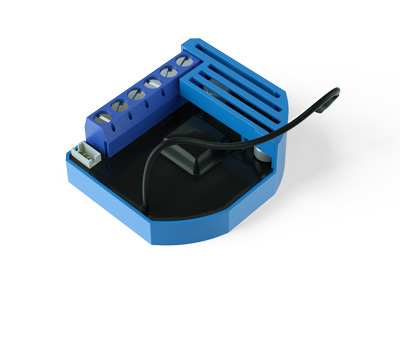
- Name
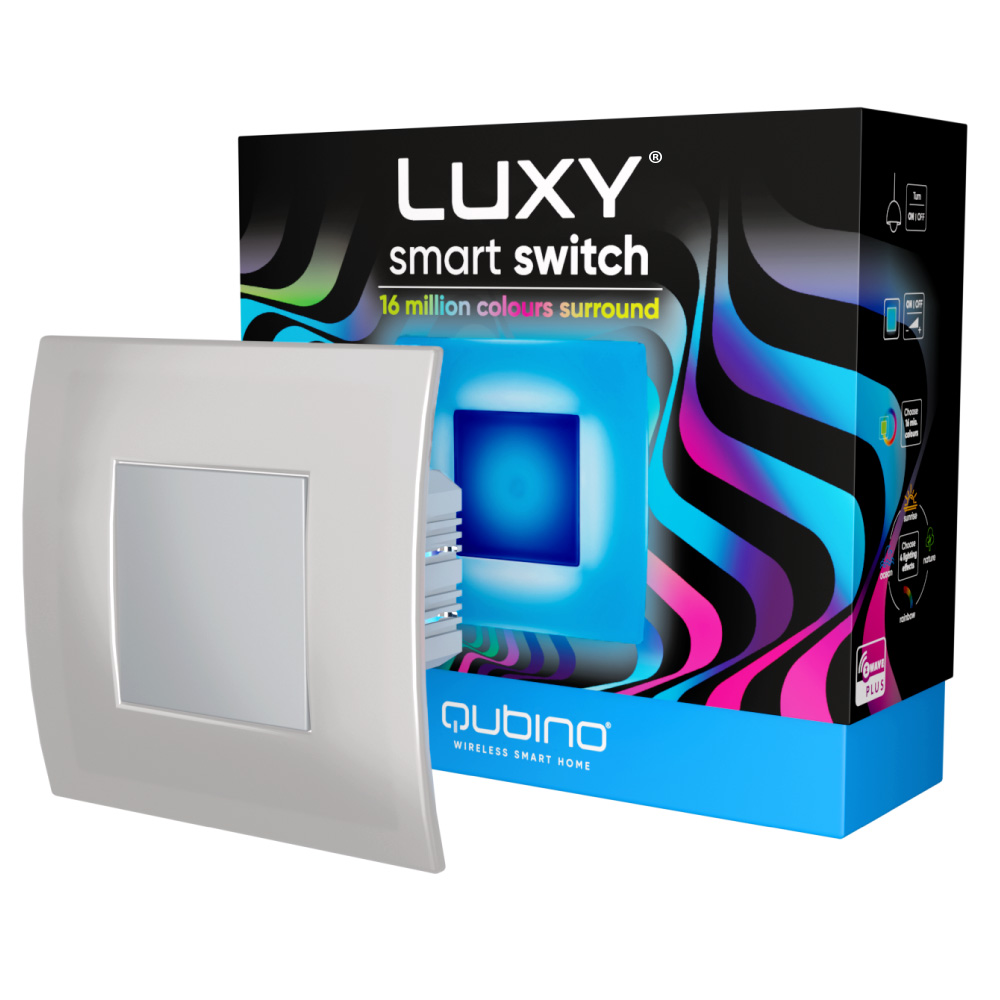
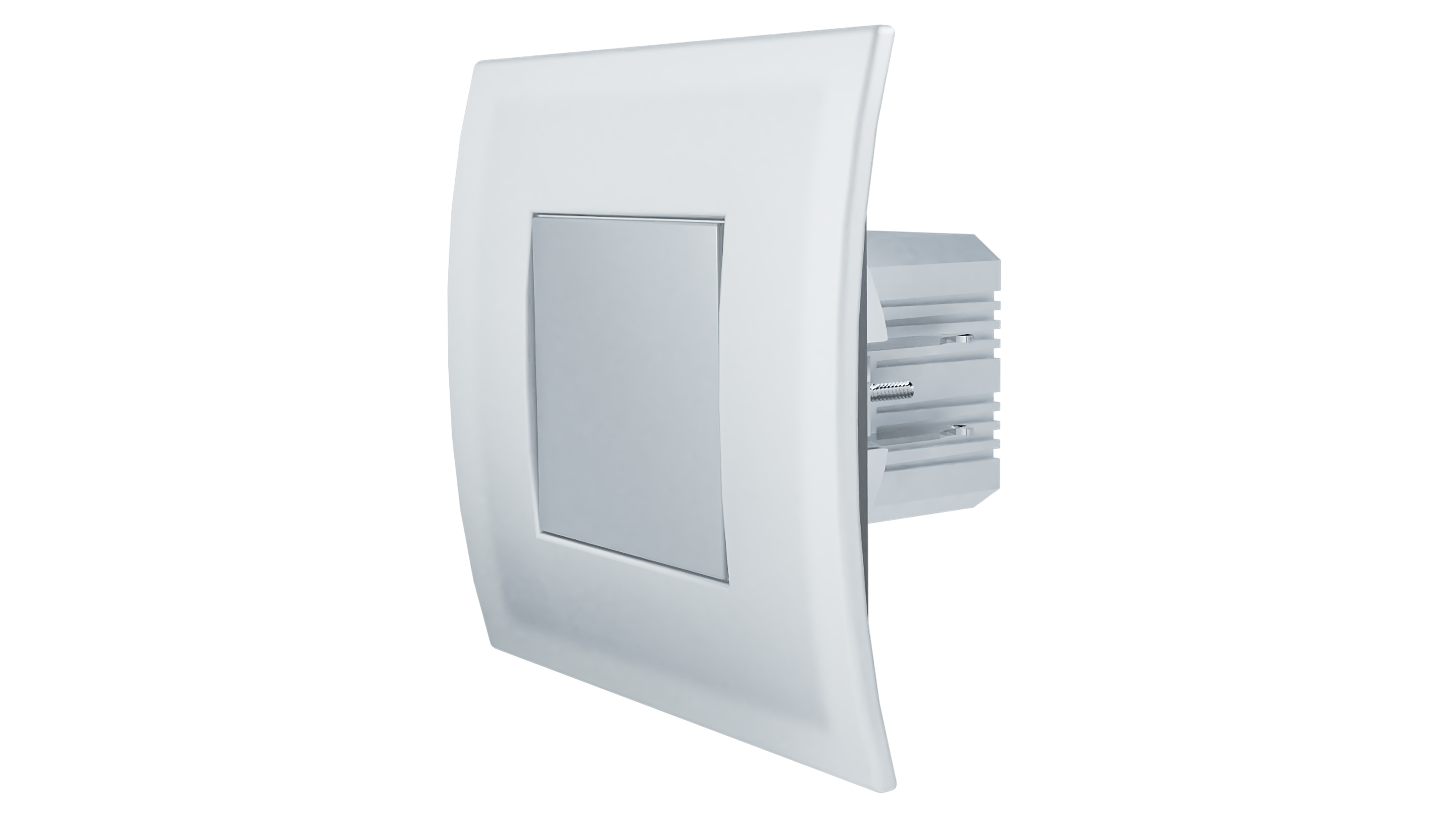
- Luxy Smart Switch
- Brand
- QUBINO
- Documents
- Category Description File Manual_Primary_Lang
- Role type
- ROLE_TYPE_SLAVE_ALWAYS_ON
- User icon
- 0x0600
- Categories
- Energy Meters, All Lighting Devices, On/Off Switches/Devices, Lighting Accessories
- Product id
- 0x0052
- S2 classes
- S2_UNAUTHENTICATED, S2_AUTHENTICATED
- Device type
- Color Switch
- Oem version
- HW: 1 FW: 20.00:20.00
- Library type
- SLAVE_ENHANCED_232
- Product line
- QUBINO
- Supports nwi
- Yes
- Installer icon
- 0x0600
- Z wave version
- 6.82.01
- Frequency plans
- EU: 869.85MHz, 868.40MHz
- Manufacturer id
- 0x0159
- Product type id
- 0x0008
- Long description
- Luxy Smart Switch is an innovative light source that gently illuminates in more than 16 million colors and easily fits into places of your light switch or socket. It can be used standalone, as ambient light, or as a smart home device. With an additional output, it can simply replace your existing light switch or can be used for powering IR panels, fans, water heaters, etc.
- Hardware platform
- ZM5101
- Short description
- Luxy Smart Switch is an innovative light switch that can illuminate your home in more than 16 million colors and can easily replace existing light switches.
- Association groups
- Group Number Maximum Nodes Supported End Point ID Group Name Profile Description 2
- Product identifier
- ZMNKAD1
- Countries / regions
- European Union
- Certification number
- ZC10-21017006
- Radio range z wave (m)
- 40
- Configuration parameters
- Parameter Number Name Description Format Size Min Value Max Value Default Value Parameter Values 1
- Supports explorer frames
- Yes
- Supported command classes
- Identifier Name Key Version COMMAND_CLASS_POWERLEVEL
- Supported notification types
- Notification Type Event / State Smoke Alarm
- Supported / controlled meter types
- Meter Type Rate Type Description Gas meter
- From to description 0 0 no (normally open) output type 1 1 nc (normally close) output type 3 parameter no 3. – turning off alarming values (size is 1 byte dec): • default value 1 • 0 – only by z wave command (basic set, switch multilevel set, switch multilevel start/stop level change, switch color set, switch color start/stop level change, notification report idle) • 1 – capacitive input (up, down, left, right) or z wave command (basic set, switch multilevel set, switch multilevel start/stop level change, , switch color set, switch color start/stop level change, notification report idle) 1 1 0 1 1 from to description 0 0 only by z wave command (basic set, switch multilevel set, switch multilevel start/stop level change, switch color set, switch color start/stop level change, notification report idle) 1 1 capacitive input (up, down, left, right) or z wave command (basic set, switch multilevel set, switch multilevel start/stop level change, , switch color set, switch color start/stop level change, notification report idle) 31 parameter no. 31. – restore relay state on power failure values (size is 1 byte dec): • default value 1 • 1 – enabled (the device will restore state on power failure) • 0 – disabled (the device will not restore state on power failure and will remain off) 1 1 0 1 1 from to description 1 1 enabled (the device will restore state on power failure) 0 0 disabled (the device will not restore state on power failure and will remain off) 60 parameter no. 60 – lock touch for relay only this parameter enables only the touch functionality for closing/opening the relay meant for switching on/off the connected light or any other connected load. see chapter 5.4 for additional information. values (size is 1 byte dec): • default value 0 • 0 – disabled • 1 – enabled (the user can switch on/off the connected light or any other connected load by touching any button. other functionalities (lighting mode, scenes, dimming and full white, inclusion/exclusion and reset) are unavailable until function disabled). 1 1 0 1 0 from to description 0 0 disabled 1 1 enabled (the user can switch on/off the connected light or any other connected load by touching any button. other functionalities (lighting mode, scenes, dimming and full white, inclusion/exclusion and reset) are unavailable until function disabled). 70 parameter no. 70 overload safety switch the function allows for turning off the controlled device in case of exceeding the defined power for more than 5 sec. controlled device can be turned back on by capacitive antenna/s or sending a control frame. values (size is 2 byte dec): • default value 2300 • 0 = function not active • 1 – 2300 = 1 w – 2300 w ⓘ note: this functionality is not an overload safety protection, please check chapter “functionalities” for more details. in case of overload the following message will be send towards the controller: command class notification v5 the alarm v1 type field set to 0x00 notification type 0x08 and 0x08 (overload detected) 1 2 0 2300 1 from to description 0 0 function not active 1 2300 1 w – 2300 w texts