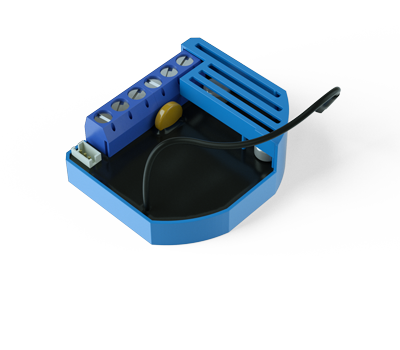
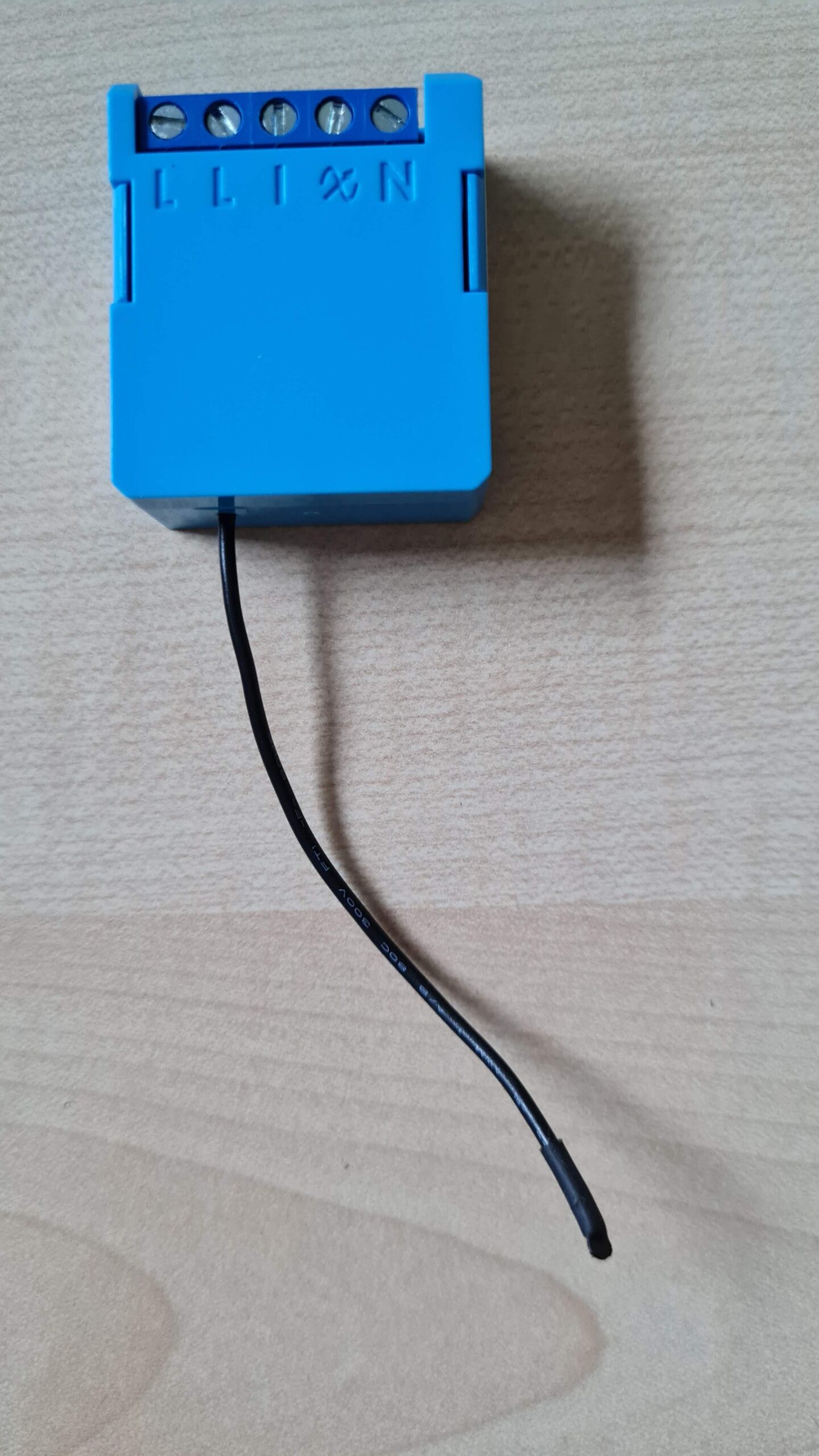
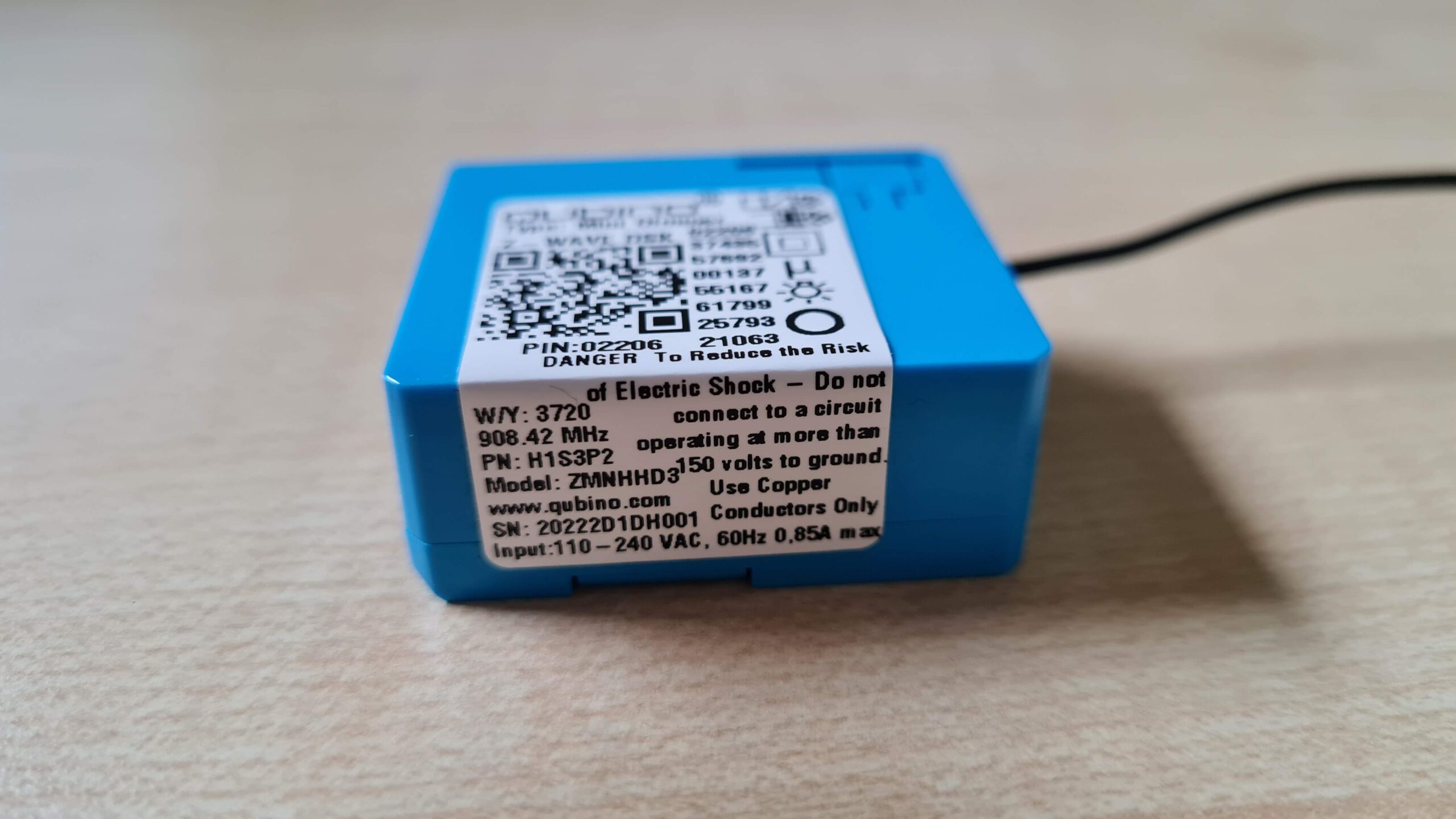
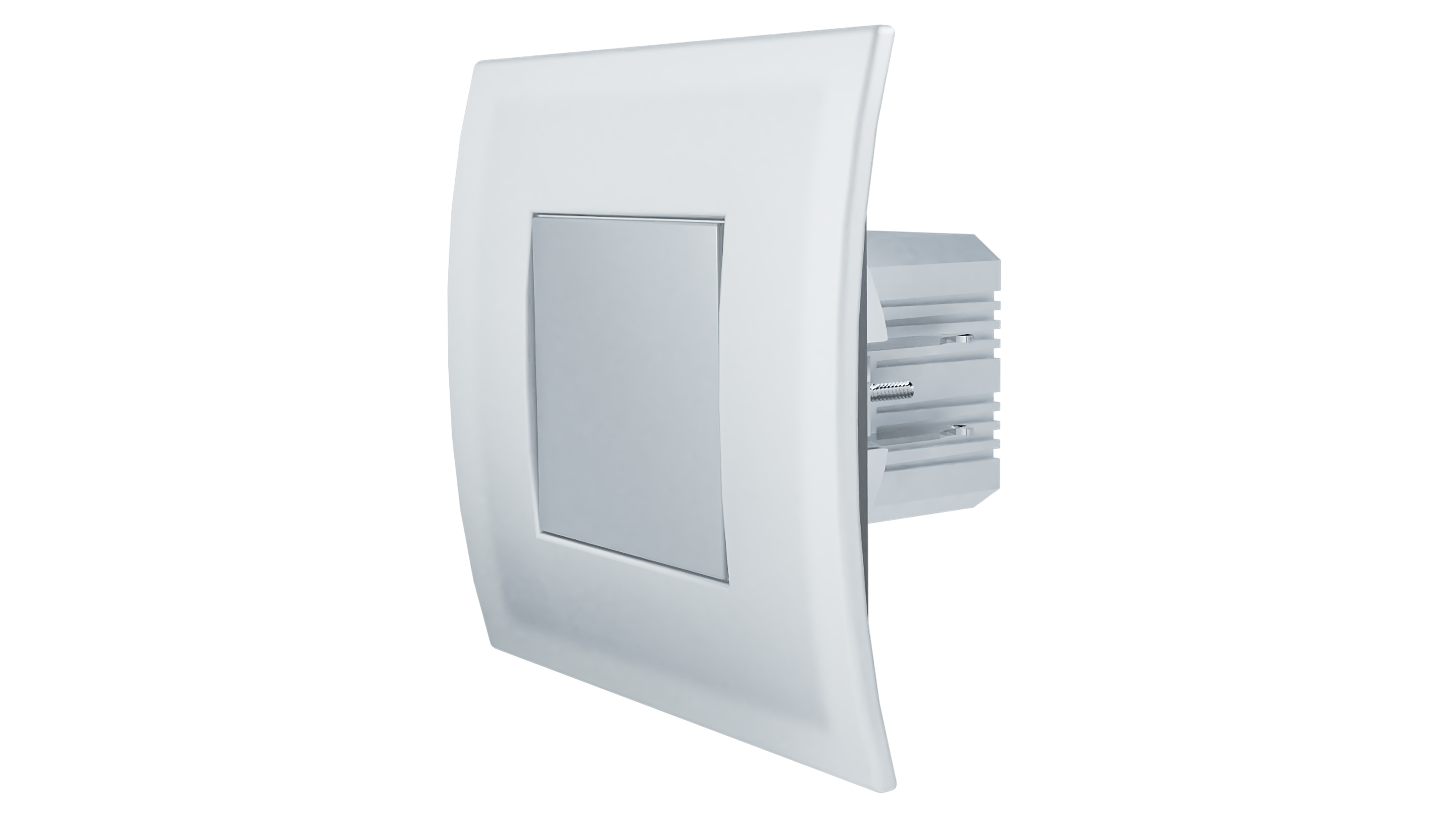
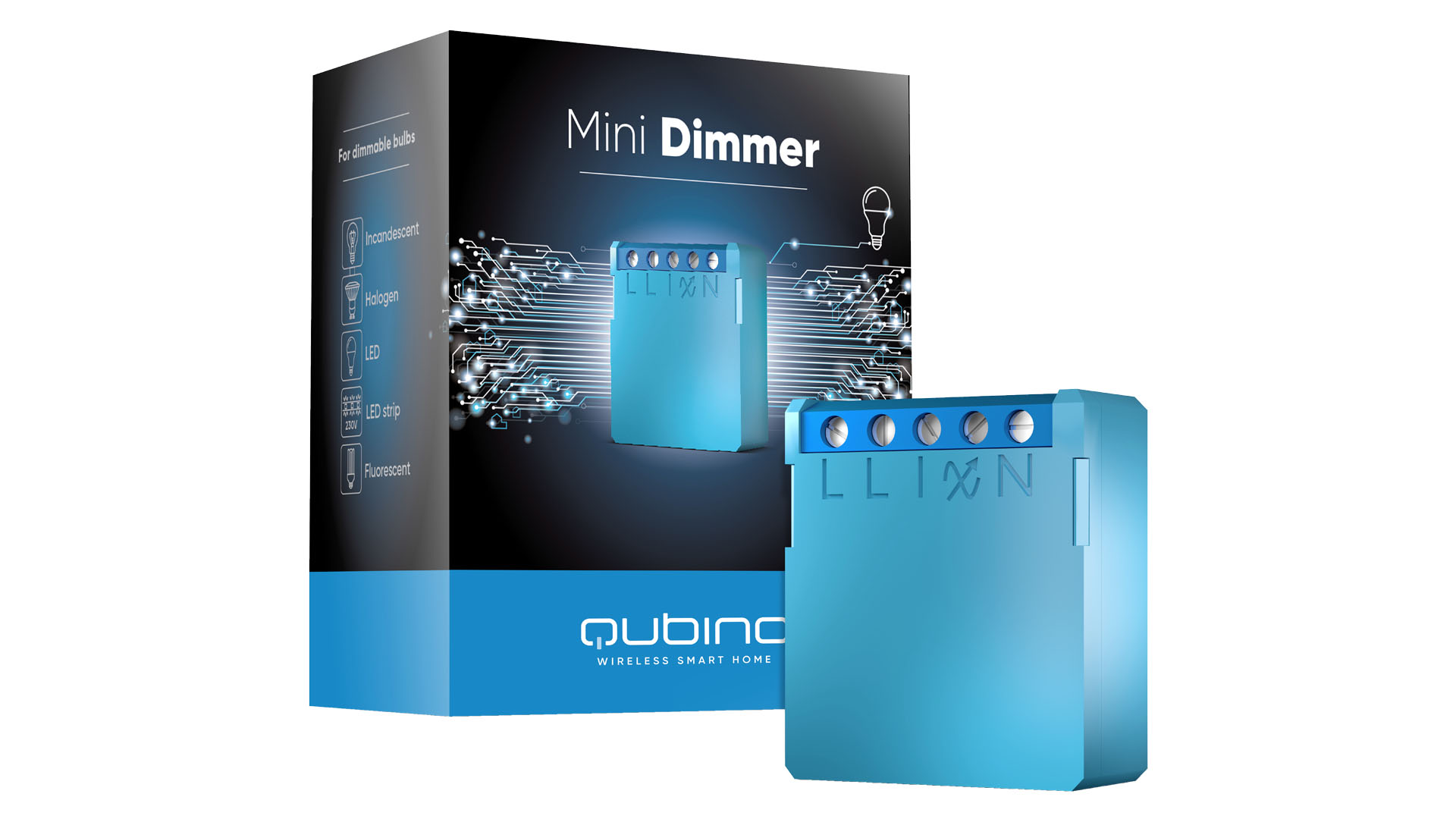
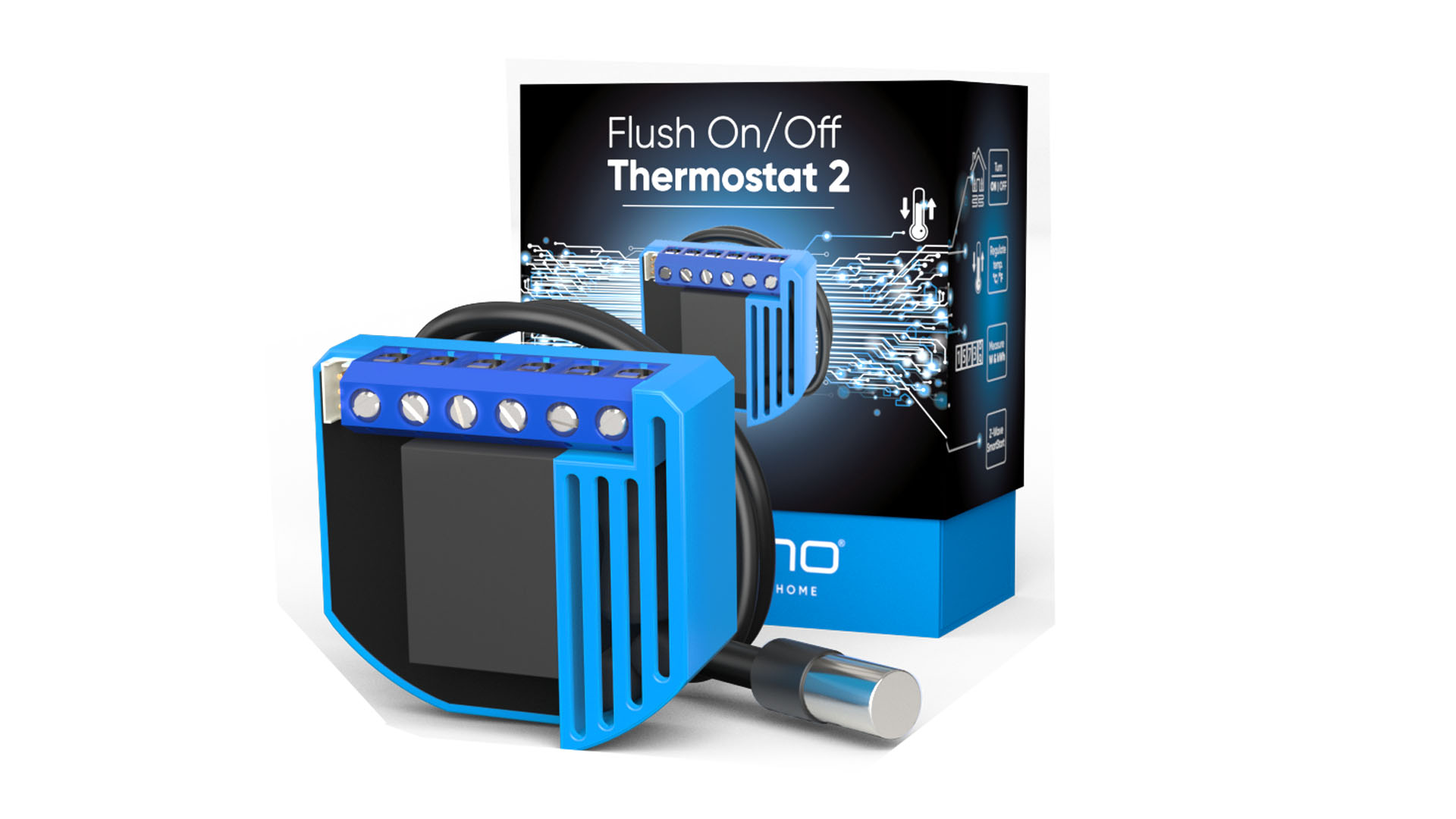
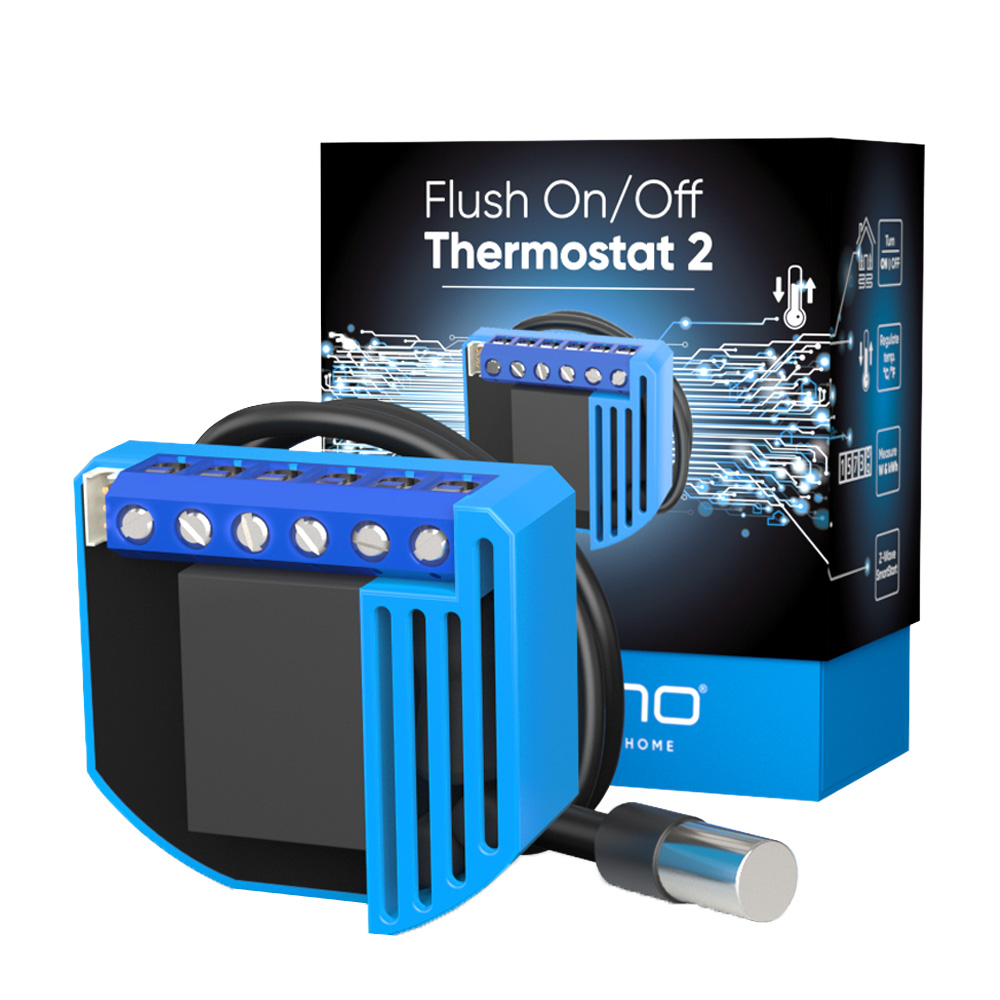
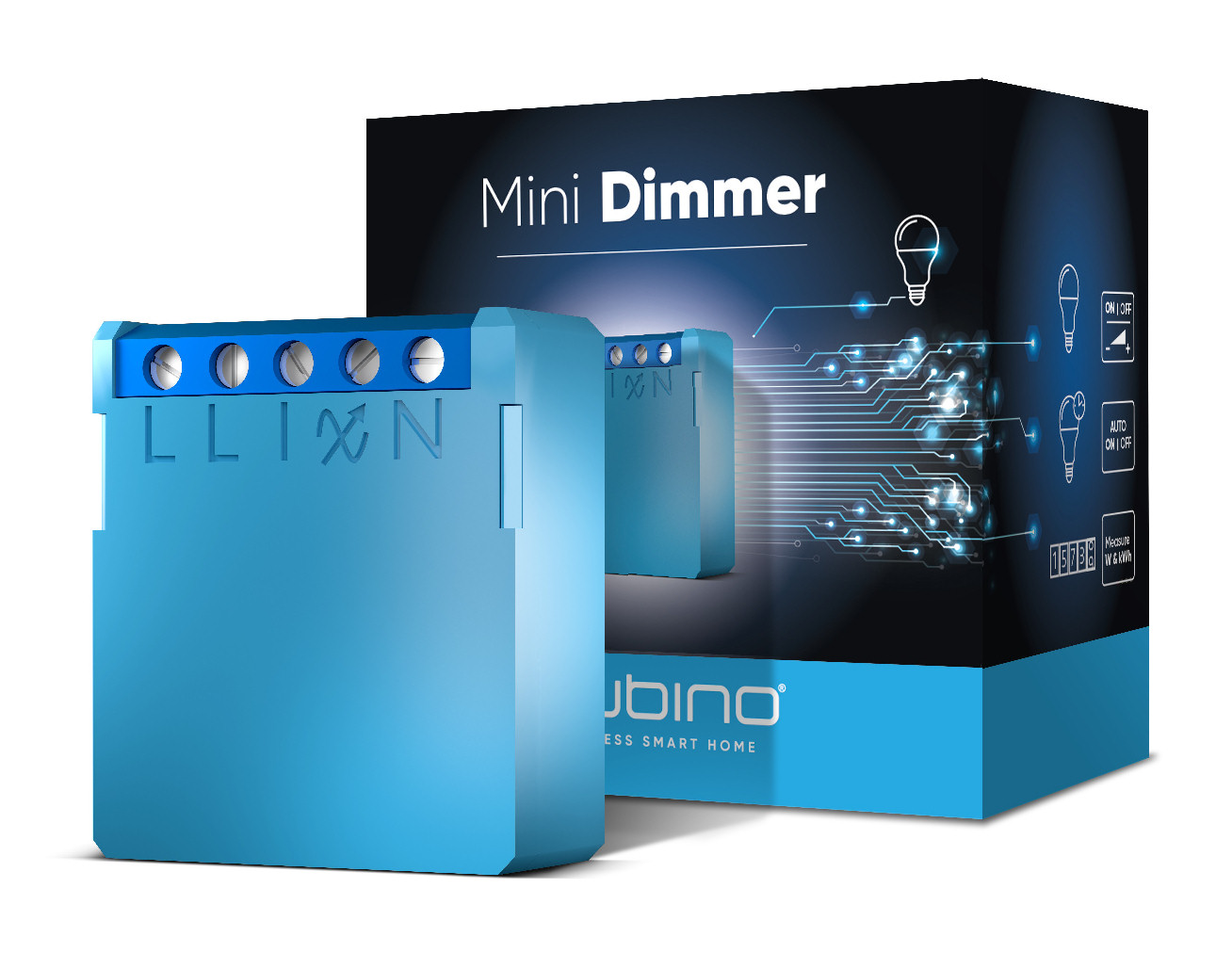
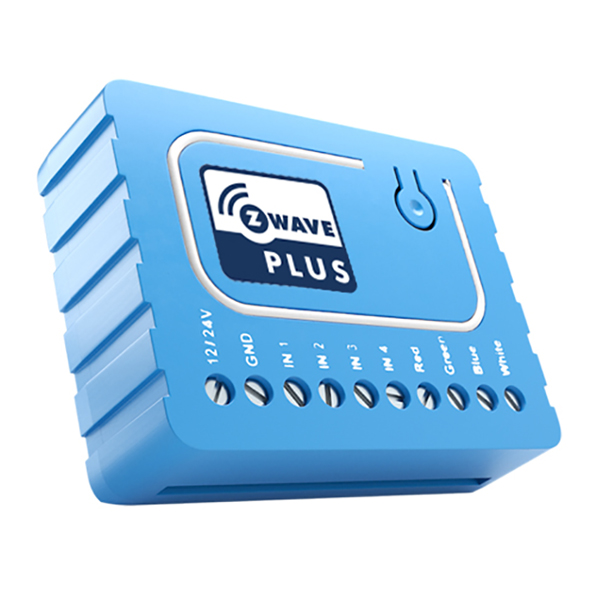
This Z-Wave module is used for dimming the bulb or to manage the speed of a fan. The module can be controlled either through a Z-Wave network or through the wall switch. The module is designed to be mounted inside a “flush mounting box”, hidden behind a traditional wall switch. Module measures power consumption of bulb or fan and supports connection of digital temperature sensor. It is designed to act as repeater in order to improve range and stability of Z-wave network.
Want to buy adds it to your wish list and follows QUBINO for updates. I own it adds it to your collection.
Be the first to tag this page — tags appear right away. Try a theme, capability, or subject (e.g. WWII, heist, slow burn, time travel, A24).
Community
Be the first to start a thread about Qubino Flush Dimmer
Threads post into the QUBINO community forum.
Sign in to start a thread in the QUBINO community.
Edit history
Loading edit history…
ZC10-16115319
Firmware & software
Firmware version
3.3.3.3.3
Hardware version
ZM5202
Identity & commercial
Model number
ZMNHDD1
Lifecycle
Status
Active
More specs
Name
Qubino Flush Dimmer
Brand
QUBINO
Features
Feature Values Color
Documents
Category Description File Manual_Primary_Lang
Role type
ROLE_TYPE_SLAVE_ALWAYS_ON
User icon
0x1C00
Categories
All Lighting Devices, Dimming Lighting Devices
Product id
0x0051
Device type
Light Dimmer Switch
Oem version
3.3.3.3.3
Library type
SLAVE_ENHANCED_232
Supports nwi
Yes
Installer icon
0x1C00
Z wave version
6.51.07
Frequency plans
EU: 869.85MHz, 868.40MHz
Manufacturer id
0x0159
Product type id
0x0001
Long description
This Z-Wave module is used for dimming the bulb or to manage the speed of a fan. The module can be controlled either through a Z-Wave network or through the wall switch. The module is designed to be mounted inside a “flush mounting box”, hidden behind a traditional wall switch. Module measures power consumption of bulb or fan and supports connection of digital temperature sensor. It is designed to act as repeater in order to improve range and stability of Z-wave network.
Hardware platform
ZM5202
Short description
Used for light dimming or managing fan speed.
Product identifier
ZMNHDD1
Countries / regions
European Union
Certification number
ZC10-16115319
Configuration parameters
Parameter Number Name Description Format Size Min Value Max Value Default Value Parameter Values 4
Supports explorer frames
Yes
Supported multilevel sensors
Multilevel Sensor Type Air temperature
Supported / controlled meter types
Meter Type Rate Type Description Electric meter
Value light blue electric load type value incandescent elv (electronic) dimmable led switch type value push button supported meter type value electric energy sensors value air temperature switch load capacity current value ac 0,6 a; dc 0,85 a switch load capacity watts value ac 140 w; dc 21 w association groups
Group Number Maximum Nodes Supported End Point ID Description 1
Similar Lighting
Current-generation and recently-released alternatives in the same category.
From to description 0 0 no (normally open) input type. 1 1 nc (normally close) input type. 10 activate / deactivate functions all on / all off available config. parameters (data type is 2 byte dec): • default value 255 • 255 all on active, all off active. • 0 all on is not active, all off is not active • 1 all on is not active, all off active • 2 all on active, all off is not active flush dimmer module responds to commands all on / all off that may be sent by the main controller or by other controller belonging to the system. 0 2 0 0 255 from to description 255 255 all on active, all off active. 0 0 all on is not active, all off is not active. 1 1 all on is not active, all off active. 2 2 all on active, all off is not active. 3 input 2 contact type available config. parameters (data type is 1 byte dec): • default value 0 • 0 no (normally open) input type • 1 nc (normally close) input type 0 1 0 0 0 from to description 0 0 no (normally open) input type. 1 1 nc (normally close) input type. 11 automatic turning off output after set time available config. parameters (data type is 2 byte dec): • default value 0 • 0 auto off disabled • 1 32536 = 1second 32536 seconds auto off enabled with define time, step is 1 second. 0 2 0 0 0 from to description 0 0 auto off disabled. 1 32536 1 second 32536 seconds auto off enabled with define time, step is 1 second. 2 input 2 switch type available config. parameters (data type is 1 byte dec): • default value 0 • 0 mono stable switch type (push button) – button quick press turns between previous set dimmer value and zero • 1 bi stable switch type note: to enable this function, parameter 20 or parameter 100 has to be set. 0 1 0 0 0 from to description 0 0 mono stable switch type (push button) – button quick press turns between previous set dimmer value and zero. 1 1 bi stable switch type. 1 input 1 switch type available config. parameters (data type is 1 byte dec): • default value 0 • 0 mono stable switch type (push button) – button quick press turns between previous set dimmer value and zero • 1 bi stable switch type note: switch connected to s1 terminal is a master switch. it activates the basic functionality of the dimmer 0 1 0 0 0 from to description 0 0 mono stable switch type (push button) – button quick press turns between previous set dimmer value and zero. 66 dimming time when key pressed time of moving the dimmer between min. and max dimming values by continues hold of push button i1 or associated device. available configuration parameters (data type is 2 byte dec): • default value 3 = 3s • 1 255 = 1 second – 255 seconds 0 2 0 0 3 from to description 3 3 3s 1 255 1 second – 255 seconds 67 ignore start level this parameter is used with association group 3. a receiving device should respect the start level if the ignore start level bit is 0. a receiving device must ignore the start level if the ignore start level bit is 1. available configuration parameters (data type is 1 byte dec): • default value 0 • 0 respect start level • 1 ignore start level 0 1 0 0 0 from to description 0 0 respect start level. 1 1 ignore start level. 60 minimum dimming value available config. parameters (data type is 1 byte dec): • default value 1 = 1% (minimum dimming value) • 1 98 = 1% 98%, step is 1%. minimum dimming values is set by entered value. note: the minimum level may not be higher than the maximum level! 1% min. dimming value is defined by z wave multilevel device class. 0 1 0 0 1 from to description 1 1 1% (minimum dimming value) 1 98 1% 98%, step is 1%. minimum dimming values is set by entered value. 61 maximum dimming value available config. parameters (data type is 1 byte dec): • default value 99 = 99% (maximum dimming value) • 2 99 = 2% 99%, step is 1%. maximum dimming values is set by entered value. note: the maximum level may not be lower than the minimum level! 99% max. dimming value is defined by z wave multilevel device class. 0 1 0 0 99 from to description 99 99 99% (maximum dimming value). 2 99 2% 99%, step is 1%. maximum dimming values is set by entered value. 42 power reporting in watts by time interval set value means time interval (0 32767) in seconds, when power report is send. available configuration parameters (data type is 2 byte dec): • default value 0 • 0 reporting disabled • 1 32767 = 1 second 32767 seconds. reporting enabled. power report is send with time interval set by entered value. 0 2 0 0 0 from to description 0 0 reporting disabled. 1 32767 1 second 32767 seconds. reporting enabled. power report is send with time interval set by entered value. 65 dimming time (soft on/off) set value means time of moving the dimmer between min. and max. dimming values by short press of push button i1 or controlled through ui (basic set). available configuration parameters (data type is 2 byte dec): • default value 100 = 1s • 50 255 = 500 mseconds 2550 mseconds (2,55s), step is 10 mseconds 0 2 0 0 100 from to description 100 100 1s 50 255 00 mseconds 2550 mseconds (2,55s), step is 10 mseconds. 68 dimming duration this parameter is used with association group 3. the duration field must specify the time that the transition should take from the current value to the new target value. a supporting device should respect the specified duration value. available configuration parameters (data type is 1 byte dec): • default value 0 (dimming duration according to parameter 66) • 1 127 (from 1 to 127 seconds) 0 1 0 0 0 from to description 0 0 dimming duration according to parameter 66. 1 127 from 1 to 127 seconds. 120 temperature sensor reporting if digital temperature sensor is connected, module reports measured temperature on temperature change defined by this parameter. available configuration parameters (data type is 1 byte dec): • default value 5 = 0,5°c change • 0 reporting disabled • 1 127 = 0,1°c 12,7°c, step is 0,1°c 0 1 0 0 5 from to description 5 5 0,5°c change. 0 0 reporting disabled. 1 127 0,1°c 12,7°c, step is 0,1°c. 110 temperature sensor offset settings set value is added or subtracted to actual measured value by sensor. available configuration parameters (data type is 2 byte dec): • default value 32536 • 32536 offset is 0.0°c • from 1 to 100 value from 0.1 °c to 10.0 °c is added to actual measured temperature. • from 1001 to 1100 value from 0.1°c to 10.0°c is subtracted to actual measured temperature. 0 2 0 0 32536 from to description 32536 32536 offset is 0.0°c. 1 100 value from 0.1°c to 10.0°c is added to actual measured temperature. 1001 1100 value from 0.1°c to 10.0°c is subtracted to actual measured temperature. 250 unsecure / secure inclusion available configuration parameter (data type is 1 byte dec): • default value 0 • 0 – unsecure inclusion • 1 – secure inclusion a flush dimmer supports secure and unsecure inclusion. even if the controller does not support security command classes, a dimmer could be included as unsecure and keep all the functionality. 0 1 0 0 0 from to description 0 0 unsecure inclusion. 1 1 secure inclusion. 101 enable / disable endpoints i3 or select notification type and event enabling i3 means that endpoint (i3) will be present on ui. disabling it will result in hiding the endpoint according to the parameter set value. additionally, a notification type and event can be selected for the endpoint. available configuration parameters (data type is 1 byte dec): endpoint device type selection: notification sensor (1 6): generic type sensor notification, specific type notification sensor • default value 0 • 1 home security; motion detection, unknown loc. • 2 co; carbon monoxide detected, unknown loc. • 3 co2; carbon dioxide detected, unknown loc. • 4 water alarm; water leak detected, unknown loc. • 5 heat alarm; overheat detected, unknown loc. • 6 smoke alarm; smoke detected, unknown loc. • 0 endpoint, i3 disabled sensor binary (9): generic type sensor binary, specific type not used • 9 sensor binary note1: after parameter change, first exclude module (without setting parameters to default value) then wait at least 30s and then re include the module! note 2: when the parameter is set to value 9 the notifications are send for home security. 0 1 0 0 0 from to description 0 0 endpoint, i3 disabled. 1 1 home security; motion detection, unknown loc. 2 2 co; carbon monoxide detected, unknown loc.. 3 3 co2; carbon dioxide detected, unknown loc. 4 4 water alarm; water leak detected, unknown loc. 5 5 heat alarm; overheat detected, unknown loc. 6 6 smoke alarm; smoke detected, unknown loc. 9 9 sensor binary. 100 enable / disable endpoints i2 or select notification type and event enabling i2 means that endpoint (i2) will be present on ui. disabling it will result in hiding the endpoint according to the parameter set value. additionally, a notification type and event can be selected for the endpoint. available configuration parameters (data type is 1 byte dec): endpoint device type selection: notification sensor (1 6): generic type sensor notification, specific type notification sensor • default value 0 • 1 home security; motion detection, unknown loc. • 2 co; carbon monoxide detected, unknown loc. • 3 co2; carbon dioxide detected, unknown loc. • 4 water alarm; water leak detected, unknown loc. • 5 heat alarm; overheat detected, unknown loc. • 6 smoke alarm; smoke detected, unknown loc. • 0 endpoint, i2 disabled sensor binary (9): generic type sensor binary, specific type not used • 9 sensor binary note1: after parameter change, first exclude module (without setting parameters to default value) then wait at least 30s and then re include the module! note 2: when the parameter is set to value 9 the notifications are send for home security. 0 1 0 0 0 from to description 0 0 endpoint, i2 disabled. 1 1 home security; motion detection, unknown loc. 2 2 co; carbon monoxide detected, unknown loc. 3 3 co2; carbon dioxide detected, unknown loc. 4 4 water alarm; water leak detected, unknown loc. 5 5 heat alarm; overheat detected, unknown loc. 6 6 smoke alarm; smoke detected, unknown loc. 9 9 sensor binary. texts